

Gling built a name for itself by using AI to remove silences, filler words, and dead air from talking-head videos, saving editors hours of manual timeline work. But it isn’t the only option, and depending on your workflow, another tool might fit better. Some alternatives focus on short-form clipping, others on avatar-led corporate video, and a few handle full desktop editing suites. This guide walks through 10 strong Gling Alternatives, covering their free trials, official pricing, and the pros and cons that matter when you’re choosing where to invest your subscription budget. Whether you’re a podcaster, a marketer, or a solo creator, one of these tools should slot neatly into your editing pipeline.
1. Vizard
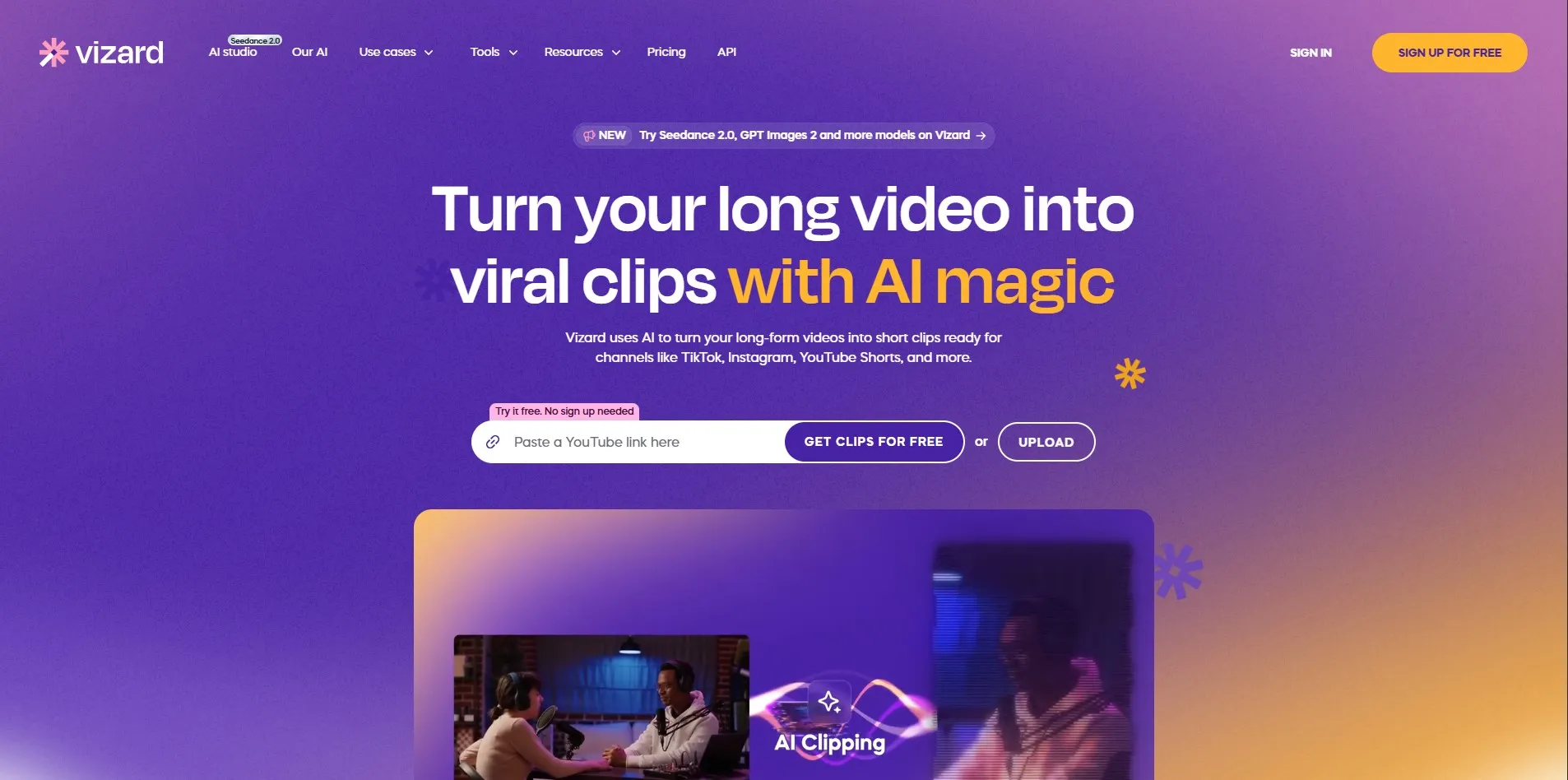
Free Trial: No dedicated free trial, but Vizard offers a permanent free plan with 60 monthly credits, 1 social account, and 720p exports with a 3-day storage limit.
Pricing (from official site): Creator plan at $14.50/month (billed yearly) with 600 credits and 4K exports; Business plan at $19.50/month with team collaboration and brand kits.
Vizard is built around repurposing long-form videos, podcasts, and webinars into short, platform-ready clips for TikTok, Instagram, and YouTube Shorts. Its AI detects highlight moments automatically, adds captions, and reframes footage for vertical formats. This makes it a strong pick for creators who publish frequently across multiple social channels without hiring a dedicated clipping team.
The tool works well straight out of the box: upload a video, click to generate clips, then make small manual tweaks before exporting. Credits are consumed based on minutes processed rather than number of clips, which keeps pricing predictable for most users. It’s less suited to full-length narrative editing, since its strength lies specifically in short clip generation rather than complete video production.
Pros
- Fast AI-based clip detection and captioning
- Simple free plan to test the workflow
- Good multi-platform export formatting
Cons
- Credit system limits heavy monthly usage
- Free tier has watermarks and short storage
- Not designed for long-form editing
2. HeyGen

Free Trial: No time-limited trial, but a permanent free plan offers 3 videos per month (720p, watermarked).
Pricing (from official site): Creator at $29/month (unlimited videos, 200 credits); Pro at $99/month; Business at $149/month plus $20/seat; Enterprise custom-priced.
HeyGen focuses on AI avatar-led video creation rather than raw footage editing, making it a different kind of Gling alternative for teams that want presenter-style content without filming. Users type a script, choose from over 100 avatars and voices, and HeyGen generates a polished talking-head video automatically, complete with natural intonation.
It’s especially popular with marketing, training, and localization teams who need multilingual video at scale. The credit system, however, can be confusing since premium avatar features consume credits faster than expected. Business and Enterprise tiers add seat-based team access, 4K rendering, and API integration for larger organizations building video pipelines.
Pros
- Realistic AI avatars and natural voice delivery
- No filming needed for polished presenter videos
- Strong for multilingual and localized content
Cons
- Credit system can be confusing and expensive
- Free plan is very limited (3 videos/month)
- Not built for editing existing raw footage
3. Colossyan

Free Trial: Yes, a 14-day free trial with limited preview attempts and one avatar creation, no credit card required.
Pricing (from official site): Starter at $27/month (or $19/month billed annually); Business at $88/month (or $70/month annually); Enterprise custom-priced.
Colossyan is designed primarily for corporate learning and development teams that need training videos built quickly using AI avatars and text-to-speech narration. It includes over 300 avatars, interactive video features, and localization tools, letting HR and IT teams produce onboarding or compliance content without a studio.
Its editor supports conversational, multi-avatar scenes, which sets it apart from simpler avatar tools. The trial restrictions can feel tight for evaluating the full platform, and pricing climbs quickly once a team needs more than a handful of monthly video minutes. Still, for structured training content, Colossyan remains a dependable, purpose-built option.
Pros
- Large avatar library with realistic delivery
- Great for L&D, HR, and compliance training
- Supports multi-avatar conversation scenes
Cons
- Trial has restrictive preview limits
- Pricing rises fast for higher video volume
- Less suited for casual social content creators
4. Submagic
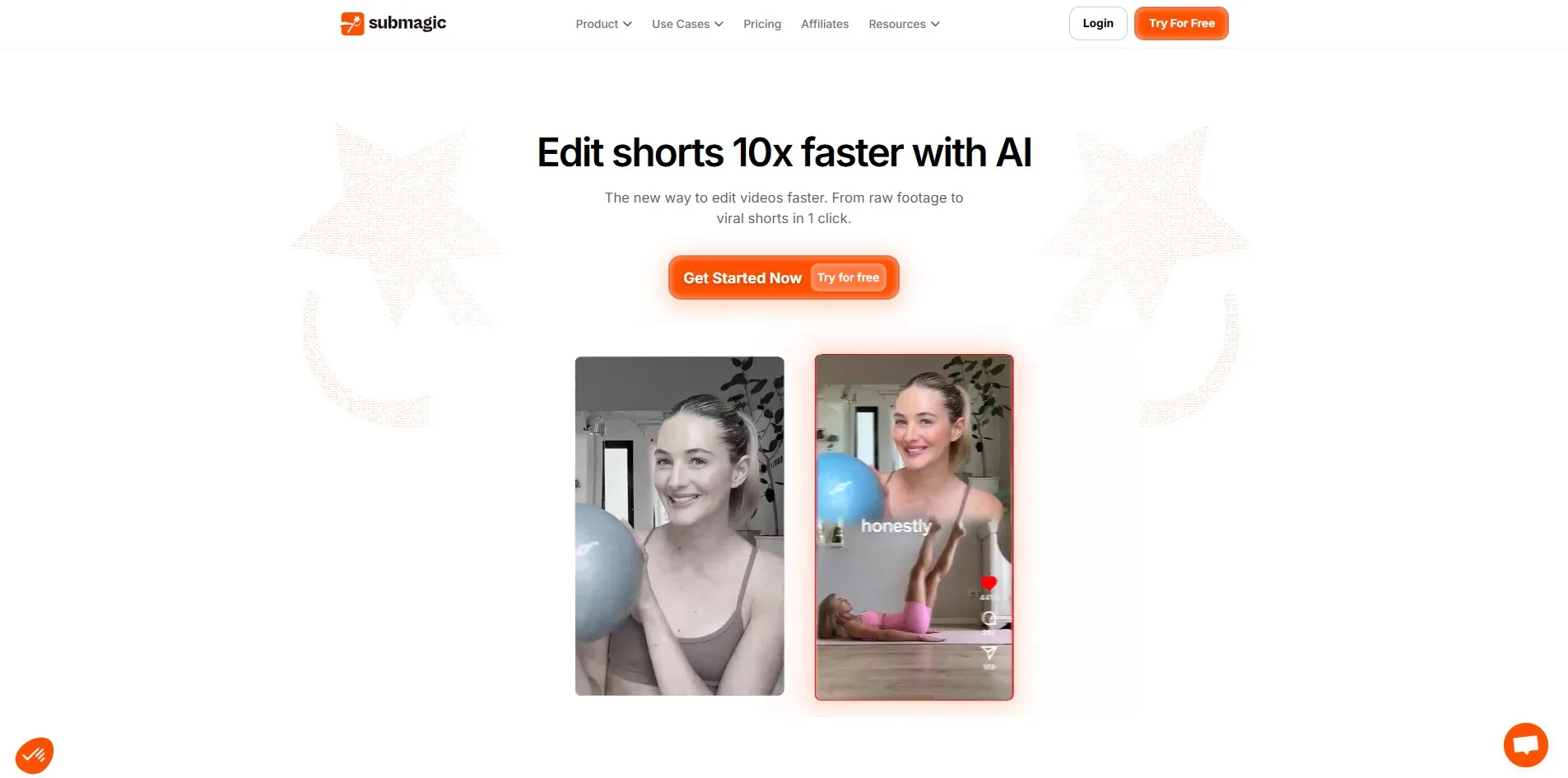
Free Trial: Yes, a free plan with 3 videos per month, watermarked and capped at 90 seconds, no credit card required.
Pricing (from official site): Starter at $12/member/month (billed yearly, 15 videos); Pro at $23/member/month (40 videos, 6 AI credits); Business + API at $41/member/month (100 videos, 4K export).
Submagic specializes in turning raw talking-head footage into viral-ready short videos with animated captions, automatic b-roll insertion, zooms, and sound effects. It’s a favorite among short-form creators who want polished vertical content without manually syncing captions or hunting for stock footage clips.
The tiered plans scale from casual creators to agencies managing bulk video output, with the Business tier unlocking API access for automated pipelines. Some reviewers note the free trial’s usable features are limited and that the no-refund policy can catch new users off guard, so it’s worth testing carefully before committing to an annual plan.
Pros
- Excellent automated captions and b-roll matching
- Good pricing tiers for scaling teams
- High accuracy rating from user reviews
Cons
- Free trial features are quite restricted
- Strict no-refund policy on paid plans
- Video length caps on lower tiers
5. Reap
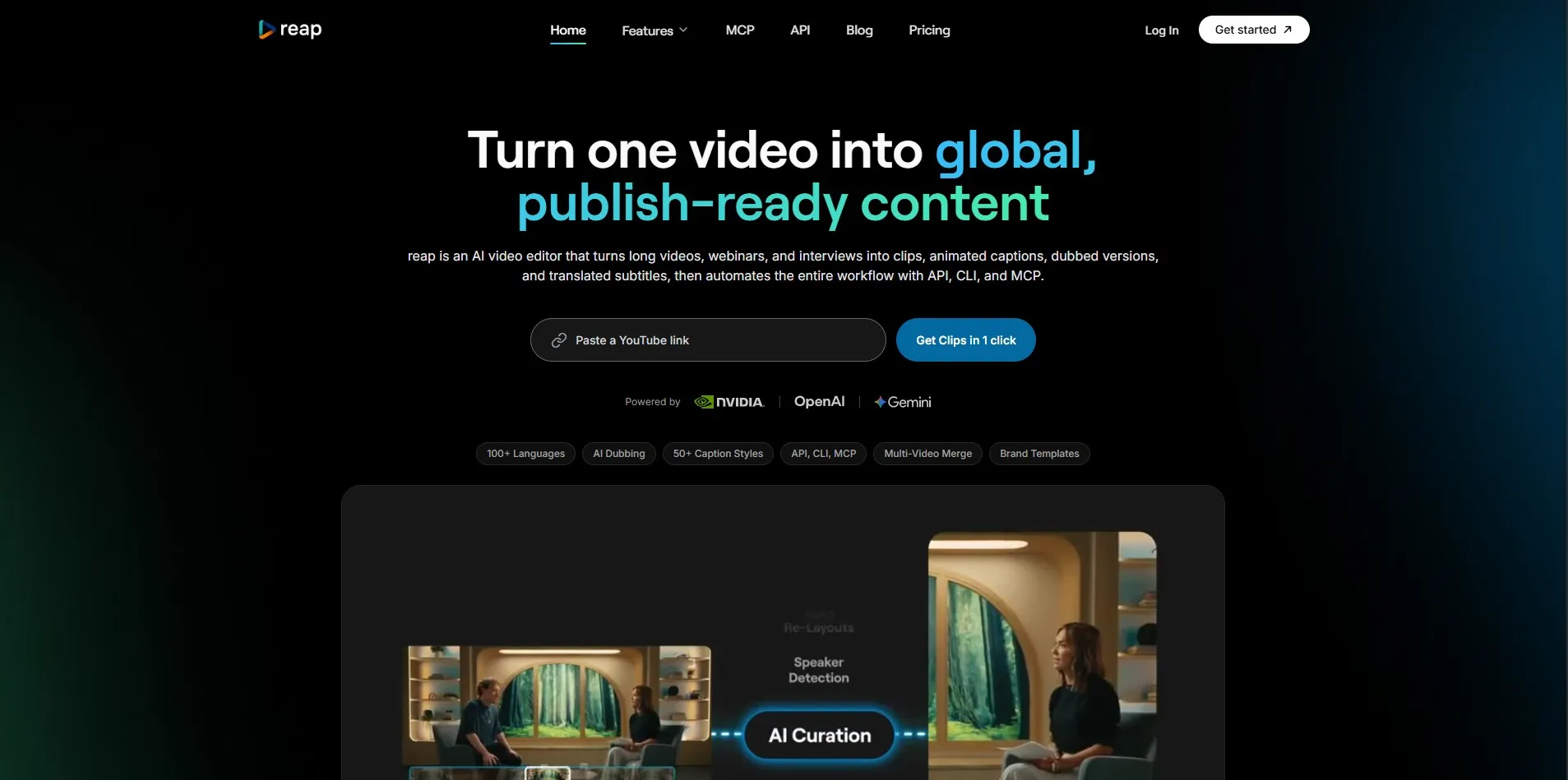
Free Trial: Yes, a free-forever plan with 1 hour of AI clipping and captioning per month, 720p exports (watermarked).
Pricing (from official site): Creator at $9.99/month (billed yearly, 10 hours/month, 1080p); Studio at $29/month (20 hours/month, 4K, team features).
Reap positions itself as more than a clipping tool, offering AI clipping, animated captions in over 100 languages, and dubbing in 80+ languages from a single dashboard. It also supports API, CLI, and MCP access starting from its cheapest paid tier, which appeals to developers building automated content pipelines.
Its multi-signal AI analyzes facial expressions, vocal tone, and pacing to identify clip-worthy moments, then reframes them for different platforms automatically. The lowest entry price in this category makes it attractive for budget-conscious creators, though processing speed can lag during high server demand, especially on longer source videos.
Pros
- Very affordable entry-level pricing
- Strong multilingual captioning and dubbing
- API/CLI/MCP access even on cheaper plans
Cons
- Processing can be slow during peak times
- Free tier hours are quite limited
- Editor interface still maturing
6. Movavi AI Video Editor
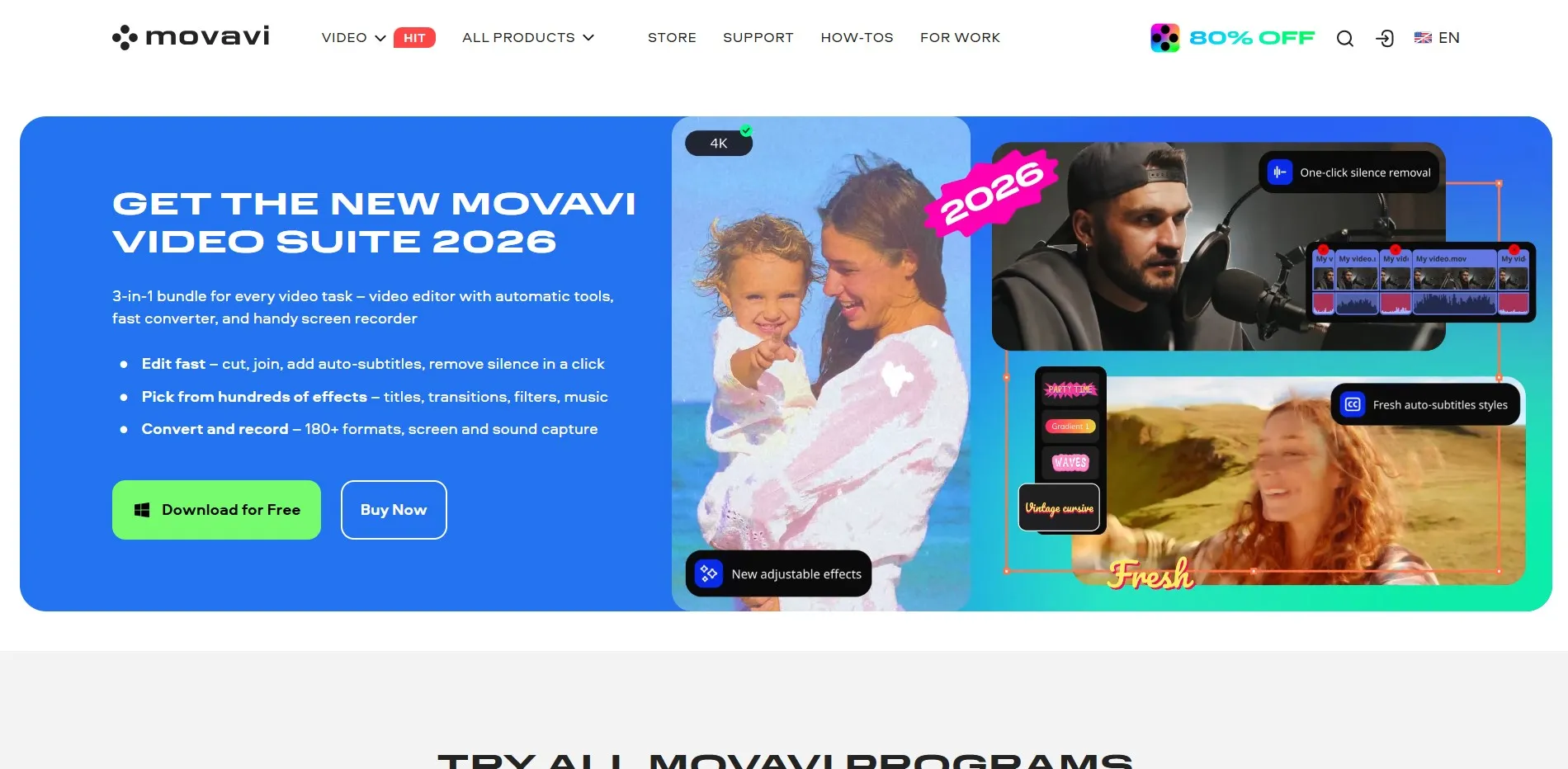
Free Trial: Yes, a 7-day free trial with full features, though exports carry a watermark.
Pricing (from official site): Video Editor monthly at around $14.95–$23.95/month; Video Editor Plus one-time license around $69.95; Video Suite Plus around $99.95/year.
Movavi is a desktop video editor aimed at beginners and intermediate creators who want AI-assisted tools like background removal, motion tracking, and automatic subtitles without a steep learning curve. It supports both Windows and macOS and blends traditional timeline editing with modern AI conveniences.
Unlike most cloud-based Gling alternatives, Movavi offers a rare one-time lifetime license option alongside subscriptions, appealing to users who dislike recurring billing. It isn’t built for advanced multicam or heavy color-grading workflows, but for weekly YouTube uploads, course content, and social clips, it handles the job reliably and affordably.
Pros
- One-time lifetime license option available
- Beginner-friendly interface with useful AI tools
- Works offline on desktop, no cloud dependency
Cons
- Trial auto-renews if not cancelled in time
- Not suited for complex professional workflows
- Lifetime license excludes future major upgrades
7. Capsule
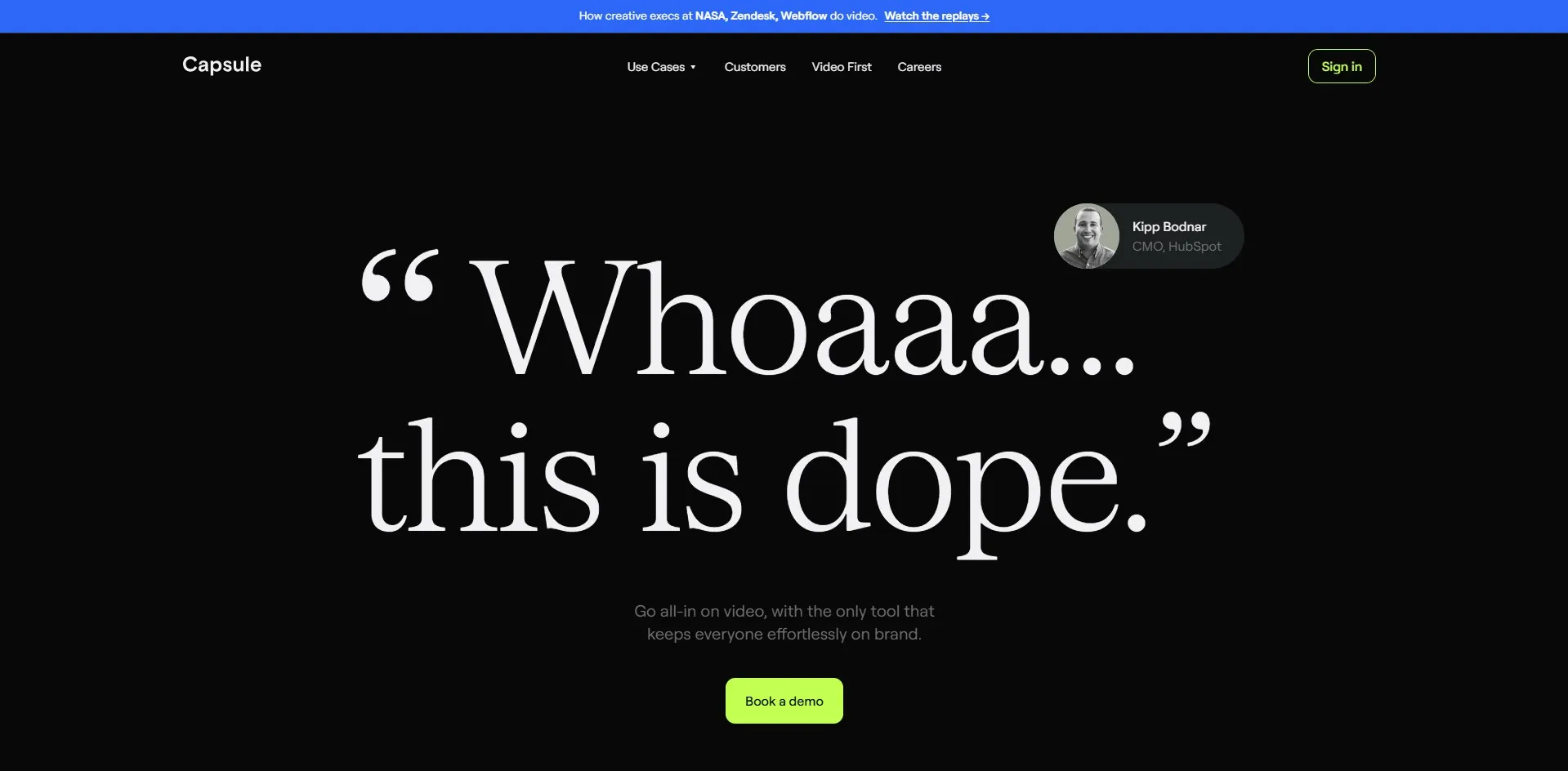
Free Trial: Yes, Capsule offers free access to try its browser-based editor, with a Business free plan noted as coming soon for limited features.
Pricing (from official site): Detailed tiered pricing isn’t fully published; teams are directed to Capsule’s website for current plan quotes.
Capsule is a browser-based AI video editor built for marketing and content teams who need branded, on-brand videos produced quickly at scale. Its standout feature is a video design system that lets teams apply consistent motion graphics, branding, and templates across every video without a design specialist.
The AI Co-Producer trims silences and filler words much like Gling, but Capsule leans harder into brand consistency and collaboration than raw automated editing. It’s a strong choice for companies producing product demos, webinar cutdowns, or testimonial videos in volume, though solo creators may find its team-oriented feature set more than they need.
Pros
- Strong branded video-design system
- Great for teams needing consistent visuals
- Browser-based, no software installation
Cons
- Pricing details are not fully transparent
- App can be slow with larger video files
- Overkill for individual creators
8. AutoPod
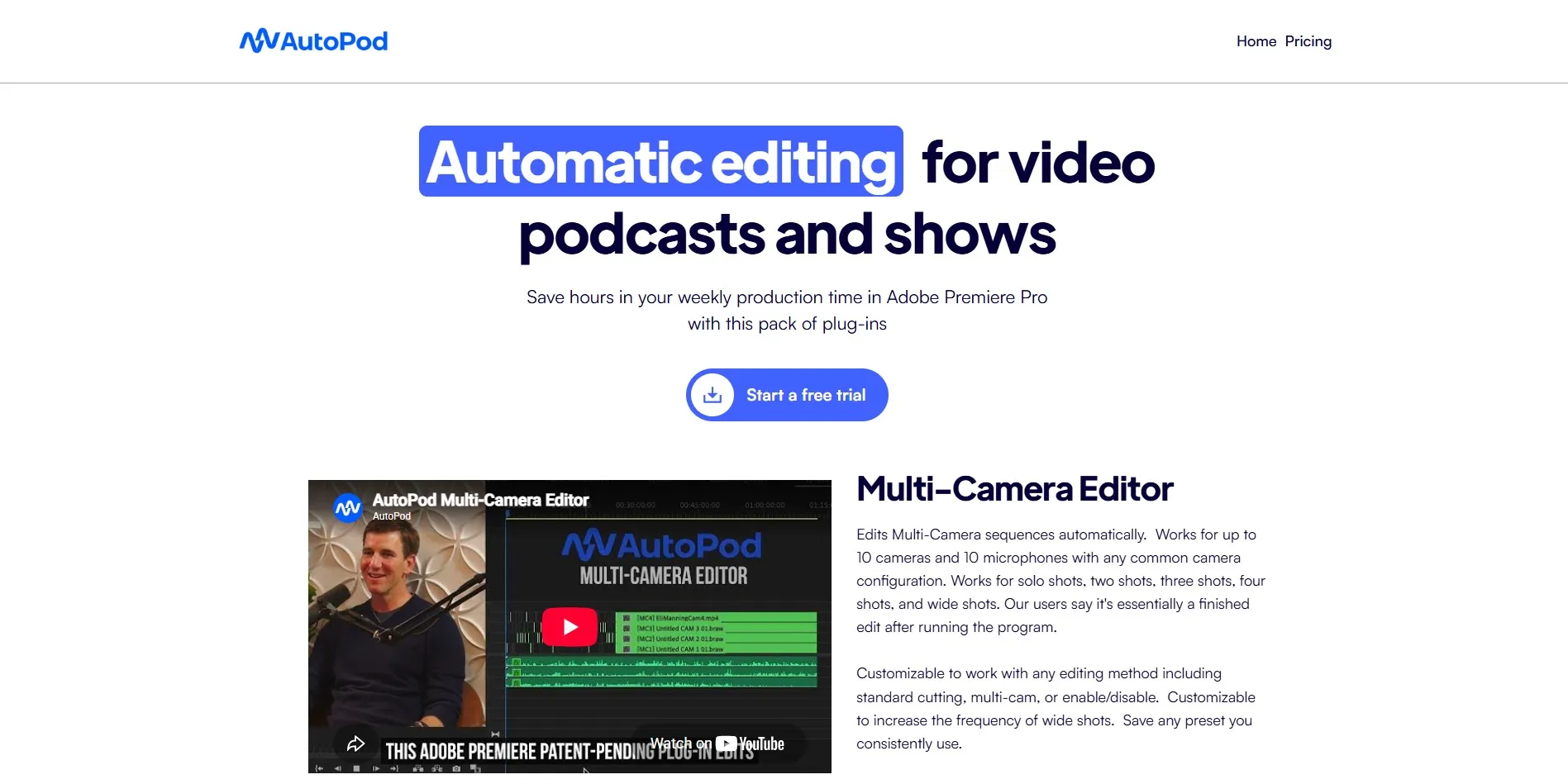
Free Trial: Yes, a 30-day free trial for the monthly plan, and one month free with annual billing.
Pricing (from official site): Individual plan at $29/month or $348/year, billed as a single pricing tier.
AutoPod isn’t a standalone editor but a suite of Adobe Premiere Pro plug-ins built specifically for video podcasts and multi-camera shows. Its Multi-Camera Editor automatically switches between up to 10 camera angles based on who is speaking, while the Jump Cut Editor removes silences, similar to Gling’s core function.
Because it runs inside Premiere Pro, editors keep full manual control alongside the automation, which appeals to professionals who don’t want to abandon their existing NLE. The tradeoff is that AutoPod requires an active Premiere Pro subscription, and its single pricing tier lacks flexible options for smaller budgets or larger team collaboration needs.
Pros
- Excellent multicam automation for podcasts
- Works within familiar Premiere Pro environment
- Generous 30-day free trial
Cons
- Requires a separate Adobe Premiere Pro license
- Only one pricing tier, no lower-cost option
- No built-in team collaboration features
9. Descript
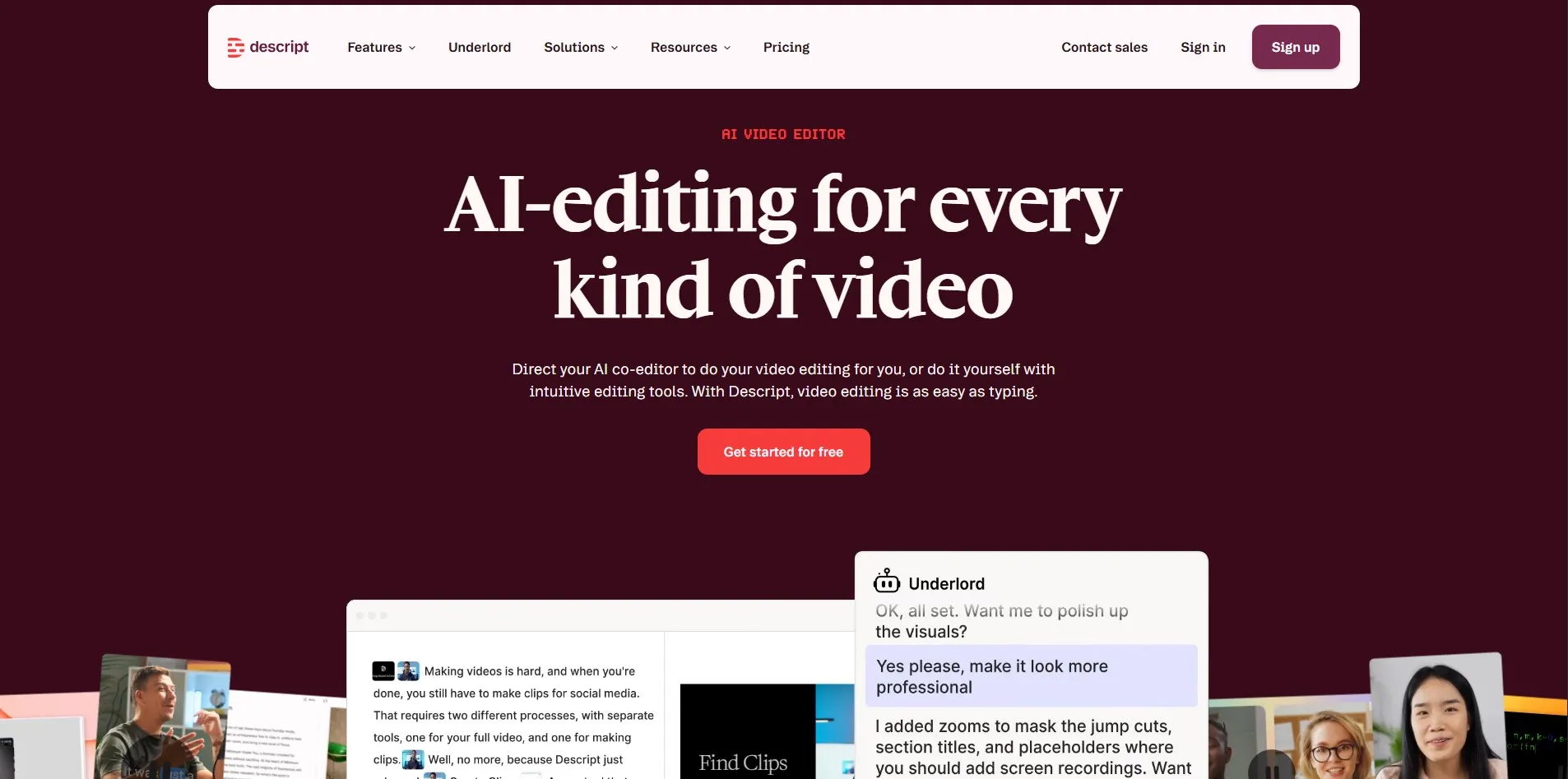
Free Trial: No separate trial; a permanent free plan offers 1 hour of media processing per month with watermarked exports.
Pricing (from official site): Hobbyist at $16/month (annual); Creator at $24/month (annual); Business at $50/month (annual), all higher on monthly billing.
Descript reimagines video editing as text editing: cut footage by deleting words from a transcript, and the timeline updates automatically. It bundles AI tools like Studio Sound for audio cleanup, filler-word removal, and Overdub for voice cloning, making it a favorite among podcasters and course creators.
The free plan is generous enough to properly trial the workflow, though its 60 monthly media minutes fill up fast for regular publishers. Creator is the most commonly recommended tier, unlocking 4K exports and full AI feature access, while Business adds team-focused controls for agencies managing multiple editors and projects.
Pros
- Intuitive transcript-based editing workflow
- Strong AI audio cleanup and voice tools
- Great for podcasters and long-form creators
Cons
- Media hour caps fill up quickly on paid tiers
- Per-seat pricing adds up for teams
- Less ideal for short-form vertical content
10. Runway
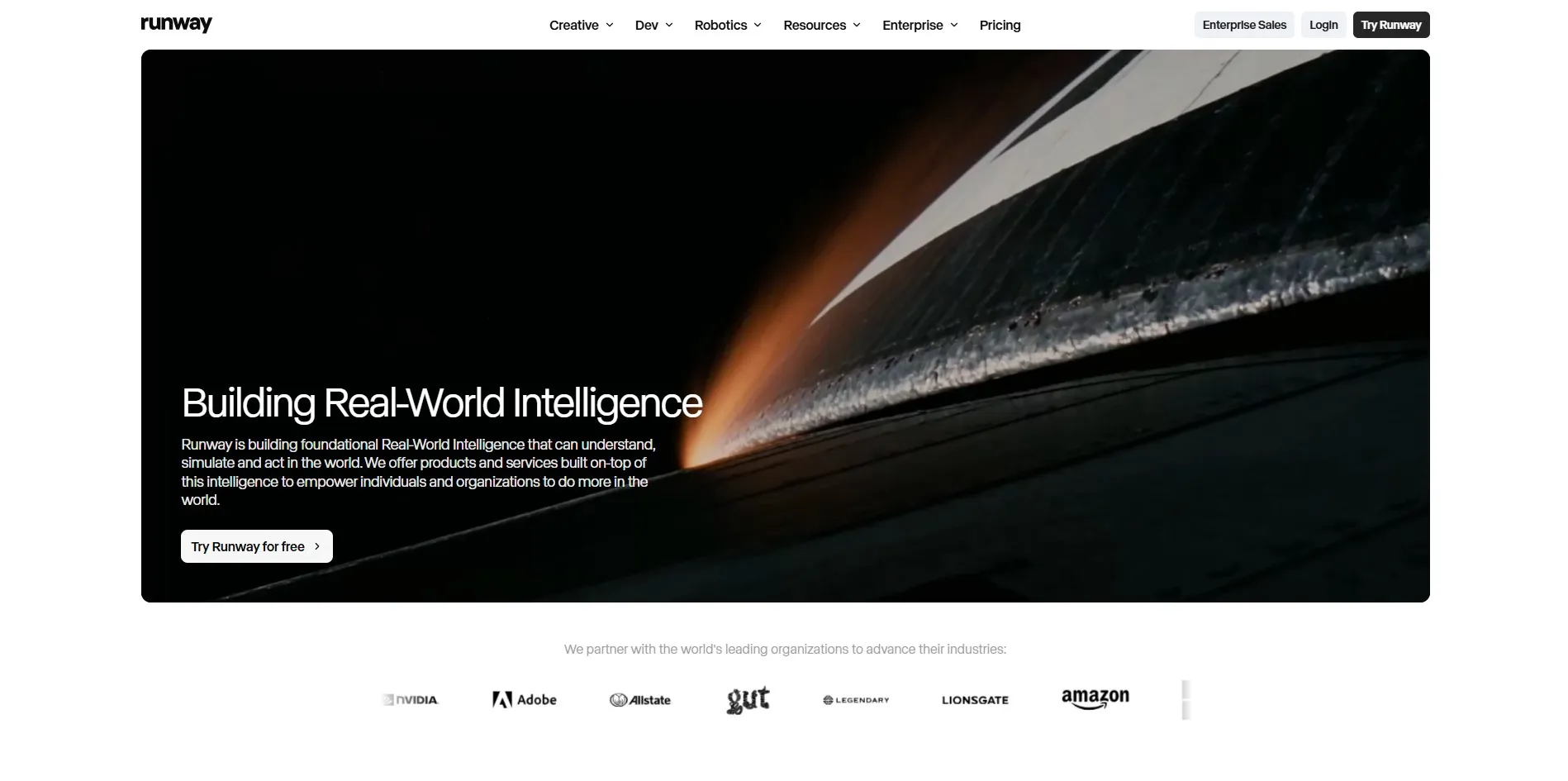
Free Trial: No time-limited trial; a permanent free plan offers 125 one-time credits, not renewing monthly.
Pricing (from official site): Standard at $12/month (annual, 625 credits); Pro at $28/month (annual, 2,250 credits); Unlimited/Max at $76/month (annual, 9,500 credits plus Explore Mode); Enterprise custom.
Runway is less about automated silence removal and more about generative AI video creation, letting users generate clips from text prompts, extend footage, and apply advanced VFX like rotoscoping and inpainting. It has become a go-to platform for filmmakers and marketers experimenting with AI-generated visual effects.
The credit-based system directly ties cost to render length and quality, so heavy 4K generation eats through allowances quickly. Runway suits creators exploring generative video rather than those simply trimming interview footage, making it a complementary rather than a direct one-to-one Gling replacement for talking-head editing.
Pros
- Powerful generative AI video and VFX tools
- Rotoscoping and inpainting stand out from rivals
- Flexible credit system across multiple tiers
Cons
- Credits burn fast on higher-quality renders
- Free plan credits are one-time, not recurring
- Not focused on talking-head silence removal
| Alternative | Description |
|---|---|
| Vizard | AI clipping tool that turns long videos into short, platform-ready social clips with captions. |
| HeyGen | AI avatar video generator for scripted, presenter-style content without filming. |
| Colossyan | Avatar-based platform focused on corporate training and L&D video content. |
| Submagic | Short-form video tool adding captions, b-roll, and effects for viral content. |
| Reap | AI clipping, captioning, and dubbing tool with strong multilingual and API support. |
| Movavi AI Video Editor | Desktop editor combining traditional timeline editing with beginner-friendly AI tools. |
| Capsule | Browser-based branded video editor built for marketing and content teams. |
| AutoPod | Premiere Pro plug-in suite automating multicam podcast and show editing. |
| Descript | Transcript-based editor letting users cut video by editing text, with AI audio tools. |
| Runway | Generative AI platform for text-to-video creation, VFX, and advanced visual editing. |
Conclusion
Gling made its mark by automating one of editing’s most tedious jobs, but the wider market now offers tools tailored to nearly every workflow imaginable. If you’re repurposing long-form content into shorts, Vizard, Submagic, or Reap will serve you well. If you need presenter-style video without a camera, HeyGen and Colossyan cover that ground. For full editing control, Descript, Movavi, and AutoPod each bring their own strengths depending on whether you prefer transcript-based editing, desktop software, or Premiere Pro integration.
Ultimately, the right choice depends on your content type, budget, and how much manual control you want to retain. Testing the free trials or free plans listed above before committing to an annual subscription is the safest way to confirm a tool truly fits your editing style and production volume.


