

AutoPod has earned a loyal following among podcasters for its automated multicam editing inside Premiere Pro, but it isn’t the right fit for everyone. Some creators want AI avatars instead of camera feeds, others want short-form clipping, and some need animated explainer videos rather than podcast editing. The tools below cover the full range of video creation needs, from AI-generated presenters to automatic caption-driven repurposing. 11 Best AutoPod Alternatives below includes its free trial availability, current official pricing, a breakdown of what it does well, and where it falls short. Use this guide to find the tool that matches your workflow, budget, and content format, whether you are producing training videos, short-form clips, or fully animated explainers.
1. Synthesia

Synthesia offers a free plan that includes 10 minutes of video per month with watermarked output, letting you test avatars and languages before paying. Official pricing starts at Starter for $29/month (or about $18/month billed annually), Creator at $89/month (around $64/month annually), and custom Enterprise pricing for larger teams needing SSO and unlimited minutes.
Synthesia is best known for its large library of realistic AI avatars and support for over 140 languages, making it a strong pick for corporate training and HR content. It lacks native podcast-style multicam editing, so creators who specifically need AutoPod’s camera-switching workflow will find Synthesia oriented toward a completely different production style.
Starter: $29/mo ($18/mo billed yearly)
Creator: $89/mo ($64/mo billed yearly)
Enterprise: Custom pricing
Pros
- 140+ languages and realistic avatars
- Great for training and HR videos
- Easy script-to-video workflow
Cons
- No multicam podcast editing
- Free plan is watermarked and limited
- Custom avatars cost extra
2. Submagic
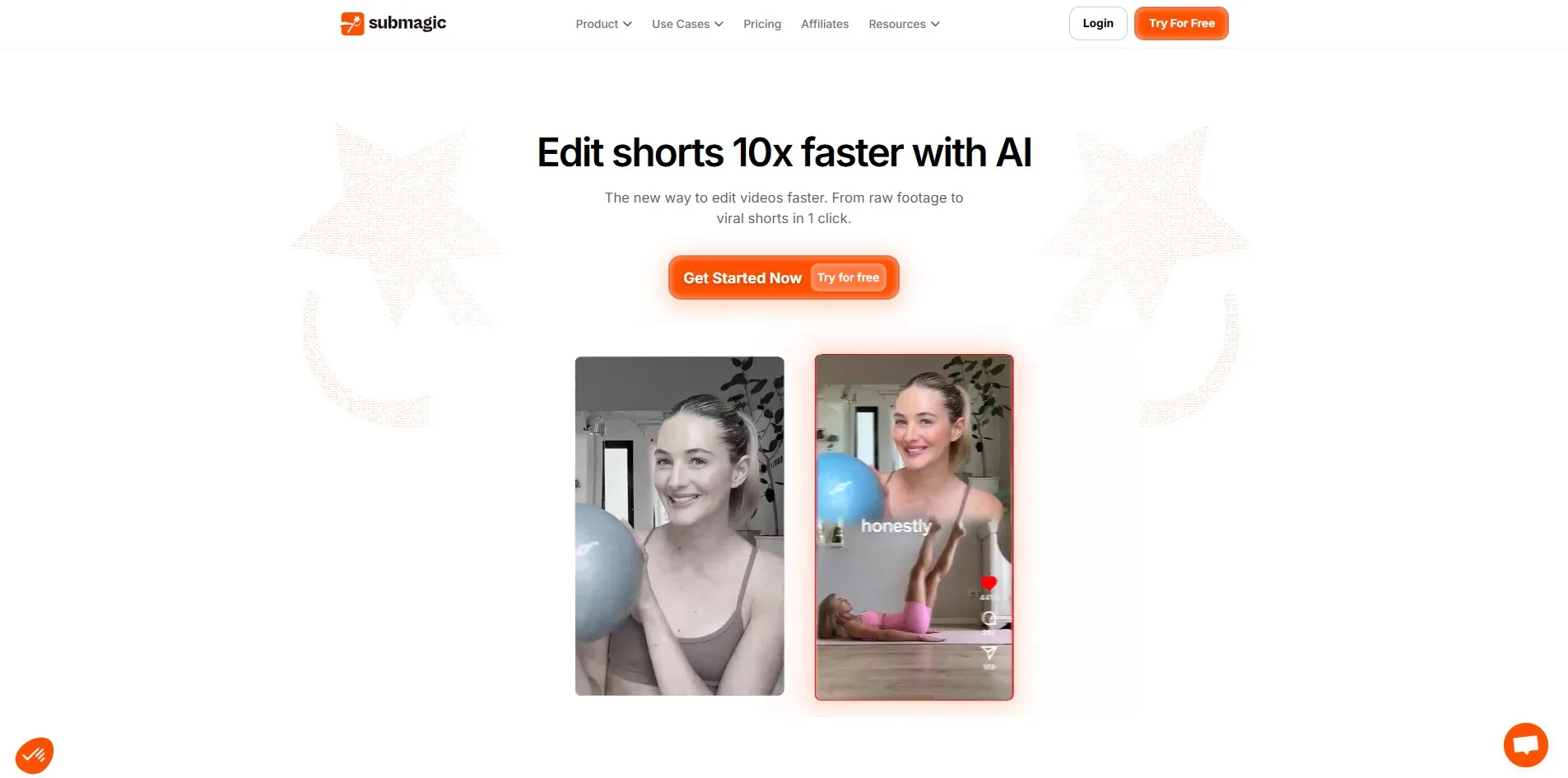
Submagic gives new users a functional free plan with 3 watermarked videos per month, no credit card required, so you can test captions and B-roll before committing. Official pricing includes Starter around $19/month ($12/month billed annually), Pro at $39/month, and Business at higher tiers with API access, according to Submagic’s published rates.
Submagic focuses on turning long-form footage into short, caption-heavy viral clips with strong auto-subtitle accuracy. It doesn’t handle full podcast recording or multicam switching like AutoPod, so it works better as a repurposing layer after your podcast is already recorded and edited elsewhere.
Starter: ~$19/mo ($12/mo billed yearly)
Pro: ~$39/mo
Business + API: Higher custom tier
Pros
- Highly accurate auto-captions
- Fast short-form clip creation
- Direct scheduling to TikTok/Reels
Cons
- No podcast recording features
- Magic Clips is a paid add-on
- Strict video-length caps on lower tiers
3. Vizard
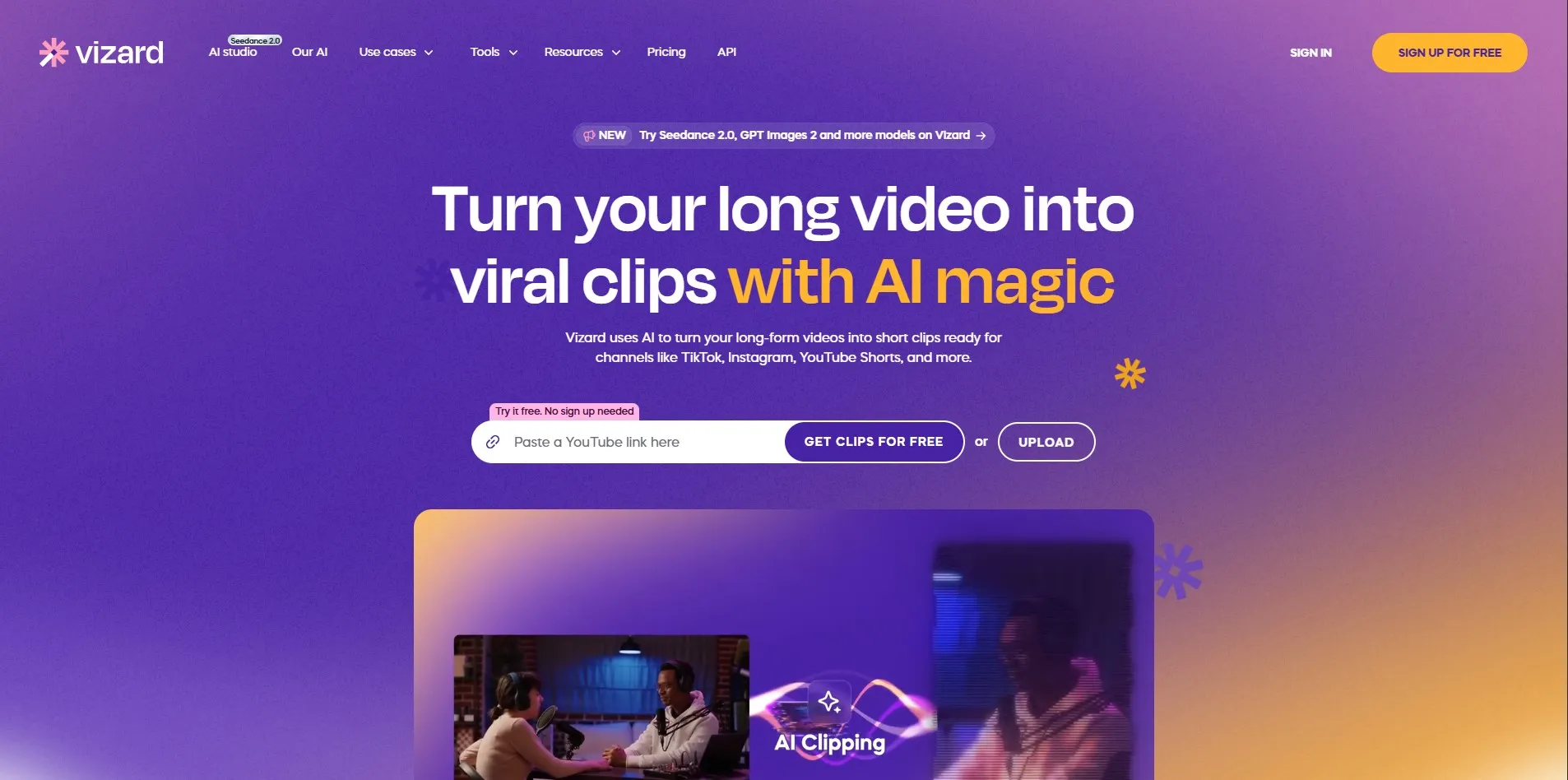
Vizard offers a genuinely usable free plan with 60 credits monthly, though exports are limited to 720p with a 3-day storage window. Paid plans, per Vizard’s official pricing, start with Creator at $14.50/month billed annually (around $29 monthly) and Business at roughly $19.50/month annually, adding team collaboration and brand kits.
Vizard’s strength lies in AI-driven highlight detection from long recordings, turning webinars or podcasts into short clips automatically. It is a repurposing tool rather than a recording or multicam editor, so podcasters still need separate software to capture and edit the original long-form episode before Vizard clips it.
Creator: $14.50/mo billed annually (~$29/mo monthly)
Business: ~$19.50/mo billed annually
Pros
- Strong AI highlight detection
- Easy repurposing of long content
- Affordable annual pricing
Cons
- Free plan capped at 720p
- No native multicam recording
- Credits can run out quickly for heavy users
4. Colossyan

Colossyan offers a free trial rather than a permanent free plan, letting new users generate sample videos before subscribing. Based on Colossyan’s published pricing, the Basic tier starts around $19–$21/month, while the Pro plan runs approximately $70/month, both aimed at individuals and small teams producing AI-avatar videos.
Colossyan stands out for its multi-avatar “conversation mode,” which is popular for creating podcast-style dialogue videos between two AI presenters. It’s a strong AutoPod alternative for scripted avatar conversations, though it doesn’t process real human camera footage the way AutoPod’s multicam editing does.
Basic: ~$19–$21/mo
Pro: ~$70/mo
Enterprise: Custom pricing
Pros
- Multi-avatar conversation mode
- Good for training and e-learning
- Simple script-based interface
Cons
- No permanent free plan
- Not built for real camera footage
- Higher tier jumps significantly in price
5. Movavi AI
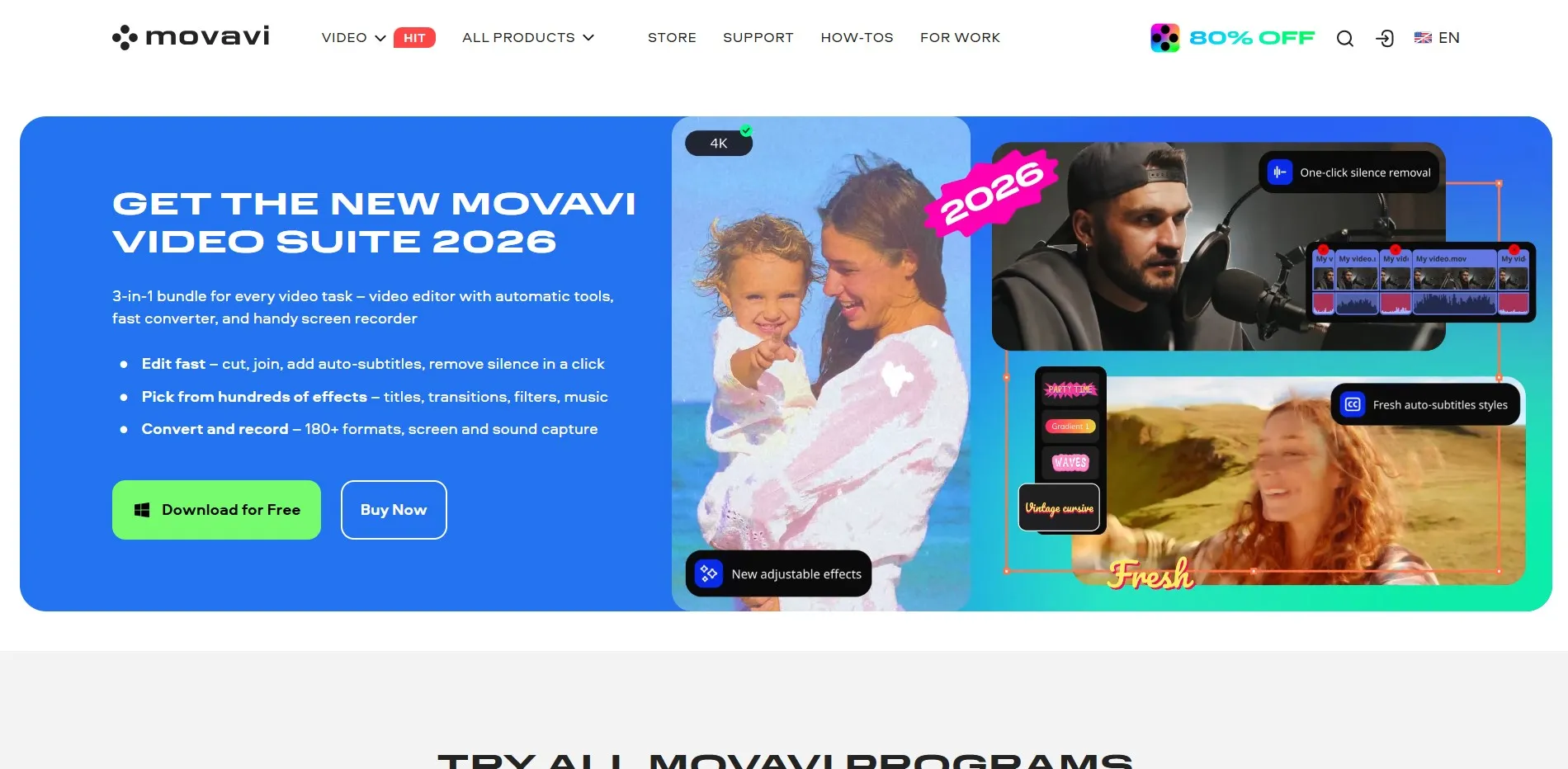
Movavi typically offers a 7-day free trial of its video editing suite so users can test AI tools like background removal and auto-captioning before purchase. Movavi’s official pricing runs on a subscription model, generally priced around $9.99–$19.99/month depending on the plan, with one-time perpetual license options also available on their site.
Movavi AI is a traditional desktop video editor enhanced with AI features rather than a dedicated podcast-editing platform. It suits creators who want manual control blended with light AI assistance, but it lacks the automated multicam switching and speaker-detection logic that defines AutoPod’s core workflow.
Monthly Subscription: ~$9.99–$19.99/mo
One-Time License: Available as alternative to subscription
Pros
- Familiar desktop editing interface
- One-time purchase option available
- Useful AI background and audio tools
Cons
- No automated multicam switching
- Less specialized for podcast workflows
- Manual editing still required for most tasks
6. Reap
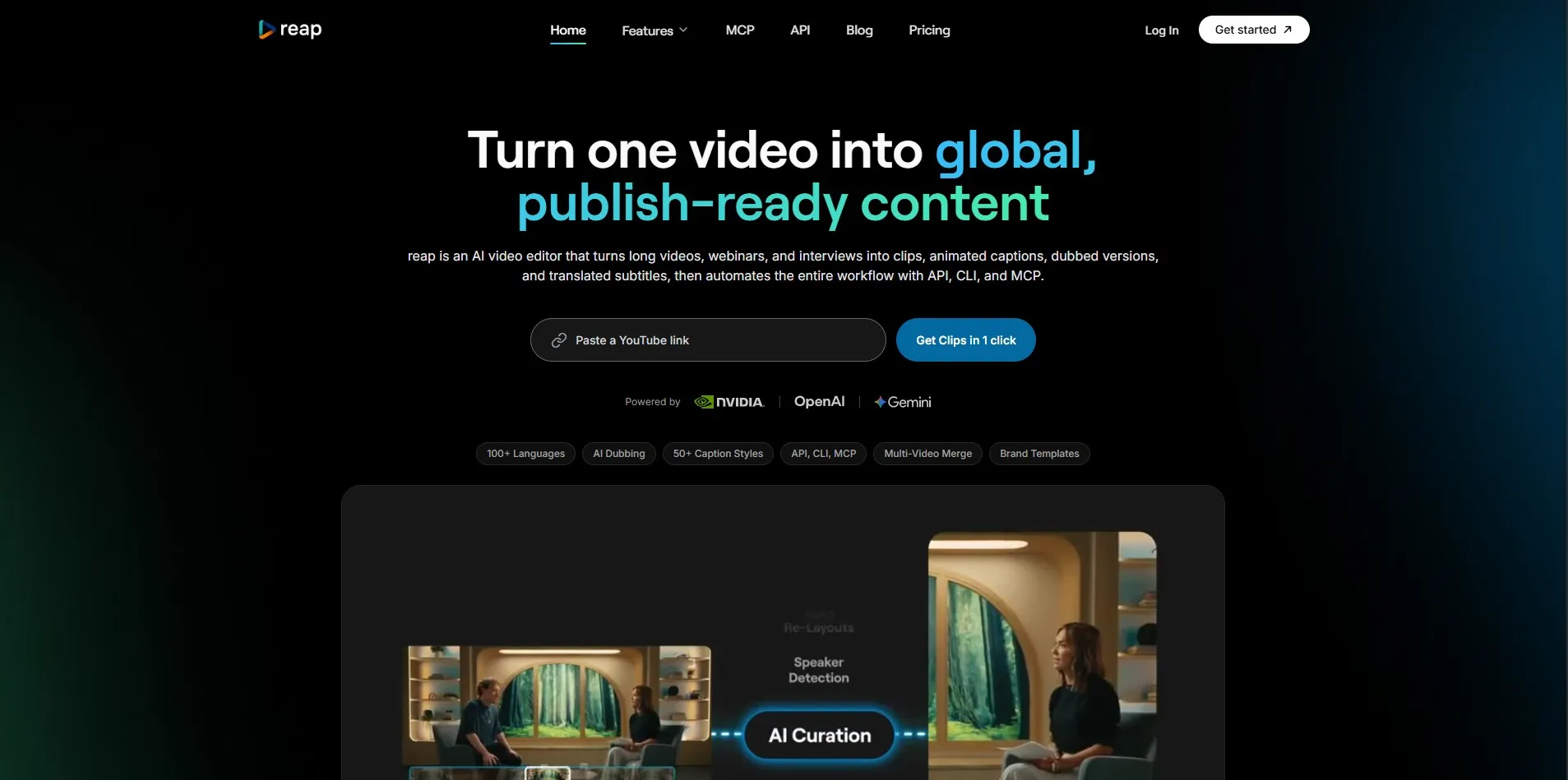
Reap provides a permanent free plan with limited, watermarked hours, giving new users a real feel for its clipping engine at no cost. According to Reap’s published pricing, the Creator plan starts at roughly $9.99/month billed annually (around $24/month monthly), with a Studio tier near $29/month for higher usage and unwatermarked exports.
Reap focuses on turning long recordings into short, watermark-free clips at a lower price point than many competitors. It works well as a budget-friendly repurposing tool, but it is not designed to record or auto-edit multicam podcast footage, so it fits better after recording than during it.
Creator: $9.99/mo billed annually (~$24/mo monthly)
Studio: ~$29/mo
Pros
- Budget-friendly entry pricing
- Free forever tier available
- Simple clipping workflow
Cons
- No multicam recording features
- Free tier is watermarked
- Smaller feature set than bigger competitors
7. LTX Studio

LTX Studio typically offers limited free credits so creators can test its AI scene generation and storyboard tools before subscribing. Pricing is credit-based, with paid plans generally starting in the $20–$35/month range depending on generation volume, consistent with LTX’s published tiered credit model.
LTX Studio specializes in AI-generated cinematic scenes and storyboarding rather than podcast production, making it a better fit for short films, ads, or concept visualization. It does not offer multicam podcast editing, so podcasters looking for AutoPod’s specific workflow would need to pair LTX with separate recording software.
Paid Plans: ~$20–$35/mo (credit-based tiers)
Enterprise: Custom pricing available
Pros
- Strong AI scene and storyboard generation
- Good for cinematic short-form content
- Creative visual control tools
Cons
- Not built for podcast editing
- Credit system can be confusing for volume users
- Learning curve for full creative control
8. Powtoon Imagine
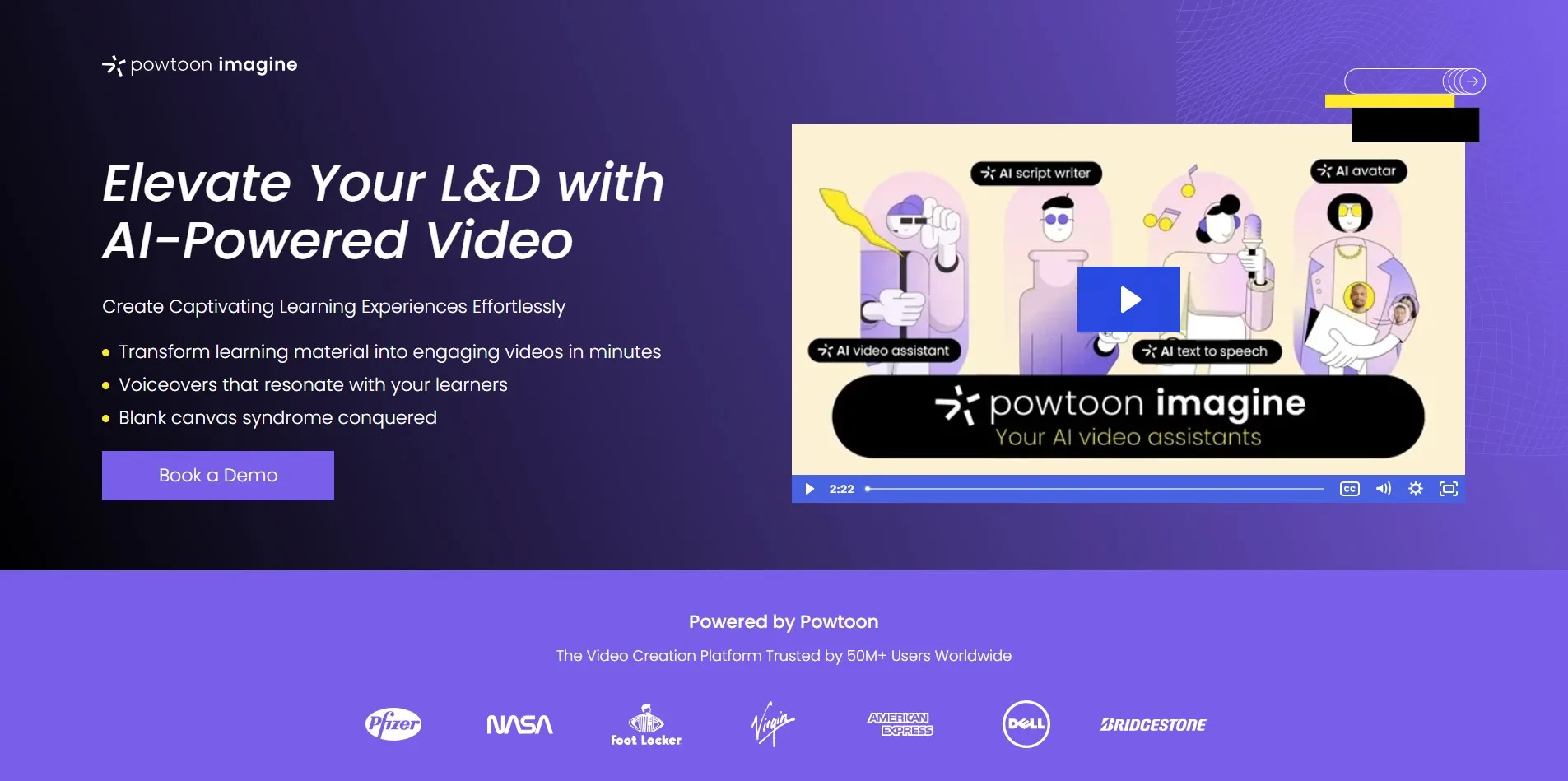
Powtoon offers a free tier rather than a time-limited trial, giving users limited templates, SD exports, and 35 AI credits to explore its animation tools. Official pricing starts around $15–$40/month for Lite and Professional plans billed annually, with credit packs (for example, 125 credits for $49) sold separately for AI feature usage.
Powtoon Imagine is built for animated explainer videos and presentations rather than podcast editing, using AI to convert scripts or documents into animated scenes. It’s an excellent AutoPod alternative for marketing or educational animation, but it does not process camera footage or handle multicam podcast recordings at all.
Lite: ~$15/mo billed annually
Professional: ~$40/mo billed annually
AI Credit Packs: 125 credits for $49
Pros
- Great for animated explainer videos
- Script/document-to-video AI tools
- Large template library
Cons
- No podcast or multicam editing
- Credit system adds extra cost on top of subscription
- Free tier heavily watermarked
9. Wisecut

Wisecut offers a free trial that lets creators test its automatic silence-removal and background-music syncing before subscribing. Official pricing, per Wisecut’s site, includes discounted annual plans (up to 30% off), with monthly tiers generally starting in the $15–$40/month range depending on export volume and features.
Wisecut automatically cuts silences, adds subtitles, and syncs music to footage, which speeds up single-camera video editing significantly. It doesn’t offer the multicam speaker-switching that AutoPod is built around, so it suits solo creators more than multi-guest podcast producers.
Monthly Plans: ~$15–$40/mo
Annual Discount: Up to 30% off
Pros
- Automatic silence removal
- AI music syncing
- Fast turnaround for solo creators
Cons
- No multicam podcast support
- Limited advanced editing controls
- Best suited to single-speaker content
10. OpusClip
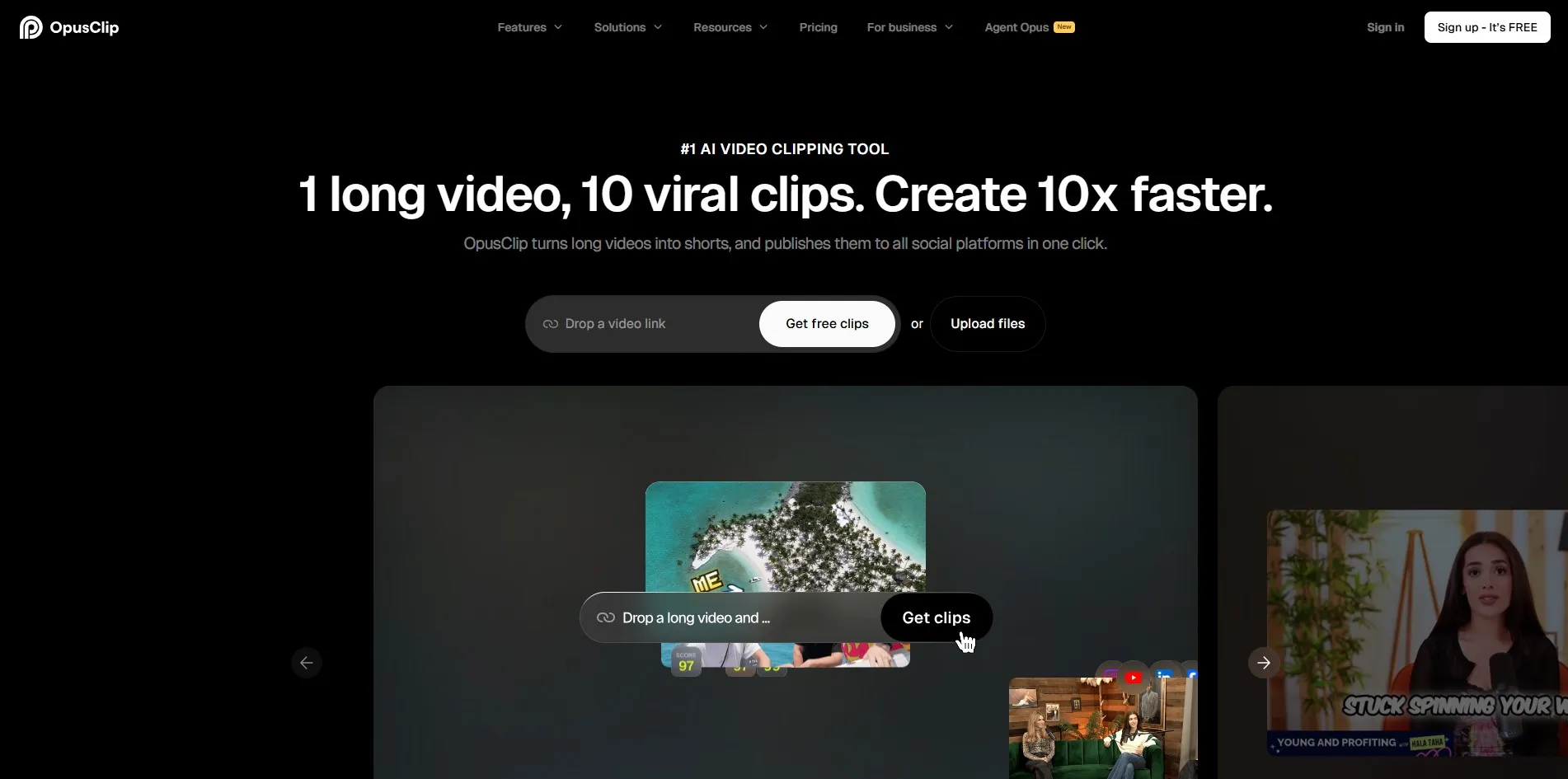
OpusClip’s free plan is genuinely usable, offering 60 processing minutes per month without a credit card, though clips are watermarked and expire after 3 days. Official pricing includes Starter at $15/month, Pro at $29/month with full editing and scheduling tools, and custom Business pricing for larger teams, per OpusClip’s published rates.
OpusClip is one of the most popular tools for turning long recordings into viral-ready short clips using AI virality scoring. It works purely on repurposing existing footage rather than recording or multicam editing, so it complements rather than replaces AutoPod’s core podcast-editing function.
Starter: $15/mo
Pro: $29/mo
Business: Custom pricing
Pros
- AI virality scoring for clips
- Strong social scheduling tools on Pro
- Popular, well-reviewed clipping engine
Cons
- Free clips vanish after 3 days
- No native podcast recording
- Seat caps push teams to custom pricing
11. DeepBrain AI

DeepBrain AI (AI Studios) offers a free plan for testing AI avatars and text-to-video features, though output includes a watermark until upgrading. Official pricing generally starts around $30/month for entry paid tiers, with higher plans scaling based on video minutes and avatar customization, according to DeepBrain’s published pricing page.
DeepBrain AI converts scripts, PDFs, and even PowerPoint files into AI-avatar videos, making it useful for corporate and training content. Like other avatar-based tools, it does not offer multicam podcast editing, so it serves a different production need than AutoPod’s camera-based automated editing workflow.
Starter Paid Tier: ~$30/mo
Higher Tiers: Scales with minutes/avatars
Enterprise: Custom pricing
Pros
- PDF/PPT-to-video conversion
- Wide language and avatar support
- Good for corporate training content
Cons
- Slower rendering reported by some users
- No multicam podcast editing
- Free tier watermark limits usability
Comparison Table
| Alternative | Description |
|---|---|
| Synthesia | AI avatar video generator with 140+ languages, best for training and HR content. |
| Submagic | Caption-focused short-form video editor for repurposing long content into viral clips. |
| Vizard | AI clipping tool that extracts highlights from long-form videos automatically. |
| Colossyan | AI avatar platform with multi-avatar conversation mode for dialogue-style videos. |
| Movavi AI | Desktop video editor with AI-assisted tools layered onto traditional manual editing. |
| Reap | Budget-friendly AI clipping tool for turning recordings into short social clips. |
| LTX Studio | AI cinematic scene generator and storyboarding tool for short films and ads. |
| Powtoon Imagine | Animated explainer video maker using AI to turn scripts into animated presentations. |
| Wisecut | Automatic editor that removes silences and syncs music for solo-creator videos. |
| OpusClip | Popular AI clipping platform with virality scoring for short-form repurposing. |
| DeepBrain AI | AI avatar platform converting scripts, PDFs, and slides into narrated videos. |
Conclusion
There is no single best AutoPod alternative, since each tool solves a different part of the video production process. If you need AI avatars for training or marketing, Synthesia, Colossyan, or DeepBrain AI are strong choices. If your priority is turning long recordings into short, shareable clips, OpusClip, Vizard, and Reap offer solid AI-driven repurposing at different price points.
For animated explainer content, Powtoon Imagine stands out, while Wisecut and Movavi AI suit solo creators wanting lighter, editor-style AI assistance. Test the free trials or free tiers listed above before committing to a paid plan, since usage limits and watermark policies vary significantly between tools and directly affect real-world value.


