
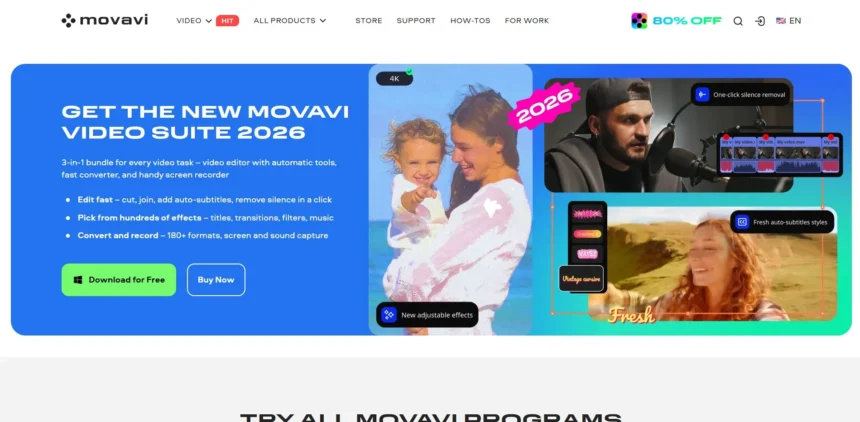
Movavi has long been a go-to choice for casual video editing, but its AI features feel limited compared to newer, more specialized tools. Whether you need talking avatars, transcript-based editing, whiteboard animation, or viral short-form clipping, today’s AI video landscape offers far more powerful options. Below, we break down 11 strong Movavi AI Alternatives, covering their trials, pricing, and real strengths and weaknesses.
1. Synthesia

Pricing (from official site):
| Plan | Price |
|---|---|
| Free (Basic) | $0/month |
| Starter | ~$18–29/month |
| Creator | ~$64–89/month |
| Enterprise | Custom pricing |
Synthesia is the most recognized AI avatar video generator, letting users turn scripts into polished presenter-led videos in minutes. It supports over 140 AI avatars, dozens of languages, and integrates with PowerPoint for quick conversions. Businesses in training, HR, and marketing use it to scale video production without cameras or actors, making it a strong pick for corporate content needs.
The platform recently added an AI Playground with access to generative video models for creating supplementary media assets. Higher tiers unlock custom avatars, brand kits, and API access for larger teams. While pricing climbs quickly for enterprise-level use, the free tier is genuinely useful for testing avatar quality and script-to-video workflows before committing financially.
Pros
- Large avatar and voice library
- PowerPoint-to-video conversion
- No filming equipment needed
- Strong enterprise security options
Cons
- Free plan is heavily limited
- Custom avatars cost extra
- Pricing rises fast per seat
2. Descript
Pricing (from official site):
| Plan | Price |
|---|---|
| Free | $0/month |
| Hobbyist | ~$16–24/month |
| Creator | ~$24–35/month |
| Business | ~$50–65/month |
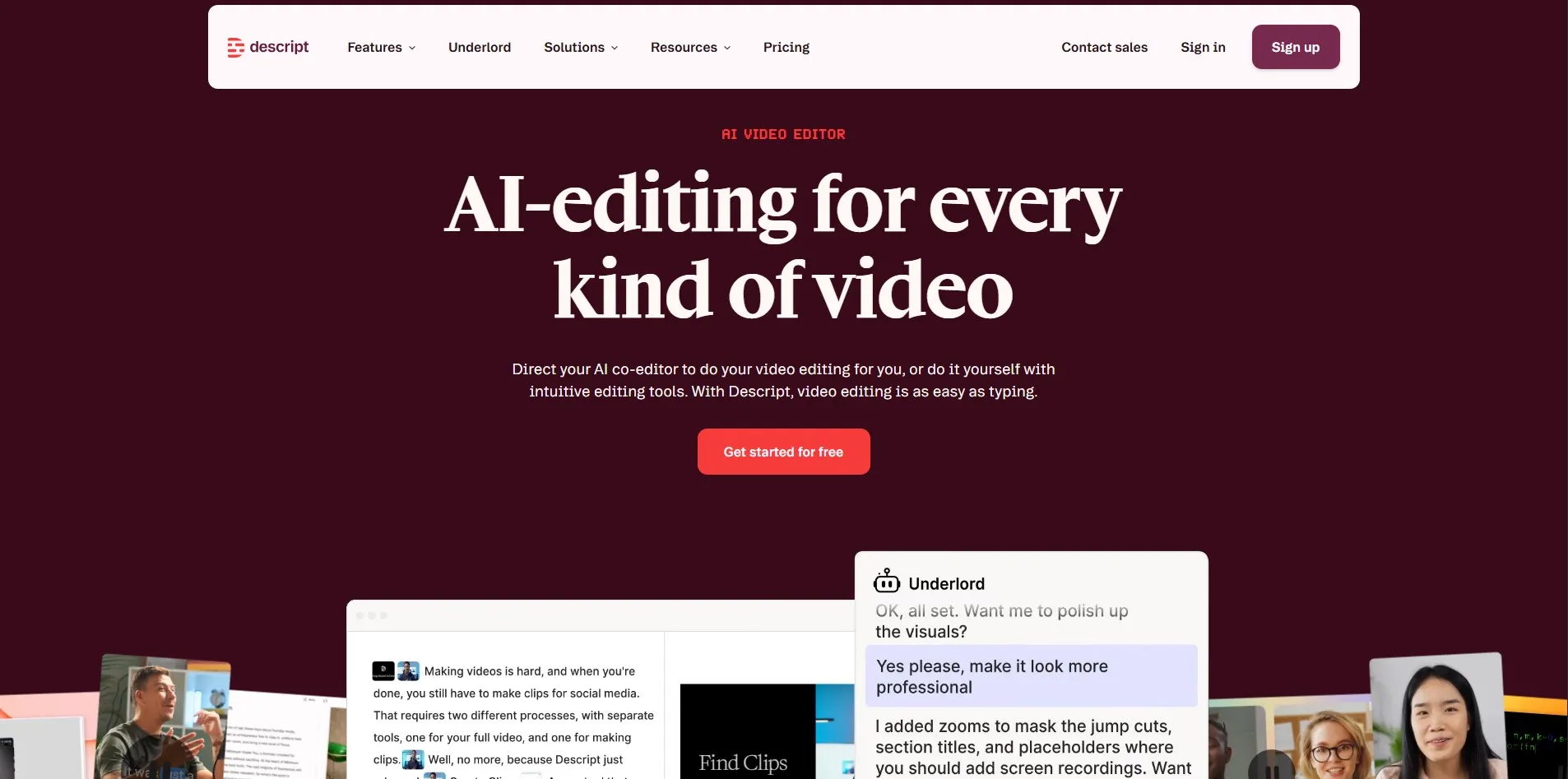
Descript reimagines video and podcast editing as simple text editing—delete a sentence in the transcript, and the corresponding video or audio clip disappears too. It’s widely used by podcasters and YouTubers who want fast rough cuts without learning a traditional timeline editor. Studio Sound and filler-word removal make raw recordings sound far more polished.
Its Free plan is generous enough for genuine evaluation, though exports are capped at 720p and carry a watermark. Paid tiers unlock 4K exports, Overdub AI voice cloning, and green screen effects. Descript works best for spoken-word content like interviews and tutorials rather than heavily animated or effects-driven videos.
Pros
- Unique transcript-based editing
- Great for podcasts and interviews
- Studio Sound cleans up audio fast
- Generous permanent free tier
Cons
- Not ideal for heavy visual effects
- Free exports are watermarked
- Per-seat costs add up for teams
3. HeyGen

Pricing (from official site):
| Plan | Price |
|---|---|
| Free | $0/month |
| Creator | $29/month |
| Pro | $99/month |
| Business | $149/month + $20/seat |
HeyGen is a fast-rising competitor to Synthesia, known for hyper-realistic avatars and quick turnaround on multilingual video localization. It’s popular with solo creators and marketing teams producing social ads, product explainers, and training clips. The platform’s Avatar IV technology delivers particularly expressive lip-sync and motion.
HeyGen runs on a credit system layered on top of subscription tiers, meaning premium avatar features consume credits separately from unlimited standard video generation. This makes budgeting slightly more complex than flat-rate competitors. Still, the Creator plan at $29/month is a reasonable entry point for creators who need consistent, watermark-free output.
Pros
- Highly realistic avatar lip-sync
- Strong multilingual translation tools
- No-cost permanent free tier
- Fast rendering speeds
Cons
- Credit system can confuse budgeting
- Premium avatars burn credits fast
- Business tier gets pricey per seat
4. Colossyan

Pricing (from official site):
| Plan | Price |
|---|---|
| Free | $0/month |
| Starter | ~$19–27/month |
| Business | ~$70–88/month |
| Enterprise | Custom pricing |
Colossyan focuses heavily on corporate learning and development, offering AI avatars, conversation-mode dialogues, and interactive video quizzes. It’s a favorite among HR and L&D teams building onboarding or compliance training at scale. The platform includes over 300 avatars and supports localization tools for global teams.
Compared to Synthesia, Colossyan places more emphasis on interactivity, letting viewers respond within the video itself. Its free trial provides a good hands-on feel for script writing and avatar selection before committing. Paid tiers scale by monthly video minutes rather than unlimited access, so heavy producers should budget carefully.
Pros
- Interactive, quiz-enabled videos
- Strong for L&D and HR training
- Large, diverse avatar library
- Localization tools built in
Cons
- Minutes-based caps on all plans
- Business tier pricing rises quickly
- Trial has some feature restrictions
5. Wisecut

Pricing (from official site):
| Plan | Price |
|---|---|
| Free Trial | $0 |
| Starter | ~$15/month |
| Professional | ~$57/month |
| Enterprise | Custom pricing |
Wisecut is an AI editing tool built around auto-cutting silences, adding subtitles, and syncing background music to footage automatically. It appeals most to solo YouTubers and educators who want fast turnarounds without manually trimming dead air. The tool integrates with YouTube, Google Drive, and Dropbox for smoother import and export workflows.
Its free plan reportedly includes everything needed to edit a full video, though downloads and premium features require upgrading. Paid tiers unlock Full HD exports and more monthly editing hours. Wisecut is less suited to complex multi-track editing but excels at rapid single-track content refinement.
Pros
- Automatic silence and filler removal
- Built-in music syncing
- Simple, beginner-friendly interface
- Cloud storage integrations included
Cons
- Limited advanced editing tools
- No unlimited plan available
- Free tier restricts export quality
6. Gling
Pricing (from official site):
| Plan | Price |
|---|---|
| Free | $0/month |
| Plus (monthly) | ~$15/month |
| Plus (annual) | ~$10/month |
Gling specializes in one task and does it exceptionally well: removing bad takes, filler words, and silences from talking-head footage through a transcript-based interface. It’s built for YouTubers and podcasters who record long raw interviews and need a fast rough cut before final polishing in Premiere Pro or DaVinci Resolve.
Independent benchmarks show Gling scoring highly on accuracy for filler detection while rarely cutting content that should stay. The free plan is genuinely usable for testing, though exports include a watermark. At roughly $10-15/month, Gling remains one of the more affordable options focused purely on cleanup editing rather than full production.
Pros
- Excellent filler and silence detection
- Affordable compared to competitors
- Exports to major NLEs smoothly
- Genuine free plan for testing
Cons
- Single-purpose tool, not a full editor
- Free exports carry a watermark
- Limited to talking-head style content
7. Powtoon Imagine
Pricing (from official site):
| Plan | Price |
|---|---|
| Free | $0/month |
| Lite | ~$49/month |
| Professional | ~$99/month |
| Business/Advanced | ~$199/month |
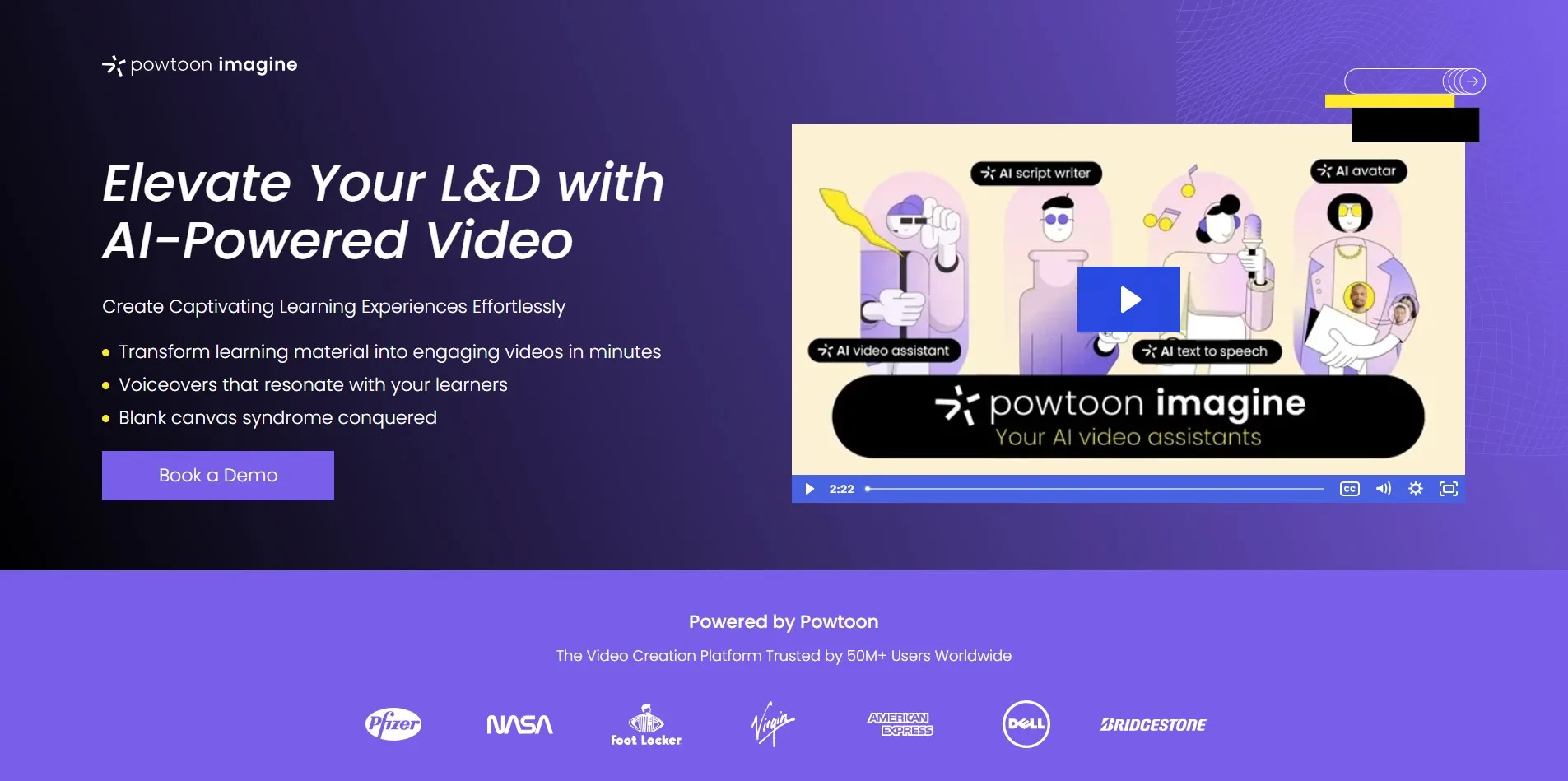
Powtoon is a longtime leader in whiteboard-style and animated explainer videos, ideal for educators, marketers, and internal communications teams. Its drag-and-drop editor includes character animation, props, and a growing AI toolkit called Imagine for generating scenes and short clips from prompts. No design experience is required to produce polished results.
The free plan is useful for exploring the interface but limits videos to three minutes with a watermark and no MP4 download, making it evaluation-only. Paid tiers unlock full HD exports, unlimited premium assets, and commercial usage rights. Pricing sits higher than some competitors, but the animation quality and template variety justify it for many teams.
Pros
- Strong whiteboard and animation templates
- No design skills required
- AI-assisted scene generation (Imagine)
- Good for education and training content
Cons
- Free plan blocks MP4 downloads
- Pricing is higher than most rivals
- Learning curve for advanced customization
8. Eddie AI
Pricing (from official site):
| Plan | Price |
|---|---|
| Free/Starter | $0/month |
| Plus | ~$25/month |
| Pro | ~$100/month |
| Higher Tiers (Pro+/Ultra) | $167–$1,250/month |
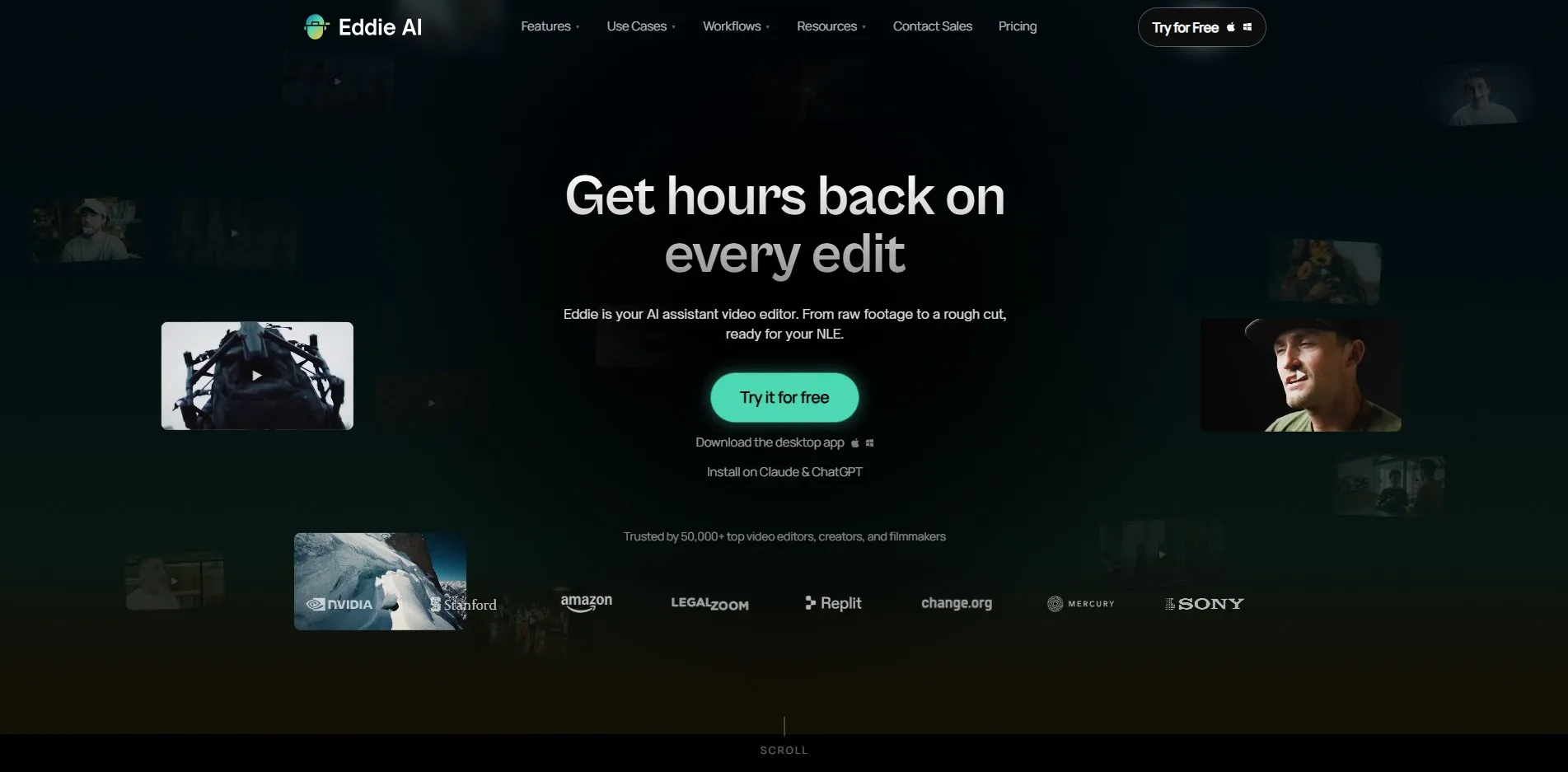
Eddie AI acts as an “editing co-pilot” for professional video editors, automatically generating rough cuts, organizing A/B-roll, and handling multicam interview footage. It integrates directly with Adobe Premiere, DaVinci Resolve, and Final Cut Pro, making it a natural fit for editors who don’t want to abandon their existing timeline-based tools.
Pricing is credit-based: exports consume credits rather than time, and you can re-export the same project unlimited times for one credit. This model rewards iterative editing but can feel unfamiliar to subscription-only users. Higher tiers targeting studios and agencies get expensive fast, so solo creators will likely stay in the Free or Plus range.
Pros
- Deep integration with pro NLEs
- Great for multicam interview editing
- Flexible credit-based export system
- Searchable footage metadata
Cons
- Pro and Ultra tiers are very expensive
- Credit system takes time to understand
- Less useful for non-interview content
9. Submagic
Pricing (from official site):
| Plan | Price |
|---|---|
| Free | $0/month |
| Starter | ~$19–20/month |
| Pro/Growth | ~$40–50/month |
| Business/Agency | ~$80/month |
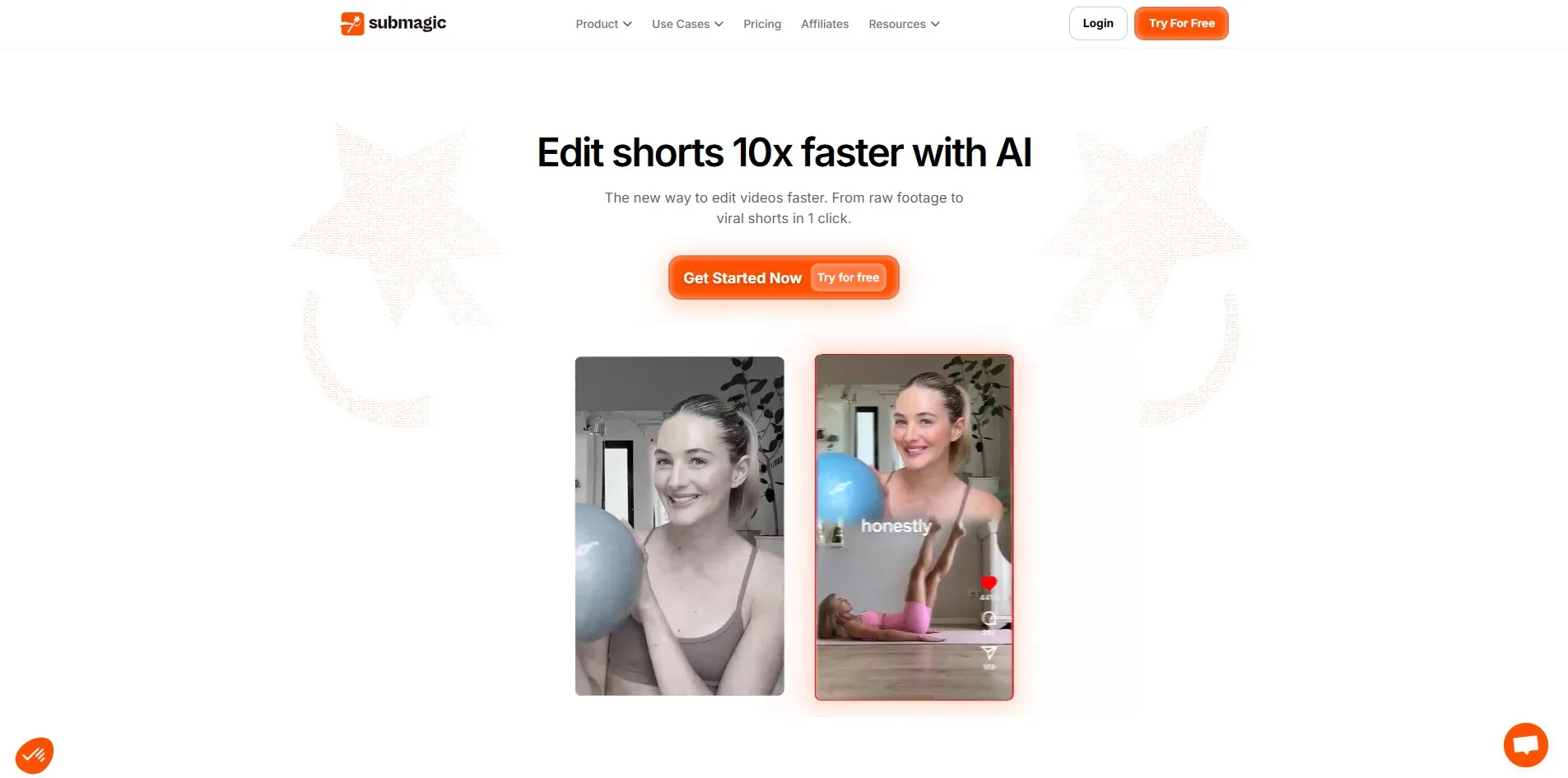
Submagic is purpose-built for short-form viral video editing, automatically adding animated captions, emojis, sound effects, and B-roll from Storyblocks. It’s especially popular with TikTok, Reels, and Shorts creators who need fast, high-retention edits without manual caption timing. Support spans 48+ languages for global audiences.
The Magic Clips add-on can automatically detect the best moments in long recordings and generate several short clips at once, which is a major time-saver for podcasters. The free tier is limited to short, watermarked exports, but paid plans scale affordably by monthly video count rather than minutes, keeping costs predictable for regular creators.
Pros
- Fast, accurate animated captions
- Magic Clips auto-generates shorts
- Affordable entry-level pricing
- Supports 48+ languages
Cons
- Free plan videos are capped at 90 seconds
- Magic Clips is a paid add-on
- Best suited only to short-form content
10. DeepBrain AI

Pricing (from official site):
| Plan | Price |
|---|---|
| Free | $0/month |
| Personal/Starter | ~$24–30/month |
| Team/Pro | ~$55–225/month |
| Enterprise | Custom pricing |
DeepBrain AI, marketed under AI Studios, offers text-to-video, PDF-to-video, and PowerPoint-to-video conversion powered by lifelike AI avatars. It supports over 150 languages and 1,000+ voices, making it useful for global marketing and training teams that need fast localization without hiring voice actors or presenters.
The free plan lets you test avatar realism and voice naturalness before paying, though the allowance disappears quickly. Personal plans remove watermarks and unlock unlimited exports up to 30 minutes each. Because pricing is metered by minutes generated, heavy users creating long-form videos may find the cost per minute adds up faster than flat-rate competitors.
Pros
- Wide language and voice support
- Multiple document-to-video formats
- Realistic avatar rendering
- No-credit-card free trial
Cons
- Free tier allowance is very small
- Cost per minute is on the high side
- Higher tiers get expensive for teams
11. Vizard
Pricing (from official site):
| Plan | Price |
|---|---|
| Free | $0/month |
| Creator | ~$14.50–29/month |
| Business | ~$19.50–39/month |
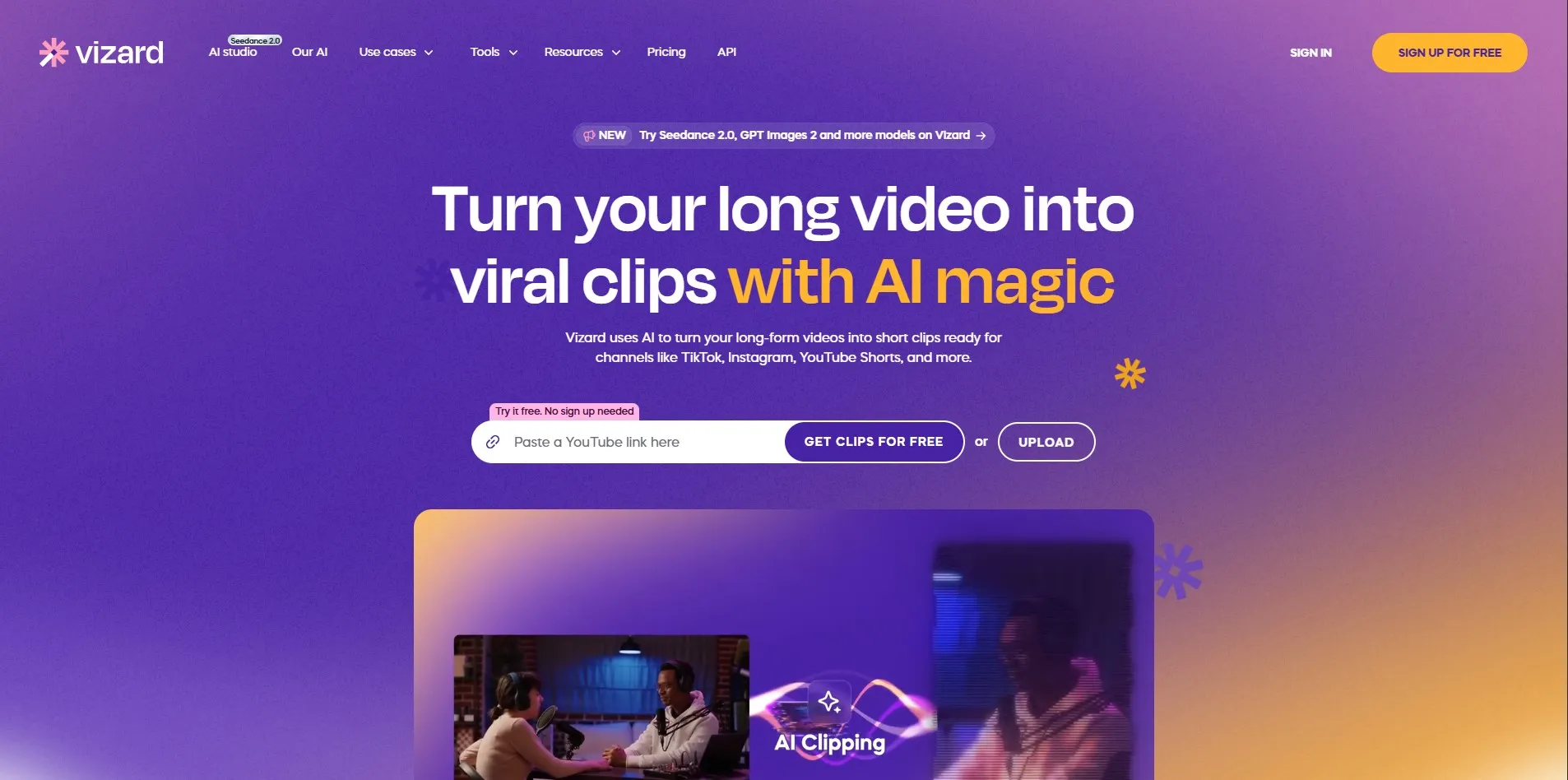
Vizard is an AI clipping tool that transforms long-form videos, podcasts, and webinars into short, platform-ready clips for TikTok, Instagram, and YouTube Shorts. It automatically transcribes footage, identifies the most engaging highlights, and reframes content into vertical formats without manual cropping.
The free plan offers 60 credits monthly, though exports are capped at 720p with a watermark and limited storage duration. Paid tiers unlock 4K exports, multiple social account management, and team collaboration features. Vizard is a strong fit for creators repurposing long interviews or streams into a steady stream of short-form content.
Pros
- Strong highlight detection accuracy
- Automatic vertical reframing
- Affordable entry-level pricing
- API access included on paid plans
Cons
- Free exports are watermarked
- Storage duration limited on free tier
- Credits can run out with heavy uploads
Comparison Table
| Alternative | Description |
|---|---|
| Synthesia | AI avatar video generator for corporate training, HR, and marketing content at scale. |
| Descript | Transcript-based video and podcast editor with AI voice cloning and noise cleanup. |
| HeyGen | Realistic AI avatar platform known for fast localization and expressive lip-sync. |
| Colossyan | Avatar-based training video platform with interactive, quiz-enabled content. |
| Wisecut | AI editor that auto-cuts silences and syncs music for quick single-track edits. |
| Gling | Transcript-based tool focused purely on removing filler words and bad takes. |
| Powtoon Imagine | Whiteboard and animated explainer video maker with AI-assisted scene generation. |
| Eddie AI | AI editing co-pilot integrating with Premiere, Resolve, and Final Cut for pro editors. |
| Submagic | Short-form video editor specializing in animated captions and viral clip generation. |
| DeepBrain AI | Document-to-video AI avatar platform supporting 150+ languages and voices. |
| Vizard | AI clipping tool that turns long videos into short, platform-ready social clips. |
Conclusion
Before committing to a paid plan, take advantage of the free trials and free tiers listed above to test avatar quality, editing speed, and export limits firsthand. Pricing and features change frequently in the AI video space, so always double-check the official pricing pages before subscribing to ensure you’re getting the most current plan details and value for your specific workflow.


