
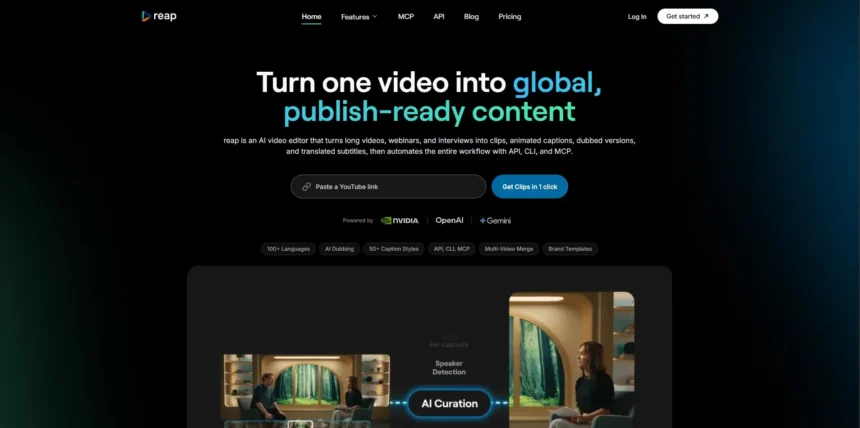
Reap has built a name for itself in the AI video space, but it is far from the only option available to creators, marketers, and teams who want to turn scripts, footage, or ideas into polished videos. Depending on your workflow, you might need AI avatars, automated captions, text-based editing, or whiteboard-style animation instead of what Reap offers out of the box. This article breaks down 12 strong Reap Alternatives, covering their free trial availability, official pricing plans, and the pros and cons that matter most before you commit your budget. Whether you are a solo YouTuber, a podcaster, or a corporate training team, one of these tools is likely to fit your workflow better than a one-size-fits-all platform.
1LTX Studio

LTX Studio offers a free plan with 800 one-time credits so newcomers can experiment with storyboard-first AI video generation before spending anything. Free Trial Available Once you are ready to commit, the official pricing page lists Lite at $15/month, Standard at $35/month, Pro at $125/month, and a custom-quoted Enterprise tier, with roughly 20% savings on annual billing.
LTX Studio is built by Lightricks and stands out for its node-based storyboarding, camera controls, and access to premium models like Veo 3.1 on higher tiers. It suits filmmakers and agencies who want granular creative control rather than one-click automation. The credit-based system, however, means costs can climb quickly if you rely on trial-and-error prompting.
Pros
- Storyboard-first workflow with granular camera controls
- Access to multiple premium video models (Veo, Kling, Seedance)
- Free tier lets you explore before paying
- Node-based “Flows” automation for agencies
Cons
- Credit system can be confusing and costly with trial and error
- Free plan is for personal use only, no commercial license
- Entry-level Lite plan lacks commercial rights
- Steep jump in price for the Pro tier
2Pictory

Pictory does not offer a permanent free plan, but new users get a 14-Day Free Trial that allows up to three video projects of up to ten minutes each so you can test the text-to-video workflow. According to Pictory’s official pricing, plans start with Standard at $23/month ($19/month billed annually).
Pictory is best known for converting blog posts, scripts, and long-form videos into short, captioned clips using a huge stock media library. It is a favorite among marketers and YouTubers who need fast repurposing rather than AI-generated visuals. The video-per-month caps and 10-minute length limit on lower tiers can be restrictive for high-volume publishers.
Pros
- Fast text and blog-to-video conversion
- Access to over 3 million licensed stock clips and images
- Automatic captions and AI voiceovers built in
- 14-day money-back guarantee
Cons
- No permanent free plan, only a limited trial
- Video-per-month caps force upgrades based on volume
- 10-minute video length cap on the Standard plan
- Relies on stock footage rather than AI-generated visuals
3DeepBrain AI

DeepBrain AI (AI Studios) provides a genuine Free Plan that includes three video exports of up to three minutes each, one custom avatar, and 720p export with no credit card required. Once you need commercial use, the official pricing lists Personal Plan starting at $24/month.
DeepBrain AI is an avatar-driven platform trusted by over two million users for corporate training, marketing, and localization into 150-plus languages. Its avatars and lip-sync are considered among the more natural-looking on the market. The per-minute cost is noticeably higher than competitors, and casual creators may find themselves paying for capacity they rarely use.
Pros
- Realistic AI avatars with strong lip-sync accuracy
- Genuine free plan, no credit card required
- Supports 150+ languages and 1,000+ voices
- Scales well for enterprise localization needs
Cons
- High cost per minute compared to competitors
- Free plan is very limited for real production use
- Overage charges apply once monthly minutes run out
- Entry plan caps videos at 720p resolution
4Descript
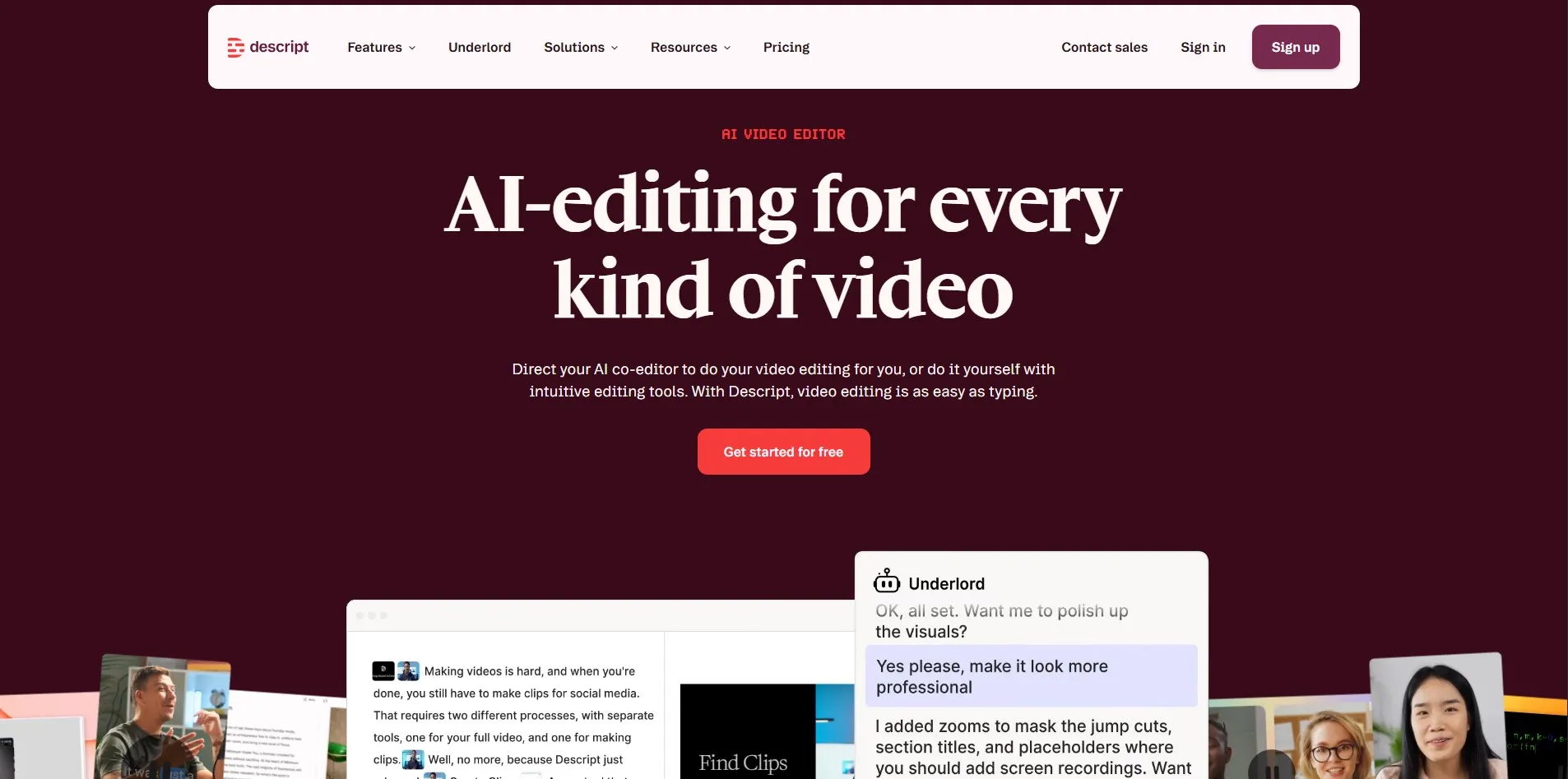
Descript’s official pricing page confirms a Free Plan with about one hour of transcription per month, watermarked exports, and 720p resolution, functioning as an ongoing trial. Paid tiers begin with Hobbyist at $16/month billed annually (or $24/month billed monthly).
Descript’s biggest differentiator is text-based video and podcast editing: cut your video by editing a transcript rather than a timeline. It is a favorite among podcasters and YouTubers who want to remove filler words and silences in seconds. The free plan’s one-hour cap and watermarked exports mean most regular creators will need to upgrade quickly.
Pros
- Unique text-based editing workflow, edit video like a document
- Strong AI tools: filler word removal, Studio Sound, Overdub
- Genuinely useful free tier for testing
- Good value for podcast and video collaboration teams
Cons
- Free plan capped at just one hour of media per month
- Pricing structure has changed multiple times recently
- Advanced AI tools like Overdub are gated behind paid tiers
- Media-hour limits push growing teams to upgrade often
5Wisecut

Wisecut gives users a Free Trial with full access to most editing tools, including one hour of video processing at 720p with a watermark, before requiring payment. According to the official Wisecut pricing page, paid plans start at Starter for $15/month.
Wisecut automatically detects the most engaging parts of long recordings, cuts silences, adds subtitles, and syncs music to your footage, making it ideal for creators repurposing podcasts or webinars into shorts. It integrates directly with YouTube, Google Drive, and Dropbox for a smoother import-export cycle. Resolution and processing-time limits on lower tiers can hold back more advanced creators.
Pros
- Automatic silence removal and subtitle generation
- Detects and clips the most engaging video moments
- Integrates with YouTube, Google Drive, and Dropbox
- Affordable entry-level pricing compared to rivals
Cons
- Free tier limited to 720p with watermark
- Only 4-10 hours of processing on paid tiers
- Fewer advanced editing tools than full NLEs
- Mobile app support limited mainly to Android
6Fliki

Fliki’s official pricing confirms a Free Plan offering roughly five minutes of HD video per month, access to 600+ voices, and watermarked exports rather than a separate trial for paid tiers. Once you outgrow it, the Standard plan runs $28/month ($21/month billed annually).
Fliki turns scripts, articles, and blog posts into narrated videos using AI voices and matched stock footage, making it popular for faceless content and podcast-style videos. The Premium tier adds voice cloning and API access for scaling production. Some reviewers have flagged inconsistent AI-generated visuals and gibberish text artifacts as a recurring quality issue.
Pros
- Large library of 1,000+ realistic AI voices
- Fast blog and script-to-video conversion
- Voice cloning available on Premium plan
- Free plan requires no payment details upfront
Cons
- Free tier capped at only five minutes per month
- Some users report visual artifacts in generated scenes
- Stock footage matching can miss context
- Commercial rights require a paid subscription
7Powtoon Imagine
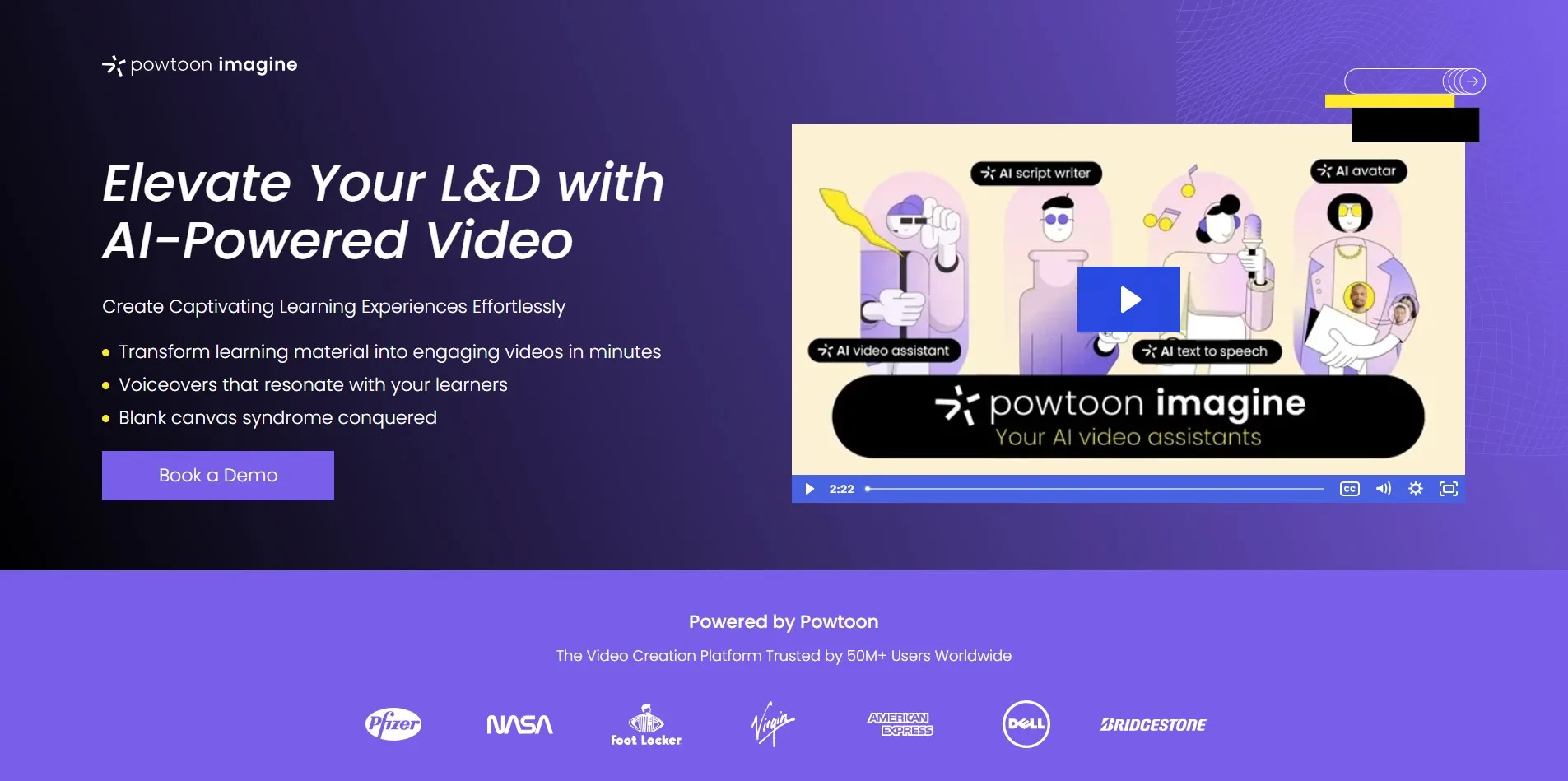
Powtoon does not run a traditional free trial, offering instead a Free Forever Plan capped at three-minute videos with a watermark and no MP4 downloads. Based on the official pricing page, paid tiers start at Lite for roughly $49/month (discounted with annual billing).
Powtoon Imagine is a well-known name in whiteboard-style and animated explainer videos, popular with educators, HR teams, and marketers who need engaging animated content without hiring a studio. Its drag-and-drop editor and huge character library make it accessible to non-designers. The free plan’s lack of MP4 export and watermark make it unsuitable for anything beyond testing.
Pros
- Large library of animated characters and templates
- Popular for whiteboard-style explainer videos
- Easy drag-and-drop editor for non-designers
- Strong fit for education and corporate training
Cons
- Free plan blocks MP4 downloads entirely
- Videos on free tier limited to three minutes
- Many videos look templated and similar to each other
- 4K exports reserved for the most expensive tiers
8AutoPod
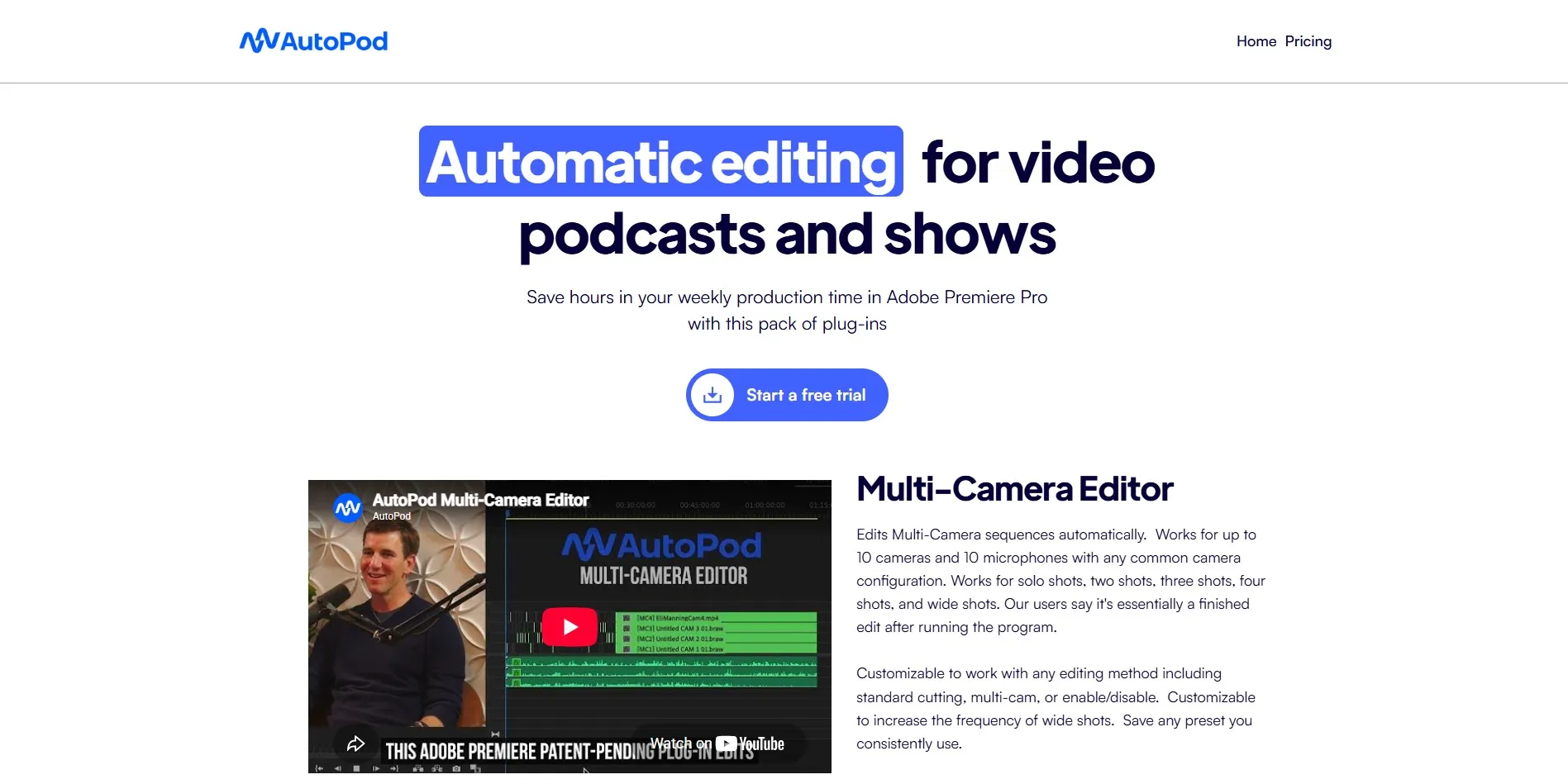
AutoPod offers a 30-Day Free Trial with full access to its Multi-Camera Editor, Jump Cut Editor, and Social Clip Creator, no feature limitations during the trial period. The official pricing page lists a single Individual Plan at $29/month, with one month free on annual billing.
AutoPod is a set of Adobe Premiere Pro plugins built specifically for automating multi-camera podcast editing, jump cuts, and social clip generation directly inside your existing NLE. It is a strong fit for podcasters already comfortable in Premiere Pro who want to skip repetitive manual editing. It requires Premiere Pro 2023 or newer and lacks team collaboration features found in some competitors.
Pros
- Works natively inside Adobe Premiere Pro
- Automates multi-camera switching and jump cuts
- Full-featured 30-day free trial
- Affordable single-plan pricing structure
Cons
- Requires Adobe Premiere Pro 2023 or newer to run
- No permanent free plan available
- Lacks team collaboration tools
- Each license is tied to a single computer
9Eddie AI
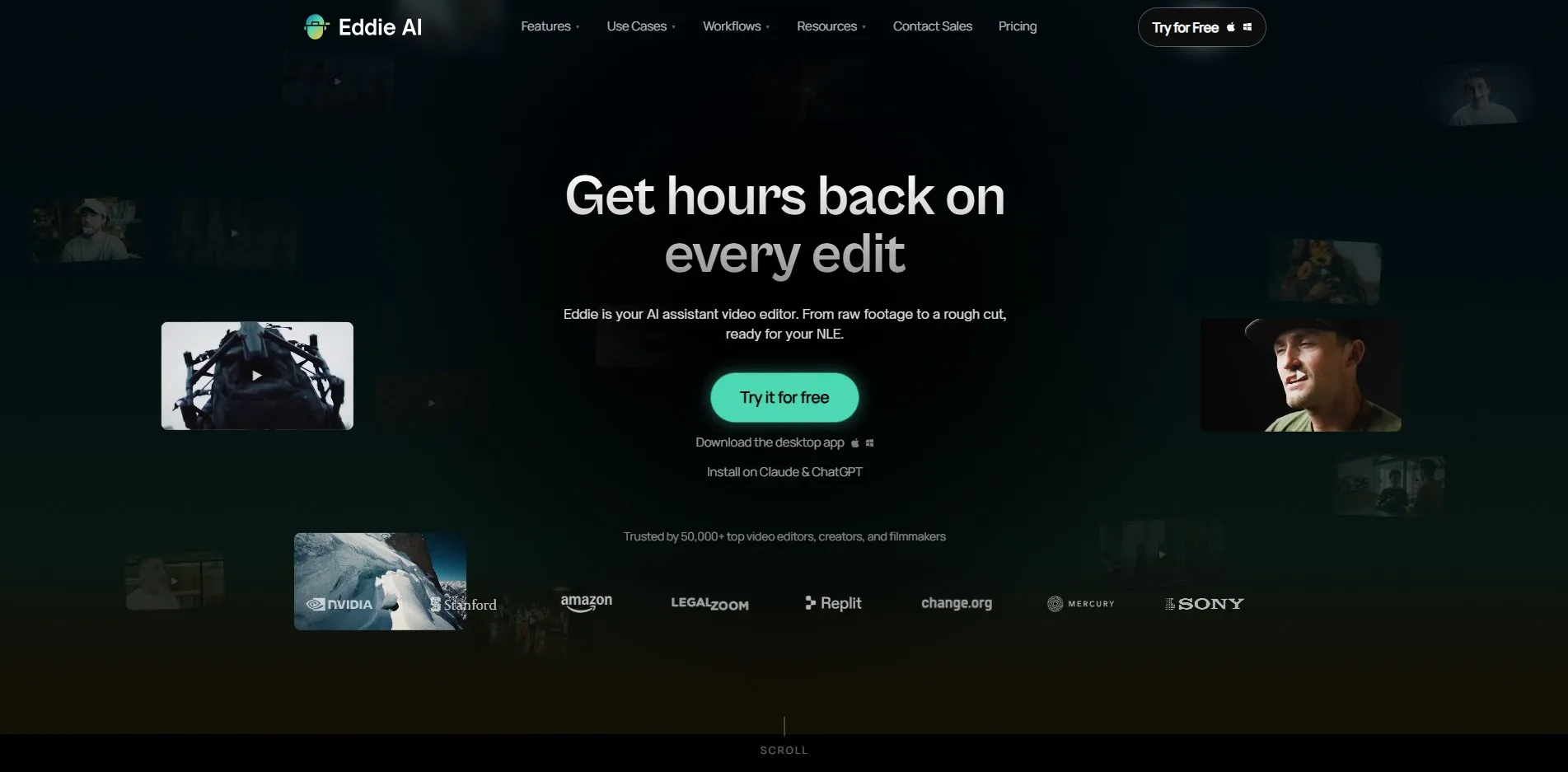
Eddie AI provides a genuine Free Tier that lets you test the editor on real footage in the browser or desktop app, with pay-as-you-go export credits at $15 each and no subscription required. According to Eddie AI’s official pricing, subscription plans start at Plus around $21–25/month.
Eddie AI acts as an “editing co-pilot” for interview-driven content like documentaries, corporate video, and podcasts, generating rough cuts, organizing A/B-roll, and syncing multicam footage inside your existing NLE. It integrates with Premiere, Resolve, and Final Cut Pro, keeping footage local for privacy. The prompt-based interface has a learning curve, and higher tiers jump sharply in price for professional studios.
Pros
- Automates rough cuts and multicam syncing
- Integrates with Premiere, Resolve, and Final Cut Pro
- Footage stays local, strong privacy posture
- Flexible pay-as-you-go option with no subscription
Cons
- Prompt-based workflow requires editing knowledge to master
- Steep price jump between Pro and Pro+ tiers
- Free tier requires paid credits to export anything
- Not ideal for quick social-first content
10Colossyan

Colossyan offers both a Free Plan and a 14-day trial, giving new users about five minutes of video generation and access to its avatar library with no credit card required upfront. The official pricing page lists Starter at $27/month ($19/month billed annually).
Colossyan focuses on AI avatar videos for corporate learning and development, HR onboarding, and internal training, backed by clients like Novartis and Vodafone. Its conversation mode and localization tools make it easy to build multilingual training content quickly. Casual creators may find the Business-tier pricing steep relative to lighter-weight competitors.
Pros
- Strong fit for corporate training and L&D teams
- Library of 70-300+ AI avatars depending on tier
- Free plan and 14-day trial with no credit card
- Localization tools support many languages
Cons
- Business tier pricing steep for casual creators
- Some avatar pronunciations need improvement
- Editing tools are more basic than dedicated video editors
- Higher-end NEO2 generation minutes are limited
11Synthesia

Synthesia’s official pricing page confirms a Free Plan with about 10 minutes of watermarked video per month and 9 AI avatars, functioning as an ongoing trial. Paid tiers begin with Starter at $29/month ($18/month billed annually).
Synthesia is the most widely used AI avatar video platform, trusted by over 50,000 teams for training, onboarding, and marketing content, with a 4.7 rating across thousands of G2 reviews. Its 2026 update added an AI Playground giving access to Veo 3.1 and Sora 2 across all plans, including the free tier. Content moderation on certain sensitive topics, such as medical content, can be stricter than expected without a paid custom avatar.
Pros
- Industry-leading library of 180-240+ AI avatars
- AI Playground gives access to Veo 3.1 and Sora 2
- Trusted at scale by 50,000+ enterprise teams
- Strong compliance features on Enterprise (SSO, SCORM)
Cons
- Free plan limited to 10 minutes and watermarked
- Content moderation can be strict on certain topics
- Custom avatars cost extra on top of subscription
- Per-seat pricing adds up fast for larger teams
12Submagic
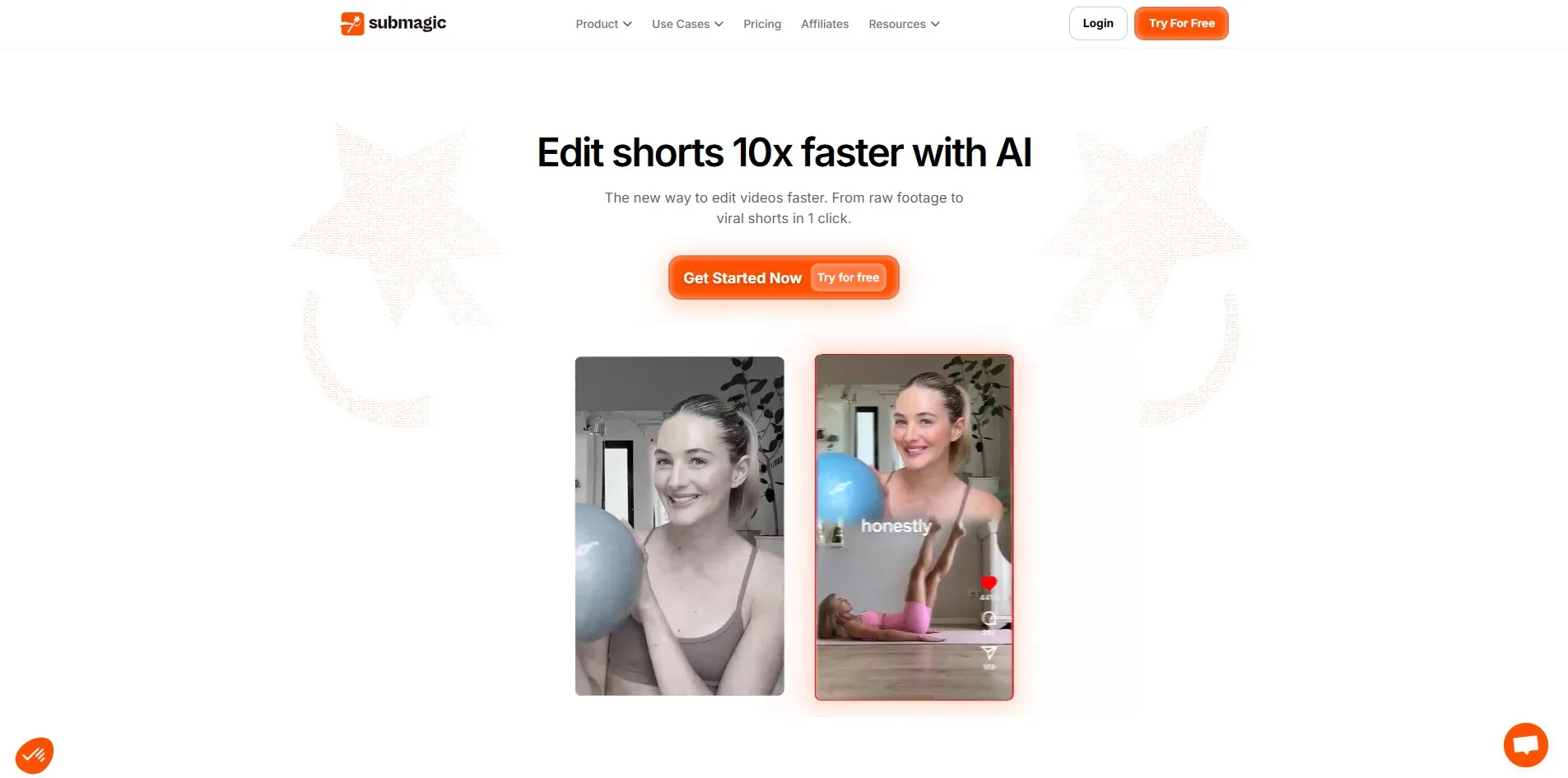
Submagic offers a Free Plan that allows up to three watermarked videos per month capped at 90 seconds, functioning as a real-world trial of its captioning engine. According to the official pricing page, paid plans start at Starter around $20/month (discounted with annual billing).
Submagic is purpose-built for short-form content creators, automatically generating dynamic captions, emojis, and premium B-rolls to help TikTok and Reels edits go out ten times faster. It supports 48 languages for auto-captioning and offers Storyblocks integration on higher tiers. Users on lower tiers face a strict video-count cap and a visible watermark until they upgrade.
Pros
- Fast, accurate AI captions in 48 languages
- Purpose-built for viral short-form content
- Premium B-roll integration via Storyblocks
- Rated 4.9/5 on Trustpilot with strong user sentiment
Cons
- Free plan capped at three 90-second videos
- Video length capped at just 2 minutes on Starter
- 4K export and API access reserved for top tiers
- Some trial limitations frustrate deeper evaluation
| Alternative | Description |
|---|---|
| LTX Studio | Storyboard-first AI video suite with granular camera controls, popular with filmmakers and agencies. |
| Pictory | Converts blogs, scripts, and long-form videos into short, captioned clips using licensed stock media. |
| DeepBrain AI | Avatar-based video platform focused on realistic lip-sync and multilingual corporate content. |
| Descript | Text-based audio and video editor that lets you edit footage by editing a transcript. |
| Wisecut | AI video editor that trims silences, adds subtitles, and syncs music automatically. |
| Fliki | Script and blog-to-video generator with AI voiceovers and matched stock visuals. |
| Powtoon Imagine | Whiteboard-style and animated explainer video maker with a large character and template library. |
| AutoPod | Adobe Premiere Pro plugin suite automating multi-camera podcast editing and social clips. |
| Eddie AI | AI editing co-pilot generating rough cuts and multicam syncs for interview-driven footage. |
| Colossyan | AI avatar video platform focused on corporate training, HR onboarding, and L&D content. |
| Synthesia | Leading AI avatar video platform used by enterprises for training, onboarding, and marketing. |
| Submagic | Short-form video editor specializing in fast, viral-style AI captions and B-roll enhancement. |
Conclusion
Filmmakers and agencies chasing granular creative control will lean toward LTX Studio, while corporate teams building training libraries will find more value in Synthesia, DeepBrain AI, or Colossyan. Podcasters and interview-based creators are better served by Descript, AutoPod, or Eddie AI, and short-form social creators will get the fastest turnaround from Submagic, Wisecut, or Fliki.
Before committing to any paid plan, take advantage of the free trials and free tiers listed above to test real footage or scripts through each tool’s workflow. Pricing and feature limits change frequently in this space, so always confirm the latest numbers on each platform’s official pricing page before subscribing.


