

Powtoon Imagine made a name for itself by helping creators turn simple prompts into animated, whiteboard-style, and explainer videos without needing design or animation skills. But as AI video technology has expanded rapidly, dozens of tools now offer similar or more advanced capabilities, from talking AI avatars to automated podcast editing. Below, we break down 10 of the strongest Powtoon Imagine Alternatives available today, covering their trial offers, pricing, and real strengths and weaknesses so you can choose confidently.
1Wisecut

Wisecut offers a Free Trial Available plan that lets users test most editing tools before committing to a subscription, though downloads and premium features stay locked until upgrading. According to its official pricing page, plans are structured around monthly processing hours rather than feature restrictions, making it approachable for beginners who want to see real output quality first.
Wisecut is built around automatically detecting the most engaging moments in raw footage and converting them into share-ready short clips, which saves considerable manual editing time. It integrates with YouTube, Google Drive, and Dropbox for smooth importing, and supports automatic subtitle generation in multiple languages, making it well suited to podcasters, YouTubers, and educators producing regular content.
Pros
- Genuinely usable free trial with real output
- Automatic highlight detection saves editing time
- Cloud integrations with YouTube and Drive
- Multilingual subtitle generation
Cons
- Lower tiers cap resolution and processing hours
- Occasional awkward transitions in auto-cuts
- Limited frame-by-frame manual control
2Fliki

Fliki provides a Free Plan Available tier that includes around 5 minutes of HD video per month, access to hundreds of AI voices, and basic audio hosting, though outputs carry a watermark and lack commercial rights. This makes it easy to test voice quality and the text-to-video workflow before paying anything.
Fliki turns blog posts, scripts, or plain text into narrated videos using a huge library of realistic AI voices and matching stock footage, making it a strong pick for educational or explainer-style channels. It particularly appeals to bloggers and content marketers repurposing written material into video without filming anything themselves.
Pros
- Large library of 1,000+ realistic AI voices
- Fast text-to-video conversion from scripts or blogs
- Commercial rights unlocked from Standard tier
- Auto-matching stock media library
Cons
- Free tier is very limited in minutes
- Some users report visual text artifacts in generated scenes
- Credit system can feel restrictive for high-volume creators
3Synthesia

Synthesia offers a Free Plan Available Basic tier that requires no credit card and includes 10 minutes of AI-generated video per month using 9 stock avatars, though exports carry a watermark. It also grants free access to its AI Playground featuring generative models, letting users sample cutting-edge output before subscribing.
Synthesia is best known for realistic talking AI avatars that can narrate scripts in dozens of languages, making it a go-to for corporate training, onboarding, and multilingual marketing videos. Its avatar library, lip-sync accuracy, and enterprise-grade compliance options set it apart from most competitors in the professional and L&D space.
Pros
- Highly realistic AI avatars and lip-sync
- Supports 140+ languages for localization
- No credit card required for free tier
- Strong enterprise security and SSO options
Cons
- Paid tiers get expensive for high video volume
- Additional seats require full-price subscriptions
- Credit-based minute system can be confusing
4HeyGen

HeyGen runs a permanent Free Plan Available tier rather than a time-limited trial, offering 3 videos per month at 720p with a watermark, so users can evaluate avatar realism without entering payment details. It is a practical way to preview lip-sync quality before deciding on a paid tier.
HeyGen specializes in AI avatar and talking-photo videos, letting users turn a script and a photo into a speaking presenter with natural intonation. It’s widely used by marketers, sales teams, and solo creators who want polished spokesperson-style videos without filming themselves, and its Creator plan strikes a good balance for regular publishing.
Pros
- Permanent free tier, no time pressure to decide
- Strong avatar realism and voice cloning
- Talking Photo feature turns any image into a speaker
- Unlimited videos from the Creator tier upward
Cons
- Premium Avatar IV credits run out quickly
- Business tier pricing scales fast with seats
- Free plan capped at only 3 videos monthly
5InVideo AI
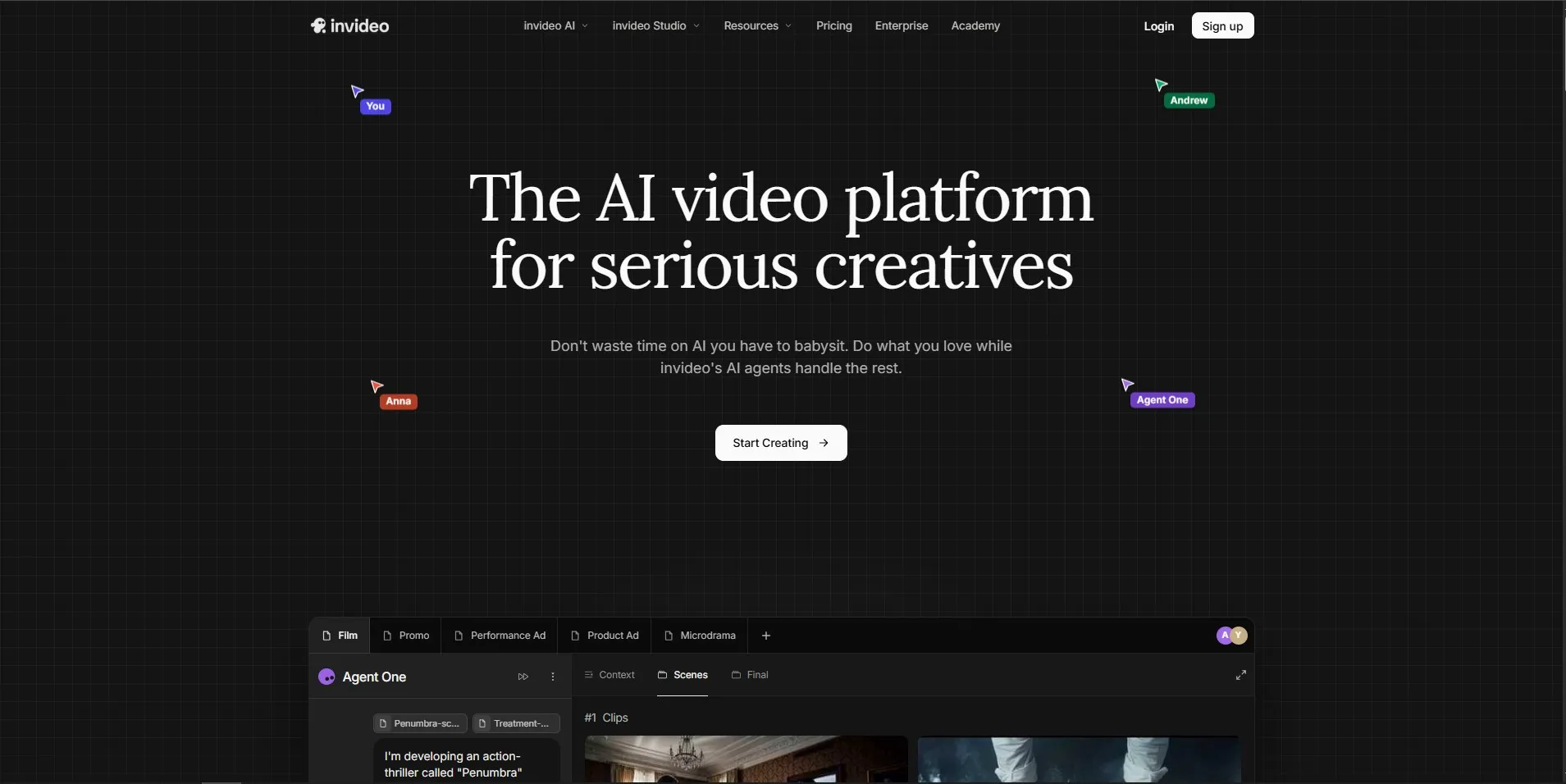
InVideo AI includes a Free Plan Available freemium tier with core generation features at no cost, ideal for testing its single-prompt video agent before upgrading. According to its official pricing page, users can generate a full edit-ready video from one prompt, then decide if the credit allowance fits their publishing needs.
InVideo AI’s biggest strength is its single-prompt generation agent, which builds a complete, scene-structured video from a short text description, saving significant setup time compared to template-based editors. It’s popular among marketers and YouTubers who want speed, though its separate credit pools for AI minutes, stock footage, and voice cloning require some planning to avoid running out mid-project.
Pros
- Single-prompt full video generation
- Access to advanced models like Sora 2 and Veo 3.1
- Free tier available with no upfront payment
- Annual billing offers meaningful savings
Cons
- Separate, non-rolling credit pools can run dry unevenly
- 4K export unavailable on the entry Plus tier
- Higher tiers get costly for agencies
6VEED.io
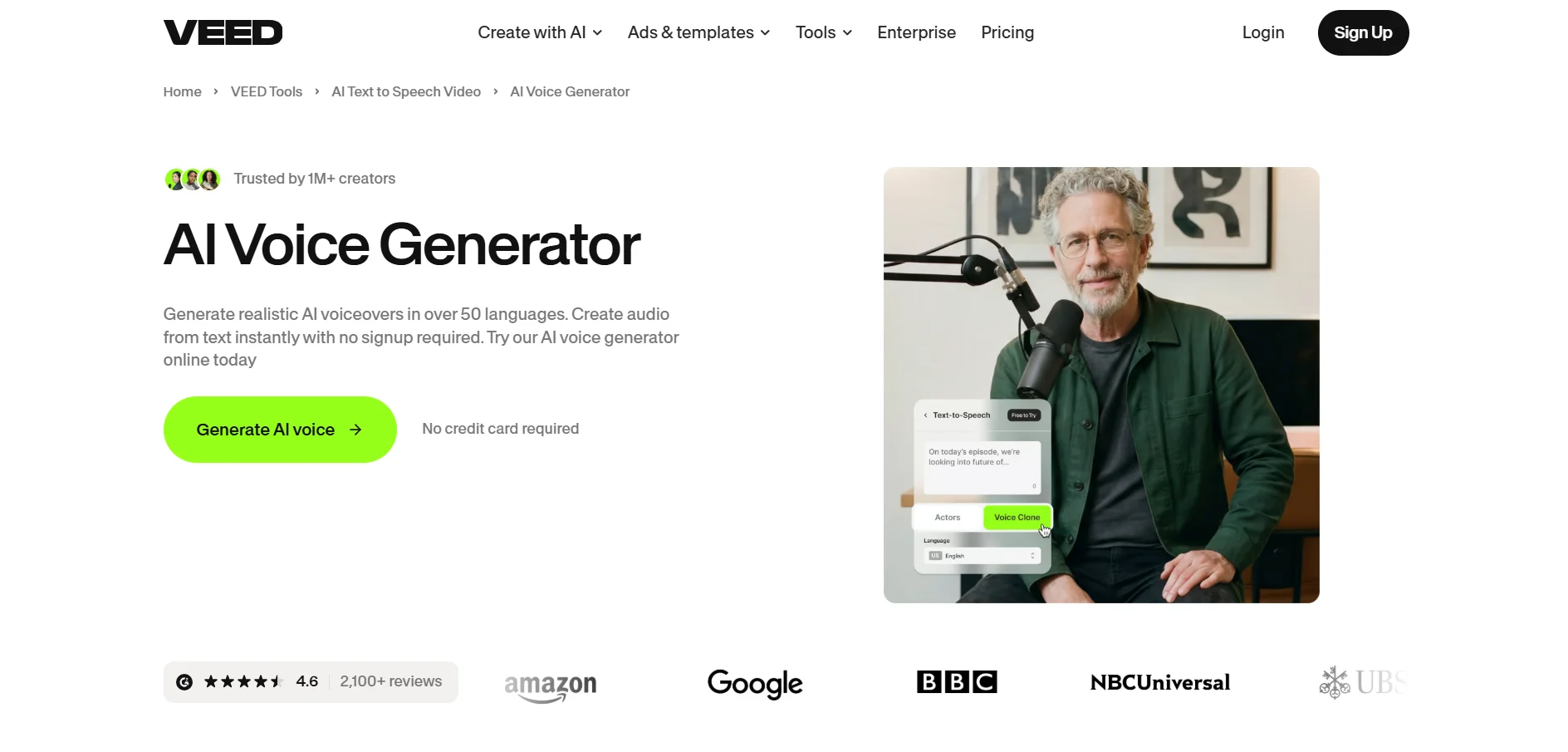
VEED.io offers a Free Trial Available genuinely usable free plan alongside trial access to paid features, letting users test its editor, auto-captioning, and AI tools before subscribing. According to its official pricing page, the free tier caps exports at 10 minutes with a watermark but is functional enough for personal or one-off projects.
VEED.io is a browser-based editor known for its fast, accurate auto-captioning across 100+ languages, along with AI avatars, background removal, and a Brand Kit for consistent visual identity. It suits creators, marketers, and small teams who want a lightweight, all-in-one platform for subtitling, resizing, and polishing videos for social media.
Pros
- Excellent auto-caption accuracy in 100+ languages
- Fully browser-based, no installation needed
- Brand Kit for consistent multi-video branding
- Genuinely usable free plan for basic editing
Cons
- Requires stable internet connection to function
- Free plan watermark unsuitable for client work
- Business plan pricing adds up for larger teams
7OpusClip
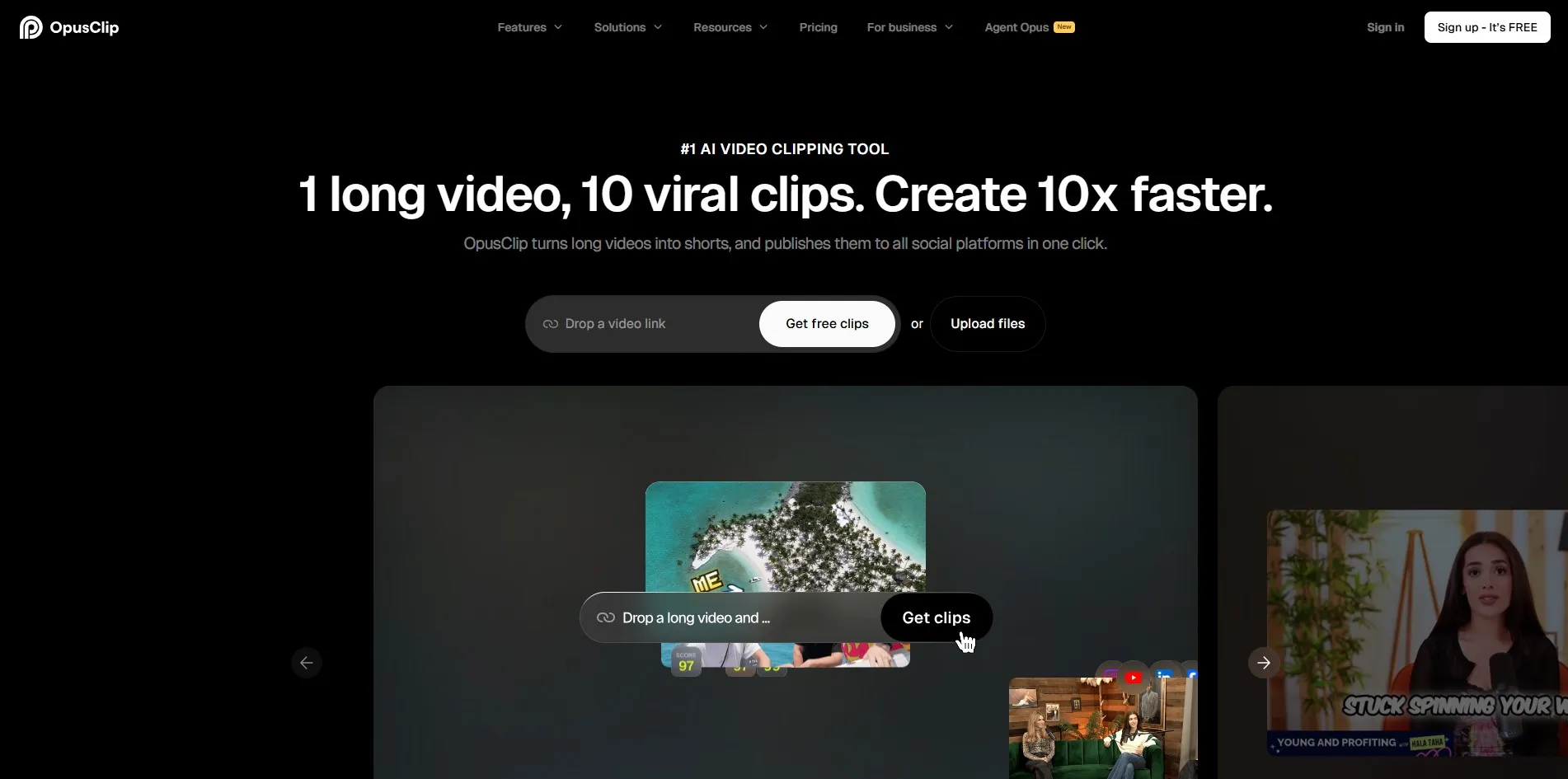
OpusClip runs a permanent Free Plan Available tier rather than a traditional trial, providing 60 minutes of processing per month, though clips expire after just 3 days and carry a watermark. This makes it a genuine no-risk way to test its AI clip-selection quality before subscribing to a paid plan.
OpusClip is built specifically for turning long-form videos like podcasts and webinars into short, high-engagement social clips using AI virality scoring. Its speaker detection, multi-platform auto-posting to TikTok, YouTube, and Instagram, and brand kit customization make it a strong choice for creators repurposing long recordings at scale.
Pros
- AI virality scoring highlights top-performing moments
- Multi-platform auto-posting saves publishing time
- Speaker detection works well for podcasts
- Free tier requires no credit card
Cons
- Free clips expire after just 3 days
- API access locked behind costly Business tier
- Cancelling can remove access to processed projects
8Eddie AI
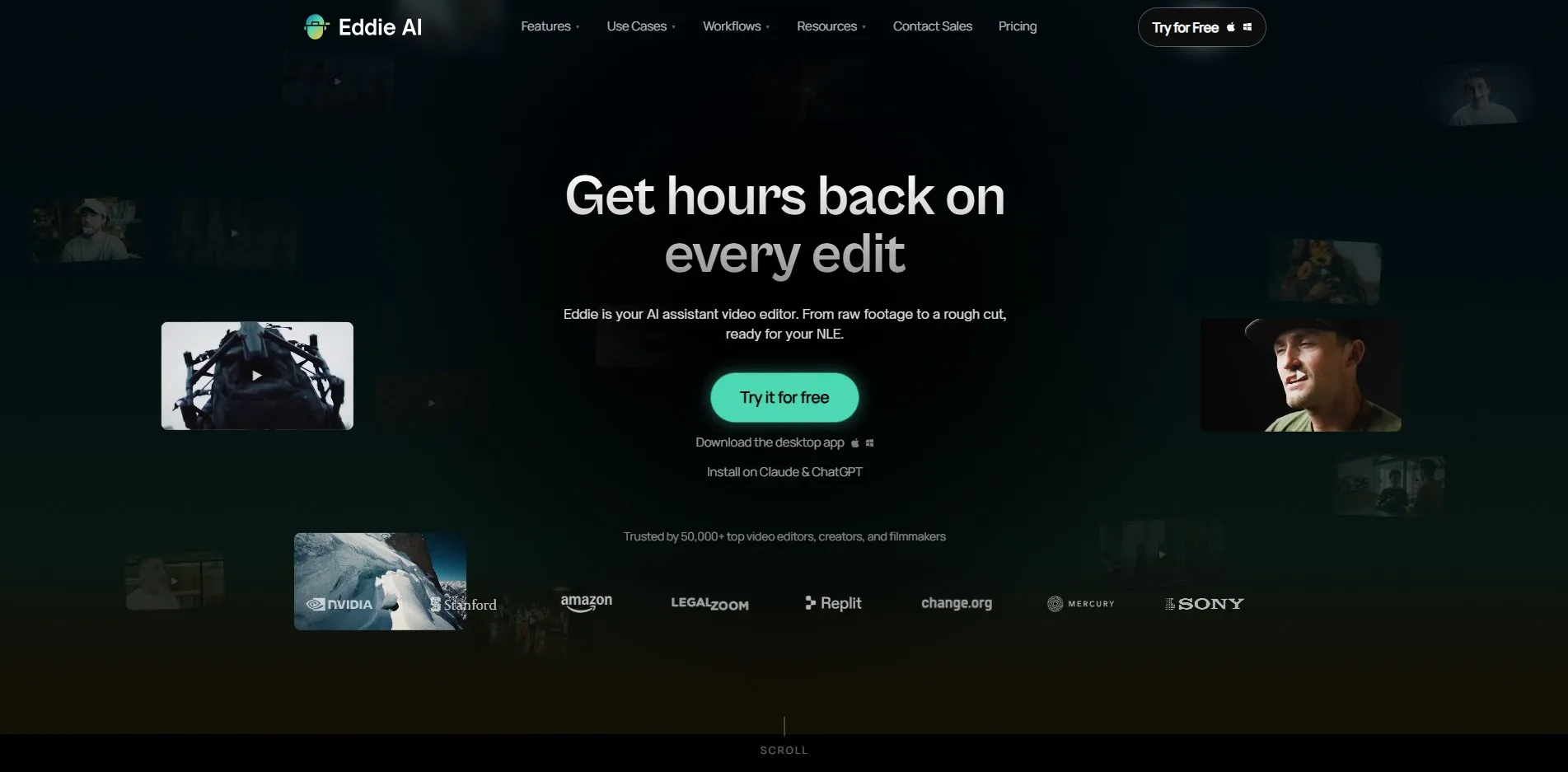
Eddie AI offers a Free Plan Available tier that lets users import footage and prompt edits at no cost, with one free export per project monthly, before needing to buy credits or subscribe. According to its official pricing page, this “test before you pay” approach lets professional editors validate output quality on real projects first.
Eddie AI acts as an assistant editor for professional workflows, using natural-language prompts to turn raw interview or documentary footage into structured rough cuts inside Adobe Premiere, Final Cut Pro, or DaVinci Resolve. It’s particularly useful for documentary filmmakers and multicam podcast producers who need fast organization of large footage libraries.
Pros
- Prompt-based rough cuts save hours of manual sorting
- Integrates directly with major professional NLEs
- Multicam podcast syncing with speaker identification
- Free tier allows real-project testing
Cons
- Pro-level pricing is steep for solo creators
- Credit-based export system adds complexity
- Best suited to professionals, less so casual users
9AutoPod
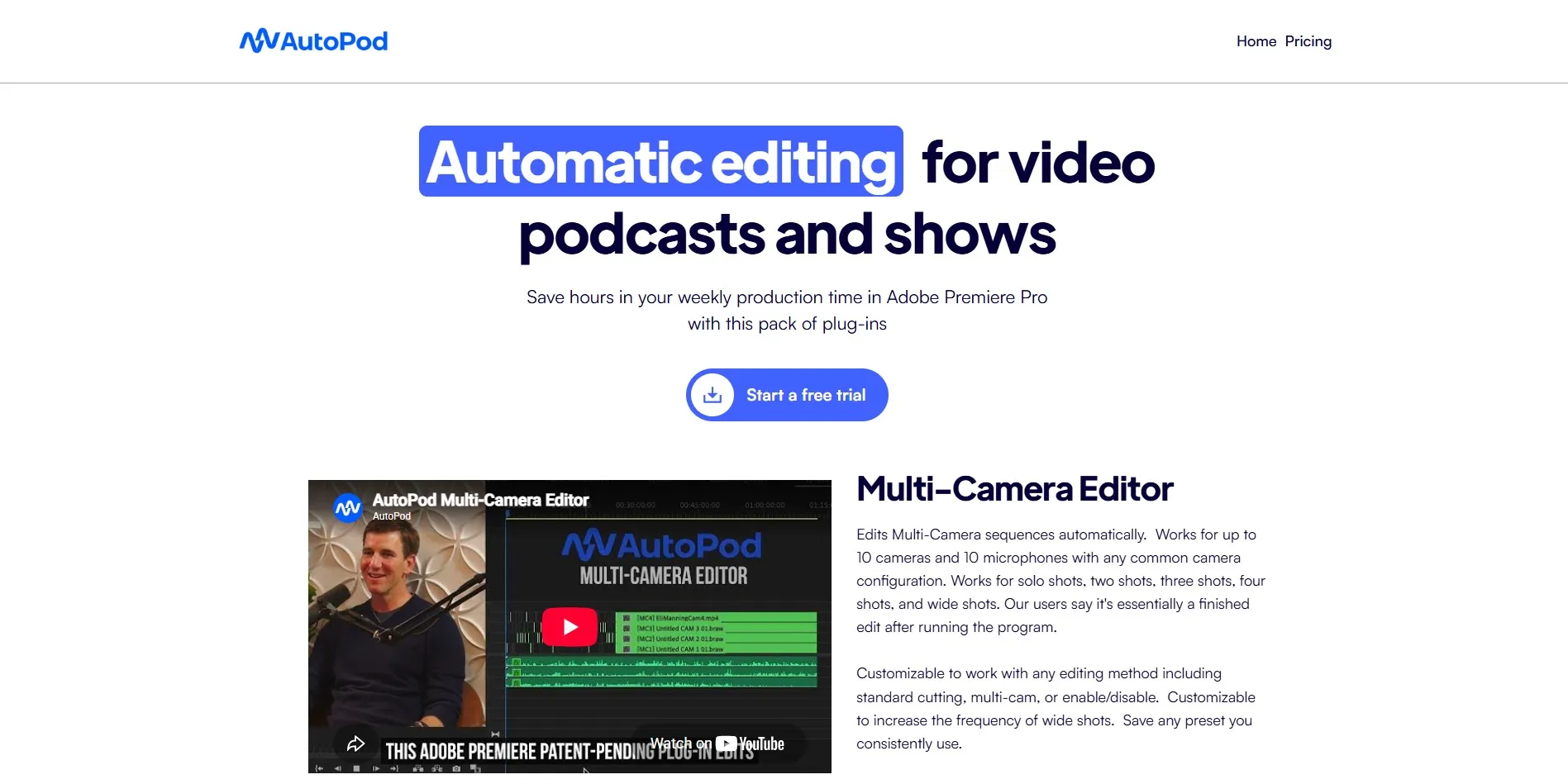
AutoPod provides a Free Trial Available 30-day free trial for monthly billing, plus one month free with annual billing, letting podcast producers fully test its automation before paying. There is no permanent free tier, so the trial period is the main way to evaluate fit.
AutoPod is a set of Adobe Premiere Pro plugins built specifically for multi-camera video podcast editing, automatically switching camera angles based on who’s speaking and removing silences. It’s ideal for podcast producers and video show editors already working inside Premiere who want to cut editing time on recurring multi-speaker recordings.
Pros
- Automatic multicam switching based on speaker
- Generous 30-day free trial period
- Generates social clips directly from podcasts
- Works within existing Premiere Pro workflow
Cons
- Requires an active Adobe Premiere Pro subscription
- No permanent free plan or lower-cost tier
- Limited team collaboration features
10Gling
Gling offers a Free Plan Available permanent free tier with 1 hour of AI-edited media per month, including all core features like silence removal and filler-word cutting, though exports include a watermark. This makes it easy to evaluate editing quality before committing to a paid subscription.
Gling is designed specifically for talking-head YouTube-style videos, using AI to cut dead air, remove bad takes, and generate captions, titles, and chapters automatically. All paid tiers share the same feature set, differing only in monthly processing hours, making it simple for creators to scale up as their output volume grows.
Pros
- All paid plans share identical features, only hours differ
- Strong at detecting silences and filler words
- Annual billing cuts costs by roughly half
- Simple, focused workflow for talking-head content
Cons
- Not a full cinematic editing suite
- Free tier limited to just 1 hour monthly
- Best suited to talking-head format, less flexible otherwise
Quick Comparison Table
| Alternative | Description |
|---|---|
| Wisecut | AI editor that auto-cuts long videos into engaging short clips with subtitles and cloud integrations. |
| Fliki | Turns text, blogs, and scripts into narrated videos using a massive library of realistic AI voices. |
| Synthesia | Enterprise-focused platform for realistic AI avatar videos in 140+ languages, ideal for training content. |
| HeyGen | AI avatar and talking-photo video generator popular with marketers and solo creators. |
| InVideo AI | Generates full, edit-ready videos from a single text prompt using advanced generative models. |
| VEED.io | Browser-based editor known for accurate multilingual captions and an all-in-one social toolkit. |
| OpusClip | Converts long-form videos into viral short clips with AI virality scoring and auto-posting. |
| Eddie AI | Assistant editor for professionals that builds rough cuts from footage using natural-language prompts. |
| AutoPod | Premiere Pro plugin automating multicam podcast editing and social clip generation. |
| Gling | Focused tool for talking-head YouTube videos that removes dead air and bad takes automatically. |
Conclusion
Powtoon Imagine remains a solid choice for quick animated explainer videos, but the alternatives above show just how diverse the AI video landscape has become. If you need realistic avatars, Synthesia or HeyGen stand out; for repurposing long-form content into short clips, Wisecut and OpusClip are excellent; and for podcast-specific workflows, AutoPod and Gling offer focused automation. The right pick ultimately depends on your content format, budget, and how much manual control you want to retain, so it’s worth testing free plans or trials across a few of these tools before settling on one for your regular workflow.


