

Submagic has become a popular pick for creators who want fast, auto-generated captions and short-form video edits. But it isn’t the only option on the market, and depending on your budget, workflow, and content type, another tool might serve you better. Whether you need AI-powered clipping, avatar-based videos, text-to-video generation, or full editing suites, there are several strong alternatives worth considering in 2026. In this article, we break down 10 of the best Submagic Alternatives available today. Each entry covers what the tool does, its free trial availability, current pricing plans, and a clear list of pros and cons to help you decide which platform fits your content creation needs best.
1. Movavi AI
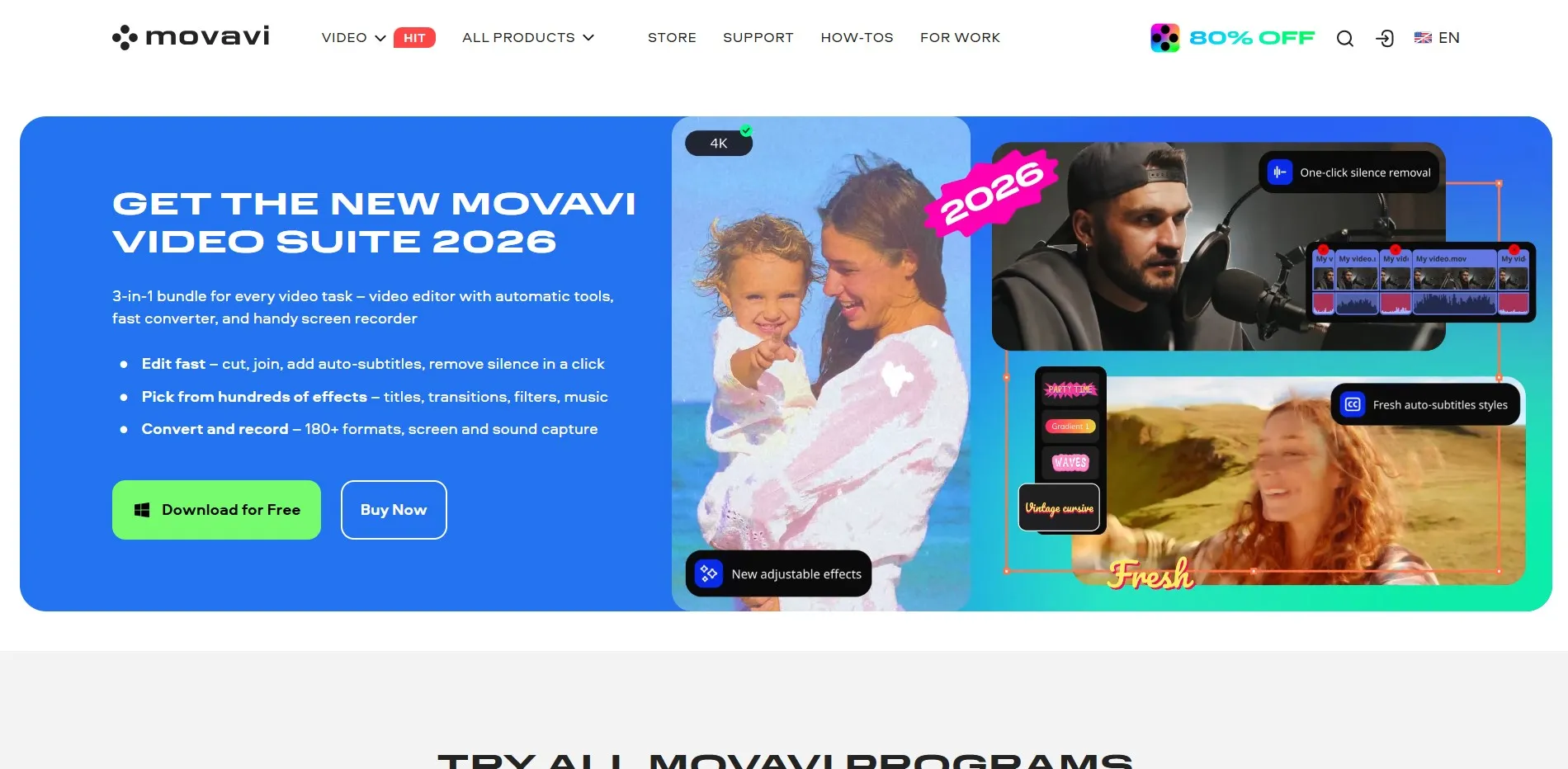
7-Day Free Trial Available Movavi AI Video Editor offers a 7-day free trial with full access to editing tools, though exports carry a watermark until you upgrade. Pricing is flexible: the monthly plan starts around $14.95-$18.95, the yearly Video Suite Plus runs about $99.95/year, and a lifetime license is available near $69.95-$84.95 depending on the bundle chosen.
Movavi AI is built for beginners and intermediate creators who want one-click AI tools like automatic captions, background removal, and dead-air trimming without a steep learning curve. It bundles a screen recorder, photo editor, and file converter alongside its core editor, making it a solid all-in-one option for YouTubers, educators, and small businesses producing everyday content.
Pros
- Beginner-friendly interface
- Bundled screen recorder and converter
- One-time lifetime license option
- Automatic AI captions and dead-air removal
Cons
- Trial exports include a watermark
- Not ideal for 4K or professional editing
- Auto-renewal after trial can surprise users
2. Pictory

Free Trial / Free Plan Available Pictory offers a free trial (often 14 days with limited projects) plus a free plan allowing a handful of watermarked videos monthly. Paid plans start at the Starter tier around $25-$29/month, scaling to Professional at roughly $35-$59/month, with Team plans reaching $119/month, all billed annually for the best discount.
Pictory converts scripts, blog posts, and long-form recordings into polished videos using AI-selected visuals, voiceovers, and captions. It’s especially strong for repurposing webinars and podcasts into shareable clips, drawing from a stock library of millions of assets, though it works best when you already have source content ready to convert.
Pros
- Excellent for blog-to-video and webinar repurposing
- Massive stock footage and music library
- AI voiceovers and auto-captioning included
- Annual billing saves up to 30-40%
Cons
- Storage overflow policy is unclear
- Higher entry price than some competitors
- Premium voices may need add-on credits
3. Vizard
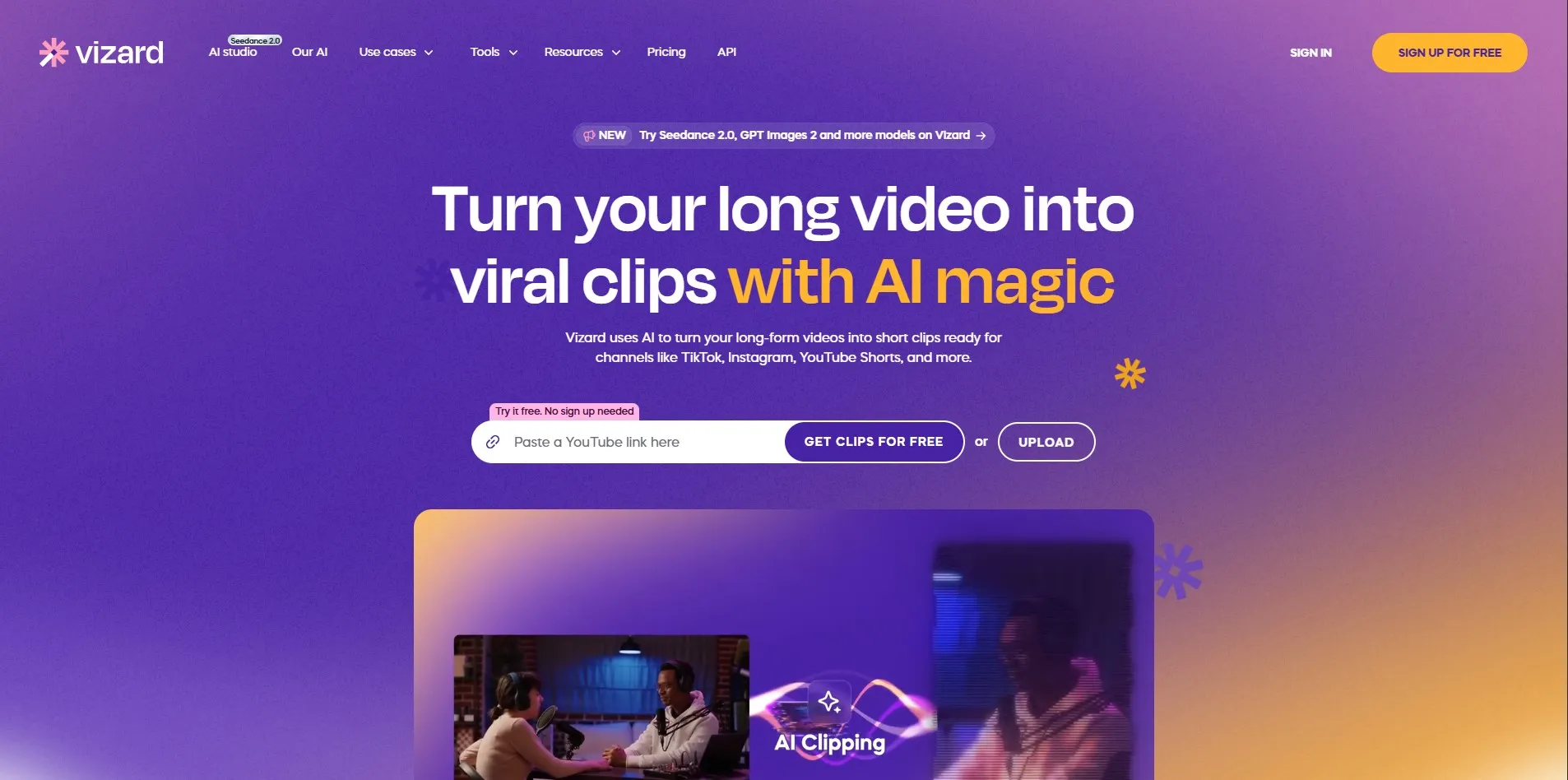
Free Plan Available (60 Credits/Month) Vizard gives new users a free plan with 60 monthly credits, 1 social account, and 720p exports with a 3-day storage limit. Paid tiers begin with the Creator plan at about $14.50/month billed yearly, and the Business plan runs around $19.50/month, both unlocking 4K exports and multiple social accounts.
Vizard specializes in turning long-form videos into short, viral-ready clips for TikTok, Instagram Reels, and YouTube Shorts. Its AI detects speakers, auto-crops vertical frames, and scores each clip for virality potential, making it a favorite among podcasters, coaches, and marketers who need fast repurposing without manual reframing.
Pros
- Strong AI clipping and virality scoring
- Affordable entry-level pricing
- Automatic speaker-tracking reframe
- Supports 30+ languages
Cons
- Free plan storage limited to 3 days
- Struggles with off-camera speakers
- Credit system can feel restrictive for heavy users
4. Gling
Free Plan Available (1 Hour/Month) Gling offers a permanent free plan with 1 hour of AI-edited media monthly, though exports carry a watermark. Paid tiers include Plus at $10-$20/month, Pro at $20-$40/month, and Elite at $50-$100/month depending on monthly versus annual billing, with annual plans cutting costs roughly in half.
Gling focuses on automating the tedious parts of YouTube editing: removing silences, filler words, and bad takes using text-based trimming. It integrates with Premiere, DaVinci Resolve, and Final Cut Pro via XML export, making it a favorite for creators who want AI rough cuts but prefer to finish polishing in a professional suite.
Pros
- Automates silence and filler-word removal
- Integrates with major editing software
- Permanent free tier for testing
- Saves significant rough-cut editing time
Cons
- Not a full creative editing suite
- Free plan exports are watermarked
- Desktop-focused, limited mobile use
5. VEED.io
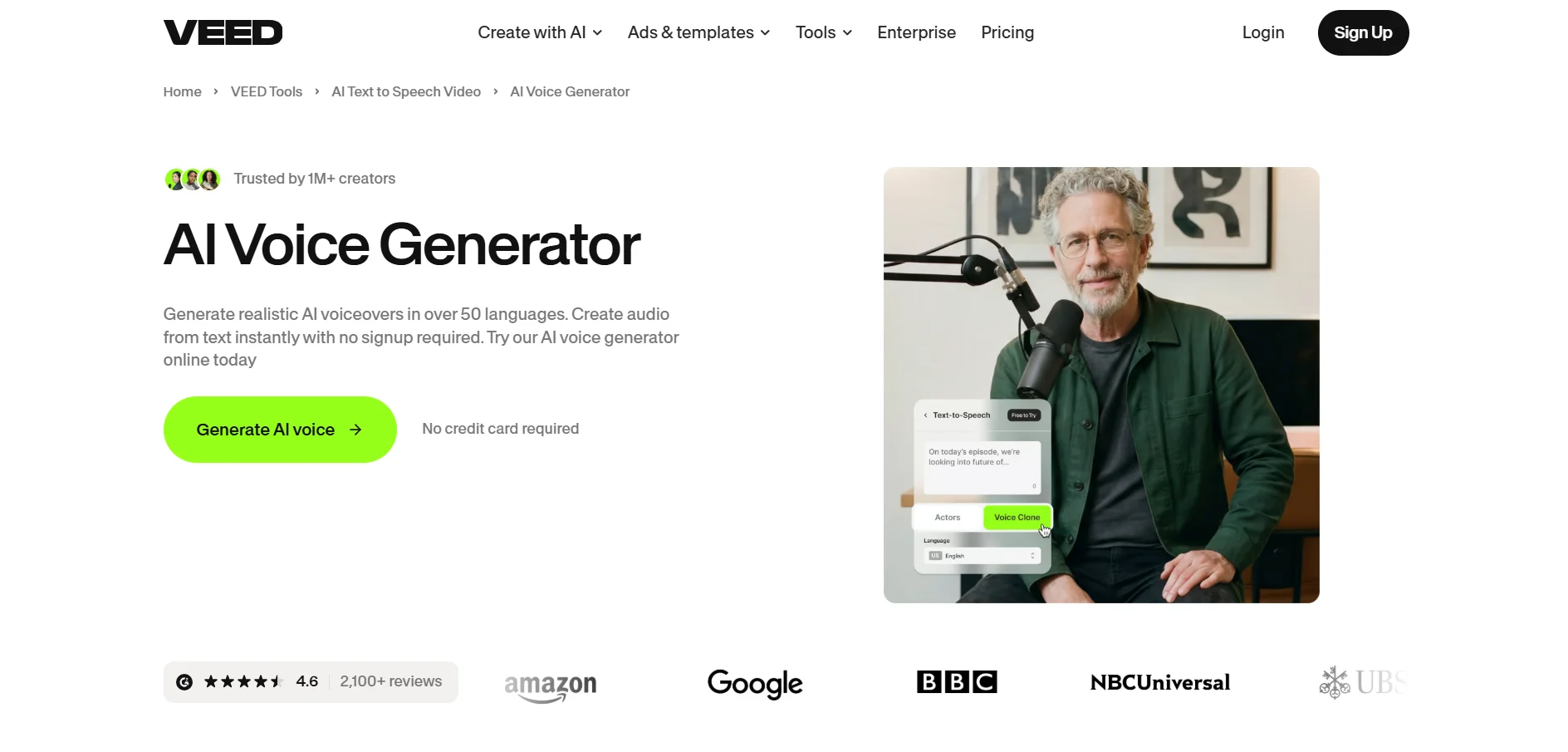
Free Plan / Free Trial Available VEED.io provides a free plan with a 10-minute export limit and watermark, plus trial access to paid features. Paid tiers include Basic/Lite around $12-$18/month, Pro near $21-$30/month, and Business around $59/month, with annual billing advertised at up to 51% savings.
VEED.io is a browser-based editor combining traditional cutting tools with AI features like auto-subtitles, background removal, AI avatars, and translation. It’s popular with marketing teams and remote creators who want a no-install workflow, and its real-time collaborative editing makes it well suited for teams working across time zones.
Pros
- No downloads needed, fully browser-based
- Strong auto-subtitle accuracy (~98%)
- AI avatars and translation tools included
- Great for team collaboration
Cons
- Requires stable internet connection
- AI credits don’t roll over annually
- Free plan heavily limited by export length
6. OpusClip
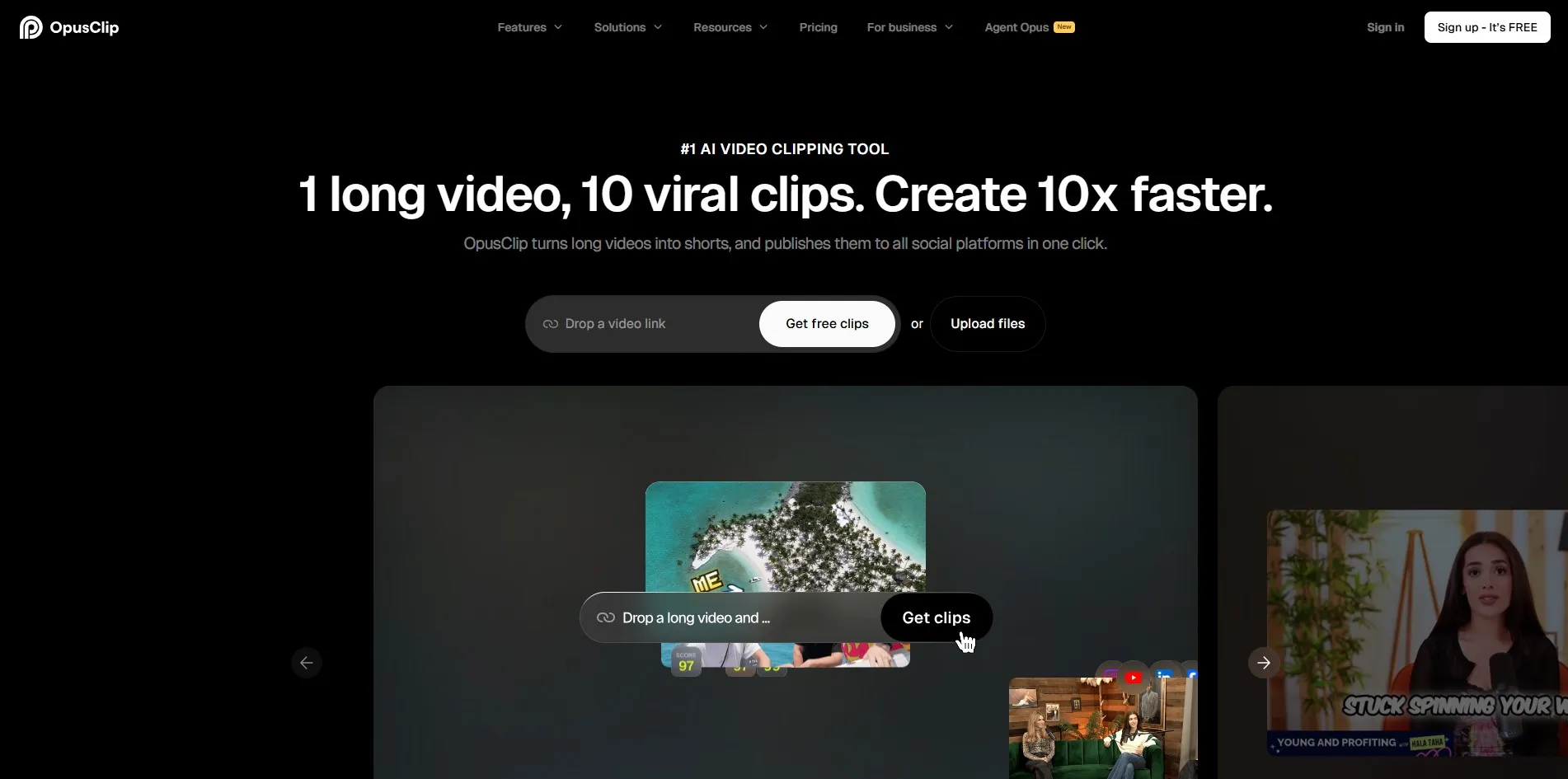
Free Plan + 7-Day Pro Trial OpusClip offers a free-forever plan with 60 processing minutes monthly plus a 7-day Pro trial for new users. Paid plans include Starter at $15/month and Pro at $29/month, both billed monthly with no annual discount on Starter, while Business pricing is custom-quoted for larger teams.
OpusClip is one of the most recognized AI repurposing tools, turning long videos like podcasts and webinars into multiple short, viral-ready clips with virality scoring. Its ClipAnything model works across talking-head content, vlogs, and even sports footage, and Pro users get access to auto-posting directly to social platforms.
Pros
- Best-in-class AI clipping with virality scores
- Works on diverse video types, not just talking heads
- Auto-publishing to social platforms on Pro
- Large, active user base (16M+)
Cons
- Credit-based minutes can run out fast
- Credits expire after 60 days on monthly plans
- Starter plan lacks the social scheduler
7. Eddie AI
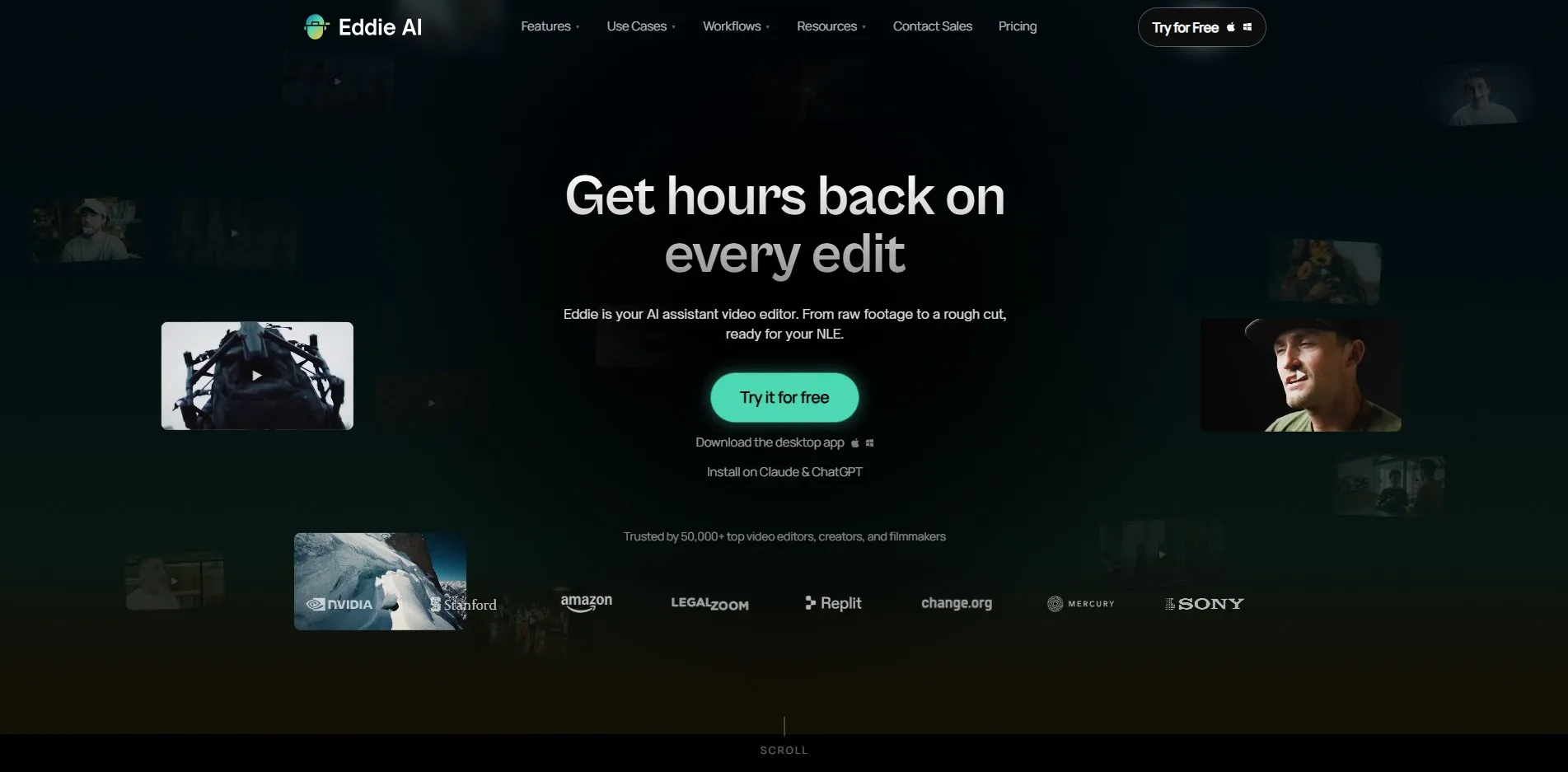
Free Tier + Pay-Per-Export Option Eddie AI has a genuinely free tier for importing and prompting, with exports purchasable individually at $15 per credit with no subscription required. Subscription plans start at Pro for $167/month (billed yearly), scaling to Pro+ at $333/month and Ultra at $1,250/month for larger teams.
Eddie AI acts as an AI assistant editor for interview-heavy and documentary-style content, automatically organizing A/B roll, syncing multicam podcast setups, and generating rough cuts from prompts. It integrates with Adobe Premiere, DaVinci Resolve, and Final Cut Pro, making it best suited for professional editors handling large footage volumes.
Pros
- Powerful prompt-based rough cut generation
- Handles multicam and interview footage well
- Pay-per-export option with no subscription lock-in
- Integrates with professional editing suites
Cons
- Subscription tiers are significantly pricier than rivals
- Overkill for simple short-form captioning needs
- Desktop app requires a capable GPU
8. DeepBrain AI

Limited Free Plan (Watermarked) DeepBrain AI offers a limited free plan with a handful of short, watermarked exports, useful mainly for testing avatar quality. Paid plans start with Starter around $30/month for 10 minutes of video, scaling to Pro at roughly $225/month for 90 minutes, with custom Enterprise pricing for larger organizations.
DeepBrain AI, through its AI Studios platform, turns written scripts into videos featuring realistic AI avatars with lip sync and gestures. It’s widely used by banks, retailers, and corporate training teams needing polished presenter-style videos without hiring on-camera talent, though its per-minute cost is notably higher than most competitors.
Pros
- Realistic AI avatars with natural lip sync
- Trusted by enterprise clients like banks and retailers
- Mobile app available for on-the-go review
- Strong for corporate training videos
Cons
- High cost per minute of generated video
- Free plan too limited for real production
- No published API access
9. Colossyan

Free Plan + 14-Day Free Trial Colossyan offers both a free plan (worth roughly $27/month in value) and a 14-day free trial with no credit card required. Paid plans start at Starter around $19-$27/month, with Professional priced near $59/month annually, and Business plans reaching $88/month or more for larger teams.
Colossyan specializes in avatar-led training and marketing videos, letting teams convert scripts, slides, or documents into presenter-style videos across 100+ languages. It’s especially popular with L&D and HR departments producing onboarding and compliance content, offering SCORM export and multi-editor collaboration on higher tiers.
Pros
- Large library of 300+ realistic avatars
- SCORM export for corporate LMS platforms
- Supports 100+ languages for localization
- Genuine free plan, not just a trial
Cons
- Free trial has limited preview attempts
- Best suited for training, less for social content
- Higher tiers needed for team collaboration
10. Fliki

Free Plan Available (5 Minutes/Month) Fliki‘s free plan includes about 5 minutes of video monthly with a watermark and no commercial rights. Paid plans start at Standard around $14-$28/month depending on billing cycle, Premium near $44-$88/month, and Teams plans beginning around $160/month for larger organizations.
Fliki converts scripts and blog posts into narrated videos using a massive library of AI voices spanning 80+ languages, paired with auto-matched stock footage. It’s a strong pick for creators who want to skip voiceover recording entirely, and Standard-tier voice cloning lets you build a consistent audio brand across videos.
Pros
- Extensive AI voice library (1,000+ voices)
- Voice cloning available from Standard tier up
- Simple script-to-video workflow
- Affordable entry-level paid plan
Cons
- Free plan lacks commercial usage rights
- Stock footage matching isn’t premium quality
- Credit system can be confusing initially
| Alternative | Description |
|---|---|
| Movavi AI | Beginner-friendly all-in-one video editor with AI captions, background removal, and a bundled screen recorder. |
| Pictory | Converts scripts, blogs, and long recordings into videos using AI visuals, voiceovers, and captions. |
| Vizard | AI-powered clipping tool that turns long videos into short, vertical, virality-scored social clips. |
| Gling | Automates silence and filler-word removal for YouTube creators, integrating with pro editing suites. |
| VEED.io | Browser-based editor with AI subtitles, avatars, translation, and real-time team collaboration. |
| OpusClip | Leading AI repurposing tool that turns long-form content into multiple viral short clips. |
| Eddie AI | AI assistant editor for interview and documentary footage with multicam and rough-cut automation. |
| DeepBrain AI | Generates presenter-style videos with realistic AI avatars from written scripts. |
| Colossyan | Avatar-based platform for training and marketing videos with SCORM export and multilingual support. |
| Fliki | Text-to-video tool with a massive AI voice library and auto-matched stock footage. |
Conclusion
Choosing the right Submagic alternative ultimately depends on your content type and workflow. If you need fast social clipping, tools like Vizard and OpusClip are strong choices, while Pictory and Fliki suit creators repurposing written or long-form content into narrated videos. For corporate training and avatar-based presentations, Colossyan and DeepBrain AI lead the pack, and Gling or Eddie AI are better fits for creators who want AI-assisted rough cuts within a professional editing pipeline.
Before committing to any paid plan, take advantage of the free trials and free tiers listed above to test real footage and confirm the tool fits your budget and production volume. Pricing and features change frequently, so always double-check the official website of any platform before subscribing to ensure you’re getting the most current plan details.


