
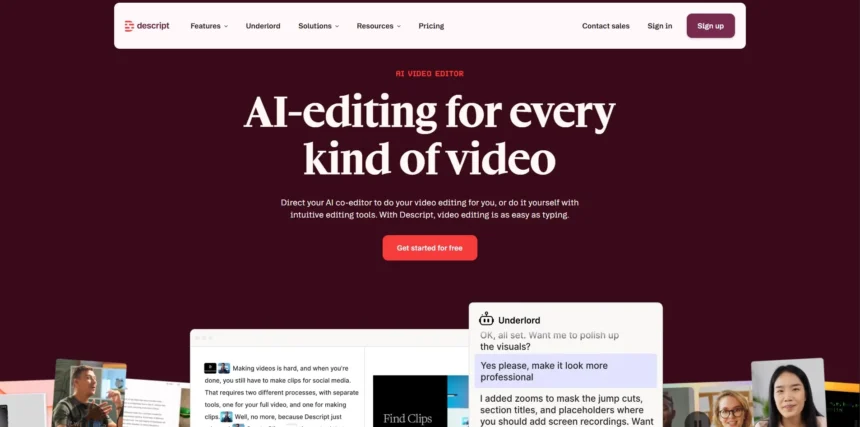
Descript has long been a favorite among podcasters, YouTubers, and marketers for its text-based editing approach, but it isn’t the only option in a fast-growing AI video and audio editing market. Whether you need automatic captioning, AI avatars, viral clip generation, or full text-based editing, dozens of tools now compete directly with Descript. In this guide, we break down 13 of the best Descript Alternatives available in 2026. Each entry covers what the tool does best, its free trial availability, current pricing plans straight from official sources, and a clear list of pros and cons so you can pick the right fit for your workflow and budget.
1. Gling
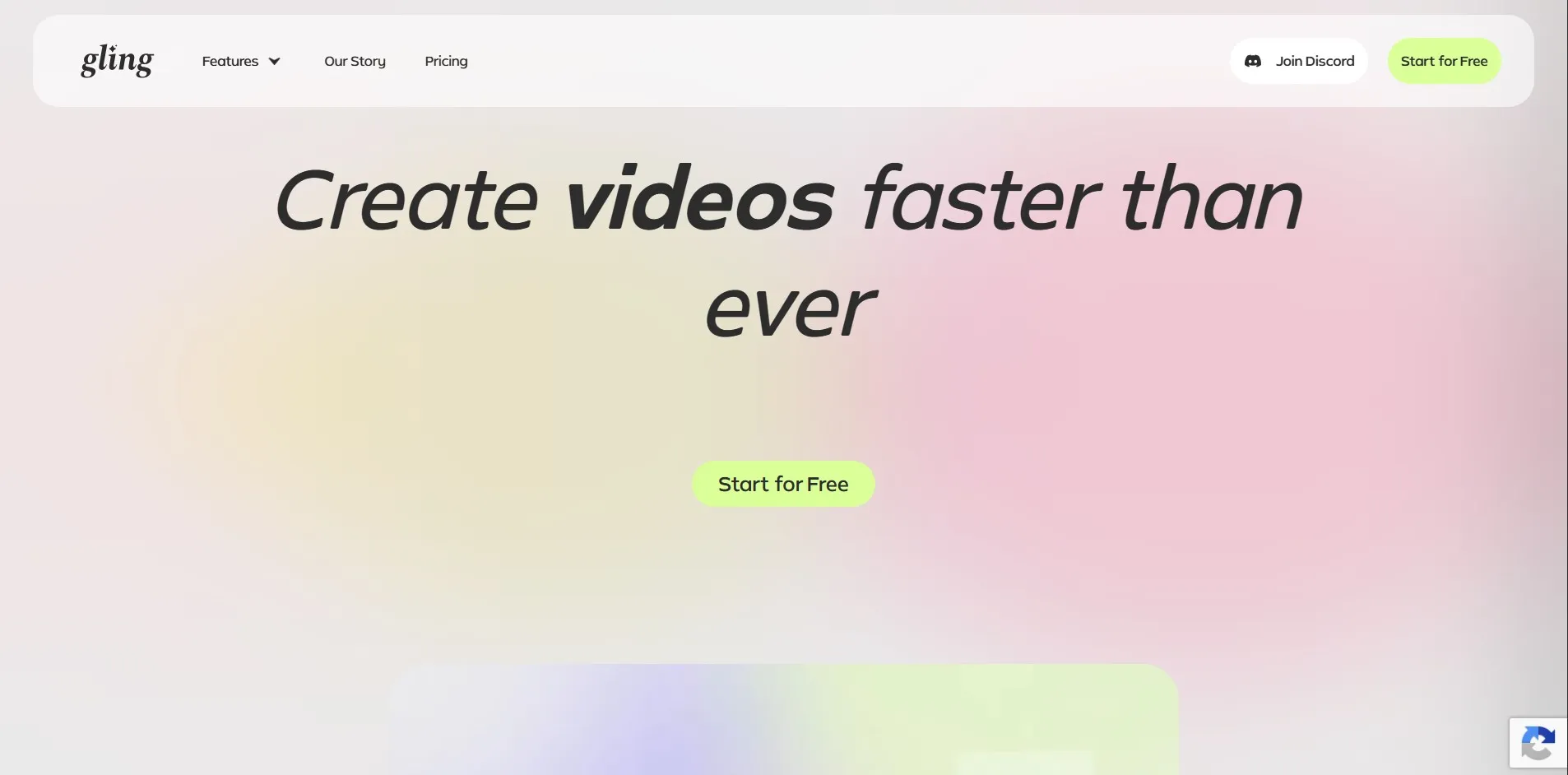
Gling offers a permanent free plan rather than a time-limited trial, giving you 1 hour of AI-edited media per month with a watermark on exports, so you can fully test the tool before paying. There’s no credit card requirement to start, making it low-risk for creators who film talking-head content and want to try automated rough cuts first.
Gling specializes in removing bad takes, filler words, and silences using text-based trimming, similar to Descript’s core workflow but tailored specifically for YouTube creators. It also includes noise removal, auto-framing, caption generation, and AI tools for titles and chapters, positioning it as a lightweight rough-cut assistant rather than a full editing suite.
Pros
- Permanent free tier, no time pressure
- Excellent for cutting silences and bad takes
- Desktop app for Windows and Mac
- Affordable annual pricing
Cons
- Not a full editing suite
- Limited creative/visual editing tools
- Watermark on free exports
2. Movavi AI
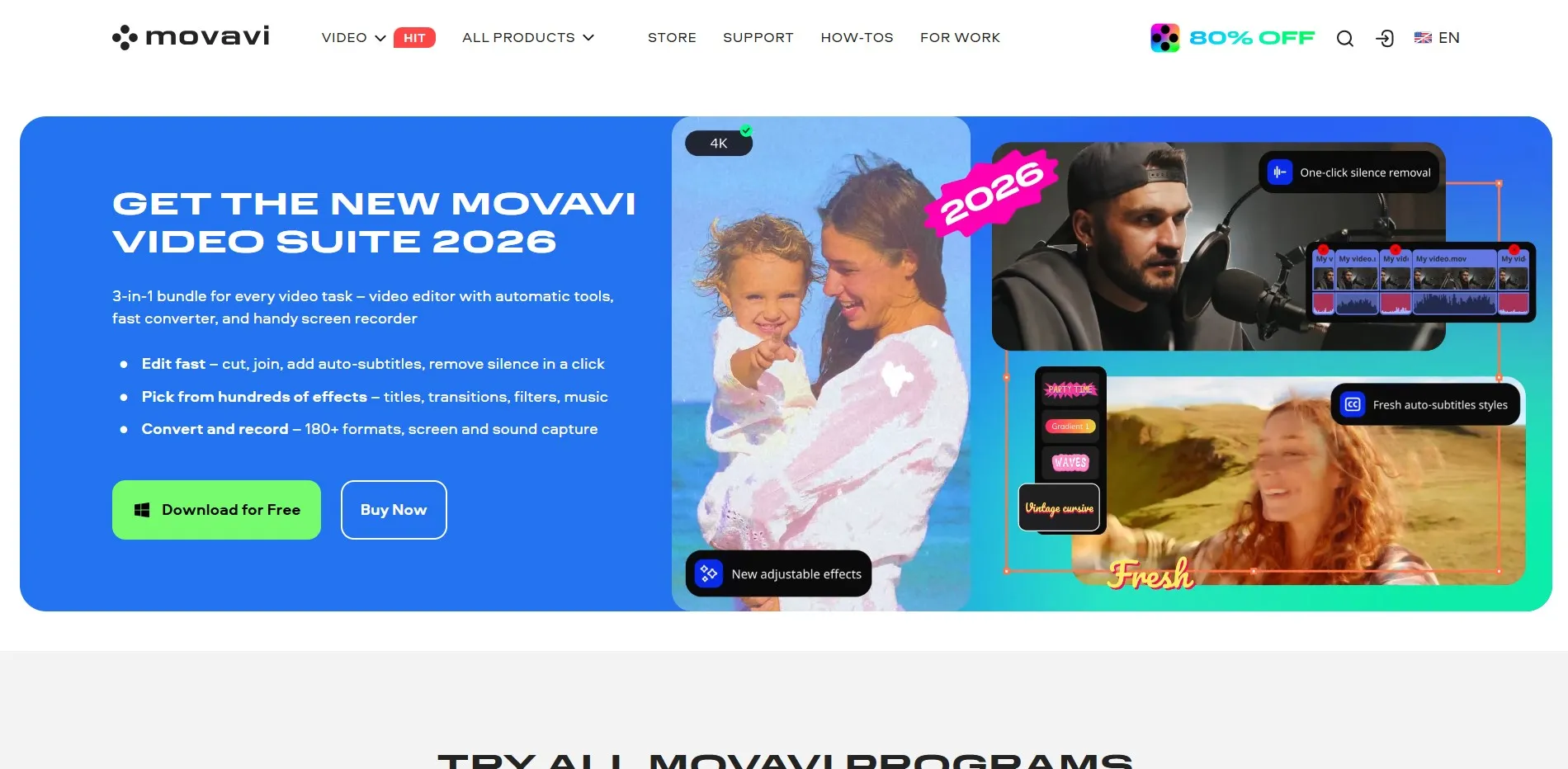
Movavi offers a free trial download of its editing software, allowing users to test AI-powered features like background removal, noise reduction, and auto-captioning before committing to a license. The trial version typically includes a watermark on exports, a common structure for desktop-based editing tools competing with Descript.
Movavi AI Video Editor combines traditional timeline editing with AI enhancements such as motion tracking, object removal, and automatic color correction. It appeals to users who want a hybrid between manual creative control and automated AI assistance, unlike Descript’s text-first approach which prioritizes transcript-based editing over timeline manipulation.
Pros
- Free trial with core features unlocked
- Good balance of manual and AI tools
- One-time license option available
- Beginner-friendly interface
Cons
- No text-based editing like Descript
- Trial exports carry a watermark
- Less suited for podcast-style audio editing
3. Synthesia

Synthesia provides a genuinely free Basic plan (not just a trial) offering roughly 3–10 minutes of video per month with a watermark, no credit card required, letting you generate an AI avatar video immediately. This makes it easy to evaluate avatar quality and voice realism before upgrading.
Synthesia is the market leader in AI avatar video generation, used by over 50,000 teams for training, onboarding, and marketing content. Unlike Descript’s talking-head recording focus, Synthesia generates entirely synthetic presenters from text scripts, complete with lip-sync and multilingual voiceovers, making it ideal for corporate and e-learning video at scale.
Pros
- Industry-leading AI avatar realism
- 240+ avatars and 130+ languages
- No filming required at all
- Strong enterprise security (SSO, SCORM)
Cons
- Credit-based system can feel restrictive
- Free plan very limited (3-10 min/month)
- Overage charges on exceeded minutes
4. InVideo AI
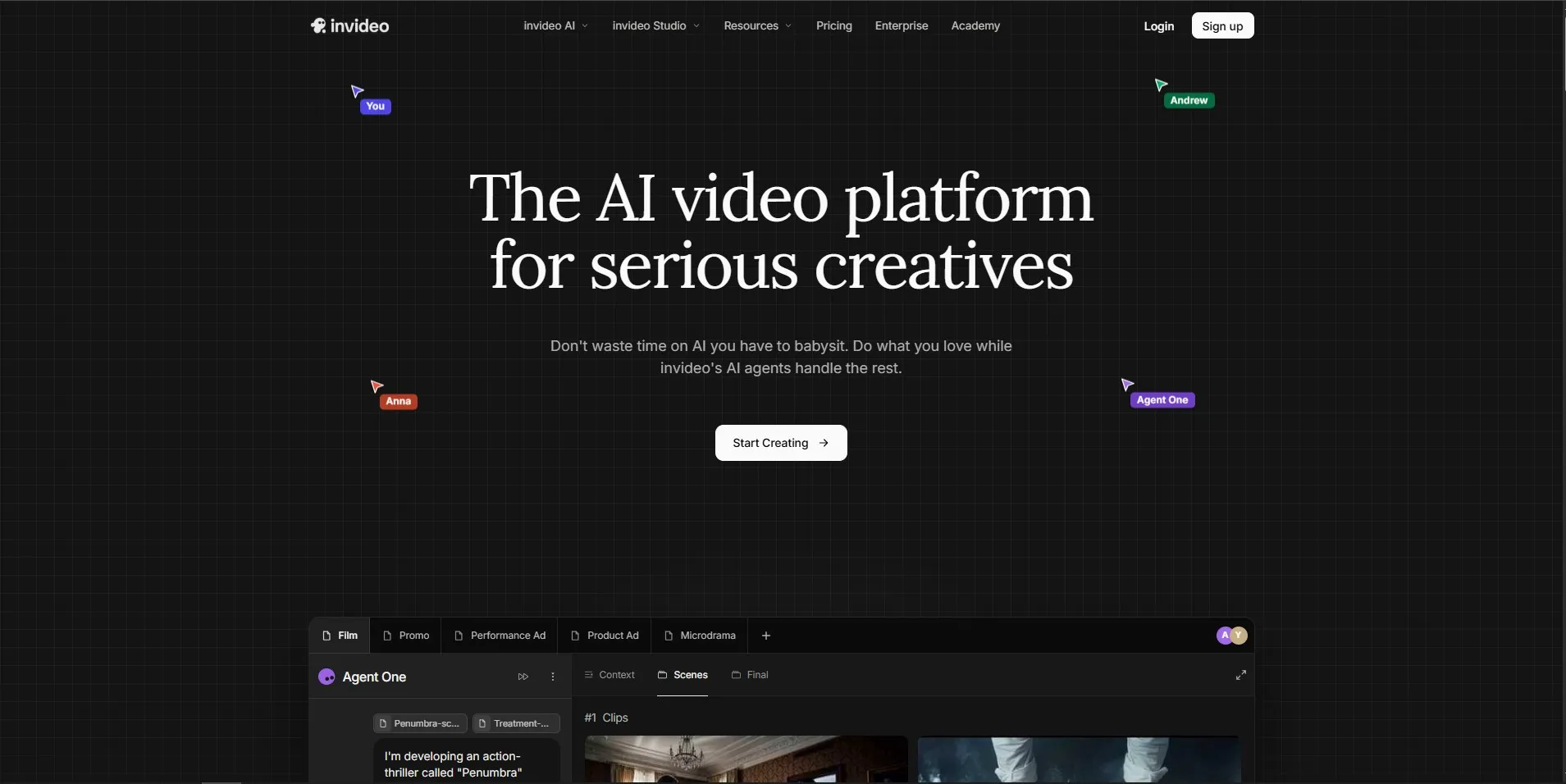
InVideo AI includes a free plan that lets users generate full videos from text prompts without a credit card, using a compute-unit system rather than a traditional time-limited trial. This lets creators test the AI’s scene generation, voiceover, and stock footage matching before purchasing a paid tier.
InVideo AI turns simple text prompts into complete videos, complete with AI-generated voiceovers, stock footage, music, and captions, aimed at creators producing 30-50 videos monthly. It differs from Descript by focusing on prompt-to-video generation rather than editing existing recordings, making it faster for faceless or explainer-style content.
Pros
- Fast prompt-to-video generation
- Good value for high-volume creators
- Free plan with no card required
- Built-in stock footage and music library
Cons
- Compute-unit pricing can be confusing
- Output sometimes ignores exact prompts
- Higher tiers get expensive quickly
5. DeepBrain AI

DeepBrain AI does not offer a permanent free plan, and most sources confirm there’s no standard free trial either all plans require payment upfront. However, the company frequently offers demo access or limited previews on request, so it’s worth contacting sales before committing to a subscription.
DeepBrain AI specializes in hyper-realistic AI avatars for news, retail kiosks, and corporate training, with a strong focus on natural-looking lip-sync and emotional inflection. It’s positioned at a premium price point compared to Descript, targeting businesses that need broadcast-quality avatar video rather than casual content creators.
Pros
- Very realistic avatar rendering
- Strong for corporate/training use cases
- Custom avatar creation available
Cons
- No free plan or trial
- High cost per minute of video
- Not ideal for casual creators
6. Eddie AI
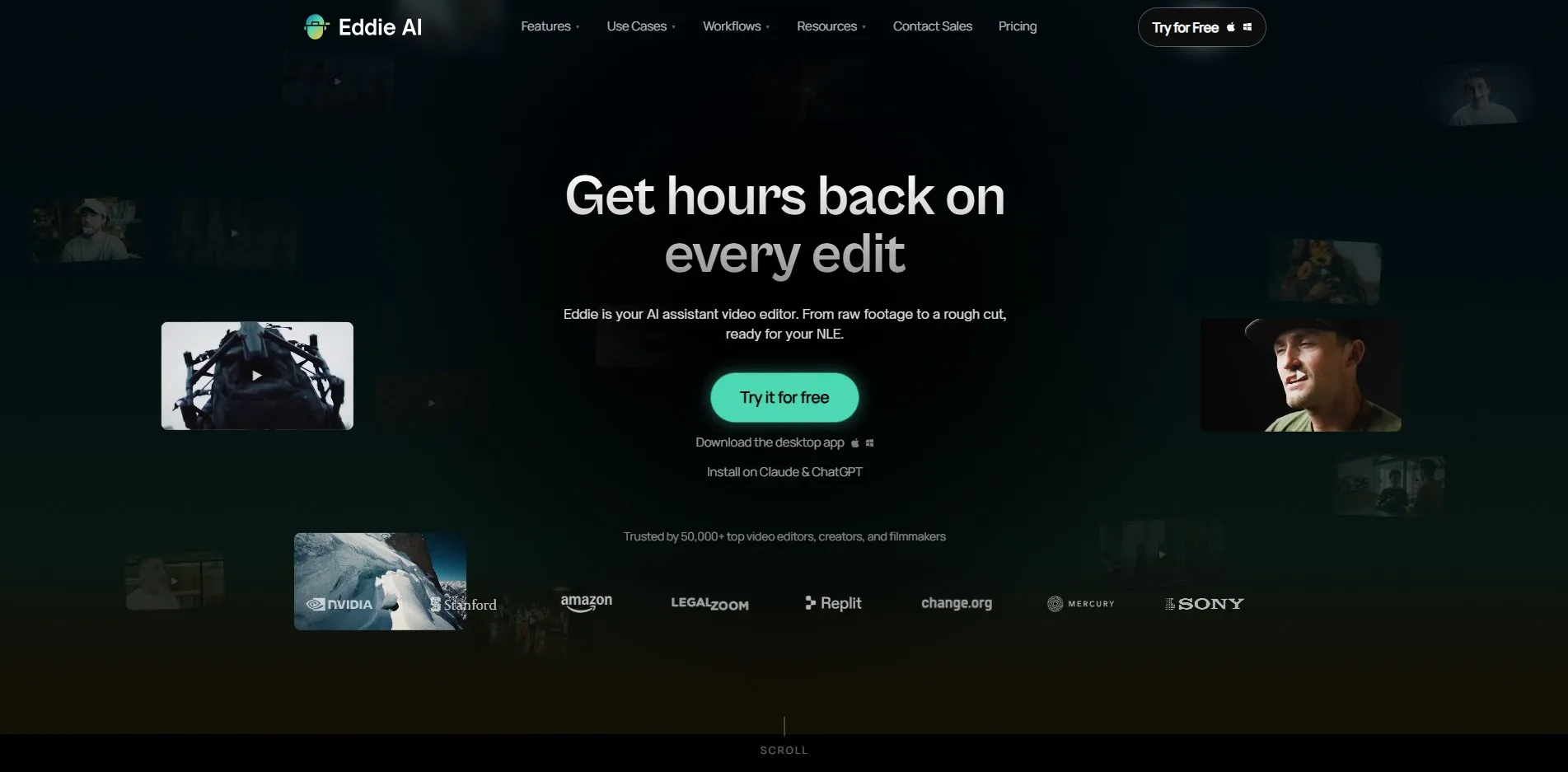
Eddie AI typically offers a free trial period allowing new users to test its AI-powered podcast and video editing features, including automated highlight detection and clip generation, before subscribing. Exact trial length varies by current promotion, so checking the official site before signup is recommended.
Eddie AI focuses on automating repetitive podcast and video editing tasks such as trimming silences, generating clips, and producing show notes from long-form recordings. It appeals to podcasters and interview-style creators looking for a faster alternative to manually scrubbing through hours of raw audio and video.
Pros
- Strong automated highlight detection
- Good for podcast-to-clip workflows
- Free trial available to test quality
Cons
- Smaller community and support base
- Fewer integrations than bigger players
- Pricing details less transparent publicly
7. Fliki

Fliki gives new users a free-forever plan with around 5 minutes of HD video per month, 300+ voices, and 80+ languages, though exports are capped at 720p and carry a Fliki watermark with no commercial usage rights. It’s a solid way to test voice quality before upgrading.
Fliki converts text, scripts, and blog posts into narrated videos using a large library of natural-sounding AI voices and automatic stock footage matching. Unlike Descript’s recording-based workflow, Fliki is built for voice-first, faceless content such as narrated explainers, audiobooks-style clips, and multilingual social videos.
Pros
- Huge voice and language library
- Great for blog-to-video repurposing
- Free plan available with no card
- Affordable entry-level paid tier
Cons
- Auto-footage often misses context
- Free plan has no commercial rights
- Credit system can run out quickly on longer videos
8. HeyGen

HeyGen offers a free plan that includes 3 watermarked videos per month at 720p, giving users a genuine hands-on test of its AI avatar and voice cloning technology without any payment. This makes it easy to judge lip-sync accuracy and translation quality before subscribing.
HeyGen is renowned for highly realistic AI avatars and industry-leading lip-sync translation across 175+ languages, making it a top pick for global marketing and training teams. Its two-tier resource system separates unlimited standard video generation from premium credit-gated features like Avatar IV, which can catch new users off guard.
Pros
- Best-in-class avatar realism and lip-sync
- 175+ language translation support
- Genuine free plan to test quality
- Strong API for automated pipelines
Cons
- Premium credits deplete fast on Avatar IV
- Big price jump from Creator to Business
- API billed separately from subscription
9. LTX Studio

LTX Studio typically provides a free tier or limited free credits so users can experiment with its AI-driven cinematic scene generation and storyboard tools before upgrading. Exact free allowances depend on current promotions, so confirming details on the official LTX Studio site before use is advised.
LTX Studio stands out for AI-driven storyboarding and cinematic scene generation, letting creators build entire visual narratives from a script using consistent characters and camera angles. This differs sharply from Descript’s editing-focused approach, positioning LTX Studio closer to a generative filmmaking tool than a post-production editor.
Pros
- Strong cinematic scene consistency
- Great for storyboarding full narratives
- Useful for pre-visualization workflows
Cons
- Steeper learning curve for beginners
- Premium models can get costly per second
- Less suited for simple talking-head edits
10. Colossyan

Colossyan offers both a free plan (around 3-5 minutes of video per month) and a generous free trial, letting users test AI avatars and script-to-video generation before subscribing. No long-term commitment is required to explore the interface and avatar library.
Colossyan is popular with e-learning and corporate training teams for its ability to generate videos directly from PDFs and slides, plus a conversation mode for podcast-style dual-avatar videos. It offers SCORM export and interactive branching scenarios that Descript simply doesn’t provide, making it a strong fit for instructional design.
Pros
- PDF/slide-to-video generation
- SCORM export for e-learning teams
- Solid free trial and free tier
- Multi-avatar conversation mode
Cons
- Limited minutes even on Starter tier
- Rendering can be slow for iterations
- Newer NEO2 model capped even on Business
11. Submagic
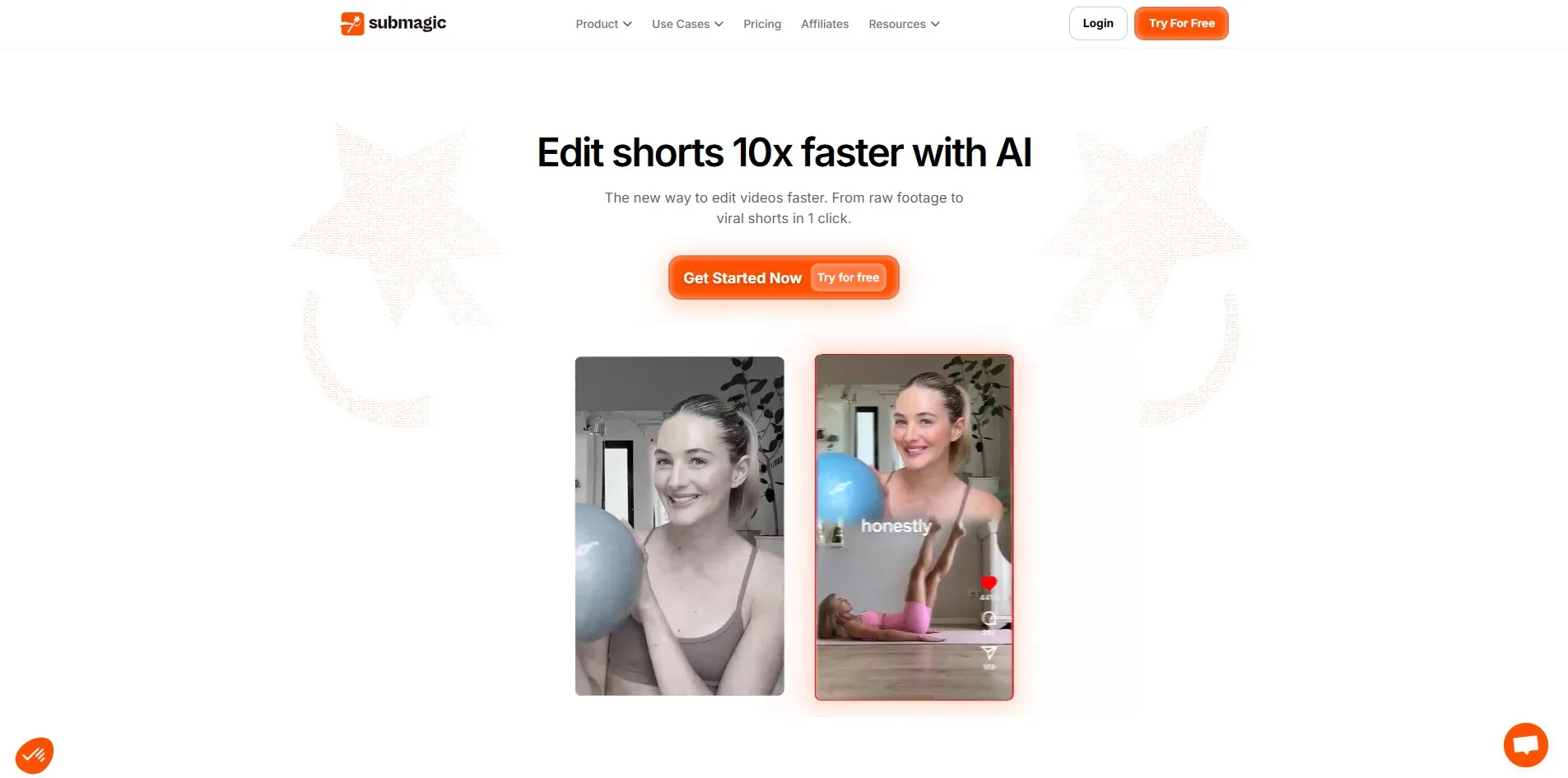
Submagic includes a free plan (roughly 3 videos per month with a watermark), giving creators a no-cost way to test its automatic caption styling and viral formatting before subscribing. No credit card is required to start experimenting with short-form clip creation.
Submagic specializes in transforming raw footage into viral-ready short-form videos with animated captions, emoji overlays, and automated B-roll from Storyblocks. Compared to Descript, it’s laser-focused on short-form social content rather than long-form editing, making it a favorite among TikTok and Reels creators.
Pros
- Excellent animated caption styles
- Fast, viral-optimized short-form output
- Free plan available to test quality
- 48-100+ language caption support
Cons
- Not built for long-form editing
- AI credit system on higher tiers
- Video length capped even on paid plans
12. OpusClip
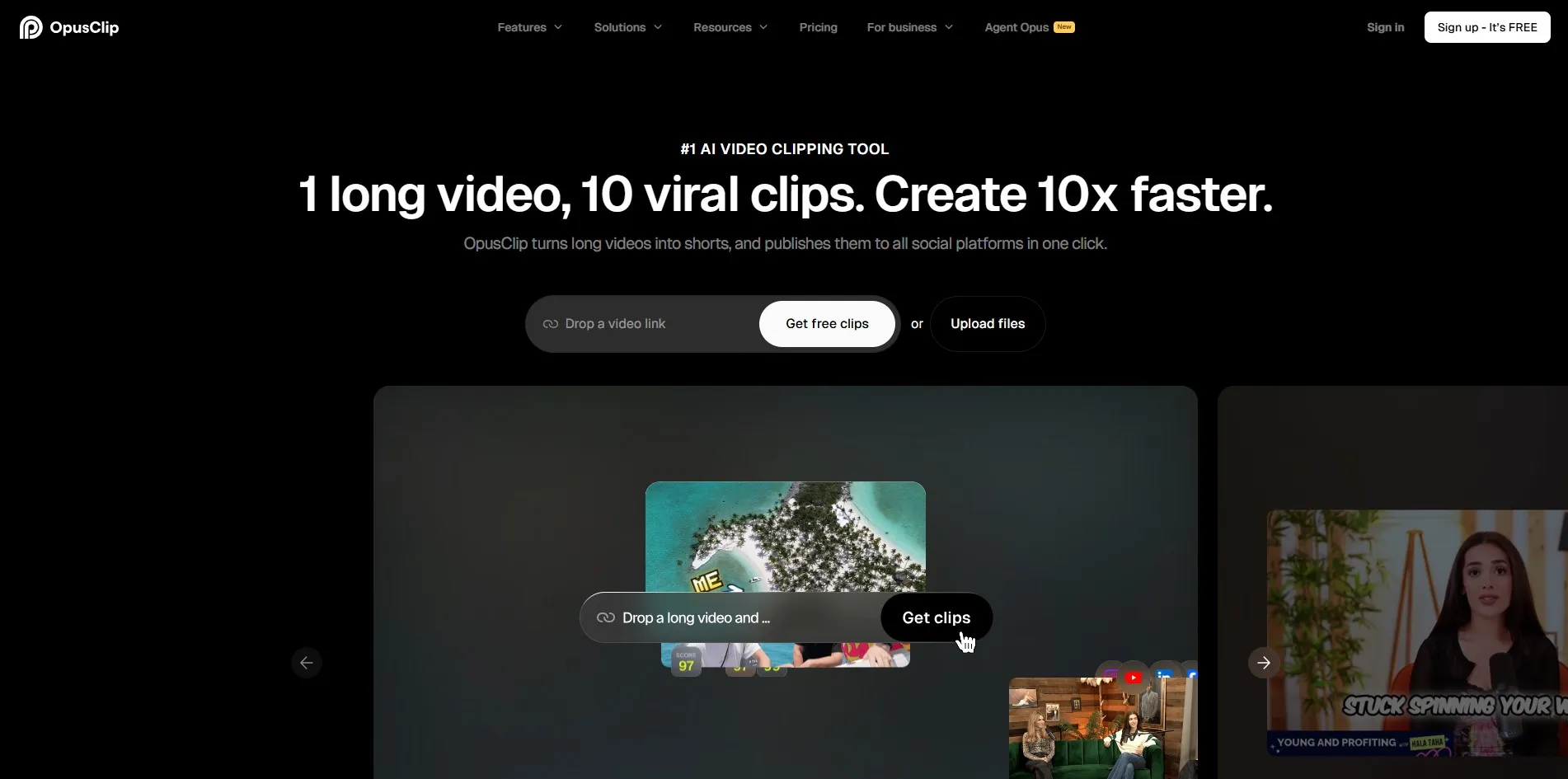
OpusClip offers a free trial allowing new users to upload long-form content and test its AI-ranked clip selection before purchasing a paid plan. The free tier provides limited monthly processing minutes so you can evaluate the virality scoring system firsthand.
OpusClip uses multimodal AI (ClipAnything) to scan long recordings and surface the most viral-worthy moments, scoring each clip from 0-100 for shareability. Unlike Descript’s manual transcript editing, OpusClip automates the entire discovery process for repurposing podcasts and webinars into short-form clips.
Pros
- Strong AI virality scoring system
- Sharp auto-reframe for vertical video
- Good for podcast/webinar repurposing
- Free trial to test clip quality
Cons
- 1080p export cap even on paid tiers
- Can miss context on some source videos
- Fewer clips per dollar than Vizard
13. Vizard
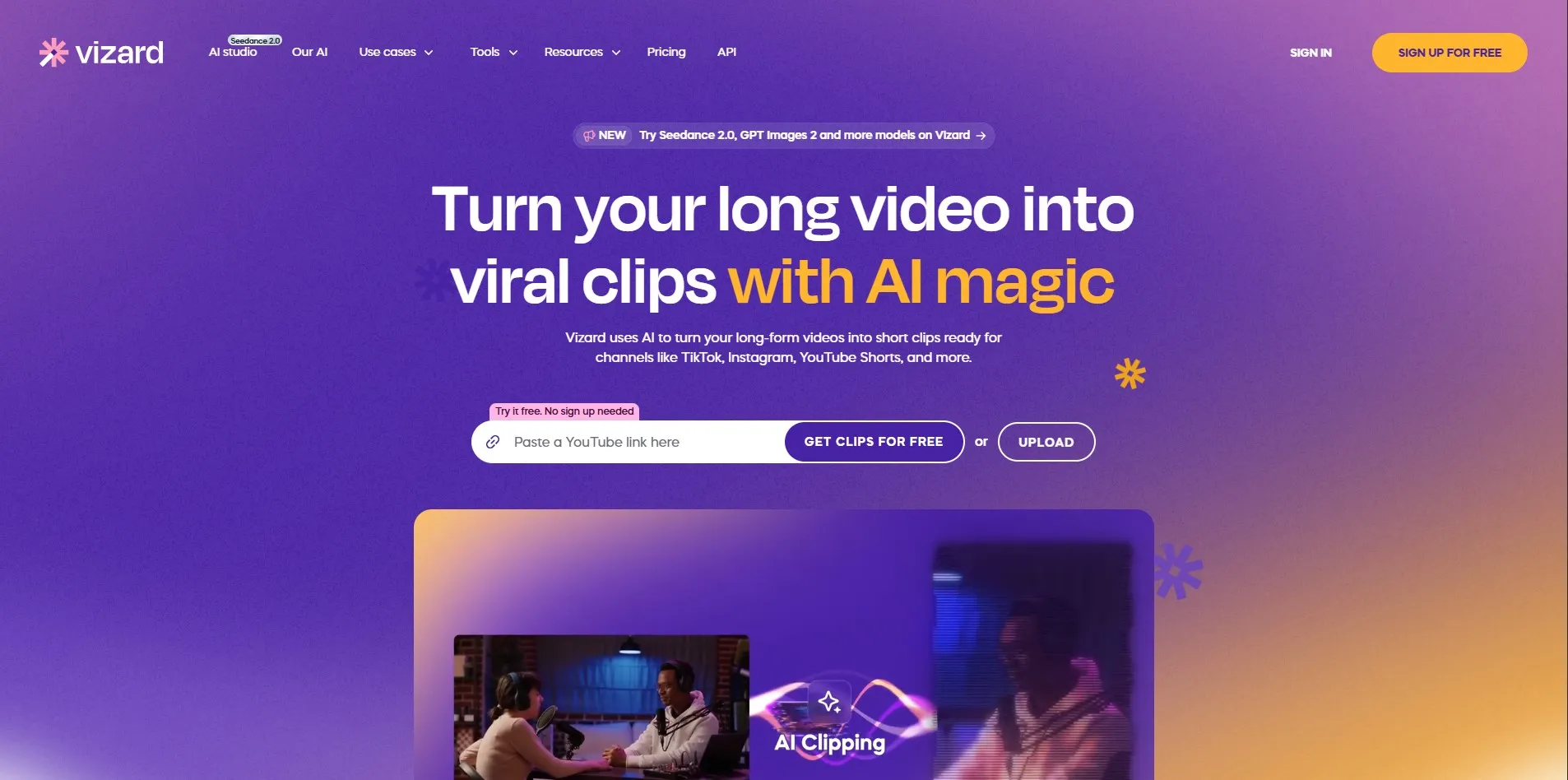
Vizard provides a free plan with limited monthly export minutes at 720p, letting creators test its transcript-based clip editing before committing to a paid subscription. This is especially useful for evaluating multilingual subtitle accuracy across its 100+ supported languages.
Vizard converts long recordings into short clips using transcript-based editing, giving creators more granular manual control than OpusClip’s automated approach, along with support for 4K exports on paid tiers. It’s especially popular for high-volume podcast and webinar repurposing where cost-per-clip matters more than pinpoint virality scoring.
Pros
- 4K export on paid plans
- More clips per dollar than competitors
- 100+ subtitle languages supported
- Good for high-volume talk-based content
Cons
- Less precise viral-moment detection
- Free tier capped at 720p
- Interface less polished than OpusClip
Comparison Table
| Alternative | Description |
|---|---|
| Gling | AI-powered rough-cut editor for YouTubers, automatically removing silences, bad takes, and filler words from talking-head footage. |
| Movavi AI | Hybrid timeline editor with AI enhancements like background removal, noise reduction, and automatic color correction. |
| Synthesia | Leading AI avatar video generator for corporate training, onboarding, and marketing content in 130+ languages. |
| InVideo AI | Prompt-to-video generator that builds complete videos with voiceovers, stock footage, and captions from text. |
| DeepBrain AI | Premium hyper-realistic AI avatar platform built for news, retail, and enterprise training video. |
| Eddie AI | Automated podcast and video editing tool focused on highlight detection and clip generation. |
| Fliki | Text-to-video and text-to-speech tool with a huge voice library, ideal for faceless, voice-first content. |
| HeyGen | Industry-leading AI avatar and lip-sync translation platform supporting 175+ languages. |
| LTX Studio | Generative filmmaking tool for cinematic storyboarding and consistent AI-driven scene creation. |
| Colossyan | AI avatar video platform focused on e-learning, PDF-to-video generation, and SCORM export. |
| Submagic | Short-form video editor specializing in animated captions, emojis, and viral-style formatting. |
| OpusClip | AI clip generator that scores and extracts the most viral moments from long-form content. |
| Vizard | Transcript-based clip generator offering high-volume, budget-friendly repurposing with 4K export. |
Conclusion
Descript remains a strong all-in-one editor, but the 13 alternatives above show just how diverse the AI video and audio editing space has become in 2026. If you need AI avatars for training and marketing, Synthesia, HeyGen, DeepBrain AI, or Colossyan are your best bets. For short-form and viral clip repurposing, Submagic, OpusClip, and Vizard each offer distinct strengths in captioning, virality scoring, and volume pricing.
If your workflow leans toward rough-cut editing and silence removal, Gling and Movavi AI provide efficient, budget-friendly options, while Fliki, InVideo AI, and LTX Studio serve creators who want fast, text-to-video or cinematic generation without filming at all. Ultimately, the right choice depends on your content format, budget, and how much creative control you want over the final output so take advantage of the free trials and free plans listed above before committing to a paid subscription.


