

Lumen5 has long been a go-to for turning blog posts and scripts into simple social videos, but 2026’s AI video landscape has moved far beyond text-to-slideshow tools. Newer platforms now generate cinematic footage, realistic avatars, lip-synced characters, and fully edited clips from a single prompt or image, often with native audio baked in. Whether you need instant script-to-video generation, Hollywood-style AI cinematography, or a fast social-media editor with AI captions, there is likely a better-fit tool than Lumen5 for your specific workflow and budget. Below we break down 15 of the strongest Lumen5 alternatives available right now, covering everything from enterprise animation suites to cutting-edge text-to-video models.
1. Vyond Go
Starter $99/mo
Professional $199/mo
Enterprise $1,649/yr
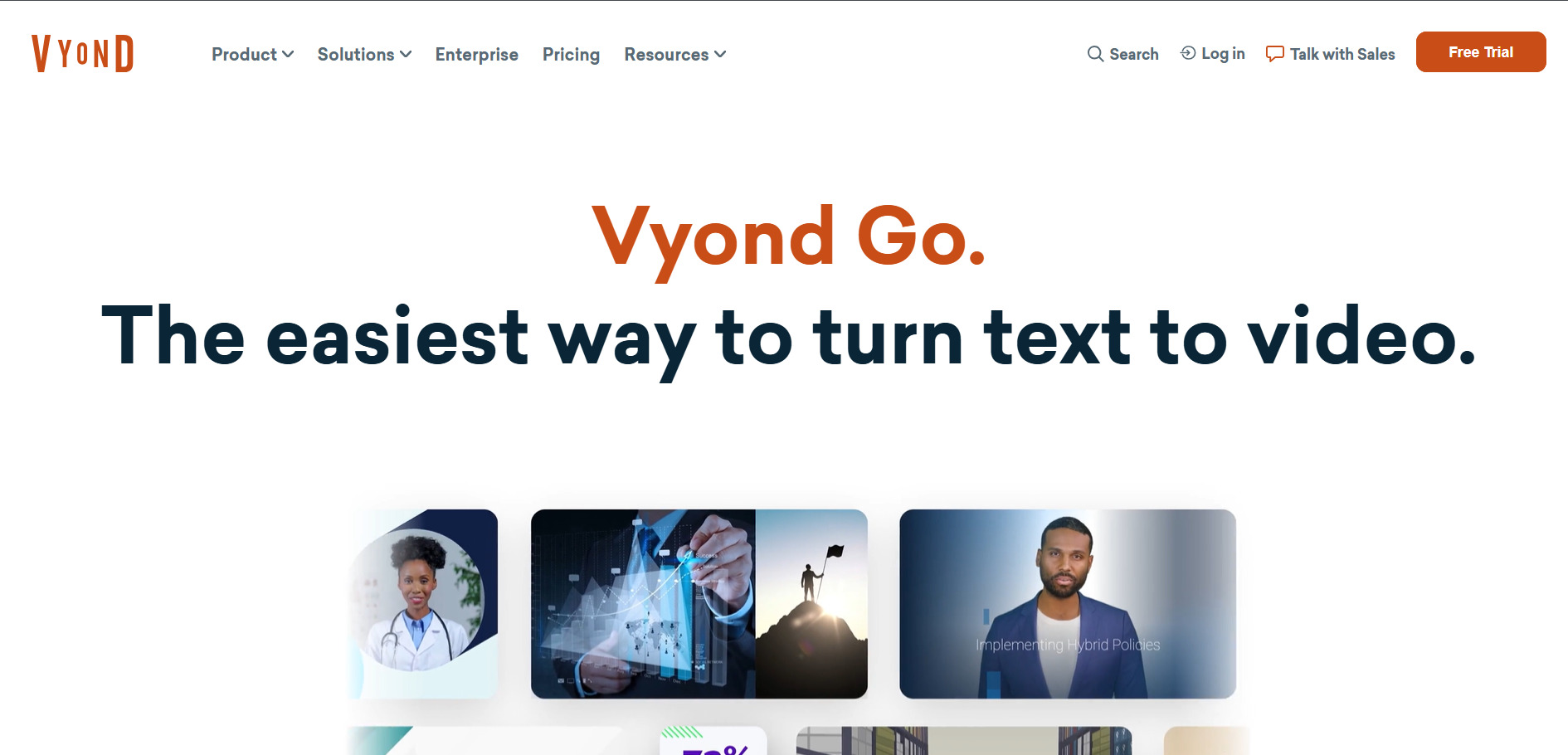
Vyond Go is the instant AI video and script generator built into the wider Vyond animation platform, letting you type a prompt or drop in a document to get a finished video in under a minute. Vyond offers a free trial with 2,000 credits, though exports carry a watermark. Paid tiers start at Starter ($99/mo or $699 billed yearly), rising to Professional ($199/mo, $1,199/yr), Enterprise ($1,649/yr), and Agency ($1,999/yr) for client-facing rights.
Beyond instant generation, Vyond gives access to a deep library of AI avatars, mixed-media and whiteboard animation styles, and enterprise-grade collaboration tools that most lightweight competitors lack. It’s best suited to corporate training, HR, and eLearning teams that need polished, brand-consistent explainer videos rather than social-first clips. The tradeoff is a steeper price point and a credit system that heavy AI feature users can burn through quickly each month.
Pros
- Huge library of AI avatars and animation styles
- Instant script-to-video in under a minute
- Strong enterprise collaboration and brand controls
Cons
- No permanent free plan
- Credit system limits heavy AI usage
- Pricier than most social-video tools
2. Vidu Q3
Credit Packs $19.90–$99.90
Standard ~$8/mo
Ultimate ~$79/mo
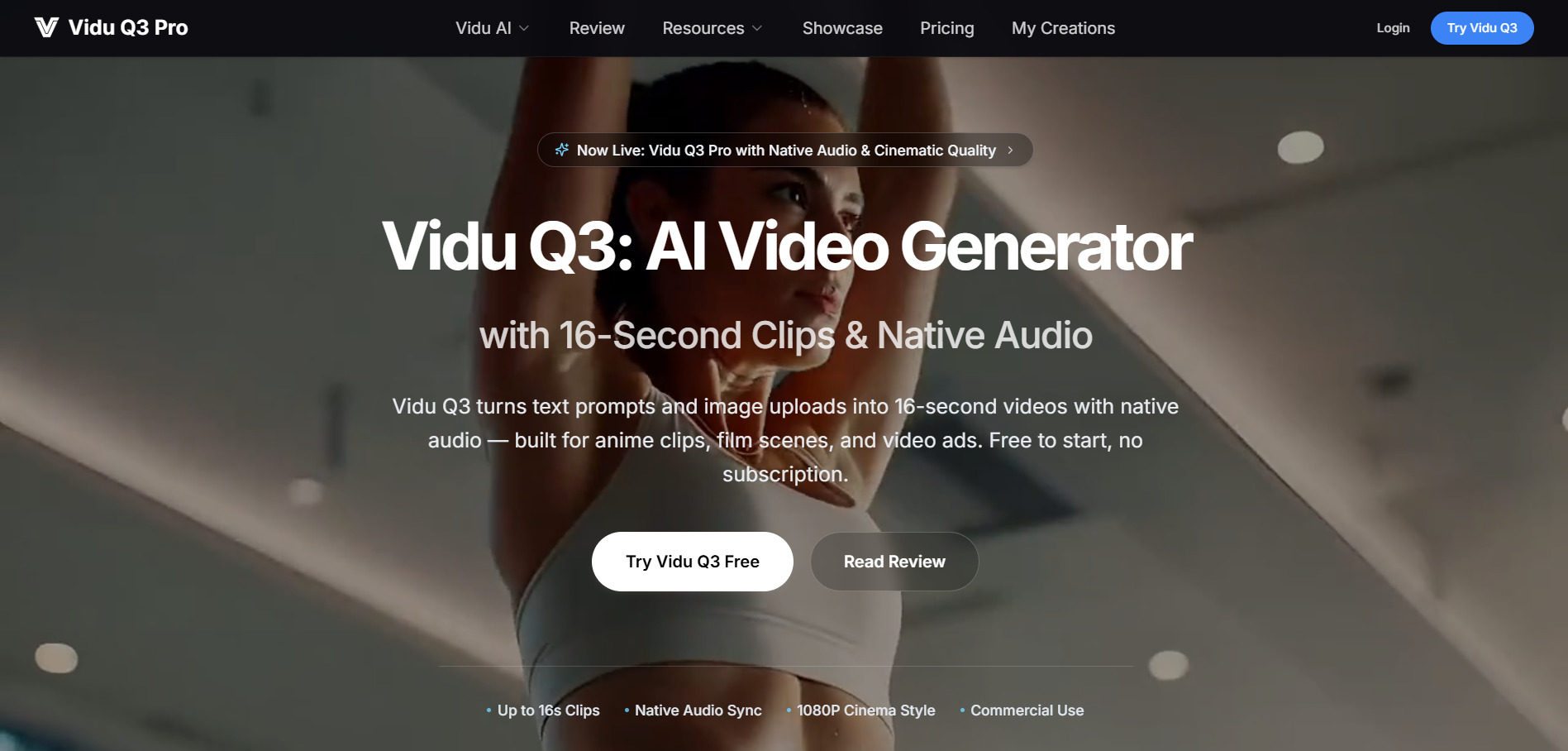
Vidu Q3 is a cinematic text-to-video and image-to-video generator known for 16-second clips with native audio, smart camera control, and multi-shot storytelling. New users get free sign-up credits with no subscription required. Vidu also sells one-time credit packs from $19.90 to $99.90, alongside monthly subscriptions such as Standard (around $8/mo annually), Premium (around $28/mo), and Ultimate (around $79/mo) for higher-volume creators.
Vidu Q3 stands out for anime-style clips, cinematic B-roll, and product ad concepts where camera language and consistency matter more than raw editing tools. It supports up to seven reference images to keep characters and scenes consistent across generations. Compared with Lumen5’s template-driven slideshow approach, Vidu is built for creators who want original AI-generated footage rather than stock clips stitched to a script.
Pros
- No mandatory subscription; flexible credit packs
- Strong camera control and audio-visual sync
- Multi-reference consistency for characters/scenes
Cons
- Credit costs can be unpredictable at scale
- Not built for long-form or blog-to-video content
- No refunds on used credits
3. Wan 2.2
Pro $5/mo (annual)
Premium $20/mo
Mini Tier $15–$50/mo
Wan 2.2 is Alibaba’s open-source AI video model, prized for its Mixture-of-Experts architecture that produces smoother motion and stronger cinematic aesthetics than earlier open models. It’s free to try with daily login credits on most hosting platforms. On the official Wan platform, membership runs from Pro at roughly $5/month (billed yearly, 300 credits) to Premium at about $20/month (1,200 credits); third-party hosts charge $15–$50/month for similar access.
Because Wan 2.2 is open-source, it’s also available through numerous third-party apps and ComfyUI workflows, giving technical users far more control over generation parameters than closed platforms allow. It excels at complex motion, lighting, and composition control at a lower compute cost than rivals. The downside is fragmented pricing across dozens of hosting sites and a steeper learning curve for anyone wanting fine-grained customization.
Pros
- Open-source with flexible, low-cost hosting options
- Excellent motion quality for the price
- Works well in ComfyUI and developer pipelines
Cons
- Pricing varies wildly across third-party hosts
- No unified official consumer app
- Technical setup needed for full control
4. CapCut AI
Standard $9.99/mo
Pro $19.99/mo
Pro (Annual) $179.99/yr
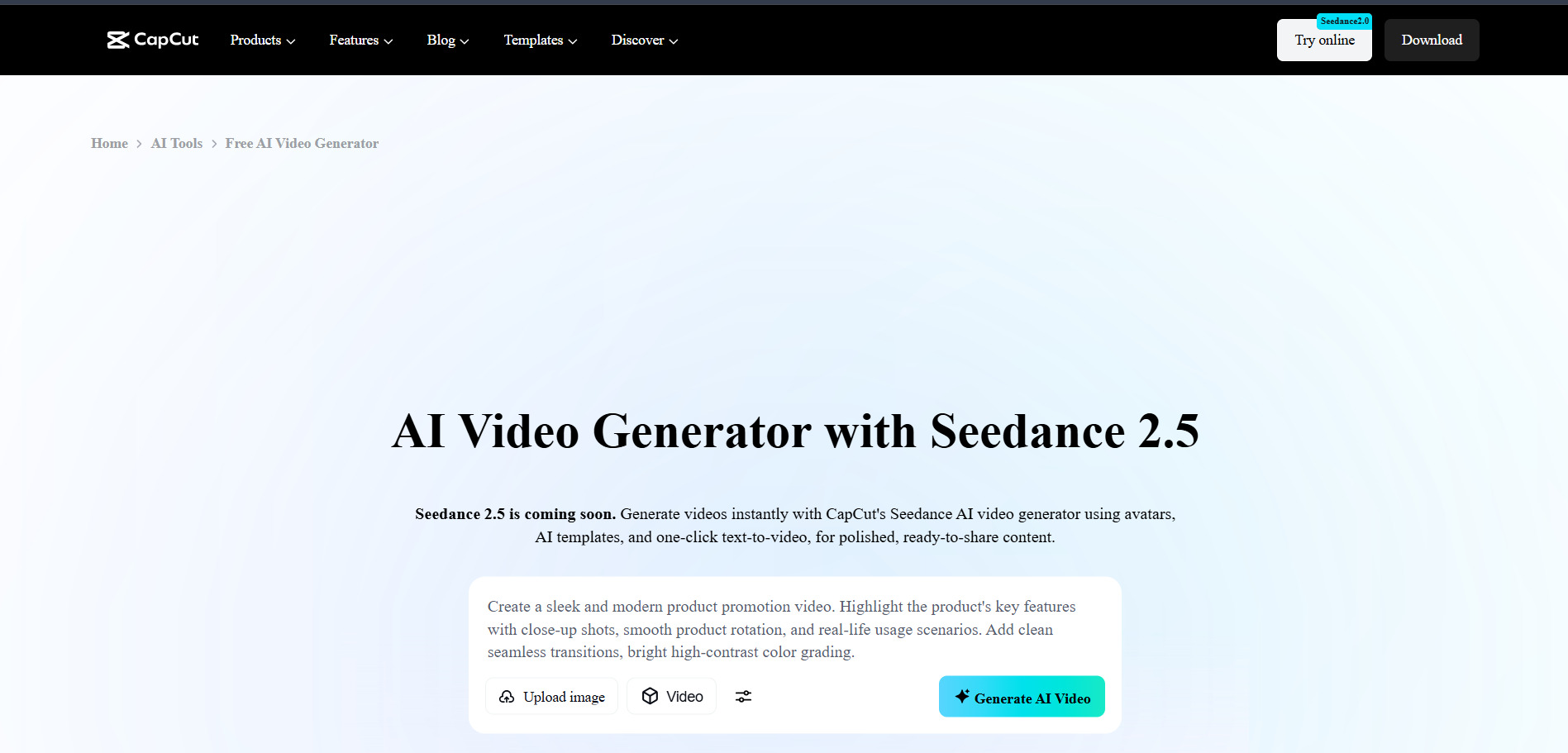
CapCut AI AI is ByteDance’s all-in-one editor combining a full timeline editor with AI tools like auto-captions, background removal, text-to-speech, and AI video generation. Its free plan is genuinely usable, with 1080p export and no mandatory watermark for standard edits. Paid tiers include Standard at $9.99/month for watermark-free mobile exports, and Pro at $19.99/month (or $179.99/year) for 4K export, the full AI toolkit, and 1TB cloud storage.
CapCut’s biggest strength is its enormous, trend-driven template library, making it the fastest route from raw footage to a polished TikTok, Reel, or Short. AI credits for premium generative features like Sora or Veo integration are capped monthly and can require paid top-ups. Compared with Lumen5, CapCut favors dynamic, effects-heavy editing over simple text-to-video slideshow creation, appealing more to short-form creators than corporate marketers.
Pros
- Very generous, genuinely usable free tier
- Massive trending template and effects library
- Cross-platform: desktop, web, and mobile
Cons
- Pro pricing rose sharply in 2026 restructure
- AI credits run out fast for heavy generative use
- Broad content license granted to ByteDance
5. Manus AI Video
Pro $20/mo
Pro $40/mo
Pro Max $200/mo
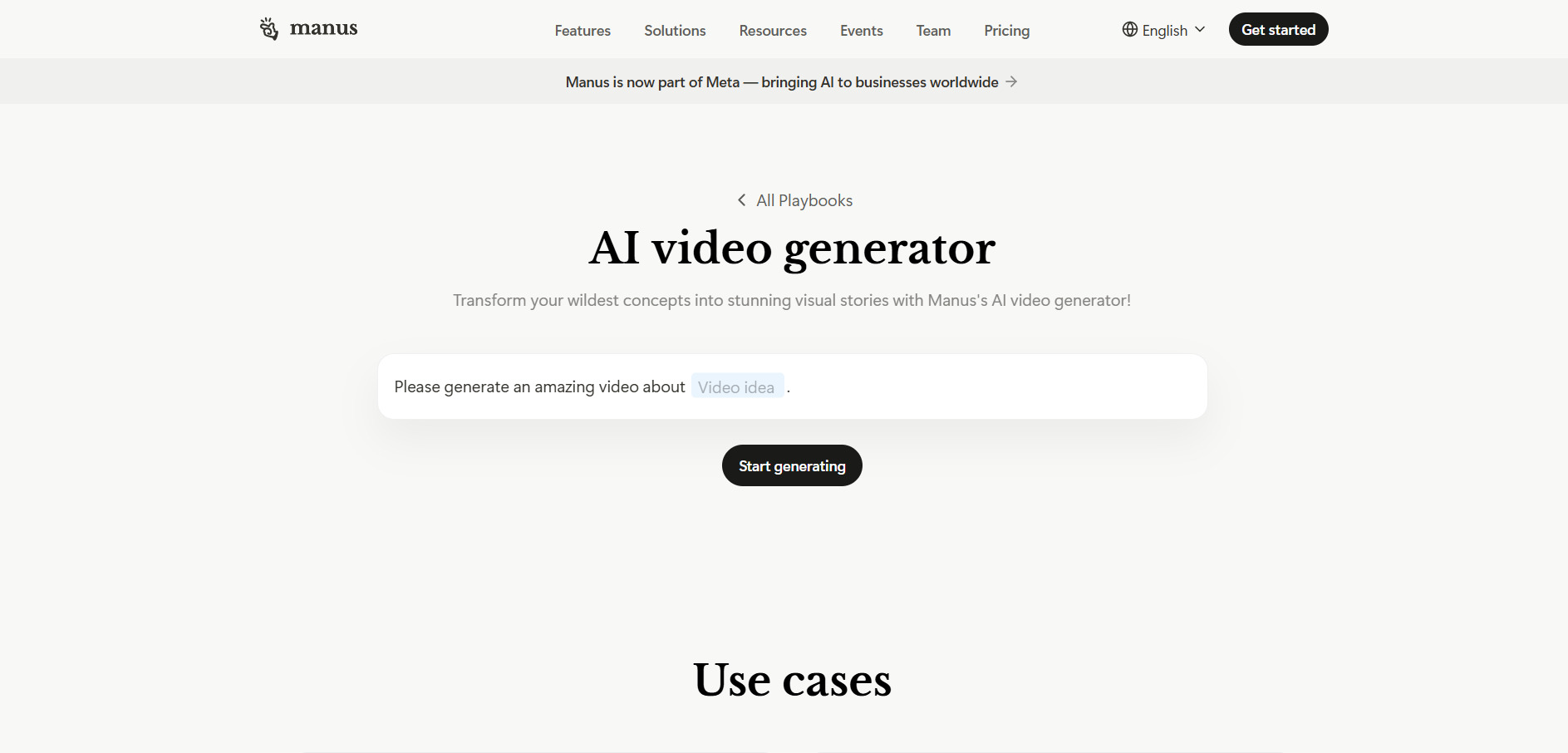
Manus AI Video is an autonomous agent platform that can research, build slides, and generate AI video and image content from a single prompt, rather than a dedicated video editor. Its free plan gives 300 daily refresh credits with basic agent access. Paid Pro plans start at $20/month (4,000 credits), scale to $40/month (8,000 credits) and $200/month (40,000 credits), while Team plans begin at $20 per seat monthly.
Because Manus handles video generation as one part of a broader agentic workflow, it’s a strong fit for teams that want AI to plan, research, and produce a full deliverable, like a slide deck plus an accompanying video, without switching tools. Credit consumption is unpredictable, with complex tasks sometimes burning hundreds of credits in minutes. It suits power users comfortable monitoring usage more than casual social-video creators.
Pros
- Combines research, slides, and video in one agent
- Usable free tier with daily credit refresh
- Flexible tiered pricing for different usage levels
Cons
- Credit consumption is hard to predict in advance
- Not a purpose-built video editor
- Complex tasks can drain a month’s credits quickly
6. VideoProc AI
Premium 365 $39.95/yr
Lifetime $65.95
Family License $79.95
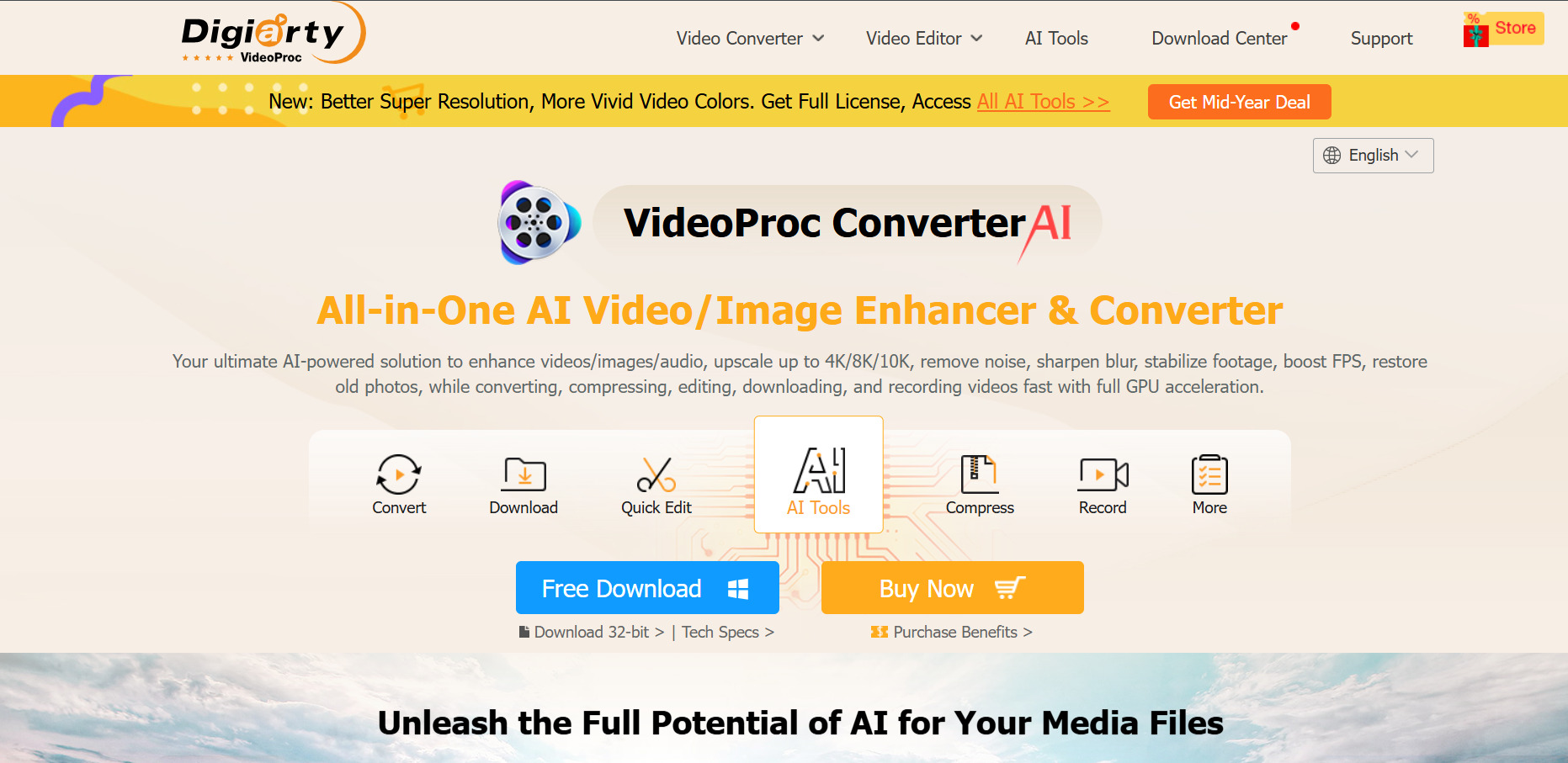
VideoProc Converter AI is a GPU-accelerated desktop suite for upscaling, converting, editing, and recording video, rather than a generative text-to-video tool. It offers a 15-day free trial with capped features and watermarked output. Licensing is one-time or annual rather than a recurring credit model: Premium 365 runs about $39.95/year for 3 devices, a Lifetime License is around $65.95 for one device, and a Family License covers 3–5 devices for about $79.95.
Its AI tools focus on practical enhancement, super-resolution upscaling, frame interpolation, stabilization, and noise removal, rather than generating new footage from prompts. This makes VideoProc a better fit for creators repairing or upscaling existing footage than for teams wanting to generate original AI video content. The one-time and annual license model is also refreshingly simple next to the credit-based pricing common across most other tools on this list.
Pros
- One-time and lifetime license options, no credits
- Strong GPU-accelerated upscaling and enhancement
- 30-day money-back guarantee on paid plans
Cons
- No generative text-to-video capability
- Free trial caps clip length and image count
- Desktop-only, no browser-based workflow
7. Pictory AI

Starter $25/mo
Professional $49/mo
Teams $119/mo
Pictory AI is one of Lumen5’s closest direct competitors, turning blog posts, scripts, and long-form video into short, captioned social clips with AI voiceovers. Its free plan allows 3 video projects with no credit card required. Paid plans start at Starter ($25/mo, or $19/mo billed annually), rising to Professional ($49/mo, around $29–35/mo annually) and Teams (around $119/mo annually) for larger, collaborative workflows.
Pictory’s core strength is automated blog-to-video and script-to-video conversion using a library of over 18 million stock clips and natural AI voices across 20+ languages. It lacks frame-by-frame manual editing depth and its template selection is comparatively limited next to CapCut or Kapwing. For marketers and educators who want the fastest route from written content to a shareable video, Pictory remains one of the most direct Lumen5 replacements.
Pros
- Fast blog/script-to-video automation
- Large stock library and multilingual AI voices
- No-credit-card free trial to test the workflow
Cons
- Limited manual editing and template variety
- Video-minute caps restrict output volume
- No refunds on paid subscriptions
8. Google Veo 3
Google AI Pro $19.99/mo
Google AI Ultra $249.99/mo
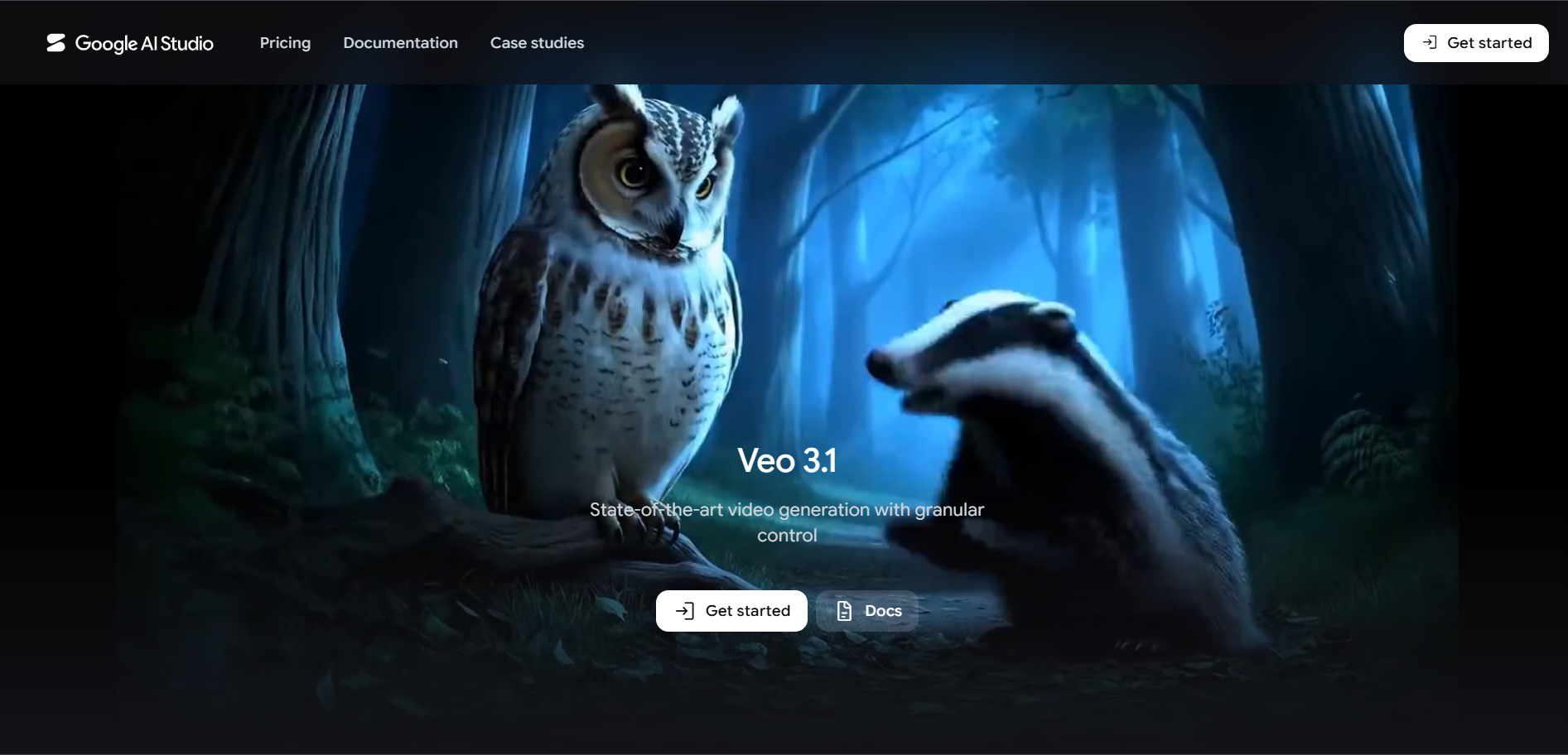
Google Veo 3 is Google DeepMind’s flagship text-to-video model, generating cinematic clips with native synchronized audio, realistic physics, and strong prompt adherence. Limited free access is available through the Gemini app and Google AI Studio, with restrictive daily caps. Full access requires a Google AI Pro subscription at $19.99/month (Veo 3.1 Fast, limited daily generations) or Google AI Ultra at $249.99/month for unrestricted access, 4K output, and priority processing.
Developers can also access Veo through Vertex AI’s pay-per-second API, ranging roughly from $0.03 to $0.40 per second depending on quality tier and audio. Veo 3 consistently ranks among the top video models for realism and audio-visual coherence, making it ideal for hero shots and high-stakes marketing assets. The tradeoff is cost: Ultra’s $249.99 monthly price is well above nearly every other tool on this list.
Pros
- Best-in-class realism with native audio generation
- Flexible access via subscription, app, or API
- Backed by Google’s infrastructure and reliability
Cons
- Full access requires the expensive Ultra tier
- API per-second billing can add up quickly
- 8-second generation cap requires chaining clips
9. Hedra
Basic $15/mo
Creator $30/mo
Professional $75/mo
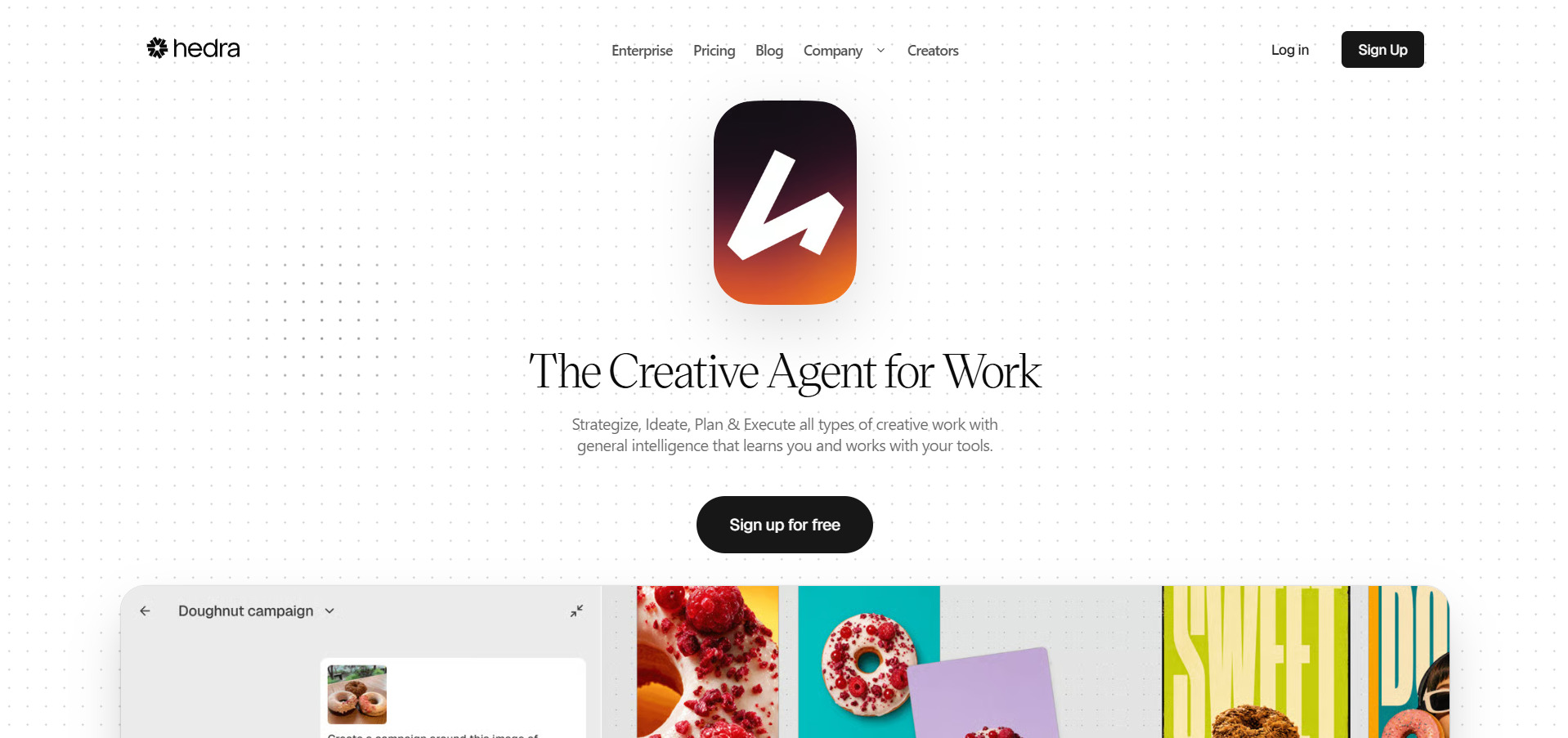
Hedra is a multimodal creative studio best known for Character-3, its omnimodal model that turns a single portrait and an audio clip into a lifelike, lip-synced talking character. The free plan includes 300 monthly credits with slower, watermarked generations. Paid tiers run Basic at $15/month (1,500 credits), Creator at $30/month (5,400 credits, unlimited voice cloning), and Professional at $75/month (14,400 credits), with custom Enterprise pricing above that.
Beyond talking-head video, Hedra bundles access to 28-plus AI models spanning Google, Kling, Black Forest Labs, and ElevenLabs under one credit balance, plus a real-time Live Avatars feature billed separately at $0.05 per minute. It’s a strong pick for creators who want expressive character animation without juggling multiple subscriptions. Monthly credits expire and don’t roll over, so inconsistent usage patterns can waste paid allowance.
Pros
- Best-in-class lip-sync and facial animation
- One credit pool covers 28+ third-party AI models
- Real-time Live Avatars for interactive use cases
Cons
- Monthly credits expire and don’t roll over
- Max 720p resolution on Character-3 video
- Free tier can be throttled during peak demand
10. Grok Imagine

SuperGrok $30/mo
SuperGrok Heavy $300/mo
Luma Ray3 is xAI’s built-in image and video generator, powered by the Aurora and Grok Spicy models, accessible from within the Grok app and X. Free image and video generation was removed in March 2026, so a paid plan is now required. Entry access starts with SuperGrok Lite at $10/month (480p, 6-second clips), scaling to full SuperGrok at $30/month and SuperGrok Heavy at $300/month for maximum limits.
Developers can also use the Grok Imagine API directly, billed per second of output video alongside a per-image rate, which independent benchmarks rank as one of the most affordable and fastest video APIs available in 2026. Grok Imagine’s tight integration with X makes it convenient for creators already active on that platform. The lack of any free tier is its biggest drawback compared with most alternatives on this list.
Pros
- Fast, competitively priced API for developers
- Native audio included in every video generation
- Tight integration with the Grok and X ecosystem
Cons
- No free tier as of March 2026
- Lite tier limited to 480p, 6-second clips
- Full quality requires the priciest Heavy plan
11. PixVerse V6
Standard $10/mo
Pro $30/mo
Ultra $199/mo
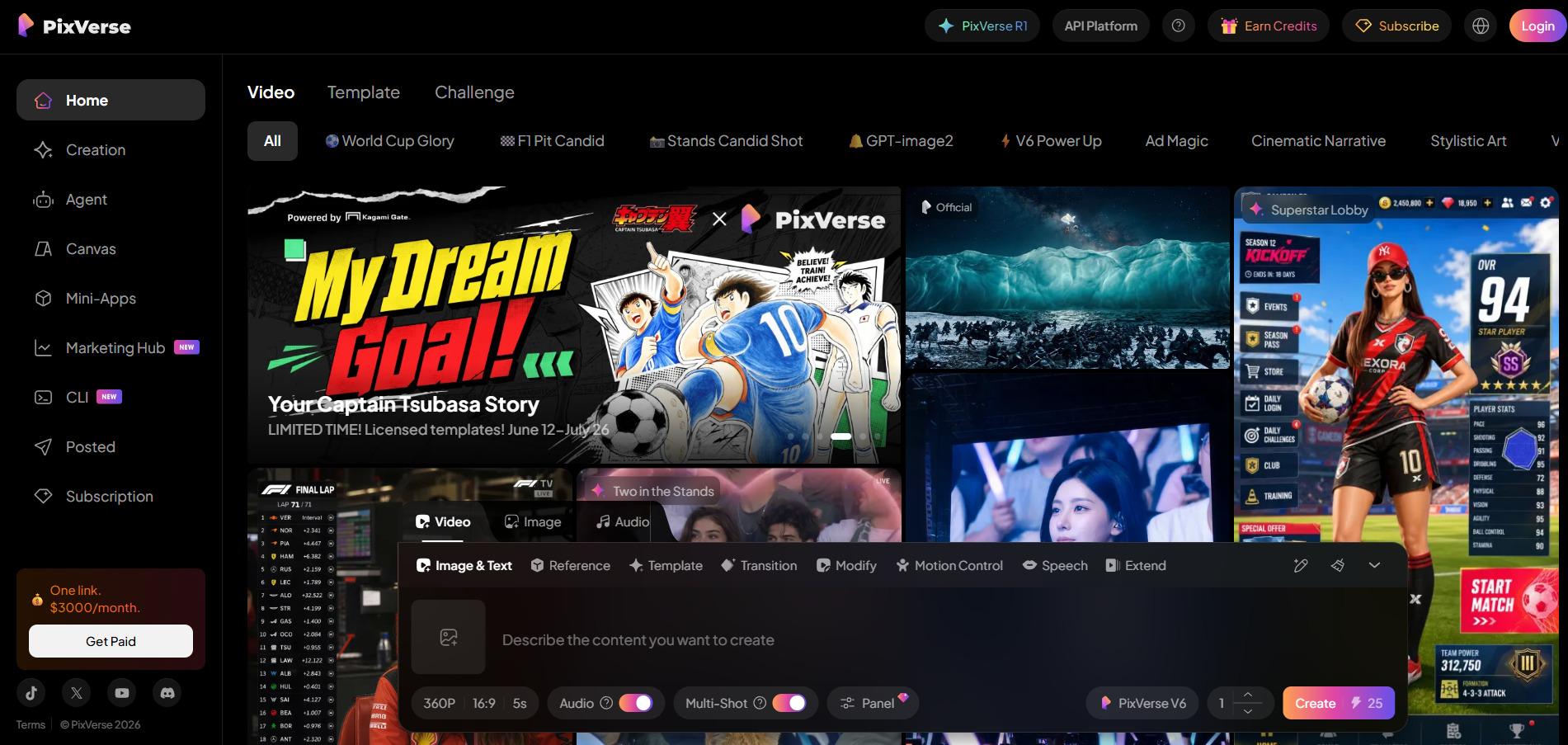
PixVerse V6 is a fast, anime-friendly AI video generator supporting text-to-video, image-to-video, transitions, extensions, and reference-to-video in one workflow. The permanent free Basic plan gives 90 sign-up credits plus 30 daily credits for watermarked, 720p clips. Paid plans run Standard at $10/month (720p), Pro at $30/month (1080p), Premium at $60/month, and Ultra at $199/month, with annual billing saving 20–40% depending on tier.
V6’s per-second credit system supports up to 15-second generations with optional audio, and its multi-clip and transition tools make it well suited to stylized social content and effects-driven storytelling. Clip length and resolution are capped lower than Kling or Veo at comparable price points, and real output often needs several retries to land a usable result. It’s a solid budget-friendly pick for anime and fast-turnaround social clips.
Pros
- Genuinely permanent free tier with daily credits
- Fast generation speed, strong for anime/stylized video
- Built-in transitions and multi-clip storytelling tools
Cons
- Standard tier caps at 720p resolution
- Non-deterministic output often needs retries
- Monthly credits don’t roll over between cycles
12. Seedance 2.0

Dreamina Basic ~$9.60/mo
Dreamina Pro ~$45/mo
API from $0.05/5s
Seedance 2.0 is ByteDance’s multimodal video model, accepting text, image, audio, and video reference inputs simultaneously for strong character and style consistency across shots. Dreamina, ByteDance’s international creative platform, offers free daily credits to test the model, good for a couple of clips a day. Paid access includes a Dreamina basic membership around $9.60/month and a Pro plan around $45/month, while API access starts near $0.05 per 5-second 720p clip.
Seedance 2.0 supports up to 12 simultaneous reference files and multi-shot generation with intelligent scene segmentation, making it competitive with far pricier models like Sora 2 on a cost-per-second basis. Pricing is fragmented across Dreamina, Volcano Engine, CapCut, and third-party API resellers, which can make comparing true cost confusing. For teams wanting near cinema-grade output at a fraction of Veo or Sora’s price, Seedance 2.0 is hard to beat.
Pros
- Extremely competitive per-second API pricing
- Multimodal input with up to 12 references
- Free daily credits with no credit card needed
Cons
- Pricing fragmented across many platforms
- Primary interface (Jimeng) is China-focused
- Free tier limited to 2–3 clips per day
13. Luma Ray3

Plus $29.99/mo
Pro $90/mo
Ultra $300/mo
Luma Ray3 bills itself as the first “reasoning” video model, able to plan scenes, critique its own output, and generate native HDR footage up to 4K with EXR export for studio pipelines. A free tier exists but is watermarked and restricted to non-commercial use. On the newer Luma Agents ladder, Plus costs $30/month, Pro $90/month, and Ultra $300/month; the legacy Dream Machine plans run Lite $9.99, Plus $29.99, and Unlimited $94.99 monthly.
Ray3’s Draft Mode allows 20x faster low-cost iteration before committing credits to a full-quality HDR render, which helps offset its notoriously fast credit burn rate. It’s the strongest option here for teams needing professional color-managed, HDR footage that integrates directly into a VFX or film pipeline. Casual users report credits disappearing after just a couple of HDR renders, so budgeting carefully matters more with Luma than most competitors.
Pros
- Native HDR and EXR export for studio workflows
- Reasoning-driven generation with self-critique
- Draft Mode enables cheap, fast iteration
Cons
- Credits burn very fast, especially in HDR
- No commercial use on the free tier
- Two overlapping pricing ladders can be confusing
14. Kapwing AI
Pro $16/mo (annual)
Business $50/mo (annual)
Enterprise Custom
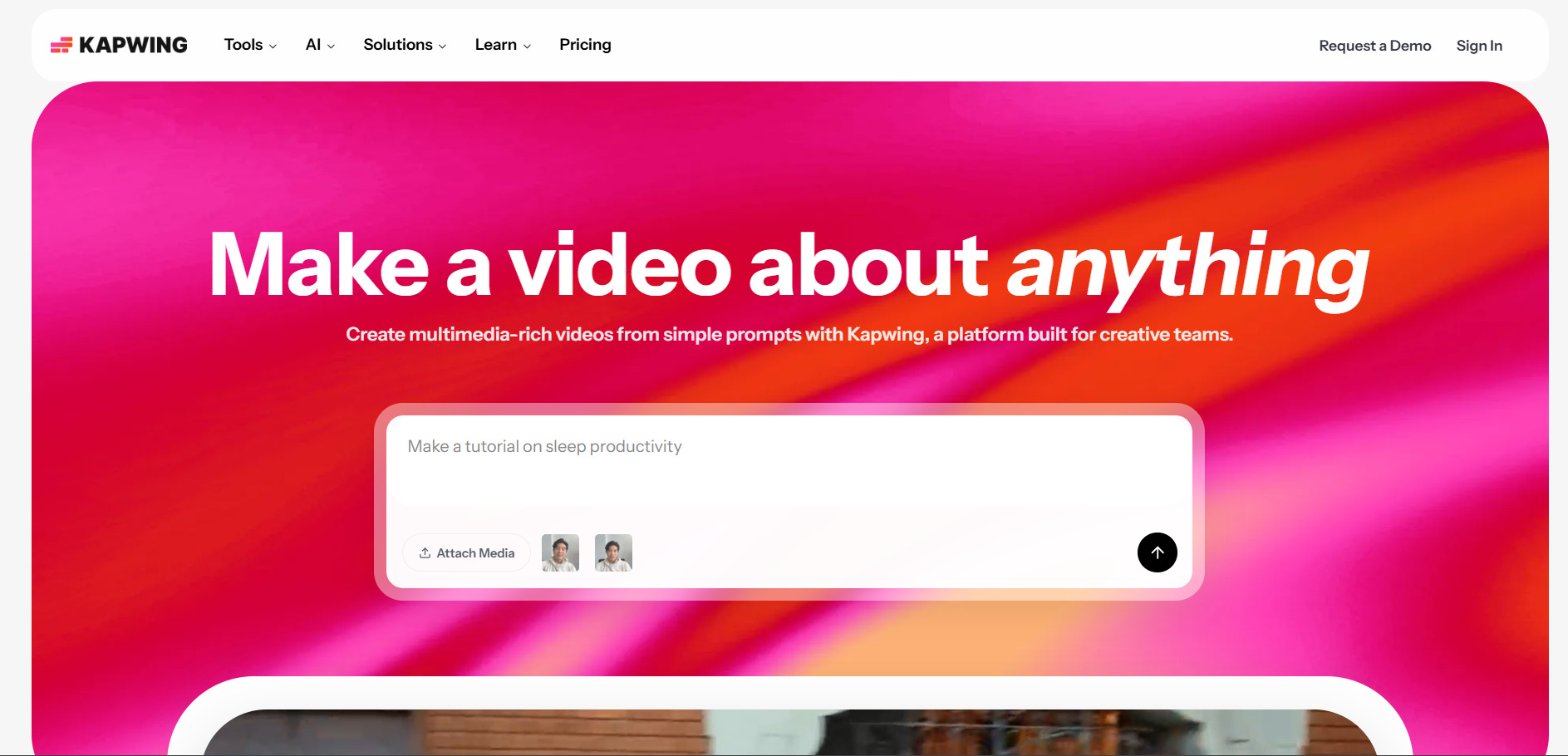
Kapwing is a browser-based collaborative video editor built around AI tools like Smart Cut silence removal, auto-subtitles, an AI clip maker, and background removal. Its free plan allows unlimited projects with watermarked, 4-minute exports and 10 lifetime AI credits. Paid tiers are billed per member: Pro costs $16/month annually ($24 monthly) with unlimited AI credits and no watermark, while Business runs $50/month annually ($64 monthly) with team collaboration and 4,000 monthly AI credits.
Kapwing’s real-time collaborative editing and flat per-member Business pricing make it a strong choice for content teams repurposing long-form video into shorts. Storage duration on the free plan is limited, with exported test projects auto-deleted after three days. Compared with Lumen5, Kapwing leans more toward hands-on editing and repurposing existing footage than automated script-to-video slideshow generation.
Pros
- Real-time collaborative browser-based editing
- Strong AI silence-removal and clip-extraction tools
- Transparent, credit-included pricing without add-ons
Cons
- Per-member pricing gets costly for larger teams
- Free plan projects auto-delete after 3 days
- No AI voiceover/narration generation
15. AKOOL

3-Day Trial (Pro/Pro Max)
Pro ~$15/mo (annual)
Pro Max ~$29.5/mo (annual)
AKOOL is an AI video suite centered on face swap, realistic and streaming avatars, talking photos, and multilingual video translation with lip-sync. The free Basic plan includes 100 credits to explore the platform, and a 3-day free trial unlocks watermark-free Pro and Pro Max features. Annual pricing runs about $15/month for Pro and $29.5/month for Pro Max, with Business and Enterprise tiers offering custom, credit-scaled pricing for larger teams.
AKOOL’s video translation tool stands out for preserving accurate lip-sync across languages, making it useful for teams localizing marketing or training content globally. Its credit system converts unpredictably into actual video minutes, since cost depends on resolution and feature combination rather than a flat per-minute rate. It’s best suited to teams needing avatar and translation-driven video rather than blog-to-video automation like Lumen5 offers.
Pros
- Strong multilingual video translation with lip-sync
- Realistic and streaming avatar options
- 30% discount on annual billing across tiers
Cons
- Credit-to-minute conversion is hard to predict
- Free plan watermarks all exports
- Higher tiers needed for 4K and longer videos
Conclusion
Lumen5 remains a solid entry point for basic blog-to-video conversion, but the 15 alternatives above show just how far AI video generation has evolved. If you need polished corporate explainers, Vyond Go or Pictory AI are the closest fits. For cutting-edge cinematic footage, Google Veo 3, Seedance 2.0, Vidu Q3, and Luma Ray3 push visual quality far beyond what template-based tools can achieve. Creators focused on fast social content will likely prefer CapCut AI, PixVerse V6, or Kapwing AI, while teams needing avatars, lip-sync, or translation should look closely at Hedra or AKOOL.
Ultimately, the right choice depends on your content type, budget, and how much creative control you need over the final output. Most tools on this list offer a free trial or free tier, so the most efficient approach is to test two or three shortlisted options against your actual workflow before committing to a paid plan. Pricing and features in this fast-moving space change frequently, so it’s always worth double-checking each provider’s official pricing page before subscribing.


