
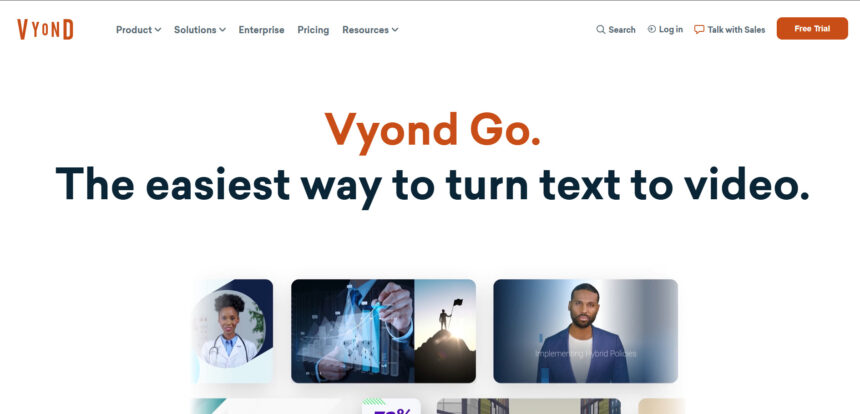
Vyond Go has long been a go-to choice for animated explainer videos, but the AI video landscape has moved fast in 2026. Creators, marketers, and businesses now have dozens of powerful alternatives that offer better realism, native audio, faster rendering, and more flexible pricing. Whether you need cinematic AI video generation, talking avatars, whiteboard-style animation, or a multi-model creative workspace, this guide breaks down 14 of the strongest Vyond Go alternatives available today.
Below, we cover each tool’s free trial availability, official pricing plans, key strengths, and drawbacks, so you can pick the platform that fits your budget and creative workflow without wasting time testing every option yourself.
1Artlist AI
No Free Trial (Sample Generations Only)
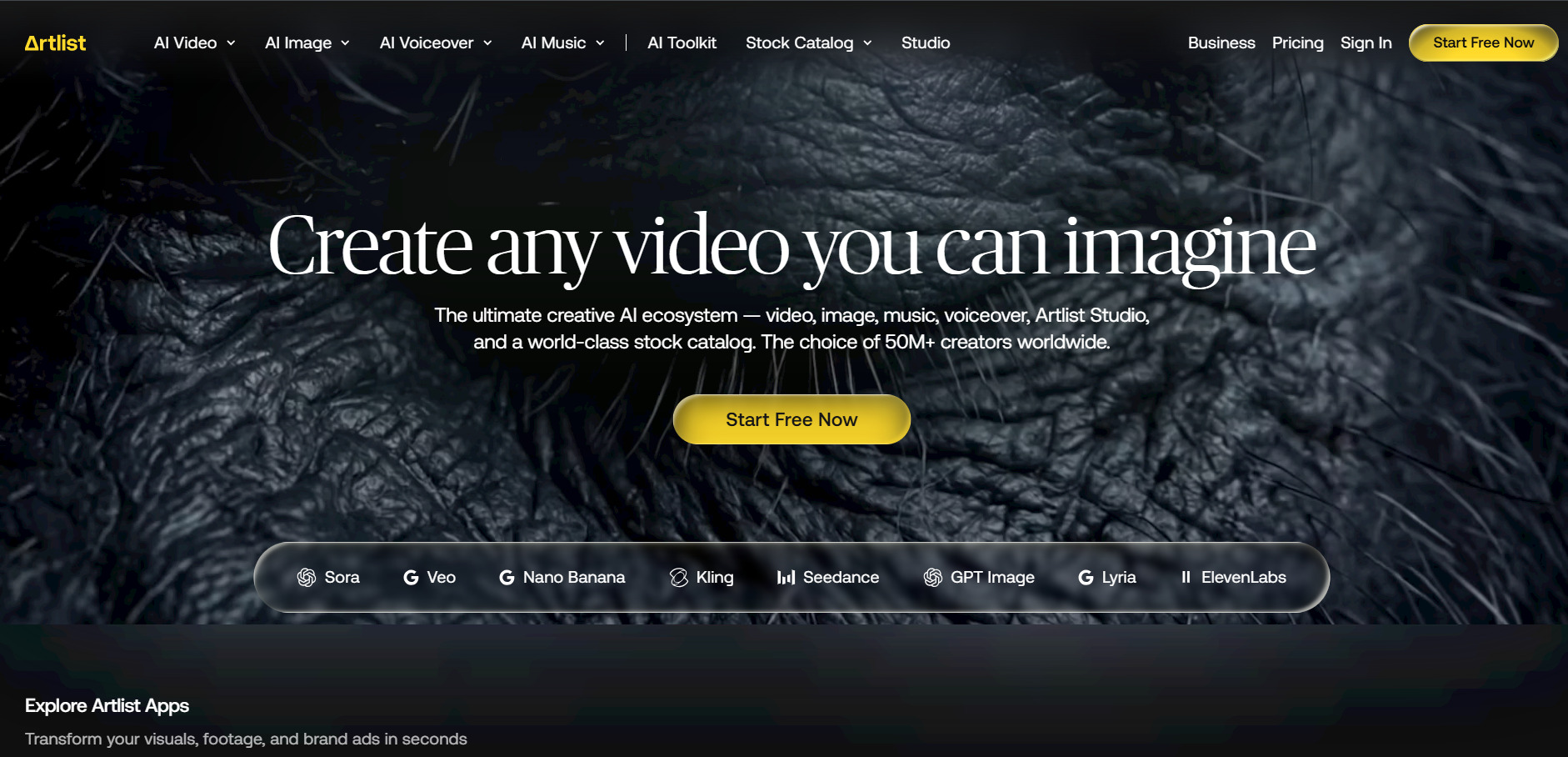
Artlist AI does not offer a traditional free trial, but new users can generate a couple of free AI images, one free video, and one voiceover to sample quality before subscribing. Paid plans run on a shared monthly credit pool usable across every AI model, including Veo, Kling, and Seedance, making Artlist a strong all-in-one alternative to Vyond Go for creators who also want stock assets.
Beyond AI generation, Artlist includes Artlist Studio, a director-style workspace for chaining characters, shots, music, and voiceover into a single cohesive project. This makes it especially appealing for video marketers who want more than just animation and are willing to pay a premium for an integrated creative ecosystem rather than a standalone generator.
Pros
- Single credit pool works across all AI models
- Includes royalty-free music, SFX, and footage
- Studio workspace for end-to-end production
Cons
- No dedicated free trial for AI plans
- Credits can be expensive for heavy AI usage
- Full Studio access requires a higher tier
2Grok Imagine
Free Tier Removed for Video (March 2026)
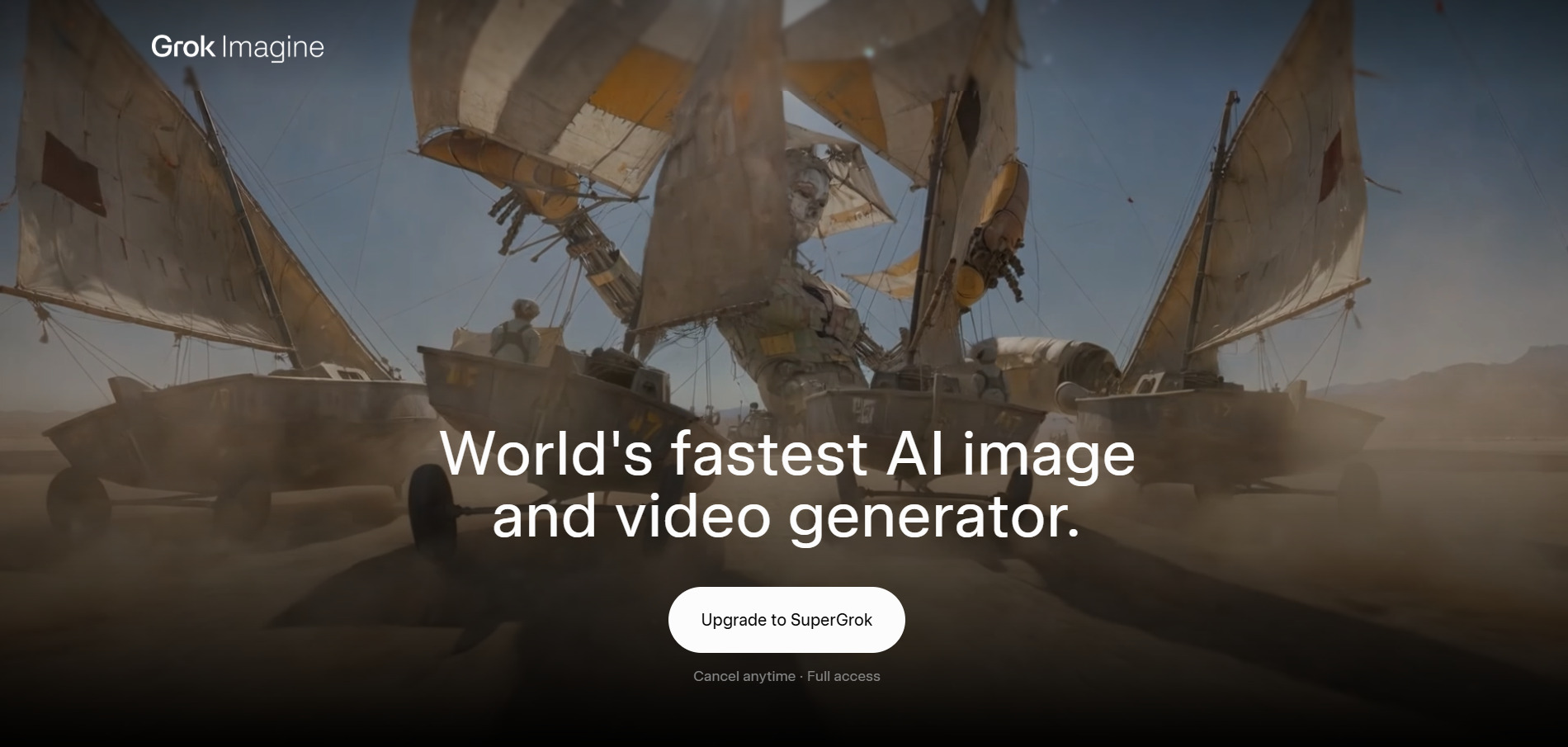
Grok Imagine, powered by xAI’s Aurora engine, once offered free image and video generation, but as of March 2026, image and video creation now require a paid tier. SuperGrok Lite is the cheapest entry point at 480p video and shorter clip lengths, while SuperGrok unlocks fuller Grok Imagine access alongside DeepSearch and advanced reasoning.
Grok Imagine is best suited for creators already inside the X and Grok ecosystem who want fast, stylized image-to-video generation with a distinct “Spicy,” “Fun,” or “Normal” tone control. It lacks the polished animation templates of Vyond Go but wins on generation speed and integration with real-time trend content on X.
Pros
- Fast generation speeds
- Multiple creative tone modes
- Bundled with broader Grok AI features
Cons
- No genuinely free video generation anymore
- Limited animation or explainer-style templates
- Best features tied to higher-cost tiers
3Mango AI
Free Plan Available
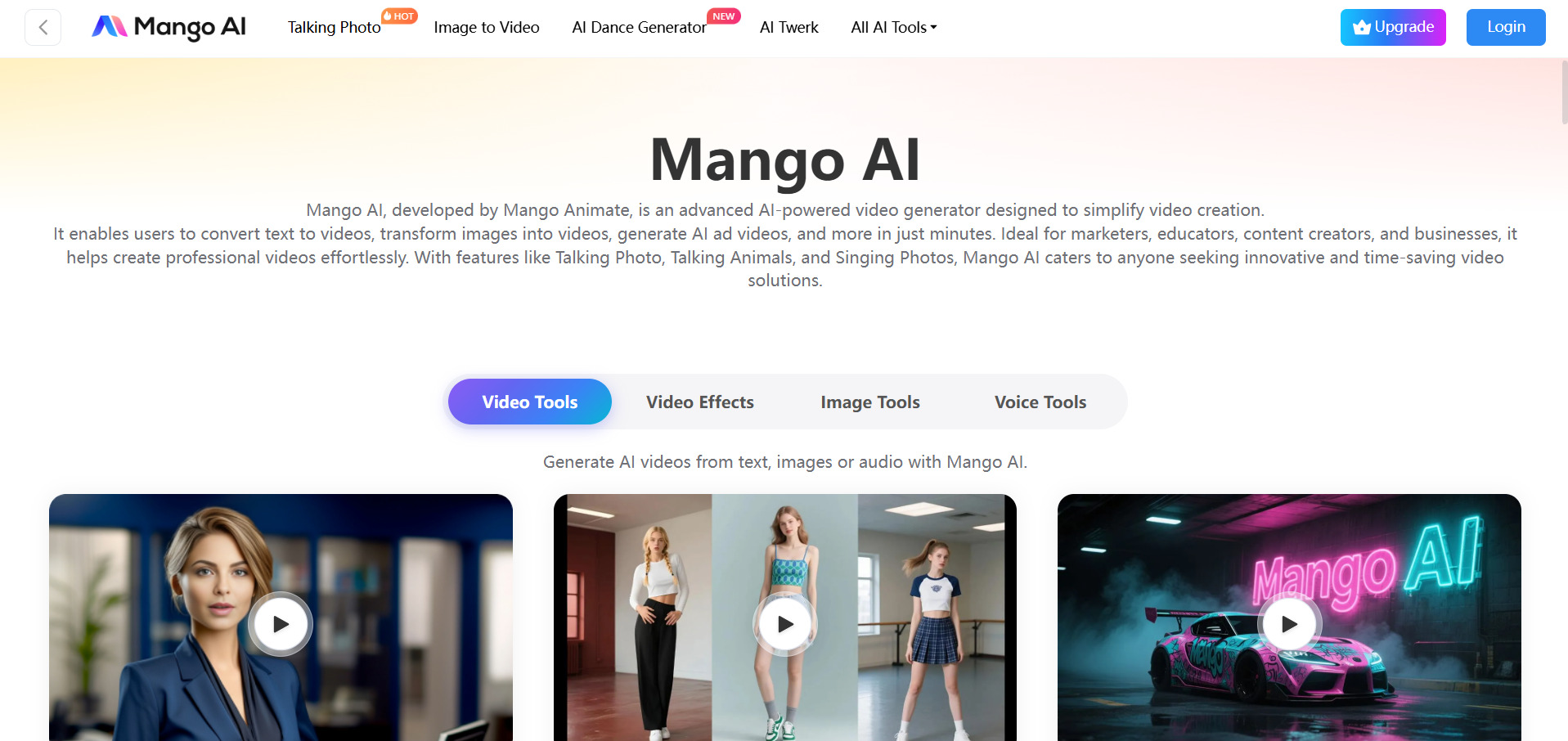
Mango AI, built by Mango Animate, offers a genuinely usable free plan that lets you create short talking-photo and avatar videos with a watermark and 720p resolution cap. It is one of the more affordable Vyond Go alternatives, with paid tiers unlocking longer renders, higher resolution, and commercial usage rights.
The platform specializes in talking avatars, lip-synced pet and photo animations, face swap, and text-to-animation tools rather than corporate explainer-style storytelling. This makes Mango AI a better fit for social content creators and educators than for teams building structured, script-driven training videos.
Pros
- Genuinely usable free tier
- Very low-cost paid plans
- Wide variety of avatar and lip-sync tools
Cons
- Free plan limited to 3-minute, 720p videos
- Less suited to structured explainer content
- Watermark remains until upgrade
4Wan 2.2
Open-Weight Access Available
Alibaba’s Wan 2.2 stands apart as an open-weight video toolkit, meaning developers can download and self-host several variants under an Apache-2.0-style license at no cost. For non-technical users, official Tongyi platforms and third-party API hosts offer affordable credit packages and monthly memberships instead.
Wan 2.2 includes over 35 first-party variants, from character animation to speech-to-video and fun-control editing, at multiple resolutions. It’s a strong Vyond Go alternative for developers and studios that want flexibility to fine-tune or self-host a model rather than being locked into one vendor’s subscription structure.
Pros
- Open-weight, self-hostable for free
- Extremely low-cost API access
- Large variety of specialized model variants
Cons
- Requires technical setup for self-hosting
- No polished consumer-facing editor
- Official Alibaba console is harder to access outside China
5Wan 2.6

Trial Credits via Third-Party Platforms
Wan 2.6 is Alibaba’s most advanced video model, generating 1080p footage with native audio-visual sync, lip-sync, and reference-to-video consistency. Several third-party hosts offer introductory or trial credits, making it easy to test quality before subscribing to a monthly plan or topping up pay-as-you-go credits.
With support for up to 15-second clips, multi-shot storytelling, and synchronized sound effects, Wan 2.6 competes directly with premium Western models at a fraction of the cost. It’s a compelling Vyond Go alternative for teams that need cinematic quality without paying premium per-second rates charged by Veo or Sora.
Pros
- Native synchronized audio and lip-sync
- Very competitive per-second pricing
- Supports multi-shot cinematic storytelling
Cons
- Pricing varies significantly by host platform
- No official unified global consumer app
- Clip length capped at 15 seconds
6Kapwing AI
Free Plan Available (No Card Required)
Kapwing lets you explore its full browser-based editor for free, though exports carry a watermark and are capped at one minute. Pro removes the watermark, allows exports up to 120 minutes, and adds AI tools like Smart Cut and auto-subtitling, all billed per member on a monthly credit system.
Kapwing shines as a collaborative video editing platform rather than a pure generator, offering auto-subtitles, background removal, and AI clip extraction alongside its browser-based timeline editor. It’s a solid Vyond Go alternative for teams repurposing long-form content into shorter, social-ready clips rather than building animated explainer videos from scratch.
Pros
- Genuinely free tier with no credit card needed
- Strong collaborative, team-based editing
- Unified AI credit system across all tools
Cons
- Per-member pricing gets costly for larger teams
- Not a native AI video generator like Vyond
- Free exports capped at one minute with watermark
7PixVerse V6
Free Tier (90 Signup + 60 Daily Credits)
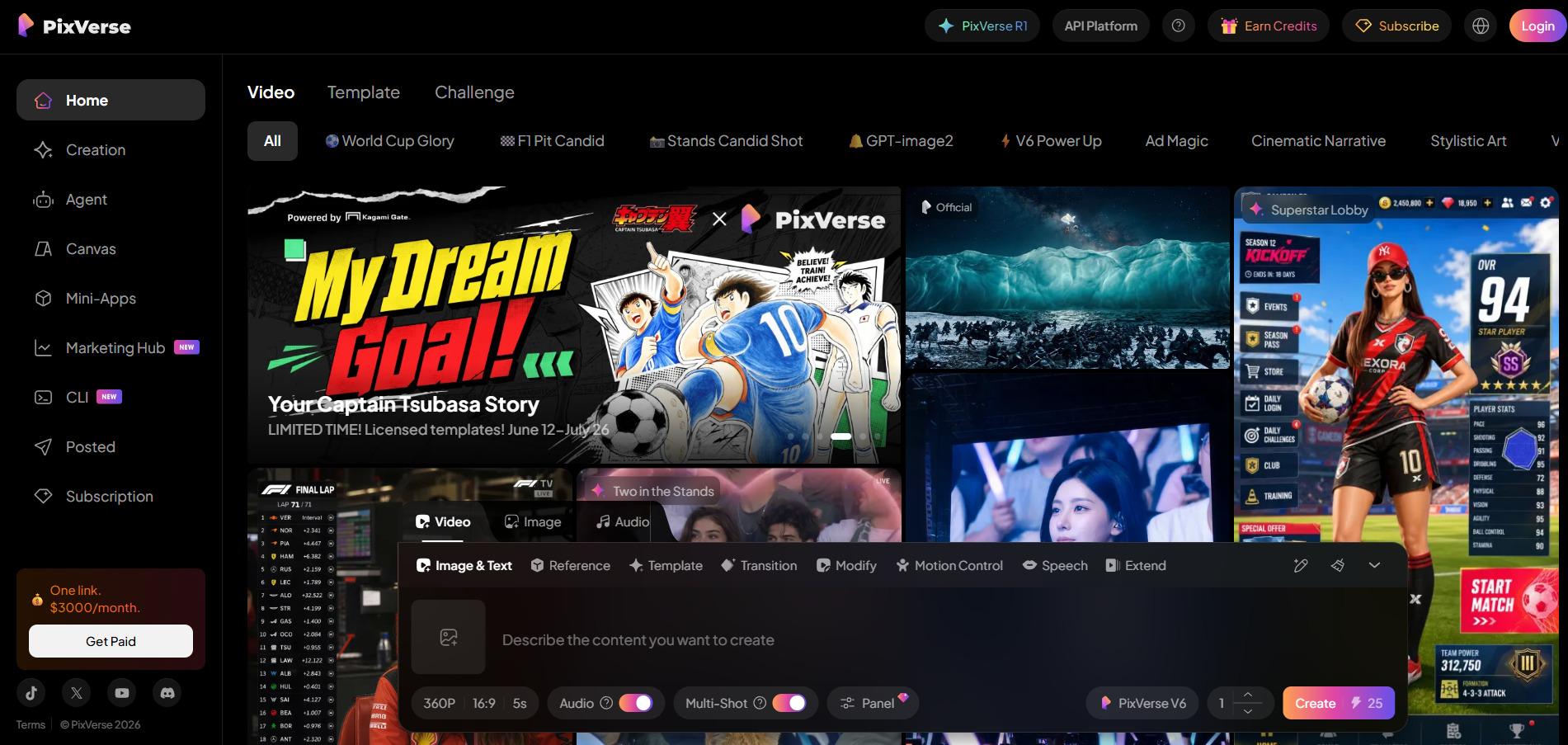
PixVerse V6 gives new users a permanent free tier with daily credits, enough for roughly one watermarked video per day. Paid plans scale up resolution to 1080p, unlock batch creation, and add off-peak generation discounts, making PixVerse one of the more approachable premium video generators for regular creators.
The V6 model supports text-to-video, image-to-video, transitions, extensions, and native audio with 20+ cinematic camera controls. It’s a strong Vyond Go alternative for social media creators who want fast, stylized short clips, though heavier retry rates on complex prompts can eat into your monthly credit allowance quickly.
Pros
- Real daily free credits, no card required
- Native audio and camera control features
- Competitive entry-level pricing
Cons
- Standard plan caps out at 720p
- Non-deterministic output often requires retries
- Monthly credits do not roll over
8Creatify AI
Free Plan / Free Trial (No Card Required)
Creatify AI offers a free plan with 10 monthly credits, enough for roughly two watermarked video ads, plus a no-card-required trial to test the platform. Paid tiers remove watermarks, expand the AI actor library to over 700 avatars, and unlock batch mode for producing multiple ad variations at once.
Built specifically for turning product URLs into short-form video ads, Creatify AI automates scripting, avatar selection, and voiceover in one workflow. It’s a great Vyond Go alternative for e-commerce marketers and agencies producing high-volume UGC-style ad creative, though it’s less suited to structured internal training or explainer content.
Pros
- URL-to-video automation saves major production time
- Large, growing library of AI actors
- No credit card required for the free trial
Cons
- Credits do not roll over and expire quickly
- Avatar quality and lip-sync can be inconsistent
- Not designed for explainer or training-style videos
9Vidu Q3
Free Credits to Start
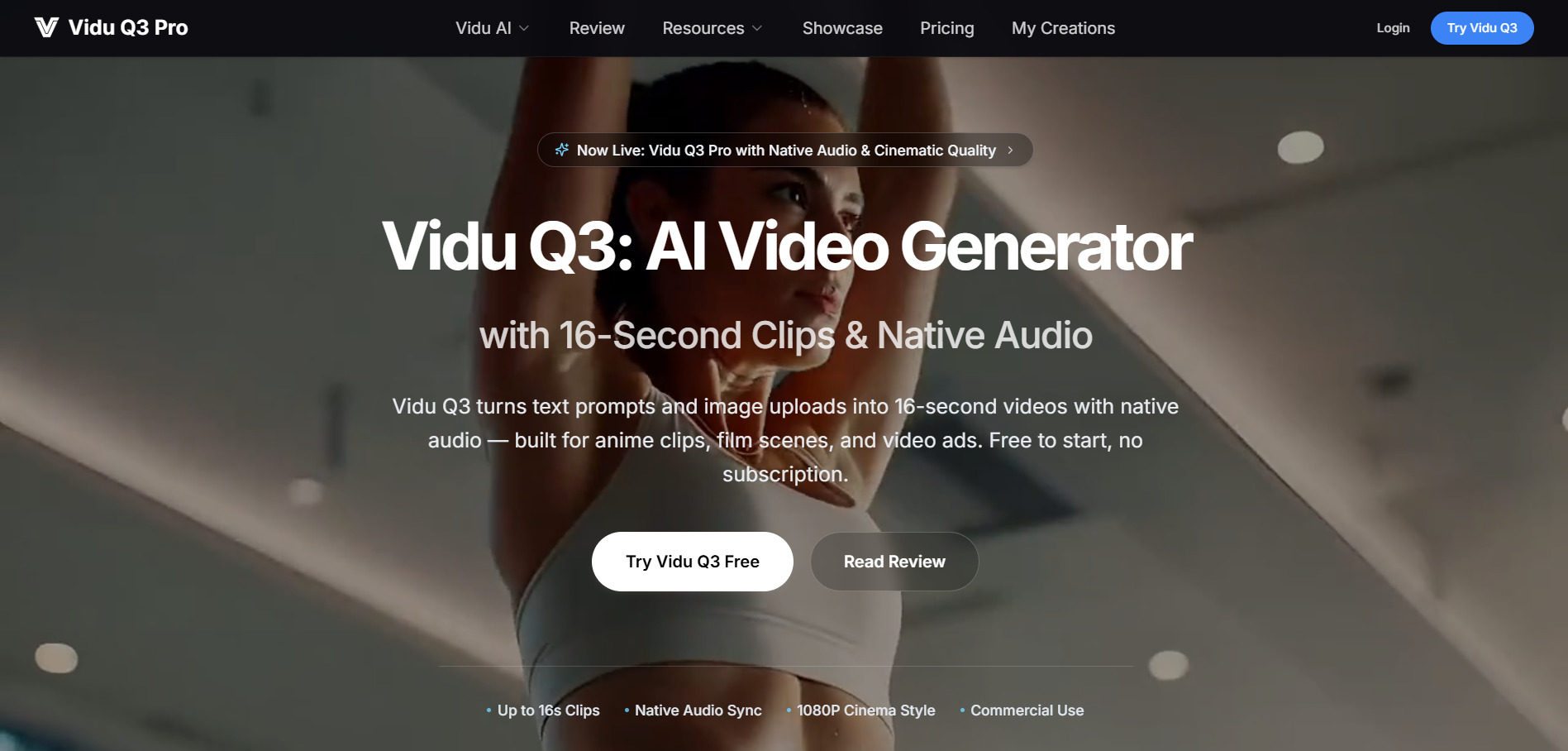
Vidu Q3, developed by Shengshu Technology, gives new users free credits to test generation before committing to a one-time credit pack. Unlike most competitors, there’s no recurring subscription requirement, credits never expire, and every paid tier includes full commercial usage rights from the very first purchase.
Vidu Q3 was the first model to generate native synchronized audio and video in a single pass, supporting up to 16 seconds of dialogue, sound effects, and music simultaneously. This makes it an excellent Vyond Go alternative for creators who want narrated, sound-complete clips without stitching audio together in post-production.
Pros
- No subscription lock-in, credits never expire
- Native synchronized dialogue and audio
- Strong performance on anime and stylized content
Cons
- No refunds on purchased credits
- Struggles with complex photorealistic human motion
- 1,500-character prompt limit
10Google Veo 3
Limited Free Access via Google AI Studio
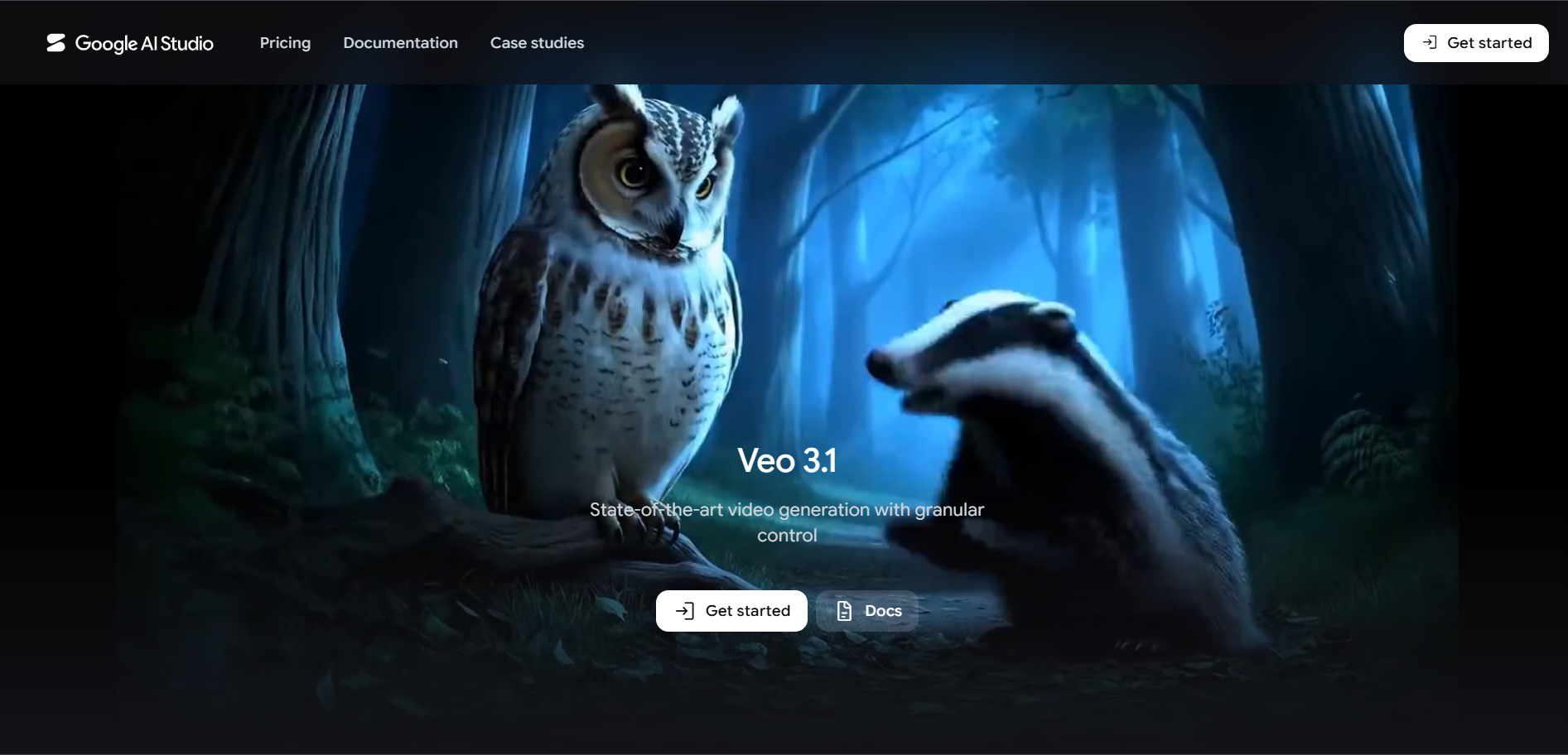
Google offers limited free Veo access through Google AI Studio and the Gemini app, though full-quality, high-volume generation requires a Google AI Pro or Ultra subscription. Pro covers around 10 Quality videos or 50 Fast videos monthly, while Ultra unlocks the full Veo 3.1 experience with 4K and no watermark.
Veo 3 remains one of the most cinematic video models available, with strong native audio, realistic physics, and lip-sync accuracy. As a Vyond Go alternative, it excels for high-production marketing and brand content, though the Ultra tier’s cost puts it out of reach for casual or budget-conscious creators.
Pros
- Best-in-class cinematic visual quality
- Native audio with accurate lip-sync
- Bundled with the wider Google AI/Gemini ecosystem
Cons
- Ultra tier is expensive at $249.99/month
- Free access is inconsistent and region-dependent
- API billing can add up fast for frequent use
11Wireflow
Free to Build Workflows (No Card Required)
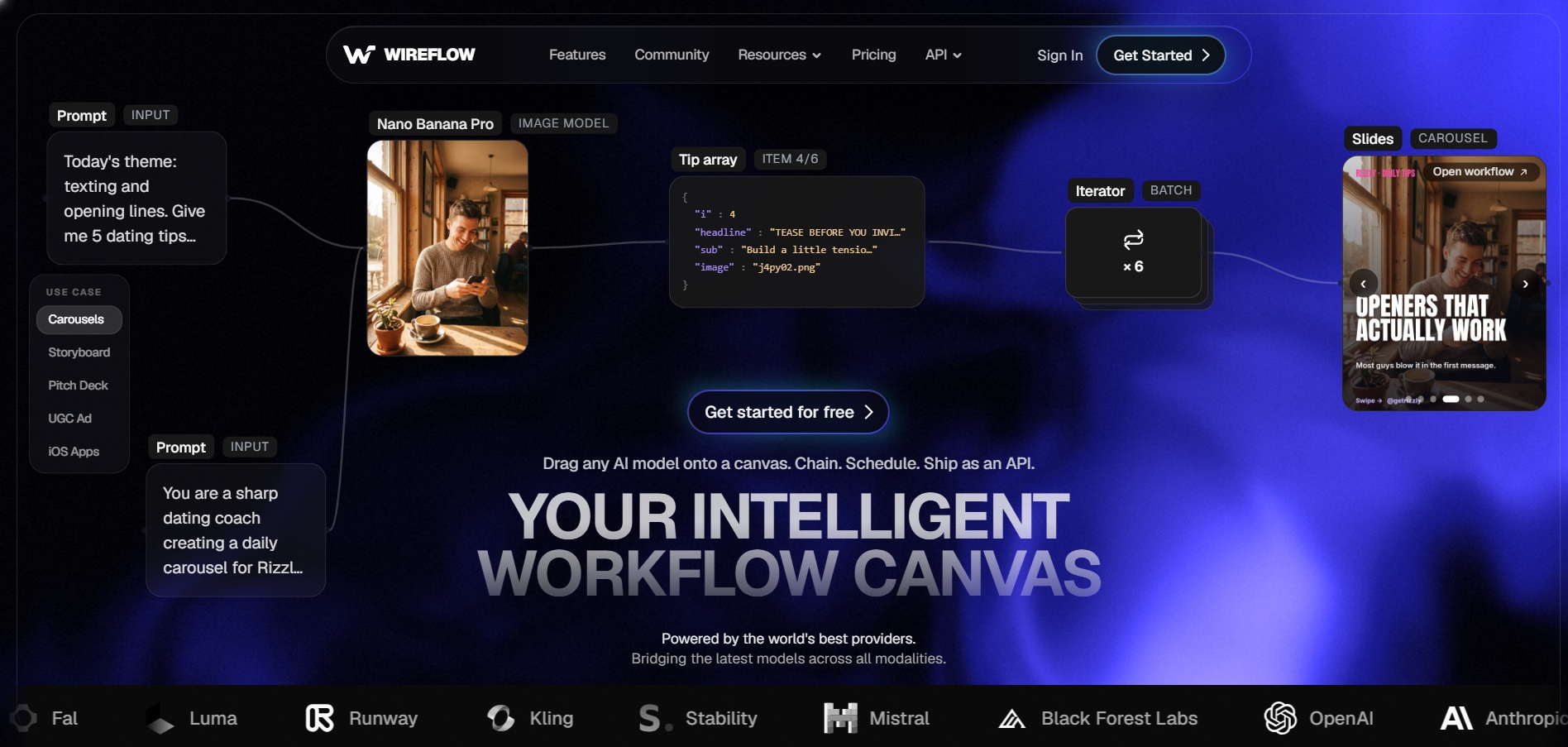
Wireflow lets anyone build and explore AI workflows for free, with no credit card required, though actually generating images, video, or audio requires a paid plan. Every tier unlocks the same catalog of 70+ models, so you only pay more for additional generation credits, not for feature access.
Rather than being a single-model generator, Wireflow is a visual canvas that chains together Veo, Kling, Sora, Luma, and Seedance nodes into repeatable pipelines. This makes it a powerful Vyond Go alternative for teams that want to compare multiple AI video models side by side within one automated workflow.
Pros
- Access to 12+ leading video models on one canvas
- Free workflow building with no card required
- Ships as a reusable REST API and MCP tool
Cons
- Requires learning a node-based workflow builder
- No templates imported from other tools like ComfyUI
- Costs scale with the number of models chained
12Luma Ray3

Free Tier (~30 Generations/Month)
Luma’s free tier gives roughly 30 watermarked, non-commercial generations per month, enough to test Ray3’s motion quality before upgrading. Plus is the cheapest tier that removes the watermark and enables commercial use, while Pro and Ultra scale usage capacity 4x and 15x respectively rather than adding new features.
Ray3 is known for fast, high-fidelity clips with strong lighting and physics, plus HDR and EXR output options for professional color grading pipelines. As a Vyond Go alternative, it’s best for filmmakers and motion designers who value speed and visual polish, though credit consumption on HDR renders can be steep.
Pros
- Fast generation speed, often under two minutes
- HDR and EXR output for professional workflows
- Access to third-party models bundled in Luma Agents
Cons
- Credits burn quickly on HDR or 1080p renders
- Monthly credits do not roll over
- Entry commercial tier starts at $29.99/month
13Hedra
Free Plan (No Credit Card Required)
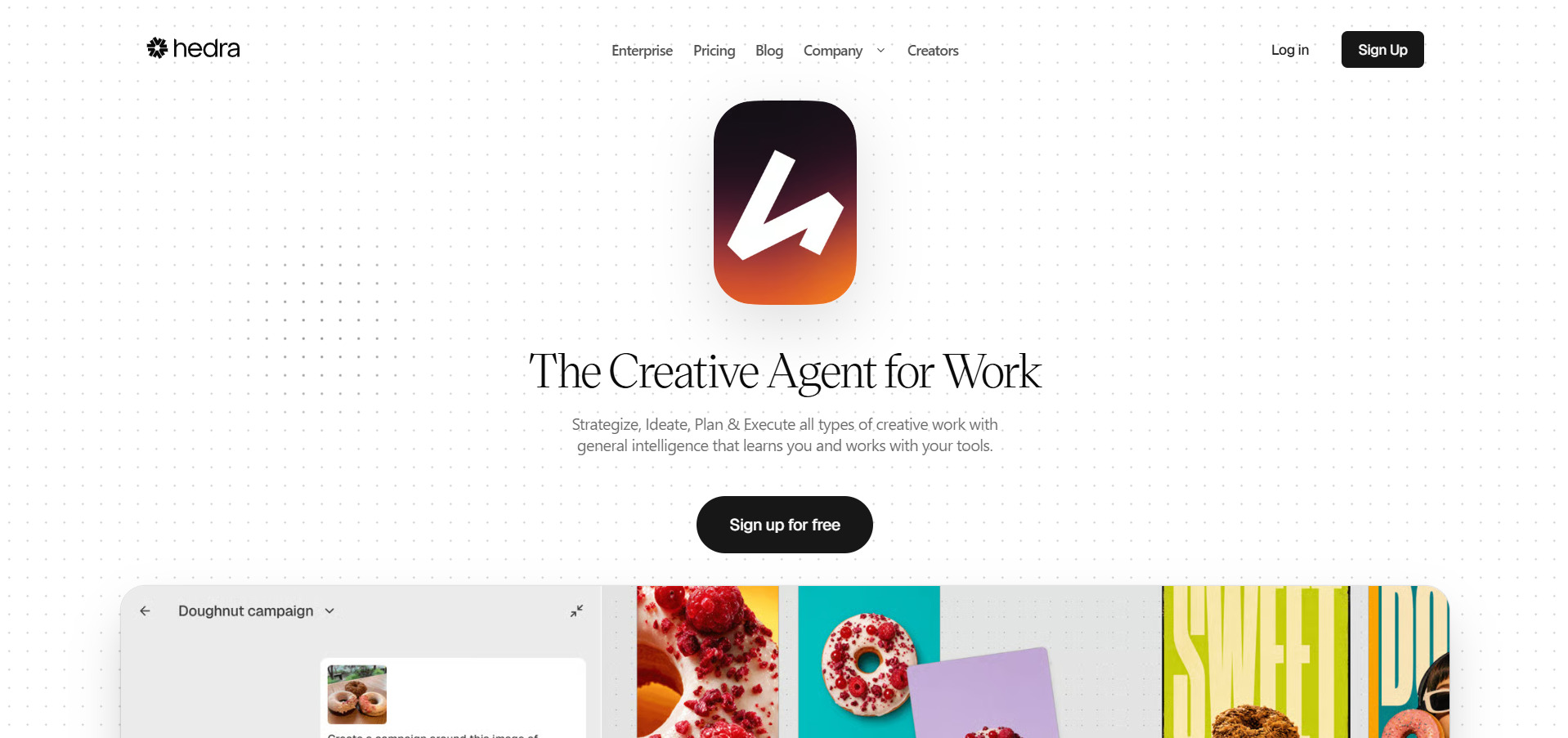
Hedra’s free plan is usable without a credit card, offering 300 monthly credits to test its Character-3 talking-avatar model, though outputs include a watermark. Paid tiers unlock commercial rights, faster generation, and access to a 28-model catalog spanning Veo, Kling, Seedance, and ElevenLabs voices under one credit balance.
Hedra stands out for phoneme-accurate lip-sync and natural micro-expressions generated from a single portrait image, plus real-time Live Avatars for conversational use cases. It’s a strong Vyond Go alternative for creators building talking-head or presenter-style videos, though its 720p resolution ceiling trails some higher-end rivals.
Pros
- Best-in-class lip-sync from a single photo
- Free plan with no credit card required
- 28+ models under one unified credit system
Cons
- Maximum 720p resolution on Character-3
- Free tier can be disabled during high demand
- Credits expire monthly with no rollover
14Manus AI Video
Free Plan (300 Daily Credits)
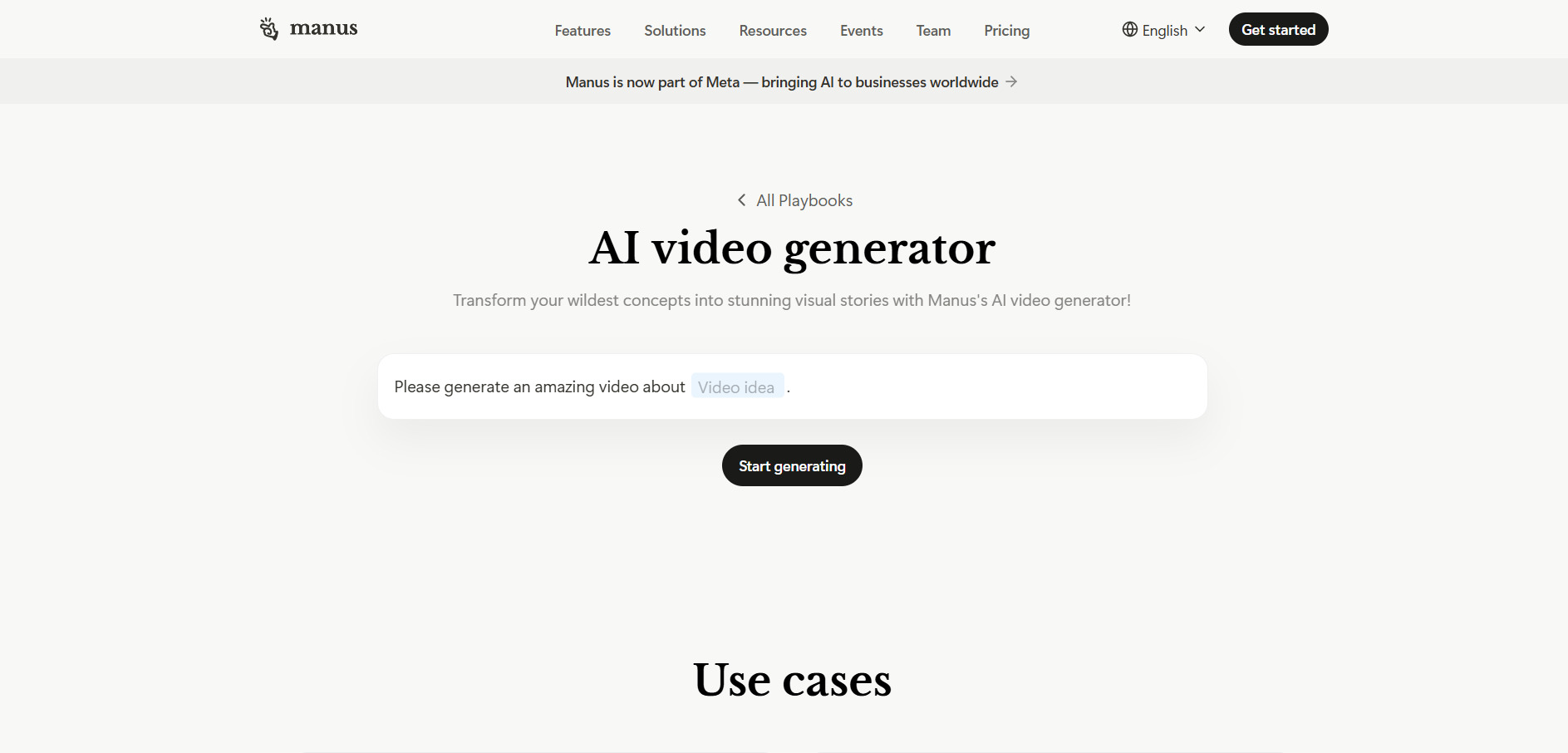
Manus AI’s free plan refreshes 300 credits daily, letting you test its autonomous agent capabilities, including slide and basic video-adjacent content generation, without paying upfront. Paid Pro tiers scale credits linearly with price, while the Pro Max tier at $200/month offers the best per-credit value for high-volume, heavy users.
Rather than being a dedicated video generator, Manus AI is a general-purpose autonomous agent that can research, code, build websites, and assemble presentation-style video content from a single prompt. It suits teams wanting one agent to handle broader creative and research tasks alongside occasional video-adjacent output.
Pros
- Usable free tier with daily credit refresh
- Handles research, coding, and content tasks in one agent
- Pro Max offers strong per-credit value at scale
Cons
- Not a dedicated or specialized video generator
- Credit consumption is unpredictable per task
- Monthly credits do not roll over
Quick Comparison Table
| Alternative | Description |
|---|---|
| Artlist AI | All-in-one AI suite bundling video, image, voice, and stock music/footage generation with a director-style Studio workspace. |
| Grok Imagine | xAI’s Aurora-powered image and video generator built into the Grok ecosystem with fast, stylized outputs. |
| Mango AI | Affordable talking-avatar and lip-sync video generator built for social content and quick personal videos. |
| Wan 2.2 | Alibaba’s open-weight video toolkit offering free self-hosting and dozens of specialized model variants. |
| Wan 2.6 | Alibaba’s most advanced video model with native audio sync and multi-shot cinematic generation. |
| Kapwing AI | Browser-based collaborative video editor with AI subtitles, clip extraction, and team workflows. |
| PixVerse V6 | Fast, stylized AI video generator with native audio and cinematic camera controls for social creators. |
| Creatify AI | URL-to-video ad generator with AI actors, ideal for e-commerce and performance marketing teams. |
| Vidu Q3 | The first model to generate native synced audio and video in one pass, with flexible credit-based pricing. |
| Google Veo 3 | Google DeepMind’s premium cinematic video model with top-tier realism and native audio via Gemini/Flow. |
| Wireflow | A visual, node-based canvas that chains multiple AI video models into one automated production pipeline. |
| Luma Ray3 | Fast, high-fidelity video model with HDR/EXR support, ideal for filmmakers and motion designers. |
| Hedra | Talking-avatar platform with best-in-class lip-sync from a single photo and real-time Live Avatars. |
| Manus AI Video | General-purpose autonomous AI agent that handles research, coding, and presentation/video-adjacent tasks. |
Conclusion
There is no single “best” Vyond Go alternative; the right choice depends on your content type and budget. If you need cinematic realism, Google Veo 3 or Wan 2.6 lead the pack. For talking avatars and presenter-style videos, Hedra and Mango AI are excellent affordable options. Marketers producing high-volume ad creative should look at Creatify AI, while teams wanting a flexible, multi-model workflow will find Wireflow especially valuable.
Whichever platform you choose, most offer a free plan or trial credits, so it’s worth testing two or three options against your actual scripts and use case before committing to an annual subscription. Pricing and features in this space change quickly, so always check each provider’s official pricing page for the latest numbers before you subscribe.


