
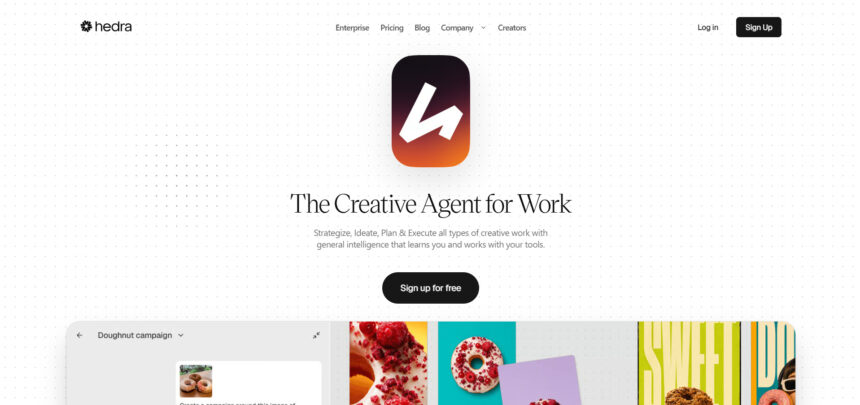
Hedra built a name for itself as a character-video and talking-avatar generator, but it is far from the only option for creators who want AI-driven video, image, or animation tools in 2026. Depending on your goal turning blog posts into videos, generating cinematic AI clips, animating talking photos, or building automated ad creatives a different platform may fit better. Below are 14 Hedra alternatives, each covering a different corner of the AI video and content-creation landscape, along with their free trial availability, official pricing plans, and honest pros and cons to help you pick the right one.
Pictory AI

Pictory AI turns blog posts, scripts, and long-form text into short marketing videos using stock footage, AI voiceovers, and auto-captioning. It offers a free trial that lets you create three full video projects with watermarked exports before you commit to a paid tier, making it easy to test the script-to-video workflow risk-free.
Pictory is best suited to marketers and YouTubers who want to repurpose written content into video fast rather than edit frame-by-frame. Its AI voice and stock-matching engine handles the heavy lifting, though the visual style can feel templated compared to fully generative tools, and video minutes are capped monthly depending on the plan you choose.
Pros
- Fast blog/script-to-video conversion
- Large stock and music library
- Built-in AI voiceovers and captions
Cons
- Monthly video-minute caps
- Templated visual style
- Premium assets cost extra
VideoProc AI
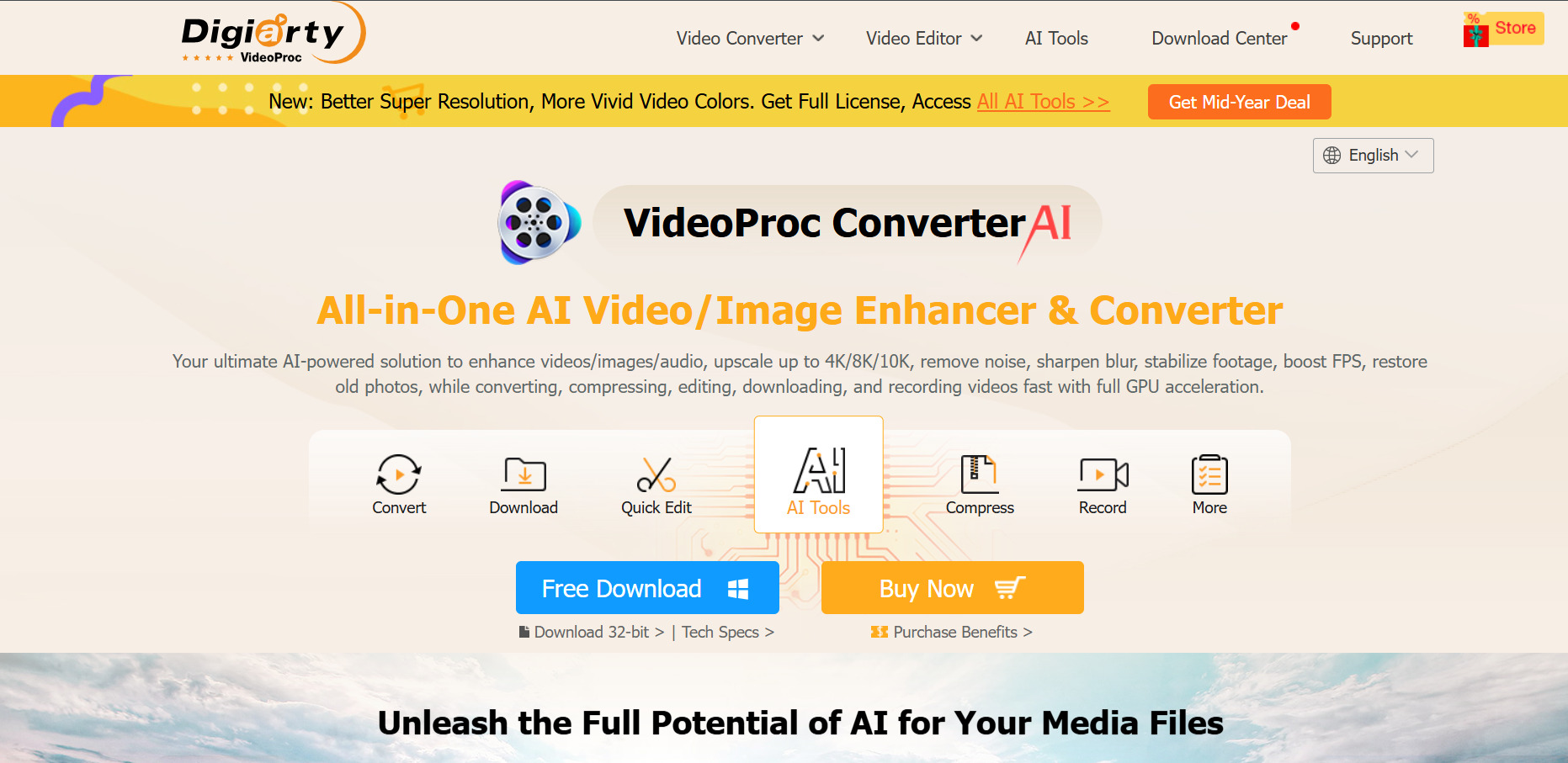
VideoProc AI Converter is a GPU-accelerated desktop tool for upscaling, enhancing, converting, and stabilizing video and image files rather than generating new footage from scratch. Its free trial unlocks most tools but caps AI Super Resolution clips under five minutes and limits Image AI processing, giving you a real feel for the software.
It’s a strong pick for creators restoring old footage, upscaling low-resolution clips, or ripping and converting DVDs and videos across 420+ formats. Because it processes existing footage rather than generating clips, it isn’t a text-to-video tool, and heavier AI tasks demand a capable GPU to run efficiently on your machine.
Pros
- One-time lifetime license option
- Strong AI upscaling and stabilization
- Wide format and codec support
Cons
- Not a video generator
- Needs a decent GPU for AI features
- Trial has tight clip-length limits
Artlist AI
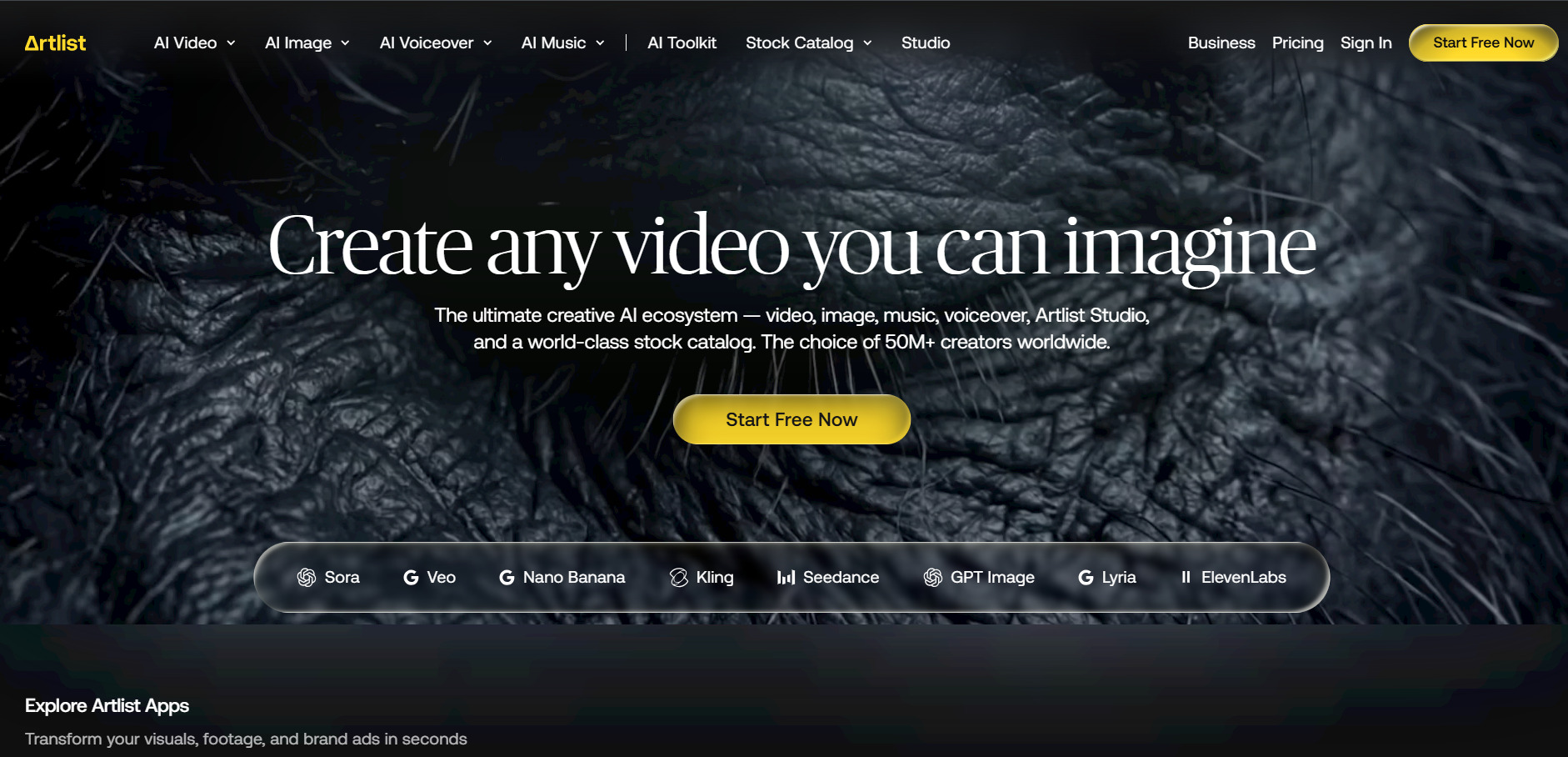
Artlist AI combines a royalty-free music and footage library with a full AI Toolkit covering video, image, voiceover, and music generation through models like Veo 3.1, Kling, and Sora. There’s no traditional free trial, but Artlist lets you generate a few free sample voiceovers, images, and videos to sample its AI quality before subscribing.
Artlist shines for creators who already want music, footage, and generative AI in one ecosystem instead of juggling separate subscriptions. The tradeoff is that heavy AI generation quickly pushes you toward the pricier Professional tier, and the credit system across dozens of third-party models can be confusing to budget for accurately.
Pros
- Combines stock assets with AI generation
- Access to 100+ premium AI models
- Strong music and SFX library
Cons
- No standard free trial
- Heavy AI use gets expensive
- Credit costs vary by model
Vyond
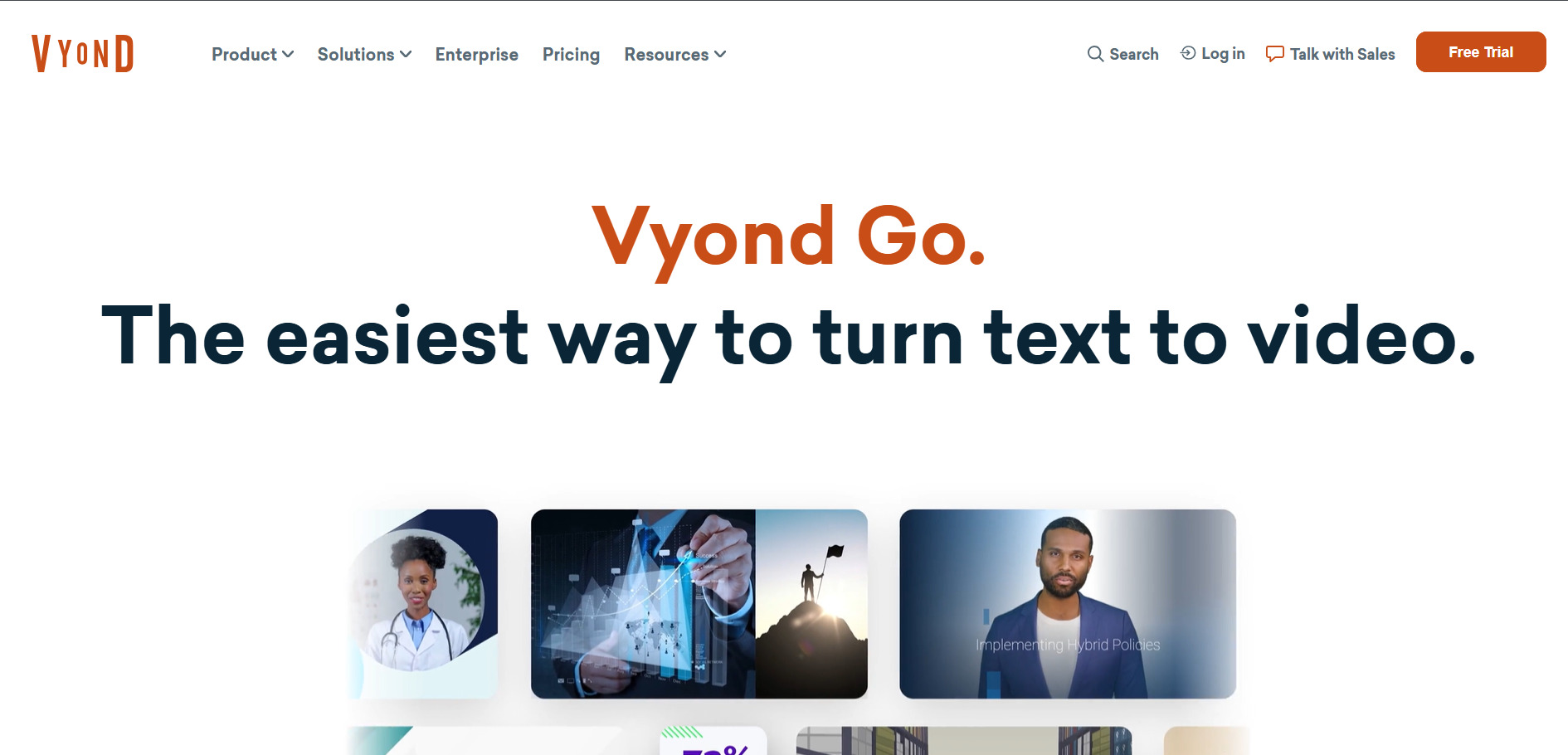
Vyond Go is a character-driven animation studio that lets you build explainer videos, training content, and AI avatar scenes using drag-and-drop characters, props, and templates. Its free trial gives you 2,000 AI credits to test avatars, text-to-speech, and screen recording, though exports carry a watermark until you upgrade to a paid plan.
Vyond is widely used by L&D and corporate training teams because of its deep character customization and lip-sync accuracy. It’s noticeably pricier than most competitors on this list, uses a credit system for AI features that can run out mid-project, and its higher tiers require an annual commitment with no monthly option.
Pros
- Best-in-class character animation
- Strong for corporate/eLearning videos
- Automatic lip-sync feature
Cons
- Expensive relative to competitors
- AI credits can run out fast
- Top tiers are annual-only
Google Veo 3
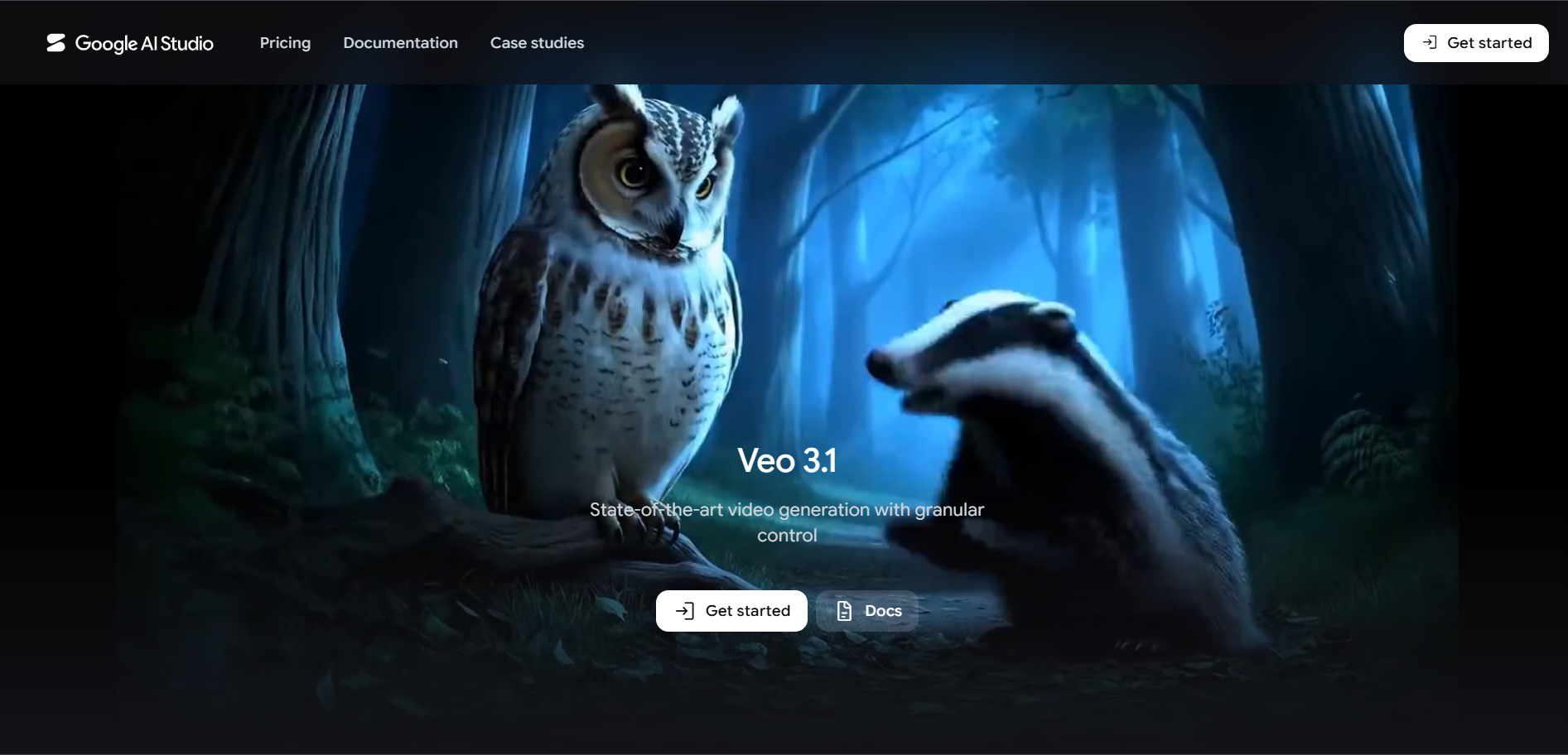
Google Veo 3 is Google’s flagship AI video model, producing cinematic clips with native audio and synchronized dialogue through the Gemini app and Flow filmmaking tool. Google offers meaningful free access via a Veo 3.1 Lite tier rolled into every Google account, plus limited daily generations without needing a paid subscription.
Veo 3 is widely regarded as the current quality benchmark for AI video, especially for realistic physics and audio sync. The catch is that full-quality access is gated behind the costly Ultra plan, generation is slower than lighter-weight rivals, and each clip is capped at eight seconds before you need to chain multiple generations together.
Pros
- Top-tier realism and audio sync
- Free Lite access for every account
- Integrated into Google’s ecosystem
Cons
- Full quality needs the $249.99 Ultra plan
- 8-second clip limit per generation
- Generation can be slow at peak times
Grok Imagine
Grok Imagine is xAI’s built-in image and video generator inside the Grok app, capable of producing short video clips with synchronized audio directly from a chat prompt. As of March 2026, xAI removed free image and video generation, so any use of Grok Imagine now requires at least the entry-level paid tier.
Grok Imagine is a convenient option if you’re already paying for Grok’s chat assistant and want video generation bundled in rather than as a separate subscription. Its API pricing is notably cheap per minute of video, but the tool has drawn scrutiny over content moderation, and free-tier access no longer exists for creative generation.
Pros
- Bundled with Grok chat subscription
- Cheap per-minute API video pricing
- Fast, chat-based generation flow
Cons
- No free image/video generation anymore
- Content moderation concerns
- Lite tier limited to 480p/6-second clips
Creatify AI
Creatify AI turns product URLs into ready-to-run UGC-style video ads using a library of hundreds of realistic AI actors and ad templates. Its free plan includes 10 monthly credits, enough for roughly two video ads or 20 image ads, though exports are watermarked and locked to a 9:16 aspect ratio.
Creatify is popular with e-commerce sellers and performance marketers who need to test many ad variations quickly without hiring UGC creators. The credit-based system can feel restrictive on lower tiers since quality videos consume more credits, and some reviewers note inconsistent lip-sync quality across the large avatar library.
Pros
- Fast URL-to-video-ad workflow
- Large AI actor and template library
- Good for rapid ad testing
Cons
- Credits deplete quickly on quality videos
- Free trial is watermarked, 9:16 only
- Avatar quality varies
Kapwing AI
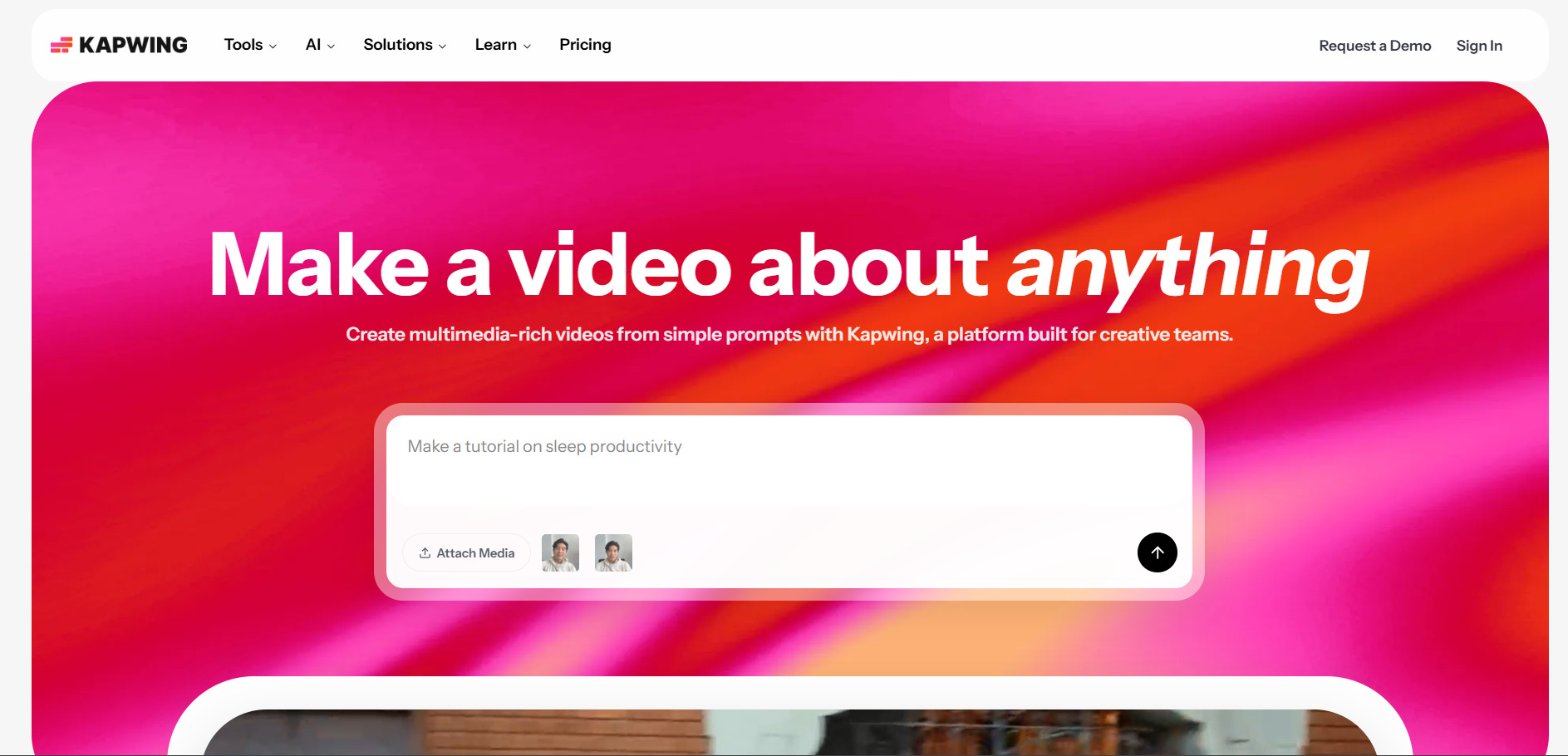
Kapwing AI is a browser-based video editor with AI tools for auto-subtitling, silence removal, background removal, and short-clip extraction, all inside a real-time collaborative workspace. Its free plan requires no credit card and lets you explore every tool, though exports are capped at four minutes, 720p, and carry a watermark.
Kapwing is a great fit for teams editing podcasts, repurposing long-form video into shorts, or collaborating in real time inside a browser. It doesn’t generate AI voiceovers or original footage the way generative tools do, and per-member pricing on Business can get costly quickly as your team grows.
Pros
- Strong real-time team collaboration
- Smart Cut removes silences automatically
- No-install, browser-based editing
Cons
- No AI voiceover generation
- Free tier limited to 4-minute exports
- Per-seat pricing scales fast for teams
Wan 2.6

Wan 2.6 is Alibaba’s advanced multimodal video model supporting text-to-video, image-to-video, and reference-to-video generation with native synchronized audio and lip-sync. There’s no conventional free trial, but Alibaba’s official Wan platform and third-party API resellers offer small free or trial credit allotments to test generation quality first.
Wan 2.6 is one of the most budget-friendly serious video models available, making it attractive for developers and studios producing high volumes of short clips. Output quality doesn’t quite match premium rivals like Veo or Sora, native audio can be inconsistent, and accessing it directly through Alibaba Cloud requires navigating a console built primarily for the Chinese market.
Pros
- Extremely low per-second video cost
- Native audio and lip-sync support
- Up to 15-second clip length
Cons
- Alibaba Cloud onboarding is clunky internationally
- Quality below premium rivals
- No major official free trial
Lumen5
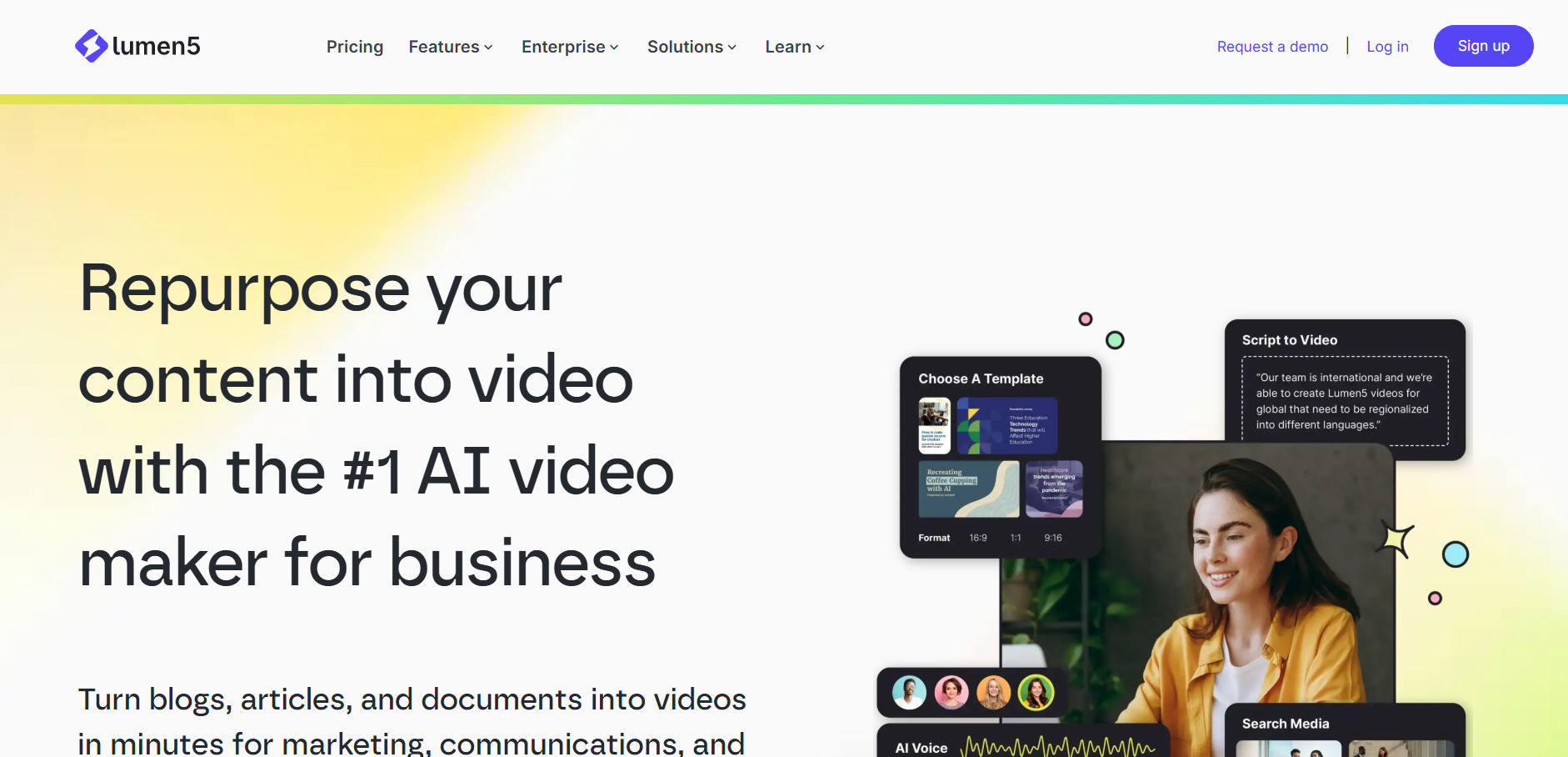
Lumen5 automatically converts blog posts and scripts into social videos by matching your text to stock footage, images, and background music. Its free plan lets you create up to five videos a month at 720p with a Lumen5 watermark, giving new users a genuine hands-on test of the platform before paying.
Lumen5 remains useful for B2B marketing teams producing horizontal, text-overlay-style videos without narration. A significant limitation is that it does not generate AI voiceovers at all, so you must record or import your own audio, and its pricing skews toward business budgets rather than solo creators compared to newer rivals.
Pros
- Simple blog/script-to-video automation
- Solid stock media and music library
- Genuine free tier to test features
Cons
- No built-in AI voiceover
- Pricing aimed at B2B, not solo creators
- Templates can look dated
Luma Ray3

Luma Ray3 is Luma AI’s flagship video model inside Dream Machine, known for physics-accurate motion, HDR output, and a Draft Mode that lets you preview shots cheaply before spending full credits. The free plan gives around 30 generations a month at draft resolution with watermarks, useful for evaluating quality before upgrading.
Luma Ray3 stands out for filmmakers and post-production teams who prioritize cinematic quality and HDR realism over raw output volume. Credits do not roll over month to month, failed generations still consume them, and casual creators chasing high-volume social content may find the per-clip cost adds up faster than lighter competitors.
Pros
- Physics-accurate, cinematic motion quality
- Draft Mode saves credits while iterating
- HDR output on higher tiers
Cons
- Credits don’t roll over
- Pricier per clip than volume-focused tools
- No permanent commercial-use free tier
PixVerse V6
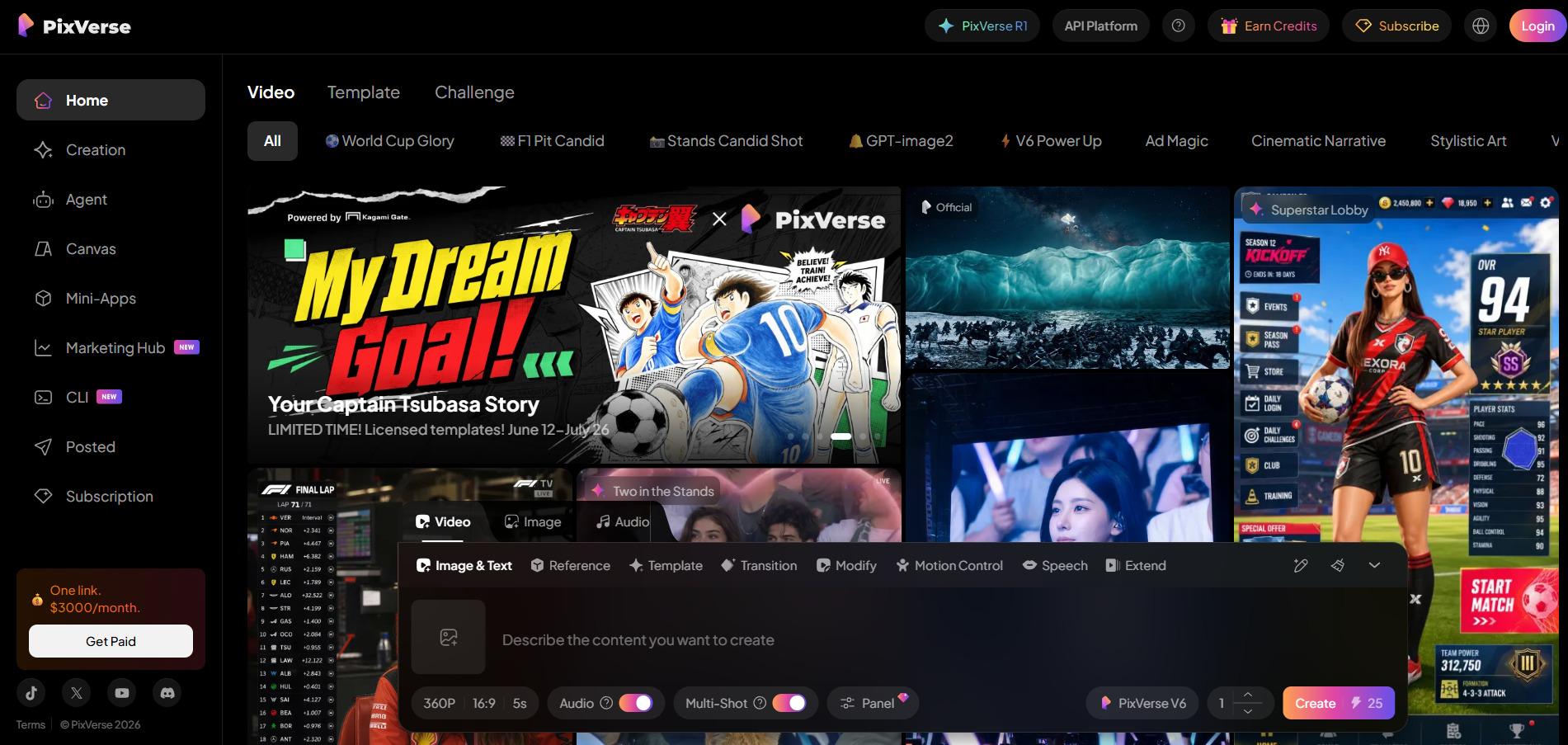
PixVerse V6 generates short cinematic video clips from text or images with native audio, camera controls, and reference-to-video consistency features. Its free Basic plan gives 90 signup credits plus 60 daily credits, enough for roughly one watermarked video per day, making it one of the more generous free tiers on this list.
PixVerse is a strong choice for social and anime-style short-form content thanks to its speed and generous daily free credits. Clip length tops out around 15 seconds on most tiers, output isn’t fully deterministic so multiple retries are often needed, and 4K resolution is only available through the API rather than consumer plans.
Pros
- Generous daily free credits
- Fast generation with native audio
- Good for anime/stylized short clips
Cons
- Output not fully deterministic
- Standard tier capped at 720p
- Clip length limited vs. rivals
Mango AI
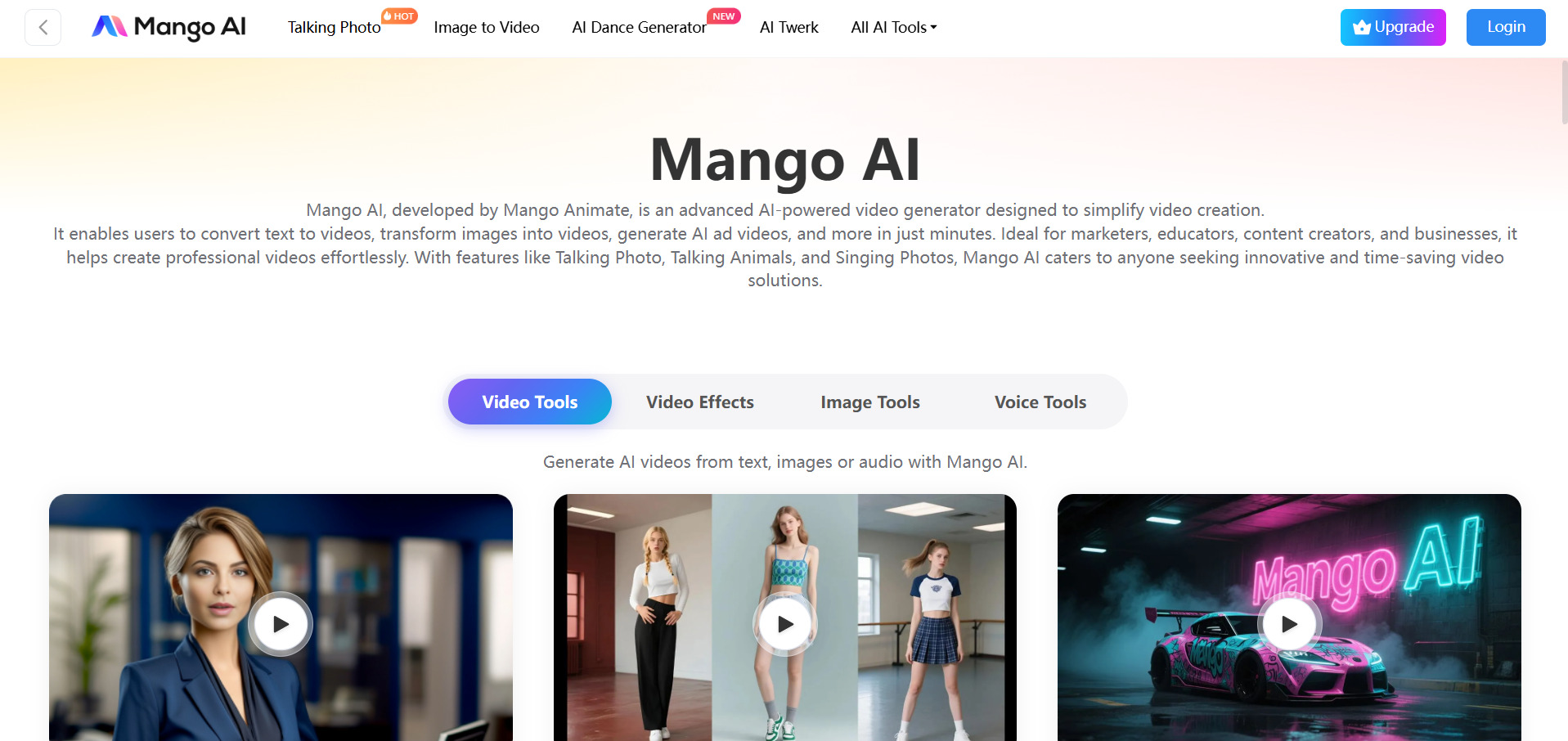
Mango AI, from Mango Animate, focuses on talking-photo and avatar videos you upload a portrait and script, and it generates a lip-synced talking video complete with face swap and voice options. The free plan lets you create short videos with a watermark and limited resolution, a decent way to sample the avatar quality first.
Mango AI is one of the most affordable talking-avatar tools available, making it accessible for hobbyists, educators, and small businesses on tight budgets. Its avatar realism and template variety lag behind premium avatar platforms, and monthly credits for face swaps and custom photos don’t roll over if left unused.
Pros
- Very affordable entry pricing
- Simple talking-photo/avatar workflow
- Face swap and voice cloning included
Cons
- Avatar realism trails premium tools
- Unused monthly credits don’t carry over
- Free plan is watermarked and limited
Wireflow
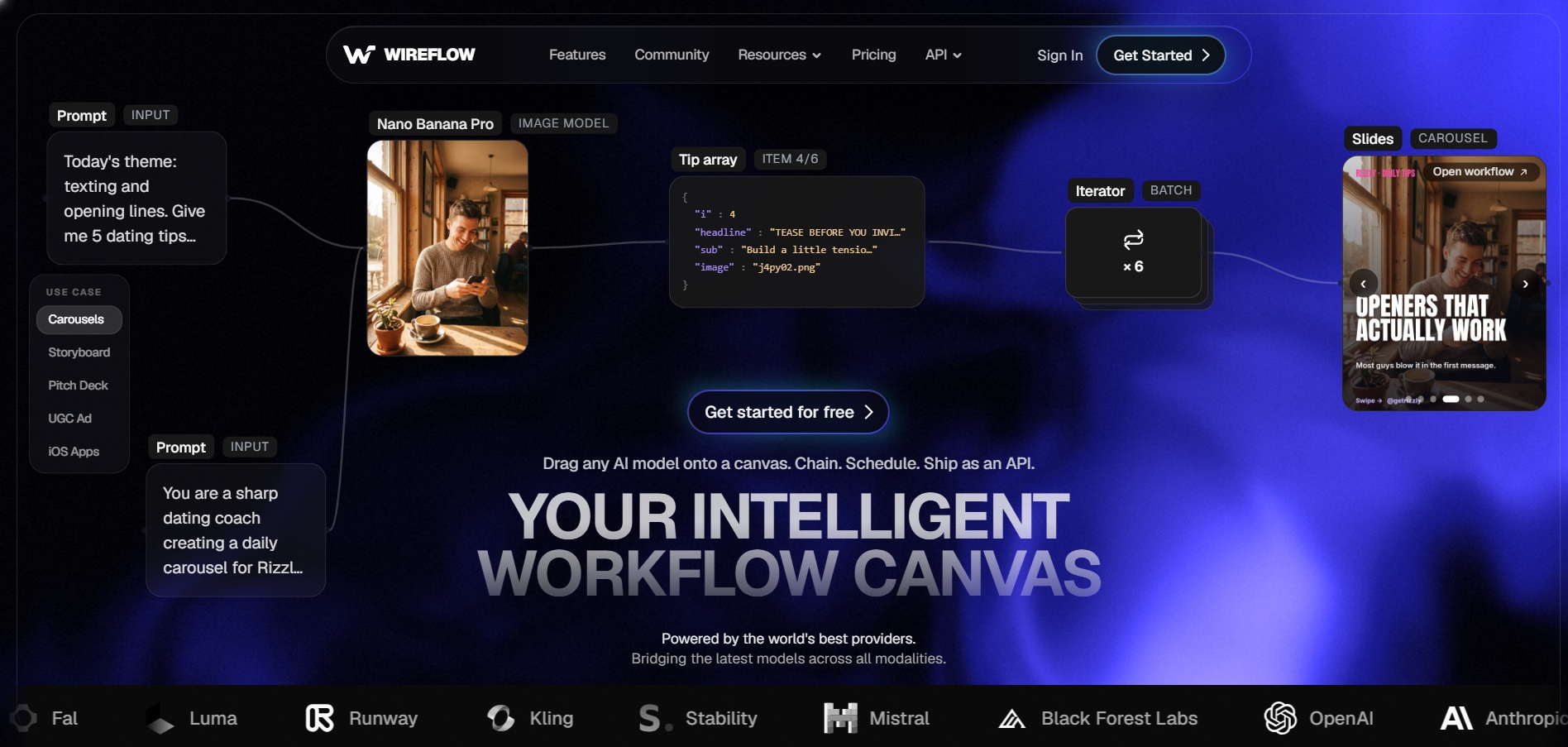
Wireflow is a visual, node-based canvas for chaining together 70+ AI models image, video, audio, and 3D into a single reusable workflow that doubles as an API endpoint. Building workflows and browsing the model gallery is completely free with no credit card required; you only need a paid plan once you’re ready to generate.
Wireflow appeals most to developers and agencies who want to mix and match models (e.g., generate an image, then animate it, then add voice) without stitching together separate APIs manually. It has a steeper learning curve than single-purpose tools since you build pipelines yourself, and heavy iteration across many models can add up quickly on the pay-per-generation model.
Pros
- Free to build and browse workflows
- Chains 70+ models on one canvas
- Every workflow becomes a REST/MCP API
Cons
- Steeper learning curve than single tools
- Pay-per-generation adds up with iteration
- No Runway model in the catalog
| Alternative | Description |
|---|---|
| Pictory AI | Converts blog posts and scripts into stock-footage videos with AI voiceovers and captions. |
| VideoProc AI | Desktop tool for AI upscaling, video conversion, stabilization, and enhancement. |
| Artlist AI | Stock music/footage library bundled with a multi-model AI video, image, and voiceover toolkit. |
| Vyond | Character-based animation studio for explainer, training, and AI avatar videos. |
| Google Veo 3 | Google’s flagship cinematic AI video model with native audio, accessed via Gemini and Flow. |
| Grok Imagine | xAI’s chat-integrated image and video generator built into the Grok app. |
| Creatify AI | Turns product URLs into UGC-style AI video ads using realistic AI actors. |
| Kapwing AI | Browser-based collaborative video editor with AI subtitling, silence removal, and clip tools. |
| Wan 2.6 | Alibaba’s budget-friendly multimodal video model with native audio and lip-sync. |
| Lumen5 | Automated blog-to-video tool using stock media matched to your script. |
| Luma Ray3 | Cinematic, physics-aware AI video model inside Luma’s Dream Machine platform. |
| PixVerse V6 | Fast AI video generator with native audio, camera controls, and generous free credits. |
| Mango AI | Affordable talking-photo and avatar video generator with face swap and voice tools. |
| Wireflow | Node-based canvas for chaining 70+ AI models into reusable video/image workflows and APIs. |
Conclusion
If you need polished talking-avatar or character videos, Vyond and Mango AI are worth comparing directly against Hedra. If cinematic, high-fidelity AI video is the goal, Google Veo 3 and Luma Ray3 lead on quality, while Wan 2.6 and PixVerse V6 offer far cheaper ways to generate at volume. For text-to-video repurposing, Pictory AI and Lumen5 remain the go-to automated options, and teams that want to orchestrate multiple AI models in one pipeline should look at Wireflow. Whichever tool you choose, take advantage of the free trials and free tiers listed above before committing to a paid plan, since pricing and credit limits change often in this fast-moving space.


