

Google Veo 3 raised the bar for AI video generation, but it is far from the only option on the market in 2026. Depending on your budget, workflow, and creative goals, dozens of other platforms now offer comparable or specialized capabilities, from cinematic text-to-video models to talking-avatar generators and full editing suites. Below is a detailed 19 of the strongest Google Veo 3 alternatives, covering their trials, pricing, strengths, and weaknesses so you can pick the right tool for your next project.
1. Mango AI
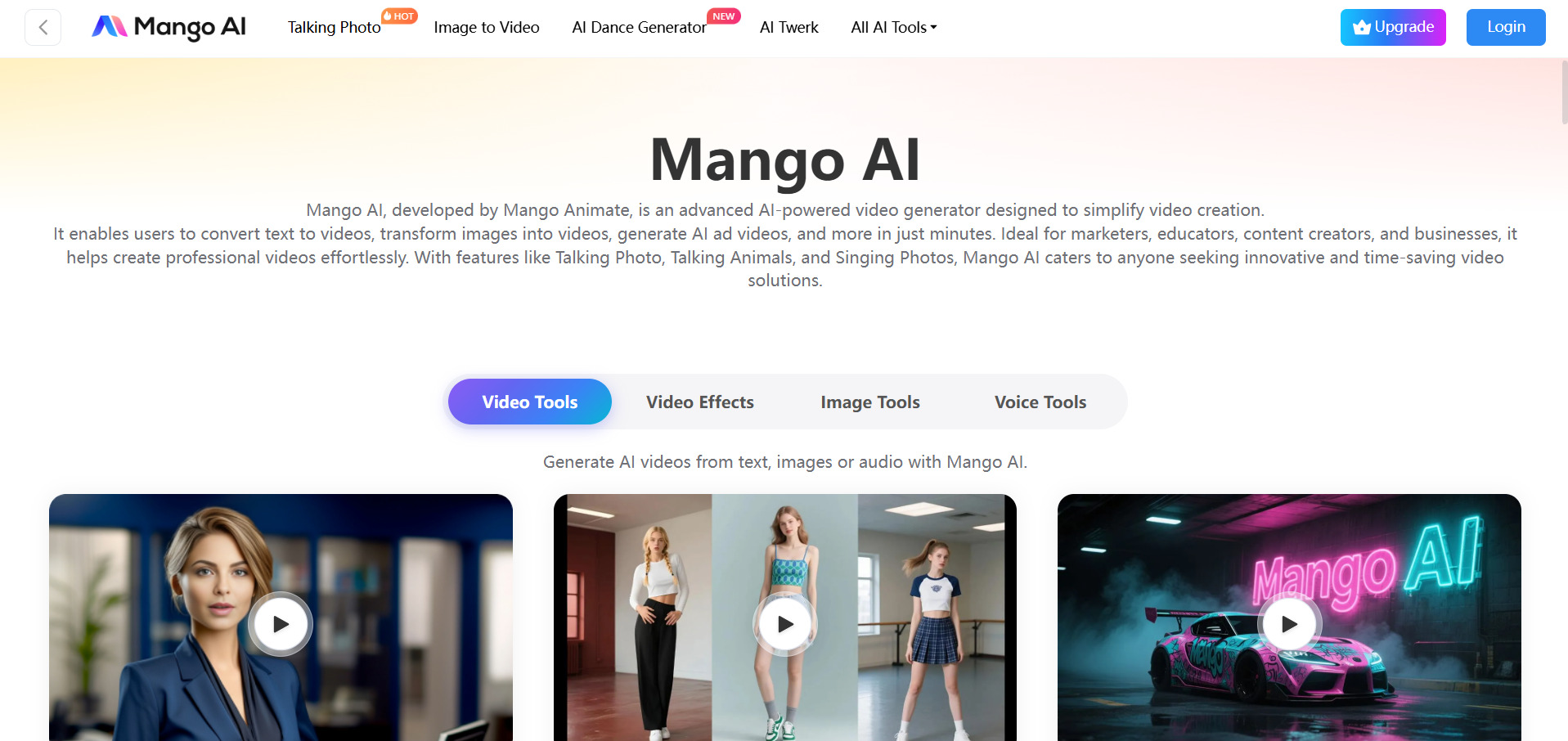
Mango AI offers a free tier with limited, watermarked, 720p exports capped at three minutes. Paid plans begin with a Starter plan around $7.9–$12.9/month, a Pro plan near $10.9/month, and an Enterprise plan around $49.9/month, each unlocking more credits, higher resolution, and watermark-free downloads.
Mango AI, from Mango Animate, turns scripts and photos into talking-avatar videos using over 120 AI voices and lip-sync technology. It targets marketers, educators, and HR teams who need explainer, onboarding, or promotional videos quickly. The platform also includes face swap, singing photos, and text-to-animation tools, making it a versatile pick for creators who want more than a single-purpose text-to-video generator.
Where Mango AI shines is accessibility: no editing experience is required, and templates guide users through the entire process. However, it is not built for cinematic scene generation like Veo 3; its outputs lean toward presenter-style and animated content rather than photorealistic footage. For businesses producing high volumes of short marketing or training clips, the credit-based pricing keeps monthly costs relatively predictable and low compared to premium cinematic tools.
Pros
- Large library of AI voices and avatars
- Easy for non-editors to use
- Affordable entry-level pricing
Cons
- Free plan is heavily watermarked
- Not suited for cinematic scene generation
- Limited to 3-minute videos on free tier
2. Vidu Q3
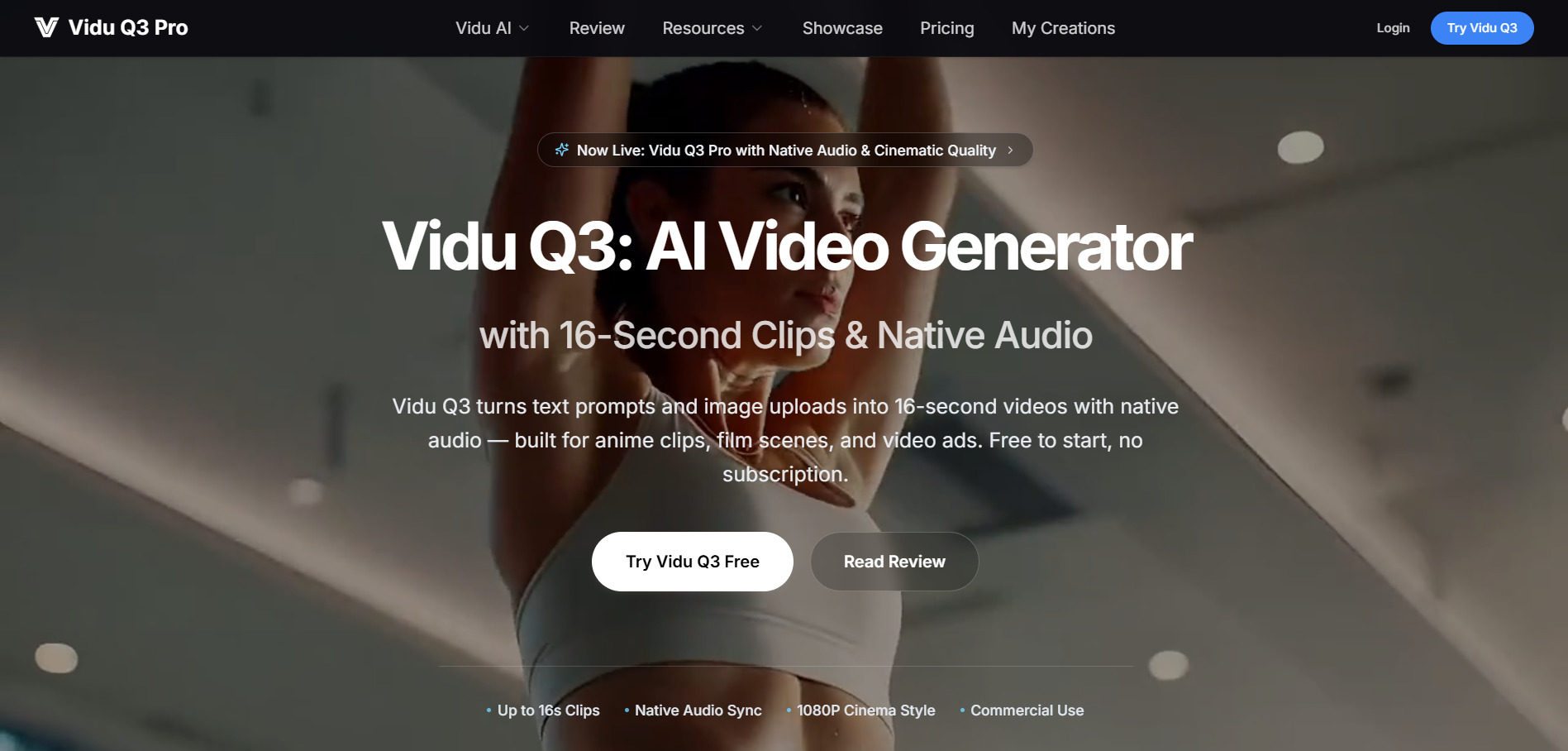
Vidu Q3 gives new users free trial credits, then moves to one-time credit packs from $19.90 to $99.90 with no subscription required. Vidu’s broader platform also offers subscription tiers, with Standard around $8–$10/month, Premium near $28–$35/month, and Ultimate around $79–$99/month depending on billing cycle.
Vidu Q3 converts text prompts or reference images into 16-second videos with native audio, aimed at anime clips, cinematic scenes, and product ads. It supports 1080p output, multiple aspect ratios, and commercial usage rights on all paid plans, making it a serious contender for creators who want stylized motion without committing to a recurring subscription.
The credit-based, non-expiring model appeals to occasional users who dislike monthly billing, while regular creators can lean on subscription tiers for a lower cost per clip. Vidu Q3 particularly excels at anime-style and action sequences with strong physics handling, though free credits run out quickly and are best used for prompt testing rather than finished production work.
Pros
- No mandatory subscription; credits never expire
- Strong at anime and action sequences
- Commercial rights included on paid packs
Cons
- Free tier is limited to a handful of test clips
- Pricing structure can be confusing across regions
- Shorter max clip length than some rivals
3. Luma Ray3

Luma’s Dream Machine free tier gives roughly 30 watermarked generations a month. Paid tiers include Plus around $24–$30/month, Pro around $90/month, and Ultra around $300/month, with a legacy Dream Machine ladder still listing Lite at $9.99/month and Unlimited near $94.99/month.
Luma Ray3 is Luma AI’s flagship video model, known for physics-grounded motion, HDR pipelines, and strong video-to-video editing. It appeals to filmmakers and studios that need production-grade fidelity, character reference consistency, and Draft Mode for rapid iteration before committing credits to a final high-resolution render.
Ray3’s biggest differentiator is realism: water, fabric, and lighting behave more naturally than in many competing models. The tradeoff is a steep credit burn rate, especially at 1080p or HDR settings, meaning casual users can exhaust a Plus plan’s allotment after only a few finished clips. Serious studios budgeting for volume production should expect to land on Pro or Ultra tiers.
Pros
- Industry-leading physics and lighting realism
- Draft Mode speeds up creative iteration
- Strong video-to-video and keyframe controls
Cons
- Credits burn through quickly on HDR/1080p
- No permanent free commercial tier
- Entry-level pricing higher than many competitors
4. VideoProc AI
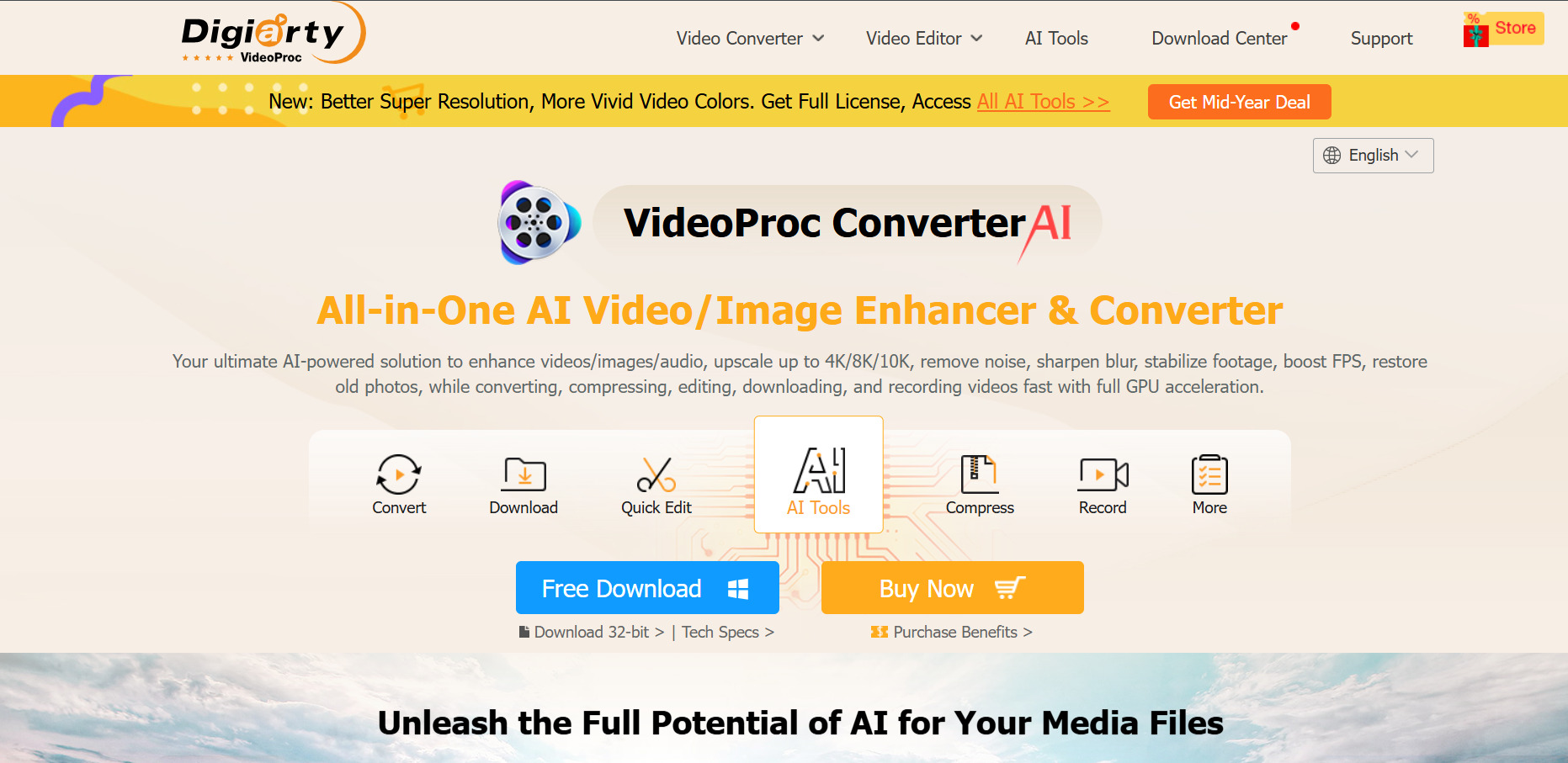
VideoProc AI Converter AI offers a free trial capped at short clips and watermarked exports. The Premium 365 plan runs about $25.95–$39.95/year, a Lifetime License costs roughly $45.95–$65.95, and a Family License covering 3–5 PCs is around $57.95–$79.95, backed by a 30-day money-back guarantee.
VideoProc AI is less a text-to-video generator and more an AI-powered upscaling, enhancement, and conversion suite. Its Super Resolution, Frame Interpolation, and Stabilization tools use GPU acceleration to upscale old or low-resolution footage to 4K, making it a strong companion tool for polishing clips generated by other AI video models.
For creators who already generate raw footage elsewhere but need to enhance quality, fix shaky camera work, or convert formats, VideoProc AI fills a practical niche Veo 3 does not address directly. The one-time or annual licensing model is notably cheaper long-term than most credit-based subscription generators, though the free trial restricts clip length and adds watermarks.
Pros
- Affordable one-time and annual licenses
- Powerful AI upscaling and stabilization
- Works well alongside other video generators
Cons
- Not a true text-to-video generator
- Free trial is heavily restricted
- Mixed reviews on customer support
5. Wan 2.6

Alibaba’s official Wan platform gives free daily login credits, then charges roughly $1.50–$100 for credit packs, with membership plans from $5/month (Pro) to $20/month (Premium). Third-party API access, such as through Atlas Cloud, runs about $0.045–$0.07 per second of generated video.
Wan 2.6 is Alibaba Tongyi Lab’s advanced video model supporting text-to-video, image-to-video, and reference-to-video generation with native synchronized audio and lip-sync. It handles multi-shot storytelling and clips up to 15 seconds at 1080p, positioning it as a budget-friendly rival to Kling and Sora for creators who need decent quality without premium pricing.
Wan 2.6’s biggest appeal is cost efficiency: it consistently undercuts Kling 3.0 and Sora 2 on a per-second basis while still delivering usable 1080p output with synced dialogue and sound effects. It is not quite as polished as Seedance 2.0 or Veo 3.1 in raw fidelity, but for teams optimizing for volume and budget, it remains one of the most economical serious options available.
Pros
- Very competitive per-second pricing
- Native audio and lip-sync support
- Supports clips up to 15 seconds
Cons
- Slightly behind top-tier models on visual fidelity
- Official platform interface is China-focused
- Credit systems vary confusingly across resellers
6. Vyond Go
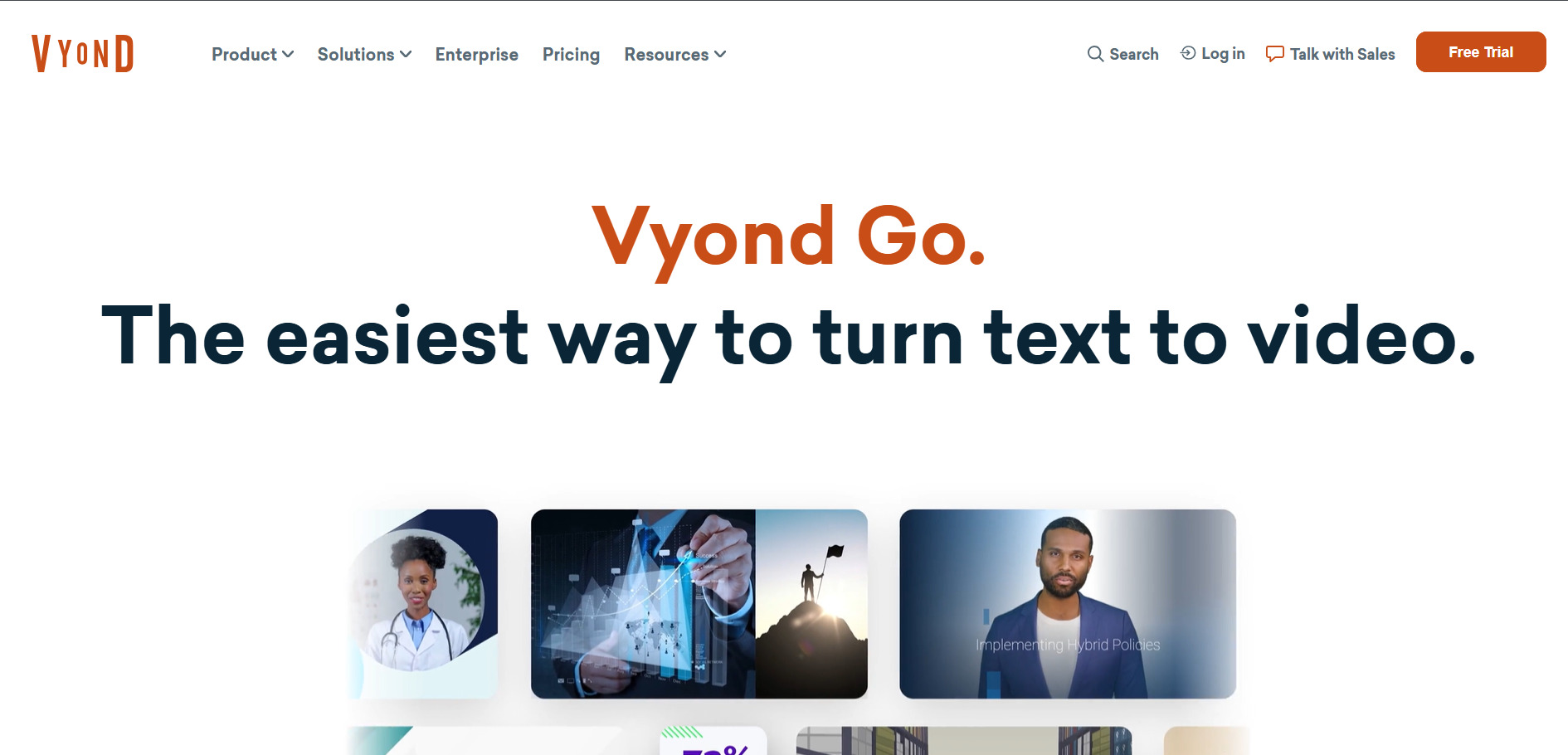
Vyond’s free trial includes watermarked exports. Paid plans start at the Starter tier around $99/month ($699/year), moving to Professional around $199/month ($1,199/year), with Enterprise near $1,649/year and Agency around $1,999/year per seat.
Vyond Go is the instant AI video maker inside Vyond’s broader animation platform, letting users generate original videos in under a minute from a prompt or script. It sits alongside Vyond Studio, a full drag-and-drop editor with AI avatars, mixed-media styles, and a 40,000-item asset library, making Vyond a strong choice for corporate training and L&D teams.
Vyond’s enterprise positioning shows in its pricing, which is considerably higher than most consumer-facing alternatives on this list. In exchange, businesses get instructional-design-grade tools, brand management, Shutterstock integration, and translation into 70-plus languages. It is a poor fit for solo creators on a budget but a strong option for L&D and corporate communications departments with dedicated video budgets.
Pros
- Combines instant AI generation with full manual editing
- Deep library of AI avatars and templates
- Strong for corporate training content
Cons
- Expensive compared to most competitors
- No permanent free plan
- Credit system can restrict AI feature usage on lower tiers
7. Grok Imagine
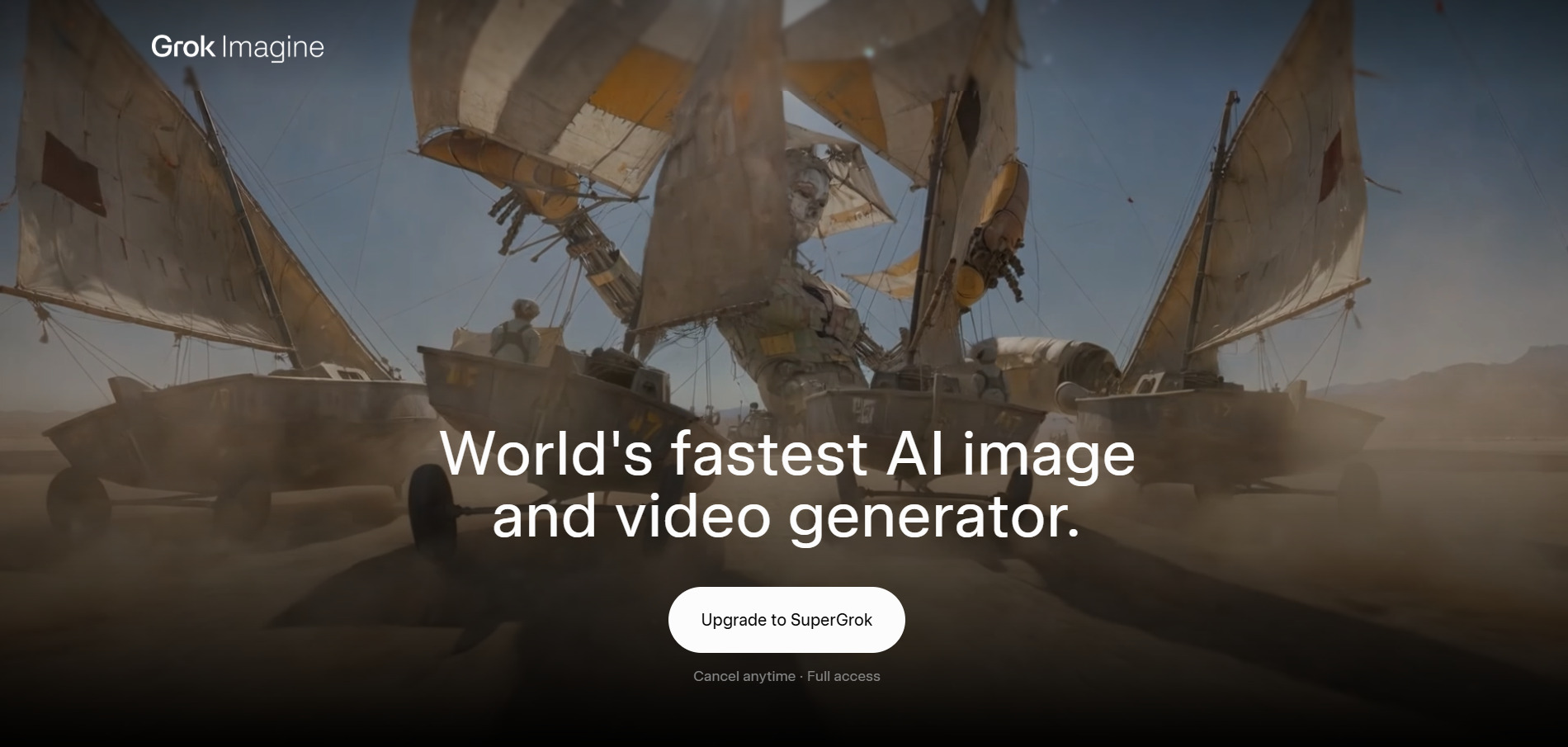
Grok Imagine is free for X Basic and Premium users through the Grok app and website, with Premium unlocking longer videos. Direct API pricing is around $4.20 per minute of output, while third-party resellers offer credit packs and plans from about $0.05–$0.07 per second.
Luma Ray3 Imagine is xAI’s image and video generator, powered by the Aurora and Grok Spicy models, integrated directly into X and the Grok app. It generates up to 15-second clips with synchronized dialogue, sound effects, and music, and topped independent benchmarks like Artificial Analysis Video Arena for both text-to-video and image-to-video generation shortly after launch.
Its tight integration with X gives Grok Imagine an edge for social-native creators who want to generate and post directly without leaving the platform. The API pricing is notably lower than several premium competitors, undercutting OpenAI’s Sora 2 Pro significantly. The main limitation is that full access outside the consumer app requires a SuperGrok subscription or API credits.
Pros
- Free access for X Premium subscribers
- Competitive API pricing versus premium rivals
- Strong benchmark performance at launch
Cons
- Best features tied to X/SuperGrok ecosystem
- Daily quotas can be restrictive on lower tiers
- Less established outside social content use cases
8. Lumen5
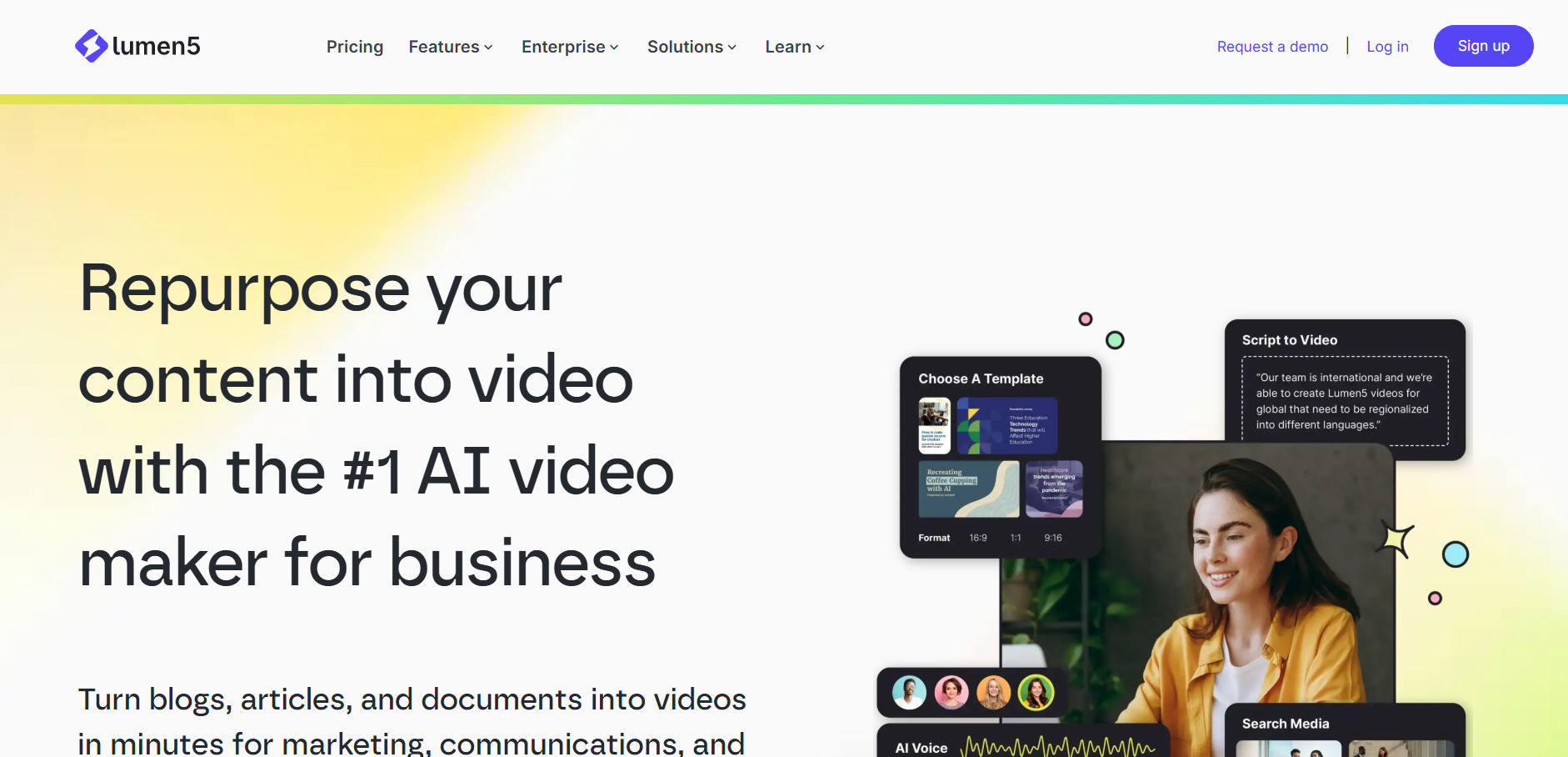
Lumen5’s Community plan is free with limited videos and branding. Paid tiers start around $19–$29/month for Basic/Starter, rising to $59–$79/month for a mid tier, and $149–$199/month for higher-volume plans, with roughly 25% off on annual billing.
Lumen5 turns blog posts, articles, and scripts into social-ready videos by automatically matching text to stock footage, images, and music. It is aimed squarely at marketers and content teams who want to repurpose written content into video at scale rather than generate original cinematic scenes from scratch, differentiating it clearly from Veo 3.
The platform’s drag-and-drop storyboard editor and automated text-to-video matching make it fast for non-editors, though the AI’s visual matching is only moderately accurate out of the box and often needs manual clip swaps. Lumen5 is a strong fit for teams repurposing blog content into video ads or social clips, but it is not built for photorealistic or generative scene creation.
Pros
- Genuinely usable free tier
- Fast blog-to-video repurposing workflow
- Large stock media and template library
Cons
- Not a generative scene creator like Veo 3
- AI visual matching needs manual correction
- Paid plans considered pricey by some reviewers
9. Wireflow
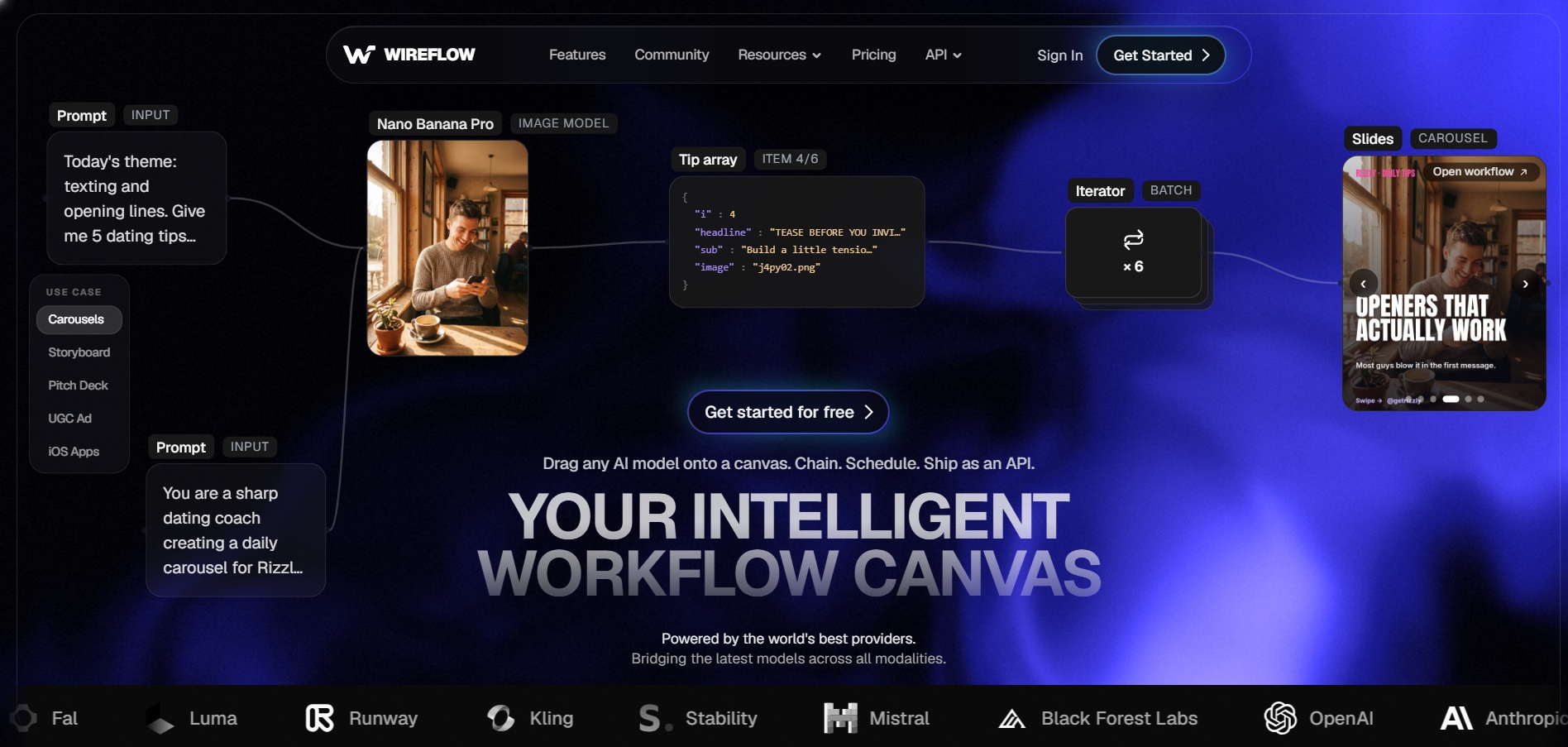
Wireflow lets users build workflows for free with no credit card, but generating video requires a paid plan. Plans start at Starter $24/month, Pro $45/month, and Team $249/month, with credits charged per generation (1 credit = $0.01) and annual billing saving 20%.
Wireflow is a visual, node-based canvas that lets creators chain multiple AI video models, including Veo 3.1, Kling, Sora 2, Luma, and Seedance, into a single automated pipeline. Instead of locking users into one model’s quality ceiling, it allows side-by-side comparisons and multi-step workflows combining generation, upscaling, and audio in one run.
This model-agnostic approach makes Wireflow especially useful for teams that want flexibility without juggling separate subscriptions for each AI video provider. Saved workflows can be exported as REST endpoints or MCP tools for automation. The tradeoff is a steeper learning curve than single-prompt tools, and heavy iteration across multiple models can add up in per-clip credit costs.
Pros
- Access to 12+ video models in one canvas
- No enterprise upsell; single flat pricing tiers
- Workflows can be reused as APIs
Cons
- No free video generation, only free workflow building
- Steeper learning curve than simple prompt boxes
- Costs can add up with heavy multi-model iteration
10. Seedance 2.0

ByteDance’s Dreamina platform offers free daily credits for Seedance 2.0. Third-party API access ranges from about $0.022–$0.10 per second depending on Fast or Standard mode, while some resellers offer monthly subscriptions starting around $19/month.
Seedance 2.0 is ByteDance’s flagship multimodal video model, accepting text, images, and audio references to produce high-definition, multi-shot video with native synchronized sound in a single generation pass. It ranks near the top of independent leaderboards like the Artificial Analysis Video Arena and is also integrated directly into CapCut’s AI video tools.
Seedance 2.0’s combination of strong benchmark performance and aggressive pricing makes it one of the best value options for creators who need near-premium quality without premium cost. Its Fast mode trims cost further for prototyping, while Standard mode is reserved for final renders. Access is split across Dreamina, Jimeng, CapCut, and various API resellers, which can make pricing comparisons confusing.
Pros
- Top-tier benchmark scores for the price
- Native audio generation included
- Integrated directly into CapCut
Cons
- Free daily credits are limited to a few clips
- Pricing fragmented across multiple platforms
- Official access skews toward Chinese-market apps
11. AKOOL

AKOOL‘s Basic plan is free forever with watermarks and 720p caps. Paid tiers include Pro around $21–$30/month, Pro Max around $119/month, and Business around $500/month, all with roughly 30% off on annual billing.
AKOOL is a generative AI platform focused on personalized visual marketing, offering face swap, talking avatars, video translation across 155-plus languages, and a live camera mode for real-time video calls. It also grants access to premium models like Google Veo 3.1, Sora 2, and Kling on its higher tiers, functioning partly as an aggregator.
AKOOL differentiates itself with high-resolution face swap (up to 16K on Business) and real-time streaming avatars, features many competitors lack. The credit system can feel opaque, and per-seat pricing scales quickly for teams, but for marketing and localization teams needing face swap and multilingual dubbing at scale, AKOOL covers ground that Veo 3 does not directly address.
Pros
- High-resolution face swap up to 16K
- Live real-time avatar streaming mode
- Access to multiple premium models on higher tiers
Cons
- Credit consumption can be hard to predict
- Per-seat costs scale quickly for teams
- Free tier limited to 720p with watermarks
12. Artlist AI
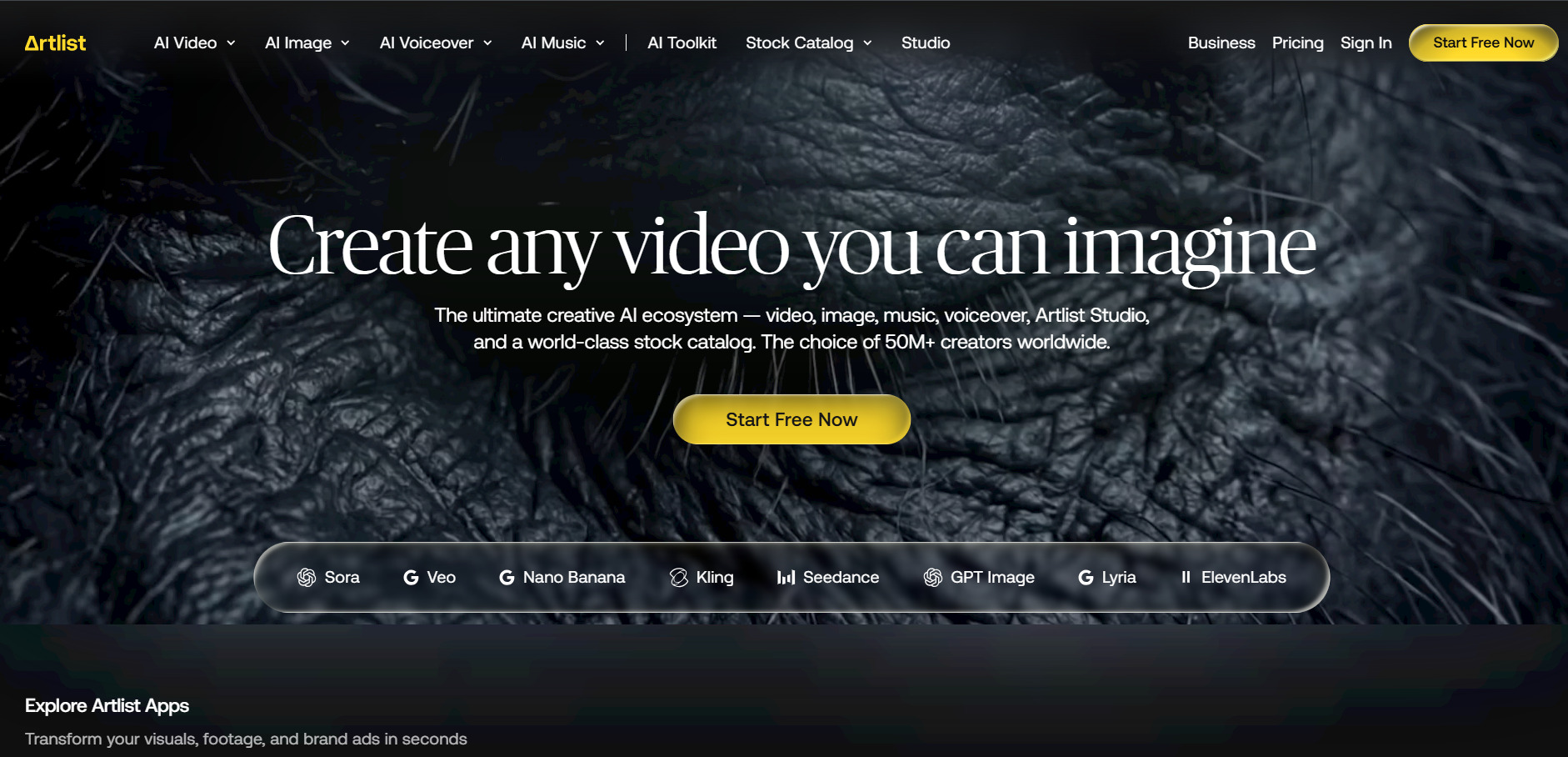
Artlist AI offers tailored tools for video generation and sound design, building upon its expansive audio library legacy to provide creators with localized and context-aware assets. It focuses heavily on commercial synchronization rights, simplifying the process for creators who publish across multiple public platforms.
13. CapCut AI
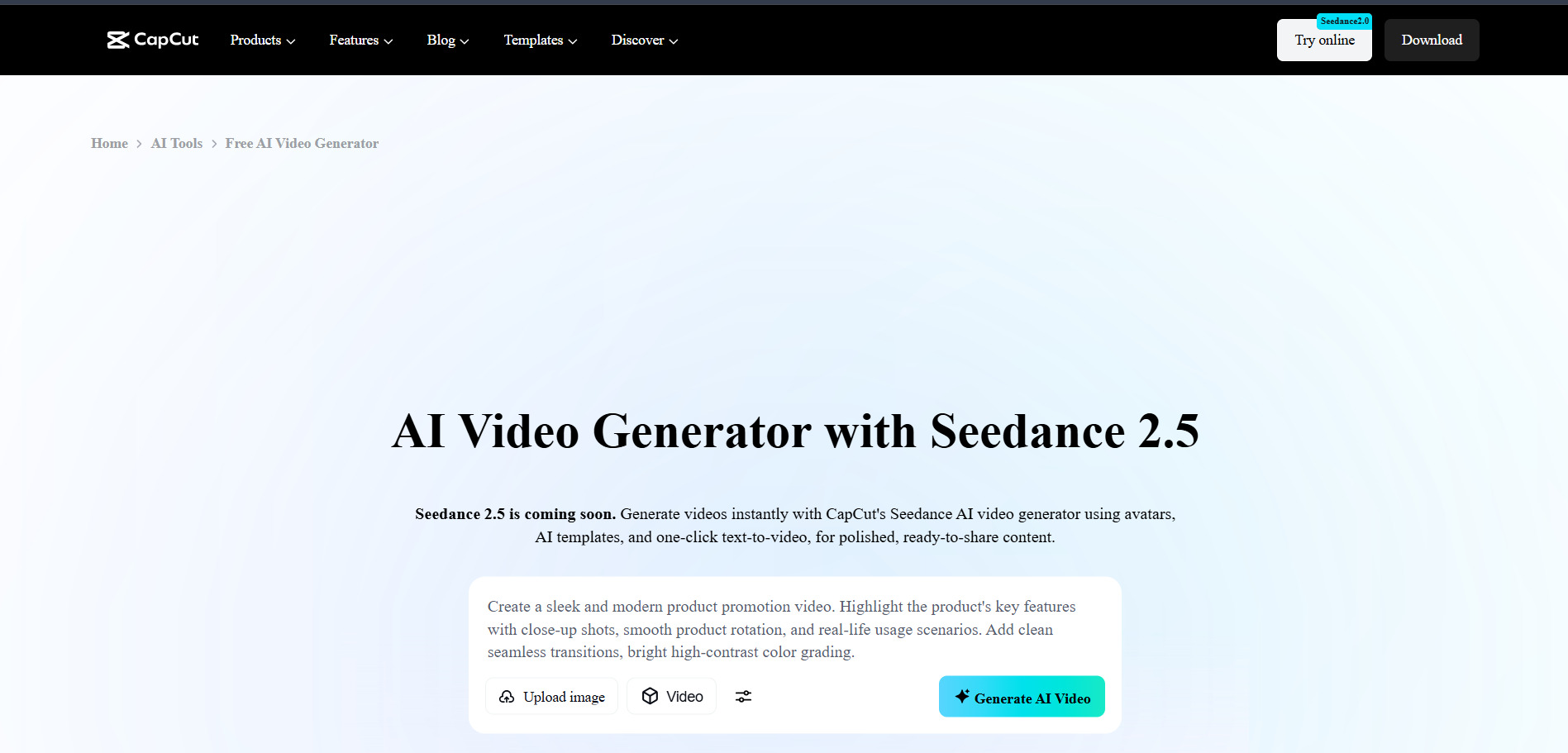
CapCut AI‘s free tier includes full editing tools with 1080p export and no mandatory watermark on most exports. Paid tiers include Standard around $9.99/month and Pro around $19.99/month ($179.99/year), with a Team plan around $24.99/month per seat.
CapCut AI combines a full-featured, free video editor with generative AI tools such as text-to-video generation, AI voice cloning, camera tracking, and background removal, all built by ByteDance. Its integration with Seedance 2.0 gives users access to a competitive AI video model directly inside a familiar timeline editor, rather than a separate prompt-only interface.
CapCut’s biggest advantage over Veo 3 is that its free tier is genuinely production-capable for short-form content, covering trimming, captions, and templates without payment. Pro unlocks 4K export and the full AI toolkit, powered by a monthly AI credit pool. Heavy generative AI users may need to purchase extra credit packs beyond the base subscription.
Pros
- One of the most generous free tiers available
- Combines editing and AI generation in one app
- Built-in Seedance 2.0 integration
Cons
- Heavier AI features draw from a limited credit pool
- Recent price restructuring raised Pro costs
- App store pricing runs higher than web billing
14. Creatify AI
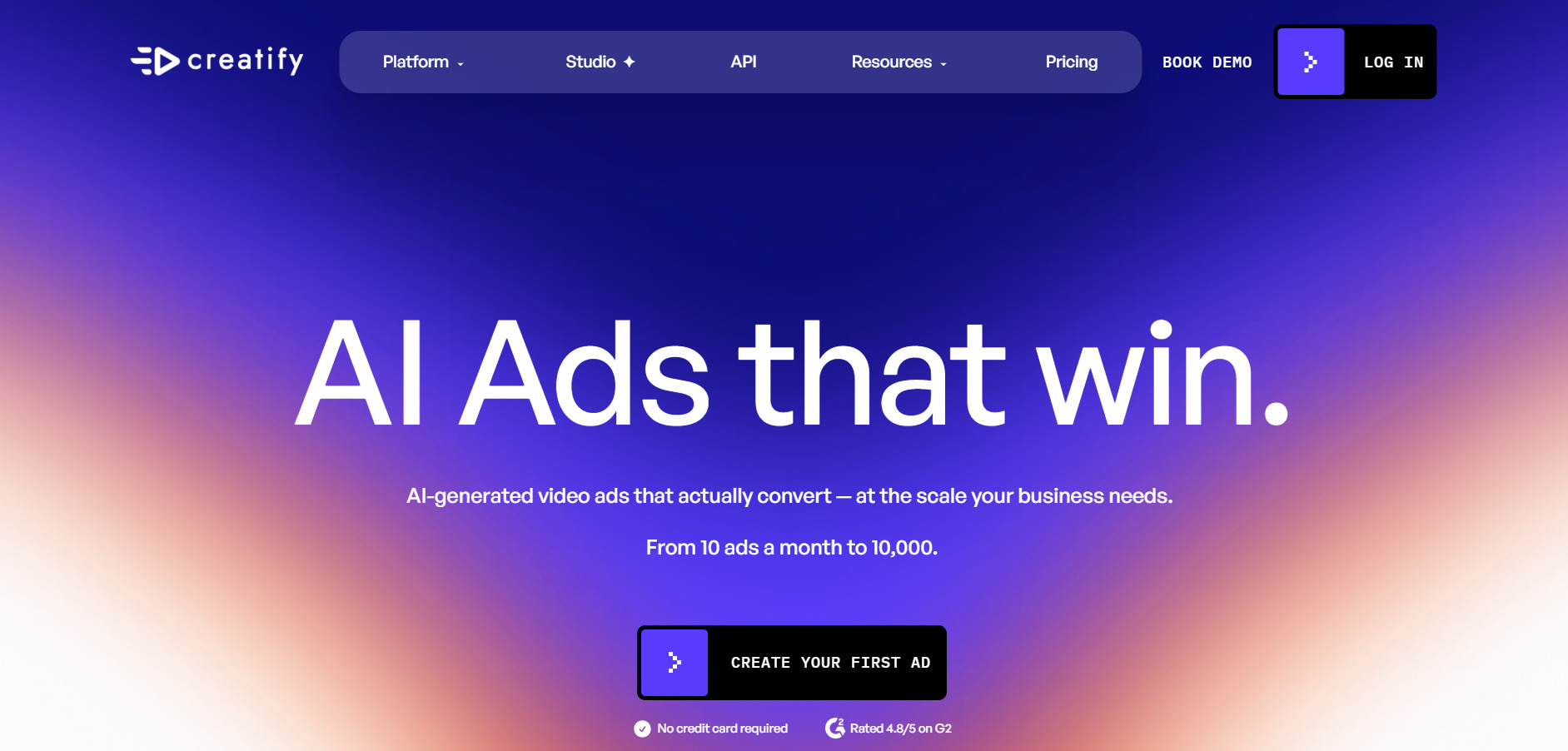
Creatify AI‘s free plan includes about 10 monthly credits with watermarks. The Starter plan runs around $19–$33/month, and the Pro plan is about $49/month, both billed with annual credit allocations; Enterprise pricing is custom.
Creatify AI specializes in turning product URLs into short UGC-style video ads using AI avatars, automated scriptwriting, and multilingual voiceovers. With over 500 avatars and 170-plus voices across 29-plus languages, it is purpose-built for e-commerce marketers and dropshippers who need high-volume ad variations fast rather than cinematic storytelling.
Its standout URL-to-video feature analyzes a product page and auto-generates a ready-to-test ad, a workflow Veo 3 does not offer natively. Batch Mode on the Pro plan lets teams generate many hook and avatar variations at once for testing. The credit-based system can feel restrictive on lower tiers, and unused credits do not roll over between billing cycles.
Pros
- Unique URL-to-video ad generation
- Large avatar and voice library
- Batch Mode for rapid ad testing
Cons
- Credits do not roll over month to month
- Free plan restricted to 9:16 aspect ratio
- Focused on ads, not general cinematic video
15. Digen AI Agent
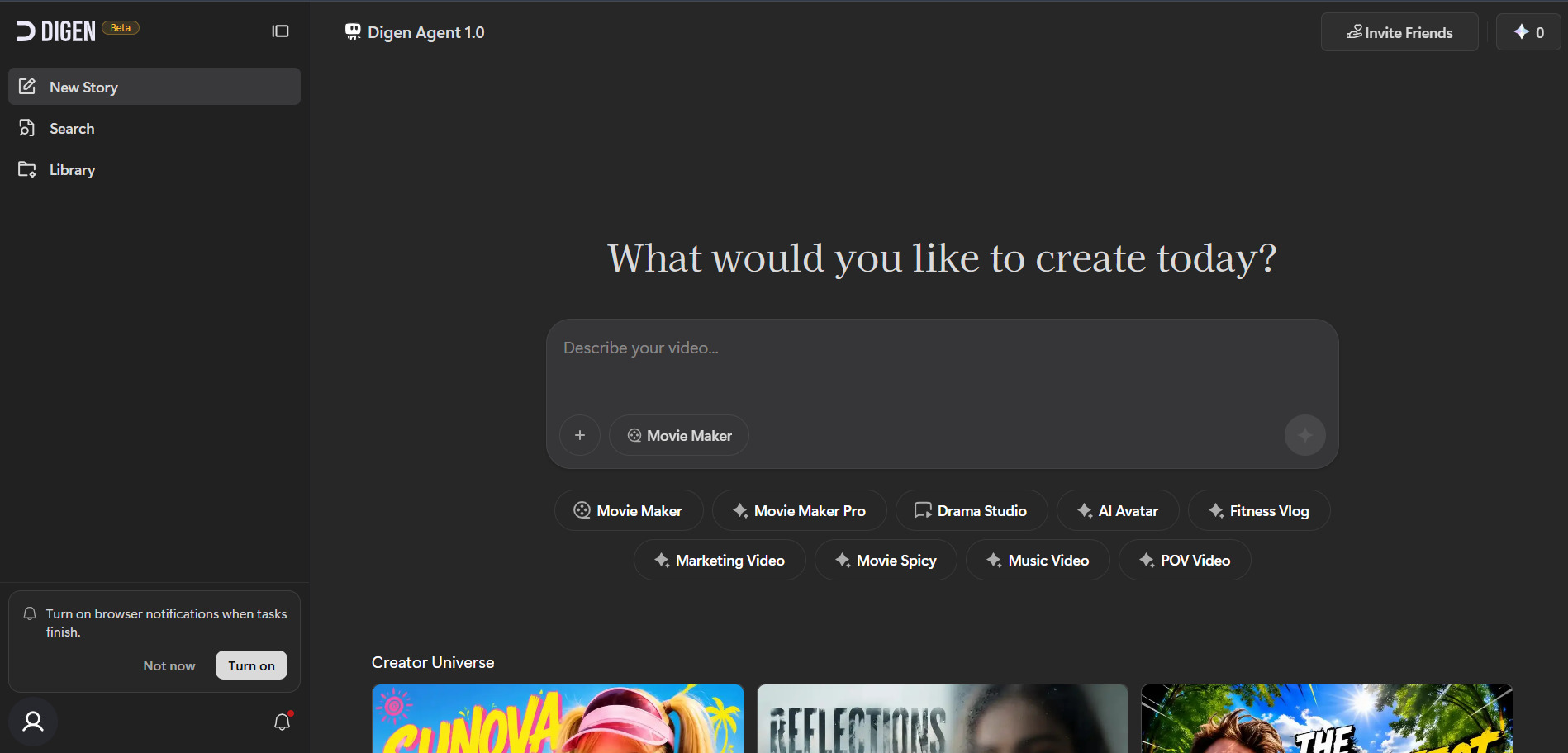
Digen AI Agent offers a free tier with starter credits. Subscription tiers run roughly $4.99, $9.99, $19.99, and $39.99/month on annual billing, with standalone unlimited model packs for Sora 2, Veo 3.1, and Seedance 2.0 priced between $69.99 and $199.99/month.
Digen AI Agent focuses on image-to-video and talking-avatar generation, letting users animate a static photo with realistic lip-sync from just a short reference clip. It bundles access to multiple underlying models, including Real Motion 3.1, Sora 2, Veo 3.1, and Kling 3.0, inside one workspace with a shared credit system.
Digen’s low entry price makes it attractive for casual creators experimenting across several premium models without separate subscriptions. However, user reviews frequently cite billing confusion, unclear cancellation processes, and inconsistent support quality. It lacks a built-in timeline editor, so it works best as a generation sandbox feeding into a separate editing tool rather than a full production suite.
Pros
- Very low entry-level pricing
- Access to multiple premium models in one place
- Fast, simple image-to-video workflow
Cons
- Reported billing and support issues
- No built-in timeline editor
- Reliability concerns flagged by reviewers
16. Google Veo 3
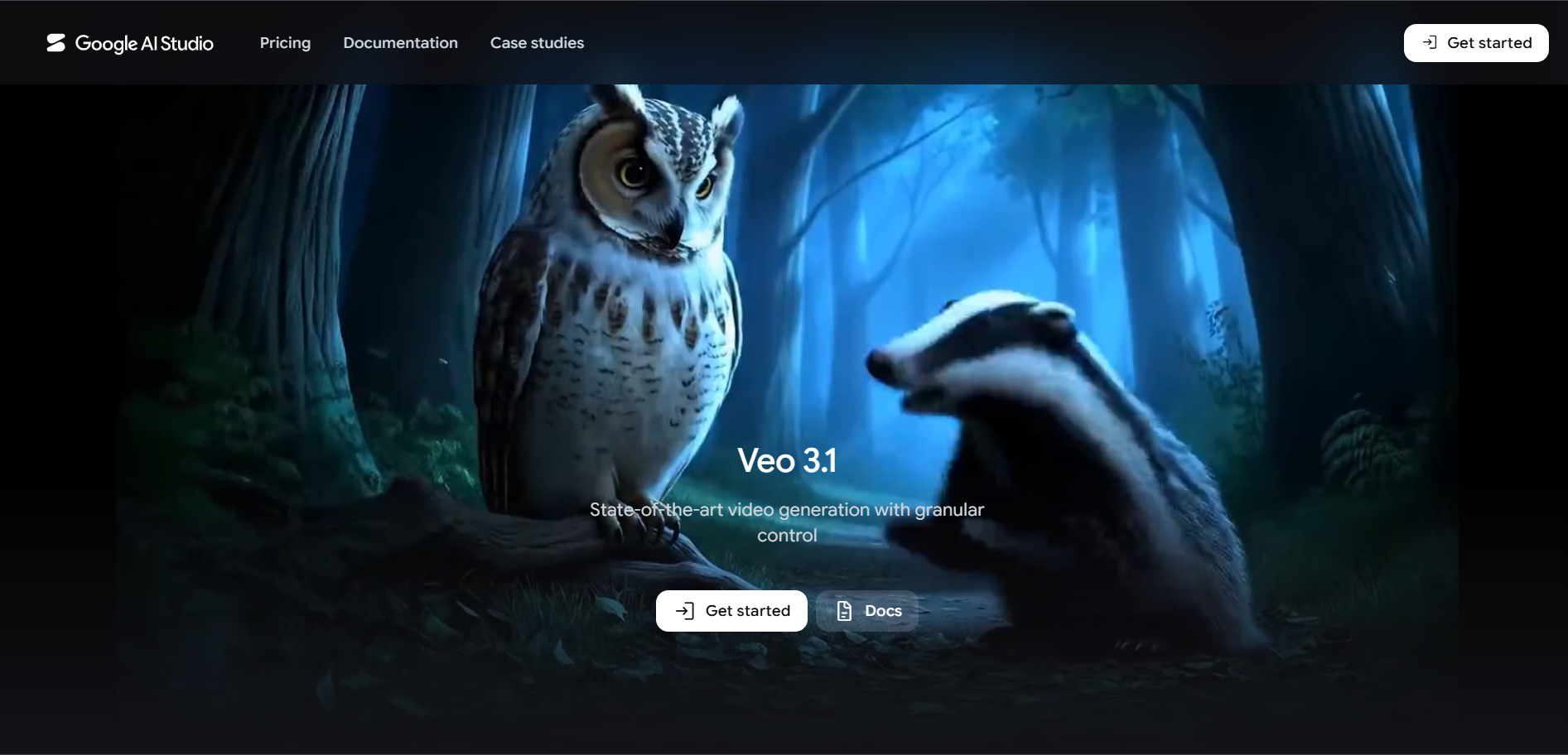
Google Veo 3 sets a high standard for generative high-definition visual fidelity and deep prompt adherence. While it remains a cornerstone model for advanced cinematic projects, creators often seek external alternatives to match specific timeline editing requirements or lower recurring credit costs.
17. Kapwing AI
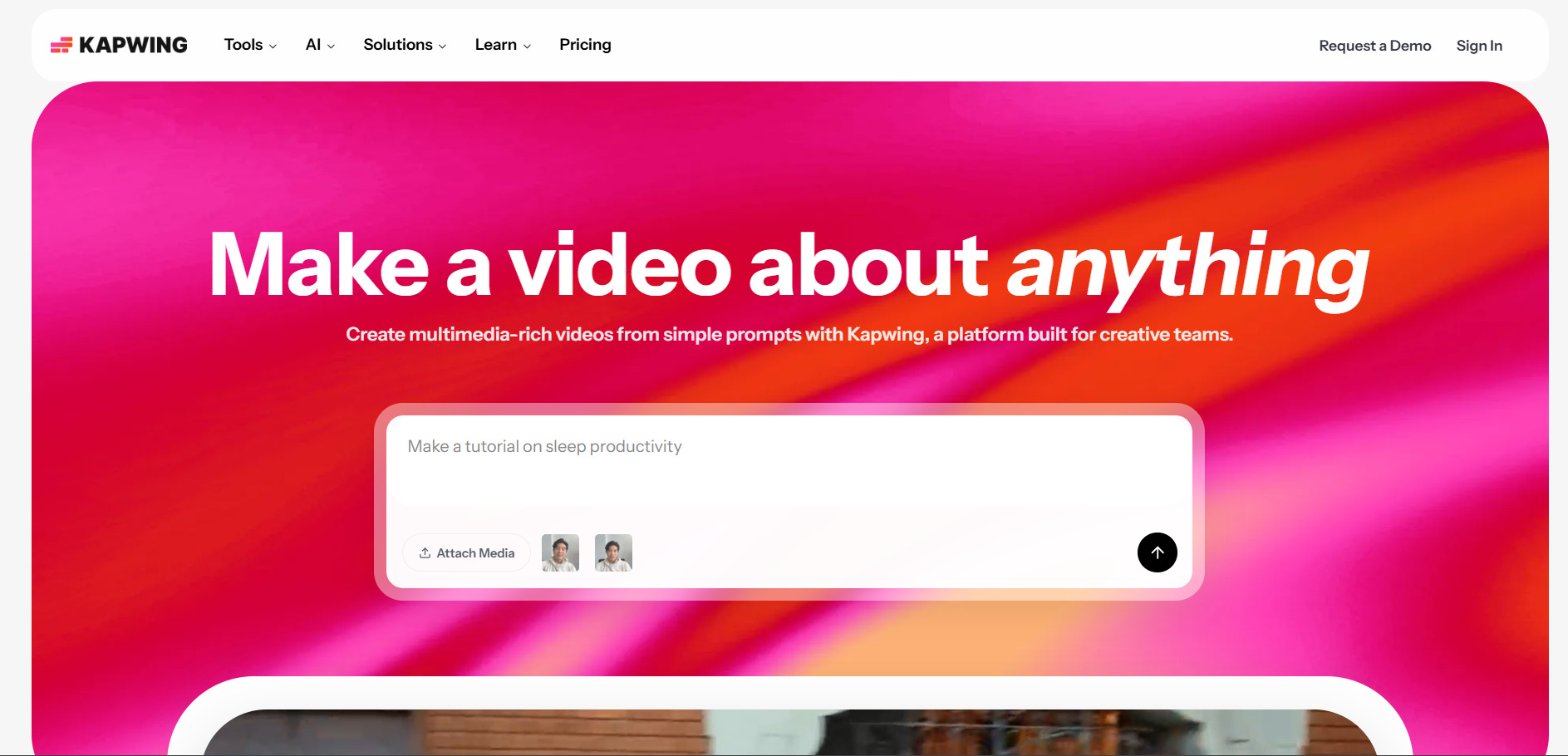
Kapwing AI‘s free plan allows unlimited testing with a watermark, capped at 1-minute exports and 720p. Paid plans include Pro around $16–$24/month and Business around $50–$64/month per member, with about 30% savings on annual billing.
Kapwing is a browser-based video editor with AI-assisted tools such as Smart Cut silence removal, auto-subtitles, AI Clip Maker for repurposing long videos, and a unified AI credit system covering dubbing, text-to-speech, and lip sync. It is aimed at teams repurposing existing footage rather than generating scenes from scratch.
Kapwing’s strength is fast, collaborative editing for podcasts, interviews, and long-form repurposing into shorts, an area Veo 3 does not address. Its per-member pricing works well for solo creators but scales quickly for larger teams. The free plan’s 3-day project deletion policy and 1-minute export cap make it primarily useful for evaluation rather than finished production work.
Pros
- Strong AI-assisted repurposing tools
- Real-time team collaboration
- Unified credit system across AI features
Cons
- Free plan deletes projects after 3 days
- Per-member pricing gets costly for teams
- Not a generative scene-creation tool
18. Pictory AI

Pictory AI‘s trial allows three video projects, each up to 10 minutes, without a permanent free plan. The Starter plan runs about $19–$25/month, Professional around $35–$49/month, and Teams around $99/month, all with meaningful discounts on annual billing.
Pictory AI automatically converts blog posts, scripts, and long-form text into videos by pairing AI voiceovers with stock footage from Shutterstock and Getty Images. It is designed for content marketers and YouTubers who want to repurpose written content into video at scale rather than generate original AI scenes the way Veo 3 does.
Pictory’s script-to-video pipeline and access to premium stock libraries make it efficient for teams producing explainer or highlight videos from existing text content. Its AI cannot generate novel visuals, so output quality depends heavily on available stock footage matching the script. The trial’s 3-project cap and lack of a permanent free tier make it a stricter entry point than many alternatives.
Pros
- Fast blog and script-to-video conversion
- Access to premium Shutterstock/Getty libraries
- Multi-language voiceover support on higher tiers
Cons
- No permanent free plan
- Relies on stock footage, not generative scenes
- Template library considered limited by some users
19. Wan 2.2
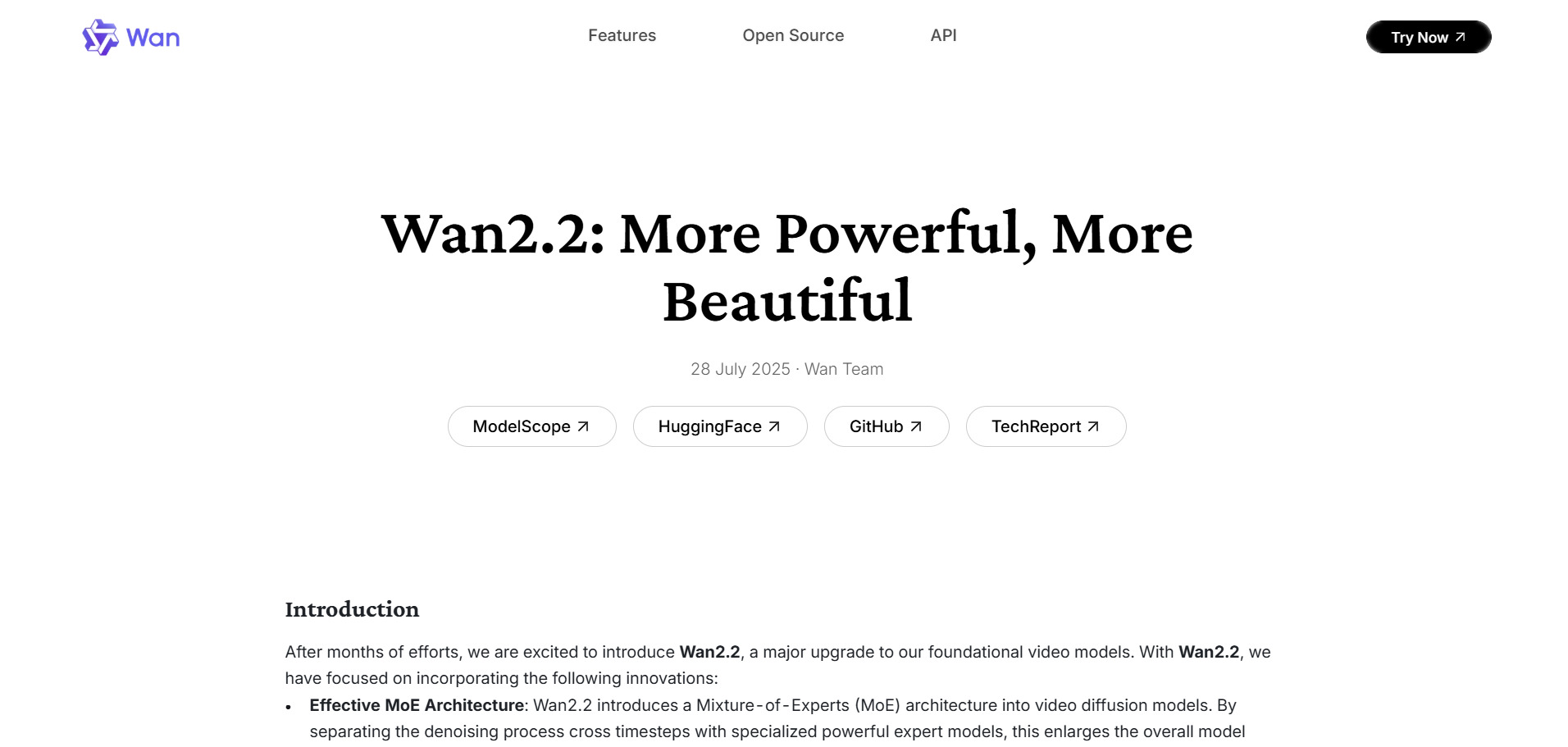
Wan 2.2 is open-source under Apache 2.0, so self-hosting is free. Hosted platforms offer free daily credits and paid API access from roughly $0.10–$0.15 per 5-second 720p clip, with some third-party sites charging small monthly plans for premium resolution and speed.
Wan 2.2 is Alibaba’s earlier open-source video model, built on a Mixture-of-Experts architecture for improved detail, motion stability, and bilingual text rendering. It supports text-to-video, image-to-video, and hybrid input, and its fully open weights make it popular with developers who want to self-host or fine-tune a video model without licensing fees.
Because it is open-source under the permissive Apache 2.0 license, Wan 2.2 allows free commercial use, modification, and redistribution, something none of the closed-source alternatives on this list offer. The tradeoff is that running it locally requires a capable GPU, and hosted free tiers cap resolution and duration, making it best suited for technical users comfortable with self-hosting or API integration.
Pros
- Fully open-source and free to self-host
- Apache 2.0 license permits commercial use
- Strong bilingual text rendering in video
Cons
- Self-hosting requires a capable GPU
- Hosted free tiers are resolution-limited
- Superseded by newer Wan 2.5/2.6/2.7 models
| Alternative | Description |
|---|---|
| Mango AI | Talking-avatar and script-to-video generator with 120+ AI voices for marketing and training content. |
| Vidu Q3 | Credit-based text/image-to-video model known for anime-style clips and strong action physics. |
| Luma Ray3 | Physics-grounded, HDR-capable cinematic video model favored by filmmakers and studios. |
| VideoProc AI | GPU-accelerated AI upscaling, stabilization, and conversion suite rather than a generator. |
| Wan 2.6 | Alibaba’s budget-friendly multimodal video model with native audio and multi-shot storytelling. |
| Vyond Go | Enterprise instant AI video maker paired with a full animation studio for corporate training. |
| Grok Imagine | xAI’s fast, X-integrated image and video generator with synchronized audio and dialogue. |
| Lumen5 | Blog-to-video repurposing tool that matches text content to stock footage automatically. |
| Wireflow | Node-based canvas that chains multiple AI video models into automated multi-step workflows. |
| Seedance 2.0 | ByteDance’s top-ranked multimodal video model with native audio, integrated into CapCut. |
| AKOOL | Marketing-focused suite for face swap, talking avatars, translation, and real-time avatars. |
| Creatify AI | Turns product URLs into UGC-style video ads using AI avatars and auto-generated scripts. |
| Hedra | Character-focused platform turning a single photo into an expressive talking avatar. |
| Manus AI Video | Autonomous AI agent that automates research, scripting, and video assembly end to end. |
| Digen AI Agent | Low-cost image-to-video and avatar generator bundling access to several premium models. |
| CapCut AI | Full free video editor with built-in AI generation, voice cloning, and Seedance integration. |
| Kapwing AI | Browser-based collaborative editor with AI subtitles, silence removal, and clip repurposing. |
| Pictory AI | Converts blog posts and scripts into stock-footage videos with AI voiceover automatically. |
| Wan 2.2 | Open-source Apache 2.0 video model suitable for free self-hosted commercial use. |
Conclusion
Google Veo 3 remains a strong benchmark for AI video quality, but the alternatives above prove the field has diversified far beyond a single tool. Cinematic realism seekers may prefer Luma Ray3 or Seedance 2.0, budget-conscious creators can lean on Wan 2.6 or Vidu Q3, marketers producing high-volume ads will find more purpose-built value in Creatify AI or AKOOL, and teams needing full editing suites should look at CapCut AI or Kapwing AI. The right choice ultimately depends on your content type, budget, and how much control you need over the final output, so it is worth testing a few free tiers before committing to a paid plan.


