

AI-powered video and creative tools have exploded in the last two years, and Wireflow is just one entry in a very crowded field. Whether you need talking avatars, cinematic text-to-video clips, quick social edits, or ad creatives generated from a product link, there is now a specialized tool built for almost every workflow imaginable. This guide rounds up 12 Wireflow alternatives from heavyweight names like Google Veo 3 and CapCut AI to specialized platforms like Hedra and Digen AI Agent. For each one, we cover free trials, official pricing plans pulled straight from their websites, and a balanced look at the pros and cons so you can pick the right fit for your budget and project.
1.Mango AI
✓ Free tools & limited trial access available
Official Pricing (mangoanimate.com)
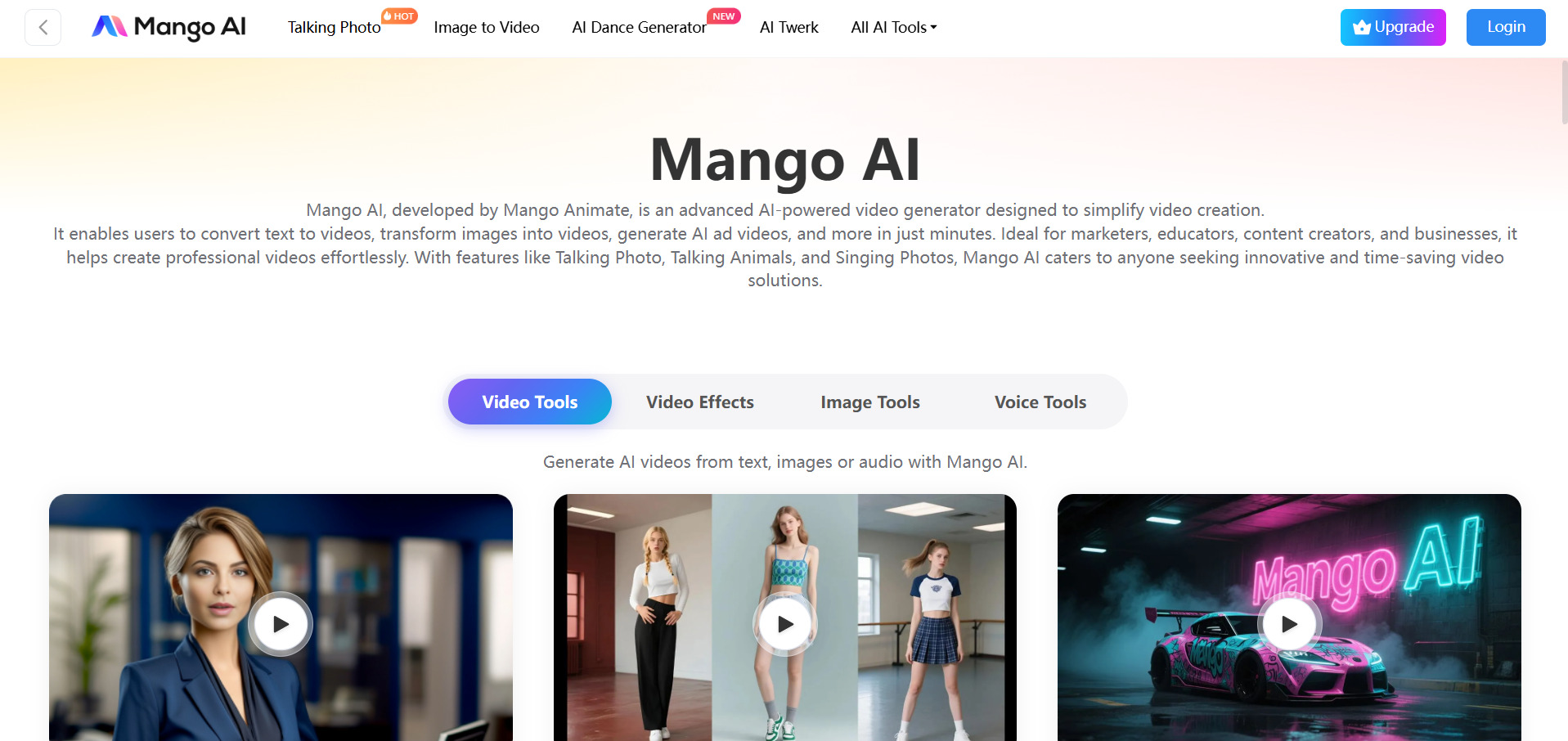
Mango AI, from Mango Animate, lets newcomers try several free tools and trial features before committing to a plan, covering talking photos, face swap, and lip-sync video without upfront payment. Its Starter plan runs $12.9/month, discounted to $7.9/month, or $89 billed yearly, including 600 monthly credits for avatar and animation projects.
The platform targets marketers, educators, and HR teams needing quick explainer or onboarding videos rather than cinematic footage. Its face-swap, singing photo, and custom avatar tools make it a fun, accessible entry point for non-technical creators, though output quality trails more advanced cinematic video generators built for professional-grade commercial production work.
Pros
- Affordable entry-level pricing with a yearly discount
- Wide variety of talking photo and avatar templates
- No technical skill required to get started
Cons
- Credits run out quickly on higher-usage projects
- Video quality isn’t cinematic-grade
- Watermark applies unless upgraded
2.Vidu Q3
✓ Free sign-up credits + daily login bonuses
Official Pricing (vidu.com)
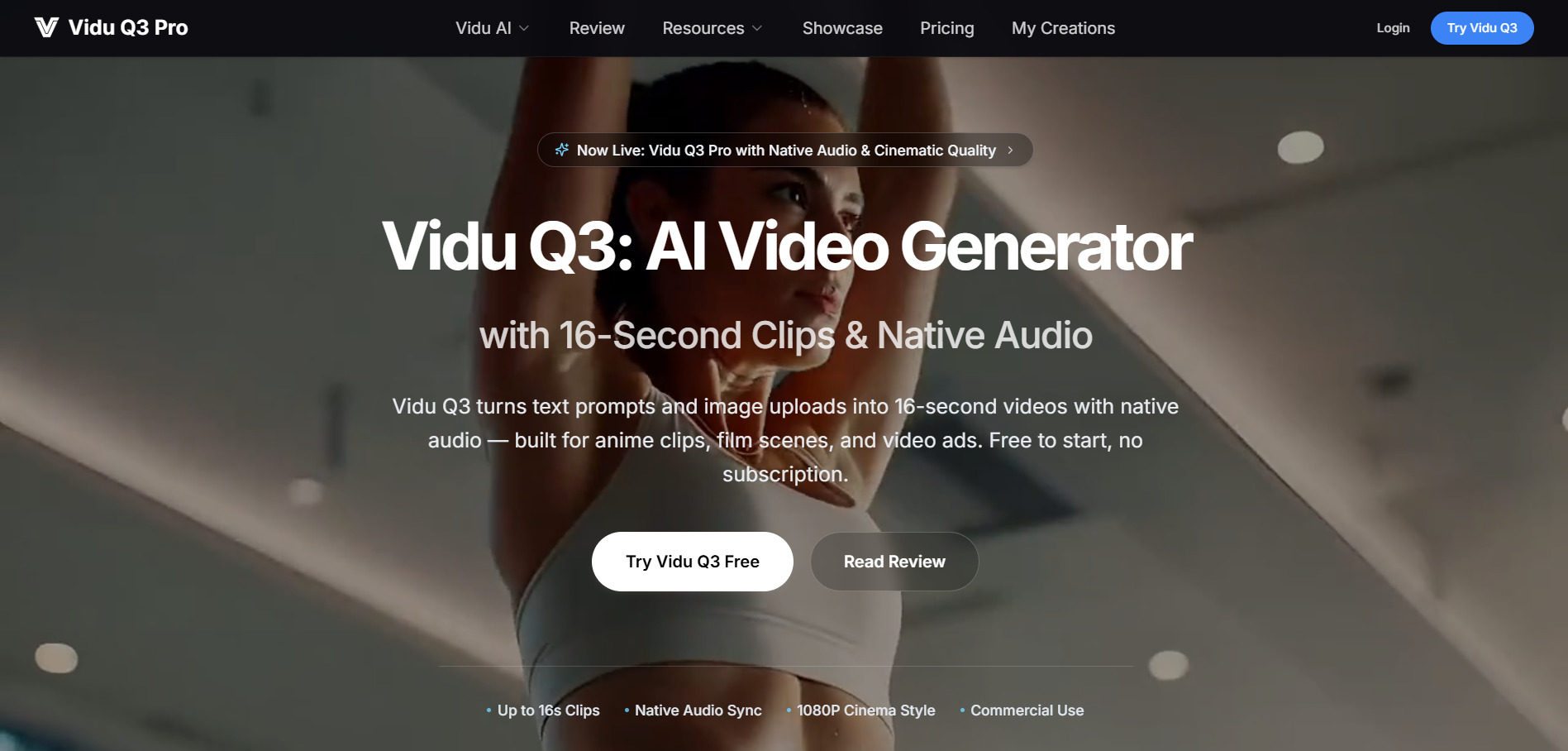
Vidu Q3 gives every new user sign-up bonus credits plus daily login rewards, so testing text-to-video and image-to-video generation costs nothing upfront. Paid tiers on vidu.com scale from Standard around $8–10 a month to Ultimate near $79–99 a month, unlocking faster queues and off-peak generation.
Built by Shengshu Technology, Vidu Q3 stands out for native audio generated alongside video in a single pass, up to 16 seconds at 1080p. It suits anime clips, cinematic previsualization, and product ad concepts, though credits vanish fast with retries, and off-peak savings only help patient, non-urgent workflows.
Pros
- Native audio-video generation in one pass
- Generous free daily credits for testing
- Off-peak mode reduces credit costs
Cons
- Credits burn quickly with repeated retries
- 16-second cap limits longer storytelling
- No refunds on used credits
3.Wan 2.2
✓ Free sign-up credits on most Wan platforms
Official Pricing (wan2-2.org)
Wan 2.2 offers new users free introductory credits across its official mirrors, letting you test text-to-video and image-to-video before subscribing. The Hobbyist plan runs $19.9/month with 60,000 yearly credits (about 600 videos), while the Creator plan is $34.9/month for double the credits and priority processing queues.
As an open, actively-updated video model, Wan 2.2 appeals to hobbyists and small studios who want commercial-use rights without steep API costs. It handles basic animations and social clips well, but pricing pages vary wildly across third-party mirrors, so always confirm which site you’re actually subscribing through.
Pros
- Large yearly credit allocations issued upfront
- Commercial use license included on paid tiers
- Private generation mode and no-watermark downloads
Cons
- Multiple unofficial mirror sites cause pricing confusion
- 720p cap on some plans limits resolution
- Model quality trails premium closed-source rivals
4.VideoProc AI
✓ 15-day free trial (full features, capped clip length)
Official Pricing (videoproc.com)
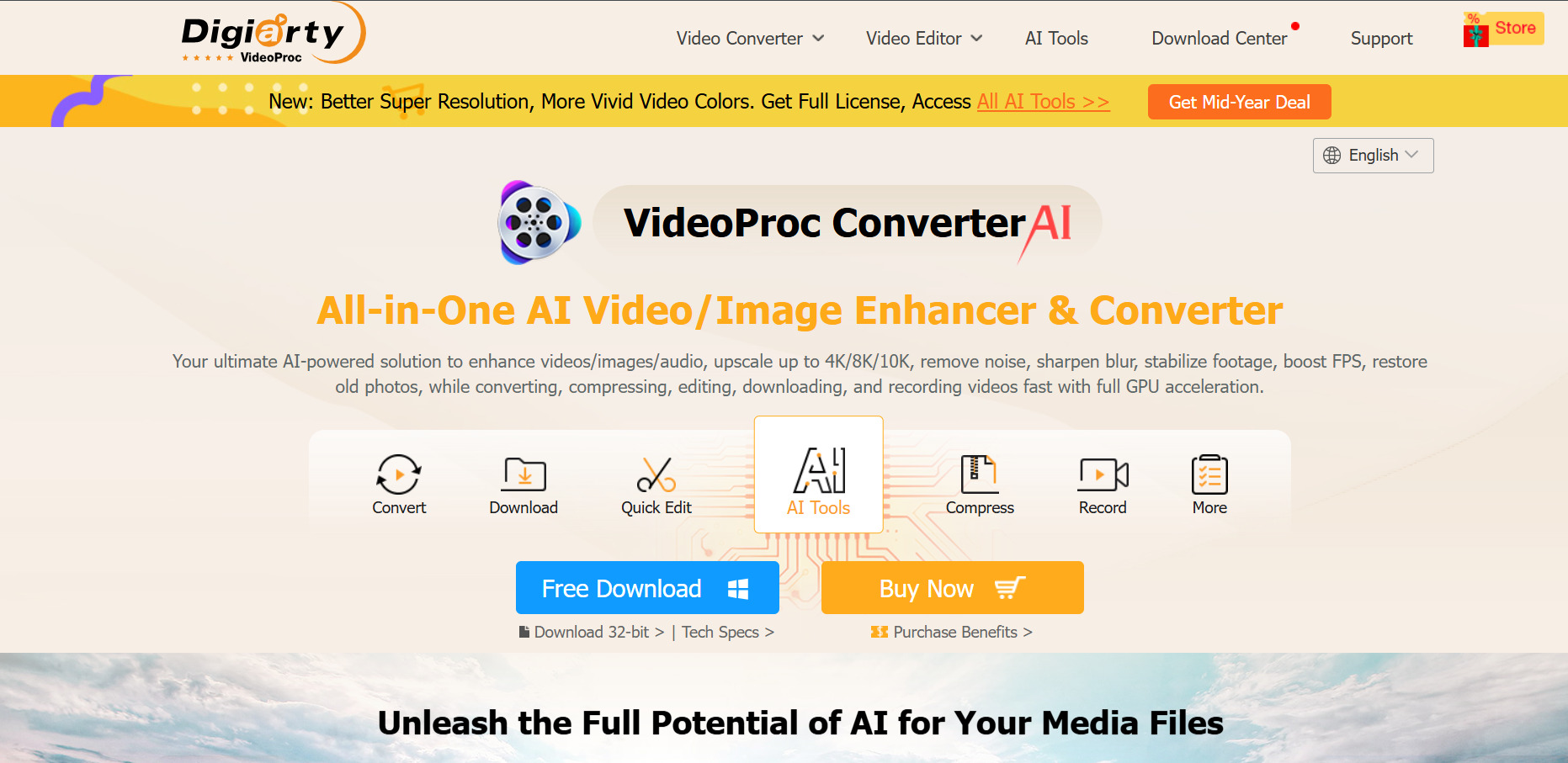
VideoProc AI Converter offers a genuinely usable 15-day free trial, though clips over five minutes and image batches are capped until you buy a license. Its Premium 365 plan is $39.95 a year, while lifetime licenses start at $65.95 for one machine, all backed by a 30-day money-back guarantee.
This is a desktop app, not a browser tool, built around GPU-accelerated AI upscaling, frame interpolation, and stabilization for existing footage rather than generating new video from prompts. It’s a strong pick for creators restoring old clips or converting formats, but it won’t replace generative text-to-video platforms.
Pros
- One-time lifetime license option available
- Strong GPU-accelerated upscaling and stabilization
- 30-day money-back guarantee on paid plans
Cons
- Free trial heavily restricts clip length
- Desktop-only, no cloud or mobile version
- Customer support response times are inconsistent
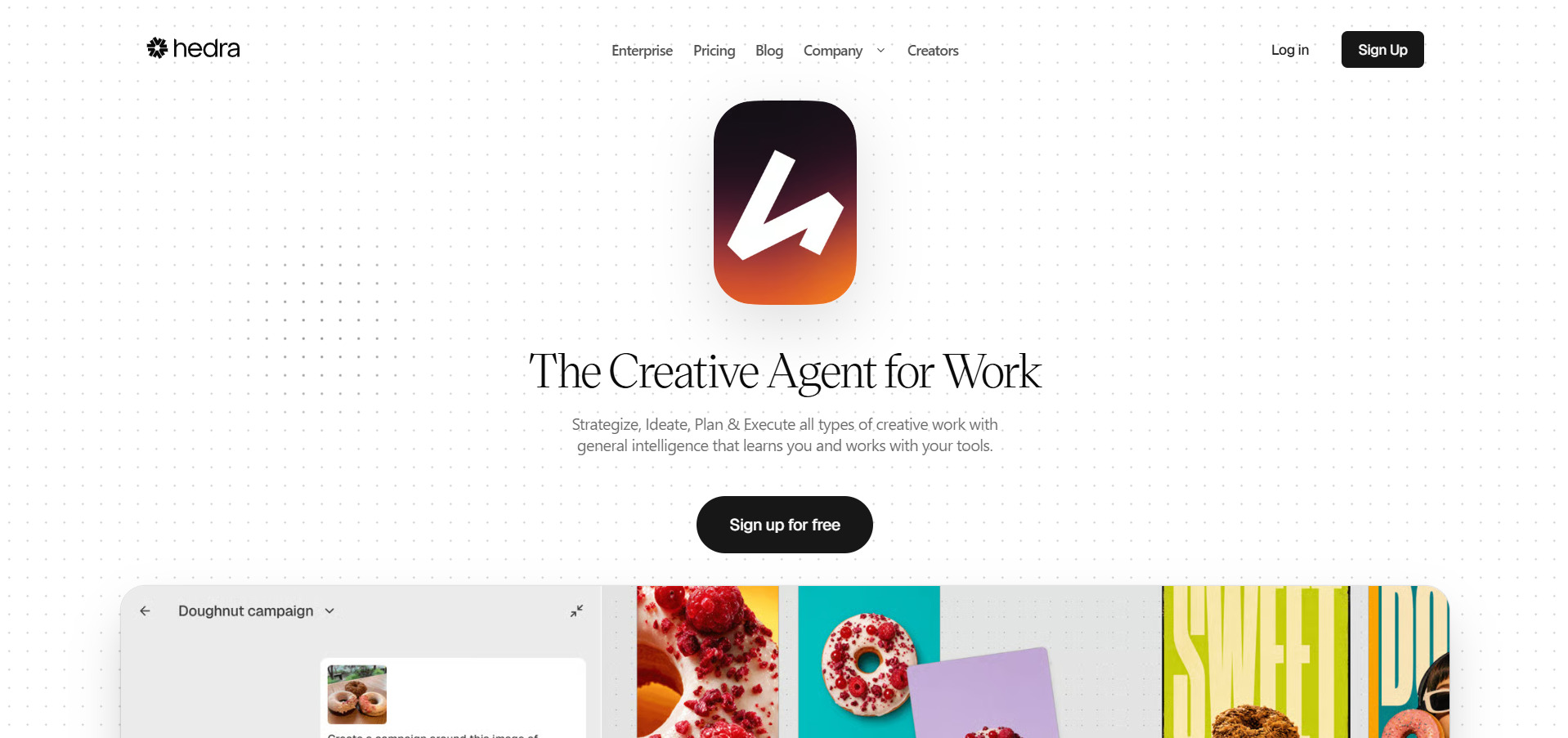
5.Hedra
✓ Free plan, no credit card required
Official Pricing (hedra.com)
Hedra free plan needs no credit card and hands out 300 monthly credits to test its Character-3 avatar engine right away. Paid plans climb from Basic at $15/month through Creator at $30/month to Professional at $75/month, with Enterprise available on custom pricing for larger teams.
Hedra shines at turning a single portrait into a talking, expressive character with accurate lip-sync, blinking, and gaze shifts, plus access to 28 AI models under one credit pool. It’s excellent for social avatars and live conversational agents, though monthly credits expire and resolution tops out at 720p.
Pros
- Genuinely free tier with no card required
- Best-in-class lip-sync and facial expression accuracy
- Real-time Live Avatars for interactive use cases
Cons
- Monthly credits expire and don’t roll over
- Resolution capped at 720p on Character-3 video
- Full-body animation is less refined than facial work
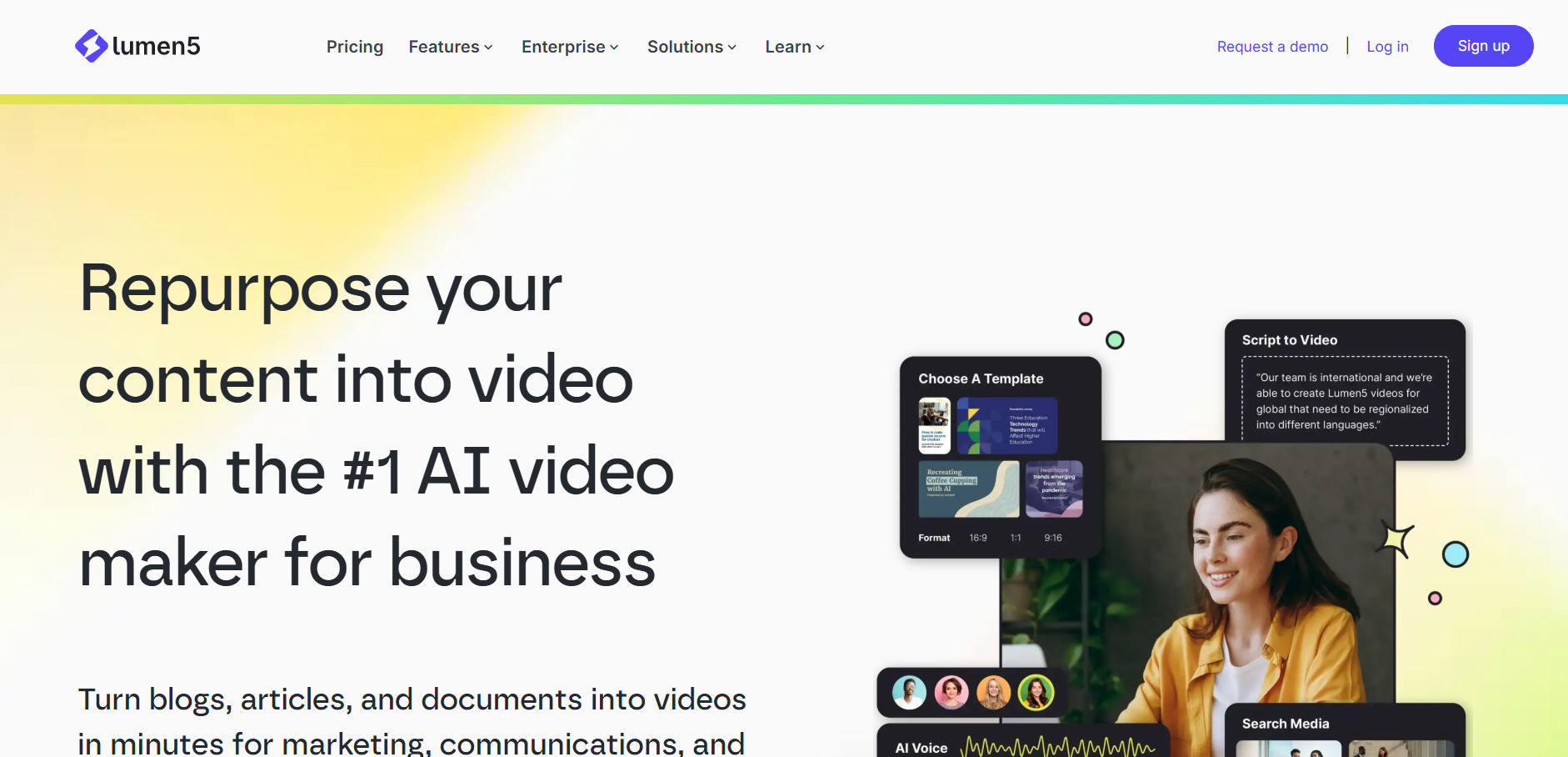
6.Lumen5
✓ Free-forever plan (5 videos/month, 720p)
Official Pricing (lumen5.com)
Lumen5‘s free-forever plan lets anyone create up to five branded, 720p videos monthly with no cost, a solid way to test its blog-to-video AI matching before upgrading. The Starter tier at $59/month unlocks 1080p output and the full stock media library, with 25% off on annual billing.
Lumen5 automatically turns blog posts and text into social-ready videos by matching stock clips to your script, making it a favorite for content marketers repurposing written content at scale. The AI visual matching is roughly 70% accurate out of the box, so expect to swap a few clips manually.
Pros
- Genuinely free tier for occasional use
- Fast blog-to-video repurposing workflow
- Large built-in stock media library
Cons
- Paid plans feel pricey for solo creators
- AI visual matching needs manual clean-up
- Limited advanced editing or custom animation
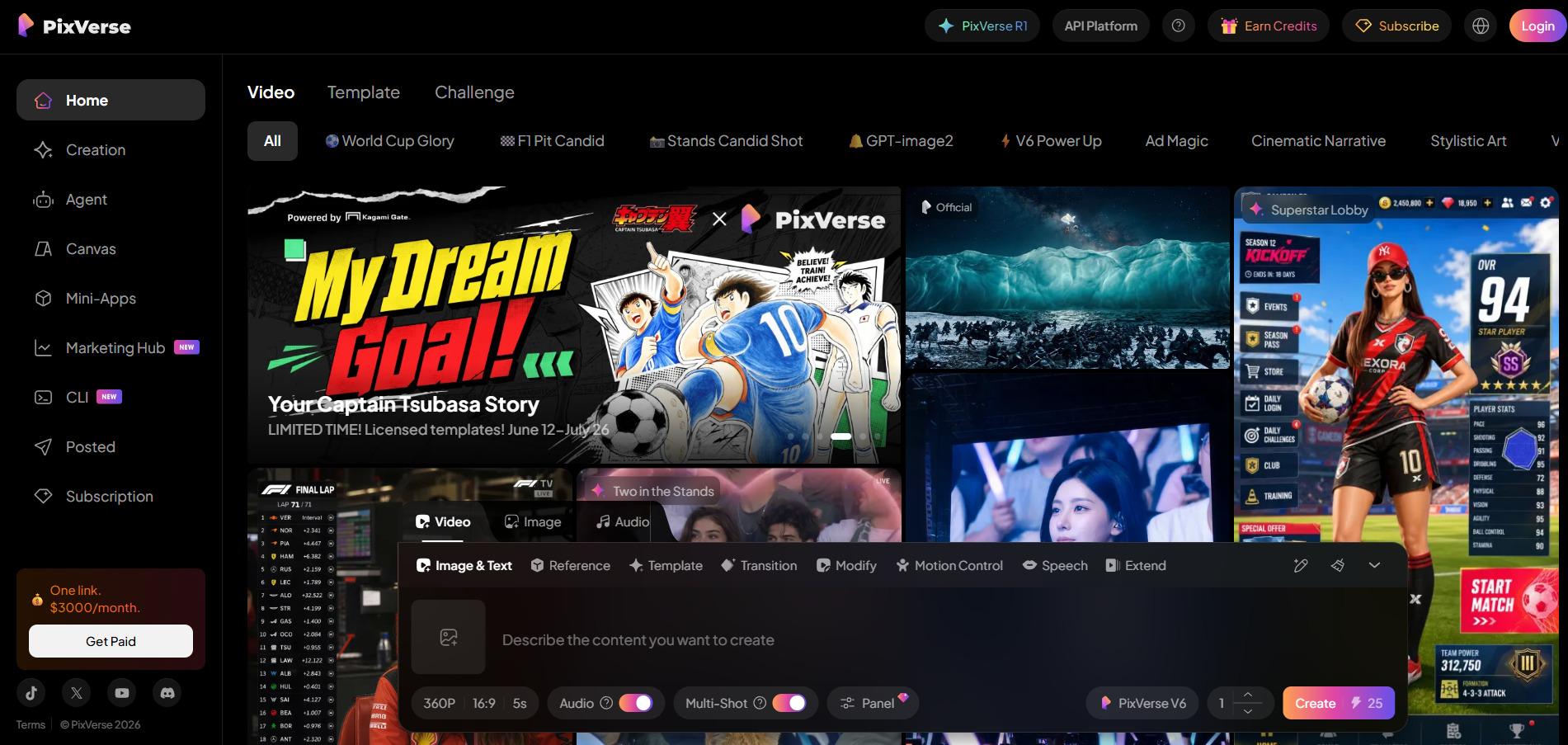
7.PixVerse V6
✓ Free Basic plan (90 signup + 30 daily credits)
Official Pricing (pixverse.ai)
PixVerse’s free Basic plan renews 30 credits daily on top of a 90-credit signup bonus, enough for slow, no-cost experimentation with text-to-video and image-to-video. Paid tiers range from Standard at $10/month through Ultra at $199/month, with annual billing saving 20% (40% on Ultra) and bonus credit-pack discounts.
PixVerse is particularly strong for anime-style motion and stylized effects templates, rendering faster than many rivals for iterative social content. The catch is its non-deterministic output most creators need two to five attempts per usable clip, so your real cost per finished video runs well above list price.
Pros
- Real free tier with daily credit refresh
- Fast generation speeds for quick iteration
- Strong at anime and stylized 2D motion
Cons
- Standard plan caps at 720p only
- Non-deterministic results mean frequent retries
- Clips capped at 15 seconds max
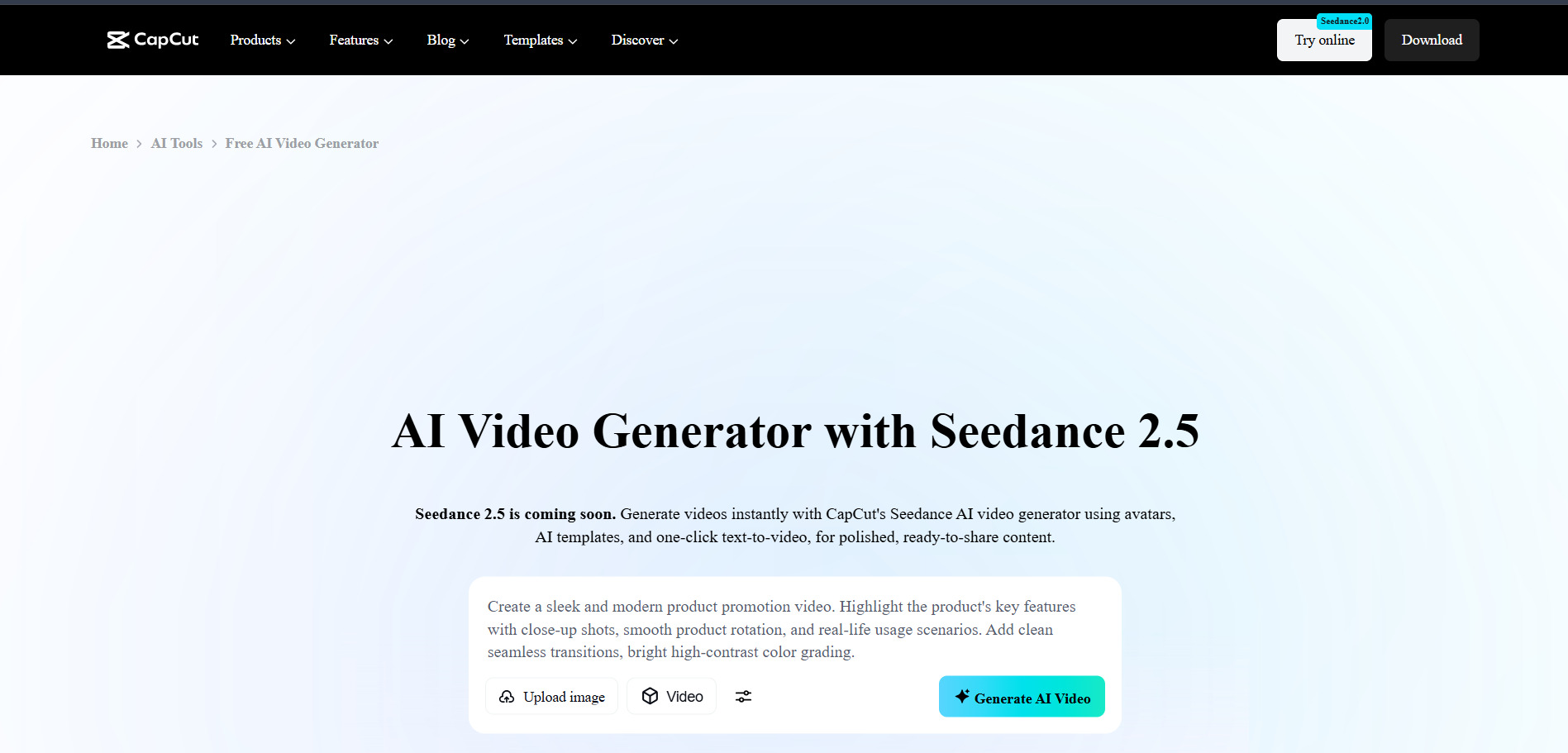
8.CapCut AI
✓ Generous free tier, no watermark on standard exports
Official Pricing (capcut.com)
CapCut AI‘s free plan is one of the most generous in video editing, offering full timeline editing, auto-captions, and 1080p export at zero cost. Its Standard tier is $9.99/month for watermark-free exports, while Pro at $19.99/month ($179.99/year) unlocks 4K, voice cloning, and 1TB of cloud storage.
Backed by ByteDance, CapCut AI blends traditional editing with generative tools like AI video generation, camera tracking, and vocal isolation in one app across desktop, web, and mobile. It’s ideal for short-form creators, though CapCut’s terms grant broad usage rights over uploaded content, worth reviewing before commercial use.
Pros
- Extremely capable free tier for social content
- All-in-one editing plus generative AI tools
- Cross-platform: desktop, web, and mobile
Cons
- Pro pricing jumped sharply in the 2025-26 restructure
- AI credits run out quickly for heavy users
- Broad content-license terms in the fine print
9.Google Veo 3
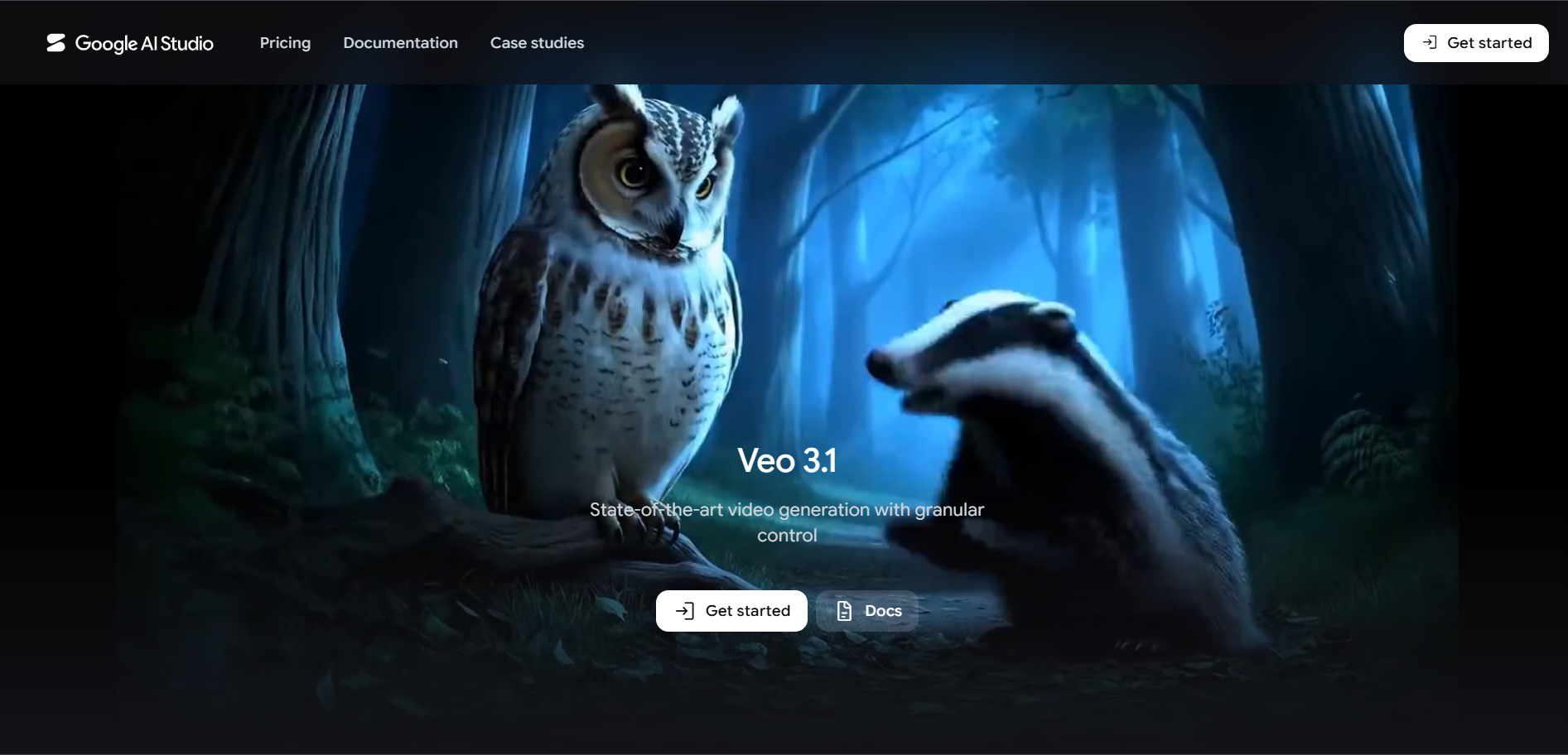
✓ Limited free access via Gemini app & AI Studio
Official Pricing (Google AI / Gemini)
Google gives limited free access to Google Veo 3 through the Gemini app and Google AI Studio, enough to test prompts before committing to a subscription. Google AI Pro is $19.99/month with 1,000 Flow credits for roughly 50 Fast videos, while Ultra at $249.99/month unlocks near-unlimited, 4K, watermark-free generation.
Veo 3 remains a benchmark for realism, generating synchronized dialogue, sound effects, and ambient audio directly with the video, a feature few rivals match. It’s bundled inside the broader Google AI ecosystem, so you’re also paying for Gemini and storage whether or not you use them regularly.
Pros
- Industry-leading realism with native synchronized audio
- Free tier available through Gemini and AI Studio
- Bundled with the wider Google AI Pro/Ultra ecosystem
Cons
- Ultra tier is expensive relative to rivals
- Pro tier limited to lower resolution and Fast mode
- SynthID watermark embedded and cannot be removed
10.Creatify AI
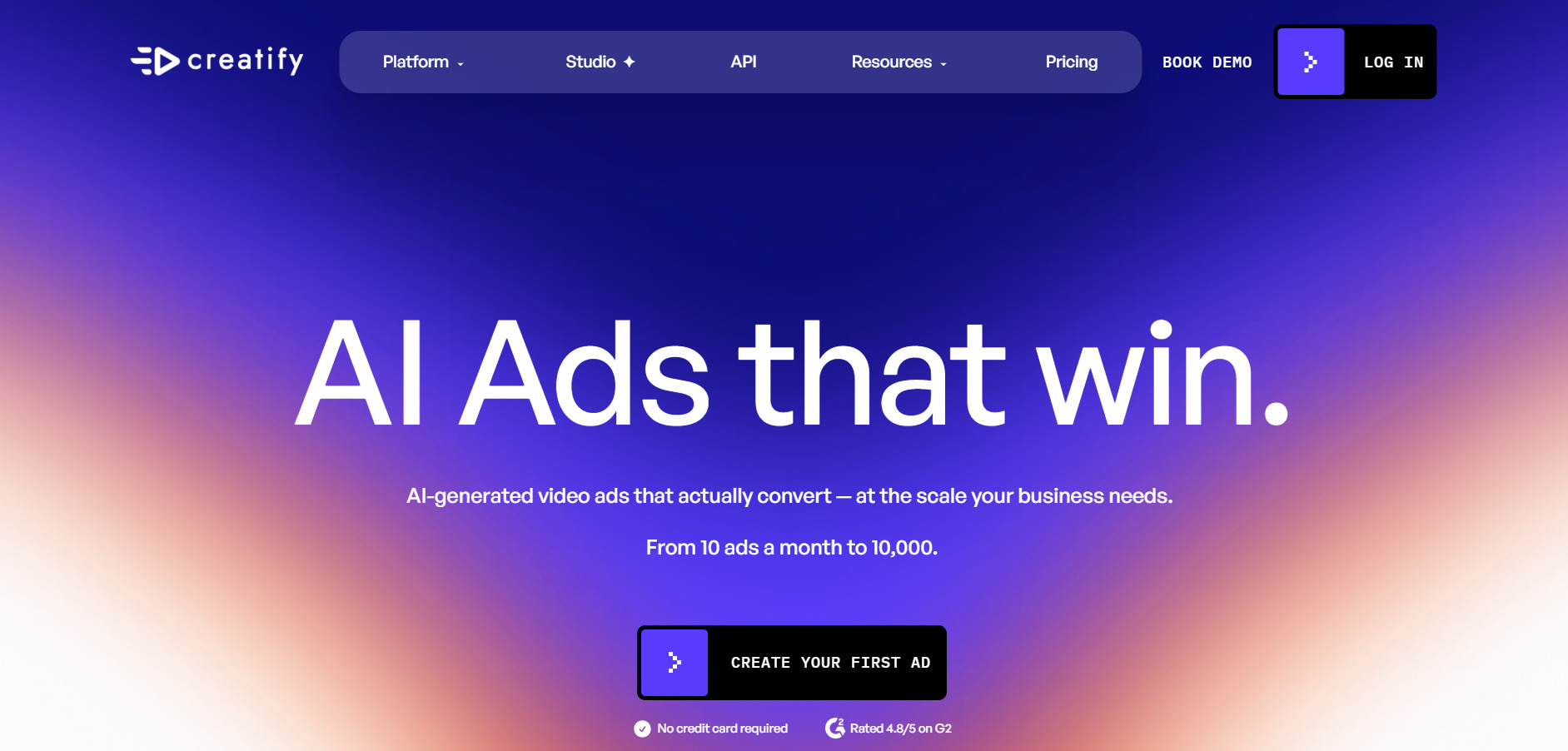
✓ Free plan (10 credits, watermarked, no card needed)
Official Pricing (creatify.ai)
Creatify AI‘s free plan grants 10 monthly credits, enough for about two watermarked video ads, so you can test its product-link-to-video pipeline first. The Starter plan is $39/month for 100 credits, while Pro/Business runs $99/month with a larger avatar library and Enterprise pricing available for high-volume teams.
Built specifically for e-commerce and performance marketing, Creatify turns a product URL into a UGC-style ad using AI avatars in minutes, ideal for testing hooks and variations at scale. Credit consumption per ad varies from 2 to 20, so budget-conscious teams should track usage closely to avoid overpaying.
Pros
- Fast URL-to-video ad generation workflow
- Large AI actor library for UGC-style ads
- Good fit for rapid ad-variation testing
Cons
- Credit system feels restrictive on lower tiers
- Some avatars show lip-sync inconsistencies
- Free trial watermarks make quality hard to judge
11.Luma Ray3

✓ Free tier (limited, watermarked, non-commercial)
Official Pricing (lumalabs.ai)
Luma Ray3‘s free tier allows about 30 watermarked, non-commercial generations a month, a fair way to test the Ray3 model before subscribing. Plus starts at $30/month and is the cheapest tier removing watermarks for commercial use, scaling up through Pro at $90/month to Ultra at $300/month for heavy studio workloads.
Ray3 is billed as the first “reasoning” video model, capable of planning scenes, critiquing its own output, and rendering native HDR in EXR format for professional pipelines. It’s a strong pick for cinematic, studio-grade work, though credits burn fast in HDR mode and top-tier pricing sits above most rivals.
Pros
- Reasoning-driven generation with scene planning
- Native HDR and EXR export for studio pipelines
- Draft Mode allows fast, cheap iteration
Cons
- Credits burn very quickly in HDR or 1080p
- Entry commercial tier starts higher than most rivals
- Free tier is non-commercial and watermarked
12.Digen AI Agent
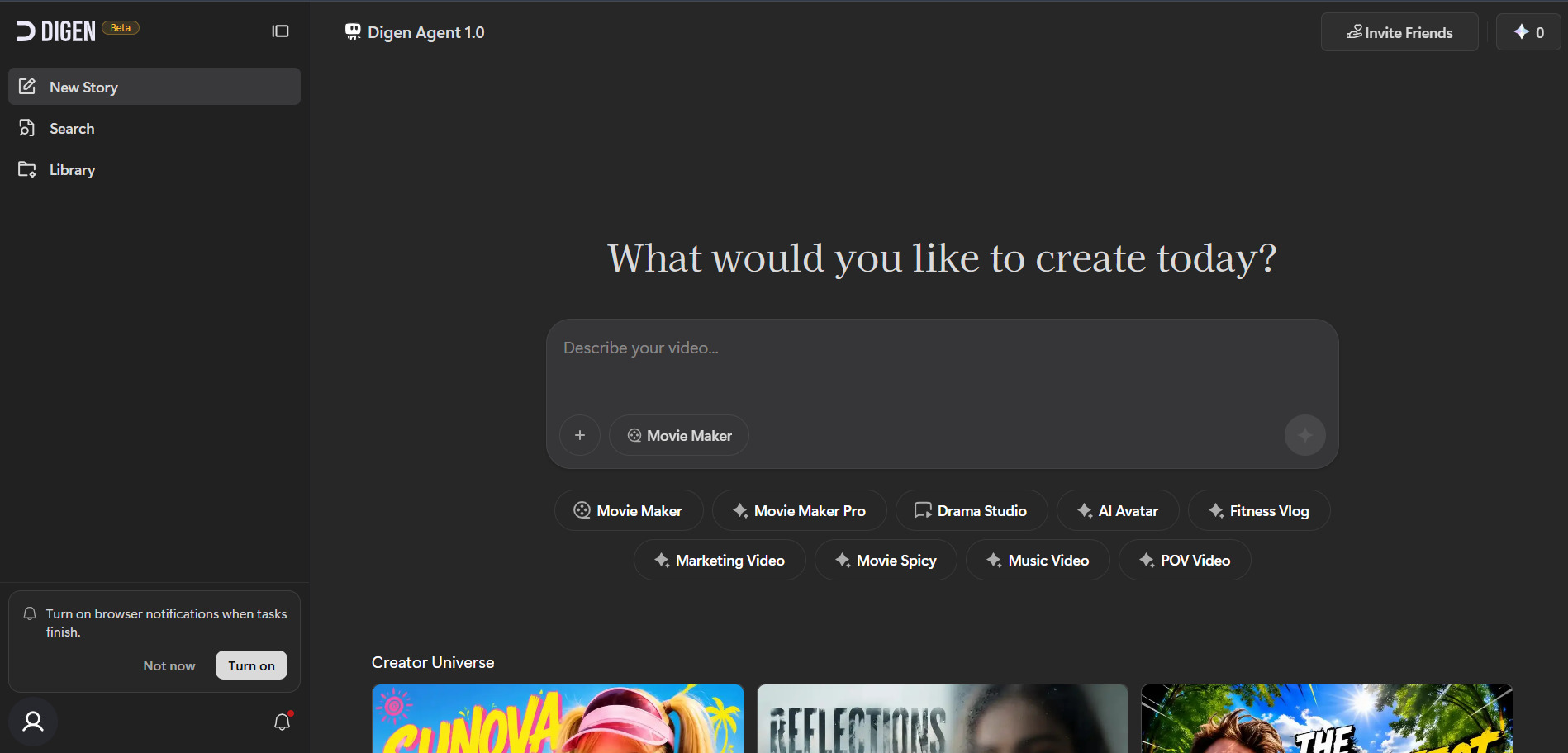
✓ Free plan available (limited credits, watermarked)
Official Pricing (digen.ai)
Digen AI Agent‘s free plan lets you turn a photo into a talking, lip-synced avatar at no cost, though outputs carry watermarks and credit limits. Paid access starts around $9.99/month, with standalone unlimited packs for specific models like Veo 3.1 or Sora 2 priced between $69.99 and $199.99 a month.
Digen focuses squarely on image-to-video avatars with voice cloning from a short audio clip, useful for quick social or marketing clips. Its multi-model access (Veo, Wan, Vidu, Seedance) under one interface is convenient, but user reports flag inconsistent support and stability, so test thoroughly before a paid commitment.
Pros
- Free image-to-talking-avatar generation available
- Access to multiple AI video models in one place
- Quick voice cloning from short audio clips
Cons
- Reported issues with support and account stability
- Commercial use requires higher-tier plans
- Unlimited model packs get expensive fast
Conclusion
There is no single “best” Wireflow alternative the right pick depends entirely on what you’re building. For talking avatars and lip-sync, Hedra and Digen AI Agent lead the pack; for cinematic realism, Google Veo 3 and Luma Ray3 sit at the top with premium pricing to match; and for fast, budget-friendly social content, PixVerse V6, CapCut AI, and Wan 2.2 offer excellent value.
Before subscribing to any of these, always start with the free trial or free-tier credits, test your actual workflow, and confirm current pricing directly on the vendor’s official site, since AI video pricing shifts often. Match the tool to your project type first, then let budget narrow the final choice.


