
Speechify built its name on turning articles, PDFs, and books into spoken audio, but the voice AI space has grown far beyond simple read-aloud tools. Whether you need studio-quality voiceovers, a developer API for a voice agent, or a budget-friendly way to narrate an ebook, there is a tool built specifically for that job. Below we break down 12 strong Speechify alternatives, covering their free trials, current pricing plans, and the trade-offs that come with each platform.
1. Cartesia
Paid from $5/mo
Cartesia doesn’t offer a traditional free trial, but its permanent Free plan lets you test text-to-speech and speech-to-text with 20K monthly credits before paying anything. Pricing runs Pro at $5/mo, Startup at $49/mo, Scale at $299/mo, and a custom Enterprise tier with SSO, DPAs, and dedicated support for regulated industries.
Cartesia is built for developers first, powering real-time voice agents and phone systems with sub-200ms latency using its Sonic and Ink models. It’s less suited to casual readers wanting a simple read-aloud app, but for anyone building conversational voice products, its low-latency streaming API and instant voice cloning are genuinely difficult to match at this price point.
Pros
- Extremely low latency for real-time agents
- Generous free tier to start testing
- Instant and pro-grade voice cloning
Cons
- Developer-oriented, steep for non-coders
- Telephony and overage fees add up fast
- Enterprise features locked behind custom pricing
2. Noiz.ai

Credit-Based Paid Tiers
Noiz.ai leads with a genuinely usable free plan rather than a time-limited trial, giving newcomers real premium voices to test before committing. Paid tiers scale by monthly credits, with reported allotments around 150,000 credits and 500,000 credits per month on its Starter and Creator plans, both unlocking priority speed and watermark-free exports.
What sets Noiz.ai apart is its emoji-driven emotional control, letting creators dial in whispers, excitement, or sadness without technical SSML tags. It’s a strong pick for storytelling, greetings, and expressive short-form content, though it’s newer to market than rivals like Murf or ElevenLabs, so long-term reliability and documentation are still catching up.
Pros
- Simple emoji-based emotional control
- Usable free plan, not just a trial
- Fast 1-3 second generation speed
Cons
- Pricing beyond free tier not fully transparent
- Smaller voice library than established rivals
- Limited public track record and reviews
3. Pixbim
One-Time $59
Pixbim Voice Clone AI offers a free trial that requires no credit card, letting you preview voice cloning and text-to-speech output before buying. Unlike most subscription tools on this list, Pixbim sells a one-time lifetime license around $59 (discounted from $79), with no recurring monthly charges once purchased.
Because it runs offline as desktop software, Pixbim appeals to users wary of cloud subscriptions or who need voice cloning without sending audio to a server. It supports 15+ languages and real-time voice changing, but the interface feels less polished than cloud-first competitors, and updates arrive less frequently than SaaS-based alternatives.
Pros
- One-time payment, no subscription
- Works offline for privacy-conscious users
- No credit card required for trial
Cons
- Windows-focused, limited platform support
- Smaller voice and language library
- Less frequent feature updates than cloud tools
4. Gradium

Paid from $13/mo
Gradium provides a free tier with roughly 45,000 credits per month instead of a time-boxed trial, so developers can test its text-to-speech and voice cloning API at no cost. Paid plans are XS at $13/mo, S at $43/mo, M at $340/mo, and L at $1,615/mo, plus a custom Tailored tier for enterprises.
Backed by researchers from DeepMind and Meta, Gradium focuses on real-time, low-latency voice AI with on-device deployment and instant voice cloning from just 10 seconds of audio. It currently supports five languages, which is narrower than giants like Azure or ElevenLabs, but its per-character pricing at scale is genuinely competitive for high-volume voice agent builders.
Pros
- Strong voice-cloning quality benchmarks
- On-device and offline deployment options
- Competitive per-character pricing at scale
Cons
- Only five supported languages currently
- Mid and large tiers get expensive quickly
- Best suited to developers, not casual readers
5. Uberduck

Paid from $4/mo
Uberduck’s free plan hands new users around 300 monthly render credits, functioning as an ongoing trial rather than a countdown. Paid tiers include Starter around $4/mo, Creator around $5-10/mo, and Pro at $30/mo, with an Enterprise plan for agencies needing dedicated support and higher-volume API access.
Uberduck stands out for AI-generated raps, singing, and character-style voices, making it a favorite among musicians and meme creators rather than corporate narration teams. Its voice cloning quality trails behind ElevenLabs and Murf, and past controversy over unlicensed celebrity voice packs means brands should double-check commercial licensing before using it professionally.
Pros
- Unique AI rap and singing generation
- Very cheap entry-level paid tiers
- Large, quirky voice library
Cons
- Voice cloning quality is inconsistent
- Free tier is genuinely limited
- Licensing concerns around some voices
6. Fliki

Paid from ~$21/mo
Fliki doesn’t run a separate trial; its permanent Free plan (a few credits monthly, 720p exports, watermarked) acts as the trial itself. Paid tiers are the Standard plan around $21-28/mo and Premium around $66-88/mo depending on billing cycle, plus a custom Enterprise plan for large content teams needing API access.
Fliki blends text-to-video with 2,000+ AI voices across 80+ languages, making it popular for creators turning blog posts and scripts into narrated social videos. The all-in-one workflow saves time versus stitching together separate tools, but credits burn during editing and previews too, so heavy experimentation can eat your monthly allowance faster than expected.
Pros
- Combines text-to-video and voice in one tool
- Huge voice library across 80+ languages
- Genuine free plan with no time limit
Cons
- Credits consumed during previews, not just exports
- Free plan carries a visible watermark
- Premium tier is pricey for solo creators
7. Murf.AI
Paid from $19/mo
Murf’s Free plan gives you 10 minutes of total voice generation to test the editor, acting as an evaluation-only trial with no downloads or commercial rights. Paid plans are Creator at $19-29/mo and Business at $66-99/mo depending on annual or monthly billing, with a custom Enterprise tier offering unlimited generation and voice cloning.
Murf’s browser-based editor with timeline controls, Canva and PowerPoint integrations, and 200+ voices across 20+ languages makes it a favorite for e-learning and marketing teams. It’s less developer-friendly than API-first tools like Cartesia, and voice cloning requires the pricier Enterprise tier, but for polished, timeline-driven voiceover work it’s hard to beat.
Pros
- Intuitive timeline-based voiceover editor
- Strong Canva and PowerPoint integrations
- Broad, natural-sounding voice library
Cons
- Voice cloning gated behind Enterprise
- Free plan too limited for real projects
- Generation minutes cap tightly at lower tiers
8. Voice.ai
Paid from $5/mo
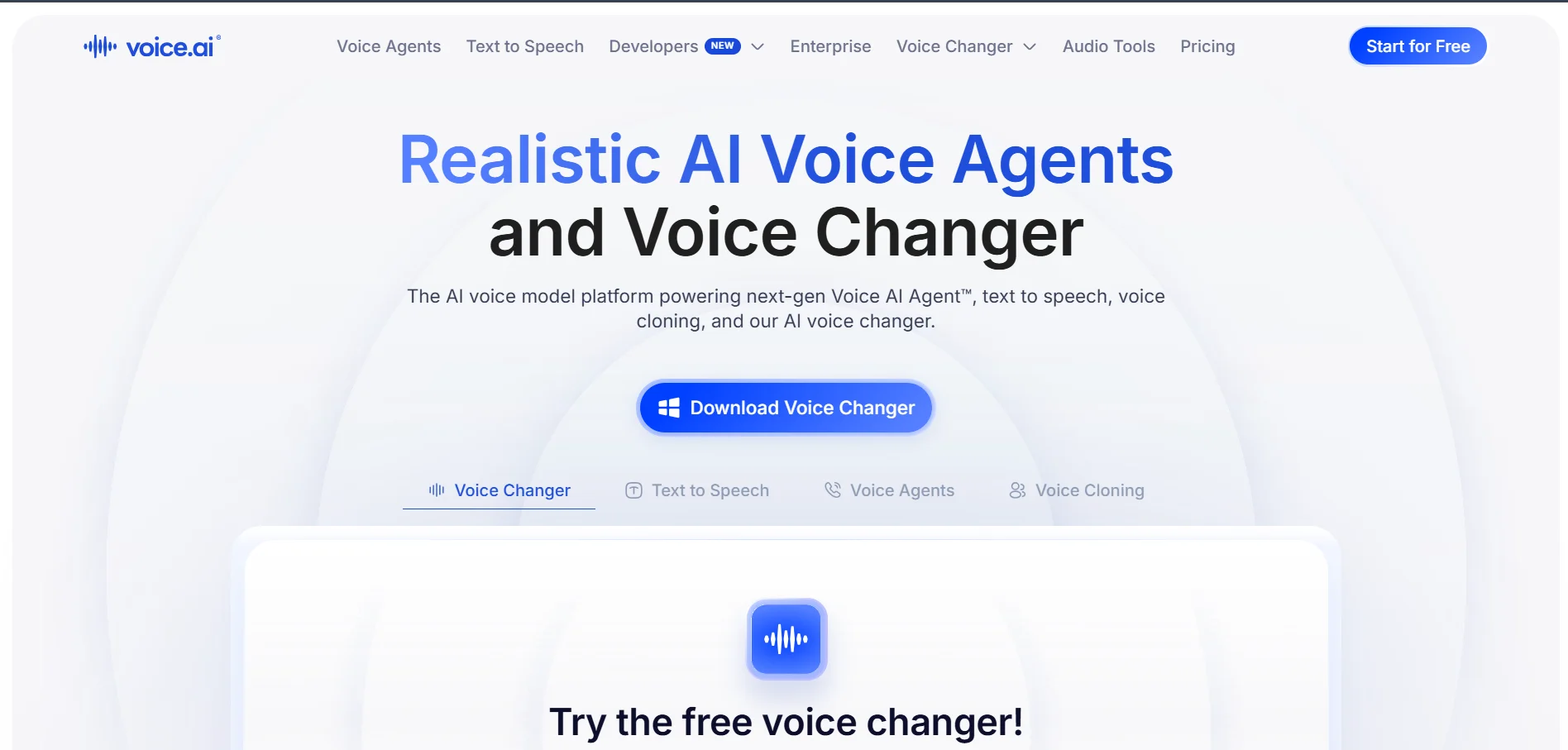
Voice.ai’s real-time voice changer is free to download with no credit card required, and its broader platform includes a free tier with limited TTS and audio-tool usage each month. The entry-level Starter plan runs about $5/mo, unlocking instant voice cloning, downloadable files, commercial licensing, and access to the TTS Studio.
Voice.ai is best known among gamers and streamers for live voice changing inside Discord, Zoom, and popular games, alongside a growing text-to-speech and voice agent suite. Some reviewers note that the free tier requires payment details for certain features and that overage rates on paid plans aren’t always clearly disclosed upfront.
Pros
- Popular real-time voice changer for gaming
- Works across Discord, Zoom, and major games
- Affordable entry-level paid tier
Cons
- Some free features still ask for card details
- Overage pricing not always transparent
- Monthly TTS minutes are limited on lower tiers
9. Lovo.ai

Paid from $24/mo
Lovo.ai (Genny) offers a 14-day free trial with 20 minutes of voice generation, rather than a permanent free plan, so you get full-featured access before deciding. Paid tiers are Basic at $24/mo, Pro at $48/mo, and Pro+ at $149/mo, each unlocking more generation hours, plus a custom Enterprise plan for larger teams.
Lovo bundles TTS, voice cloning, an AI script writer, subtitles, and a video editor into one platform, appealing to marketing and course-creation teams. Its 2026 update added directable Pro V2 voices with natural-language emotion tags, though some users report inconsistent support responsiveness, so it’s worth testing thoroughly during the trial window.
Pros
- Full-featured 14-day trial, not a stripped demo
- All-in-one voice, video, and writing suite
- Directable voices with emotion and accent control
Cons
- No permanent free plan after trial ends
- Pro+ tier is expensive for solo creators
- Customer support reviews are mixed
10. Podcastle
Paid from $11.99/mo
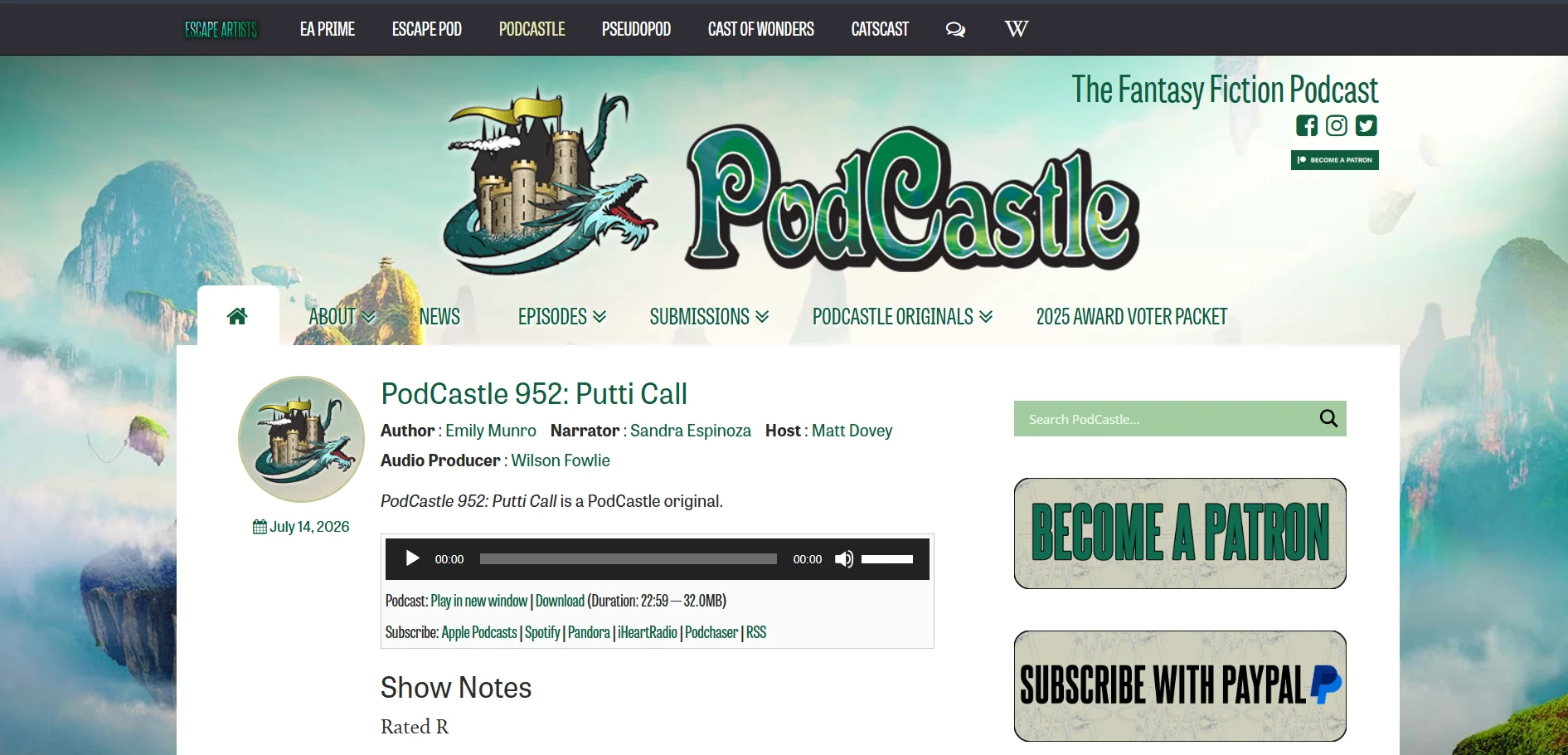
Podcastle’s Free plan includes unlimited audio recording with lifetime caps on video and transcription, functioning as an open-ended trial for its recording and TTS tools. Paid tiers run Storyteller at $11.99/mo and Pro at $23.99/mo on annual billing, with Teams and Business tiers for collaborative, higher-volume production.
Podcastle combines remote recording, AI editing, and text-to-speech voice cloning (Revoice) in one browser-based studio, making it a genuine all-in-one for podcasters. Revoice voice cloning is locked behind the Pro plan, and the free plan’s video and transcription limits are lifetime rather than monthly, which catches new users off guard.
Pros
- Unlimited audio recording on the free plan
- All-in-one recording, editing, and TTS
- Affordable entry-level pricing versus rivals
Cons
- Voice cloning requires the Pro tier
- Free video/transcription caps are lifetime, not monthly
- Advanced features gated behind Teams/Business
11. Supertone Play
Paid from $2.99/mo
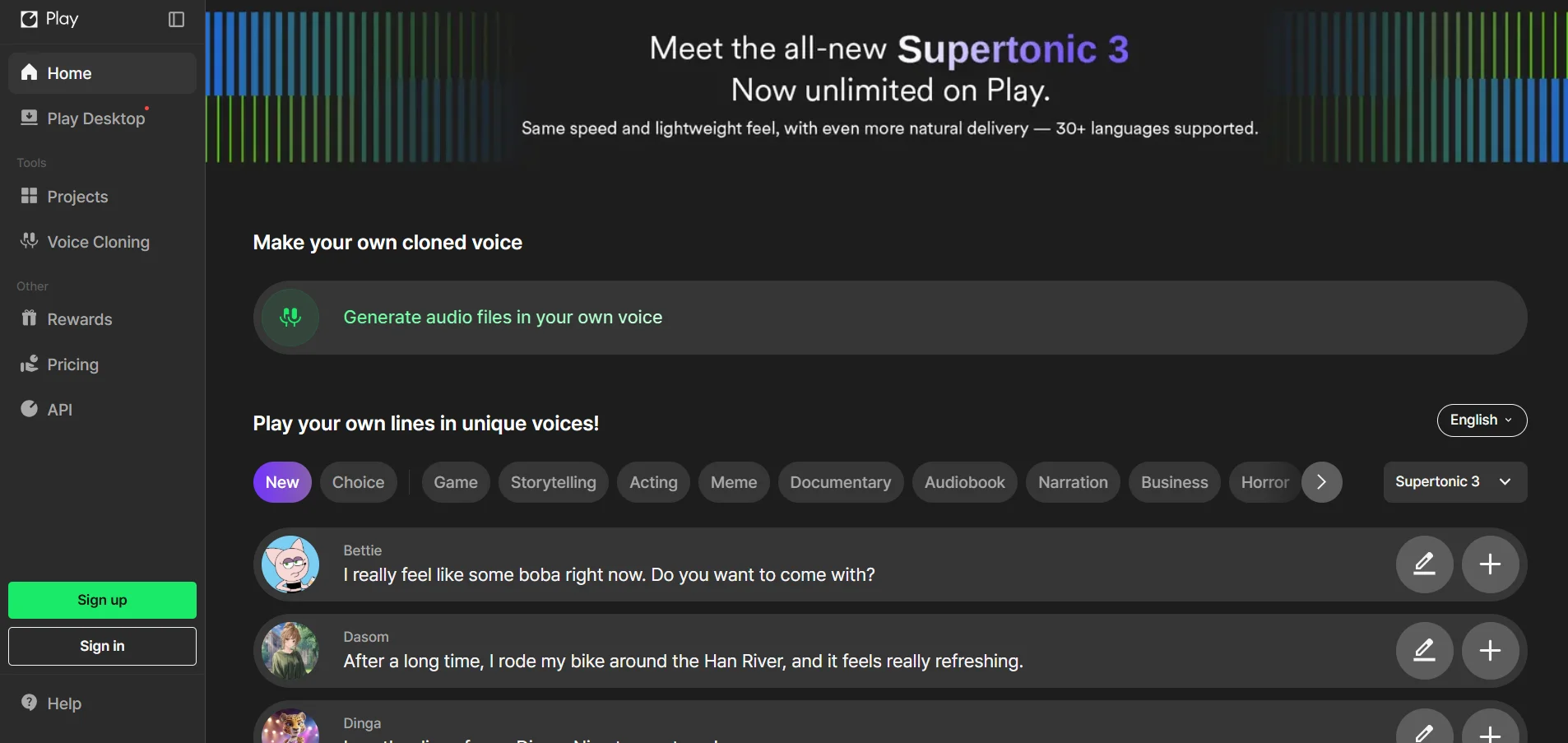
Supertone Play has run limited-time free trial promotions, including two weeks of unlimited access during launch events, though this varies by campaign. Standard subscription tiers are priced at Starter around $2.99/mo, Creator around $14.99/mo, and Pro around $79.99/mo, each offering more credits and voices to clone.
Backed by HYBE, Supertone Play focuses on hyperrealistic, emotionally expressive voices with strong multilingual switching for Korean, Japanese, and English content. Language support outside these three remains weak, and some users report compatibility issues with certain DAWs, so it suits Asian-market content creators more than global English-first teams.
Pros
- Excellent emotional expressiveness in voices
- Low-cost Starter tier for casual users
- Strong Korean and Japanese language support
Cons
- Weak support outside KR/JP/EN languages
- Reported DAW compatibility issues
- No refunds during beta promotional pricing
12. BookFab
From $39.99
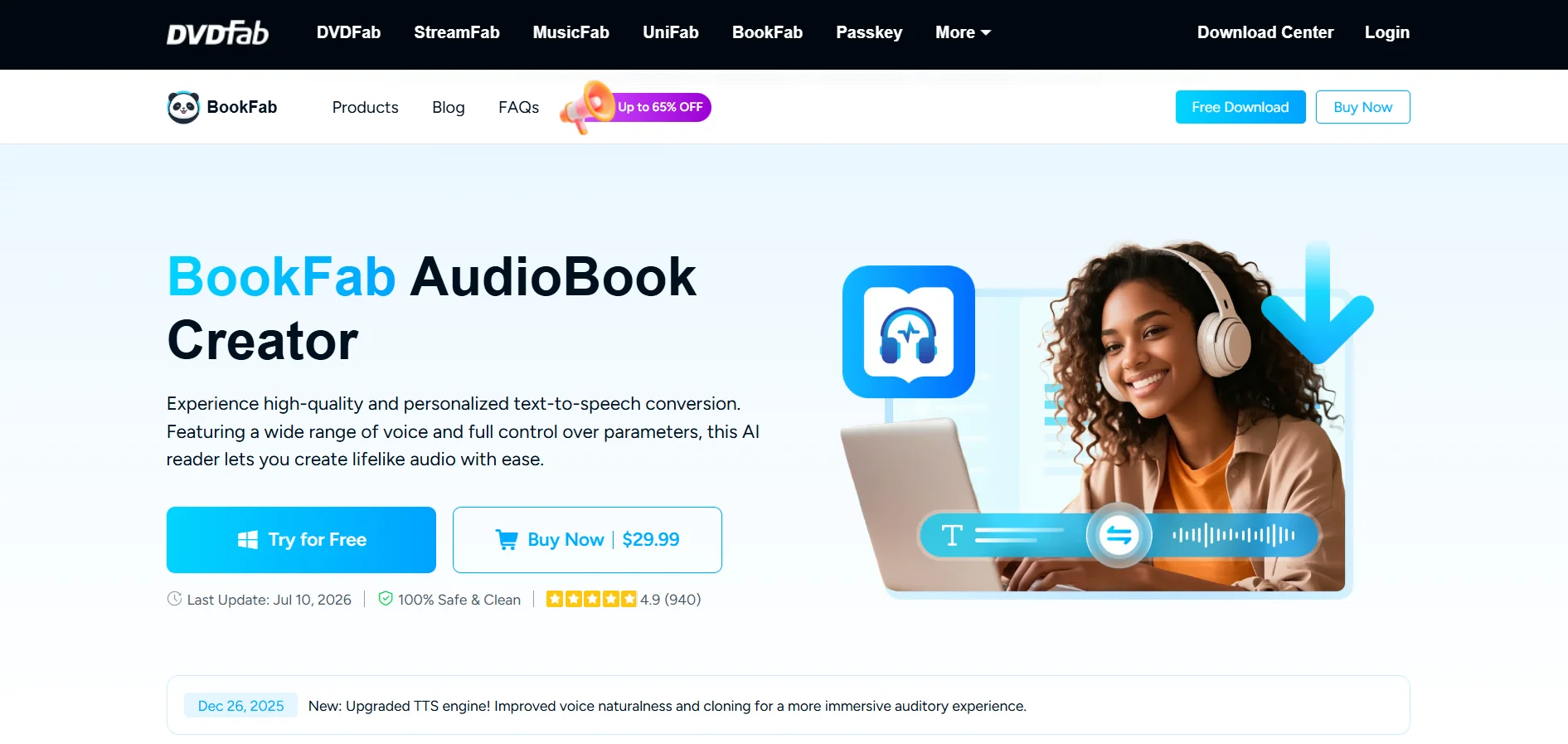
BookFab (by DVDFab) offers a free trial you activate directly inside the desktop app before buying, letting you test audiobook narration first. Licensing runs around $39.99 for a 1-month license, up to roughly $129.99-$159.99 for a lifetime license, depending on whether you bundle the Kindle and Kobo converter tools.
BookFab converts ebooks and documents into narrated audiobooks with around 20 voice choices, appealing to readers who want a permanent, offline license rather than a subscription. It currently supports mainly English and Japanese, has a 3,000-character input limit per pass, and is Windows-only, which limits its appeal versus cloud-based competitors.
Pros
- One-time lifetime license option available
- Built specifically for ebook-to-audiobook conversion
- Free trial before any purchase
Cons
- Windows-only, no native Mac app
- Limited language support (mainly English/Japanese)
- Character limit per conversion pass
Quick Comparison Table
Conclusion
Speechify remains a solid choice for reading articles and documents aloud, but it’s no longer the only option worth your attention. Developers building real-time voice agents will lean toward Cartesia or Gradium, while content creators producing videos and podcasts will find more value in Fliki, Murf.AI, or Podcastle.
If budget and licensing style matter most, one-time-purchase tools like Pixbim and BookFab avoid recurring fees entirely, while Lovo.ai and Voice.ai offer flexible trials for testing before you commit. The right pick ultimately depends on whether you need raw API power, a polished editor, or a simple, affordable way to turn text into natural-sounding speech.


