
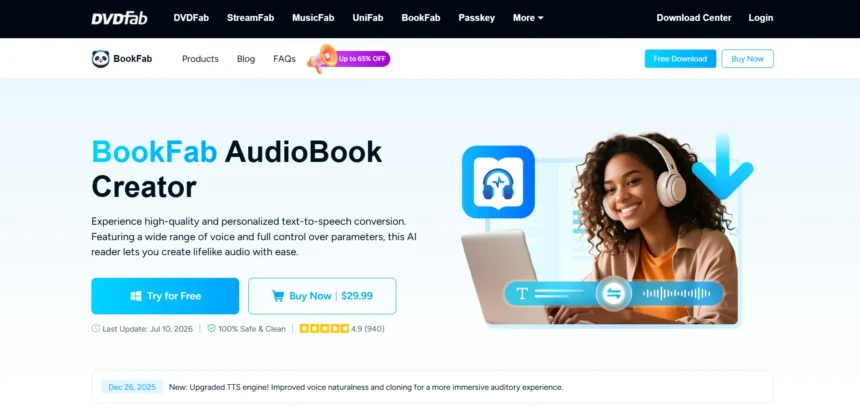
BookFab built its name around turning manuscripts and written content into narrated audio using AI voices, but it is far from the only option for creators who need text-to-speech, voice cloning, or AI-driven audio and video production. Whether you are producing audiobooks, podcasts, marketing voiceovers, or full AI avatar videos, the market has matured quickly, and dozens of platforms now compete on voice realism, pricing flexibility, and creative tooling. This guide walks through 13 strong BookFab alternatives, covering what each platform does best, how their trials and pricing plans stack up, and the trade-offs you should weigh before committing your budget.
WellSaid Labs
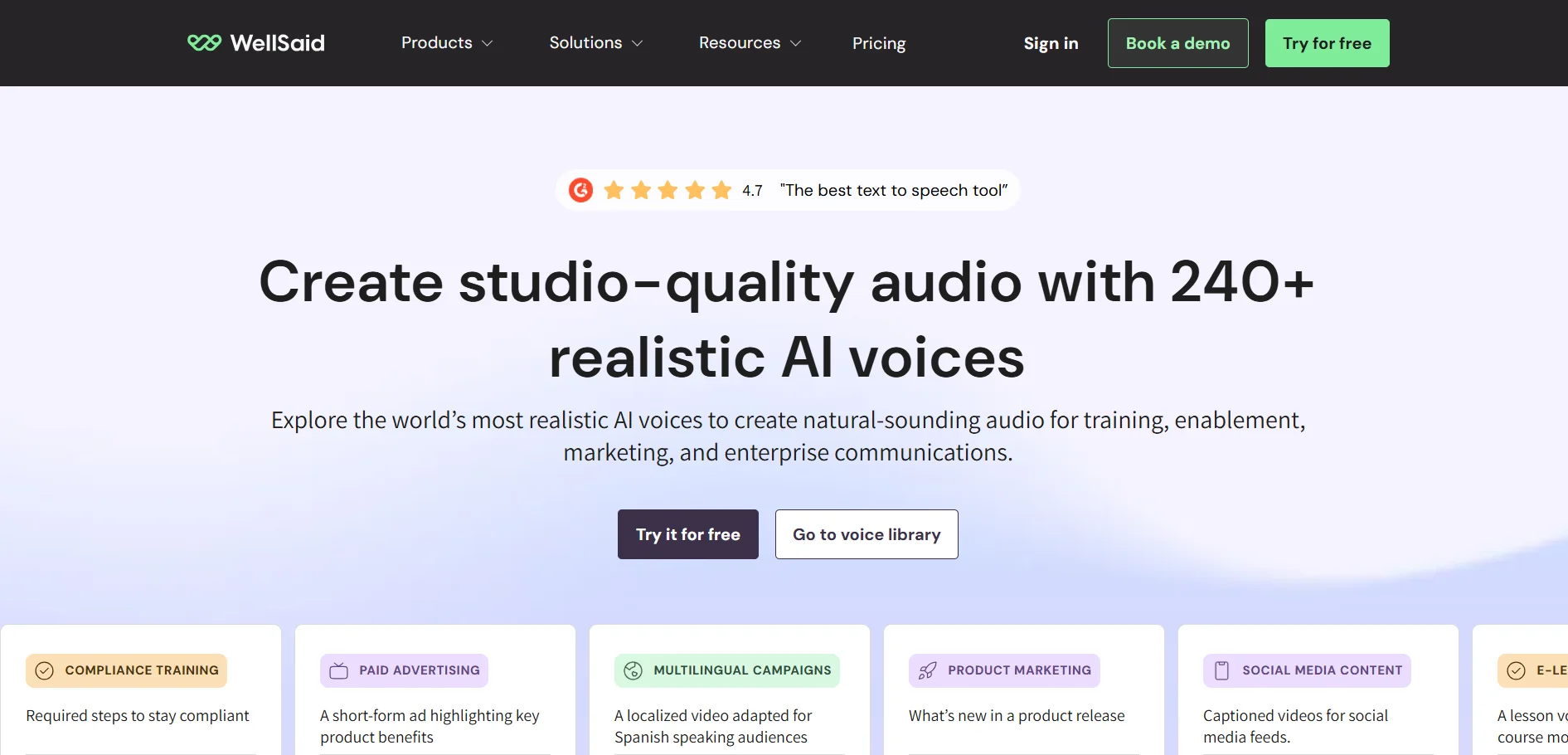
Trial: Free
Starter: $10–$19/mo
Pro: $33–$49/mo
Business: $160/mo/user
Enterprise: Custom
WellSaid Labs is a studio-quality voice generation platform built for marketing, e-learning, and enterprise teams that need polished, human-sounding narration. It offers a free trial with limited download minutes, followed by Starter and Pro plans for individuals, and Business or Enterprise tiers for teams needing collaboration tools, SSO, and multilingual voices. Pricing scales with download minutes rather than raw generation limits.
The platform stands out for its tone, pitch, and emotional control tools, plus a pronunciation library that helps voiceovers sound natural on tricky brand names. It integrates with Adobe Premiere Pro and Express, making it convenient for video teams already working in that ecosystem. Enterprise buyers get SOC 2 compliance, dedicated support, and custom workspaces, though smaller creators may find the download-minute caps restrictive compared to unlimited-generation competitors.
Pros
- Studio-quality, natural-sounding voices
- Strong pronunciation and tone controls
- Adobe Premiere and Express integrations
- SOC 2 Type 2 certified for enterprise use
Cons
- Download minutes are capped even on paid tiers
- Business plan pricing is steep per seat
- Limited language support outside Enterprise
- No unlimited generation on lower plans
Podcastle
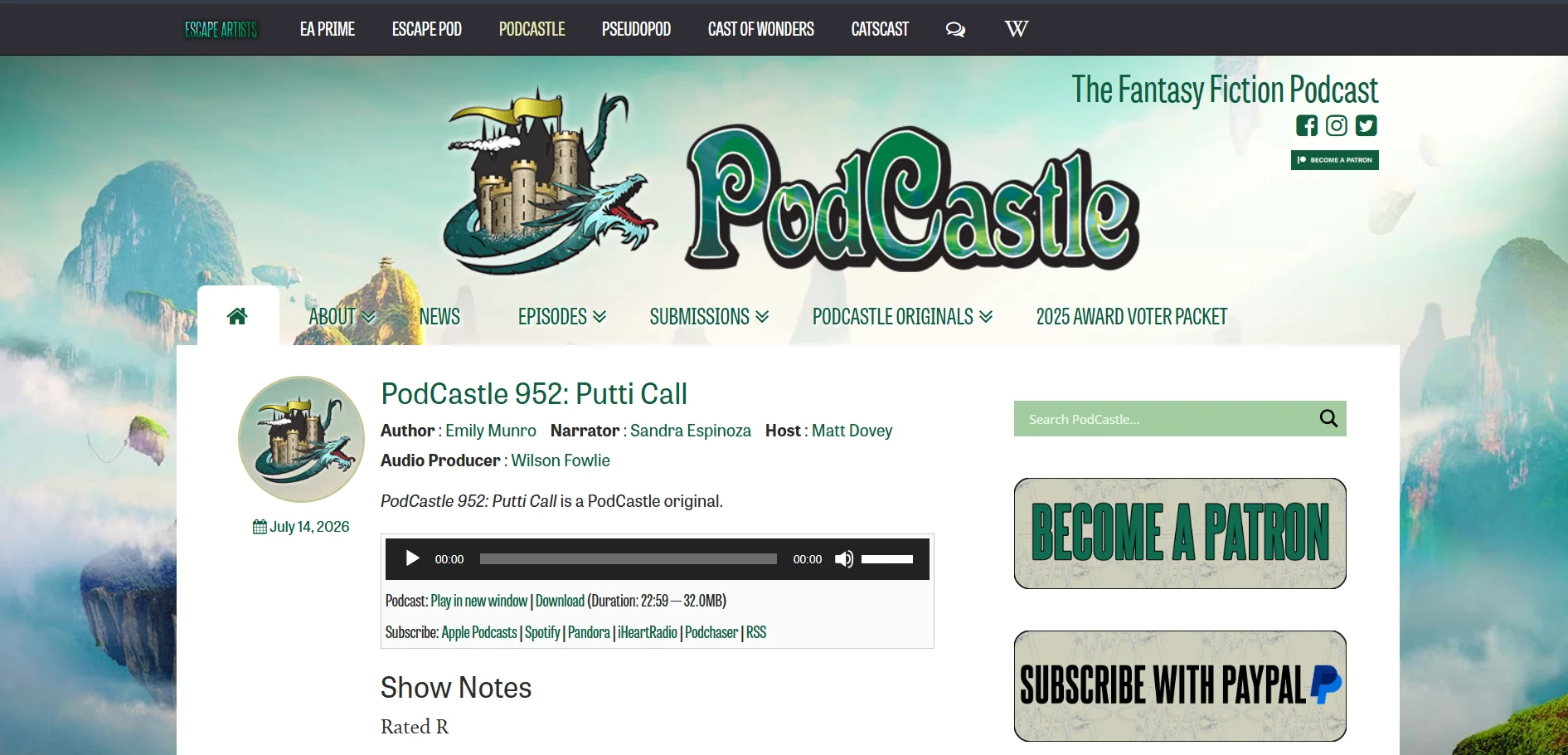
Free: $0
Storyteller: ~$11.99–$14.99/mo
Pro: ~$23.99–$24/mo
Podcastle (now also branded Async) is an all-in-one recording, editing, and AI voice platform originally built for podcasters but now widely used for narration and voiceover work. It offers a genuinely free tier with unlimited audio recording, plus a 7-day trial of premium features. The Storyteller plan unlocks more editing tools, while Pro adds Revoice, its voice-cloning feature.
Podcastle’s biggest draw is combining recording, AI editing, transcription, and text-to-speech in one browser-based workspace, so creators do not need separate tools for each step. However, video and transcription limits on the free plan are lifetime caps rather than monthly resets, which catches new users off guard. Voice cloning specifically requires the Pro tier, so budget-conscious users may need to upgrade sooner than expected.
Pros
- Generous free tier with unlimited audio
- All-in-one recording, editing, and TTS suite
- Browser-based with no software install
- Affordable entry-level paid plan
Cons
- Free plan video/transcription caps are lifetime, not monthly
- Voice cloning locked behind the Pro plan
- Limited customization for podcast websites
- No live broadcasting support
Lovo.ai

Free: $0
Basic: $24/mo
Pro: $48/mo
Pro+: $149/mo
Enterprise: Custom
LOVO.ai, marketed under the product name Genny, is an all-in-one AI creative suite combining voice generation, video editing, subtitles, and script writing. New users get a 14-day Pro trial with no card required, alongside a permanently free plan for basic testing. Paid tiers scale by voice generation hours, from Basic’s 2 hours up to Pro+’s 20 hours monthly.
LOVO’s Pro V2 Voices let users direct emotion and accent through bracketed natural-language cues, and voice cloning works from just one minute of sample audio on every paid tier. All paid plans include full commercial usage rights, making it viable for monetized YouTube or client work. That said, LOVO carries a notably low Trustpilot rating, with recurring complaints about billing and cancellation issues worth researching before subscribing.
Pros
- Bundles voice, video, and script tools together
- Directable Pro V2 voices with emotion controls
- Voice cloning from just 1 minute of audio
- Commercial rights included on all paid tiers
Cons
- Poor Trustpilot reputation on billing practices
- Jump from Basic to Pro is pricey for casual users
- Free trial excludes commercial rights
- Some users report cancellation difficulties
Fliki

Free: $0
Standard/Basic: ~$21–$28/mo
Premium: ~$66–$99/mo
Fliki converts scripts or blog posts into narrated videos using a large library of AI voices and stock media, making it popular with faceless YouTube channel creators. Rather than a formal trial, it offers a capped free plan with roughly 3-5 minutes of watermarked video monthly. The Standard plan removes watermarks and unlocks commercial rights, while Premium adds voice cloning and priority rendering.
Fliki’s strength lies in its script-to-video workflow and access to a large stock media library exceeding 6 million assets. However, recent user reviews report quality issues like gibberish text artifacts appearing in generated visuals, and the platform relies entirely on stock footage rather than AI-generated scenes. Commercial use is explicitly excluded from the free tier, pushing serious creators toward paid plans quickly.
Pros
- Fast script-to-video workflow
- Large stock media and voice library
- Affordable Standard plan for solo creators
- Multiple language and voice options
Cons
- Reported visual artifacts and gibberish text in videos
- No AI-generated video scenes, stock only
- Free plan excludes commercial use entirely
- Customer support responsiveness has drawn complaints
Resemble.ai

Flex: From $0 (pay-per-use)
TTS: $0.0005/sec
Voice Agents: $0.001/sec
Enterprise: Custom
Resemble.ai has shifted from flat subscription tiers to a consumption-based Flex plan, letting new users start free and pay only for what they generate. Text-to-speech runs at roughly $0.0005 per second, with voice cloning add-ons and team seats priced separately at around $20 per seat monthly. Enterprise pricing is quote-based for larger deployments needing volume discounts and dedicated support.
What sets Resemble apart is its built-in deepfake detection and PerTh neural watermarking, features few competitors offer natively. This makes it a strong fit for security-conscious use cases like broadcast media or financial services. The pay-per-second model rewards light, unpredictable usage but can outpace flat-fee competitors for high-volume production, so modeling your expected usage beforehand is worthwhile.
Pros
- Pay-per-use pricing with credits that never expire
- Built-in deepfake detection and watermarking
- Real-time API for voice agents and IVR
- Enterprise clients include Netflix and the World Bank
Cons
- No flat subscription tier for predictable budgeting
- High-volume usage can outpace flat-fee competitors
- Consumer subscription tiers were discontinued
- Requires usage modeling to avoid billing surprises
PlayHT

Free: $0
Creator: ~$19–$31/mo
Unlimited: ~$99/mo
Enterprise: Custom
PlayHT is a text-to-speech and voice cloning platform aimed at creators, professionals, and developers who need realistic AI narration at scale. The free plan includes around 12,500 characters monthly, one instant voice clone, and access to all voices and languages, though commercial use is not included. Paid plans unlock commercial rights, higher character limits, and expanded API access.
With over 800 voices across 142 languages, PlayHT covers a wide range of use cases from audiobooks to real-time voice APIs. Its Unlimited plan appeals to high-volume users who want to avoid character-based billing entirely. The main drawback is that commercial usage rights require a paid upgrade, and PlayHT’s free tier requires attribution, limiting its usefulness for branded content.
Pros
- Over 800 voices across 142 languages
- Free tier includes voice cloning access
- Unlimited plan available for heavy usage
- Robust API for real-time integrations
Cons
- Free plan requires PlayHT attribution
- No commercial rights until you upgrade
- Pricing tiers have shifted often, causing confusion
- Higher tiers needed for serious production volume
HeyGen

Free: $0
Creator: ~$24–$29/mo
Pro: ~$49–$99/mo
Business: $149/mo + $20/seat
Enterprise: Custom
HeyGen is a leading AI avatar video platform that turns scripts into presenter-style videos using digital avatars and realistic voice synthesis. Its free plan allows roughly 3 short, watermarked videos monthly, enough to test lip-sync quality before committing. The Creator plan removes watermarks and enables 1080p exports, while Pro and Business tiers add 4K rendering, more monthly credits, and team seats.
HeyGen runs on a GenCredits system, where different features consume credits at different rates, and premium Avatar IV videos burn through credits quickly. This makes the headline price only part of the real cost, since heavy users often need to budget for credit top-ups. Despite the complexity, HeyGen holds strong ratings for avatar realism and has helped companies like Trivago cut localized video production costs significantly.
Pros
- High-quality, realistic AI avatars
- Supports 175+ languages for localization
- Strong G2 ratings for video quality
- 4K export and custom avatars on higher tiers
Cons
- Credit system makes real costs hard to predict
- Premium avatar features burn credits fast
- Lower Trustpilot score tied to billing complaints
- Business plan has a 2-seat minimum
MiniMax

Free tier available
Paid plans: ~$14/mo and up
Higher tiers: up to $199.99/mo
MiniMax is a Chinese AI company whose consumer-facing Hailuo AI product handles video generation with integrated voice and narration tools, appealing to creators who want visuals and audio from a single platform. It offers a genuinely free tier for testing, with credit-based paid plans scaling up to around $199.99 per month for high-volume video output. Credits reset monthly and unused credits typically expire.
MiniMax’s core advantage is combining large language model text generation with video and voice synthesis under one roof, useful for creators building narrated explainer or story content. Because MiniMax operates from mainland China with a separate international platform, data residency and compliance considerations matter for regulated industries. Pricing across its video, voice, and API products can also be confusing since they are marketed somewhat separately.
Pros
- Combines video, voice, and text generation
- Genuinely free tier for testing
- Competitive credit-based pricing at scale
- Rapid model updates and feature releases
Cons
- Confusing multi-product pricing structure
- Data residency concerns for regulated industries
- Credits expire monthly without rollover
- Documentation is less mature than Western competitors
Pixbim
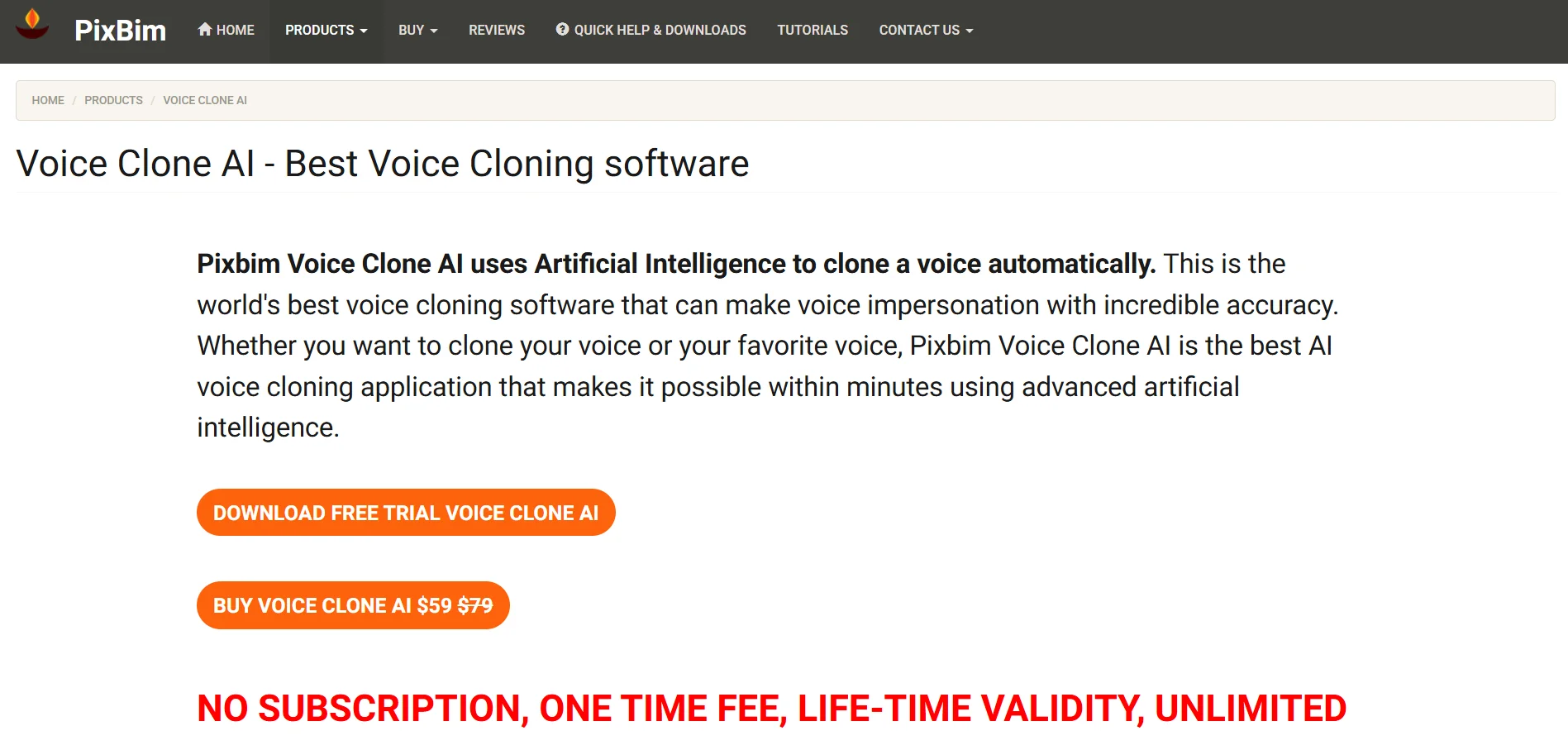
7-day trial
One-time license: $49–$79
No subscription required
Pixbim takes a different approach from most AI voice and video tools by selling desktop software through one-time lifetime licenses rather than subscriptions. Its lineup includes video upscaling, lip-sync, photo colorization, and watermark removal tools, each with a 7-day free trial and a single payment typically between $49 and $79. This model appeals to buyers tired of recurring subscription costs.
Because Pixbim tools run locally on Windows machines (with limited macOS and Linux support), users get full data privacy without uploading content to the cloud. GPU acceleration significantly speeds up processing, though CPU-only setups can be notably slow. The trade-off for the lifetime license model is fewer continuous updates and a narrower feature set compared to cloud-based subscription competitors.
Pros
- One-time payment, no recurring subscription
- Fully local processing for data privacy
- Free upgrades included with lifetime license
- Simple, beginner-friendly interface
Cons
- Primarily Windows-only software
- Slow processing without an Nvidia GPU
- Limited customization for advanced users
- No frame-rate adjustment in upscaling tools
KikiVoice

Free: $0, no signup
Premium plans: from ~$10/mo
KikiVoice is a lightweight, browser-based AI voice cloning tool that lets users generate a realistic voice clone from just a short audio sample, with no account creation needed. The free tier runs on weekly auto-resetting credits and supports over 75 languages through three models: Kiki Core, Kiki Pro, and Kiki Multilingual. Premium plans start around $10 per month for higher character limits and priority processing.
KikiVoice’s biggest appeal is accessibility, since anyone can clone a voice in under three minutes directly in a browser without installing software. It lacks a public API at the moment, though one is reportedly planned for future release. Because it is a newer, smaller platform than established competitors, enterprise-grade support, documentation, and feature depth remain limited compared to larger voice AI providers.
Pros
- No signup or credit card required to start
- Fast voice cloning from a short sample
- Supports 75+ languages and accents
- Simple, accessible browser-based workflow
Cons
- No API access currently available
- Weekly credit resets limit heavy usage
- Smaller platform with less documentation
- Commercial usage terms need careful review
Cartesia
Free: $0 (20K credits)
Pro: ~$5/mo
Scale: ~$239/mo
Enterprise: Custom
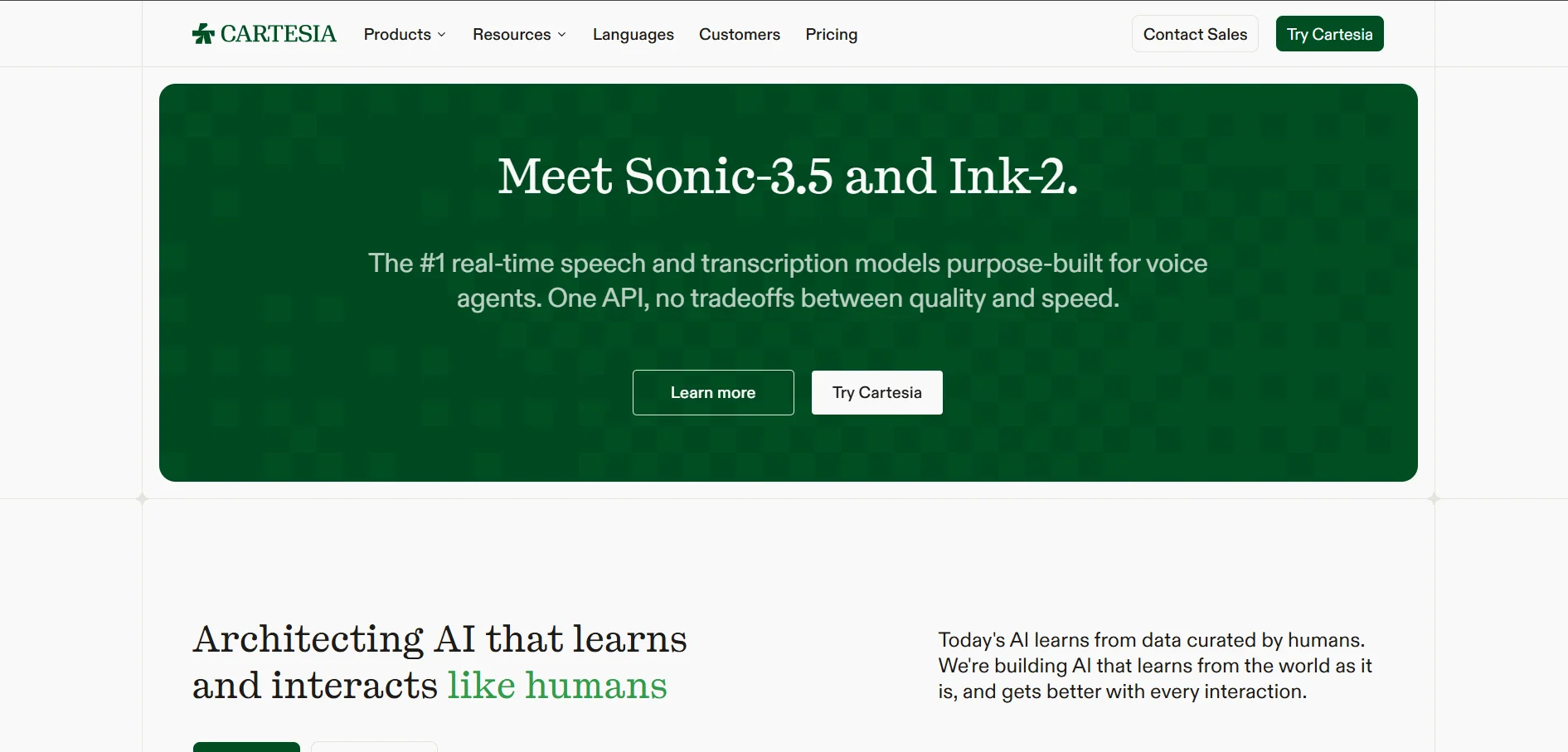
Cartesia is a developer-focused voice AI platform built around low-latency text-to-speech, speech-to-text, and real-time voice agents. Its free tier includes about 20,000 credits monthly for non-commercial testing, while the Pro plan at roughly $5 per month unlocks commercial usage and instant voice cloning. The Scale plan, near $239 per month, is built for production-grade voice agent deployments.
Cartesia’s standout feature is its extremely low time-to-first-audio latency, around 40 milliseconds, which makes it a strong choice for real-time conversational applications rather than static narration. Billing is credit-based at roughly one credit per character, which can be harder to estimate than flat per-minute pricing. Enterprise customers get custom credit allocations, SLAs, and dedicated support for large-scale voice agent systems.
Pros
- Extremely low latency, around 40ms
- Affordable entry-level commercial plan
- Strong fit for real-time voice agents
- Supports 15+ languages
Cons
- Credit-based billing is harder to predict
- Free tier excludes commercial use
- Concurrency limits restrict lower tiers
- Better suited to developers than casual creators
Gradium

Free tier available
S/M plans: from ~$13/mo
Larger plans: $340–$1,615/mo
Enterprise: Custom
Gradium is a newer voice AI infrastructure company founded by former DeepMind and Meta researchers, focused on ultra-low-latency text-to-speech, speech-to-text, and voice cloning through a single API. It offers a free tier alongside credit-based paid plans starting around $13 per month, with higher tiers reaching several hundred dollars monthly for high-volume production use. A startup program grants $2,000 or more in free credits to qualifying early-stage companies.
Gradium differentiates itself with on-device TTS support for offline or latency-critical applications, plus Pro Voice Clones designed for high speaker similarity on its mid and top-tier plans. Backed by over $100 million in funding including NVIDIA, it targets enterprise voice agent builders in healthcare, customer service, and gaming. As a relatively young platform, its language support currently covers just five languages, fewer than more established competitors.
Pros
- Ultra-low latency, sub-200ms voice interactions
- On-device TTS for offline use cases
- Well-funded with strong research pedigree
- Generous startup credit program
Cons
- Supports only 5 languages currently
- Higher tiers get expensive quickly
- Newer platform with a smaller track record
- Primarily developer/API focused, not creator-friendly
VEED
Free: $0
Basic/Creator: ~$12/mo
Pro: ~$21–$29/mo
Studio/Business: ~$35–$70/mo
Enterprise: Custom
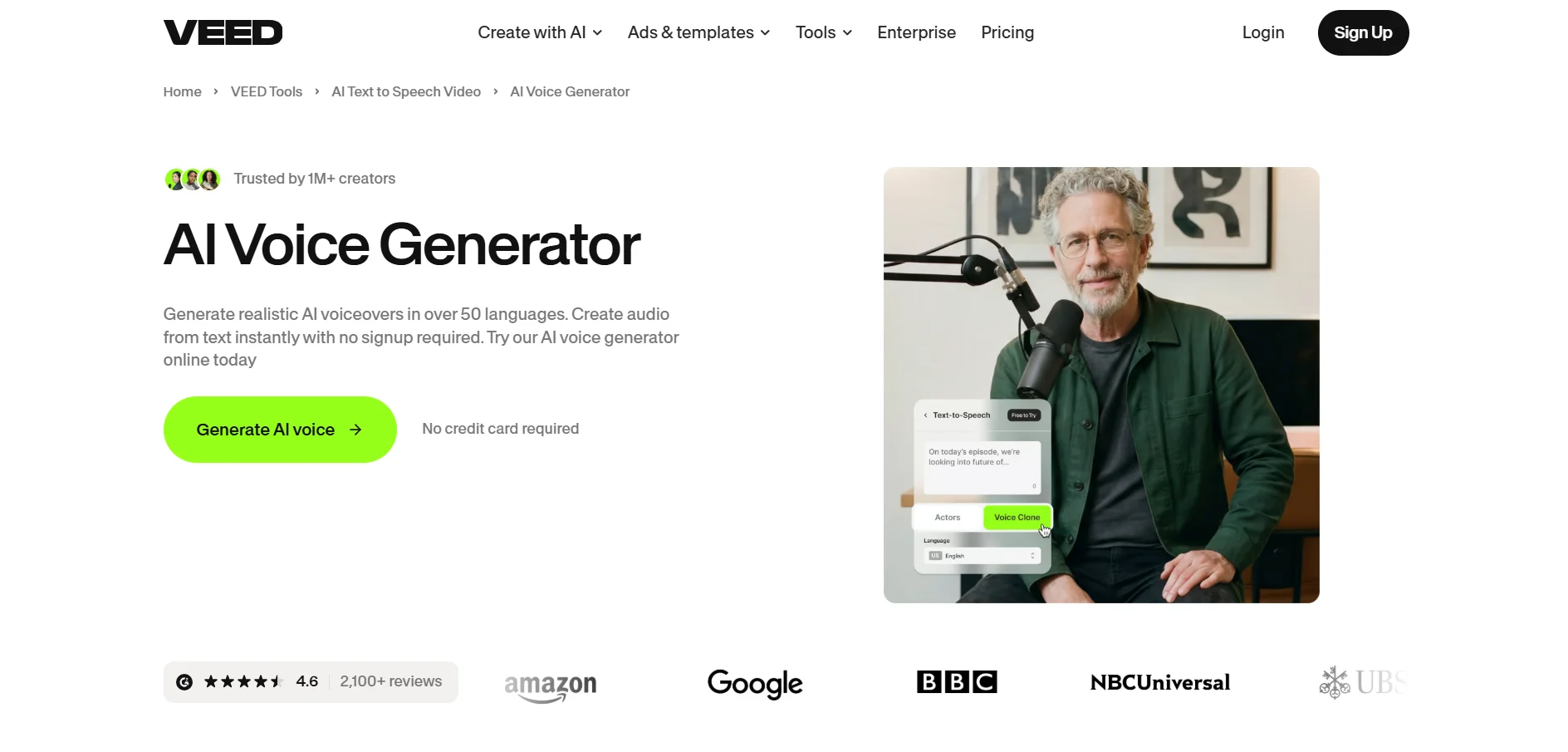
VEED.io is a browser-based video editor with a strong suite of AI tools, including subtitles, AI voice generation, translation, and eye-contact correction, making it a flexible pick for creators who need audio and video in one place. The free plan allows basic editing but adds a watermark and caps exports at 10 minutes. Paid tiers scale from Basic for solo creators up to Studio and Business plans for teams needing brand kits and collaboration.
VEED’s appeal lies in bundling subtitle generation, AI voiceover, and video editing into a single subscription, often replacing several separate tools at once. AI features consume credits per action rather than per finished video, so heavy AI use can burn through allocations faster than expected, and unused annual credits do not roll over. Even so, G2 reviewers frequently note that VEED pays for itself by eliminating the need for a freelance video editor.
Pros
- All-in-one editing, subtitles, and AI voice
- Browser-based, no software installation
- Replaces multiple standalone tools
- Regular feature updates and AI tool additions
Cons
- AI credits do not roll over annually
- Free plan exports are watermarked
- Pricing has risen with quarterly adjustments
- Heavy AI use can burn credits quickly
Comparison Table
| Alternative | Description |
|---|---|
| WellSaid Labs | Studio-quality AI voice generator for marketing, training, and enterprise narration with strong emotional and pronunciation control. |
| Podcastle | All-in-one podcast recording, editing, and AI voice platform with a generous free tier and voice cloning on Pro. |
| LOVO.ai | All-in-one voice, video, and script creation suite (Genny) with directable emotional voices and commercial rights. |
| Fliki | Script-to-video generator using AI voices and stock media, popular for faceless YouTube channel production. |
| Resemble.ai | Pay-per-use voice cloning and TTS platform with built-in deepfake detection and audio watermarking. |
| PlayHT | Text-to-speech and voice cloning platform with 800+ voices across 142 languages and a real-time API. |
| HeyGen | Leading AI avatar video generator turning scripts into presenter-style videos with realistic voice sync. |
| MiniMax | Chinese AI company behind Hailuo, combining video generation with integrated voice and text tools. |
| Pixbim | Desktop AI tools for video upscaling, lip-sync, and colorization sold via one-time lifetime licenses. |
| KikiVoice | Free, no-signup browser voice cloning tool supporting 75+ languages with three cloning models. |
| Cartesia | Developer-focused, ultra-low-latency voice AI platform built for real-time conversational agents. |
| Gradium | Well-funded voice AI infrastructure startup offering sub-200ms latency and on-device TTS support. |
| VEED | Browser-based video editor bundling subtitles, AI voiceover, and translation into one subscription. |
Conclusion
There is no single best BookFab alternative for everyone; the right pick depends on whether you need audiobook-style narration, a full video production suite, a developer API, or a one-time desktop tool. Creators focused purely on voiceover quality may prefer WellSaid Labs or PlayHT, while those wanting avatar-driven video should look at HeyGen. Developers building real-time voice agents will find Cartesia and Gradium better suited to their workflows, and budget-conscious users may prefer Podcastle, KikiVoice, or Pixbim’s one-time license model. Whichever platform you choose, take advantage of the free trials listed above before committing to a paid plan, since voice quality, latency, and workflow fit vary noticeably from one tool to the next.


