
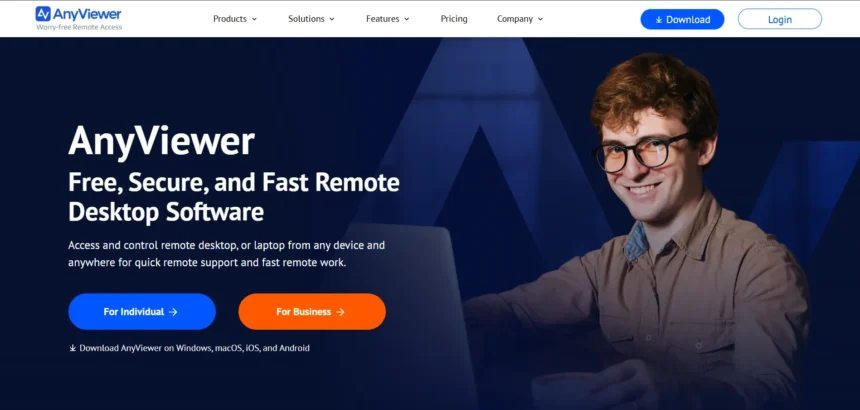
AnyViewer has become a familiar name for anyone who needs to hop onto a remote PC, help a family member, or manage a fleet of office computers without leaving their desk. But it isn’t the only option out there, and depending on your budget, platform needs, or security requirements, another tool might fit your workflow far better. In this guide, we’ve rounded up 12 of the strongest AnyViewer alternatives available today. For each one, we cover what it does best, whether it offers a free trial, its current pricing plans straight from official sources, and the pros and cons worth knowing before you commit.
1. RustDesk
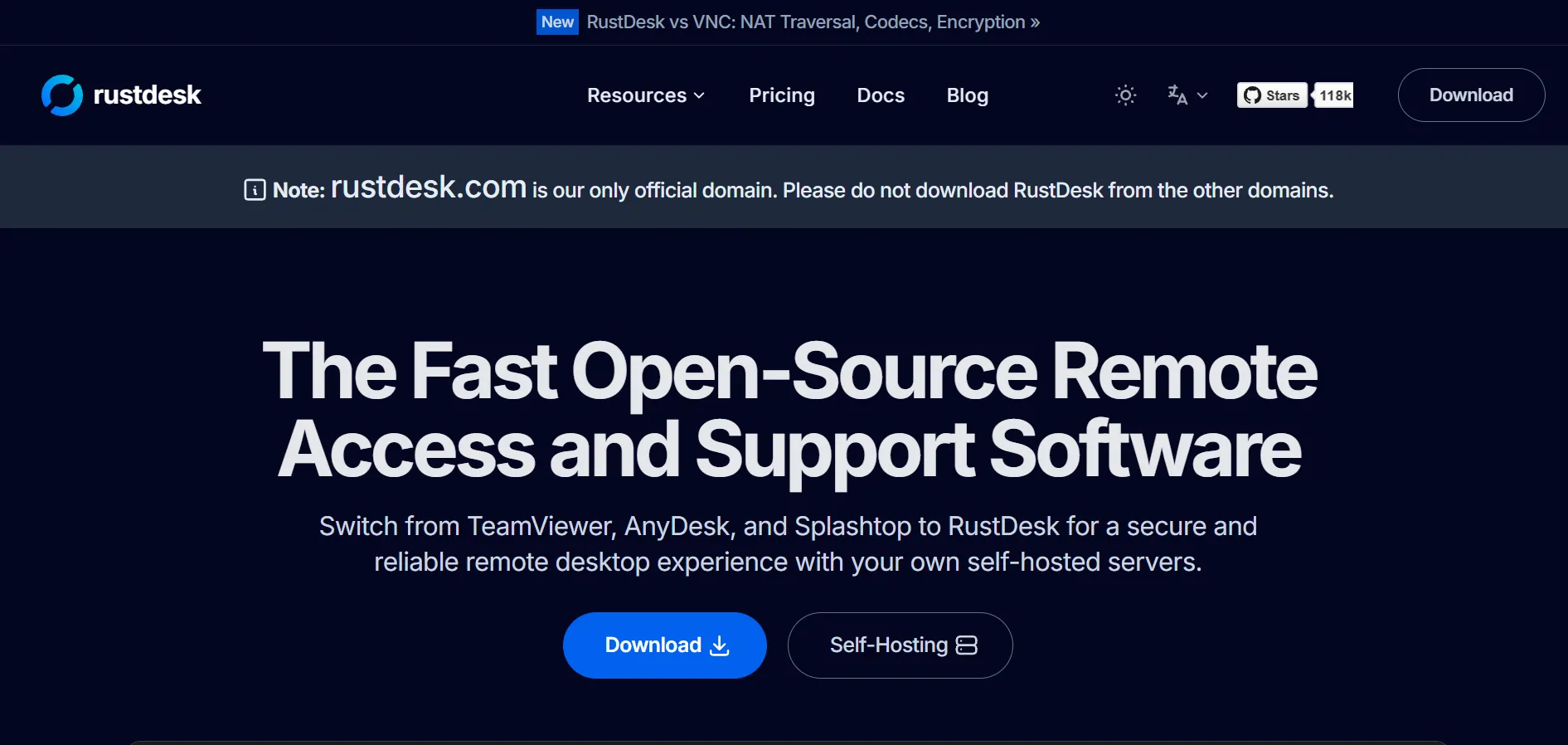
RustDesk is an open-source, self-hosted remote desktop tool built in Rust, popular with IT teams who want full control over their data. There’s no traditional “trial” since the core software is free forever; instead you test the free open-source edition before committing to Pro. Pricing: Free plan available, Individual $9.90/month, Basic and Customized $19.90/month (billed annually), all requiring self-hosted infrastructure.
Because RustDesk is open source, you can inspect the code, customize clients, and avoid vendor lock-in entirely, which appeals strongly to privacy-conscious organizations. The trade-off is that setup requires Docker and basic server know-how, so it suits technical teams more than casual users. Cross-platform support spans Windows, macOS, Linux, Android, and web, with peer-to-peer encrypted connections keeping sessions secure without recurring per-seat costs.
- Pros: Free and open source, full data sovereignty, no per-seat licensing on the free tier, active development community.
- Cons: Requires Docker/server setup knowledge, fewer polished enterprise features than paid competitors, self-hosted reliability depends on your own infrastructure.
2. GoToMyPC
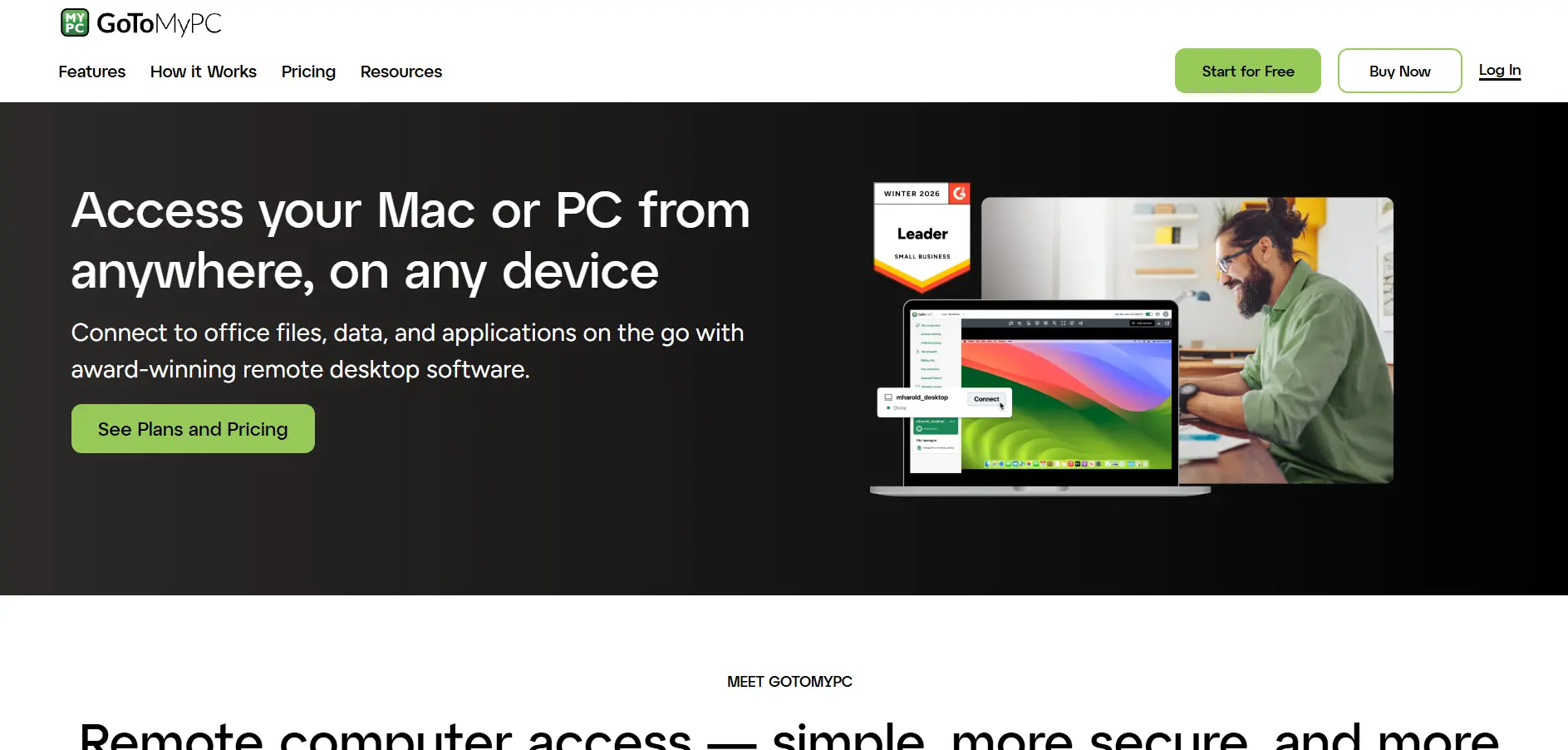
GoToMyPC is a long-standing remote access tool aimed at professionals who need reliable, always-on access to a work computer from anywhere. It offers a 7-day free trial with no credit card required, and pricing sits at Personal $35/month, Pro $33/month per computer (2-50 users), and Corporate $28/month per computer (5+ users), all billed annually.
Its biggest strength is simplicity: connect from any browser or device without complex configuration, with solid encryption and multi-factor authentication baked in. However, reviewers consistently flag it as pricier than newer competitors, especially for solo users or very small teams. It’s a dependable pick if budget is secondary to stability and a polished, no-fuss interface for daily remote work.
- Pros: Simple setup, strong encryption and MFA, unlimited remote access sessions, works well across mobile devices.
- Cons: Higher price than most alternatives, annual contracts required for the best rates, no permanent free tier.
3. NinjaOne
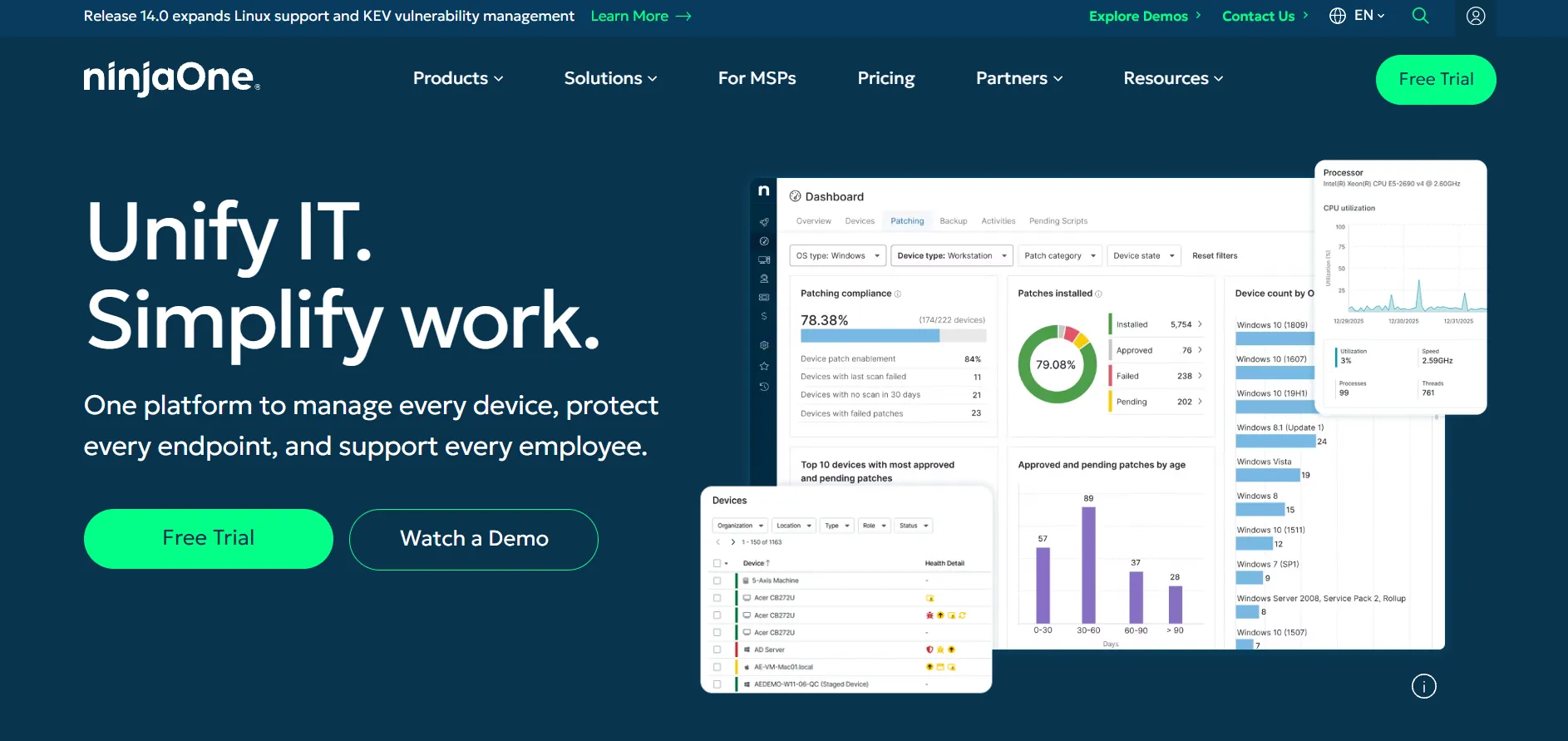
NinjaOne is a full endpoint management and RMM platform rather than a simple remote viewer, built for MSPs and internal IT departments managing many devices at once. It offers a 14-day free trial with full platform access and no credit card needed. Pricing is custom per-device, roughly $1.50 to $3.75+ per endpoint/month, requiring a quote from sales.
Remote access here is just one piece of a bigger toolkit that includes patching, monitoring, scripting, and optional backup or MDM add-ons. That makes it excellent value for IT teams consolidating tools, but overkill and costlier for someone who only wants basic screen sharing. Support and onboarding are included free, which many buyers appreciate compared to rivals charging extra for setup.
- Pros: All-in-one RMM plus remote access, free unlimited support and onboarding, volume discounts at scale, modern clean interface.
- Cons: No published pricing, 50-device minimums on some deals, add-ons like backup and MDM cost extra, overkill for casual users.
4. Pulseway
Pulseway is an RMM and remote monitoring tool best known for its strong mobile app, letting technicians manage servers and endpoints straight from a phone. It provides a free trial and a limited free version, with paid plans starting around $27-$67/month depending on endpoints and modules chosen, with no long-term contracts required.
Reviewers frequently praise Pulseway’s flexibility, no-commitment pay-as-you-go pricing, and its solid mix of monitoring, patching, and remote control. It particularly shines for IT teams that want to react to alerts on the move rather than sit at a monitoring console. Costs can climb for larger environments once add-ons like ransomware detection or third-party patching are layered on top.
- Pros: Excellent mobile app, flexible pay-as-you-go pricing, no long-term contracts, strong monitoring and alerting.
- Cons: Add-ons increase cost quickly, free tier is quite limited, pricing can feel steep for very small setups.
5. AnyDesk

AnyDesk is one of the most recognizable names in remote desktop software, prized for its fast connection speeds even on weaker networks. Businesses get a 14 to 30-day free trial with full Advanced tier features, while paid plans run Solo $14.90/month, Standard $49.90/month, Advanced $111.90/month, and Ultimate at custom pricing, all billed annually.
The free version remains available for strictly personal, non-commercial use, while any work-related session requires a paid license from the initiator’s side only. Users love its speed and lightweight footprint, though many note that prices have risen noticeably in recent years across every tier. It remains a solid all-rounder for IT support, remote work, and cross-platform access.
- Pros: Very fast even on poor connections, lightweight client, only the session initiator needs a license, wide platform support.
- Cons: Prices have risen sharply over recent years, free plan is personal-use only, higher tiers get expensive for larger teams.
6. HelpWire
HelpWire is a newer remote support tool from the makers of USB Network Gate, built specifically to be a stable, ad-free alternative to older established players. During its early access phase, there is no separate trial because everything is free right now, with pricing currently $0 for unlimited use, including commercial support, with paid tiers planned later.
Users consistently highlight its stability, clean interface, and lack of nagging upgrade prompts compared to older tools they switched from. Session-based links make onboarding a client painless, with no account creation required on the remote end for quick sessions. The main drawback today is a lighter feature set than mature enterprise platforms, though HelpWire promises founders’ pricing perks once paid tiers launch.
- Pros: Completely free right now, no ads or nag screens, simple link-based sessions, reliable performance reported by users.
- Cons: Fewer advanced features than established rivals, no integrations with helpdesk tools yet, pricing will change once paid tiers launch.
7. Parsec
Parsec specializes in ultra-low-latency streaming, making it a favorite among gamers, video editors, and studios accessing powerful workstations remotely. Teams and Enterprise plans come with a 14-day free trial, while pricing runs Warp $9.99/month (individuals), Teams $35/month per user, and Enterprise $45/month per user, with lower rates when billed annually.
A generous free tier already covers most casual personal use, including gaming and light creative work, without ever needing to pay. Warp adds privacy mode, multi-monitor support, and full tablet pressure sensitivity for solo creative professionals. Teams and Enterprise unlock SSO, permissions, and studio-grade features, making Parsec a genuine outlier for real-time, GPU-accelerated remote workflows rather than typical office support.
- Pros: Exceptional low-latency streaming, generous free tier for personal use, great for gaming and creative workstations, GPU-accelerated performance.
- Cons: Less suited to typical office IT support, Teams plan needs a 5-member minimum, no volume discounts offered.
8. AirDroid Remote Support
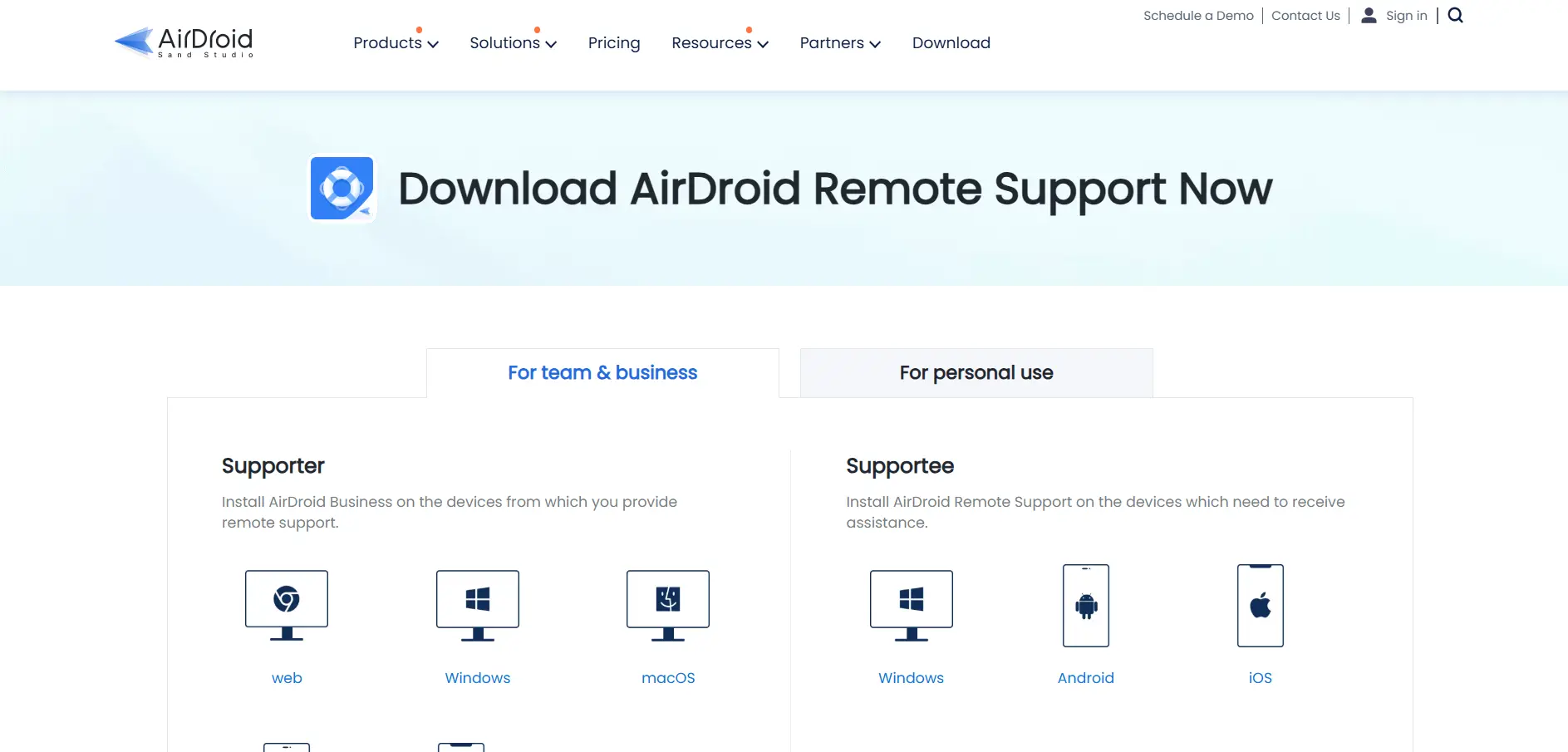
AirDroid Remote Support focuses heavily on mobile device support alongside Windows, making it a strong pick for organizations managing Android fleets. It offers a 14-day free trial plus a limited free plan, and the Basic plan is priced at $199/license/year, with Standard and Premium available on custom quote.
Its standout capability is remotely controlling Android devices directly, not just viewing them, which few competitors do smoothly. Black screen mode, unattended access, and bulk device deployment make it appealing for retail, logistics, and field-service teams. Windows control still requires initiating from another Windows machine, so mixed-OS teams should check compatibility carefully before buying.
- Pros: True Android remote control, black screen privacy mode, useful free tier, good fit for mobile-heavy device fleets.
- Cons: Windows control needs a Windows initiator, higher tiers require contacting sales, feature set narrower than full RMM suites.
9. ConnectWise ScreenConnect
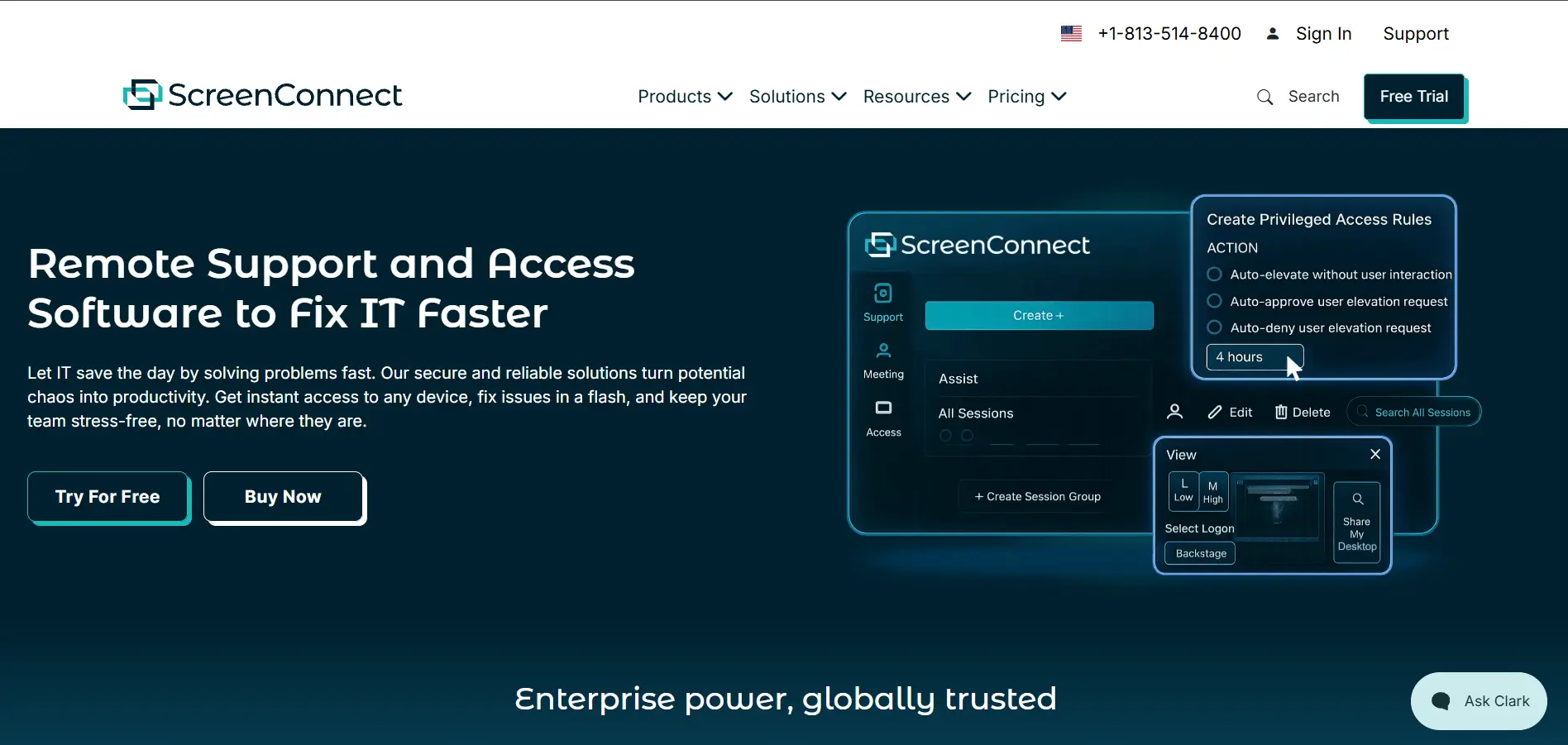
ConnectWise ScreenConnect (formerly ConnectWise Control) is a longtime favorite among MSPs for its speed, flexibility, and toolbox of scripts for in-session remediation. New users can access a 30 to 45-day free trial, with plans priced One $30/month, Remote Access $33/month, Standard $45/month, and Premium $55/month per technician.
Technicians get instant connections, privileged access management, and detailed audit logs that satisfy compliance and cyber-insurance requirements. It’s a genuinely powerful tool once mastered, though the pricing model based on agents and concurrent sessions can confuse newcomers comparing tiers. Several reviewers also mention long contract commitments, so it’s worth clarifying renewal terms before signing.
- Pros: Fast connections, privileged access management, detailed audit logging, strong marketplace of extensions.
- Cons: Contracts can run multiple years, pricing tiers can be confusing, no permanent free plan available.
10. BeyondTrust Remote Support
BeyondTrust Remote Support (formerly Bomgar) targets large enterprises and regulated industries needing FIPS-validated, VPN-less remote access. It offers a 14-day free trial, though pricing is entirely custom quote-based and not published publicly, calculated by concurrent licenses rather than named users.
Its security credentials stand out, including FIPS 140-2 Level 1 validation, making it a go-to for healthcare, government, and financial institutions. Reviewers highlight strong ROI from faster incident resolution, though many describe the overall cost as high compared to mid-market tools. It’s best suited to organizations that need airtight compliance and audit trails more than budget-friendly simplicity.
- Pros: FIPS 140-2 validated security, concurrent licensing model, strong ITSM/CRM integrations, trusted by regulated industries.
- Cons: No published pricing, higher cost than most alternatives, quote-based sales process takes longer to evaluate.
11. Apache Guacamole

Apache Guacamole is a clientless, open-source remote desktop gateway that works entirely through a web browser using HTML5, no plugins required. There’s no trial needed because the software itself is entirely free forever under the Apache License, and pricing is $0, with only your own server or cloud hosting costs to budget for.
It supports RDP, VNC, and SSH protocols out of the box, making it flexible for connecting to Windows, Linux, or virtually any remote system. Being open source, it’s endlessly customizable and free of vendor lock-in, appealing strongly to developers and privacy-focused organizations. The catch is that you’re fully responsible for deployment, scaling, and security hardening yourself, with no official vendor support included.
- Pros: Completely free and open source, clientless browser-based access, supports RDP/VNC/SSH, highly customizable codebase.
- Cons: Requires self-hosting and technical setup, no official commercial support, hosting/infrastructure costs still apply.
12. RemotePC

RemotePC, from IDrive, is a budget-friendly remote access tool built around number-of-computers pricing rather than per-user licensing. It offers a 7-day free trial with no credit card required, and plans start at Consumer $29.50/year, SOHO $99.50/year, Team $299.50/year, and Enterprise $599.50/year.
Every tier includes unlimited concurrent sessions, file transfer, and a free online meetings add-on, which is generous compared to rivals that gate these behind higher plans. Reviewers repeatedly praise its low price relative to TeamViewer or GoToMyPC, often citing 75-95% savings after switching. Some do report occasional dropped connections and hidden add-on fees for the Windows RDP connector, worth checking before purchase.
- Pros: Very affordable per-computer pricing, unlimited concurrent sessions on all plans, free meetings add-on included, strong value versus premium rivals.
- Cons: Some users report dropped or laggy sessions, RDP connector is a paid add-on, consumer plan is annual-only.
Comparison Table: 12 AnyViewer Alternatives at a Glance
| Alternative | Description |
|---|---|
| RustDesk | Open-source, self-hosted remote desktop tool offering full data control and no per-seat licensing on its free tier. |
| GoToMyPC | Polished, reliable remote access tool for professionals wanting simple, always-on connections to a single work PC. |
| NinjaOne | Full RMM and endpoint management platform bundling remote access with monitoring, patching, and automation. |
| Pulseway | Mobile-first RMM tool letting technicians monitor and control systems directly from a smartphone app. |
| AnyDesk | Fast, lightweight remote desktop software known for strong performance even on weaker internet connections. |
| HelpWire | New, currently free remote support tool built for stability, simplicity, and an ad-free experience. |
| Parsec | Ultra-low-latency streaming tool built for gaming, creative work, and GPU-heavy remote workstation access. |
| AirDroid Remote Support | Remote support platform specializing in true Android device control alongside standard Windows access. |
| ConnectWise ScreenConnect | MSP-favorite remote support tool with fast connections, scripting toolbox, and detailed audit logging. |
| BeyondTrust Remote Support | Enterprise-grade, FIPS-validated remote support tool built for regulated industries and strict compliance needs. |
| Apache Guacamole | Free, open-source, clientless remote desktop gateway accessible entirely through an HTML5 web browser. |
| RemotePC | Budget-friendly remote access tool priced per computer, with unlimited sessions included on every plan. |
Conclusion
There’s no single “best” AnyViewer alternative, because the right pick depends entirely on what you’re solving for. If data sovereignty matters most, RustDesk or Apache Guacamole hand you full control at no licensing cost. If you’re running an MSP or managing dozens of endpoints, NinjaOne, Pulseway, or ConnectWise ScreenConnect fold remote access into a broader management stack. Gamers and creative professionals will find Parsec’s low-latency streaming unmatched, while budget-conscious individuals and small teams can lean on RemotePC or the currently free HelpWire.
Whichever direction you go, take advantage of the free trials or free tiers listed above before committing to an annual plan. Testing a tool against your own network conditions, device mix, and workflow is the only real way to know if it will hold up once you rely on it daily.


