
BeyondTrust Remote Support is a well-known privileged remote access tool, but its enterprise pricing, complex deployment, and heavy feature set make it overkill for many small teams, freelancers, and even mid-sized IT departments. Whether you need something free, lightweight, budget-friendly, or built for large-scale MSP operations, there is a remote support tool out there that fits better. Below, we cover 12 BeyondTrust Remote Support Alternatives, ranging from free open-source tools to premium enterprise-grade platforms, along with their trial availability, current pricing, and honest pros and cons to help you make the right choice for your team.
1. AnyDesk

AnyDesk offers a 14-Day Free Trial on business plans plus a permanent free tier for personal, non-commercial use. Official pricing includes Solo – $14.90/mo, Standard – $49.90/mo, Advanced – $111.90/mo, and Ultimate – Custom Quote, all billed annually with volume discounts available for larger teams and MSPs needing more devices.
AnyDesk is a fast, lightweight remote desktop tool built on its proprietary DeskRT codec, delivering low-latency connections even on poor networks. It supports Windows, macOS, Linux, iOS, and Android, making it popular among IT technicians and MSPs. Features like session recording, custom aliases, and unattended access are gated behind higher tiers, which can frustrate small teams needing full functionality early.
Pros
- Extremely low latency, even on slow connections
- Lightweight installer and minimal system footprint
- Cross-platform support including mobile devices
- Free version for personal use
Cons
- Annual billing only, no true monthly plans
- Key features locked to higher-priced tiers
- Frequent reports of price increases at renewal
2. TeamViewer
TeamViewer offers a free version for personal use, and while some regions report limited trial access, most business buyers can request a short evaluation before committing. Pricing runs Remote Access – $24.90/mo, Business – $50.90/mo, Premium – $112.90/mo, Corporate – $229.90/mo, and Tensor – Custom Enterprise Quote, all billed annually with add-ons priced separately.
TeamViewer is one of the most established names in remote support, known for bank-level encryption, augmented reality troubleshooting, and broad device compatibility across desktops, servers, and mobile platforms. It’s a strong fit for larger IT teams needing mature workflows, though its automated commercial-use detection sometimes flags legitimate personal accounts, and add-on modules can raise the total cost quickly.
Pros
- Mature, feature-rich platform with strong security certifications
- Augmented reality support tools for complex troubleshooting
- Wide OS and device compatibility
Cons
- Expensive compared to most competitors
- Aggressive commercial-use detection on free accounts
- Add-on modules increase total contract cost significantly
3. Zoho Assist
Zoho Assist provides a genuine Free Forever Plan alongside a 15-Day Free Trial with no credit card required. Official pricing includes Standard – $10/user/mo, Professional – $15/user/mo, and Enterprise – $24/user/mo, with separate unattended access tiers and pay-as-you-go flexibility to upgrade, downgrade, or cancel anytime.
Zoho Assist is a cloud-based remote support and unattended access tool that integrates tightly with the broader Zoho ecosystem, including Zoho Desk and CRM. It’s praised for affordability and ease of setup, especially among small businesses, though file transfers are capped at 2GB and web conferencing requires a separate Zoho Meeting subscription.
Pros
- Genuinely affordable pricing with a free tier
- Integrates seamlessly with other Zoho apps
- Easy setup for unattended access
Cons
- File transfer capped around 2GB per session
- Video conferencing sold as a separate add-on
- Confusing licensing between Remote Support and Unattended Access
4. Chrome Remote Desktop
Chrome Remote Desktop needs no trial because it’s 100% Free Forever for anyone with a Google account, with no premium tiers, subscriptions, or hidden costs. There is No Paid Plan whatsoever, making it the simplest possible entry point for casual users who just need occasional access to their own machines or a friend’s computer.
Built by Google using WebRTC, this browser-based tool runs as a Chrome extension across Windows, macOS, Linux, Android, and iOS. It’s ideal for quick personal access or helping a family member remotely, but it lacks drag-and-drop file transfer, built-in chat, multi-session handling, and any centralized admin console for business use.
Pros
- Completely free with no catches
- Simple setup tied to a Google account
- Works across nearly every major platform
Cons
- No drag-and-drop file transfer
- No built-in chat or multi-session support
- Not suitable for professional IT support workflows
5. ConnectWise ScreenConnect
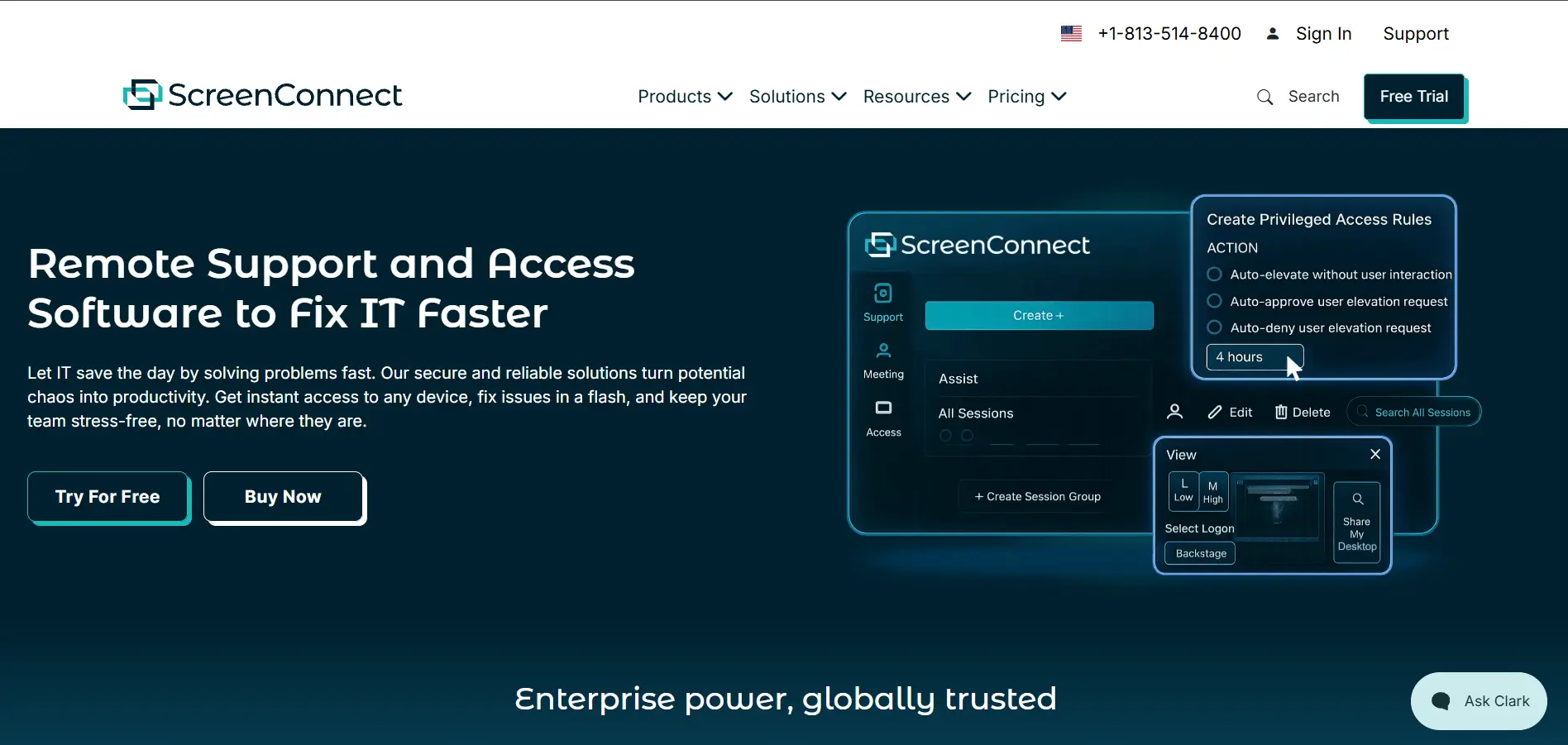
ConnectWise ScreenConnect offers a Free Trial for prospective buyers, though it does not include a permanent free version. Official plans start at One – $30/mo, Remote Access – $33/mo, Standard – $45/mo, and Premium – $55/mo, per concurrent technician, with pricing scaling based on session and device limits.
Formerly ConnectWise Control, ScreenConnect is a favorite among MSPs for its speed, customizable branding, and privileged access management tools. It supports shared toolboxes and detailed session logging for compliance. However, some users report aggressive contract terms, unexpected renewal price hikes, and recent stability issues following software updates.
Pros
- Fast connections and strong MSP-focused tooling
- Customizable branding and extensions marketplace
- Detailed audit logs for compliance needs
Cons
- No free plan for ongoing use
- Reports of long, restrictive contract terms
- Recent update instability noted by users
6. RustDesk
RustDesk‘s community server is Free & Open Source forever with self-hosting, and there’s no SaaS trial needed since anyone can deploy it immediately. Its optional Server Pro licensing starts around Basic – $9.90–$19.90/mo depending on user and device counts, with Customized Plans available for larger, compliance-driven deployments.
RustDesk is an open-source, Rust-built remote desktop tool that appeals to privacy-conscious users and technically capable teams willing to self-host their own connection infrastructure. It avoids vendor lock-in entirely, but self-hosting shifts the burden of security patching, uptime, and compliance onto your own IT staff rather than a vendor.
Pros
- Fully open source with no mandatory licensing fees
- Full data sovereignty through self-hosting
- Lightweight, fast, and cross-platform
Cons
- Requires technical skill to self-host securely
- No official SLA or vendor support on free tier
- Maintenance burden falls entirely on your own team
7. GoToMyPC
GoToMyPC provides a 7-Day Free Trial with no credit card required, though it has no permanent free plan. Official pricing includes Personal – $35/mo, Pro – $33/mo per computer (2–50 users), and Corporate – $28/mo per computer (5+ users), all billed annually for the best available rate.
GoToMyPC keeps its plan structure simple compared to IT-heavy platforms, focusing on straightforward personal and business remote access rather than full IT management. It supports Mac and Windows under the same subscription and includes solid encryption. Many reviewers, however, find it pricier than comparable tools like Splashtop for similar core functionality.
Pros
- Simple, predictable per-computer pricing model
- Reliable, secure connections for remote work
- Supports Mac and Windows under one plan
Cons
- More expensive than many direct competitors
- No permanent free tier available
- Reports of steep renewal price increases
8. NinjaOne
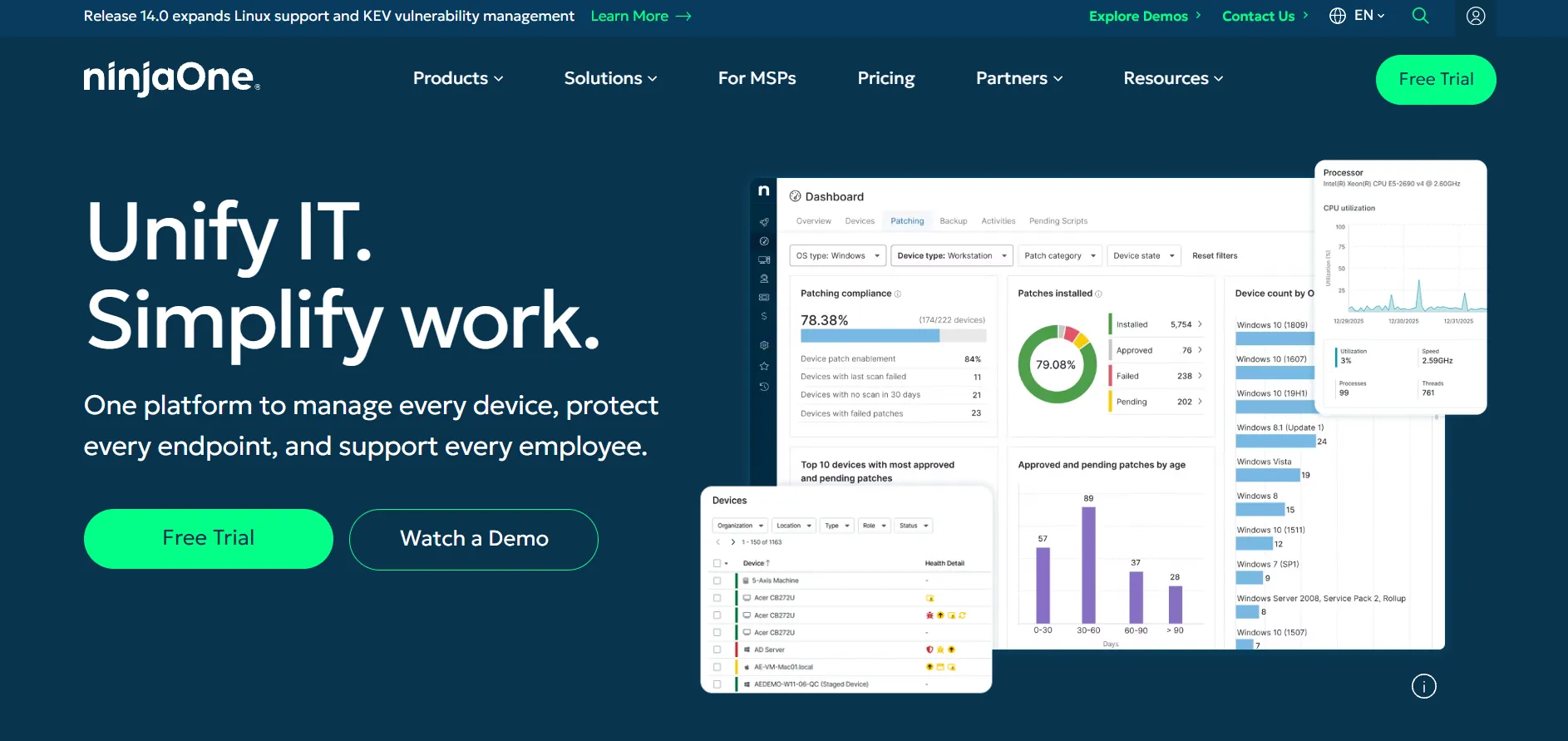
NinjaOne offers a 14-Day Free Trial with full access to RMM, patching, and remote access tools. Pricing is quote-based rather than published, typically landing around $1.50–$6.00 per endpoint/mo, with smaller deployments under 50 devices paying closer to the top of that range and volume buyers negotiating lower.
NinjaOne is a unified endpoint management platform combining RMM, patch management, backup, and remote access in one dashboard, popular with MSPs consolidating multiple tools. Its interface is widely praised as intuitive and modern. That said, the lack of published pricing and soft 50-device minimums can feel restrictive for very small IT shops.
Pros
- Consolidates RMM, patching, and remote access in one place
- Modern, user-friendly interface
- No separate implementation or training fees
Cons
- Pricing not published; requires a sales quote
- Soft minimums make it costly for very small teams
- Backup and security add-ons priced separately
9. Pulseway
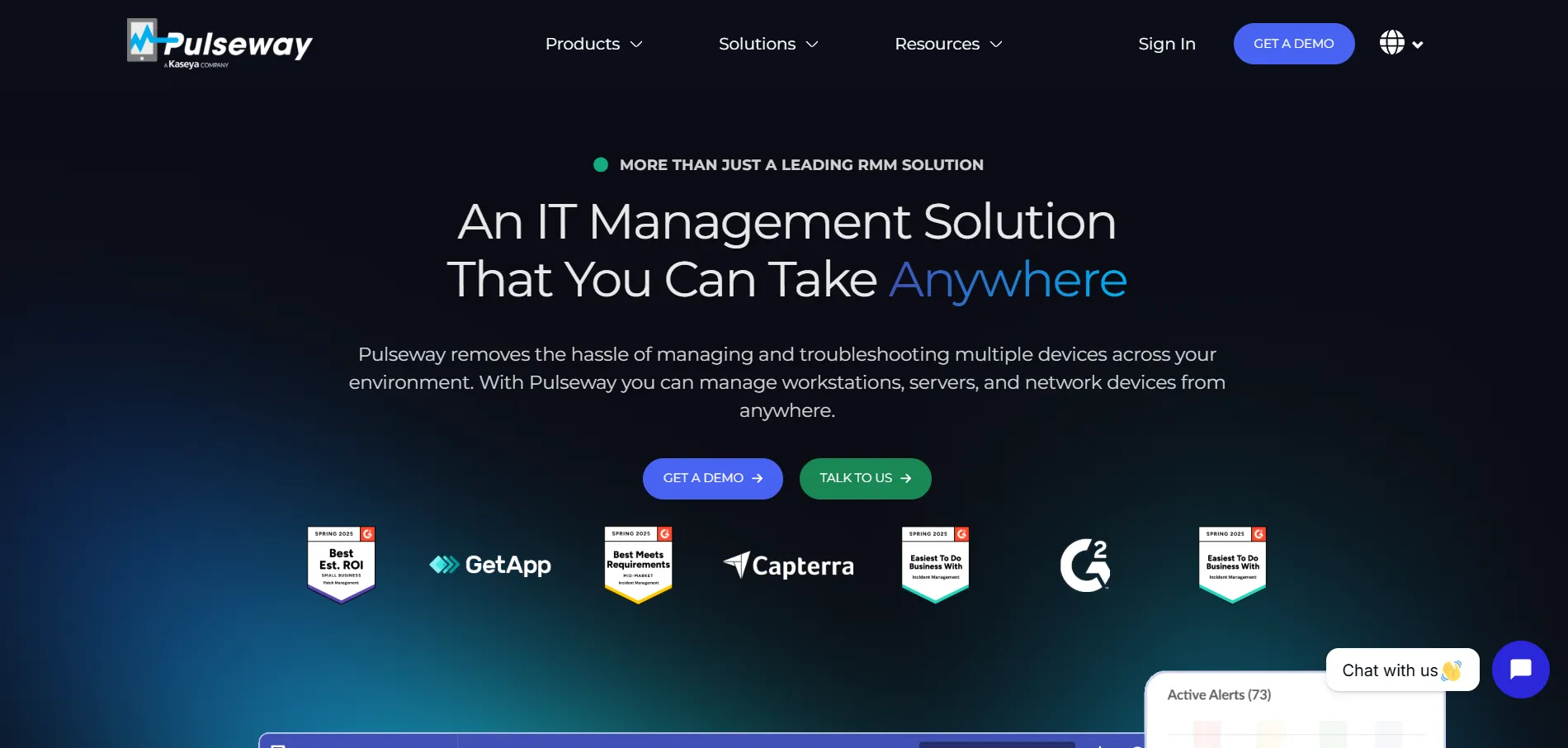
Pulseway offers a Free Version for smaller deployments plus a Free Trial for full-featured evaluation. Paid plans are usage-based, starting around $19–$27/mo for entry tiers and scaling to roughly $67/mo for up to 20 endpoints, with volume discounts kicking in as device counts grow.
Pulseway is an IT management and RMM platform with a strong mobile app, letting technicians monitor and remediate issues directly from a smartphone. It’s popular with small and mid-sized MSPs for its pay-as-you-go flexibility and lack of long-term contracts. Some users note pricing climbs quickly for larger, more complex environments.
Pros
- Strong mobile app for on-the-go IT management
- Flexible, pay-as-you-go pricing with no lock-in
- Good automation and scripting capabilities
Cons
- Costs rise quickly for larger environments
- Pricing not fully transparent upfront
- Some features feel tied to higher tiers
10. AnyViewer

AnyViewer includes a capable Free Plan plus a 7-Day Free Trial of its Professional tier. Official pricing includes Professional – ~$3.58/mo (billed around $42.96/year) and Enterprise – ~$16.58/mo, both offering deep discounts for multi-year commitments compared to standard annual billing.
AnyViewer is a Windows-focused remote access tool known for high-speed file transfer, privacy mode, and screen-wall monitoring across multiple devices. It’s a budget-friendly alternative to AnyDesk and TeamViewer, though its free tier can feel slow at peak times, and platform support leans heavily toward Windows over macOS or Linux.
Pros
- Very affordable Professional and Enterprise tiers
- Fast file transfer up to 1TB per file
- Useful screen-wall feature for monitoring multiple devices
Cons
- Free tier speeds can slow down at peak times
- Primarily built around Windows environments
- Smaller brand recognition than major competitors
11. UltraViewer
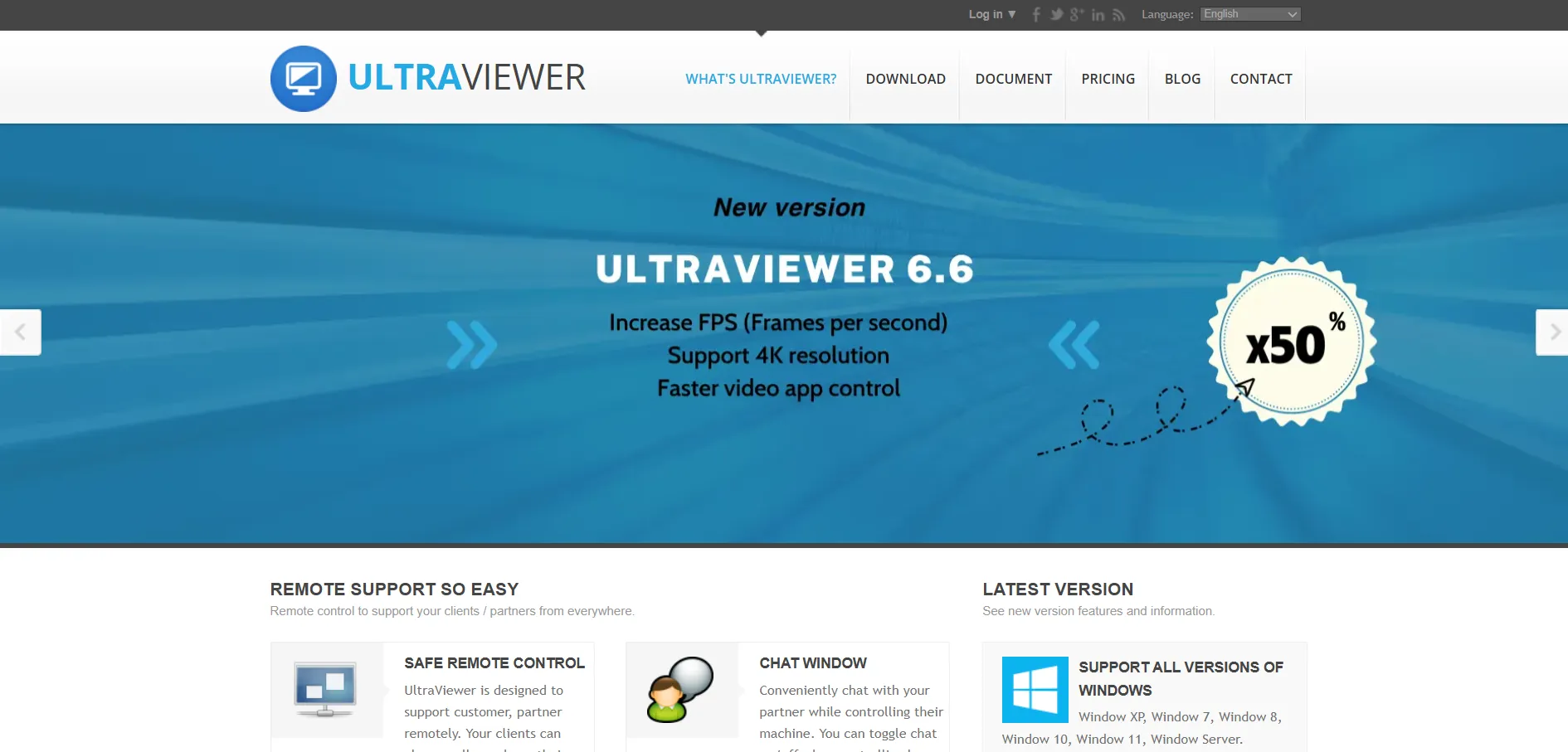
UltraViewer is unusual in that its core product is Completely Free, for both personal and commercial use, so no trial is needed to access most features. Optional paid tiers include Lite – $3.99/mo, Professional – $5.99/mo, and Premium – $7.99/mo, mainly adding higher session limits and priority support.
UltraViewer is a lightweight Windows remote support tool built around a simple ID/password connection system, similar in spirit to TeamViewer but without subscription pressure. It includes built-in chat and drag-and-drop file transfer. Its biggest limitation is platform reach, since it lacks a dedicated mobile app and only runs on Windows.
Pros
- Free for both personal and commercial use
- Simple ID/password connection, no complex setup
- Built-in chat and file transfer
Cons
- Windows-only, no mobile app support
- Fewer enterprise-grade admin controls
- Limited third-party integrations
12. Parsec
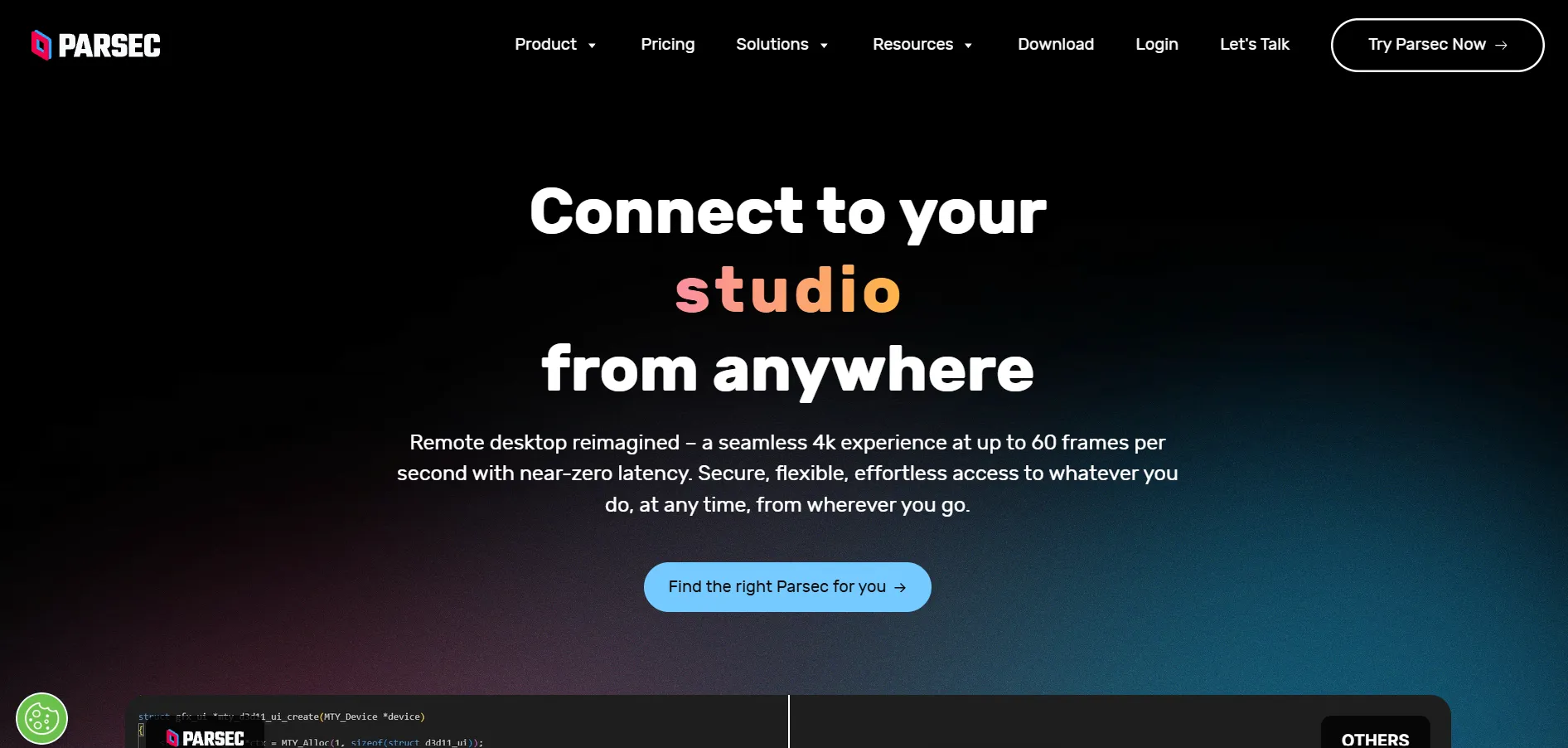
Parsec offers a Free Plan for personal use plus a 14-Day Free Trial for its Teams plan. Official pricing includes Teams – ~$30–$35/user/mo billed annually with a 5-member minimum, and Enterprise – Custom Quote with SSO, admin dashboards, and centralized billing for larger organizations.
Parsec is built for ultra-low-latency streaming, originally designed for gamers and later adopted by creative professionals and game studios needing remote access to powerful workstations. It delivers sub-16ms latency and 4K 60fps streaming, but it intentionally skips IT support features like file transfer, session recording, or mass deployment tools.
Pros
- Industry-leading low latency and streaming quality
- Excellent for creative and game development workflows
- Free tier available for personal use
Cons
- Not designed for IT helpdesk or mass support use
- No native file transfer or session recording
- Teams plan has a 5-user minimum requirement
Comparison Table: Alternatives at a Glance
| Alternative | Description |
|---|---|
| AnyDesk | Fast, lightweight remote desktop tool using proprietary codec technology, ideal for IT technicians needing low-latency connections. |
| TeamViewer | Mature, enterprise-grade remote support platform with AR troubleshooting and strong security certifications for larger organizations. |
| Zoho Assist | Affordable cloud-based remote support and unattended access tool that integrates tightly with the Zoho software ecosystem. |
| Chrome Remote Desktop | Completely free, browser-based remote access tool from Google, best suited for casual personal use cases. |
| ConnectWise ScreenConnect | MSP-focused remote support platform with strong branding, session logging, and privileged access management features. |
| RustDesk | Open-source, self-hosted remote desktop tool offering full data control for technically capable teams. |
| GoToMyPC | Simple, subscription-based remote access solution focused on personal and small business use cases. |
| NinjaOne | Unified endpoint management platform combining RMM, patching, backup, and remote access for MSPs. |
| Pulseway | Mobile-first IT management and RMM platform allowing technicians to manage systems from smartphones. |
| AnyViewer | Budget-friendly Windows remote access tool with fast file transfer and multi-device screen-wall monitoring. |
| UltraViewer | Free, lightweight Windows remote support tool built around simple ID/password connections. |
| Parsec | Ultra-low-latency streaming tool built for gaming and creative professionals needing remote workstation access. |
Conclusion
BeyondTrust Remote Support remains a solid choice for large enterprises needing deep privileged access controls, but it isn’t the right fit for everyone. Freelancers and small teams may prefer the affordability of Zoho Assist, AnyViewer, or the completely free Chrome Remote Desktop and UltraViewer, while MSPs scaling client support will likely lean toward NinjaOne, ScreenConnect, or Pulseway. Gamers and creative professionals get unmatched performance from Parsec, and privacy-focused teams willing to self-host can turn to RustDesk. Ultimately, the best alternative depends on your team size, budget, and whether you prioritize simplicity, security, or raw performance.


