

Apache Guacamole is a solid, free, clientless remote desktop gateway, but it isn’t for everyone. It requires Docker or manual server setup, offers no built-in unattended access to random machines, and lacks the polish of commercial support tools. If you need something easier to deploy, more feature-rich, or better suited for IT support, MSP work, or everyday personal use, the tools below are worth a look. This guide covers 14 strong Apache Guacamole alternatives, their free trials, official pricing, and the pros and cons of each.
1. Chrome Remote Desktop
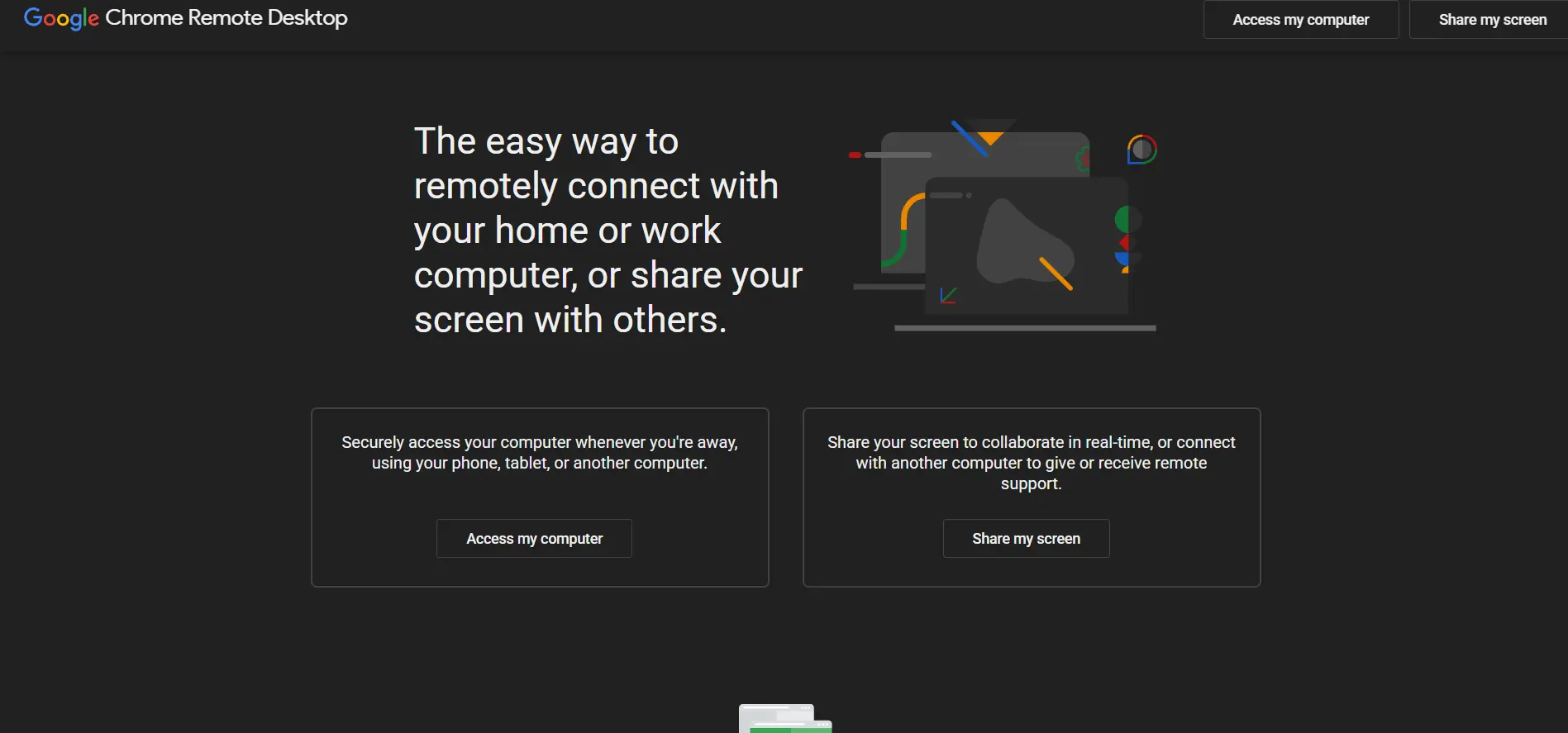
Chrome Remote Desktop doesn’t offer a “trial” because it doesn’t need one — it’s entirely free for personal and even light business use, with no pricing tiers at all. Built by Google and accessed through the Chrome browser or a Chrome OS extension, it lets you access your own computers or give support to others using nothing more than a Google account and a security PIN.
Because it’s browser-based, setup takes minutes and works across Windows, Mac, Linux, and Chromebooks without installing heavy software. It’s best suited for individuals, families, and small teams needing occasional access rather than full-scale IT departments. It lacks file transfer polish, session recording, and centralized management, so larger organizations usually outgrow it quickly.
Pros:
- 100% free with no hidden costs or limits
- Extremely simple browser-based setup
- Cross-platform: Windows, Mac, Linux, Chrome OS, Android, iOS
- Backed by Google’s secure infrastructure
Cons:
- No file transfer outside of Google Drive workarounds
- No session recording or audit logs
- Lacks centralized device management for teams
- Requires a stable Chrome browser environment
2. ConnectWise ScreenConnect
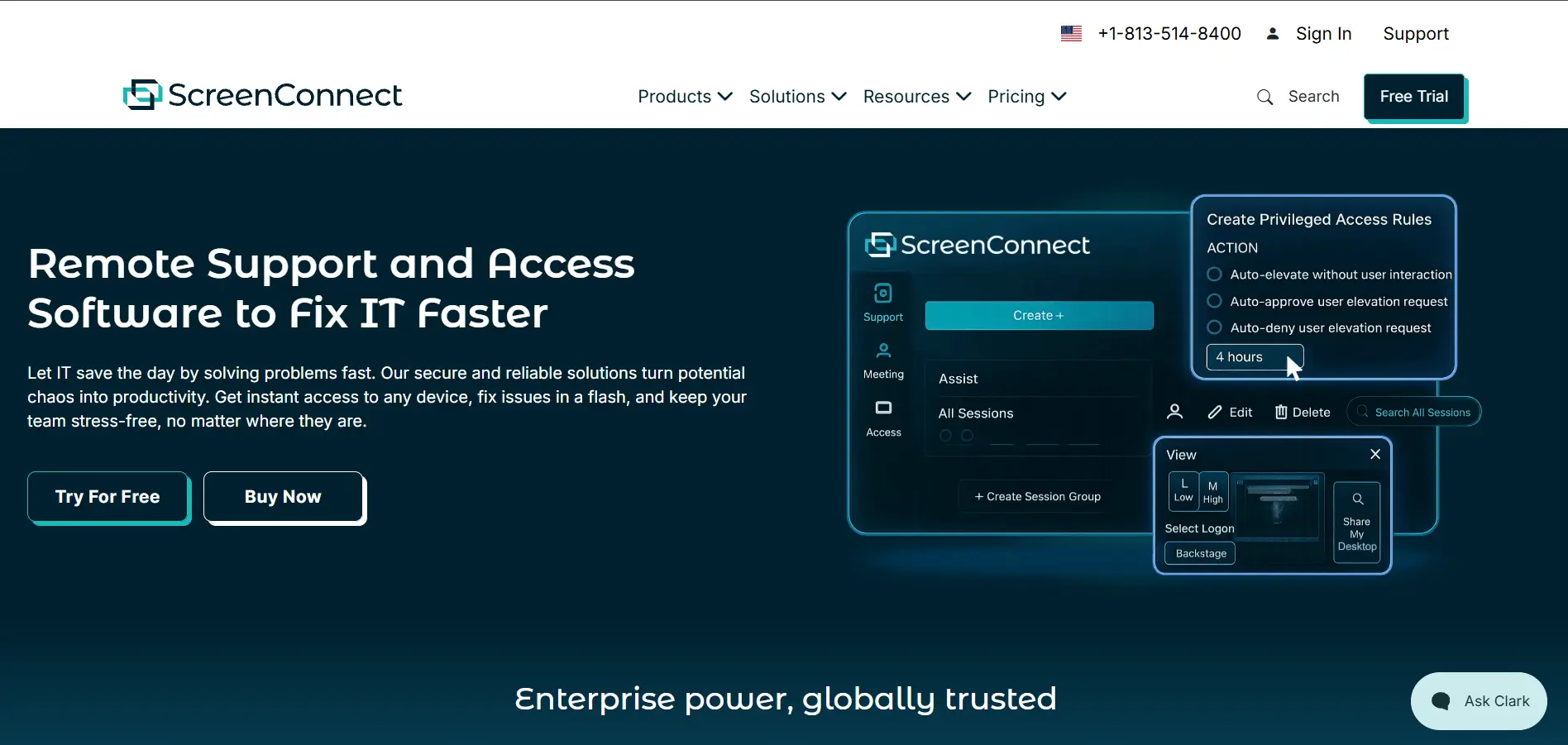
ConnectWise ScreenConnect offers a free trial so IT teams can test its remote support and unattended access tools before committing. Its official pricing includes the One plan at $30/month, Remote Access at $33/month, Standard at $45/month, and Premium at $55/month, all billed per technician annually, making it a favorite among MSPs.
ScreenConnect stands out for its self-hosted deployment option, letting organizations keep full control of their data instead of relying purely on the cloud. Backstage mode, session annotation, and toolbox extensions make it powerful for technicians. However, pricing has risen sharply in recent years, and long multi-year contracts can catch smaller businesses off guard.
Pros:
- Self-hosted (on-premises) deployment option
- Backstage mode for silent background work
- Deep integration with the ConnectWise ecosystem
- Strong customization and white-labeling
Cons:
- Frequent price increases in recent years
- Often requires long-term contracts
- Steeper learning curve for new admins
- Recent security vulnerabilities have raised concerns
3. AirDroid Remote Support
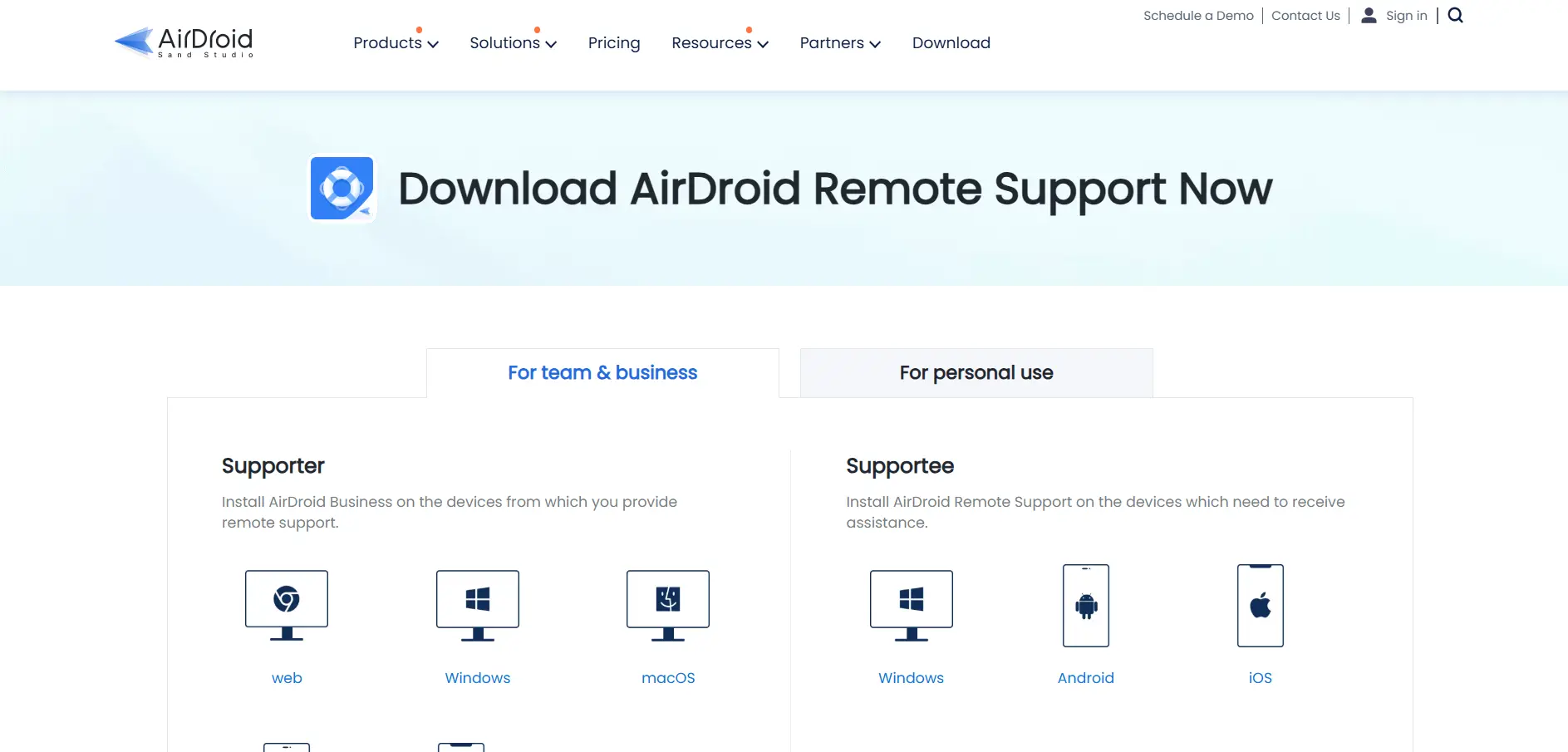
AirDroid Remote Support provides a free trial for businesses wanting to test its screen-sharing and device management tools before buying. Official pricing runs on Basic, Standard, and Premium license tiers, generally ranging from around $199 to $599 depending on the number of licenses and connection-hour allowances your team needs.
What makes AirDroid distinct is its strong mobile-device focus, supporting Android remote control alongside Windows and macOS, which is rare among competitors. AR camera markers and gesture guidance help technicians walk users through physical hardware issues. The tradeoff is that Basic plans cap connection hours, and iOS support remains view-only rather than full control.
Pros:
- Strong Android and mobile remote-control support
- AR camera and gesture-guidance tools
- Session recording and permission management
- Good fit for device-heavy support teams
Cons:
- Basic plan limited to 50 connection hours
- iOS devices support view-only, not full control
- Pricing structure can be confusing for new buyers
- Less known than larger competitors
4. HelpWire
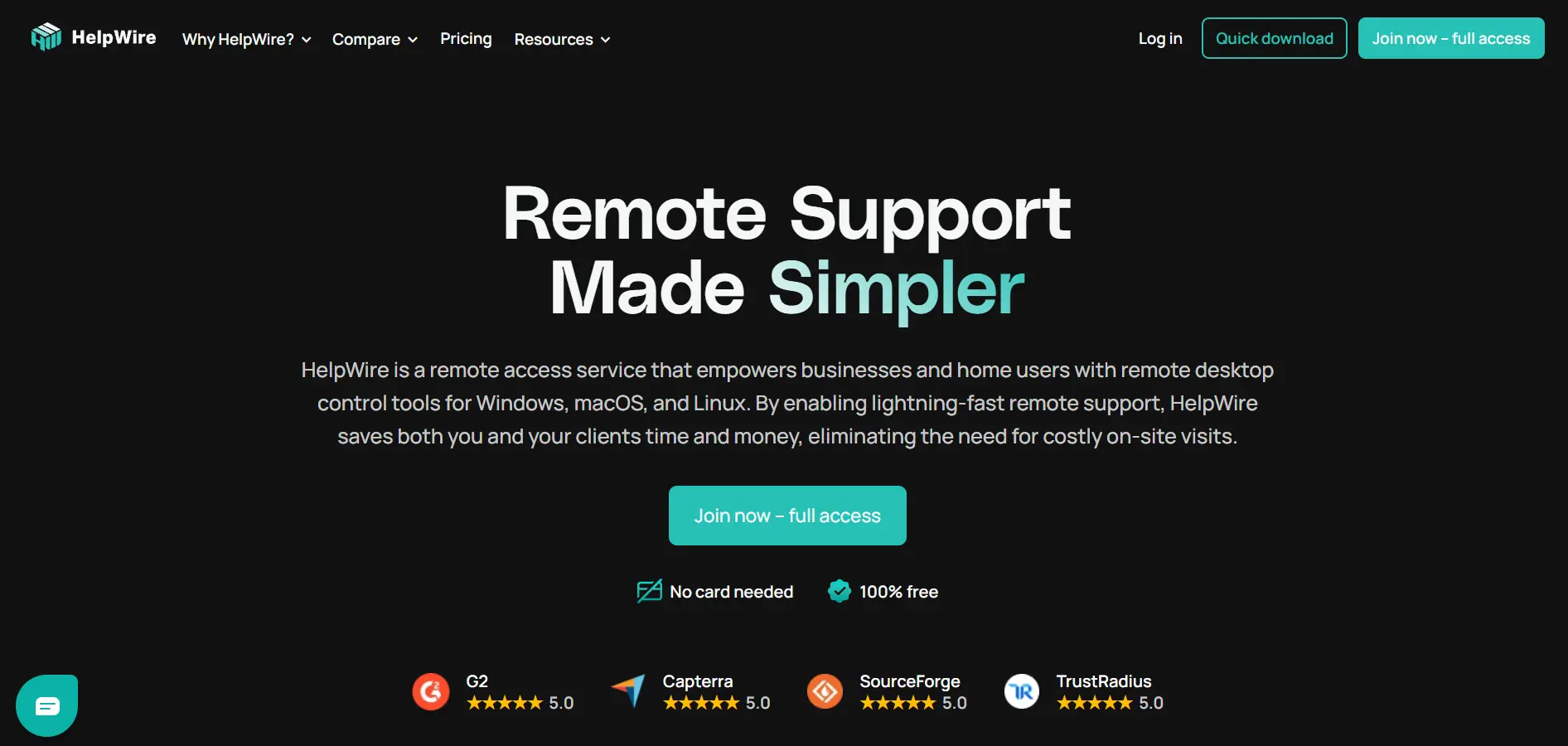
HelpWire currently offers its entire platform completely free during its early access phase, essentially functioning as an extended free trial with no session cutoffs or nag screens. Once paid tiers launch, HelpWire plans to introduce Free, Solo, Team, and Business pricing, with early adopters promised discounted rates and enhanced free-tier limits.
HelpWire appeals to technicians tired of TeamViewer’s aggressive commercial-use detection, offering unattended access, chat, and file transfer without interruptions. It supports Windows, macOS, and Linux with a simple link-based connection flow requiring no account on the client side. The main risk is uncertainty around future pricing once the free access period officially ends.
Pros:
- Completely free with no ads or nag screens
- No account needed on the client’s end
- Cross-platform: Windows, macOS, and Linux
- Stable peer-to-peer connections with relay fallback
Cons:
- Future pricing after early access is still unclear
- Fewer advanced enterprise features than rivals
- Smaller company backing than major competitors
- Mobile support is limited compared to desktop
5. Splashtop
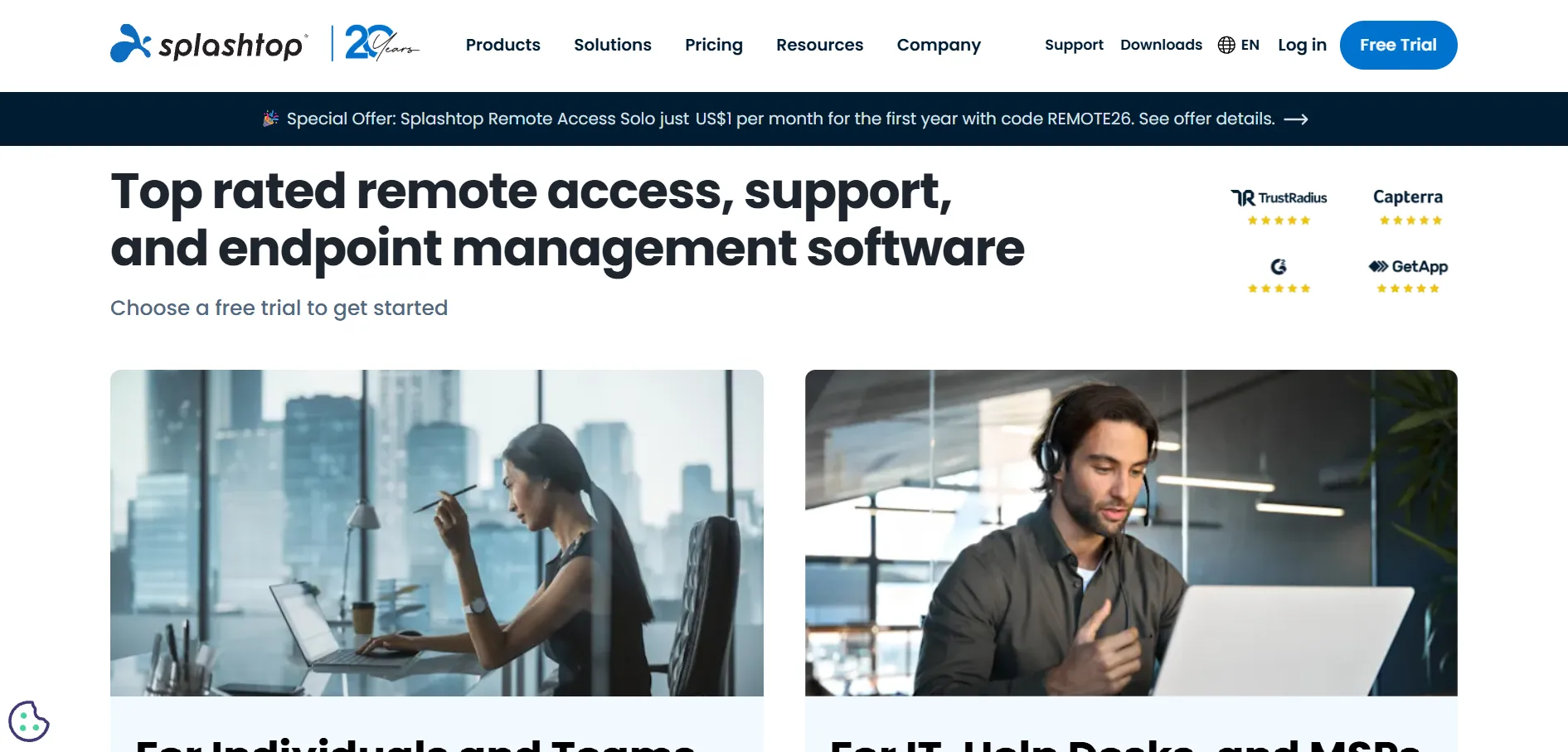
Splashtop offers a 7-day free trial across its business plans, making it easy to test before subscribing. Official pricing starts at $6/month for Solo, $8.25/month for Pro, and $13/month for the Performance tier with 4K streaming, while Enterprise pricing is custom-quoted for larger, security-focused deployments.
Splashtop is frequently recommended as the best value TeamViewer alternative, delivering comparable features at a fraction of the cost. It supports unattended access, multi-monitor viewing, and strong encryption standards. The catch is that Remote Access plans require annual prepayment, and its complex plan structure across Remote Access, SOS, and Enterprise can confuse first-time buyers.
Pros:
- Excellent value compared to TeamViewer
- High-fidelity 4K streaming on Performance tier
- Strong security certifications (SOC 2, HIPAA support)
- Reliable connections with minimal lag
Cons:
- Remote Access plans require annual billing only
- Confusing mix of product lines and add-ons
- Limited Linux support
- Recent price increases on entry plans
6. UltraViewer
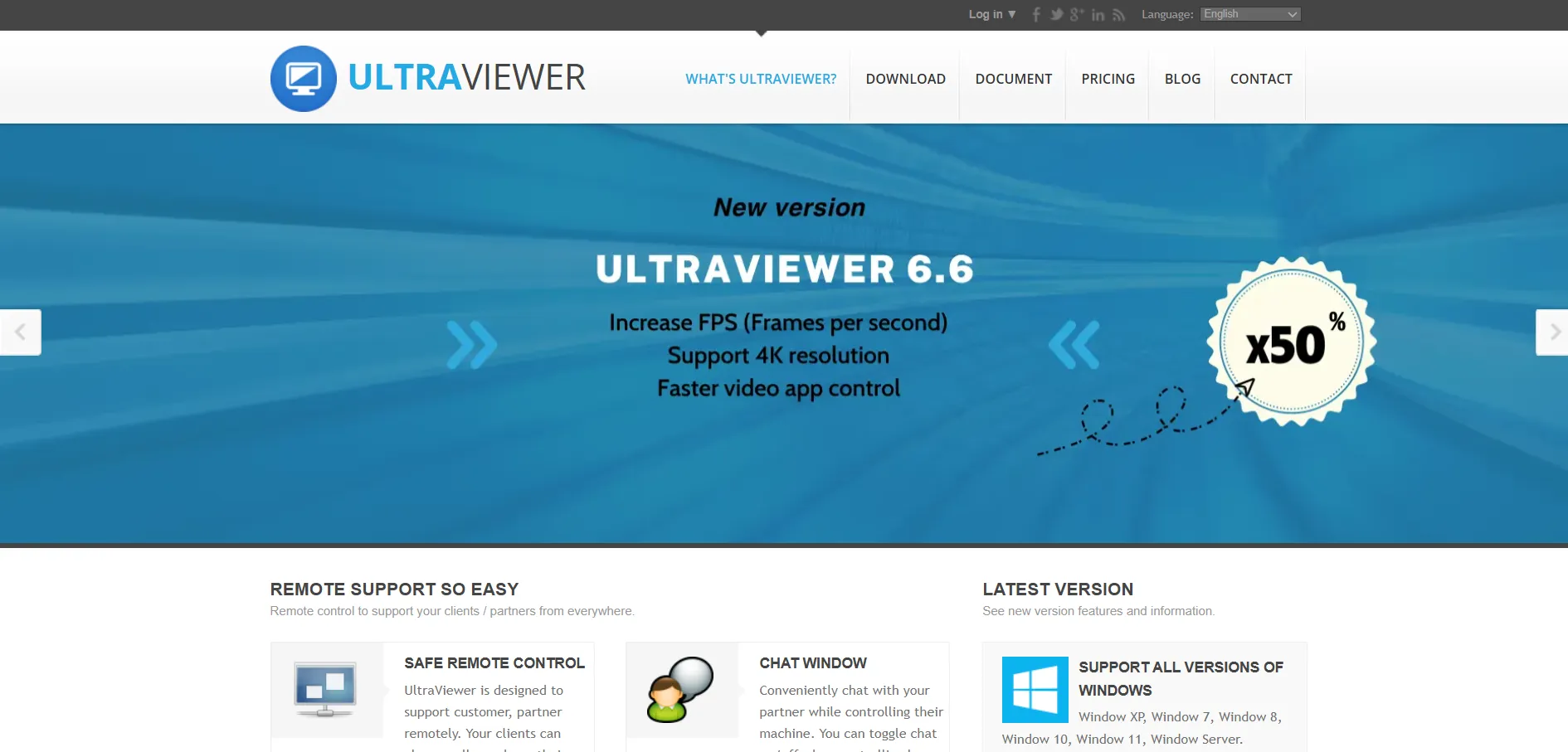
UltraViewer‘s official site advertises it as “currently completely free” for both personal and commercial use, so there’s no trial needed to access its core remote-control features. Some third-party resellers list separate Lite, Pro, and Premium license tiers starting around $4/month, but the vendor’s own free offering covers most everyday support needs.
It’s a lightweight Windows-only tool built specifically for remote support, chat, and file sharing between technician and client. UltraViewer’s simplicity makes it approachable for non-technical users, and its low resource usage suits older machines well. The downside is its lack of mobile apps and cross-platform support, limiting it mostly to Windows-to-Windows connections.
Pros:
- Free for both personal and business use
- Lightweight and fast, even on older PCs
- Simple ID-and-password connection model
- Built-in chat and drag-and-drop file transfer
Cons:
- Windows-only, no macOS or Linux client
- No dedicated mobile app for iOS
- Fewer enterprise-grade admin controls
- Interface feels dated next to modern competitors
7. RemotePC

RemotePC by IDrive offers a 7-day free trial that unlocks full functionality before you choose a plan. Official pricing starts around $29.50/year for the Consumer tier, with SOHO around $7.95/month, Team around $29.95/month, and Enterprise around $59.95/month, all priced per computer rather than per user.
RemotePC is known for including core features like file transfer, remote printing, and unlimited concurrent sessions across every tier instead of gating them behind higher-priced plans. It also bundles a built-in video meeting tool at no extra charge. The main limitation is that its Windows-only Performance Viewer app restricts some advanced features for Mac and Linux users.
Pros:
- Very affordable compared to TeamViewer or GoToMyPC
- Core features included across all pricing tiers
- Built-in RemotePC Meeting video conferencing
- Unlimited concurrent sessions on every plan
Cons:
- Performance Viewer app is Windows-only
- Occasional file-transfer reliability issues reported
- Fewer third-party integrations than enterprise rivals
- Consumer plan requires annual billing only
8. AnyViewer

AnyViewer offers a fully functional free plan rather than a time-limited trial, letting users test remote control features indefinitely before upgrading. Official pricing includes the Solo plan around $47.88/year, a Team plan for shared device deployment, and an Enterprise plan starting near $199/year, all with steep first-term discounts.
AnyViewer positions itself as a budget-friendly TeamViewer alternative, with a clean, modern interface and solid 256-bit encryption. The free version already supports multiple simultaneous sessions, which is generous compared to rivals. However, it’s currently Windows-focused for the host side, and its brand recognition and ecosystem are smaller than more established competitors.
Pros:
- Fully functional free plan, not just a trial
- Modern, intuitive interface
- Strong 256-bit ECC encryption
- Generous multi-session support even for free users
Cons:
- Primarily Windows-focused for hosting
- Smaller company and support ecosystem
- Advanced features gated behind paid tiers
- Less brand recognition than major rivals
9. TeamViewer
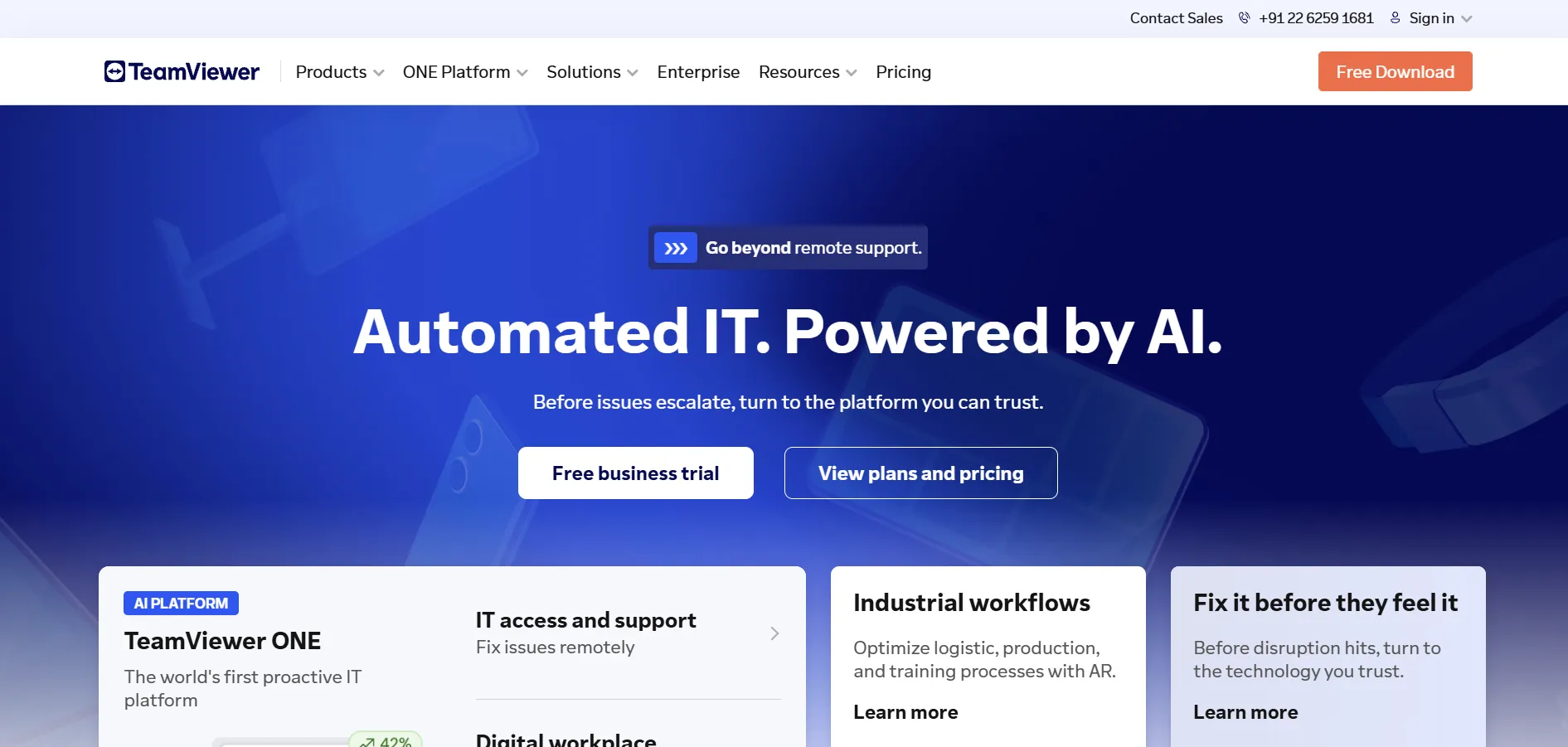
TeamViewer offers both a free version for personal, non-commercial use and a 14-day free trial for its business plans. Official pricing includes Remote Access at $24.90/month, Business at $50.90/month, Premium at $112.90/month, and Corporate at $229.90/month, with custom Tensor pricing for large enterprises.
As the most widely recognized name in remote desktop software, TeamViewer offers unmatched cross-platform reach, AR-assisted support, and deep enterprise integrations. Its brand trust and feature depth are hard to beat. The downside is cost — it’s one of the pricier options on this list — and its free tier aggressively flags legitimate personal use as commercial.
Pros:
- Industry-leading name recognition and trust
- Broadest cross-platform and device support
- Augmented reality-assisted troubleshooting
- Extensive third-party integrations
Cons:
- Among the most expensive tools in this category
- Free tier often mistakenly flags home use as commercial
- Add-ons can significantly raise total cost
- Requires 28 days’ notice to cancel before renewal
10. Parsec
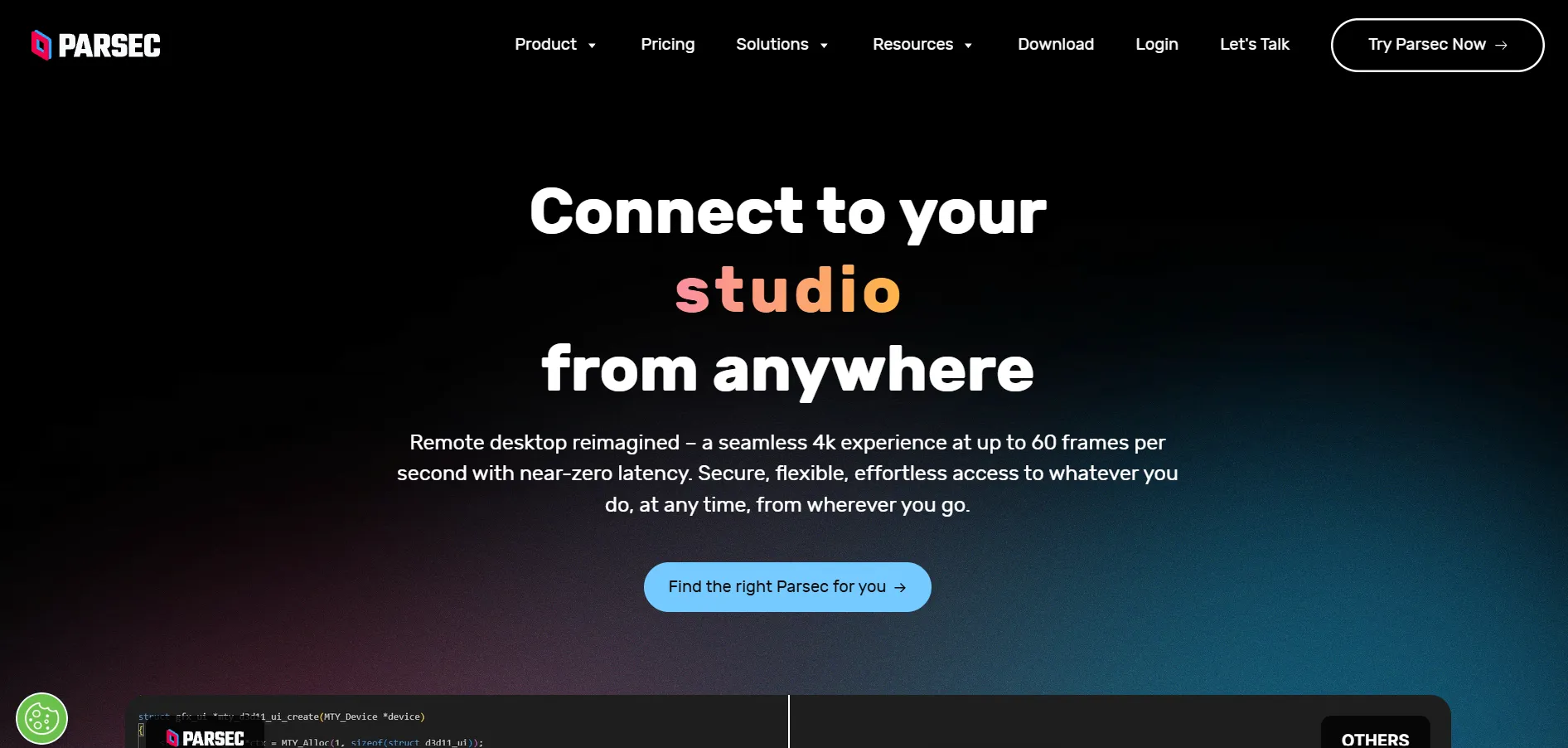
Parsec offers a genuinely free tier for personal use plus a 14-day free trial of Parsec for Teams, so both casual users and organizations can test it risk-free. Official pricing includes the Warp plan around $9.99/month, Teams starting near $30 to $35/month per member, and custom Enterprise pricing for larger deployments.
Parsec is built for ultra-low latency, making it the go-to choice for gaming, creative work, and anything needing near-instant responsiveness rather than typical IT support tasks. Its 4K 60fps streaming and controller support are unmatched in this category. However, it lacks file transfer, session recording, and helpdesk-style admin tools found in support-focused competitors.
Pros:
- Sub-16ms latency with GPU hardware encoding
- 4K streaming at up to 60fps
- Free tier includes full performance quality
- Great for gaming and creative collaboration
Cons:
- No file transfer or session recording
- Not designed for IT helpdesk workflows
- No centralized management for large fleets
- Requires a strong, stable internet connection
11. sobrii Remote

sobrii offers a 14-day proof-of-concept trial across its device fleet on a sample of machines, letting IT teams evaluate its remote-control module before committing. Official pricing is quoted per device, generally in the range of €12 to €20 per device per year depending on fleet size, with a minimum device count required.
What sets sobrii Remote apart is that it isn’t a standalone remote-access tool — it bundles remote control inside a broader IT fleet management platform covering hardware health, security alerts, and lifecycle data. This context-rich approach suits IT teams managing large fleets well. It’s less suited to solo users or ad-hoc support on unenrolled machines.
Pros:
- Combines remote control with full asset management
- Per-device pricing with no per-technician limits
- Rich device context before starting a session
- Useful for consolidating multiple IT tools
Cons:
- Not built for ad-hoc, unenrolled device support
- Requires a minimum device count to buy in
- Newer platform with a smaller track record
- Overkill for small teams needing only remote access
12. Pulseway
Pulseway offers a free trial so MSPs and IT admins can test its remote monitoring, patching, and remote-control features before subscribing. Official pricing is usage-based, commonly cited starting around $67/month for up to 20 endpoints, or roughly $22 per device, with volume discounts as your endpoint count grows.
Pulseway is less a pure remote-desktop tool and more a full RMM platform, bundling remote control with patch management, ransomware detection, and mobile-first monitoring so technicians can respond from a phone. This breadth is its strength for MSPs. The downside is that its remote-control feature alone is less polished than dedicated tools like TeamViewer or Splashtop.
Pros:
- Full RMM platform, not just remote access
- Mobile app lets technicians respond from anywhere
- Built-in patch management and ransomware detection
- Flexible pay-as-you-go pricing options
Cons:
- Remote-control feature trails dedicated competitors
- Costs can climb quickly for larger environments
- One-time onboarding fee required for setup
- Limited native Linux monitoring depth
13. BeyondTrust Remote Support
BeyondTrust doesn’t publish flat pricing and instead offers a personalized demo and custom quote after you contact its sales team, which is typical for its enterprise-grade positioning. Historical per-seat licensing has been cited around $150/year per concurrent technician, but current quotes depend heavily on scale, modules, and support tier chosen.
BeyondTrust Remote Support (formerly Bomgar) is built for large organizations with strict compliance needs, offering FIPS 140-2 validation, credential vaulting, and detailed session forensics. It’s a Gartner Customers’ Choice pick for good reason. The tradeoff is cost and complexity — smaller teams often find it overkill and pricier than the feature set justifies for their scale.
Pros:
- FIPS 140-2 Level 1 validated security
- Strong credential management and session forensics
- Recognized as a Gartner Customers’ Choice
- Concurrent licensing shares seats across large teams
Cons:
- Pricing isn’t public, requiring a sales conversation
- Expensive for small businesses and solo IT teams
- Setup and configuration can be complex
- Feature depth may exceed what smaller teams need
14. GoToMyPC
GoToMyPC offers a 7-day free trial across its plans, though it does not provide a permanent free tier. Official pricing includes the Personal plan around $35/month, the Pro plan around $33/month per computer for 2 to 50 machines, and the Corporate plan around $28/month per computer for larger deployments.
GoToMyPC is one of the oldest names in remote access, offering solid multi-monitor support, file transfer, and remote printing with dependable 256-bit encryption. It’s straightforward for non-technical users. However, reviewers consistently flag it as expensive relative to newer competitors like Splashtop or RemotePC, especially once you scale beyond a single computer.
Pros:
- Long track record and dependable reliability
- Solid multi-monitor and remote-printing support
- Simple setup for non-technical users
- Strong 256-bit encryption and two-factor authentication
Cons:
- Pricier than most alternatives on this list
- No permanent free version
- Requires annual contracts for the best rates
- Fewer modern features than newer competitors
Comparison Table: Apache Guacamole Alternatives at a Glance
| Alternative | Description |
|---|---|
| Chrome Remote Desktop | Free, browser-based remote access from Google for personal use and light support tasks. |
| ConnectWise ScreenConnect | Self-hosted or cloud remote support platform built for MSPs and IT service teams. |
| AirDroid Remote Support | Cross-platform remote support with strong Android and mobile-device control features. |
| HelpWire | Free remote support tool for Windows, macOS, and Linux, currently in early access. |
| Splashtop | Affordable, secure remote access and support platform popular as a TeamViewer alternative. |
| UltraViewer | Lightweight, free Windows remote-control tool for simple technical support sessions. |
| RemotePC | Budget-friendly remote access by IDrive with unlimited sessions across all plans. |
| AnyViewer | Free-forever remote desktop tool with a clean interface and affordable upgrades. |
| TeamViewer | Industry-leading remote access and support software with deep enterprise features. |
| Parsec | Ultra-low-latency remote desktop built for gaming, creative work, and collaboration. |
| sobrii Remote | Remote control bundled inside a full IT fleet management and asset platform. |
| Pulseway | Mobile-first RMM platform combining remote control, monitoring, and patch management. |
| BeyondTrust Remote Support | Enterprise-grade, compliance-focused remote support platform with custom pricing. |
| GoToMyPC | Long-established, reliable remote access tool for individuals and small businesses. |
Conclusion
Apache Guacamole remains a capable, free option for teams comfortable self-hosting a browser-based gateway, but the 14 alternatives above cover nearly every other use case. If you want something free and simple, Chrome Remote Desktop, UltraViewer, HelpWire, or AnyViewer are excellent starting points. For professional IT support and MSP work, Splashtop, ConnectWise ScreenConnect, and TeamViewer lead the pack, while BeyondTrust and sobrii Remote suit larger, compliance-driven organizations. Gamers and creatives will get the most out of Parsec’s low-latency streaming. Whichever direction you choose, most of these tools offer a free trial or free tier, so testing before you commit costs nothing but a little time.


