
Remote desktop software covers a lot of ground, from ultra-low-latency game streaming to enterprise IT help desks that need audited, unattended access across thousands of endpoints. No single tool does all of it well, which is why the market is so crowded with specialists. Below, we break down 23 Parsec Alternatives and remote support tools available today. For each, we cover what it does best, its free trial or free-tier availability, current pricing pulled from official sources, and the pros and cons worth weighing before you commit.
- AirDroid Remote Support
- Anydesk
- AnyViewer
- Apache Guacamole
- BeyondTrust Remote Support
- Chrome Remote Desktop
- ConnectWise ScreenConnect
- Distant Desktop
- GoToMyPC
- HelpWire
- ISL Online
- LogMeIn
- Microsoft Remote Desktop
- NinjaOne
- Parsec
- Pulseway
- RemotePC
- RustDesk
- sobrii Remote
- Splashtop
- TeamViewer
- UltraViewer
- Zoho Assist
- Quick Comparison
- Conclusion
AirDroid Remote Support
Free trial available
Basic $199/license/yr
Premium: contact sales
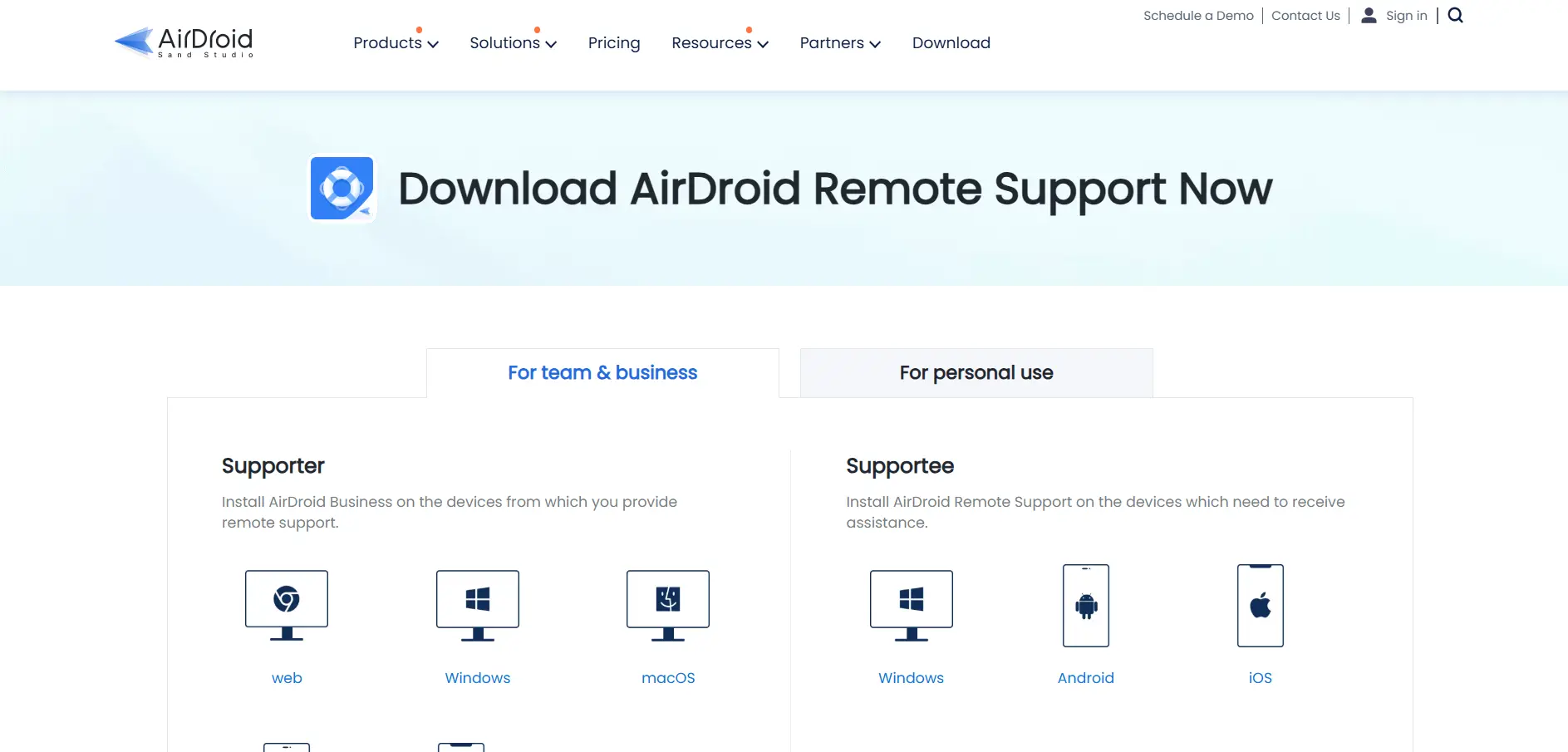
AirDroid Remote Support offers a free plan for basic Windows connect-and-control needs, plus a free trial for teams testing paid tiers. The Basic plan runs $199 per license per year, while Premium, which adds bulk device management and mass deployment, is quoted directly through AirDroid’s sales team.
Built for both mobile and desktop support, AirDroid stands out for its AR camera and tutorial-gesture features, letting technicians visually guide non-technical users through fixes on Android and iOS devices. It also supports unattended Windows access and black-screen privacy mode, making it a strong pick for frontline and field-device support.
Pros
- Strong mobile device support alongside desktop access
- AR camera and gesture guidance for non-technical users
- Free plan available for basic Windows use
- Black screen privacy mode for sensitive sessions
Cons
- Free tier limited mostly to Windows devices
- Premium pricing requires a sales conversation
- Notification prompts on Android can confuse end users
- Smaller ecosystem than legacy remote support tools
Anydesk

Free for personal use
Solo ~$14.90/mo
Standard ~$49.90/mo
Advanced ~$111.90/mo
Ultimate: custom
Anydesk offers a free plan strictly for personal, non-commercial use, plus a trial period for business tiers. Paid plans are billed annually: Solo starts around $14.90/month, Standard around $49.90/month, and Advanced around $111.90/month, with Ultimate priced through a custom sales quote for larger deployments.
Known for its proprietary low-latency codec, AnyDesk delivers smooth remote sessions even on modest connections, making it popular with IT professionals and MSPs. It supports unattended access, file transfer, and session recording, but reviewers note prices have climbed noticeably over the past couple of years across nearly every paid tier.
Pros
- Excellent performance even on low-bandwidth connections
- Strong cross-platform and mobile support
- Free tier available for personal, non-commercial use
- Well-established with enterprise deployment options
Cons
- Prices have risen sharply on renewal in recent years
- Free tier explicitly bars commercial use
- Annual billing only, no monthly option
- Standard tier includes just one concurrent connection
AnyViewer

7-day free trial of Pro
Professional ~$42.96/yr
Team & Enterprise: multi-year discounts
AnyViewer gives users a fully functional free plan alongside a 7-day free trial of its Professional tier before billing kicks in. The Professional plan runs about $42.96 per year, while Team and Enterprise plans use steep multi-year discounts, sometimes cutting the effective rate by more than half for longer commitments.
AnyViewer is a Windows-focused remote access tool that also supports iOS and Android connections, using 256-bit ECC encryption for security. It’s popular for its generous free tier and privacy-mode screen blackout feature, though heavier users report the free tier can feel slow during peak connection times.
Pros
- Fully functional free version for individual users
- Strong encryption with 256-bit ECC
- Affordable paid tier compared to AnyDesk or TeamViewer
- Multi-year discounts lower long-term costs
Cons
- Free tier connection speeds can lag at busy times
- Primarily Windows-centric compared to rivals
- Smaller brand recognition than major competitors
- Advanced features gated behind Enterprise pricing
Apache Guacamole

Self-hosted, no vendor pricing
Apache Guacamole is entirely free and open source under the Apache License 2.0, so there’s no trial to speak of, since anyone can download, self-host, and use it without limits. The only real costs are your own server, storage, and admin time, which makes it attractive for technical teams wanting full control without licensing fees.
As a clientless, browser-based gateway, Guacamole connects to remote machines over RDP, VNC, or SSH without installing any software on the endpoint. It supports 2FA, SAML SSO, and multi-user sessions, but as a community-maintained project it lacks official vendor support, so troubleshooting relies on documentation and community forums.
Pros
- Completely free with no licensing costs ever
- Clientless, browser-based access to any device
- Supports RDP, VNC, and SSH in one gateway
- Full control since it’s self-hosted
Cons
- Requires technical skill to install and maintain
- No official customer support channel
- Performance depends heavily on your own server and network
- Lacks polished admin dashboards of commercial tools
BeyondTrust Remote Support
Custom quote-based pricing
BeyondTrust Remote Support offers a 14-day free trial that unlocks core Remote Support features, but the company does not publish set pricing tiers. Instead, it uses concurrent-seat licensing and quotes costs individually per organization, meaning you’ll need to contact sales directly for a number tailored to your team size and security requirements.
Formerly known as Bomgar, BeyondTrust Remote Support is built for large service desks needing VPN-less, audited access across Windows, macOS, Linux, iOS, and Android. It offers FIPS 140-2 validation and deep ITSM integrations, making it a strong fit for regulated industries, though smaller teams may find its concurrent-license pricing steep.
Pros
- Enterprise-grade security with FIPS 140-2 validation
- Concurrent licensing can be cost-efficient for shift-based teams
- Deep integrations with ITSM, CRM, and SIEM tools
- Supports nearly every platform and device type
Cons
- No published pricing; requires a sales conversation
- Can be expensive for small businesses
- Interface feels outdated to some reviewers
- Steeper learning curve during initial setup
Chrome Remote Desktop
No trial needed
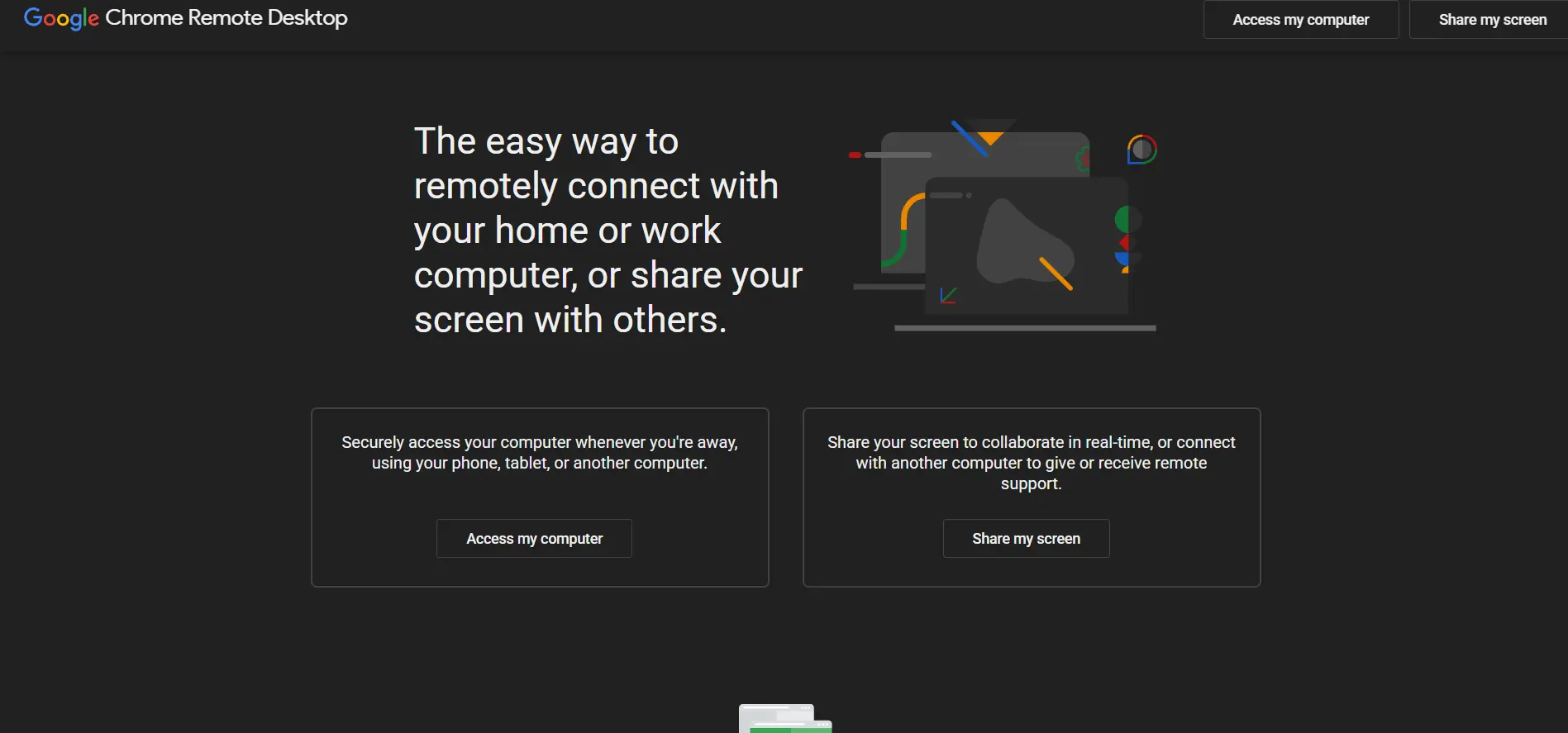
Chrome Remote Desktop is entirely free with no paid tiers, trial periods, or subscriptions of any kind, since Google offers it as a browser extension tied to your Google account. There’s nothing to buy or upgrade, which makes it the simplest possible entry point for casual remote access.
Running directly inside the Chrome browser, it lets you access your own computer remotely or offer one-off support to someone else with a shared access code. It’s reliable and easy to set up, but it skips advanced features like file transfer within the session, chat, or multi-monitor support found in dedicated tools.
Pros
- Completely free with no catches or limits
- No installation beyond a Chrome extension
- Simple, fast setup for casual remote access
- Backed by Google’s infrastructure and reliability
Cons
- No built-in chat or file transfer during sessions
- No multi-monitor support
- Lacks business features like session recording or auditing
- Tied entirely to the Chrome browser and Google account
ConnectWise ScreenConnect
One $28/mo
Standard $43/mo
Premium $53/mo
Access from $31/mo
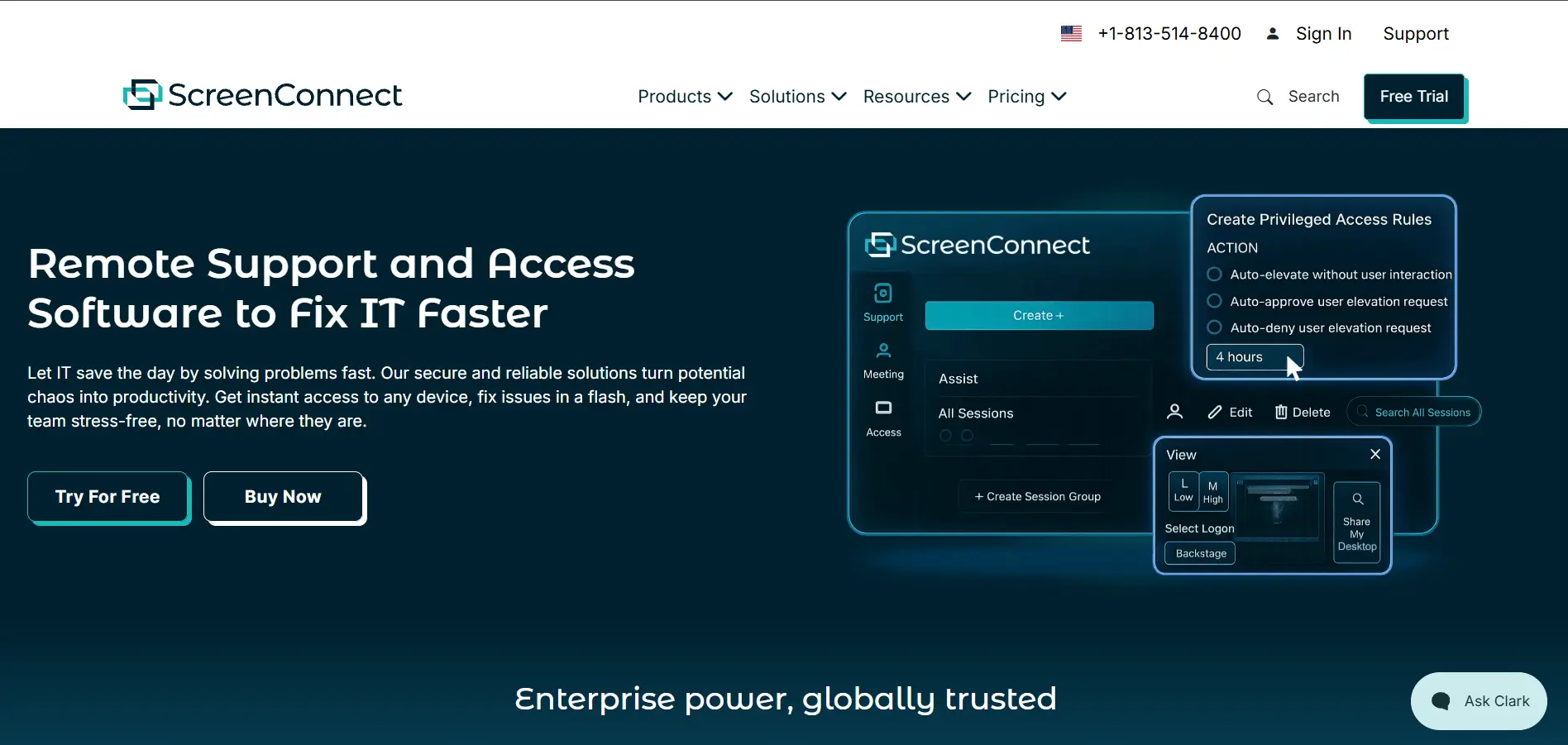
ConnectWise ScreenConnect provides a 14-day free trial with no credit card required. Support plans start at $28/month for One, $43/month for Standard, and $53/month for Premium, all per concurrent technician on annual billing, while the separate Access line for unattended device management starts near $31/month for up to 25 devices.
ScreenConnect is a favorite among MSPs for its fast, reliable connections and deep customization through its self-hosted or cloud deployment options. It bundles remote support, unattended access, and meetings into one product, though its per-technician pricing has drawn criticism after recent steep increases on some tiers.
Pros
- Fast, reliable connections even on weak networks
- Highly customizable branding and deployment
- Combines support, access, and meetings in one tool
- Self-hosted option available for full data control
Cons
- Reported price hikes of up to 275% on some tiers
- Per-concurrent-session licensing frustrates multi-tech teams
- 2025 security incident involving signed installer infrastructure
- Access plans require a 25-device minimum
Distant Desktop
Portable, no install needed
Distant Desktop is completely free for both business and personal use, with no trial period necessary because there’s nothing to upgrade to. It’s also portable, meaning it can run without a formal installation, which makes it convenient for quick, one-off support sessions on shared or restricted machines.
Distant Desktop focuses on fast connections and straightforward remote access for freelancers and small businesses that don’t need enterprise features. It lacks the polish, integrations, and support infrastructure of paid competitors, but its zero-cost, no-frills approach appeals to users who just need basic screen access without commitment.
Pros
- Completely free for personal and business use
- Portable, no formal installation required
- Fast, straightforward connections
- Good fit for freelancers and small budgets
Cons
- Lacks advanced enterprise features
- Minimal official support or documentation
- Smaller community than open-source alternatives
- Not designed for large-scale device fleets
GoToMyPC
From ~$35/computer/mo
Pro & Corporate: higher tiers
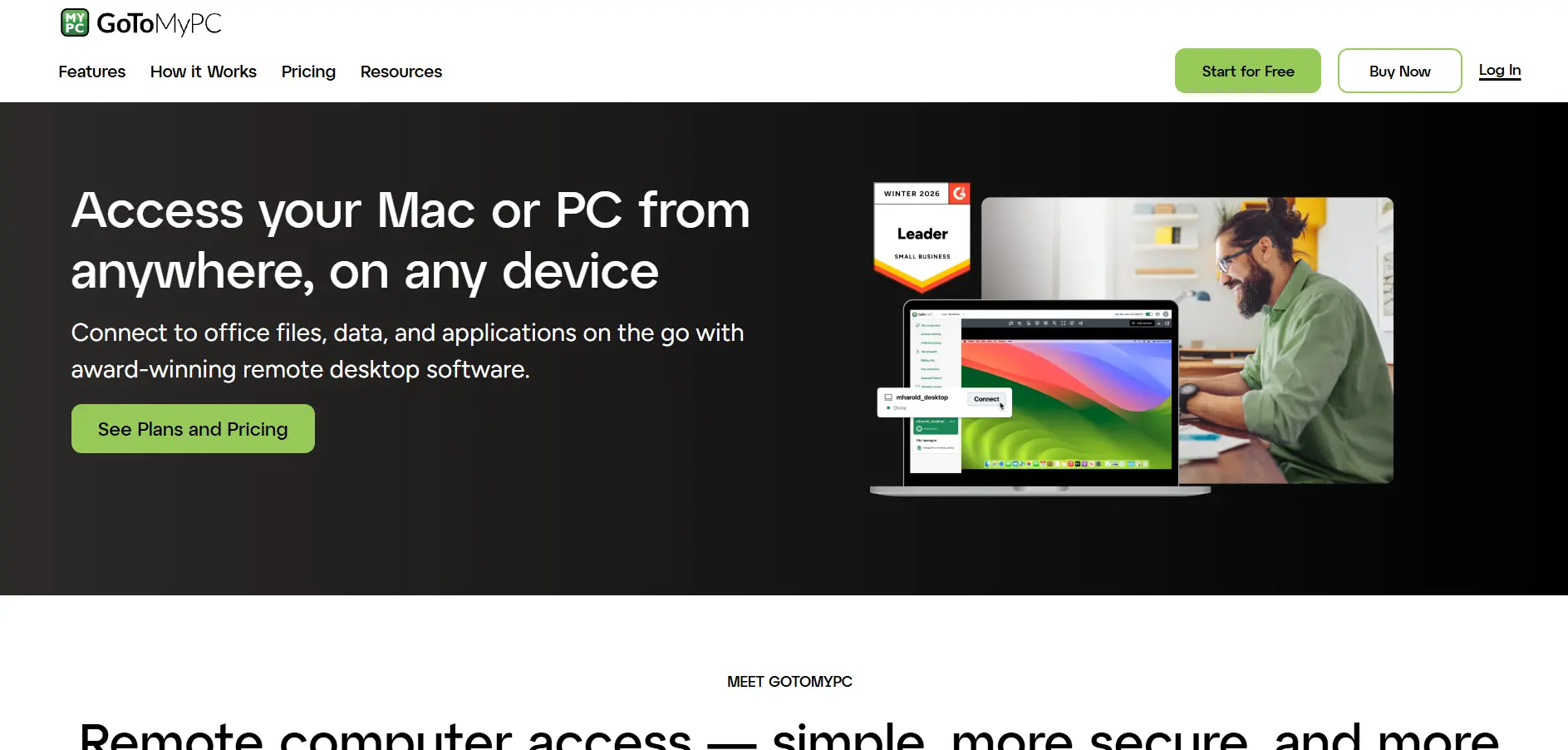
GoToMyPC offers a free trial for new users before committing to a subscription. Entry-level pricing starts around $35 per computer per month, with Pro and Corporate tiers scaling up for teams needing centralized management, additional users, or higher device counts, all billed under the GoTo brand.
GoToMyPC focuses on simple, reliable access to your own desktop from anywhere, with a straightforward interface that non-technical users find easy to pick up. It’s a solid option for individuals and small teams, though many reviewers flag it as expensive compared to newer entrants like Splashtop for similar functionality.
Pros
- Simple, beginner-friendly interface
- Reliable performance for personal desktop access
- Strong mobile app support
- Established brand under the GoTo umbrella
Cons
- Pricier than most modern competitors
- Fewer advanced features than Splashtop or AnyDesk
- No permanent free tier
- Per-computer pricing adds up quickly for larger fleets
HelpWire
No credit card needed
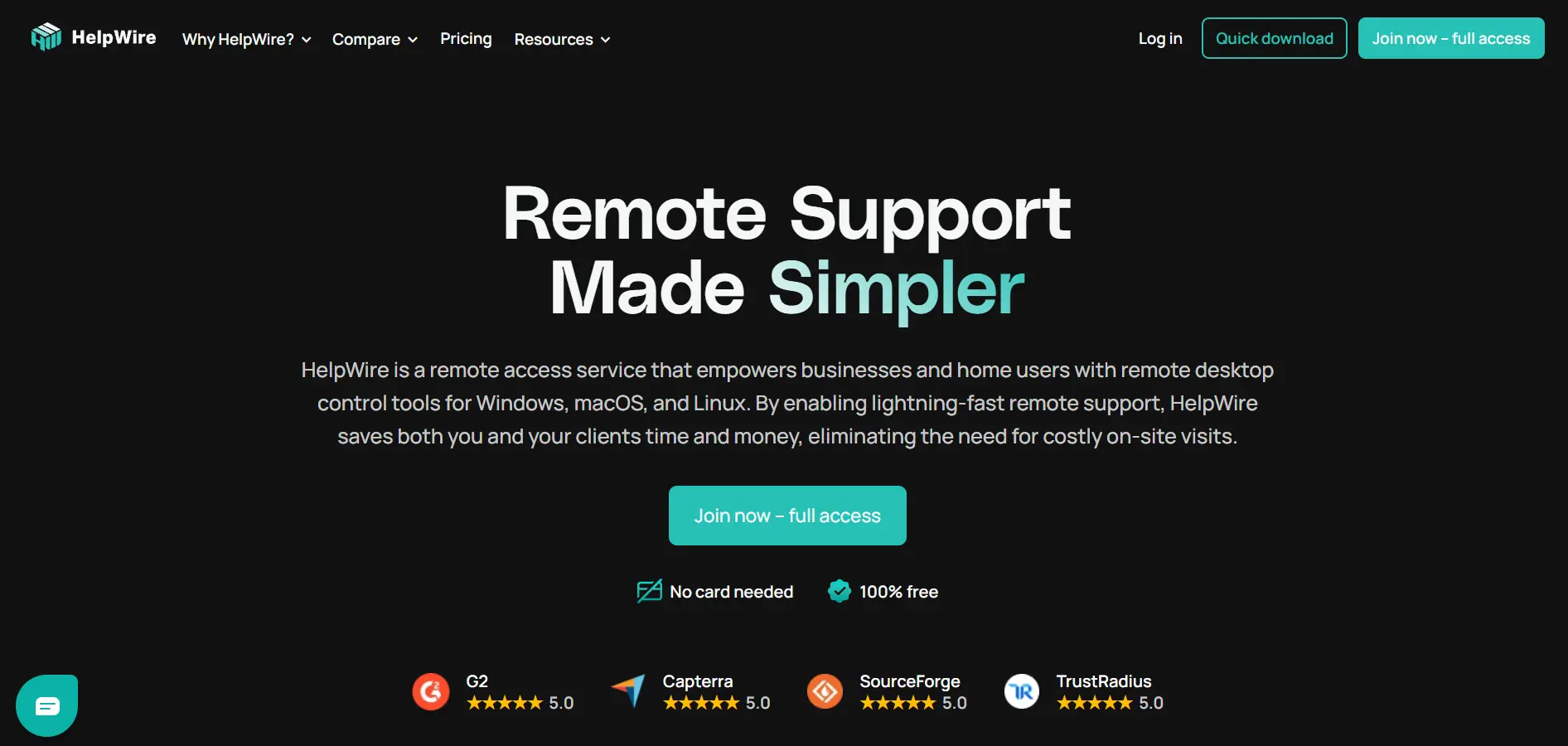
HelpWire is currently free to use without limits while it’s in early access, and there’s no separate trial because every feature, including unattended access, is unlocked from the start. The company has said paid tiers may arrive later, but promises no nag screens or session cutoffs before then, making it a low-risk pick for testing today.
Built by Electronic Team, HelpWire focuses on fast, ad-hoc remote sessions across Windows, macOS, and Linux, with clients joining through a simple link instead of typing IDs or passwords. It supports file transfer, session grouping, and unattended access, positioning itself as a lightweight, no-cost stand-in for pricier incumbents like TeamViewer or LogMeIn.
Pros
- Completely free with no feature restrictions right now
- No sign-up required for quick one-off sessions
- Clean, beginner-friendly interface
- Cross-platform support for Windows, macOS, and Linux
Cons
- Pricing model may change once out of early access
- Fewer advanced enterprise controls than mature competitors
- Smaller integration ecosystem so far
- Longevity of the free offer isn’t guaranteed
ISL Online
Starter $16.90/mo
Standard $34.90/mo
Premium $54.90/mo
Enterprise: custom
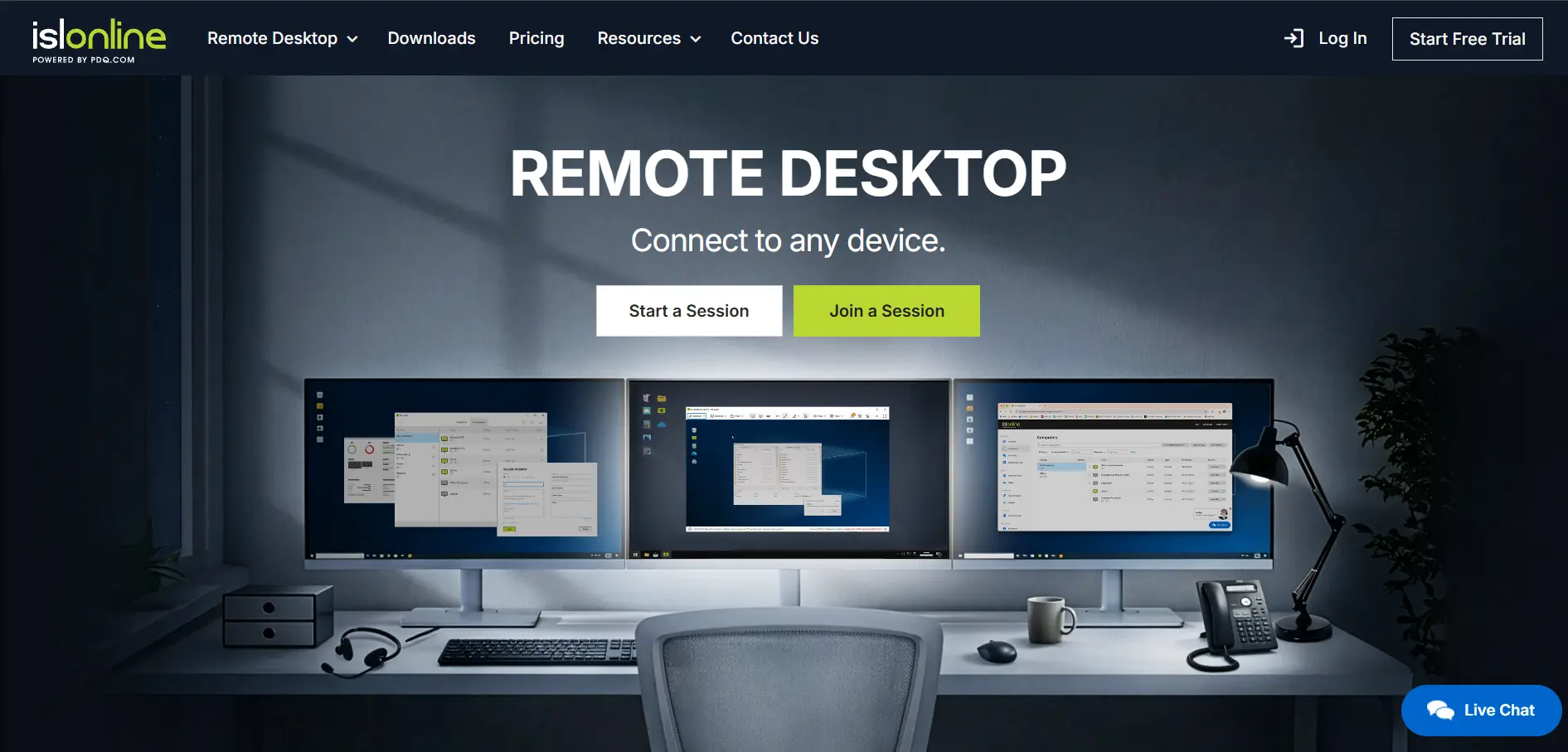
ISL Online provides a fully-featured 15-day free trial, extendable on request, though it has no permanent free plan. Paid tiers run from Starter at $16.90/month, Standard at $34.90/month, and Premium at $54.90/month, up to Self-Hosted at $44.90/month and custom-quoted Enterprise plans that can reach into five figures annually.
ISL Online stands out for offering unlimited users and devices on every cloud plan, charging instead by concurrent sessions, plus a self-hosted deployment option for organizations with strict data-residency needs. It includes live chat, session recording, and two-factor authentication, and is frequently chosen by teams migrating away from costlier legacy tools.
Pros
- Unlimited users and devices on cloud plans
- Flexible self-hosted or Managed Private Cloud deployment
- Strong security: AES-256, 2FA, ISO 27001 certification
- Generous 15-day trial, extendable if needed
Cons
- No permanent free tier
- Concurrent-user licensing can feel restrictive for large teams
- Interface feels dated compared to newer rivals
- Enterprise self-hosted plans can be costly upfront
LogMeIn
Pro plans from ~$300–$350/user/yr
Central & Rescue: custom quote
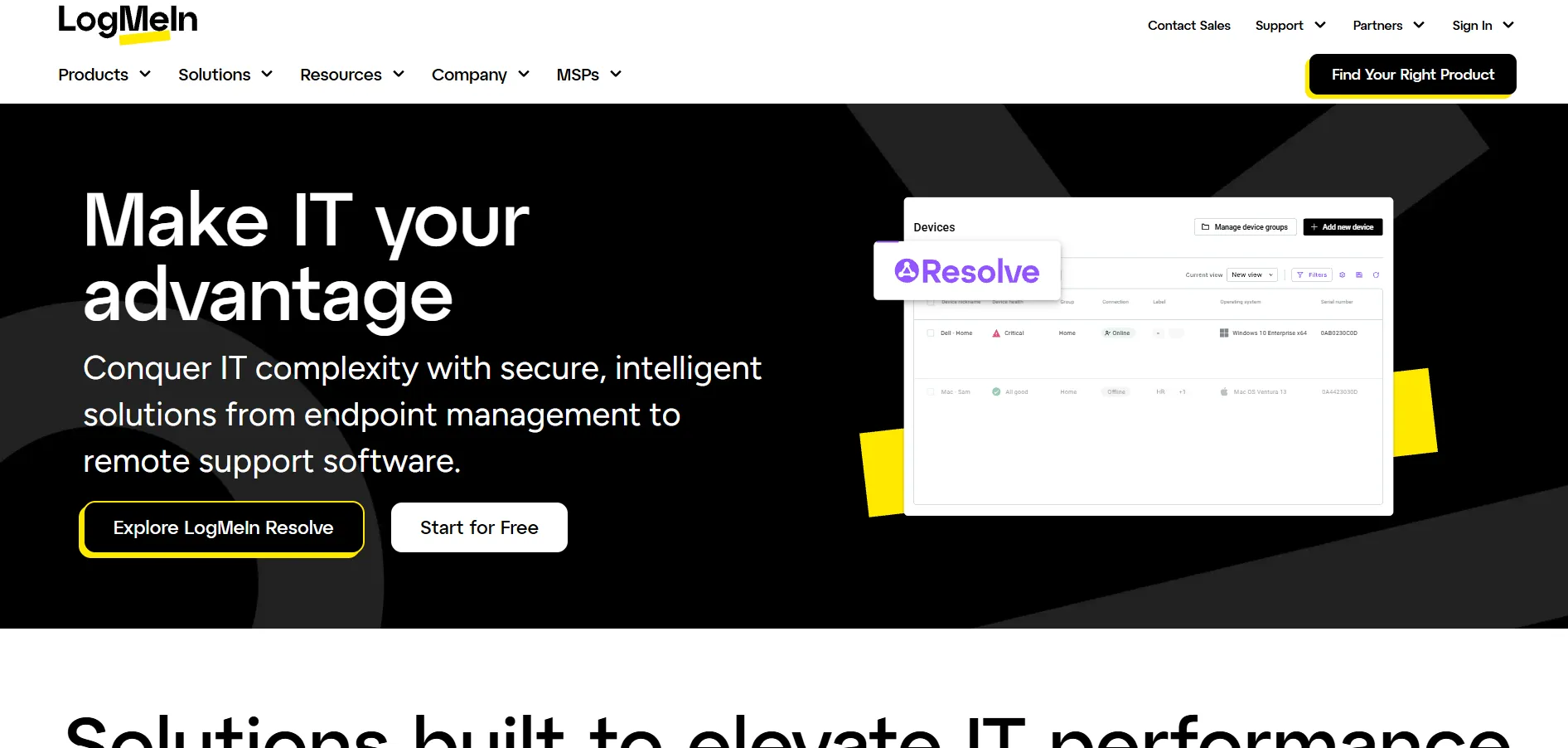
LogMeIn offers a free trial with no credit card required to test its remote access tools before subscribing. LogMeIn Pro pricing typically starts around $300–$350 per user annually, while Central and Rescue now use a modular base-plan-plus-add-ons structure, with Security, Automation, and Insight modules priced separately through a custom quote.
Now under the GoTo brand alongside products like LogMeIn Resolve, LogMeIn bundles remote access, file storage, and a free LastPass license into its plans. It’s a mature, dependable option for enterprises already in the GoTo ecosystem, though many reviewers flag steep renewal price increases as a recurring frustration.
Pros
- Mature platform with a long enterprise track record
- Unlimited users included with each computer license
- Bundled cloud storage and password manager access
- Integrates with the broader GoTo product suite
Cons
- Significantly pricier than Splashtop or AnyDesk
- Reviewers report steep, unpredictable renewal price hikes
- Annual billing required for most business plans
- Cancellation process reported as cumbersome by some users
Microsoft Remote Desktop

No trial needed
Microsoft Remote Desktop is free and built directly into Windows Pro and Enterprise editions, so there’s no separate purchase or trial, only your existing Windows license. It uses the native Remote Desktop Protocol (RDP) to connect, making it a no-added-cost option for organizations already standardized on Windows.
It offers solid Active Directory integration and native Windows authentication, which appeals to IT teams inside fully Windows-based environments. However, it’s Windows-only on the server side, requires VPN or network tunneling to work outside a local network, and lacks MSP features like audit trails or multi-client dashboards.
Pros
- No additional cost within a Windows environment
- Native Active Directory and Windows authentication
- No third-party software or account needed
- Reliable performance on local networks
Cons
- Windows-only on the server/host side
- Requires VPN or tunneling for outside-network access
- No audit trail or multi-client dashboard
- Limited native mobile experience
NinjaOne
Custom per-endpoint pricing (~$1.50–$3.75)
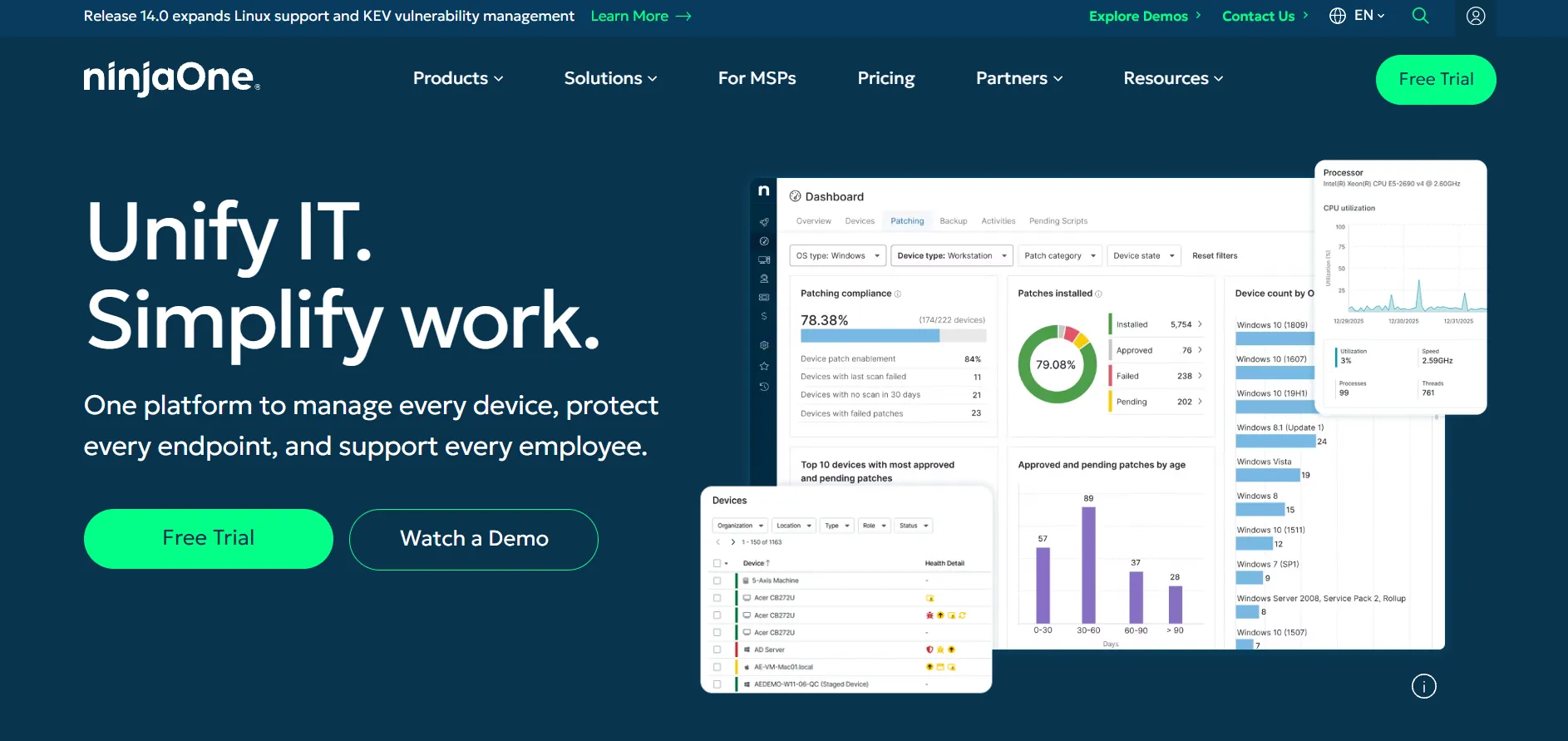
NinjaOne offers a 14-day free trial with full platform access, though trials typically exclude add-on modules like Backup or MDM by default. Pricing is entirely custom and per-endpoint, publicly cited as roughly $1.50 per device monthly at 10,000+ endpoints, rising toward $3.75 per device for deployments of 50 or fewer.
NinjaOne is a unified RMM platform combining monitoring, patching, scripting, and remote access, typically delivered through Splashtop or ScreenConnect under the hood. It appeals to MSPs and internal IT teams wanting one console for everything, but its per-device model plus separate module fees can make total costs harder to predict upfront.
Pros
- Clean, modern interface praised over legacy RMMs
- Unlimited free support included in every plan
- Scales cost-efficiently for very large endpoint fleets
- No implementation or training fees
Cons
- No public pricing; requires a custom sales quote
- Add-on modules like Backup and MDM cost extra
- Can feel pricier for very small teams under 50 devices
- 60-day cancellation notice required outside promotions
Parsec
14-day free trial on paid tiers
Warp ~$9.99/mo
Teams ~$35/mo
Enterprise: custom
Parsec remains free for personal and gaming use, with paid tiers offering a 14-day free trial before billing starts. Warp, aimed at individual professionals, runs about $9.99/month, Teams costs around $35/month per user, and Enterprise, which adds dedicated relay servers and SLAs, is priced through a custom quote.
Parsec built its reputation on ultra-low-latency streaming tuned for gaming, creative work, and precise peripheral input like drawing tablets and controllers. It supports up to 4K at 60fps with SOC 2 Type 2 certified security, but it’s less suited to broad IT support workflows than dedicated remote support platforms.
Pros
- Industry-leading low latency for streaming and gaming
- Free tier for personal, non-commercial use
- Strong peripheral support: tablets, controllers, multi-monitor
- SOC 2 Type 2 certified security
Cons
- Not built for general IT support workflows
- Commercial use requires a paid license
- Subscription cost can be a barrier for casual users
- Fewer help-desk-style features than support-focused tools
Pulseway
From ~$27–$67/mo (usage-based)
Enterprise: custom quote
Pulseway offers a no-credit-card-required free trial so teams can test its remote monitoring stack before buying. Pricing is usage-based rather than flat-tiered, with public figures ranging roughly from $27 to $67 per month depending on endpoint count, plus a one-time onboarding fee; larger deployments require a custom quote from sales.
Built primarily as a remote monitoring and management (RMM) platform, Pulseway adds mobile-first remote control, patch management, and ransomware detection on top of standard remote access. It’s a favorite among MSPs who want proactive alerting and scripting alongside session access, though some reviewers say costs climb quickly for larger fleets.
Pros
- Strong mobile-first monitoring and remote control
- Built-in patch management and ransomware detection
- No long-term contracts or minimums required
- Scales well for MSPs managing many endpoints
Cons
- Pricing can rise fast in larger environments
- One-time onboarding fee adds to initial cost
- Limited integrations compared to bigger RMM suites
- No permanent free version for ongoing use
RemotePC

Consumer from $29.50/yr
SOHO, Team & Enterprise: higher tiers
RemotePC offers a free trial for evaluating the service before purchase. The Consumer plan starts as low as $29.50 per year, making it one of the cheapest always-on remote access options around, with SOHO, Team, and Enterprise tiers scaling price and device counts for growing organizations.
RemotePC, from IDrive, focuses on always-on access with unlimited concurrent connections, file transfer, remote printing, and a bundled video conferencing tool. It’s a budget-friendly choice for home offices and small teams, though some reviewers note it feels less feature-rich than pricier competitors like Splashtop.
Pros
- Very low entry price for always-on access
- Unlimited concurrent connections included
- Bundled video conferencing at no extra cost
- Simple setup across Windows, Mac, and Linux
Cons
- Fewer advanced features than premium competitors
- Interface feels basic compared to newer tools
- Higher tiers needed for team-level administration
- Support response times can vary
RustDesk
Server Pro from ~$9.90–$11.88/mo
Enterprise: custom
RustDesk‘s self-hosted open-source server is free with no device limits or licensing fees, giving you the option to run your own infrastructure. For centralized management, an address book, and device permissions, RustDesk Server Pro starts around $9.90–$11.88 per month, with larger Customized and Enterprise plans quoted individually.
Written in Rust with a Flutter interface, RustDesk is fast, lightweight, and open source under AGPL/GPL, appealing strongly to privacy-conscious users and self-hosting enthusiasts. It lacks SOC 2 certification or third-party audits, though, so regulated organizations may need to lean on commercial alternatives for compliance documentation.
Pros
- Free, open-source core with full self-hosting control
- Lightweight and fast thanks to its Rust codebase
- Cross-platform support including Raspberry Pi
- No per-device fees on the self-hosted tier
Cons
- No SOC 2 or independent security audit available
- Requires Docker and server know-how to self-host well
- Security defaults need manual hardening
- Antivirus false positives reported by some users
sobrii Remote

Custom per-device pricing, 50-device minimum
sobrii Remote has no free plan, but offers a 14-day proof-of-concept on up to 500 devices for evaluation. Pricing is all-inclusive and per-device, quoted on request with a 50-device minimum, bundling remote control together with fleet inventory, security alerts, and hardware health monitoring rather than charging separately.
sobrii Remote is an IT fleet management platform built around a lightweight Rust agent, connecting via WebRTC peer-to-peer in about three seconds with TLS 1.3 encryption. It’s designed for IT teams and MSPs managing 200 to 50,000 Windows endpoints who want device context visible before every remote session, not a standalone consumer tool.
Pros
- Remote control bundled with full fleet context in one interface
- Fast peer-to-peer connections without a relay server
- Lightweight agent with minimal CPU footprint
- Strong fit for large, mostly-Windows device fleets
Cons
- No free plan or low-cost entry point
- 50-device minimum excludes very small teams
- Pricing not published; requires a sales conversation
- Overkill for casual, one-off remote access needs
Splashtop
Solo $6/mo
Pro $8.25/mo
Performance $13/mo
SOS from $22/mo
Enterprise: custom
Splashtop provides a 7-day free trial across all its plans with no credit card required. Remote Access pricing starts at $6/month for Solo, $8.25/month for Pro, and $13/month for Performance, all billed annually, while its Remote Support (SOS) line starts near $22 per concurrent technician, with Enterprise priced by quote.
Splashtop is widely praised as a budget-friendly, enterprise-capable alternative to TeamViewer and LogMeIn, often saving businesses 50–85% versus those tools. It offers 4K streaming, multi-monitor support, file transfer, and session recording, though Remote Access plans require annual prepayment and volume discounts only kick in at four or more licenses.
Pros
- Significantly cheaper than TeamViewer, AnyDesk, and LogMeIn
- High-fidelity streaming with 4K and low latency
- Flexible per-technician pricing for support teams
- Volume discounts for growing teams
Cons
- Remote Access plans require annual, non-refundable billing
- 10-computer licensing increments can feel restrictive
- No monthly billing option outside of SOS
- Some features are gated behind higher tiers
TeamViewer
Free trial for business plans
Remote Access $24.90/mo
Business $50.90/mo
Tensor: custom quote
TeamViewer is free for personal, non-commercial use, with a free trial available on business plans before you subscribe. The Remote Access plan starts at $24.90/month for one user and three managed devices, Business runs $50.90/month with 200 managed devices, and enterprise-scale Tensor pricing is quoted individually.
As one of the longest-standing names in remote access, TeamViewer offers broad platform support, robust file transfer, and deep enterprise integrations. However, it faced a significant 2024 security breach and terminated older perpetual licenses at the end of 2025, pushing many longtime users to evaluate cheaper, newer alternatives.
Pros
- Free for personal, non-commercial use
- Extremely broad platform and device support
- Mature feature set with deep enterprise integrations
- Widely recognized and trusted brand
Cons
- Among the pricier options in the category
- 2024 security breach raised trust concerns
- Perpetual licenses were terminated at end of 2025
- Repeated price increases frustrate longtime users
UltraViewer
No trial needed
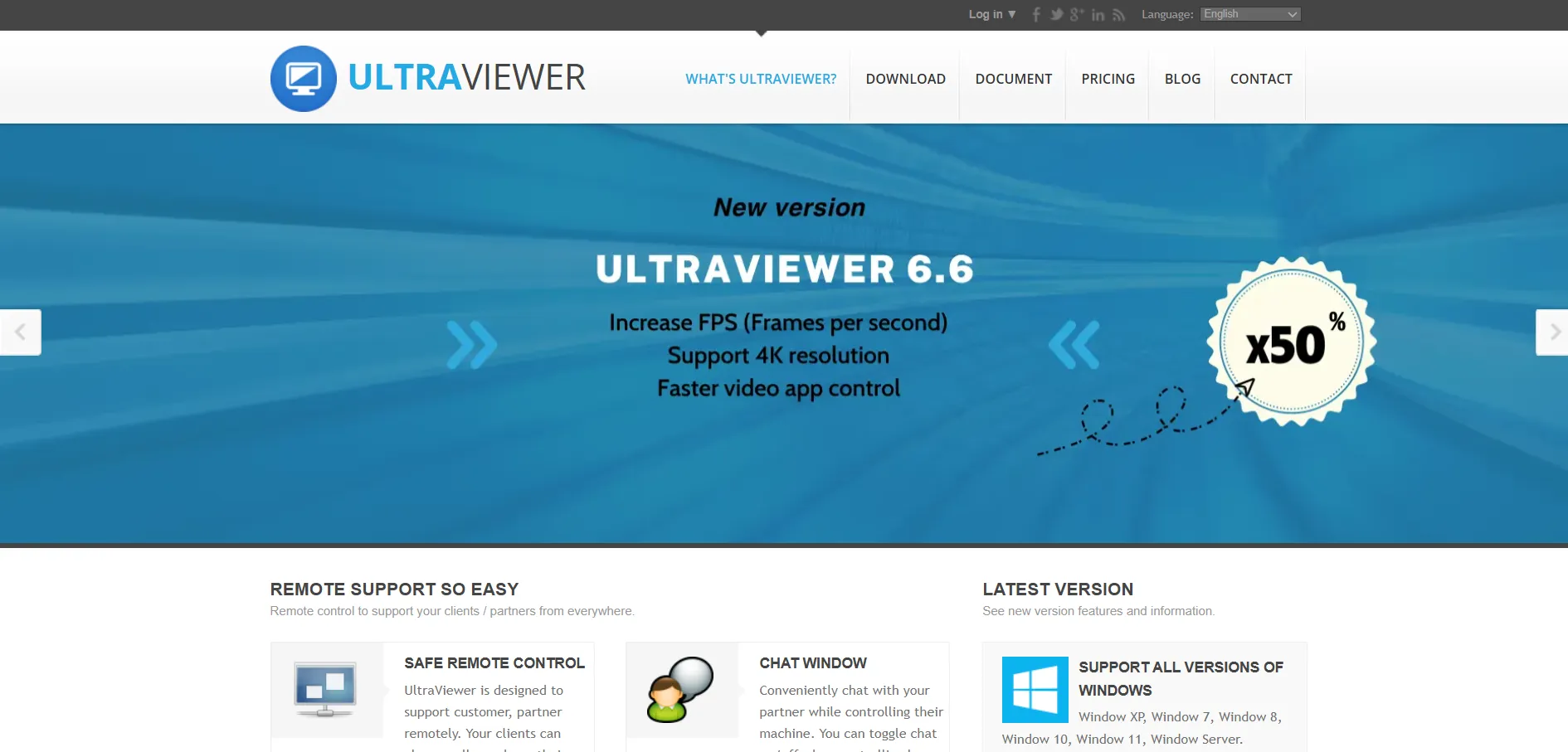
UltraViewer is free to download and use with no paid tiers or trial period required, making it an accessible option for individuals and small businesses on a tight budget. There’s no subscription to manage, just a straightforward download-and-connect workflow for remote access sessions.
UltraViewer offers straightforward remote control, file transfer, and chat features aimed at everyday support scenarios rather than large-scale enterprise deployment. It’s a favorite among smaller shops and individual technicians who want a no-cost tool, though it lacks the polish, integrations, and audit features of commercial platforms.
Pros
- Completely free with no hidden costs
- Simple, lightweight, and easy to install
- Includes basic file transfer and chat
- Good fit for individual technicians and small shops
Cons
- Lacks enterprise-grade security certifications
- No official paid support tier for larger teams
- Interface feels dated next to modern competitors
- Limited integrations with ITSM or PSA tools
Zoho Assist
15-day free trial
Standard from ~$10/mo
Professional & Enterprise tiers
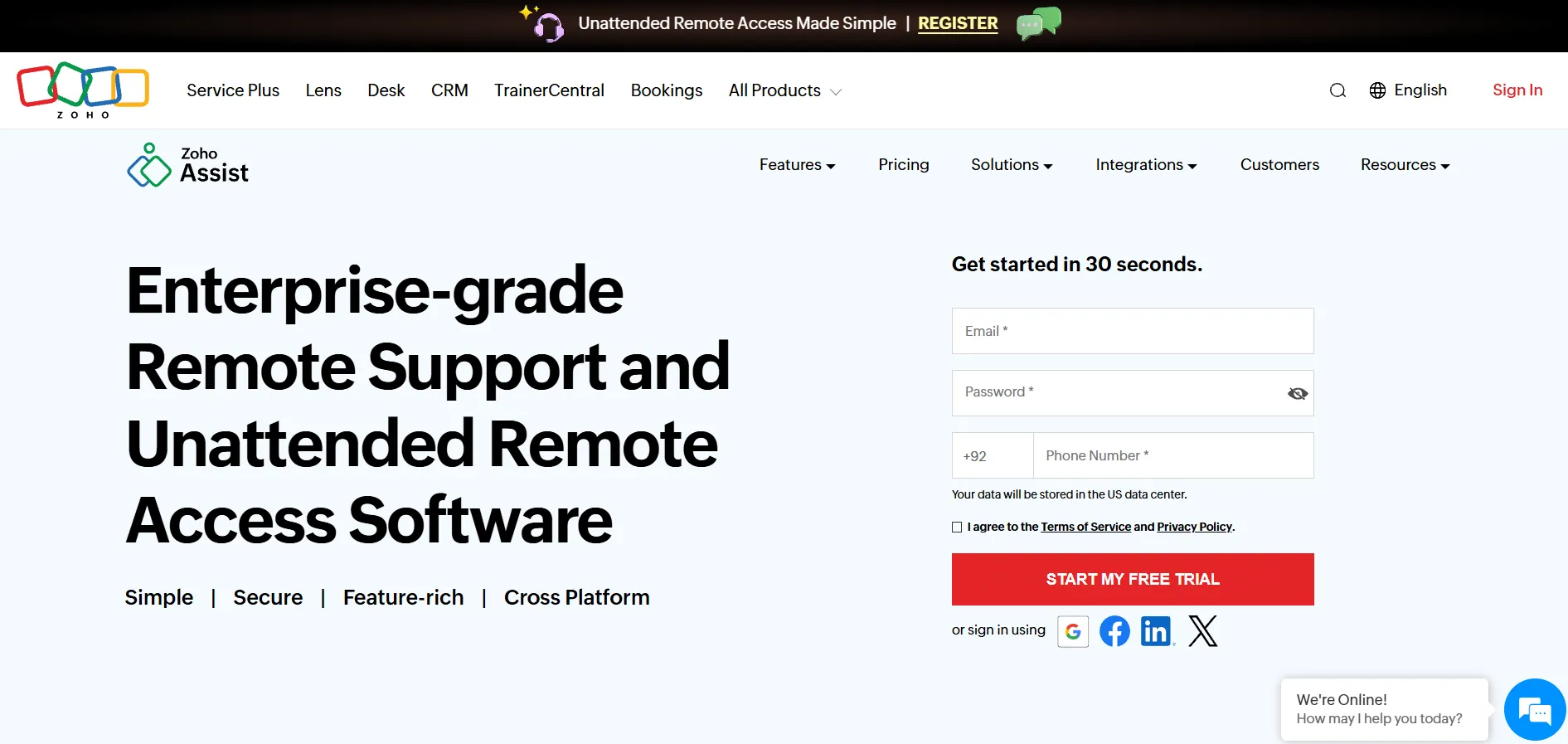
Zoho Assist gives you both a permanently free plan for basic needs and a 15-day free trial with no credit card needed for testing paid tiers. Paid plans start around $10 per technician per month for Standard Unattended Access, scaling up through Professional and Enterprise, with Remote Support priced separately from Unattended Access.
Zoho Assist splits its offering into Unattended Access and Remote Support lines, letting you pay only for the capability you actually need, unlike bundled competitors. It integrates smoothly with Zoho Desk and Zoho CRM, though add-ons like extra storage, VoIP credits, and web conferencing cost extra on top of the base plan.
Pros
- Genuinely free plan for individuals and small teams
- Very affordable entry-level paid pricing
- Pay only for the feature set you need
- Deep integration with the wider Zoho ecosystem
Cons
- Licensing between Remote Support and Unattended Access can be confusing
- Web conferencing requires a separate Zoho Meeting subscription
- Free plan has limited storage and features
- Large file transfers can feel slower than rivals
Quick Comparison
Conclusion
There’s no single best remote desktop tool, only the best fit for your situation. Casual users and home support scenarios are well served by completely free options like Chrome Remote Desktop, Distant Desktop, or UltraViewer, while freelancers and small teams on a budget should look closely at Splashtop, AnyDesk, or AnyViewer for the best performance-to-price ratio.
Larger IT departments and MSPs juggling hundreds of endpoints will get more value from platform plays like NinjaOne, Pulseway, or sobrii Remote, which fold remote access into broader monitoring and fleet management, while regulated enterprises needing airtight audit trails should evaluate BeyondTrust, ConnectWise ScreenConnect, or ISL Online’s self-hosted options. If budget is the only constraint, Apache Guacamole and RustDesk remain the most capable truly free, open-source routes, provided you have the technical skill to self-host them.


