
RemotePC is a solid remote access tool, but it isn’t the only option and it isn’t always the cheapest or the best fit for every team. But depending on your priorities whether that’s unattended device management, MSP-grade support tools, gaming-level performance, or a completely free option another platform might serve you better. This guide walks through 10 strong RemotePC Alternatives, covering what each one offers, what it costs, and who it’s built for, so you can compare them against RemotePC and against each other before you commit to a subscription.
01Splashtop
Solo $6/mo · Pro $8.25/mo · Performance $13/mo · Enterprise: Custom
Splashtop offers a 7-day free trial across its Remote Access plans, letting you test performance before paying. Its Solo plan runs $6/month for one user, Pro is $8.25/month per user with team features, and Performance costs $13/month with 4K streaming and USB pass-through. Enterprise pricing is quote-based, and Remote Support (SOS) plans start around $22/month per concurrent technician.
Beyond pricing, Splashtop is known for near-zero-latency streaming, strong endpoint security, and per-concurrent-technician licensing for support teams, which keeps costs predictable as usage scales. It supports Windows, Mac, iOS, Android, and Chromebooks, and is frequently chosen by businesses migrating from pricier tools like TeamViewer, since it delivers comparable features at a noticeably lower cost.
Pros
- High-performance streaming with low latency
- Significantly cheaper than TeamViewer or LogMeIn
- Strong security and endpoint management tools
Cons
- Remote Access plans require annual prepayment
- Pricing structure can be confusing across product lines
- Enterprise tier requires a sales conversation
02ConnectWise ScreenConnect
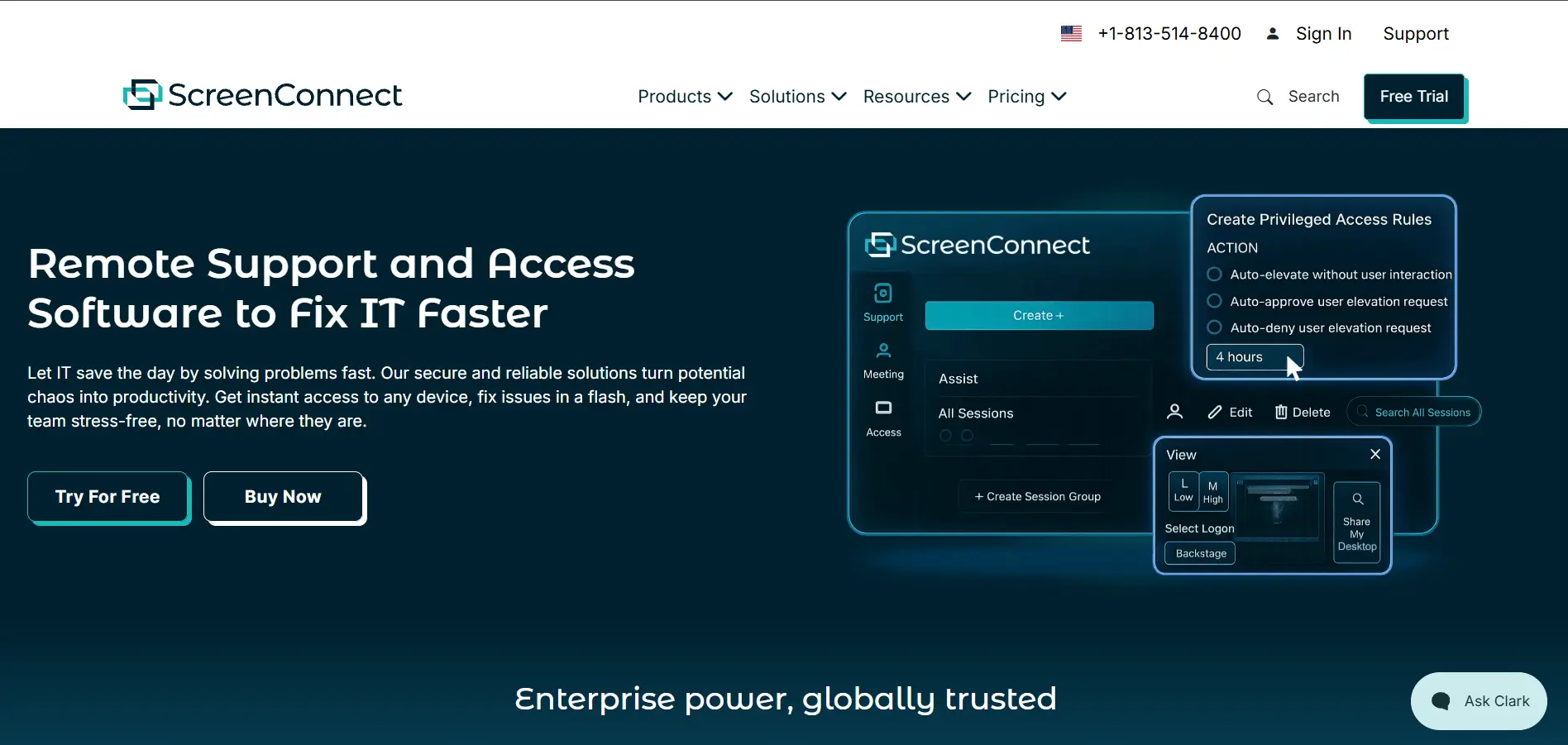
One $30/mo · Standard $45/mo · Premium $55/mo · Self-Hosted: Custom
ConnectWise ScreenConnect offers a free trial so IT teams can test its remote support workflow first. Paid plans start with One at roughly $30/month per technician, Standard at about $45/month, and Premium around $55/month, each adding more concurrent sessions and branding options. Self-hosted, on-premises licensing is available through custom quotes for organizations needing full data control.
Built primarily for MSPs and internal IT departments, ScreenConnect stands out for its self-hosted deployment option, letting businesses keep all session data on their own servers. It includes annotation tools, backstage command execution, and deep integration with the wider ConnectWise ecosystem, making it a natural fit for teams already using ConnectWise’s PSA or RMM products.
Pros
- Self-hosted option for full data sovereignty
- Deep integration with ConnectWise PSA/RMM tools
- Rich in-session tools like backstage mode
Cons
- Pricing rises quickly with more technicians
- Contracts can run multi-year with strict renewal terms
- Overkill for simple personal remote access
03UltraViewer
Core App: $0 · Optional Extended Tiers: ~$4–$8/mo
UltraViewer‘s official site states the software is completely free for both personal and business use, so there’s no trial period to worry about. Some third-party resellers list optional extended or commercial-support tiers ranging from roughly $4 to $8 per month, but the core desktop application itself carries no license fee for standard remote control functionality.
UltraViewer is a lightweight Windows-only tool built around simple remote control, file-sharing through chat, and multi-computer management. It uses AES 256-bit encryption and unique session IDs for security, making it a reasonable pick for freelancers, small IT teams, and educators who need occasional remote access without committing to a subscription.
Pros
- Free for personal and commercial use
- Lightweight and quick to install
- Simple, no-frills interface
Cons
- Windows only — no native mobile app
- Lacks advanced admin or reporting tools
- Occasional connection drops during peak hours
04AirDroid Remote Support
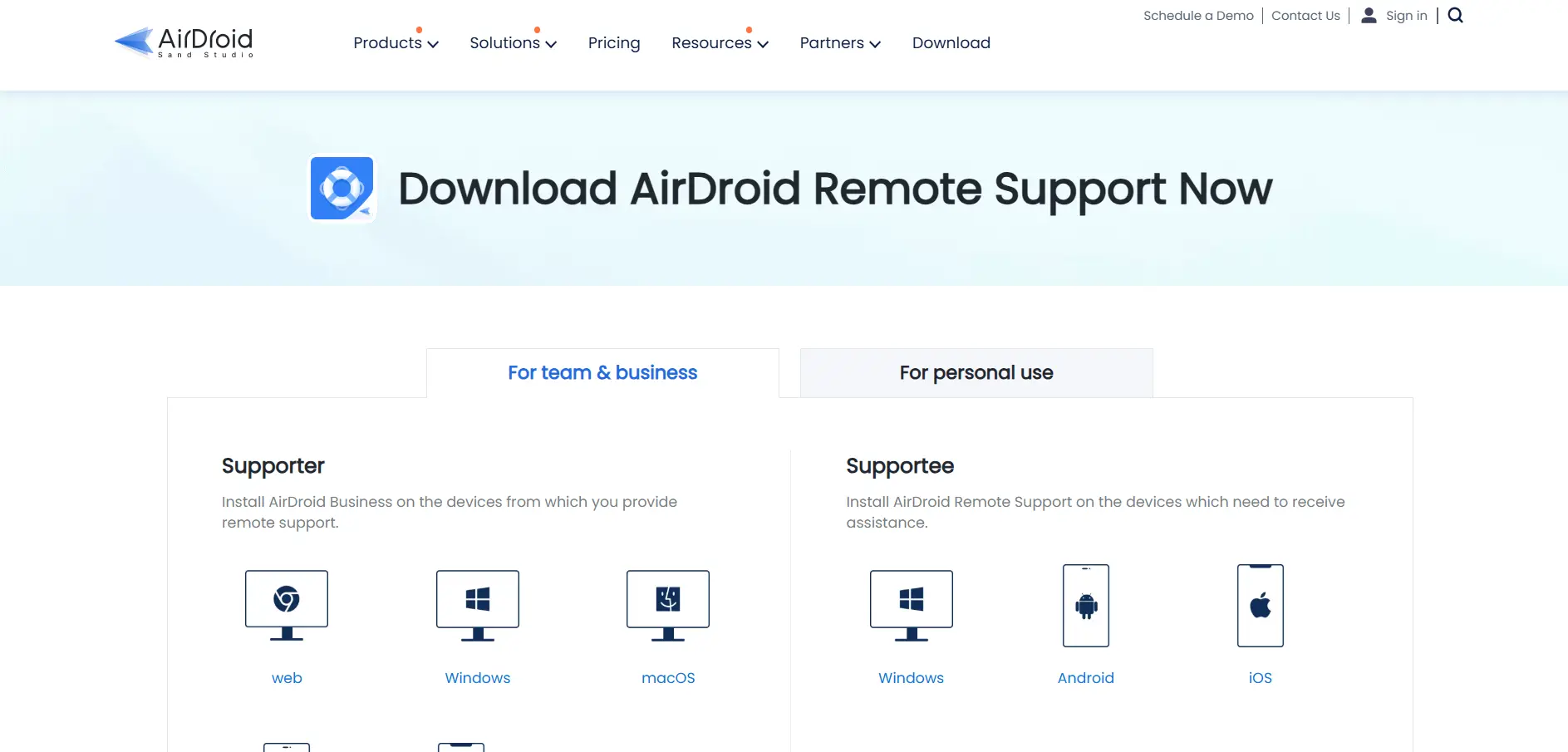
Basic ~$199/yr · Standard/Premium up to $599/yr
AirDroid Remote Support gives new users 10 minutes of free access per day to test the platform before subscribing. Paid licenses range from around $199 per year for the Basic tier with 50 connection hours, up to roughly $599 per year for Standard and Premium plans that include unlimited connection hours and more managed devices per license.
This tool is especially strong for mobile device support, offering remote control for Android phones and tablets alongside Windows and Mac desktops — something many competitors handle poorly. It’s a solid choice for retail, logistics, or field-service businesses that need to remotely troubleshoot handheld devices, not just office computers.
Pros
- Excellent Android and mobile device support
- Session recording and file transfer included
- Daily free trial minutes to test the service
Cons
- iOS devices support connection only, not full control
- Connection hours are limited on lower tiers
- Upgrades require contacting sales directly
05NinjaOne
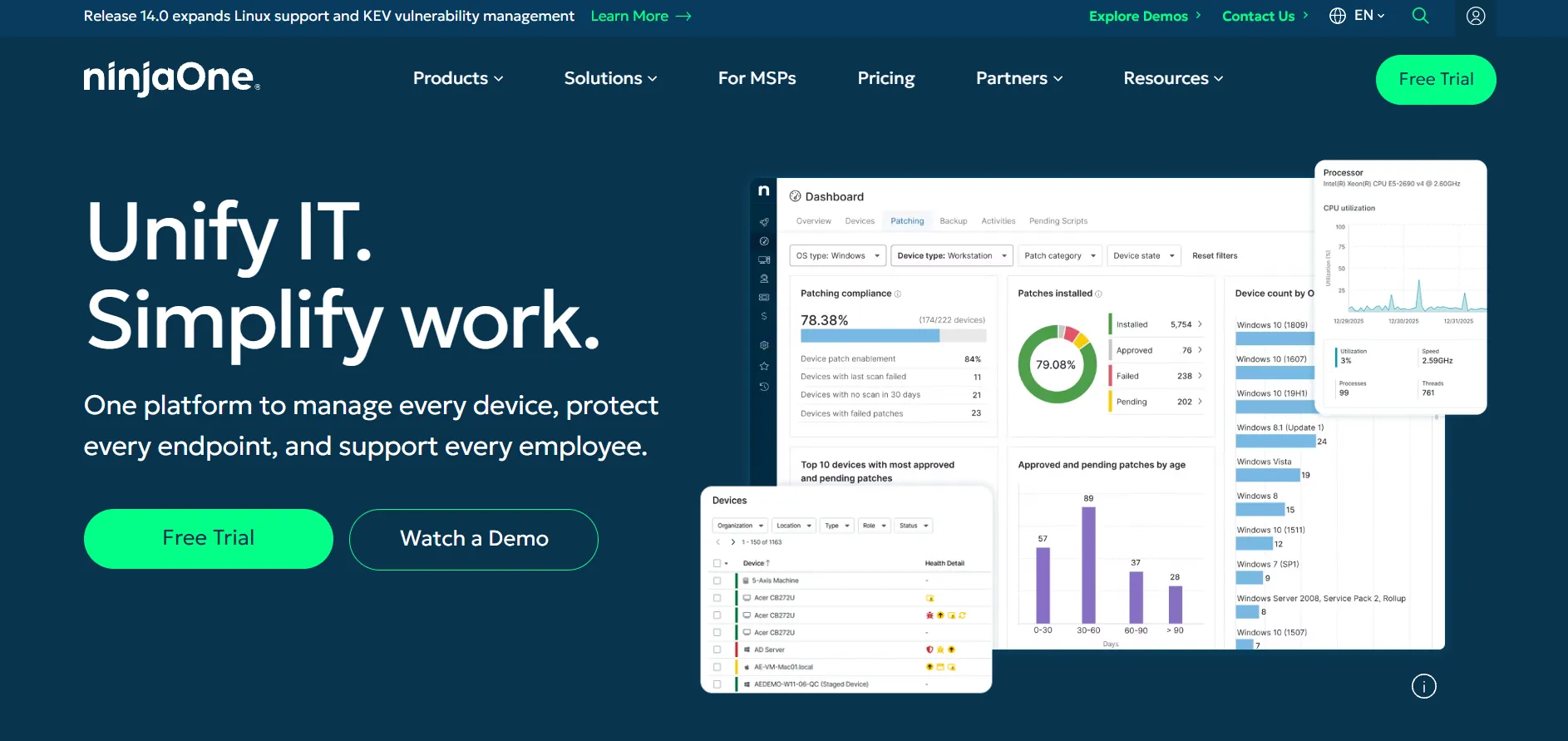
Roughly $1.50–$6 per endpoint/month · Quote-Based
NinjaOne offers a 14-day free trial that includes full access to its RMM, patching, and remote access tools. Pricing isn’t publicly listed and instead depends on a custom quote, but market estimates put the core plan between $1.50 and $6 per endpoint per month depending on device volume, with smaller deployments typically paying toward the higher end.
Rather than being a standalone remote-access app, NinjaOne bundles remote control into a broader endpoint management platform covering monitoring, patch management, and IT documentation. It’s aimed squarely at MSPs and internal IT departments managing fleets of devices, and remote access is usually delivered through an embedded Splashtop or ScreenConnect connection.
Pros
- All-in-one RMM plus remote access platform
- Scales well for larger device fleets
- Responsive support and easy onboarding
Cons
- No published pricing — requires a sales call
- Can feel expensive for small teams under 100 devices
- Backup and MDM modules cost extra
06Parsec
Individuals ~$9.99/mo · Teams ~$35/user/mo · Enterprise: Custom
Parsec offers a genuinely usable free plan rather than a time-limited trial, so individuals can test its low-latency streaming at no cost. The paid Individuals (Warp) tier runs about $9.99 per user per month for personal high-performance access, while Teams costs around $35 per user per month with collaboration and admin controls; Enterprise pricing is custom.
Parsec is built for ultra-low-latency, high-frame-rate streaming, making it the go-to remote desktop tool for game developers, editors, and creative teams working with GPU-intensive software. Multiple users can join the same machine simultaneously for real-time collaboration, and it supports 4K resolution at high frame rates far beyond what typical business tools offer.
Pros
- Exceptional low-latency, high-FPS streaming
- Real free tier, not just a trial
- Great for creative and game-dev collaboration
Cons
- Less focused on traditional IT support features
- Team plan pricing adds up for larger groups
- Enterprise pricing isn’t publicly listed
07BeyondTrust Remote Support
Custom Quote-Based Pricing (Concurrent Licensing)
BeyondTrust doesn’t publish a free trial or price list; instead, prospective customers request a demo and a custom quote based on their concurrent licensing needs. Reported real-world costs cited by IT teams have ranged around $150 per year per shared license, though actual enterprise pricing varies widely by deployment size, support tier, and add-on modules like the credential vault.
Designed for large service desks and regulated industries, BeyondTrust Remote Support combines session control with credential management, letting technicians access systems without ever exposing passwords. It offers FIPS 140-2 validated encryption, detailed audit logs, and broad ITSM integrations, making it a favorite among healthcare, finance, and government IT organizations.
Pros
- Enterprise-grade security and compliance features
- Concurrent licensing can reduce per-seat costs
- Strong credential vault and audit logging
Cons
- No transparent public pricing
- Considered expensive for small businesses
- Setup and configuration can be complex
08ISL Online
Standard $34.90/mo · Premium $54.90/mo · Self-Hosted $44.90/mo
ISL Online gives new users a 15-day free trial with no credit card required, covering nearly all core features. Its Standard cloud plan costs $34.90 per user per month with unlimited devices, Premium adds SSO and priority support for $54.90 per month, and Self-Hosted licensing runs about $44.90 per month; Enterprise plans are quoted separately and can exceed $24,000 per year.
ISL Online is notable for its flexible deployment: businesses can choose fully cloud-hosted, self-hosted on their own servers, or a managed private cloud, which appeals to organizations with strict compliance needs. It includes session recording, live chat, video calls, and mobile support, and its per-concurrent-user licensing can reduce costs for teams with rotating shifts.
Pros
- Flexible cloud, self-hosted, or private-cloud deployment
- Generous 15-day no-card trial
- Concurrent-user licensing suits shift-based teams
Cons
- No permanent free plan
- Multi-user costs can climb quickly for larger teams
- Interface feels dated compared to newer competitors
09HelpWire
All Plans Currently $0 · Custom Pricing for 11+ Operators
HelpWire is currently free across every listed plan as part of its early-access period, with no trial limitations on features or client count. The company plans eventual tiered pricing based on team size, but for now individuals, small teams, and larger support groups can all use the full toolset at no cost, with custom quotes only for organizations needing 11 or more operators.
Built by Electronic Team, HelpWire focuses on fast, no-friction remote support: clients join sessions through a simple link with no ID or password entry required. It supports Windows, macOS, and Linux, includes drag-and-drop file transfer and built-in chat, and is popular with freelancers and small MSPs switching away from costlier tools like TeamViewer.
Pros
- Fully free with no feature restrictions right now
- Extremely simple link-based client connection
- Cross-platform support for Windows, macOS, and Linux
Cons
- Free pricing is temporary and will eventually change
- Unattended access is still listed as “coming soon”
- Smaller company with a shorter track record
10AnyViewer

Professional ~$42.96/yr · Enterprise: Custom
AnyViewer offers a fully functional free version covering basic remote control and file transfer, so there’s no need for a time-limited trial to get started. Its Professional plan is priced around $42.96 per year (often discounted further for multi-year commitments), unlocking unattended access and up to 10 logged-in devices, while Enterprise plans with bulk deployment are quoted individually.
AnyViewer is a Windows-focused remote desktop tool that also supports iOS and Android for mobile access, using 256-bit ECC encryption for secure sessions. It’s popular with individuals and small IT teams who want unattended access to a handful of machines without paying enterprise-level prices, and its one-click control between logged-in devices keeps setup simple.
Pros
- Genuinely usable free tier
- Affordable annual pricing for individuals
- Simple one-click access between devices
Cons
- Primarily built around Windows machines
- Device limits on lower-tier plans
- Fewer enterprise integrations than larger rivals
Conclusion
RemotePC remains a dependable choice, but the right alternative really comes down to what you value most. If raw performance matters, Splashtop or Parsec will impress you. If you’re supporting client machines as an MSP, ConnectWise ScreenConnect or BeyondTrust Remote Support offer the depth larger teams need. And if budget is the deciding factor, UltraViewer, HelpWire, and AnyViewer all offer genuinely usable free options worth trying before you spend a cent. Whichever you choose, take advantage of the free trials or free tiers listed above to test real-world performance with your own devices before committing to an annual plan.


