

Chrome Remote Desktop is free and simple, but it lacks unattended access management, session recording, file transfer polish, and the business-grade controls many teams eventually need. Whether you’re an IT technician, an MSP, a gamer, or someone who just wants to help a relative’s computer, there’s a better-fit tool out there. Below are 12 credible Chrome Remote Desktop Alternatives, covering everything from free peer-to-peer utilities to enterprise-grade remote support platforms, along with their trial availability and official pricing.
AnyDesk

Trial & Pricing
Solo ~$14.90/mo
Standard ~$49.90/mo
Advanced ~$111.90/mo
Ultimate: Custom
AnyDesk keeps a genuinely free personal tier and layers paid plans for growing needs. Solo suits freelancers, Standard adds session recording and aliases, and Advanced brings branding and device management for larger teams. Enterprise-level Ultimate pricing is quote-based, scaling with users and managed devices.
Beyond pricing, AnyDesk is known for its lightweight client and fast, low-latency connections powered by its proprietary DeskRT codec. It works across Windows, macOS, Linux, iOS, and Android, making it a dependable pick for technicians who support a mix of device types daily without heavy installation overhead.
Pros
- Very low latency, smooth performance
- Free for personal, non-commercial use
- Cross-platform support
- Strong encryption and security
Cons
- Pricing has risen sharply in recent years
- No monthly billing on some tiers
- Renewal price increases are common
HelpWire
Trial & Pricing
No paid plans yet
HelpWire is currently free for everyone, business or personal, as part of its early access phase. There are no paid tiers to test, no nag screens, and no session cutoffs. The company has promised advance notice before any pricing changes and Founders’ discounts for early adopters.
Built by Electronic Team, HelpWire targets IT technicians and small businesses needing quick, no-login remote support sessions. It works across Windows, macOS, and Linux, uses peer-to-peer connections with relay fallback, and supports file transfer, chat, and unattended access for returning to devices later without hassle.
Pros
- Completely free, no hidden costs currently
- No account needed for quick sessions
- Cross-platform: Windows, macOS, Linux
- Unlimited operators per organization
Cons
- Newer product with a smaller feature set
- Future pricing changes are still unknown
- Limited mobile support so far
ConnectWise ScreenConnect
Trial & Pricing
One ~$30/mo
Standard ~$45/mo
Premium ~$55/mo
ConnectWise ScreenConnect offers a free trial before committing, then splits pricing into One for solo technicians, Standard for small IT teams, and Premium for MSPs needing branding and backstage mode. Contracts are typically annual, and some buyers report multi-year commitments being pushed during sales conversations.
This tool is purpose-built for support technicians rather than casual users, with deep session tools like unattended access, background command execution, and full white-labeling. Its on-premises hosting option appeals to regulated industries wanting complete control over where connection data is routed and stored.
Pros
- Self-hosted (on-premises) option available
- Deep customization and white-labeling
- Backstage mode for silent maintenance
- Integrates with the ConnectWise ecosystem
Cons
- Aggressive multi-year contract pushes
- Pricing has increased noticeably over time
- Steeper learning curve for new users
TeamViewer
Trial & Pricing
14-day business trial
Remote Access ~$24.90/mo
Business ~$50.90/mo
Premium ~$112.90/mo
Corporate/Tensor: Custom
TeamViewer keeps a free personal plan alongside a 14-day business trial. Paid tiers scale from Remote Access for individuals to Business for small teams, Premium for growing departments, and Corporate or Tensor for enterprises. Billing is annual only, and add-ons like AR support cost extra.
As one of the most recognized names in remote access, TeamViewer brings mature security, two-factor authentication, and cross-platform reach spanning desktops, mobiles, and even augmented reality headsets. It suits organizations needing broad device compatibility and established enterprise trust, though the pricing reflects that maturity.
Pros
- Widely trusted, mature platform
- Strong cross-platform and mobile support
- Robust security and 2FA
- Free personal-use tier
Cons
- Among the pricier options for teams
- Annual-only billing, no monthly flexibility
- Add-on modules increase total cost
Parsec
Trial & Pricing
14-day trial on paid tiers
Warp ~$9.99/mo
Teams ~$35/user/mo
Enterprise: Custom
Parsec‘s free tier is unusually generous for personal gaming and single-user creative work, with no real performance restrictions. Warp adds advanced features for solo creatives, while Teams targets studios needing collaboration tools. Paid tiers include a 14-day trial, and Enterprise pricing is negotiated directly.
Parsec is built for real-time, low-latency streaming rather than office IT support, using GPU-accelerated encoding for sub-16ms lag at up to 4K 60fps. It’s the go-to choice for gamers streaming their own PCs and for creative professionals doing video editing or 3D work remotely.
Pros
- Industry-leading low latency
- Excellent for gaming and creative work
- Generous free tier
- 4K streaming with controller support
Cons
- No file transfer or session recording
- Not built for IT helpdesk use
- Requires a fairly powerful host PC
GoToMyPC
Trial & Pricing
Personal ~$35/mo
Pro ~$33/mo (2–50 users)
Corporate ~$28/mo (5+ users)
GoToMyPC gives new users a seven-day free trial across its three tiers. Personal fits a single computer, Pro is priced per computer for small teams of two to fifty, and Corporate lowers the per-computer rate for larger deployments needing centralized administration and priority support.
Owned by GoTo, this tool emphasizes simplicity and reliability over deep IT features, offering unlimited access, remote printing, and multi-monitor support. It’s a solid option for individuals and small businesses who want dependable remote access without a steep learning curve, even though it runs on the pricier side.
Pros
- Simple, reliable interface
- Strong 256-bit encryption and 2FA
- Remote printing built in
- Good multi-monitor support
Cons
- Notably expensive vs. competitors
- No free version
- Annual contracts required for best rates
LogMeIn
Trial & Pricing
Individuals ~$30/mo (2 computers)
Power Users ~$70/mo (5 computers)
Small Business ~$129/mo (10 computers)
LogMeIn Pro offers a free trial before purchase, then bills annually across three tiers based on how many computers you need to access. Individuals covers two machines, Power Users five, and Small Business ten, with unlimited users included on each license and 1TB of file storage.
LogMeIn is a long-standing name in remote access, bundling remote printing, multi-monitor viewing, and antivirus protection into every plan. It works well for professionals needing dependable access to a handful of computers, though many reviewers note recurring price increases at renewal time.
Pros
- Unlimited users per license
- 1TB storage and antivirus included
- Simple, predictable plan structure
- Reliable performance
Cons
- Frequent, steep renewal price hikes
- No permanent free version
- Cancellation process can be cumbersome
sobrii Remote

Trial & Pricing
All-inclusive per-device: On request
50-device minimum
sobrii Remote skips a free plan but offers a genuinely useful 14-day proof-of-concept covering up to 500 devices. Pricing is all-inclusive and per-device, quoted on request, with a 50-device minimum — meaning it’s aimed squarely at IT teams managing real fleets, not solo users.
Rather than a standalone remote desktop app, sobrii Remote is the control module inside a broader IT fleet management platform. It connects in seconds over WebRTC and surfaces device context, like battery health and patch status, before you even open a session, saving technicians a tool switch.
Pros
- Device context visible before connecting
- Fast peer-to-peer WebRTC connections
- Bundled with fleet/asset management
- All-inclusive, transparent per-device pricing
Cons
- Not suited for fleets under ~200 devices
- No free tier for individuals
- Requires sales contact for a quote
BeyondTrust Remote Support
Trial & Pricing
Custom quote-based pricing
BeyondTrust offers a free trial but does not publish list prices; you’ll need to contact sales for a quote based on concurrent representative licenses, named users, deployment type, and security add-ons. Some third-party estimates cite shared licenses starting near $150 per year per technician.
Formerly known as Bomgar, BeyondTrust Remote Support is built for enterprise IT and security-conscious organizations, offering session recording, granular permissions, and deep ITSM integrations. It’s a strong fit for regulated industries prioritizing audit trails and control, though the opaque pricing can complicate budgeting.
Pros
- Enterprise-grade security and auditing
- Strong ITSM and SIEM integrations
- Granular permissions management
- Cross-platform device support
Cons
- Pricing not publicly listed
- Higher cost than most alternatives
- Can feel complex for smaller teams
Pulseway
Trial & Pricing
Free trial available
Starting ~$19–$22/device/mo
Volume/custom pricing for larger fleets
Pulseway offers both a limited free version and a free trial of its full platform. Paid pricing is usage-based per endpoint, with published estimates ranging from around $19 to $67 per month depending on plan structure and device count, plus custom volume pricing for teams over fifty users.
Pulseway is primarily an RMM (remote monitoring and management) platform with remote control bundled in, aimed at MSPs and internal IT teams. It includes patch management, mobile monitoring apps, and automation, making it a good fit for admins wanting more than just a screen-sharing tool.
Pros
- Bundles monitoring, patching, and remote access
- Mobile app for on-the-go IT management
- No hidden fees, term-based discounts
- Scales with usage-based pricing
Cons
- Pricing structure can feel unclear upfront
- Costs rise quickly at scale
- Remote control is secondary to RMM focus
UltraViewer
Trial & Pricing
Lite ~$3.99/mo
Professional ~$5.99/mo
Premium ~$7.99/mo
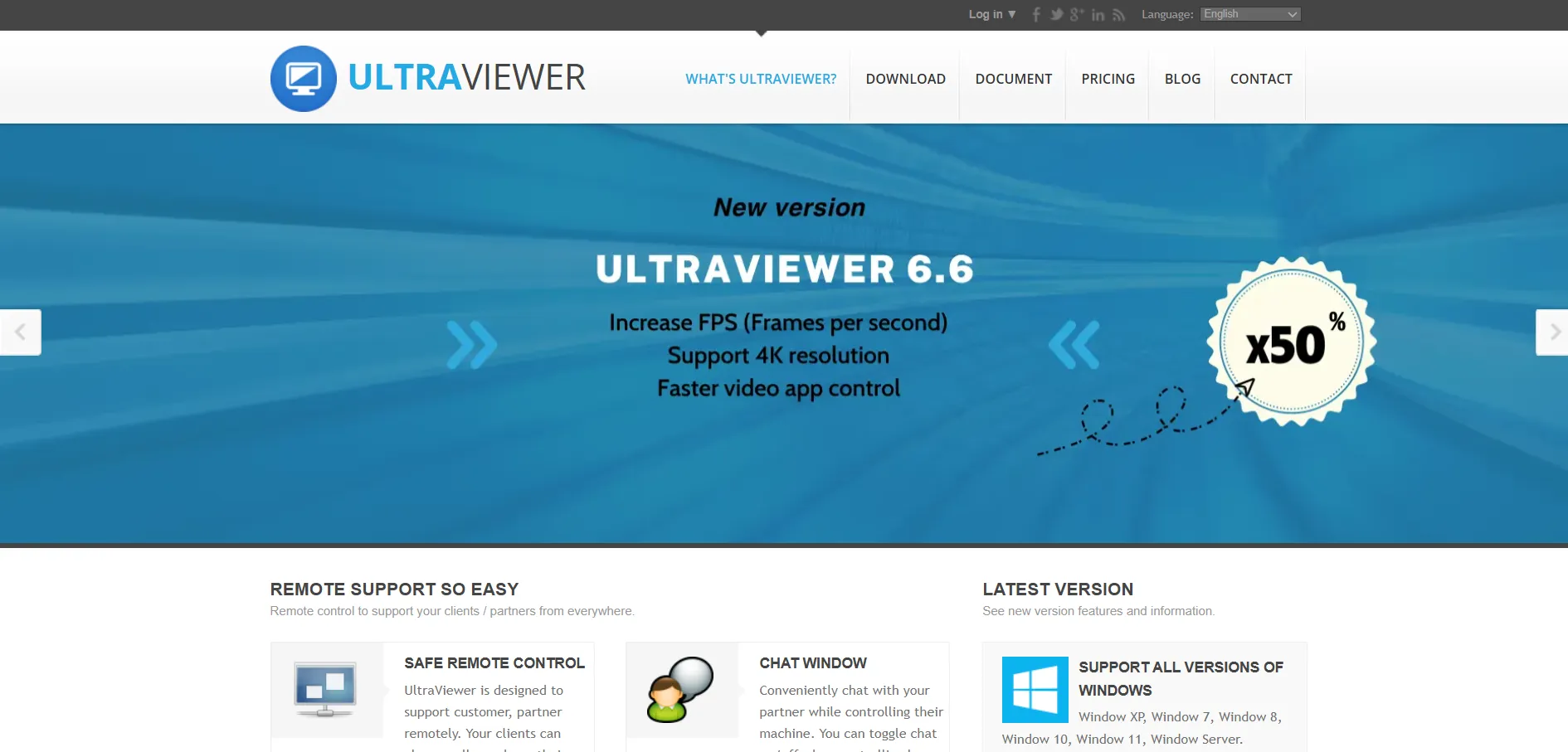
UltraViewer stands out by being completely free for both personal and commercial use, with no forced trial period needed. Paid Lite, Professional, and Premium tiers, billed annually, simply unlock more simultaneous sessions, larger file transfers, and installation across more computers for heavier users.
Designed primarily for Windows troubleshooting, UltraViewer is a lightweight, no-frills tool favored by independent technicians and small IT shops. It lacks a mobile app and multi-OS support found in bigger competitors, but its low cost and ad-free experience make it an appealing budget pick.
Pros
- Free even for commercial use
- Very affordable paid tiers
- Lightweight and easy to set up
- AES 256-bit encrypted sessions
Cons
- Windows only, no mobile app
- Fewer advanced features than rivals
- Basic interface compared to bigger platforms
NinjaOne
Trial & Pricing
Custom per-device quote
Estimated ~$1.50–$6/device/mo
NinjaOne offers a free trial but does not publish flat pricing; you’ll need a custom quote based on device count and selected modules. Independent estimates place per-device costs between roughly $1.50 and $6 monthly, with volume discounts kicking in for larger fleets and a device minimum applying.
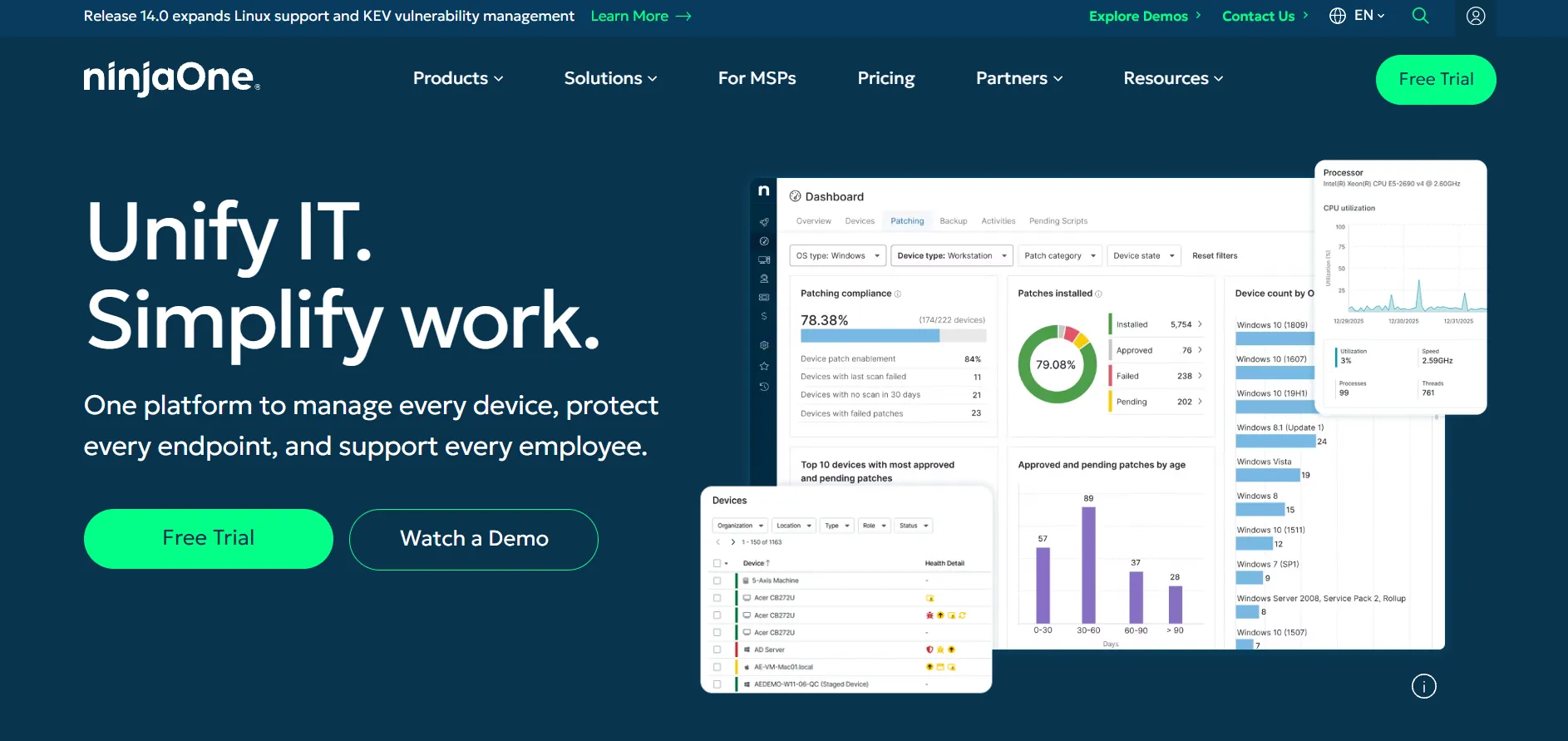
NinjaOne is a full unified IT management platform bundling RMM, patching, backup, and remote access (often via Splashtop or ScreenConnect under the hood) into one dashboard. It suits MSPs and IT departments consolidating multiple tools, though pricing opacity can make budgeting harder upfront.
Pros
- Consolidates RMM, patching, and remote access
- Per-device pricing, no per-technician fees
- Strong automation and scripting tools
- Well-regarded interface and support
Cons
- No published pricing, sales contact required
- Add-on modules increase total cost
- Overkill for simple remote access needs
Comparison Table
Conclusion
Chrome Remote Desktop remains a fine choice for quick, casual access, but it isn’t built for professional IT support, large device fleets, or gaming-grade performance. The 12 tools above each solve a different piece of that gap: HelpWire and UltraViewer for free, no-frills access; AnyDesk, TeamViewer, and Parsec for fast, feature-rich personal or creative use; and ConnectWise ScreenConnect, BeyondTrust, Pulseway, NinjaOne, and sobrii Remote for MSPs and IT departments managing real fleets at scale. Choosing the right one comes down to matching your team size, budget, and support workflow to the platform’s actual strengths — not just its sticker price.


