

UltraViewer has long been a go-to free option for quick, no-frills remote desktop connections, especially among small IT shops and helpdesk technicians. But as remote work and IT support needs have grown more demanding, many users are looking for alternatives that offer stronger security, better cross-platform support, unattended access, and more scalable pricing plans. In this article, we’ve rounded up 12 UltraViewer alternatives for 2026, covering everything from lightweight free tools to full IT fleet management platforms. For each one, we’ll look at what it offers, its free trial availability, official pricing, and the pros and cons you should weigh before switching.
1. sobrii Remote

No Free Trial (Contact for Demo)
sobrii Remote is not a standalone remote desktop tool in the traditional sense — it’s the remote control module bundled inside sobrii’s larger IT asset management platform. The company built its Rust-based agent to combine device inventory, security scoring, energy tracking, and remote access into a single lightweight footprint, aiming at IT teams that are tired of juggling multiple disconnected tools.
For organizations managing hundreds or thousands of endpoints, this bundled approach can reduce tool sprawl and licensing complexity considerably. However, for individuals or small teams who just want simple point-to-point remote access, sobrii Remote is likely overkill, since it requires adopting the entire fleet management ecosystem rather than a lightweight standalone client.
Pros
- Combines remote access with inventory, security, and energy monitoring
- Lightweight Rust agent with low CPU overhead
- Useful for MSPs managing many client fleets
Cons
- No public pricing or free plan
- Requires a minimum device count to onboard
- Overkill for individuals or very small teams
2. Parsec
14-Day Free Trial
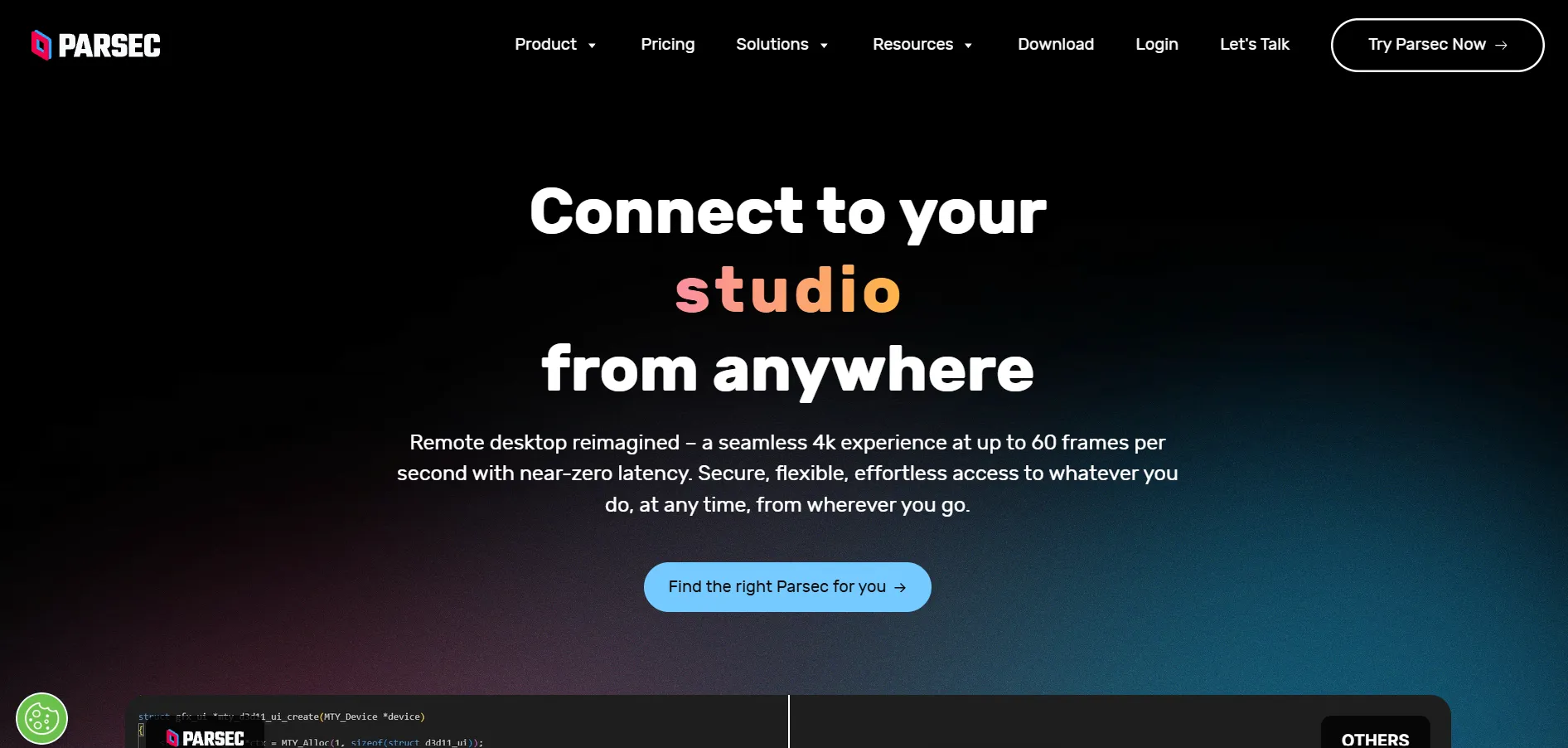
Parsec was originally built for gamers who wanted ultra-low-latency streaming between their own machines, but it has since expanded into a legitimate remote work and creative collaboration tool. Its biggest strength is performance: 60 FPS desktop capture, multi-monitor support, and 4:4:4 color accuracy make it especially appealing to video editors, designers, and anyone doing graphics-heavy remote work.
The free Personal Use plan is genuinely usable for casual, non-commercial remote access, though commercial use requires stepping up to Teams or Enterprise. Parsec’s SSO, audit logs, and granular permissions in the paid tiers make it a reasonable fit for small creative studios, though its lack of volume discounts can make scaling to larger teams pricier than some competitors.
Pros
- Exceptional low-latency streaming quality
- Free tier for personal, non-commercial use
- Strong multi-monitor and color fidelity support
Cons
- No volume discounts on licenses
- Commercial use requires a paid plan even for solo freelancers
- Primarily Windows/macOS-focused hosting
3. AnyViewer

Free Plan Available
AnyViewer is a Windows-first remote desktop tool that has built a loyal following thanks to a genuinely usable free tier, which is rare in this space. It supports unattended access, file transfer, and multi-device login, all wrapped in a clean, beginner-friendly interface that doesn’t require much technical know-how to get started.
Paid tiers unlock more logged-in devices, more simultaneous sessions, and mass deployment tools for enterprise IT teams. AnyViewer’s discounted introductory pricing for multi-year terms is attractive, but the standard renewal rates after year one or three are noticeably higher, so it pays to read the fine print before committing long-term.
Pros
- Genuinely functional free plan
- Simple, intuitive interface for beginners
- Strong ECC 256-bit encryption
Cons
- Primarily Windows-centric feature set
- Renewal pricing jumps after discounted first term
- Limited mobile app depth
4. ISL Online
15-Day Free Trial
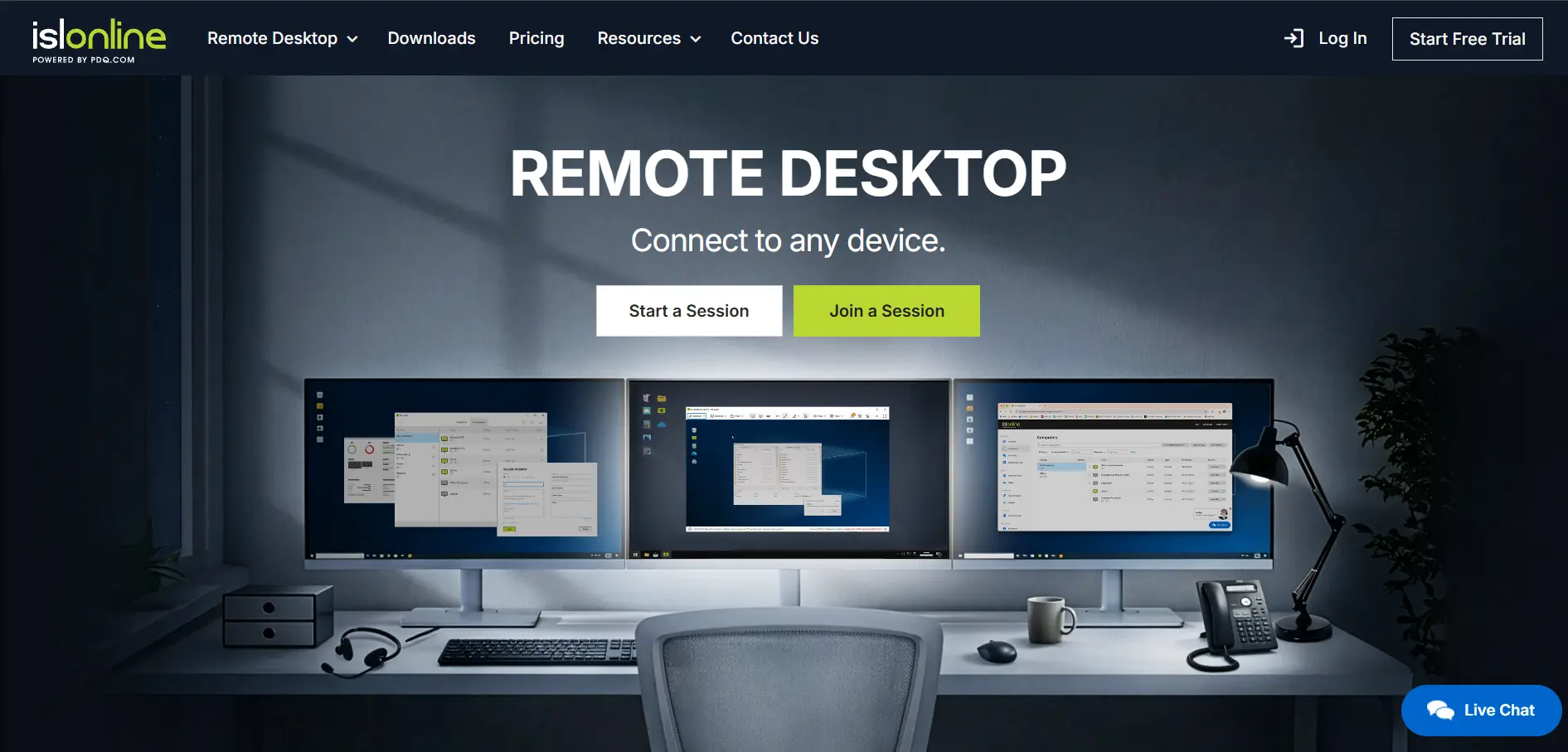
ISL Online is a Slovenia-based remote support platform aimed squarely at businesses that need flexible deployment options — cloud, self-hosted, or Managed Private Cloud. It supports session recording, live chat co-browsing, and integrations with popular ITSM and RMM platforms, making it a solid pick for IT teams with compliance requirements.
The standout feature is its self-hosted option, letting security-conscious organizations keep all session data on their own infrastructure. That flexibility does come at a price premium compared to pure cloud competitors, and the concurrent-user licensing model can feel restrictive for larger teams with overlapping shifts.
Pros
- Self-hosted and Managed Private Cloud options
- ISO/IEC 27001 certified security
- Session recording and live chat built in
Cons
- Pricier than many cloud-only competitors
- Concurrent-user licensing can bottleneck busy teams
- Interface feels dated compared to newer rivals
5. Distant Desktop
Free for Personal & Commercial Use
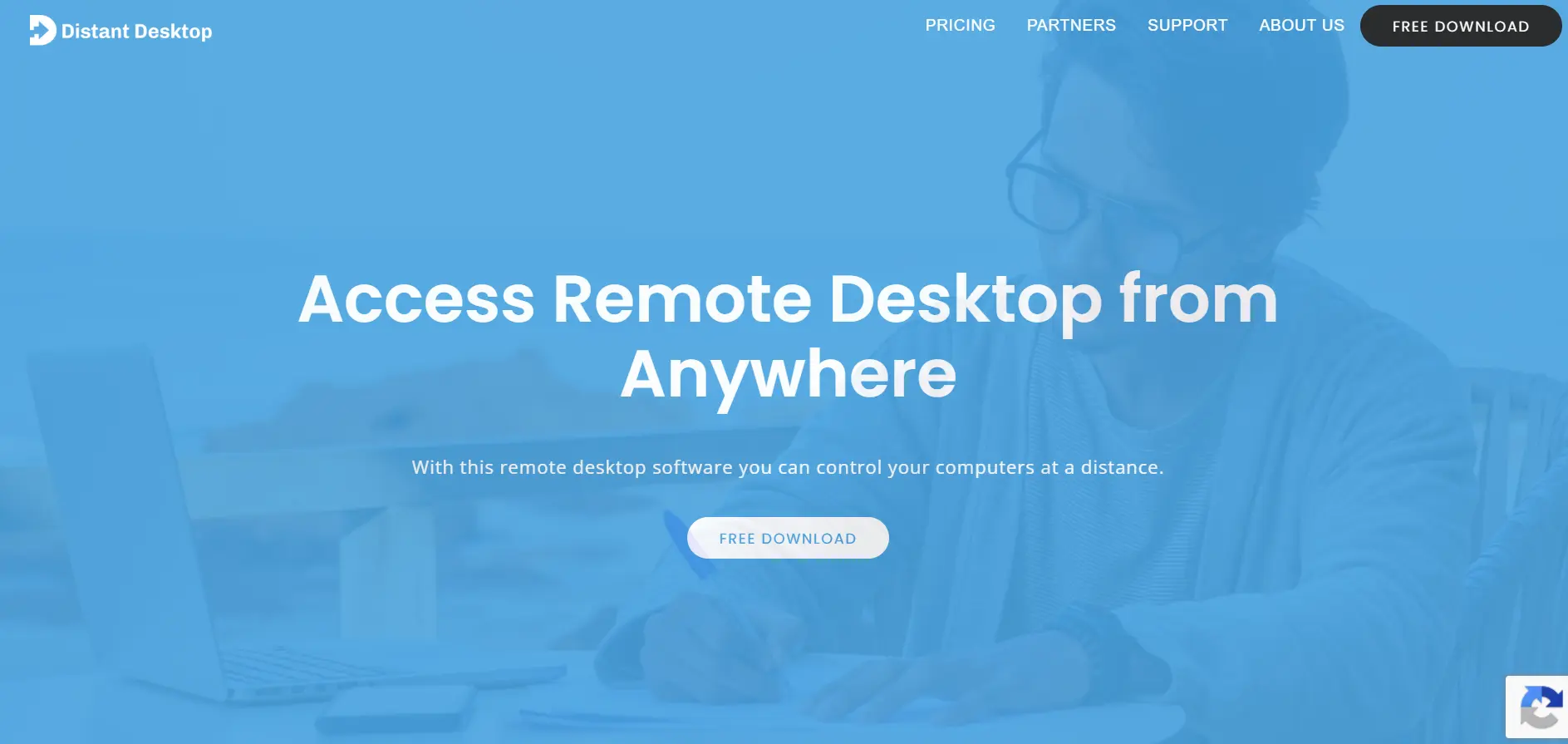
Distant Desktop markets itself as a genuinely free, full-featured remote desktop tool, with no installation or registration required to get started. It supports file transfer, multi-monitor access, voice/text chat, and a demonstration mode useful for online lessons or presentations, all in a lightweight, portable package that works from a USB drive.
For users who need to manage several licenses across a small team, the discounted bulk pricing makes it a cost-effective alternative to subscription-heavy competitors. That said, some users have reported slow customer support response times, and its feature set, while solid, lags behind more established platforms in areas like mobile device management.
Pros
- Free for both personal and commercial use
- No installation or registration required
- Portable — runs from a USB drive
Cons
- Customer support response times can be slow
- Limited mobile device management features
- Smaller user community than major competitors
6. AnyDesk

Free Business Trial Available
AnyDesk is one of the most recognizable names in remote desktop software, prized for its proprietary DeskRT codec that delivers smooth, low-latency connections even on modest bandwidth. It’s cross-platform, supports mass deployment via MSI and Group Policy, and includes remote printing, wake-on-LAN, and session recording across its paid tiers.
The free version remains popular for personal, non-commercial use, but AnyDesk’s connection-based licensing model (rather than pure per-user) means costs can climb quickly for MSPs juggling many simultaneous client sessions. Businesses in regulated industries should also note that AnyDesk still lacks some of the formal certifications (like SOC 2) that competitors already hold.
Pros
- Excellent performance even on low bandwidth
- Free for personal use
- Mass deployment and Group Policy support
Cons
- Connection-based pricing can scale expensively for MSPs
- Missing some formal compliance certifications
- Annual billing only, no month-to-month option
7. TeamViewer
No Free Trial for Paid Plans (Free for Personal Use)
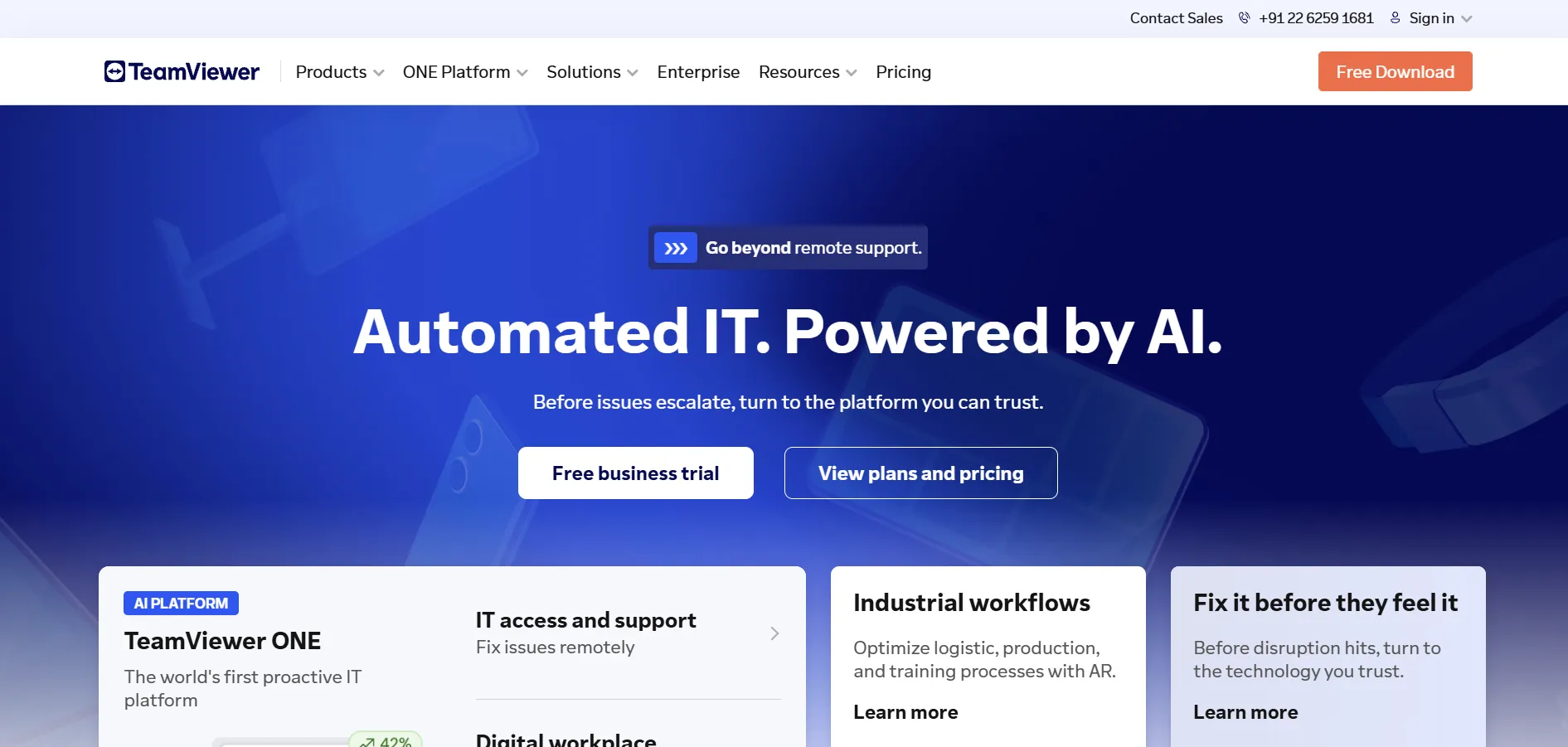
TeamViewer is arguably the most established name in this category, known for its wide-reaching cross-platform support, AR-powered remote assistance, and robust enterprise-grade security. It’s a mature product that integrates with a large ecosystem of ITSM and helpdesk tools, and its Tensor tier offers some of the most complete compliance certifications on the market, including FedRAMP and BSI C5.
That maturity comes at a cost, though. TeamViewer has raised prices repeatedly in recent years, and its per-session and per-user licensing model gets complicated fast once you add mobile support, concurrent connections, or additional managed devices. Many small businesses now shop around before committing, given how quickly add-ons can push the total bill well past the advertised entry price.
Pros
- Extensive enterprise security certifications
- AR-powered remote assistance tools
- Massive third-party integration ecosystem
Cons
- Frequent price increases in recent years
- Complex add-on pricing can inflate real costs
- Aggressive commercial-use detection on free accounts
8. AirDroid Remote Support
Free Plan / Demo Available
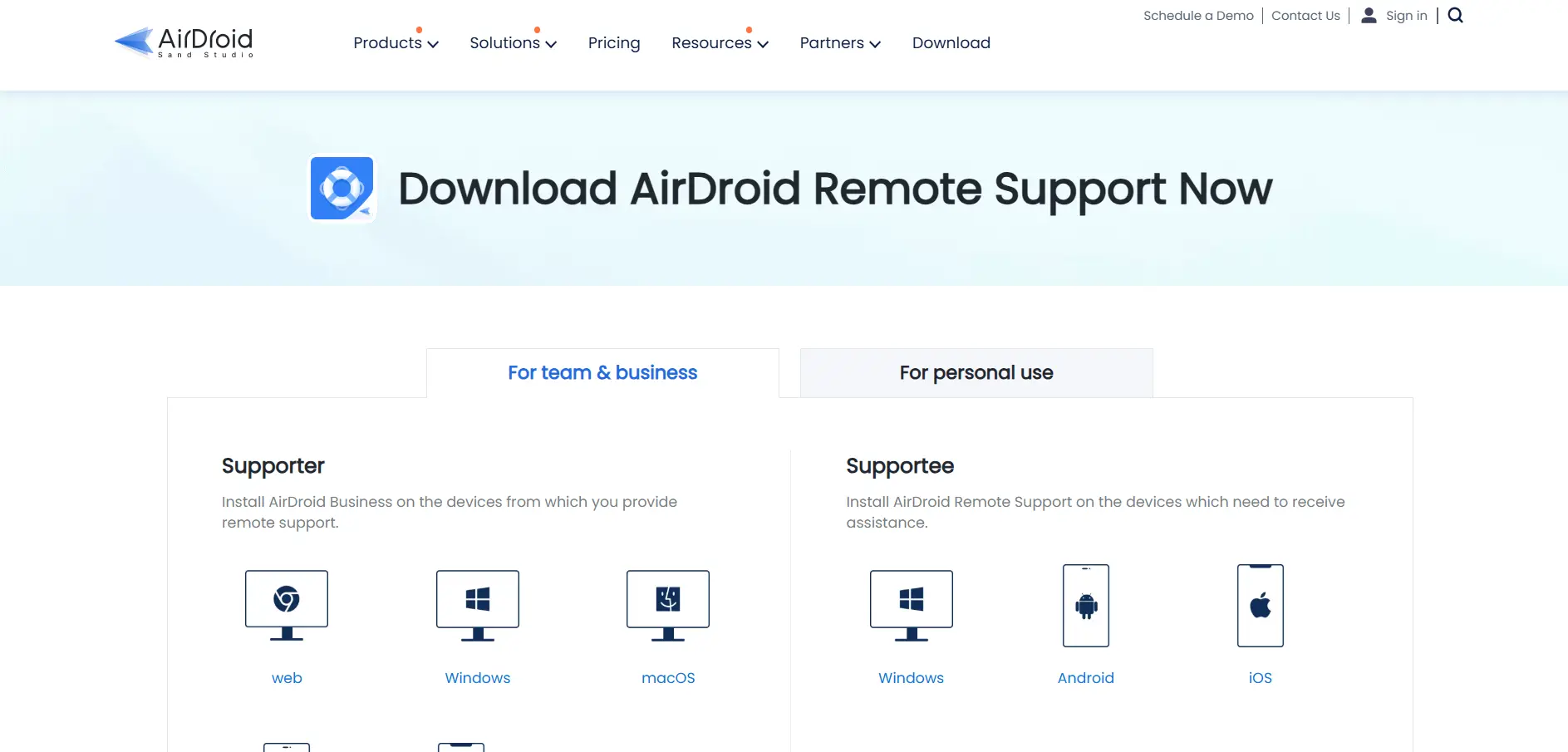
AirDroid Remote Support stands out for its mobile-first approach, offering strong Android remote control and screen mirroring in addition to standard Windows/macOS desktop support. This makes it especially useful for businesses that handle a lot of mobile device troubleshooting, such as retail, logistics, or field service teams.
Its Basic plan’s connection-hour limits can catch growing teams off guard, since heavier support usage quickly requires an upgrade to Standard or Premium. While the mobile feature set is genuinely strong, some reviewers note the desktop app’s interface feels more complex than necessary for straightforward, single-session support calls.
Pros
- Best-in-class Android remote control and mirroring
- Useful for mobile device fleets in retail/logistics
- Session recording and file transfer included
Cons
- Basic plan’s connection-hour cap can be limiting
- No published API
- Interface can feel complex for quick support sessions
9. RustDesk
Free Open-Source Self-Hosting
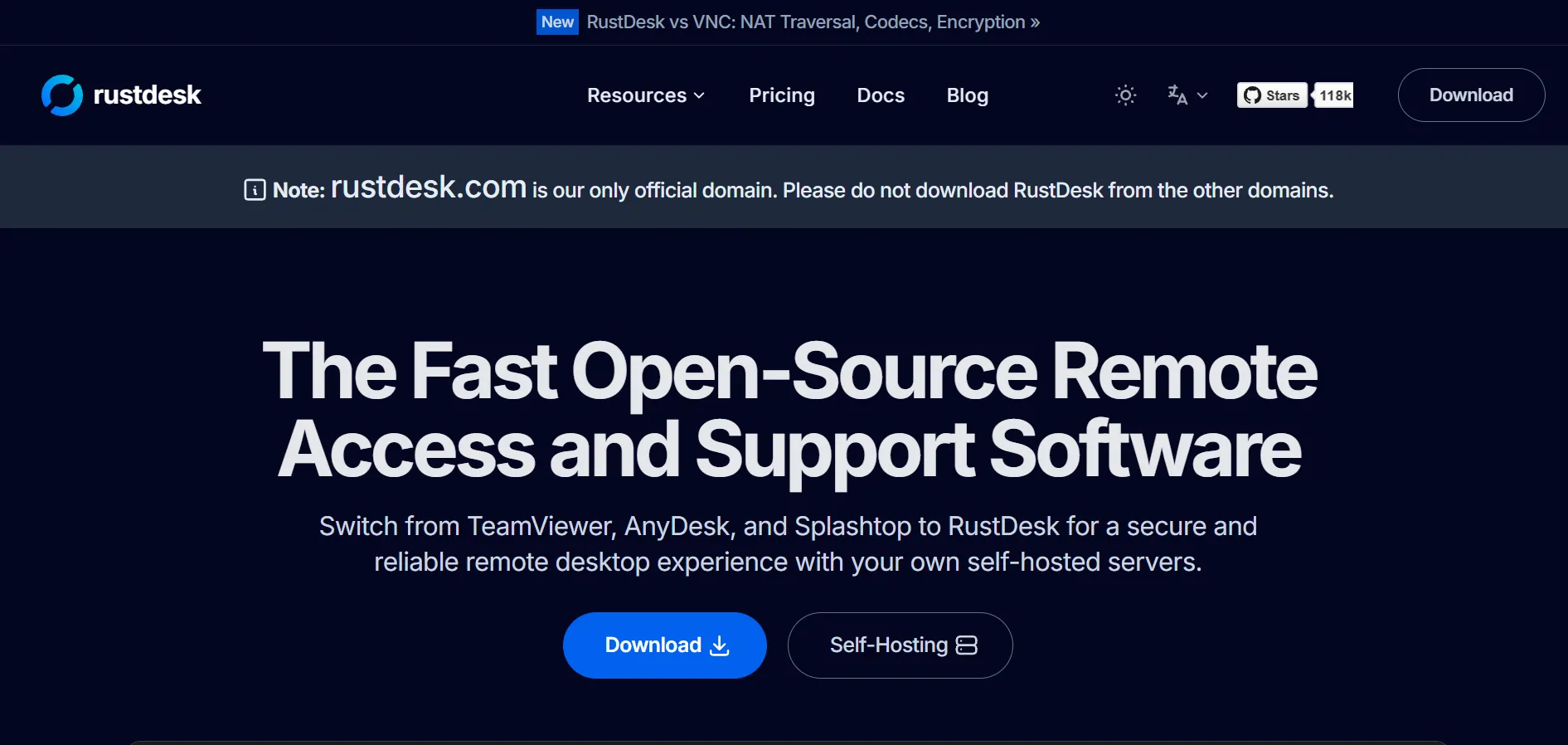
RustDesk has become the go-to choice for IT teams that want full data sovereignty through self-hosting, backed by an active open-source community. The free tier is a genuine open-source server anyone can deploy, while the Pro plans add features like 2FA, LDAP/SSO integration, a web console, and audit logs for teams that need more centralized control.
Because RustDesk is fundamentally a self-hosting solution rather than a managed SaaS product, it requires more technical setup than plug-and-play competitors — deploying and maintaining the Docker-based server is squarely an IT admin’s job. Teams without the in-house skill to manage that infrastructure may find the learning curve steeper than expected, even though the software itself is free.
Pros
- Fully open-source with a free self-hosted tier
- Complete data sovereignty for privacy-conscious teams
- Affordable Pro tiers with SSO and LDAP support
Cons
- Requires technical skill to deploy and maintain
- No monthly billing option, annual only
- No official SaaS-hosted alternative for non-technical users
10. Chrome Remote Desktop
Completely Free
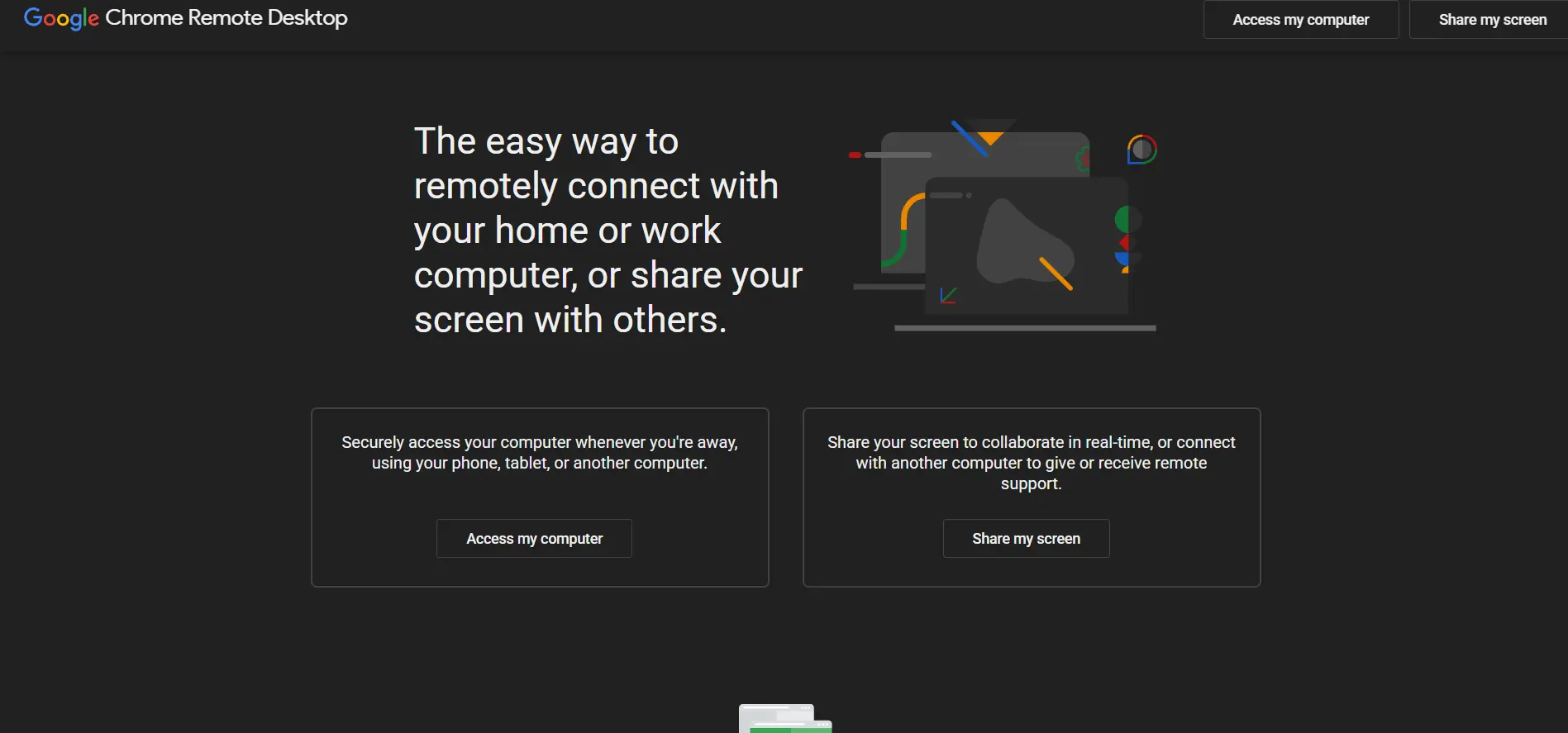
Chrome Remote Desktop is Google’s no-frills, browser-based remote access tool, designed for quick access to your own machines or occasional support for friends and family. It requires only a Chrome browser and a Google account, making it one of the simplest tools to set up on this list, with zero cost regardless of how you use it.
Its simplicity is both its greatest strength and its biggest limitation. There’s no session recording, no multi-user administration console, no audit logging, and no dedicated business tier, which makes it unsuitable for professional IT support teams or MSPs that need centralized management and reporting across many client machines.
Pros
- Completely free with no hidden tiers
- Extremely simple setup via Chrome browser
- Cross-platform (Windows, macOS, Linux, ChromeOS, Android, iOS)
Cons
- No business or admin management features
- No session recording or audit logs
- Not designed for professional support workflows
11. HelpWire
Free During Early Access
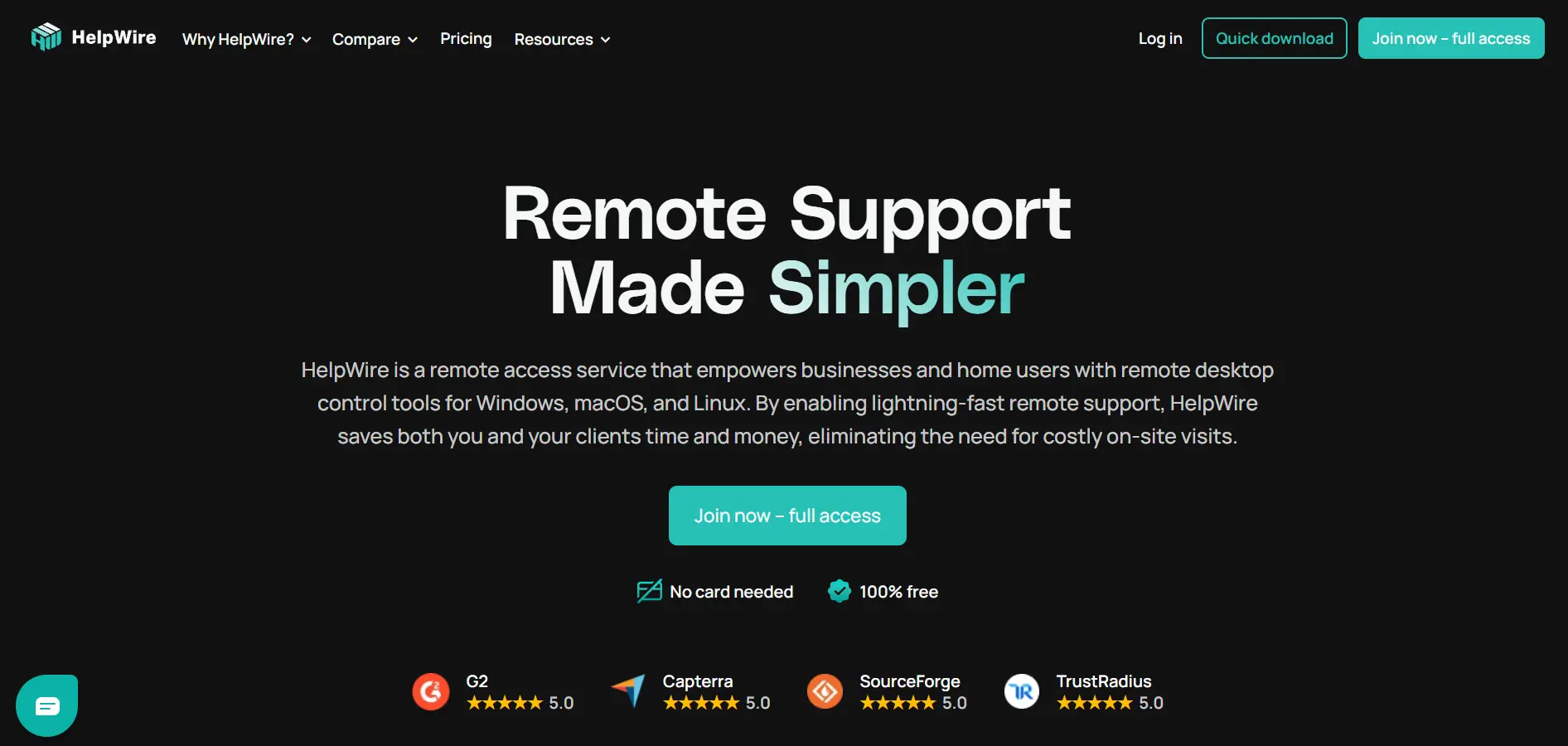
HelpWire, backed by Electronic Team, is a newer remote support tool built around link-based sessions that don’t require the remote user to create an account. It supports peer-to-peer connections with relay fallback, unattended access, file transfer, and real-time chat, all currently offered free of charge while the company gathers user feedback during its early access phase.
Because pricing hasn’t launched yet, businesses adopting HelpWire today are essentially locking in future savings, though this also means committing to a product whose long-term cost structure isn’t fully known. Some reviewers note the tool currently lacks deeper integrations with helpdesk platforms like Jira or Slack, features more mature competitors already offer.
Pros
- Completely free during early access with no ads
- No account required for the remote user to join
- Early adopters get discounted future pricing
Cons
- Future pricing structure not yet finalized
- Lacks integrations with helpdesk tools like Jira or Slack
- Limited mobile support currently
12. Zoho Assist
Free Plan + Free Trial
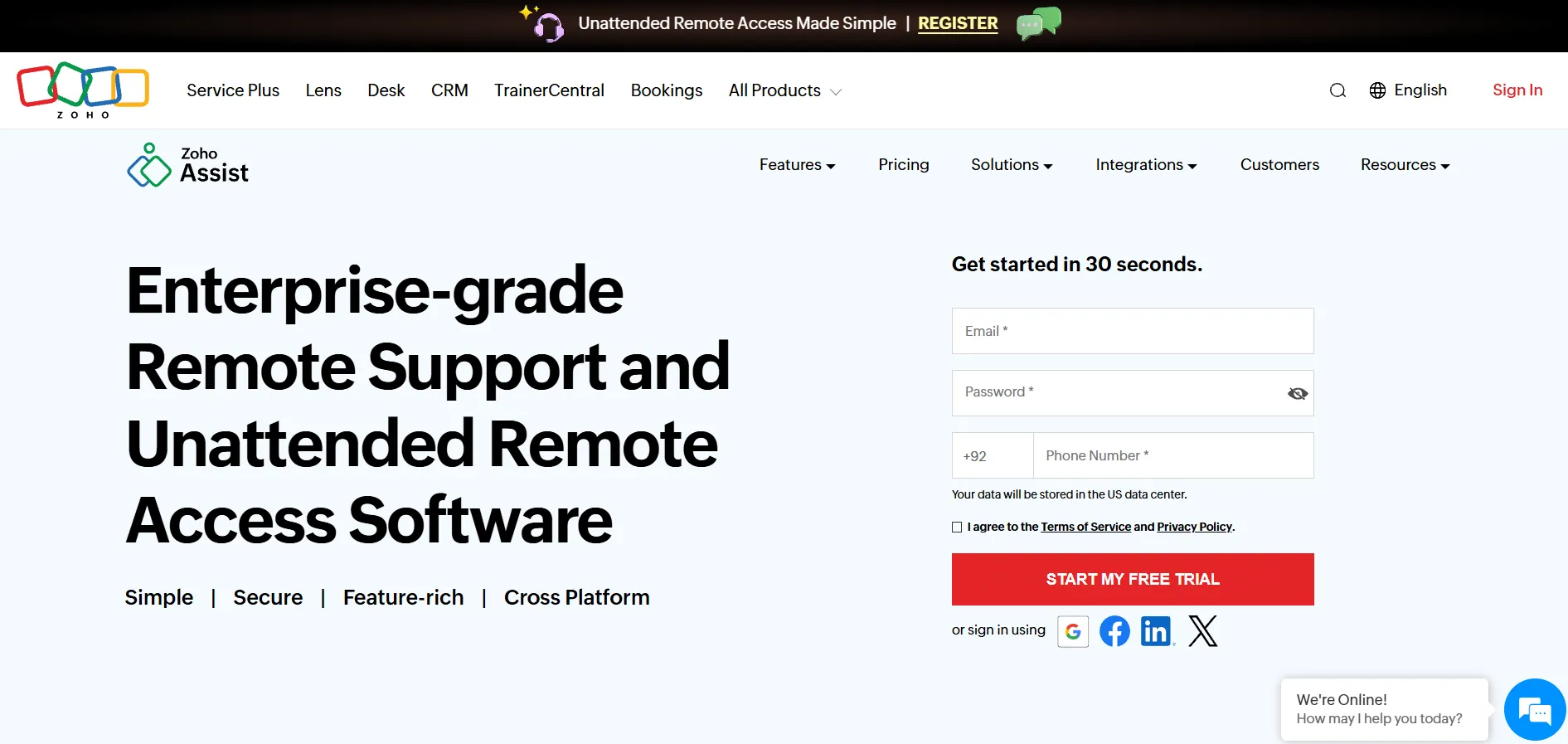
Zoho Assist is a well-rounded remote support and unattended access tool that fits naturally into the wider Zoho ecosystem, making it a strong pick for businesses already using Zoho CRM, Desk, or Books. It supports up to 100GB file transfers, remote reboot/reconnect, multi-monitor viewing, and integrations with major helpdesk platforms like Freshdesk, Jira, and Zendesk.
Its tiered pricing is genuinely competitive against TeamViewer and AnyDesk for similar feature sets, and the free-forever plan is a real draw for freelancers or very small teams. That said, some users find the licensing distinction between “Remote Support” and “Unattended Access” plans confusing, and advanced features like audit logs are reserved for the pricier Enterprise tier.
Pros
- Competitive tiered pricing vs. major rivals
- Strong integrations with Zoho and third-party helpdesk tools
- Genuine free-forever plan available
Cons
- Remote Support vs. Unattended Access licensing can confuse buyers
- Audit logs and advanced controls locked to Enterprise tier
- Performance can dip on low-bandwidth connections
Quick Comparison Table
| Alternative | Description |
|---|---|
| sobrii Remote | Remote control module bundled inside a full IT fleet management and asset intelligence platform. |
| Parsec | High-performance, low-latency remote desktop tool popular with gamers, designers, and creative teams. |
| AnyViewer | Windows-focused remote access tool known for a genuinely usable free plan and simple interface. |
| ISL Online | Flexible remote support platform offering cloud, self-hosted, and private cloud deployment options. |
| Distant Desktop | Lightweight, portable remote desktop tool that’s free for both personal and commercial use. |
| AnyDesk | Widely used remote desktop software known for its fast, low-bandwidth-friendly DeskRT codec. |
| TeamViewer | Established, feature-rich remote access platform with strong enterprise security certifications. |
| AirDroid Remote Support | Mobile-first remote support tool with strong Android control and screen mirroring capabilities. |
| RustDesk | Open-source, self-hostable remote desktop solution built for full data sovereignty. |
| Chrome Remote Desktop | Google’s free, browser-based tool for simple personal remote access and casual support. |
| HelpWire | Newer link-based remote support tool, currently free during its early access period. |
| Zoho Assist | Well-rounded remote support and unattended access tool integrated into the Zoho software ecosystem. |
Conclusion
Choosing the right UltraViewer alternative really comes down to your specific needs and budget. If you want a completely free, no-strings-attached option for personal use, Chrome Remote Desktop or Distant Desktop are hard to beat. If data sovereignty and self-hosting matter most, RustDesk gives you full control at a low cost. For established businesses that need enterprise-grade certifications and deep integrations, TeamViewer and Zoho Assist remain strong, dependable choices, while AnyDesk offers a great balance of performance and price for mid-sized teams.
For organizations managing large device fleets who want remote access bundled with inventory and security monitoring, sobrii Remote and AirDroid Remote Support offer more specialized value. Whichever tool you choose, be sure to weigh trial availability, pricing transparency, and long-term scalability before committing, since many providers offer discounted introductory rates that increase substantially upon renewal.


