
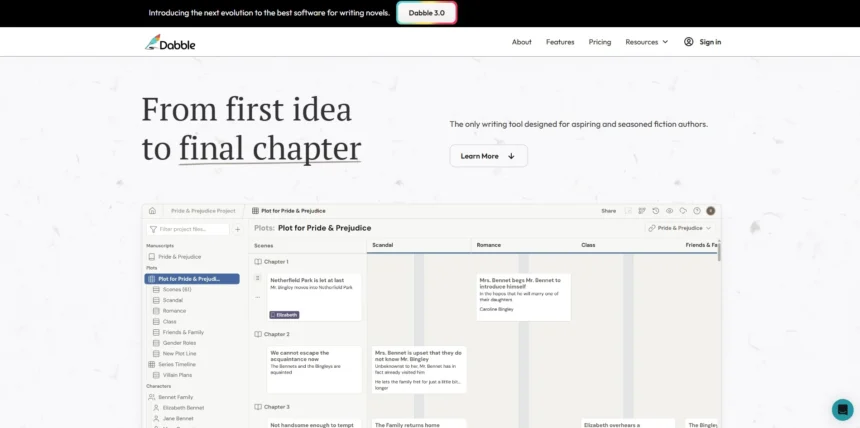
Dabble has earned a loyal following among novelists for its clean interface and distraction-free plotting tools, but it isn’t the only game in town. Writers today want more deeper AI assistance, screenwriting support, visual outlining, or simply a different price point. Whether you’re drafting your first novel or managing a multi-book series, the right tool can make the entire writing journey smoother. In this guide, we’ve rounded up 10 Best Dabble Alternatives available right now.
Each one brings something different to the table, from AI-powered drafting engines to visual story planners and industry-standard screenwriting software. We’ve pulled trial details and pricing straight from each company’s official site so you can compare options without digging through multiple tabs, and we’ve weighed the pros and cons so you can pick the tool that actually fits your workflow.
1. StoryCraft AI
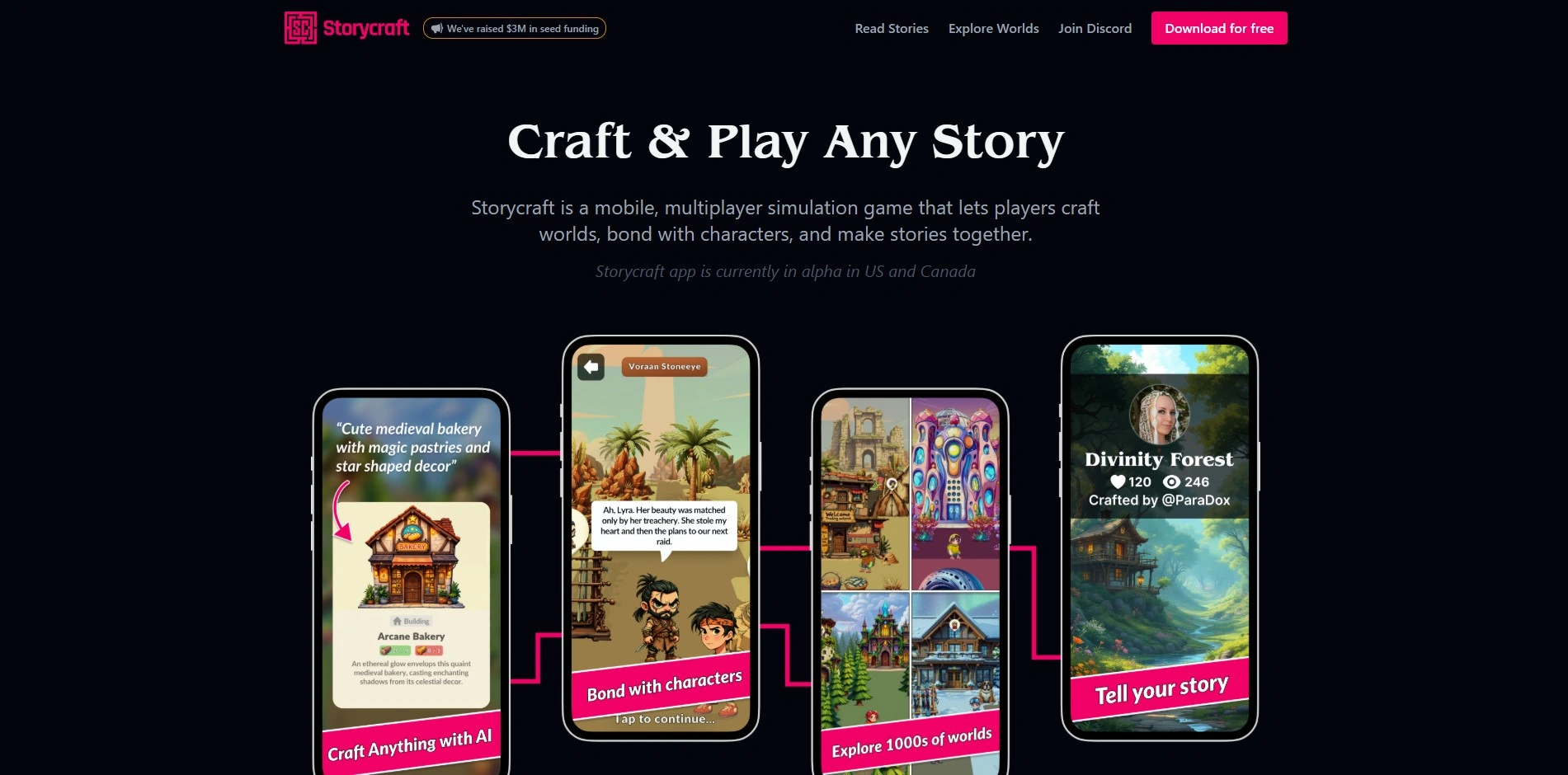
StoryCraft AI is offered as a free & open-source tool, part of the AI Craftr suite of writing utilities. There are no locked paid tiers to unlock $0 self-hostedthough you connect your own AI provider key, so usage costs depend on whichever model you choose to plug in for generation.
Built for writers who want full control, StoryCraft AI helps you build worlds, develop characters, and generate outlines and chapters using AI as a creative partner. Because it’s open-source, technically inclined authors can customize workflows, while everyone else benefits from a genuinely no-subscription approach to AI-assisted fiction writing.
Pros
- Completely free, open-source codebase
- No recurring subscription fees
- Flexible AI model integration
- Full transparency over how it works
Cons
- Requires technical setup for some users
- AI usage costs are separate and variable
- Less polished interface than commercial tools
- Smaller support community
2. Sudowrite

Sudowrite offers a free trial of roughly 10,000 credits with no credit card required. Paid plans run Hobby & Student $10/mo Professional $22/mo Max $44/mo when billed annually, or $19, $29, and $59 monthly respectively, all with full feature access.
Sudowrite is a fiction-focused AI writing assistant built specifically for novelists. Its standout tools Story Engine, Describe, Rewrite, and Brainstorm help writers push past writer’s block, deepen characters, and generate vivid, genre-aware prose without losing their personal voice throughout the manuscript.
Pros
- Fiction-specific AI tuned for prose quality
- Powerful Story Engine and Brainstorm tools
- Generous no-card free trial credits
- Credits rollover on the Max plan
Cons
- Credit system can feel confusing
- No permanent free plan
- Lower tiers drain credits quickly
- No built-in export or publishing tools
3. Beemgee
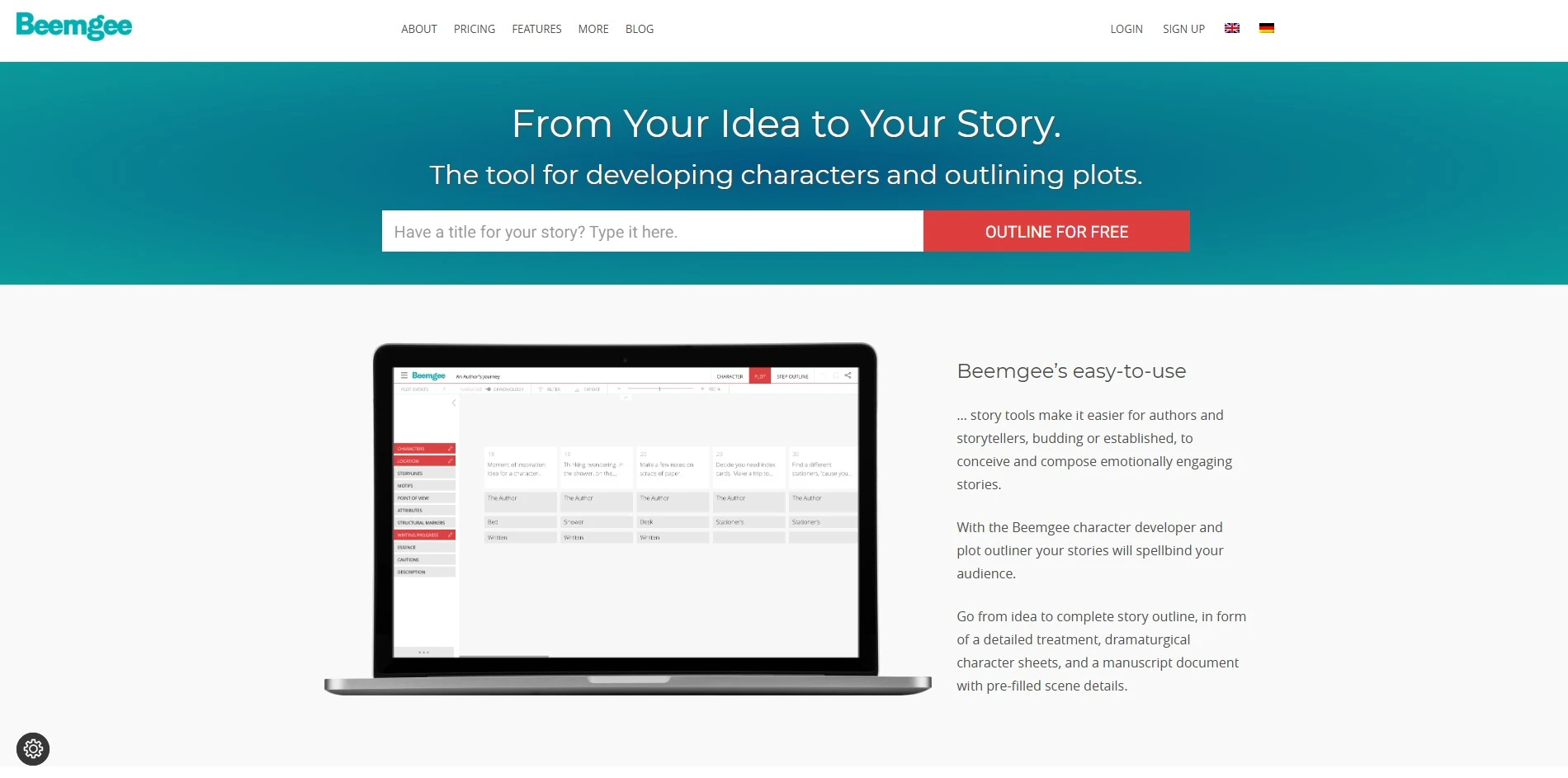
Beemgee runs on a try free, no signup trial model you simply use it before ever paying. The Premium upgrade costs €8/month billed as €96/year, with automatic annual renewal, payable via PayPal or credit card, cancel anytime.
Beemgee is a story-structuring web app built around character development and dramaturgy frameworks like the Hero’s Journey. It helps writers visually map plot events, motifs, and character arcs before drafting, making it especially useful for authors who plan extensively before writing a single scene.
Pros
- No signup needed to start trying it
- Affordable premium pricing
- Strong dramaturgy and structure frameworks
- GDPR-compliant, privacy-conscious
Cons
- Not a drafting tool outlining only
- Interface feels dated compared to rivals
- Limited AI generation features
- Smaller user community overall
4. ChatGPT

ChatGPT has a permanent free plan, plus paid tiers: Plus $20/mo, Pro $100 or $200/mo, and Business ~$20–25/user/mo. Enterprise pricing is available on request, and there’s no dedicated free trial since the free tier itself never expires.
ChatGPT is a general-purpose AI chatbot from OpenAI that many writers use for brainstorming, outlining, dialogue polishing, and drafting scenes. While not built specifically for novelists, its flexibility, conversational memory, and wide model access make it a popular budget-friendly companion for creative writing tasks of every kind.
Pros
- Free tier available indefinitely
- Extremely versatile, not just for writing
- Fast, high-quality responses
- Regularly updated with newer models
Cons
- No dedicated story bible or outlining UI
- Can lose long-story continuity over time
- Free tier has usage caps
- Not fiction-specialized out of the box
5. Plottr
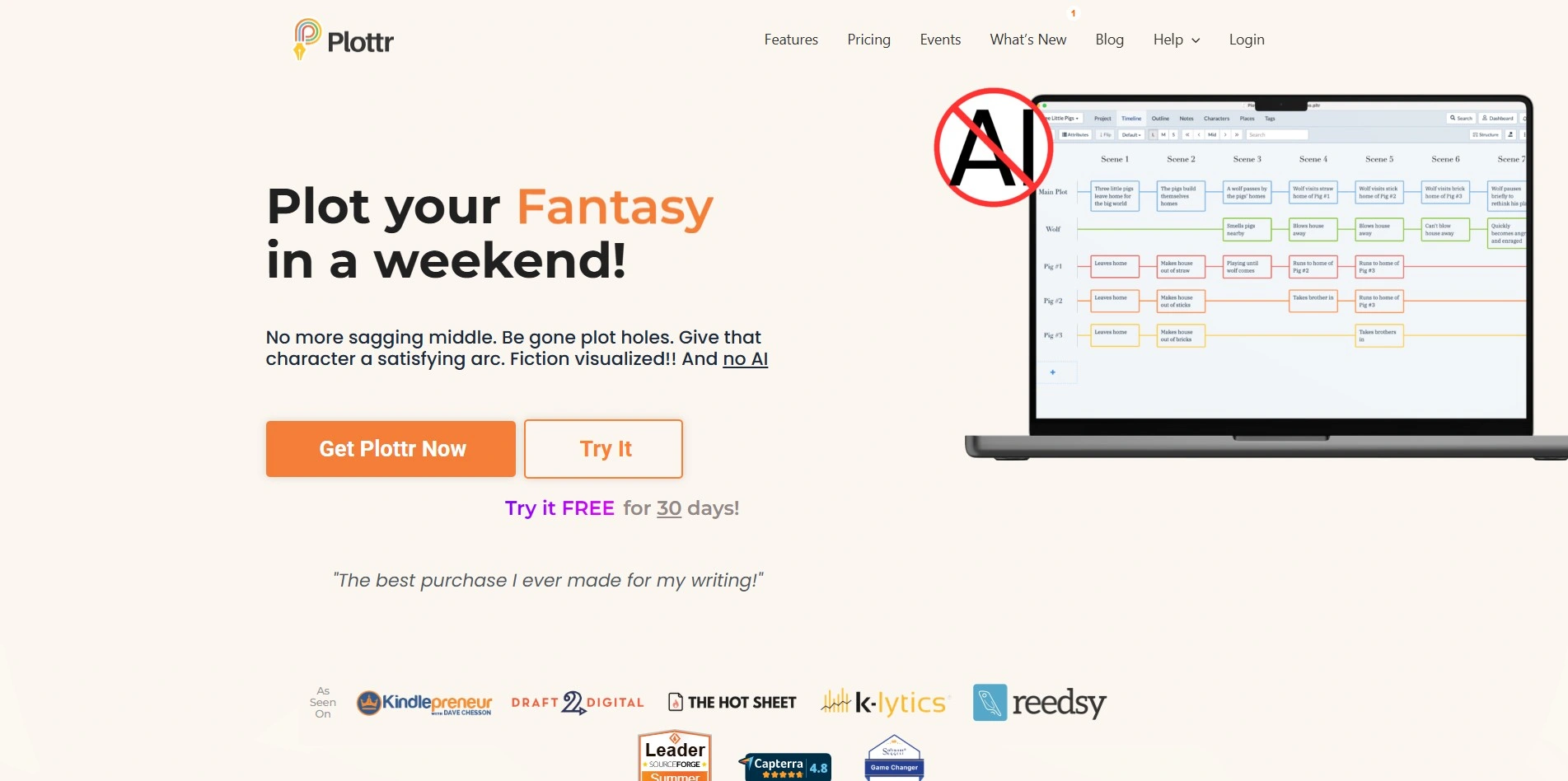
Plottr offers a full 30-day free trial. Pricing runs Pro $9.99/mo monthly or $99/yr annually, with a Lifetime license from $150; the Pro + Community tier adds coaching access for $14.99/mo or $649 lifetime.
Plottr is a visual outlining tool that lets authors drag and drop scenes, timelines, and character arcs onto a board. It’s popular with plotters and pantsers alike, since it also works well as a series bible for tracking characters and continuity details across multiple books.
Pros
- Excellent visual, drag-and-drop outlining
- One-time lifetime purchase option
- Great for series bibles and continuity
- Generous 30-day free trial
Cons
- Learning curve for new users
- No built-in AI generation
- Export options are somewhat limited
- Cloud/collaboration features cost extra
6. WriterDuet
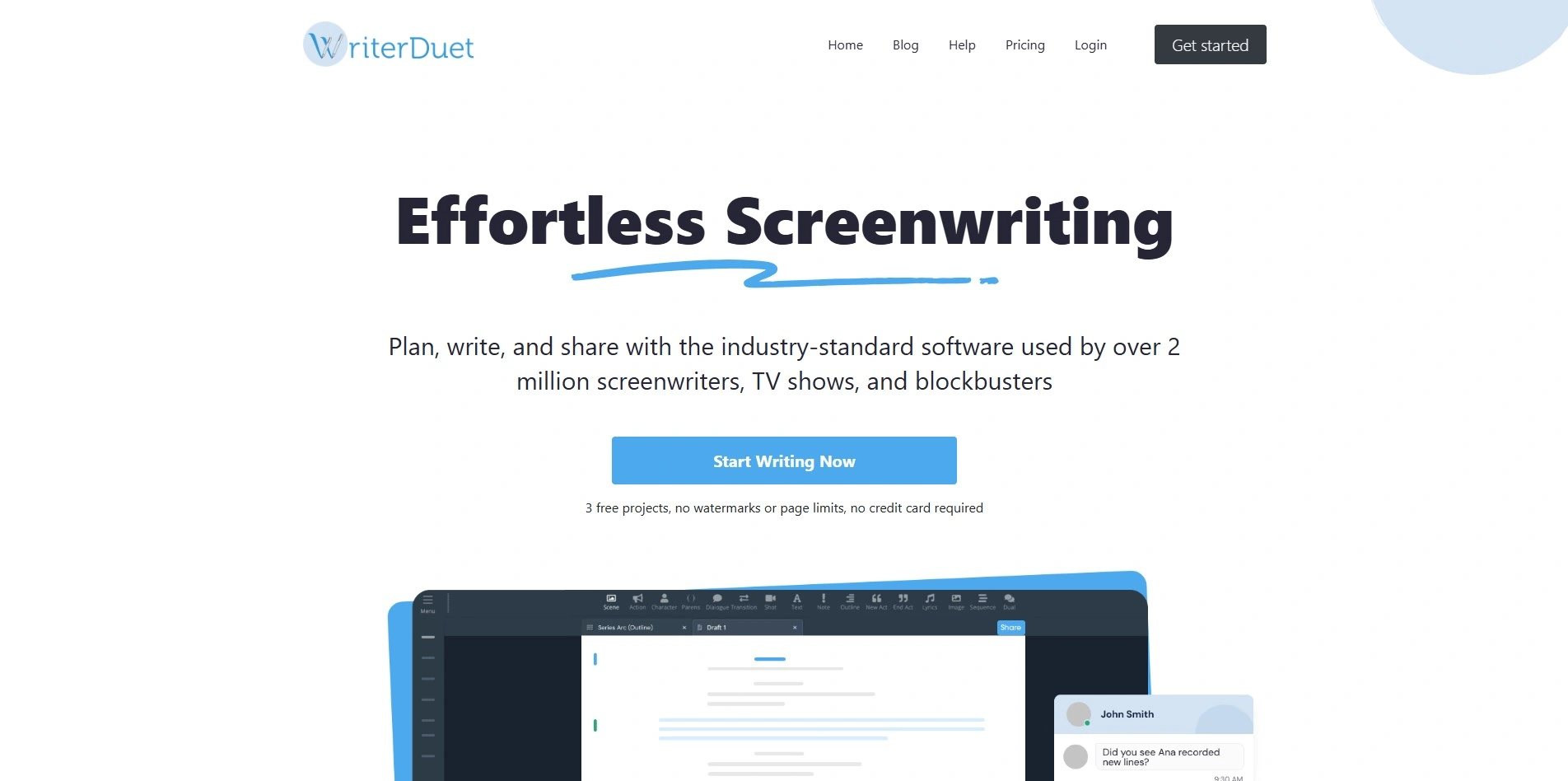
WriterDuet includes a free plan and free trials on paid tiers. Paid pricing runs roughly Plus $9.99/mo, Pro $11.99/mo, and Premium $13.99/mo, making it noticeably cheaper than most legacy screenwriting software while still offering real-time collaboration.
WriterDuet is a cloud-based screenwriting platform built for real-time collaboration between writers, editors, and producers. It supports industry-standard formatting, offline mode, video and text chat, and revision tracking, making it a strong pick for writing partners or small writers’ rooms working remotely.
Pros
- Real-time collaborative editing
- Much cheaper than Final Draft
- Works across devices, including mobile
- Offline mode available
Cons
- Free plan limited to three projects
- Desktop app can feel clunky
- Built for scripts, not prose novels
- Fewer story-planning features than Plottr
7. Squibler
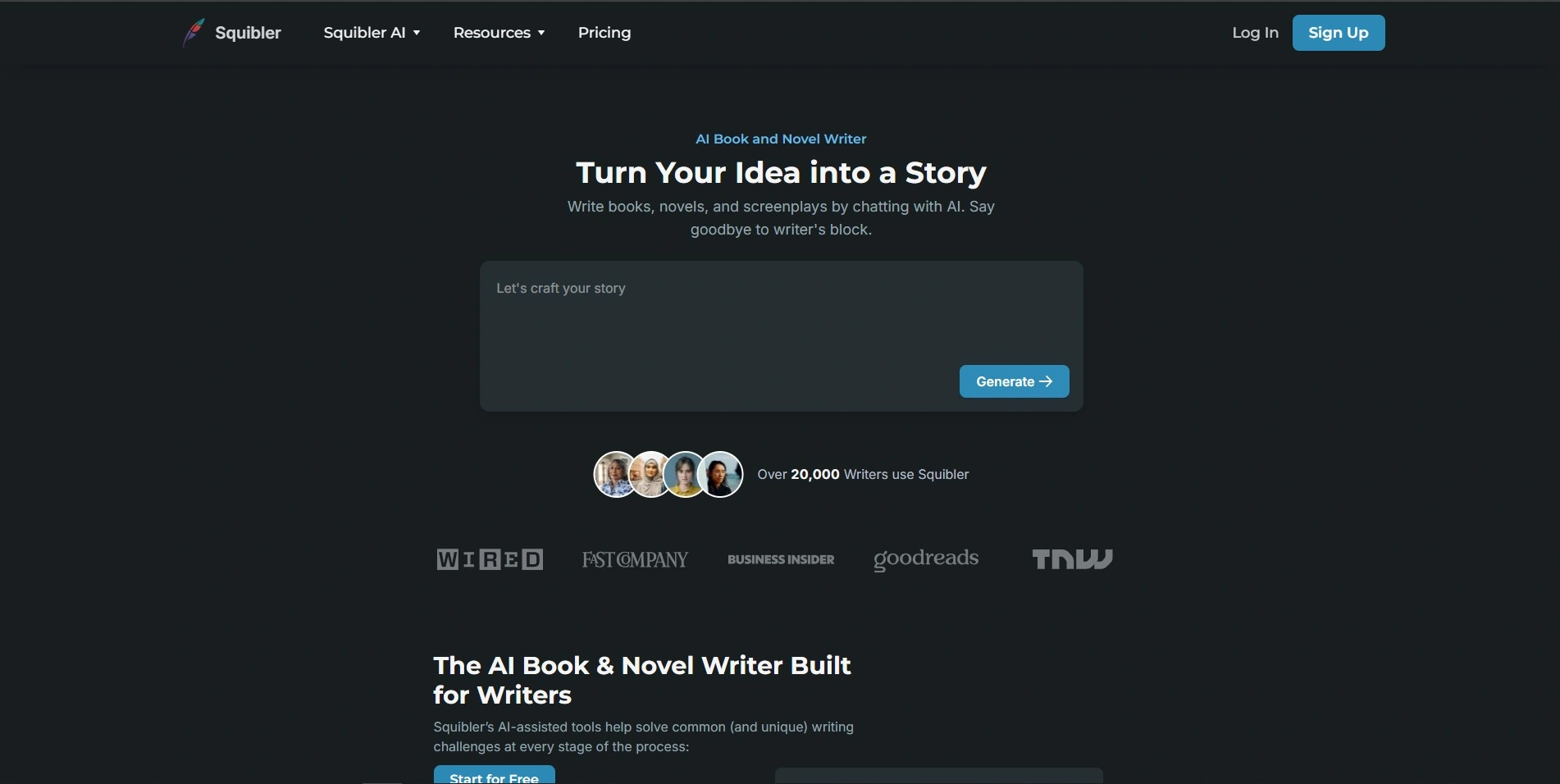
Squibler has a free Limited Tier to start. Paid plans list Plus at $29/mo ($16/mo annual) and Pro at $89/mo ($49/mo annual), with Pro unlocking unlimited AI credits versus Plus’s capped monthly allowance.
Squibler blends an AI drafting assistant with project management tools, letting writers track word counts, deadlines, and progress alongside AI-generated text. Its Elements feature works like a mini story bible, storing character and plot notes so nothing important gets lost mid-manuscript.
Pros
- Combines writing, planning, and tracking
- Free tier to test before paying
- Unlimited AI credits on Pro
- Useful Elements story-bible feature
Cons
- Pricier than several direct competitors
- Credit-based limits on lower tier
- Some users report billing complaints
- AI prose quality trails Sudowrite
8. Jasper AI
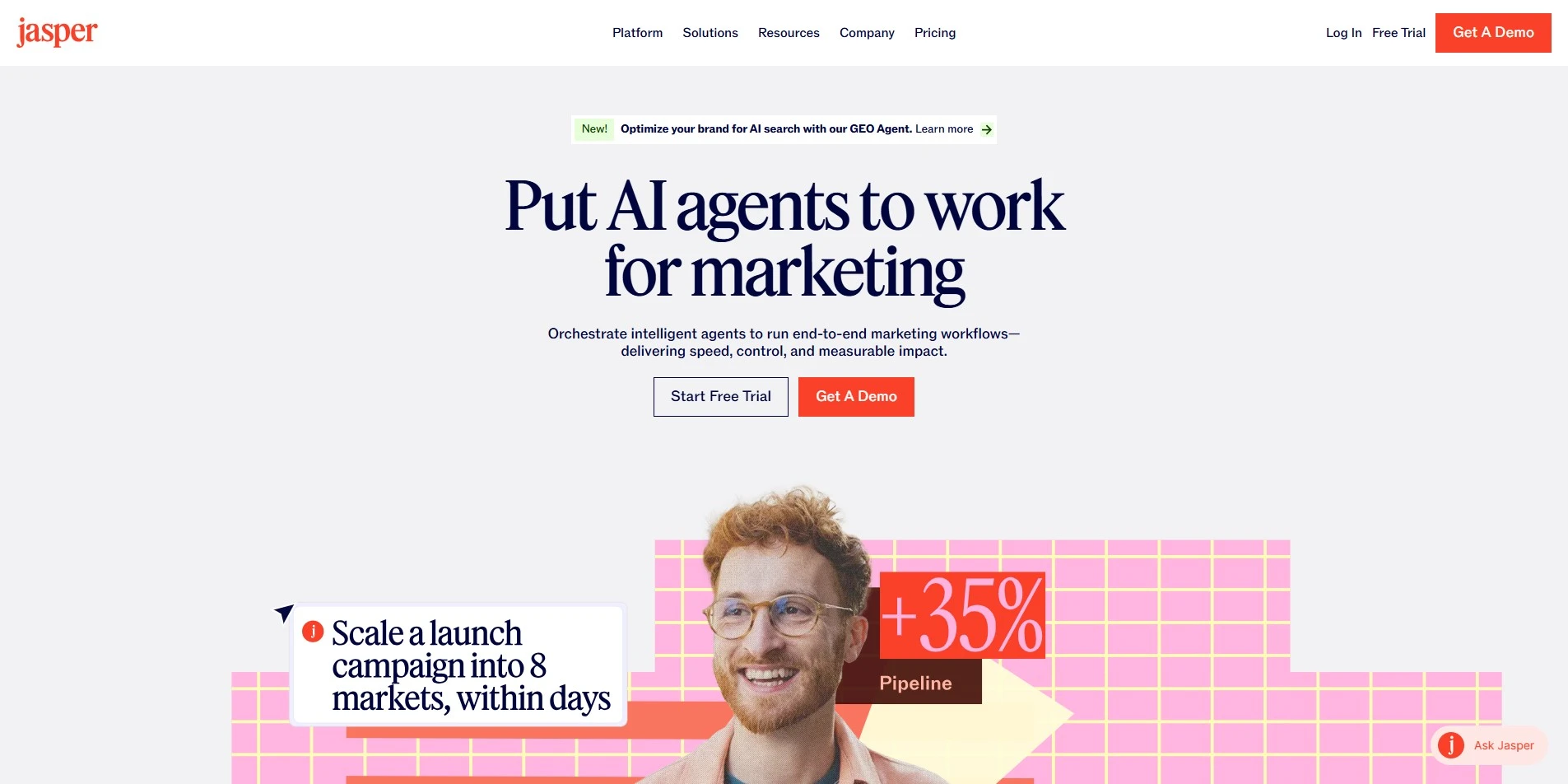
Jasper AI provides a 7-day free trial. Current plans are Pro $69/mo ($59/mo billed annually) for one seat, and a custom-quoted Business plan for teams needing collaboration, brand voices, and enterprise-level security features.
Jasper AI began as a marketing copy generator and has evolved into a broader content hub with unlimited word generation, brand voice tools, and campaign templates. Writers sometimes use it for outlining, blurbs, and blog-style content, though it’s less tailored to long-form fiction than dedicated novel tools.
Pros
- Unlimited word generation on Pro
- Strong marketing and content templates
- Brand voice consistency features
- Useful Chrome extension
Cons
- Expensive relative to fiction-focused tools
- No permanent free plan
- Not designed for novel-length fiction
- Business pricing isn’t published upfront
9. Final Draft
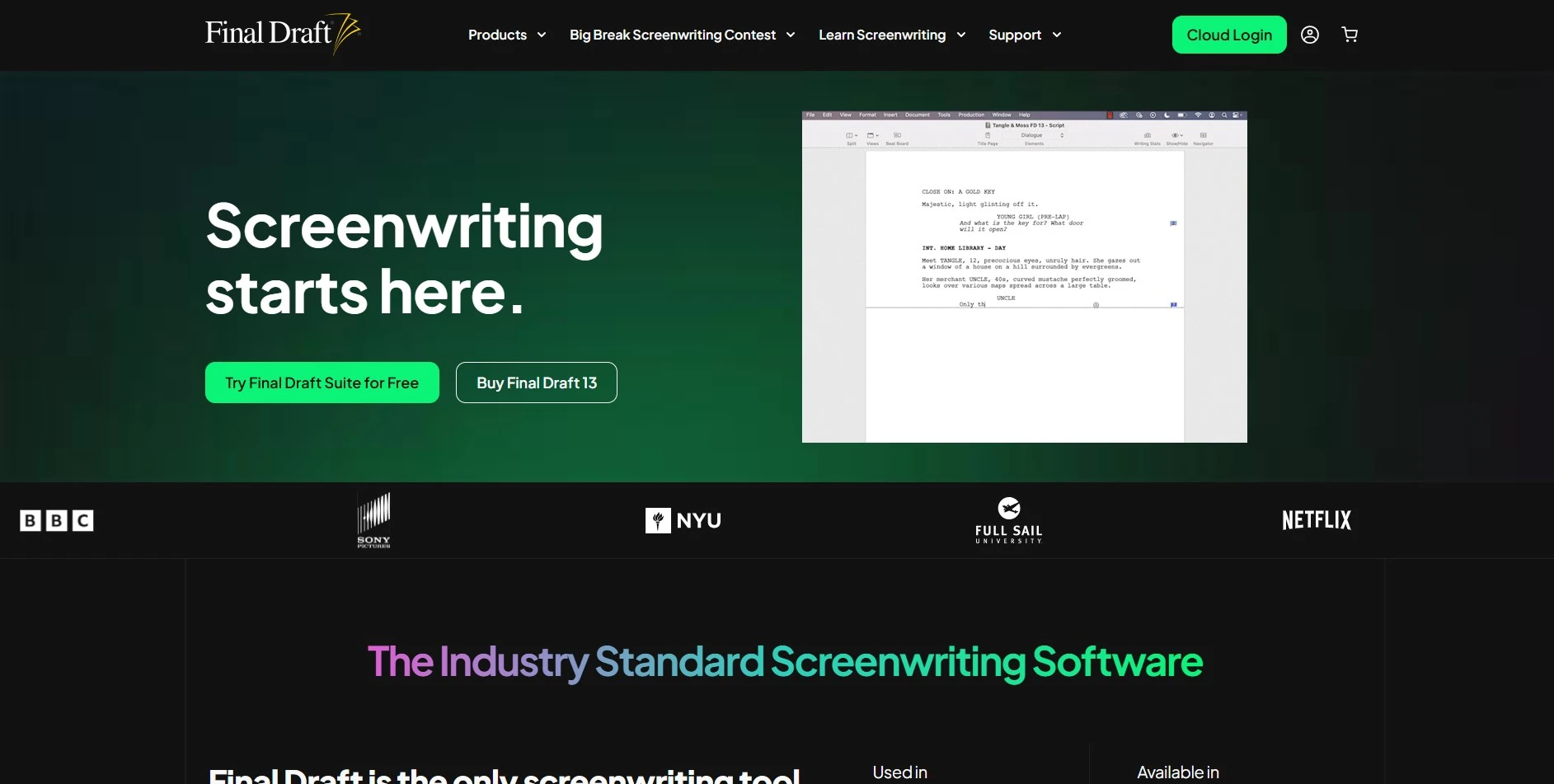
Final Draft doesn’t offer a free trial, only a demo. Final Draft 13 is a one-time purchase around $249.99, with discounted Educational, Student, Military, and Site License options for example, site licenses running near $9.85/user/mo billed annually for schools and studios.
Final Draft is the entertainment industry’s benchmark screenwriting software, used by roughly 95% of film and television professionals. It automatically formats screenplays to industry standards and includes tools like the Beat Board, Navigator, and outlining features to help writers plan scripts alongside the writing itself.
Pros
- Industry-standard formatting and reputation
- One-time purchase, no subscription
- Powerful outlining and Beat Board tools
- Trusted by major studios and schools
Cons
- High upfront cost compared to rivals
- No free trial to test first
- Built for scripts, not prose novels
- Cloud features require extra setup
10. Google Gemini

Google Gemini has a permanent free tier. Paid plans include AI Plus $7.99/mo, AI Pro $19.99/mo, and AI Ultra $99.99–$199.99/mo, each bundling Google One cloud storage alongside higher usage limits and access to more capable models.
Gemini is Google’s AI assistant, integrated deeply with Docs, Gmail, and Drive. Writers use it for brainstorming, editing, and research thanks to Deep Research and large context windows, though like ChatGPT, it’s a general-purpose tool rather than one purpose-built for fiction writing or story structuring.
Pros
- Free tier available to everyone
- Deep integration with Google Workspace
- Large context window for long documents
- Deep Research feature for background info
Cons
- Not fiction or story-structure specific
- Higher tiers get expensive quickly
- Free tier has rate limits
- No dedicated story bible tools
Comparison Table
| Alternative | Description |
|---|---|
| StoryCraft AI | Free, open-source AI writing tool for building worlds, characters, and full chapters with your own AI key. |
| Sudowrite | Fiction-focused AI writing assistant with tools like Story Engine, Describe, and Brainstorm for novelists. |
| Beemgee | Web-based story structuring tool using dramaturgy frameworks like the Hero’s Journey to plan plot and character arcs. |
| ChatGPT | General-purpose AI chatbot widely used for brainstorming, outlining, and drafting creative writing content. |
| Plottr | Visual, drag-and-drop outlining and series-bible software for organizing scenes, timelines, and characters. |
| WriterDuet | Cloud-based collaborative screenwriting software with real-time editing and industry-standard formatting. |
| Squibler | AI writing platform combining drafting assistance with project management and story-bible style organization. |
| Jasper AI | AI content generation hub built for marketing copy, blogs, and branded content at scale. |
| Final Draft | Industry-standard screenwriting software used by professional film and television writers worldwide. |
| Google Gemini | Google’s AI assistant offering chat, research, and writing help integrated with Docs and Gmail. |
Conclusion
Fiction authors chasing AI-assisted prose will likely gravitate toward Sudowrite or Squibler, while visual planners will feel right at home in Plottr or Beemgee. Screenwriters, meanwhile, have two solid paths in Final Draft and WriterDuet, depending on budget.
If you simply want a flexible, all-purpose AI assistant without committing to a niche writing app, ChatGPT and Google Gemini remain excellent low-cost entry points. Try the free trials or free tiers listed above before committing to a subscription, and you’ll quickly find the tool that fits your creative process best.


