

WriterDuet has long been a favorite for screenwriters who need real-time collaboration and clean formatting, but it isn’t the only option on the market. Whether you’re a novelist, screenwriter, video creator, or marketer, plenty of tools now offer AI-assisted writing, story structuring, and collaborative editing. Below are 11 WriterDuet Alternatives worth exploring in 2026, each with its own strengths, pricing, and free trial options.
1. Jasper AI
Pro: $69/mo ($59 annual)
Business: Custom Pricing
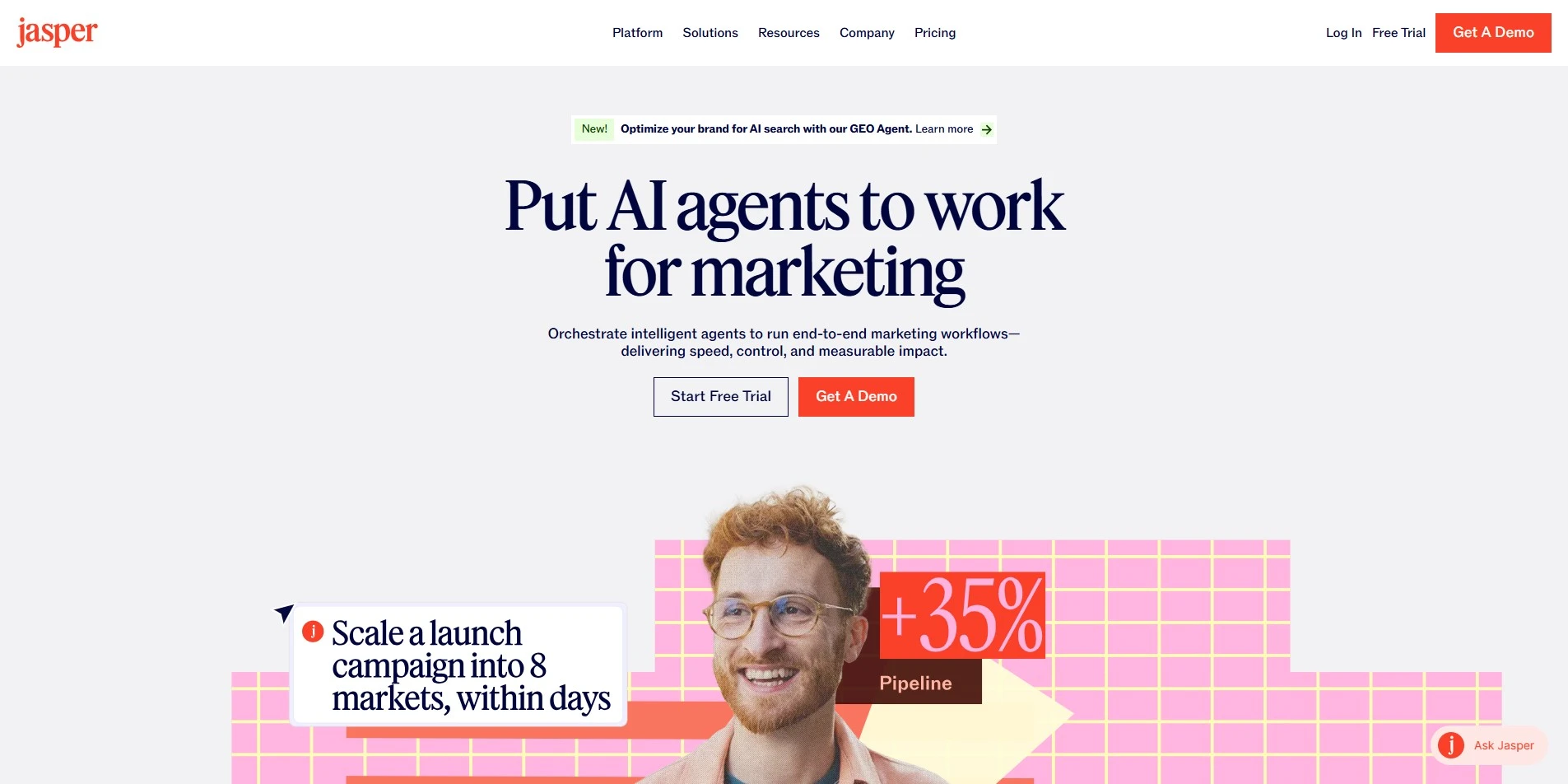
Jasper AI offers a 7-day free trial so new users can test its content and script generation tools before paying anything. Pricing starts with the Pro plan at $69 per month, dropping to $59 monthly when billed annually. Larger teams needing brand voices, API access, and dedicated support move to the custom-quoted Business plan, priced according to usage and seats.
While Jasper wasn’t built specifically for screenwriting, its long-form editor, brand voice training, and template library make it useful for writers drafting treatments, outlines, or marketing copy alongside scripts. Teams collaborating across departments benefit from its Canvas workspace, though dedicated screenwriters may find it lacks industry-standard formatting tools that WriterDuet and similar apps provide out of the box.
Pros
- Strong brand voice customization
- Large template library for varied content
- Good for marketing-adjacent writing teams
Cons
- No industry-standard screenplay formatting
- Premium pricing compared to niche tools
- Business plan pricing isn’t transparent
2. Powtoon AI Script Writer

Lite: ~$15-49/mo
Professional: ~$40-99/mo
Advanced: ~$199/mo
Powtoon’s AI Script Writer comes bundled inside its video creation platform, which offers a limited free plan and paid tiers starting around $15 to $49 a month for Lite. The AI script writer itself unlocks fully on the Advanced tier, priced near $199 monthly, while Professional plans sit between $40 and $99 depending on billing cycle and credits.
This tool is best suited for video creators and marketers who need quick voiceover-ready scripts rather than screenwriters chasing feature-length formatting. It pairs generated scripts directly with animation and avatar tools, making the transition from written word to finished video fast. Writers working purely on scripts without video production needs may find the pricing structure excessive for their purposes.
Pros
- Scripts flow directly into video production
- Good for marketing and explainer videos
- Includes AI voiceover and avatar pairing
Cons
- AI script writer locked behind top tier
- Credit system can be confusing
- Not built for traditional screenplay formatting
3. Highland 2
Pro Unlock: $49.99 One-Time
Highland Pro: $4.99-$9.99/mo
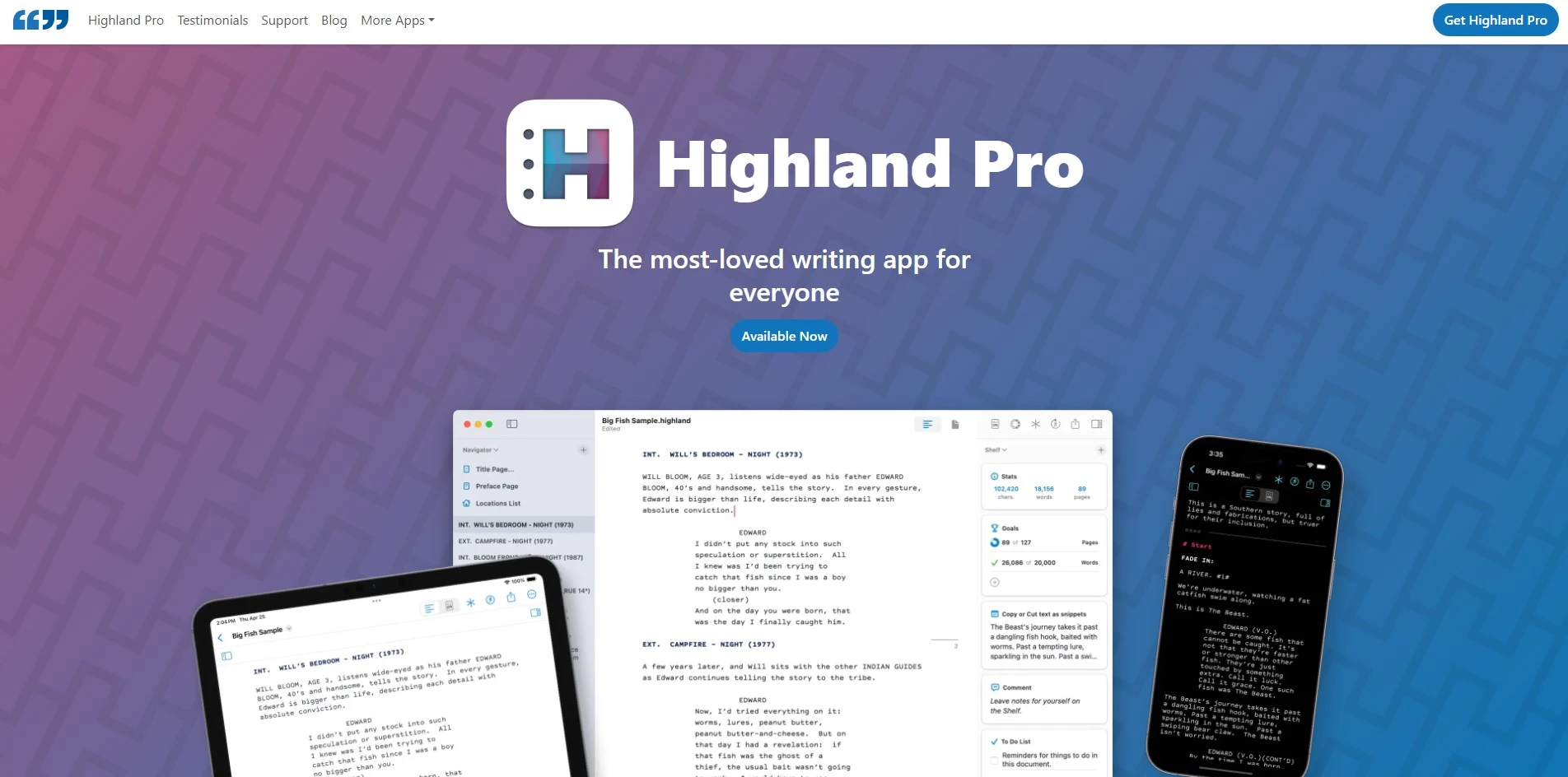
Highland 2 is free to download and write in indefinitely, with no time limit, though exported PDFs carry a watermark until upgraded. A one-time $49.99 payment removes the watermark and unlocks extra templates. The developer has since introduced Highland Pro, a subscription option running $4.99 to $9.99 monthly for those who prefer ongoing updates over a single purchase.
Built by Fountain creator John August, Highland 2 stores scripts as plain text files rather than a proprietary format, appealing to writers who value portability and simplicity over bells and whistles. It’s Mac-only, which limits cross-platform teams, and lacks some collaborative features found in cloud-first tools, but its minimalist interface keeps writers focused purely on the page.
Pros
- Generous free version with no time limit
- Plain-text Fountain format keeps scripts portable
- Affordable one-time unlock option
Cons
- Mac-only, no Windows or Android version
- Limited real-time collaboration features
- Missing corkboard-style scene organization
4. Dabble

Basic: ~$9-10/mo
Standard: ~$19/mo
Premium: ~$29/mo
Lifetime: $699
Dabble gives new users a generous 14-day free trial with full access to premium features before requiring payment. Paid subscriptions begin at roughly $9 to $10 monthly for the Basic tier, scaling up to around $19 for Standard and $29 for Premium. Writers who prefer a one-time purchase can opt for lifetime access at $699 instead of an ongoing subscription.
Dabble is designed primarily for novelists rather than screenwriters, offering plot grids, story notes, and focus modes to keep long-form fiction organized. Its clean, distraction-free interface appeals to writers overwhelmed by more complex tools like Scrivener. However, it lacks screenplay-specific formatting, making it a better fit for prose writers than those adapting scripts for film or television.
Pros
- Intuitive plot grid and story organization
- Cross-platform support including mobile
- Lifetime purchase option available
Cons
- No permanent free plan
- Not designed for screenplay formatting
- Pricing adds up compared to one-time tools
5. Arc Studio Pro
Free Plan Available
Pro: $69-$99/year
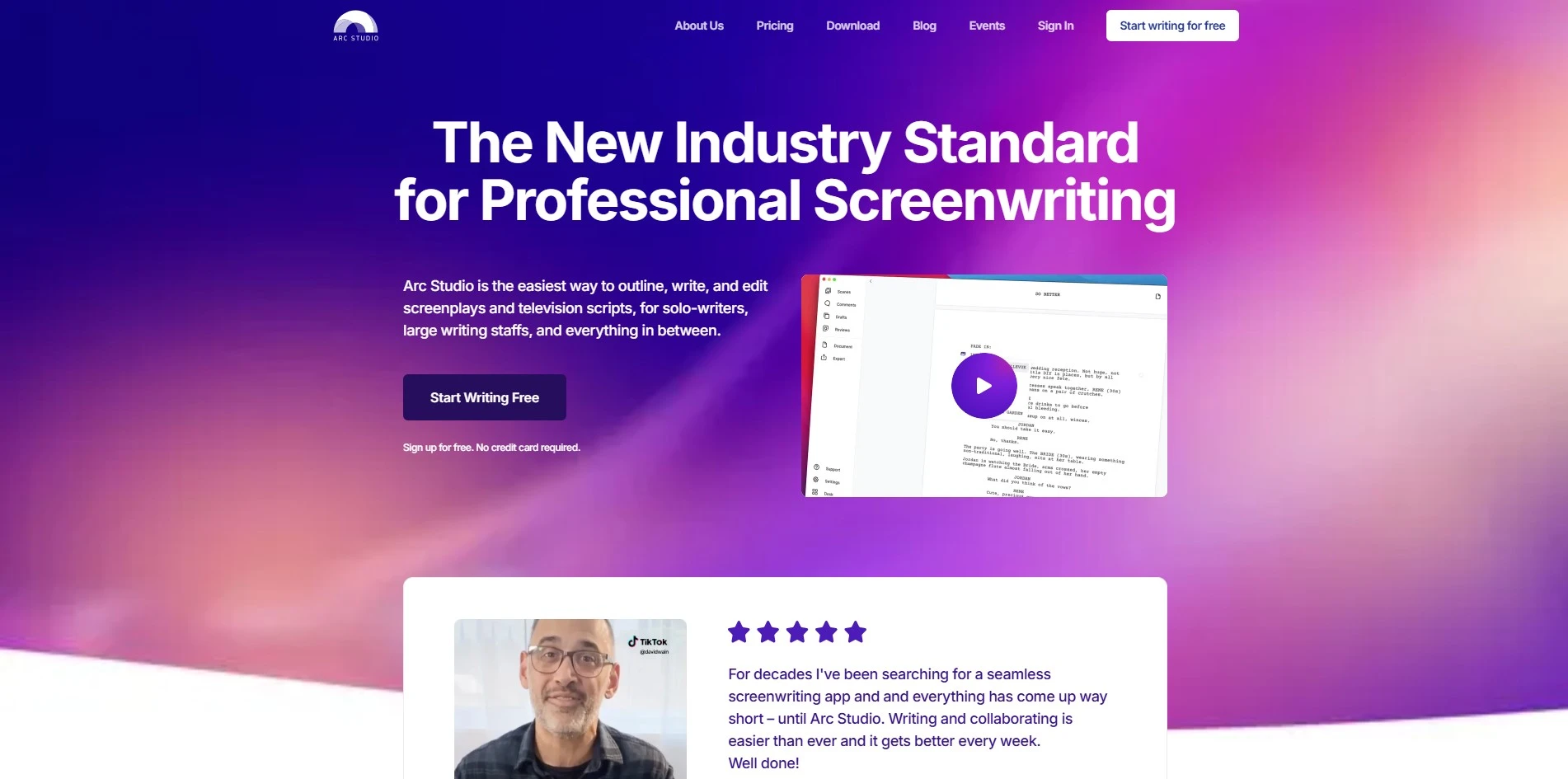
Arc Studio Pro includes a free-forever plan alongside a 7-day free trial of its Pro tier, letting writers sample advanced features before subscribing. Pro plan pricing runs between $69 and $99 annually depending on whether outlining, collaboration, and production tools are included. Students with a valid .edu email have historically received discounted or free access to the Pro tier.
Modeled as a modern, cloud-based take on screenwriting software, Arc Studio emphasizes flexible story-building tools like corkboards, outlining, and real-time collaboration between co-writers. It updates frequently with new features rolled into existing subscriptions. The free plan is fairly limited, capping users at two scripts, which pushes serious writers toward a paid tier fairly quickly.
Pros
- Strong outlining and corkboard tools
- Real-time collaboration built in
- Frequent feature updates included in subscription
Cons
- Free plan limited to two scripts
- Some features locked behind higher tier
- Inviting collaborators requires a paid plan
6. ScriptAI Pro
Subscription-Based Pricing
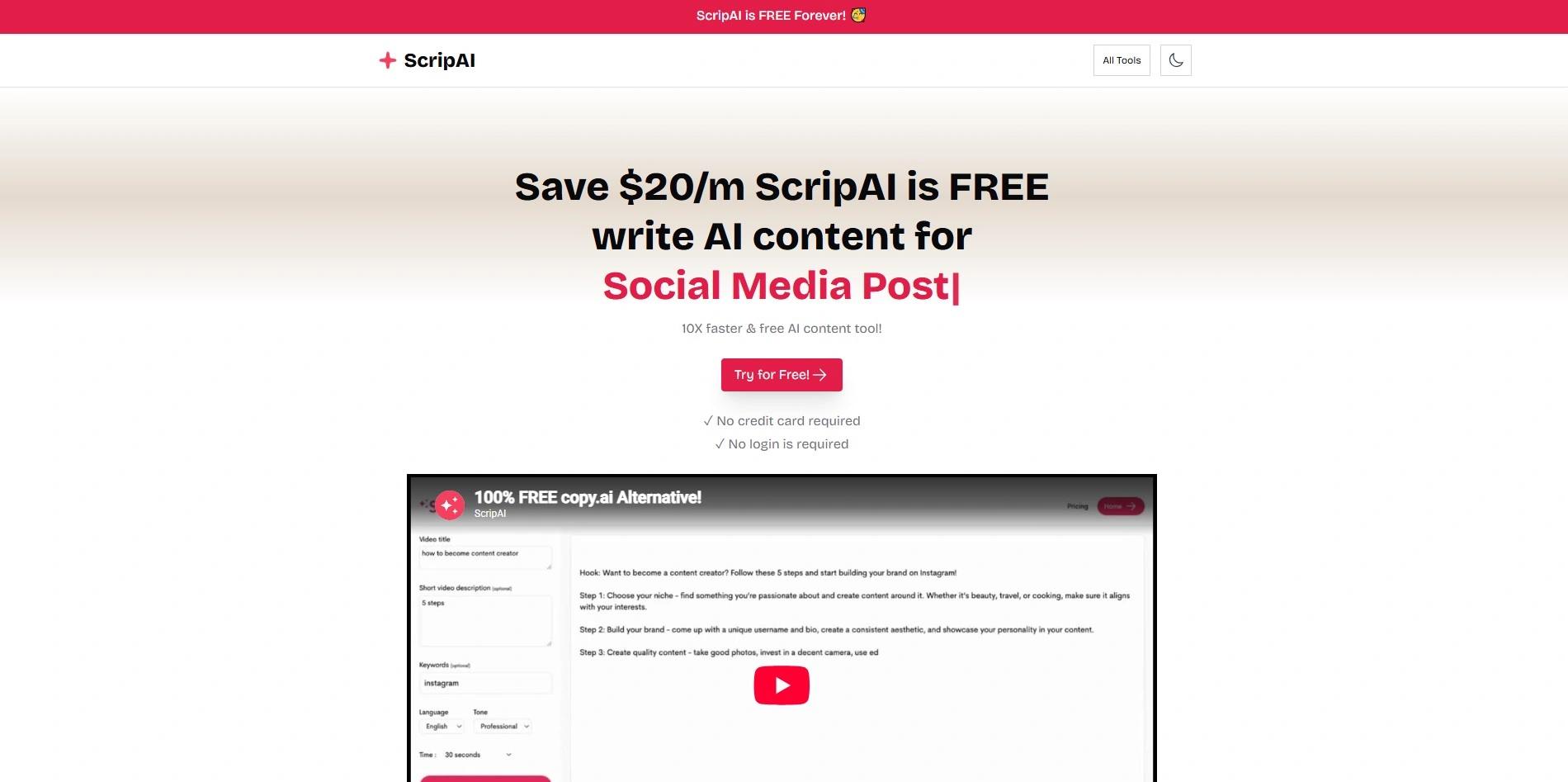
ScriptAI Pro is generally offered through a freemium or trial-based model, letting writers test its scene development and dialogue tools before subscribing, though exact published pricing varies by region and promotion. As with many niche AI writing tools, it’s worth checking the official site directly for current plan tiers, since pricing structures can shift as features are added.
The platform is noted for deep scene development and character arc suggestions, generating detailed character bios and dialogue that reads naturally. It’s positioned as a tool for professional screenwriters who want AI assistance with character consistency across long projects, rather than a full formatting and production suite like WriterDuet or Final Draft.
Pros
- Strong character arc and bio generation
- Natural-sounding AI-generated dialogue
- Useful for long-form character consistency
Cons
- Pricing not consistently published
- Less established than major competitors
- Limited industry-standard formatting tools
7. Copy.ai
Chat: $29/mo ($24 annual)
Growth: From $1,000/mo
Enterprise: Custom
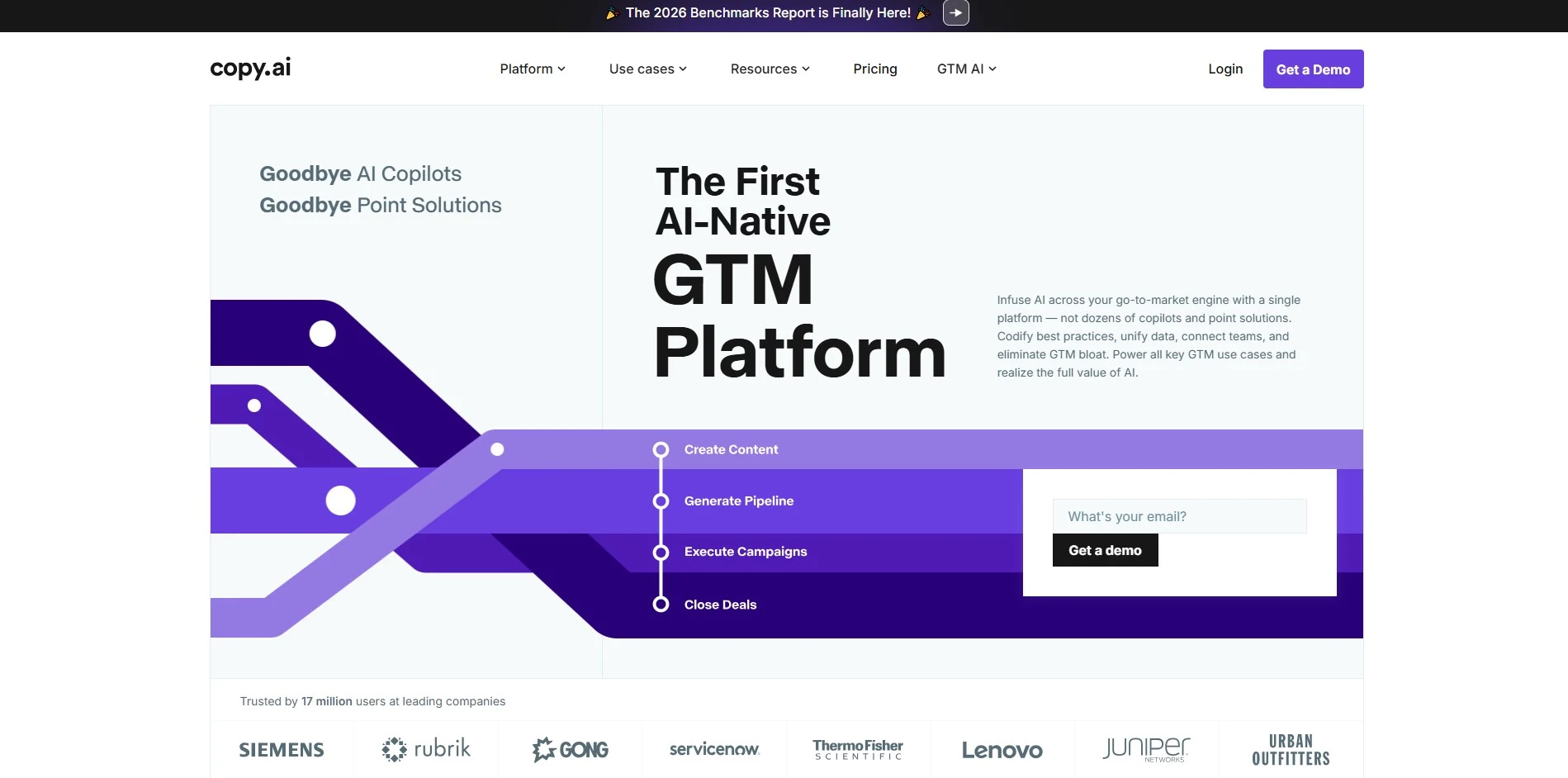
Copy.ai offers a permanent free plan capped at 2,000 words monthly with access to 90-plus templates, requiring no credit card to start. Paid plans begin at $29 monthly ($24 billed annually) for the Chat tier, but jump sharply to $1,000-plus monthly for Growth and higher workflow-automation tiers built for enterprise go-to-market teams rather than individual writers.
Copy.ai has shifted its focus toward marketing workflow automation rather than pure long-form writing, making it less specialized for screenwriting or novel drafting. It excels at generating short-form copy, outlines, and campaign content quickly. Writers seeking scene-by-scene screenplay tools will find Copy.ai a poor structural fit despite its strong general-purpose AI writing capabilities.
Pros
- Real permanent free tier available
- Fast short-form and marketing copy generation
- Unlimited words on paid Chat plan
Cons
- Steep price jump above entry tier
- Not built for screenplay structure
- Increasingly enterprise-workflow focused
8. Beemgee
Premium: ~€96/year (~€8/mo)
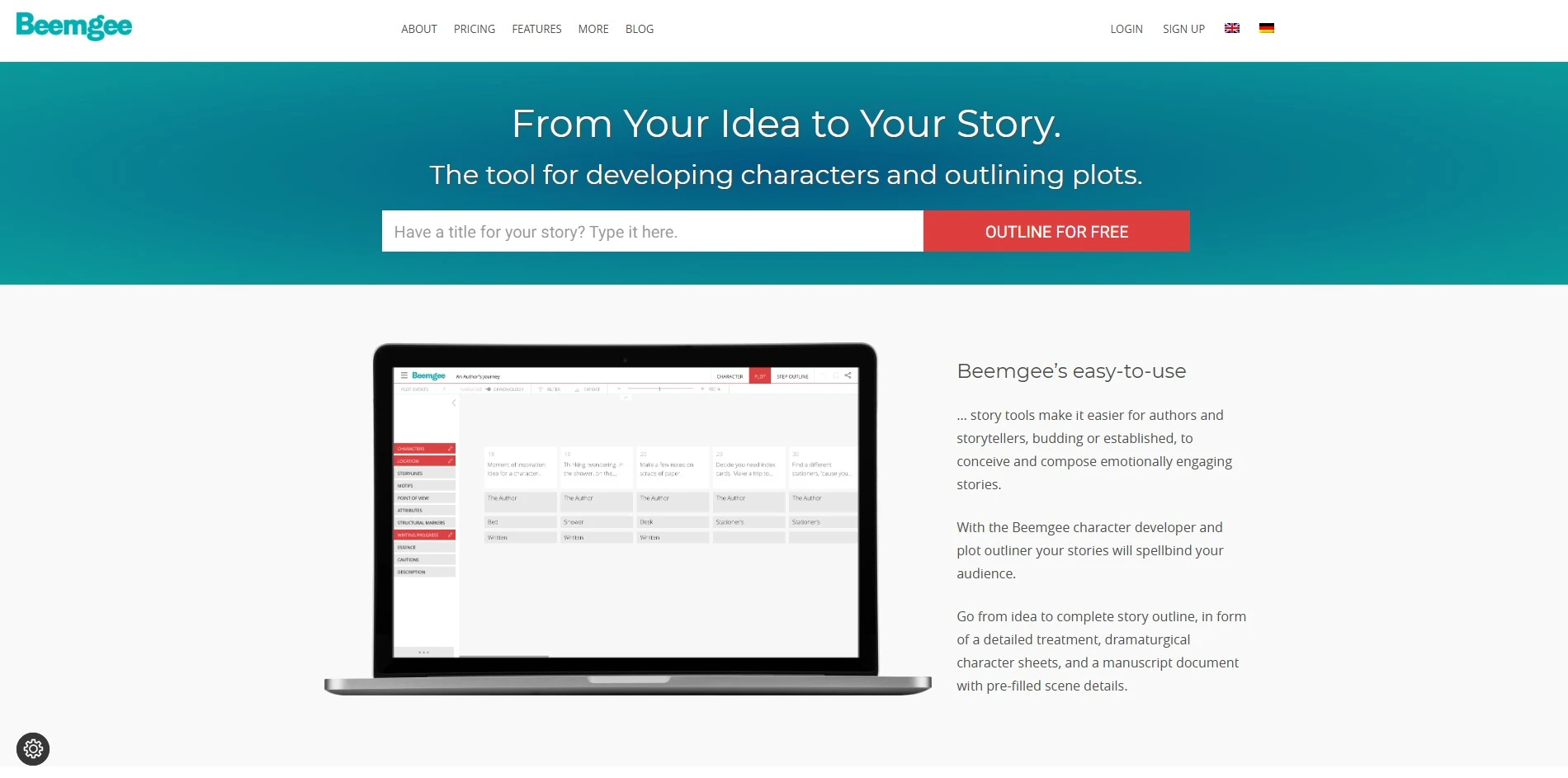
Beemgee lets writers try the tool without even registering, and a free account preserves basic projects indefinitely. Upgrading to Premium costs €96 billed annually, working out to roughly €8, or about $9, per month. This single affordable tier unlocks additional plot attributes, character development fields, and extra structural markers for serious story planning.
Rather than a text editor, Beemgee is a pre-writing tool focused on plotting and character development for page, stage, or screen. Writers use it to build detailed outlines and character motivations before drafting elsewhere. It won’t replace a screenwriting app for formatting, but it’s a strong companion tool for structuring a story before typing the first page.
Pros
- Very affordable premium tier
- Deep character and plot development tools
- Works for novels, plays, and screenplays alike
Cons
- Not a script formatting or drafting tool
- Requires pairing with a separate writing app
- Smaller, lesser-known platform
9. Sudowrite

Hobby: $10-$19/mo
Professional: $29-$44/mo
Max: $44-$59/mo
Sudowrite offers a one-time free trial of roughly 10,000 credits with no credit card required, though there’s no permanent free plan afterward. Paid tiers run from about $10 to $19 monthly for Hobby, up to $44 for Professional, and $59 for Max when billed monthly, with meaningful discounts available for annual commitments across every tier.
Built specifically for fiction authors, Sudowrite specializes in character development, plot expansion, and dialogue enhancement powered by its custom Muse model. All tiers unlock identical features, differing only in monthly credit allocation, which suits authors who want AI brainstorming support without paying for locked premium tools. It doesn’t handle screenplay formatting, focusing instead on novel-length prose.
Pros
- All tiers include identical feature access
- Strong fiction-specific brainstorming tools
- Generous one-time free credit trial
Cons
- No ongoing free plan
- Credits don’t map directly to word counts
- Not suited for screenplay formatting
10. Claude
Pro: $20/mo
Max: $100-$200/mo
Team: From $25/seat
Enterprise: Custom
Claude, made by Anthropic, offers a free plan with no credit card required, giving casual writers daily access to draft scenes or dialogue. Paid plans start at $20 monthly for Pro, while Max tiers priced at $100 or $200 monthly add significantly higher usage capacity. Team plans begin around $25 per seat monthly, and Enterprise pricing is quoted individually.
As a general-purpose AI assistant rather than dedicated screenwriting software, Claude is useful for brainstorming dialogue, refining scene descriptions, or getting feedback on structure and pacing. It lacks built-in screenplay formatting or a corkboard-style outlining interface, so writers typically pair it with a formatting tool like Highland 2 or Arc Studio for final script production.
Pros
- Strong at brainstorming and feedback
- Generous free tier for casual use
- Flexible for many writing styles and genres
Cons
- No built-in screenplay formatting
- Not purpose-built for scriptwriting workflows
- Best used alongside a dedicated script editor
11. DialogueGenie
Subscription-Based Pricing
DialogueGenie is generally accessed through a trial or freemium model that lets writers test its dialogue generation before subscribing, though publicly listed pricing is limited and varies by source. As with other emerging AI writing tools, it’s best to confirm current plans and costs directly on the official site before committing to a paid tier.
The platform specializes in generating natural, character-specific conversations using algorithms tuned for distinct voices, making it popular in gaming, animation, and interactive media production. Writers who need dialogue that reflects individual character personality across many exchanges may find it useful, though it isn’t designed to handle full screenplay structure, scene formatting, or production-ready exports.
Pros
- Specializes in natural, character-driven dialogue
- Popular in gaming and interactive media
- Useful for maintaining distinct character voices
Cons
- Limited public pricing transparency
- No full screenplay formatting support
- Less established than major writing platforms
| Alternative | Description |
|---|---|
| Jasper AI | Marketing-focused AI writing hub with brand voice tools, useful for scripts, outlines, and content beyond screenwriting. |
| Powtoon AI Script Writer | Video-first platform pairing AI-generated scripts directly with animation and avatar production tools. |
| Highland 2 | Minimalist Mac screenwriting app using plain-text Fountain format, free to use with a one-time Pro unlock. |
| Dabble | Cloud-based novel writing tool with plotting, focus modes, and goal tracking for fiction authors. |
| Arc Studio Pro | Modern cloud screenwriting software with corkboards, outlining, and real-time collaborative writing. |
| ScriptAI Pro | AI tool focused on scene development and character arc generation for professional screenwriters. |
| Copy.ai | General-purpose AI writing and workflow automation platform geared toward marketing teams. |
| Beemgee | Affordable pre-writing tool for plotting stories and developing characters before drafting begins. |
| Sudowrite | Fiction-focused AI writing assistant offering brainstorming, plot expansion, and dialogue enhancement. |
| Claude | General-purpose AI assistant from Anthropic, useful for brainstorming dialogue, scenes, and story feedback. |
| DialogueGenie | AI tool specializing in natural, character-specific dialogue generation for games and interactive media. |
Conclusion
WriterDuet remains a solid choice for collaborative screenwriting, but the alternatives above cover a wider range of needs, from novel plotting and pre-writing structure to AI-assisted dialogue and full video script production. Some, like Highland 2 and Arc Studio Pro, focus purely on screenplay formatting, while others, like Claude, Jasper, and Sudowrite, bring general or fiction-specific AI assistance into the mix. The right pick ultimately depends on whether you need dedicated formatting, story planning, or AI-powered brainstorming, and most of these tools offer a free trial or free tier worth testing before you commit to a subscription.


