
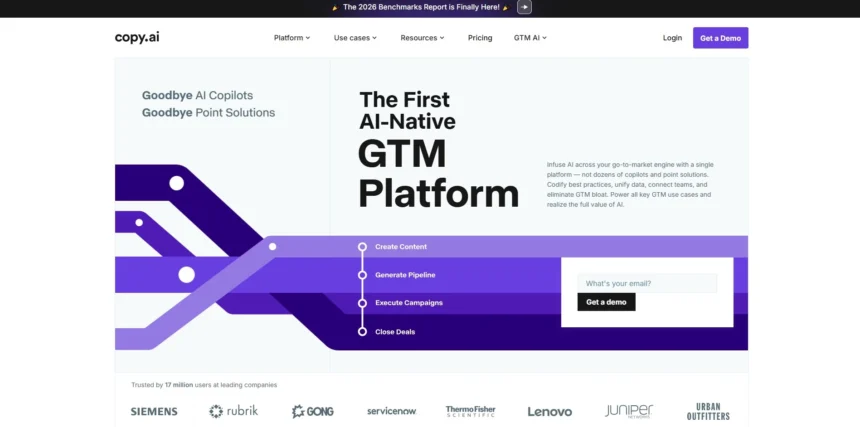
Copy.ai has long been a go-to tool for marketing copy, but it isn’t built for every kind of writing. Screenwriters, novelists, video creators, and story-first teams often need something more specialized tools that understand dialogue, plot structure, screenplay formatting, or visual story planning. Below are 11 Copy.ai Alternatives, each with its own approach to AI-assisted or structure-first writing, along with current trial options, pricing, and honest pros and cons to help you pick the right fit.
1. Vimeo AI Script Writer
No standalone trial Free hosting plan included
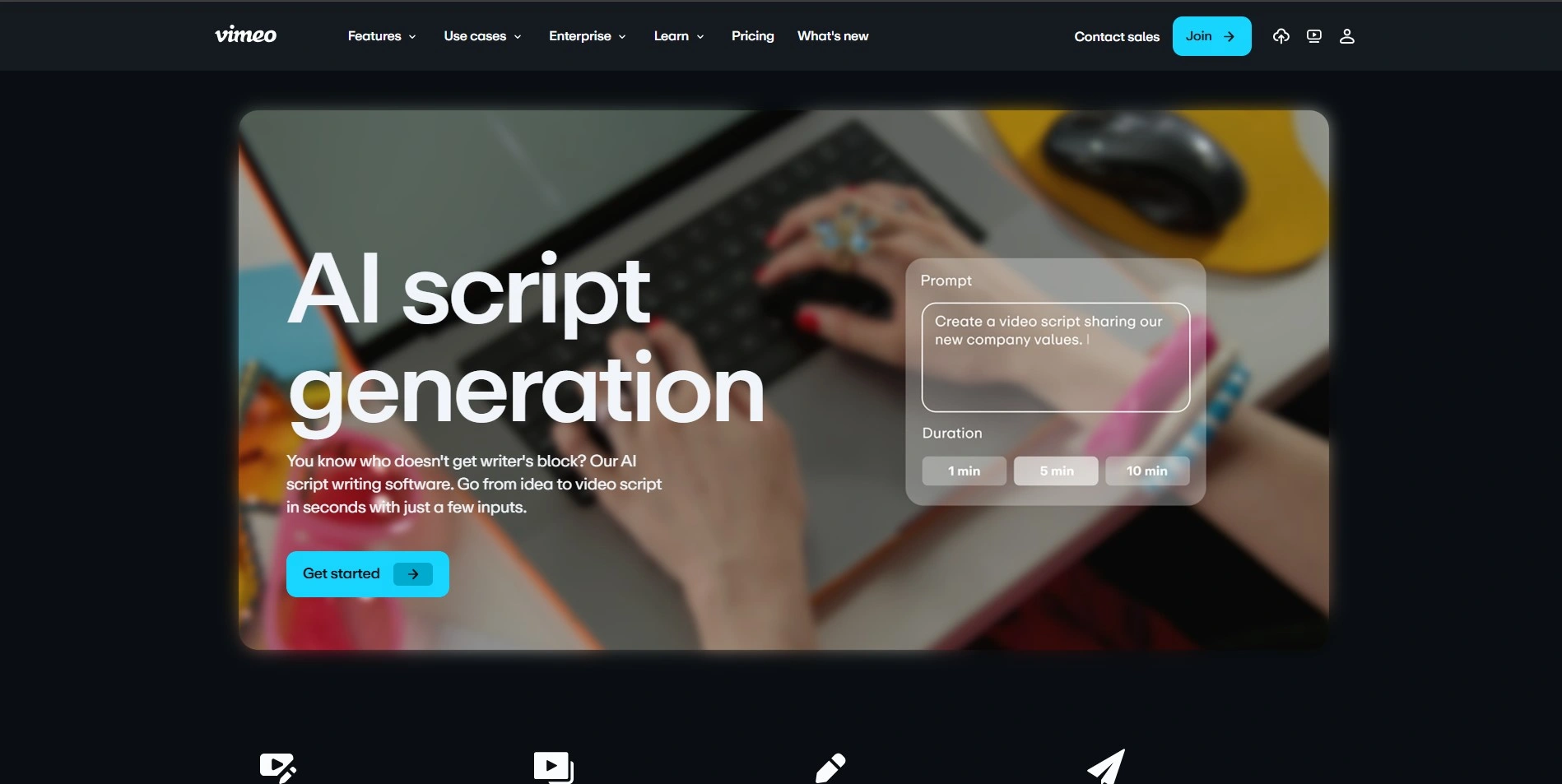
Vimeo doesn’t offer a separate trial for its AI Script Writer since it’s built into the platform’s video hosting plans, though the Free tier lets you experiment with basic script generation before paying. Paid access starts with the Starter plan around $12–20/month, Standard near $25–41/month, and Advanced around $65–75/month, with custom Enterprise pricing for larger teams and organizations.
Beyond scriptwriting, Vimeo pairs the AI generator with a built-in teleprompter and text-based video editing, letting creators go from written idea to recorded footage without switching apps. It’s aimed at marketers, educators, and content creators who want quick, prompt-based scripts for social videos, training materials, or product announcements, rather than novelists or screenwriters working on long-form narrative projects.
Pros
- Generates scripts directly from simple prompts or bullet points
- Includes a built-in teleprompter for recording
- Text-based video editing keeps the workflow in one platform
- Works on web and iOS app
Cons
- AI features tied to paid hosting plans, not sold standalone
- Better suited to short marketing/social scripts than screenplays
- Requires a stable internet connection to use
- Learning curve for the advanced editing tools
2. Storyflow
Free-forever plan available
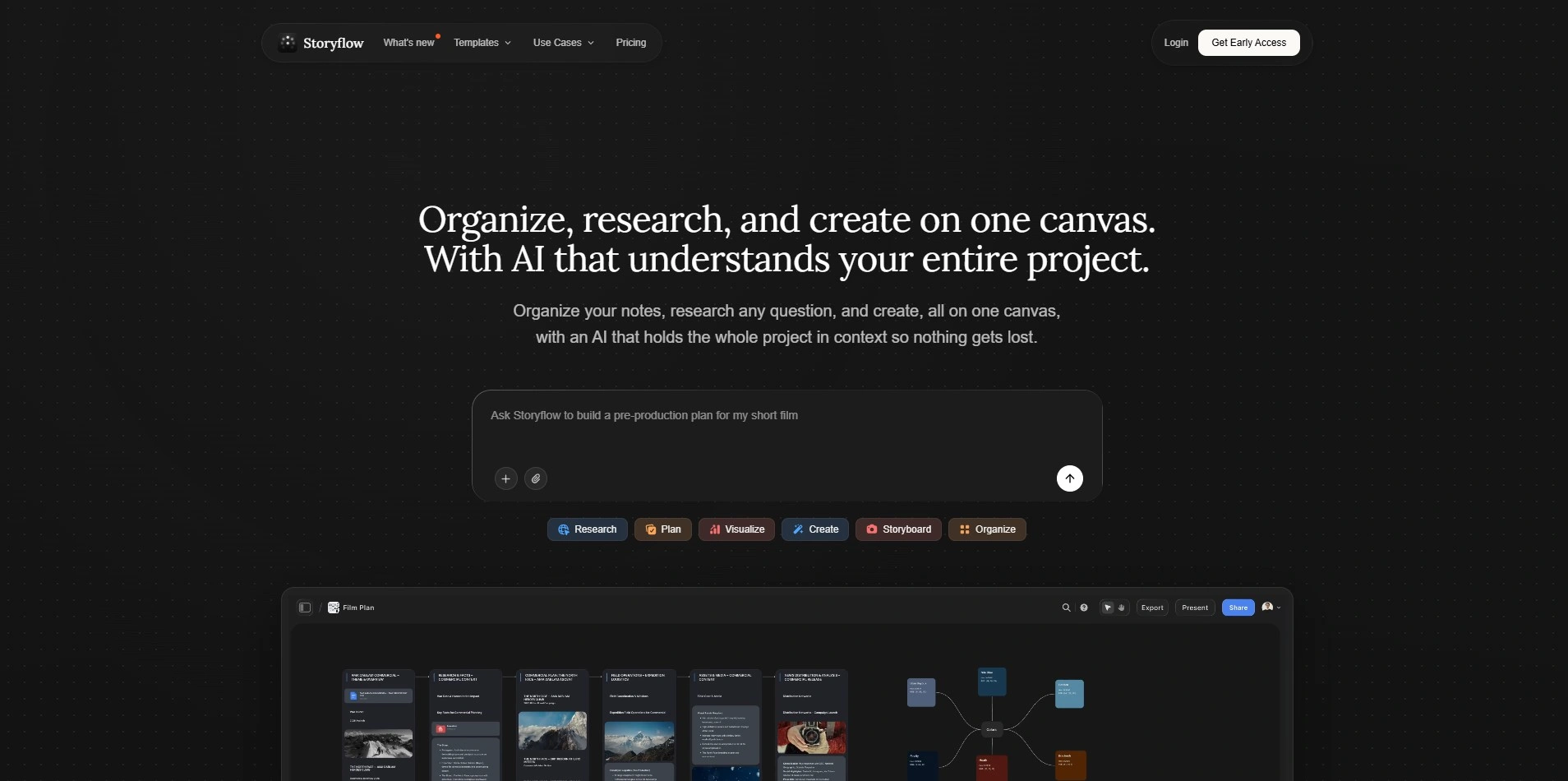
Storyflow offers a genuinely free-forever plan with basic AI usage, unlimited boards, and 20 file uploads, so you can try it before paying anything. Paid tiers include Plus at roughly $9.99/month (annual), Pro at $14/month (annual) for expanded AI and image generation, and Max at $39/month (annual) for team workspaces and real-time collaboration, all slightly higher month-to-month.
Storyflow combines a visual moodboard-style canvas with AI that reads your whole project board, blending elements of ChatGPT, Milanote, and Notion into one workspace. It ships with 200+ story and marketing “Blueprint” templates covering structures like the Hero’s Journey, making it a strong fit for writers, agencies, and creative strategists who think visually rather than in linear documents.
Pros
- Genuinely usable free-forever plan, no credit card required
- AI reads the entire project board for contextual suggestions
- 200+ built-in creative and narrative frameworks
- Flat per-account pricing instead of per-seat billing
Cons
- Smaller integration ecosystem than established tools like Notion
- Real-time co-editing limited to the top Max tier
- Newer product with a smaller template marketplace
- Not built for structured databases or CRMs
3. Powtoon AI Script Writer

Free trial (~4 days)
Powtoon offers a short free trial (around four days) so you can test its AI script writer and video assistant before subscribing. Pricing runs from Lite at about $15/month, Professional near $99/month, Advanced around $199/month for unlimited AI script writing and premium exports, and a custom-quoted Business/Enterprise plan for larger teams with added security and admin controls.
Beyond scripting, Powtoon turns AI-generated scripts straight into animated videos using its avatar, text-to-speech, and template library, so writers can move from words to a finished visual product in one platform. It suits marketers, trainers, and educators producing explainer videos and internal communications more than screenwriters or novelists working purely with text.
Pros
- Converts AI scripts directly into animated video content
- Includes text-to-speech and customizable animated characters
- Large library of templates for business and training videos
- Free trial available before subscribing
Cons
- Full AI script writer access requires higher-tier plans
- AI credit system can add unpredictable extra costs
- Pricing jumps significantly between mid and top tiers
- Less useful for pure long-form script or novel writing
4. Beemgee
Free plan + non-saving test projects
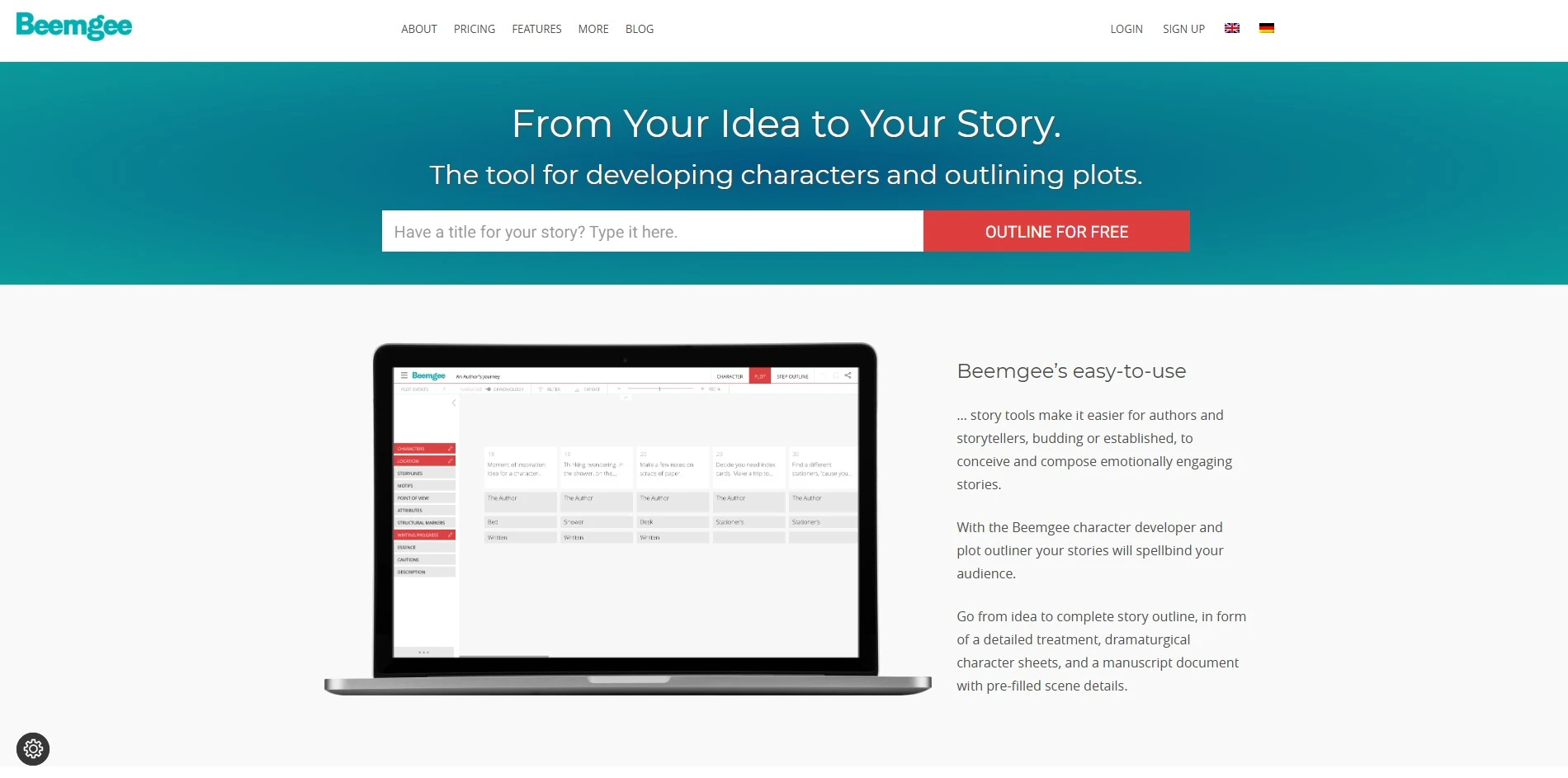
Beemgee offers a free plan you can use indefinitely with limited functionality, plus a “try for free” mode where test projects don’t save. Beemgee Premium unlocks full functionality for about €8 per month, billed as €96 annually, making it one of the most affordable dedicated story-structuring tools available, with no complicated multi-tier pricing to navigate.
Rather than formatting scripts, Beemgee focuses on dramaturgy: mapping character arcs, motifs, plot beats, and the Hero’s Journey into a visual outline you can export as text for use in other writing software. It’s built for authors, screenwriters, and TV writers who want to solidify story structure before drafting prose or dialogue elsewhere.
Pros
- Very affordable flat annual pricing (€96/year)
- Purpose-built for dramaturgy and story structure, not formatting
- Visual event cards track character motivation and plot function
- Exports outlines for use in other writing tools
Cons
- Not a full drafting tool no scene-by-scene prose writing
- Interface and terminology have a learning curve for beginners
- Limited to story planning, not final manuscript formatting
- Smaller user base than mainstream competitors
5. Highland 2
Free to download and write in
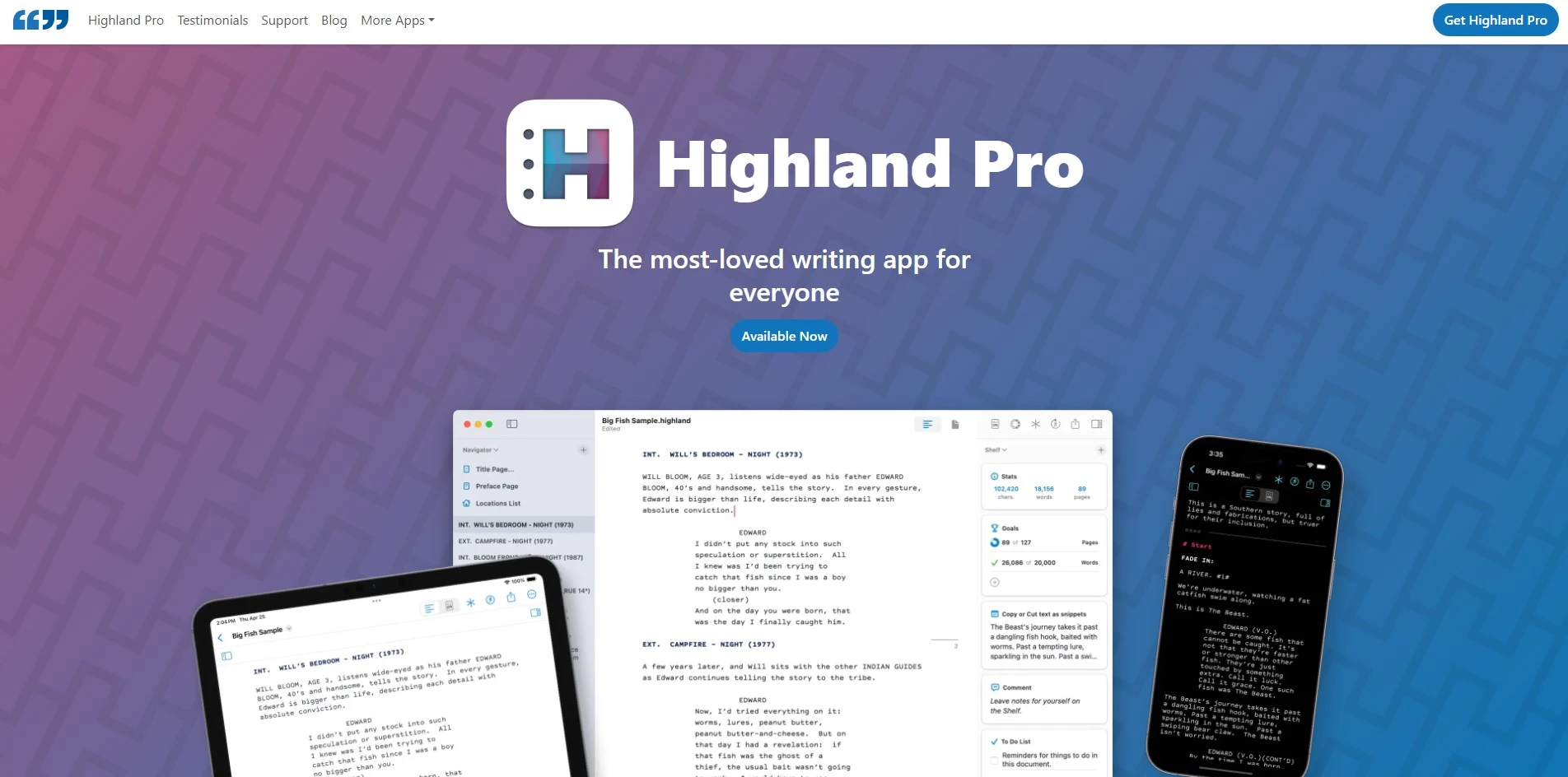
Highland 2 is free to download and write in, with no subscription required for the core editor; the app only charges a one-time $49.99 to unlock watermark-free PDF and Final Draft exports. Quote-Unquote Apps has since introduced Highland Pro, a subscription option around $4.99–9.99/month, though existing Highland 2 users can keep their one-time license.
Built by screenwriter John August using the plain-text Fountain markup language, Highland 2 strips away formatting distractions so writers focus purely on the words, auto-formatting scenes and dialogue on export. It’s Mac-only, making it a favorite among screenwriters and novelists who want a minimalist, distraction-free tool rather than a heavier, feature-dense screenwriting suite.
Pros
- One-time purchase option, no forced subscription
- Minimalist, distraction-free plain-text writing experience
- Built on the open Fountain format, avoiding lock-in
- Created by an experienced, well-known screenwriter
Cons
- Mac-only, no Windows or web version
- No real-time collaboration features
- Export features require the paid unlock
- Fewer production-management tools than Final Draft
6. DialogueGenie
Free tier typically available (check official site)
DialogueGenie doesn’t publish a fully detailed public pricing table, but like most AI dialogue-writing tools, it typically offers a free tier with limited daily generations alongside a paid monthly subscription for unlimited or higher-volume use. Because pricing structures for AI dialogue tools change often, it’s worth checking DialogueGenie’s official site directly for current trial terms and exact rates.
DialogueGenie focuses specifically on generating natural, character-driven conversations rather than full scripts, helping writers punch up flat exchanges or draft realistic back-and-forth between characters from a scene description. It appeals to novelists, screenwriters, game writers, and roleplay creators who need believable dialogue quickly, without necessarily wanting a full screenplay-formatting or story-structuring suite.
Pros
- Narrow focus makes dialogue generation fast and targeted
- Useful for novelists, screenwriters, and game/NPC writing alike
- Can adjust tone, character personality, and conflict level
- Lower learning curve than full scriptwriting suites
Cons
- Pricing and plan details are not fully transparent publicly
- Doesn’t handle scene formatting or full story structure
- Output still needs human editing for consistency
- Smaller brand recognition than established writing tools
7. StoryCraft AI
Free tier available for basic use
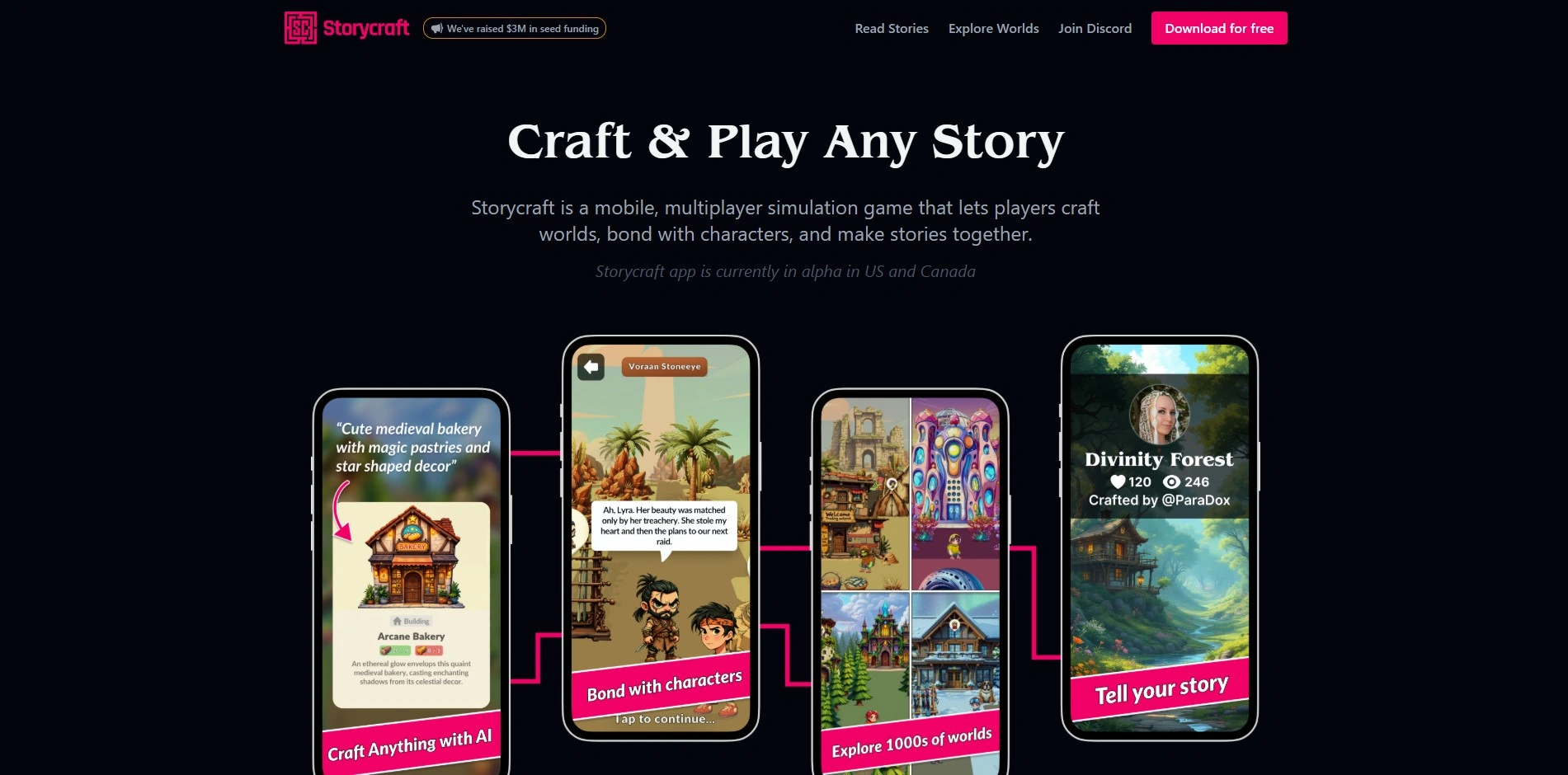
StoryCraft AI keeps a free tier for basic story and script generation, but detailed subscription pricing isn’t fully published on its official channels, with reports suggesting a subscription-based or credit-tiered model. As with many emerging AI writing tools, it’s best to confirm current trial length and exact monthly rates directly on StoryCraft AI’s website before committing.
Positioned as an AI writing co-pilot, StoryCraft AI turns raw ideas into structured, research-backed scripts and narratives, organizing plot and character elements automatically as you write. It’s aimed at content creators, video scriptwriters, and storytellers who want AI assistance moving from a loose concept to a polished draft without losing creative control over the final product.
Pros
- Free tier available for testing core features
- Structures raw ideas into organized script drafts automatically
- Works across short-form and long-form storytelling formats
- Designed to preserve creative control rather than fully automate
Cons
- Full pricing details aren’t clearly published
- Less established track record than major competitors
- Output quality can vary and needs verification
- Feature depth varies across different StoryCraft-branded apps online
8. Claude
Free plan no credit card required
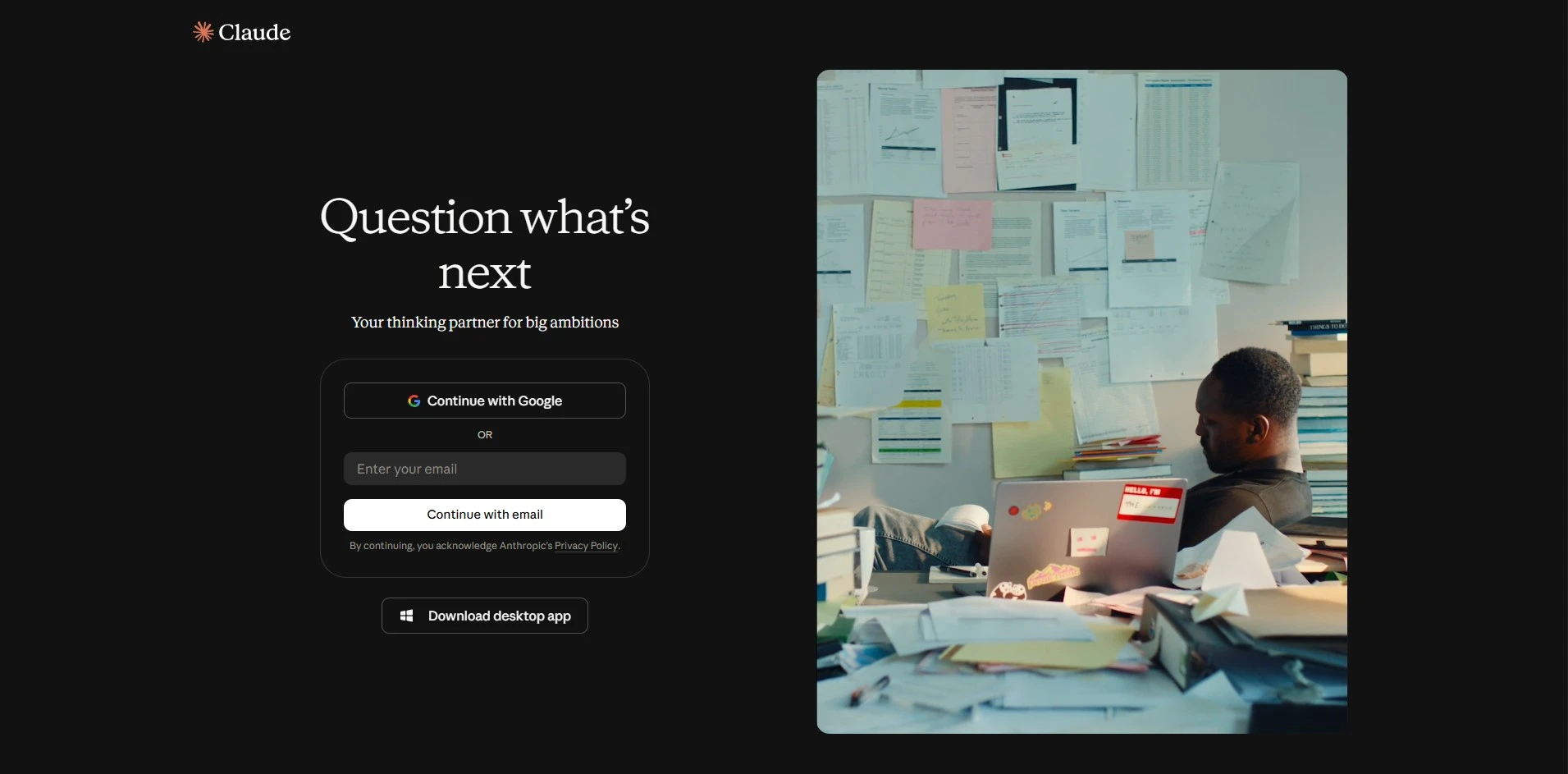
Claude offers a genuinely useful Free plan with no credit card required, giving access to Claude Sonnet 5 with limits that reset periodically. Paid options include Claude Pro at $20/month ($17/month billed annually), Max plans at $100/month or $200/month for heavier usage, and Team plans from around $25–30 per seat monthly, with custom Enterprise pricing for larger organizations.
As a general-purpose AI assistant rather than a dedicated writing app, Claude can draft scripts, dialogue, outlines, marketing copy, and long-form prose, plus analyze uploaded documents and reason through complex creative or business writing tasks. It suits writers who want a flexible AI collaborator across many formats instead of a tool locked into one narrow writing niche.
Pros
- Strong free tier with no credit card needed
- Handles long documents and complex creative reasoning well
- Flexible across scripts, dialogue, prose, and business writing
- Regularly updated with newer, more capable models
Cons
- Not purpose-built for screenplay formatting or story structuring
- Higher-tier Max plans are expensive for casual users
- Usage limits still apply even on paid plans
- Lacks dedicated visual story-outlining or production tools
9. WriterDuet
Free plan (limited to 3 projects)
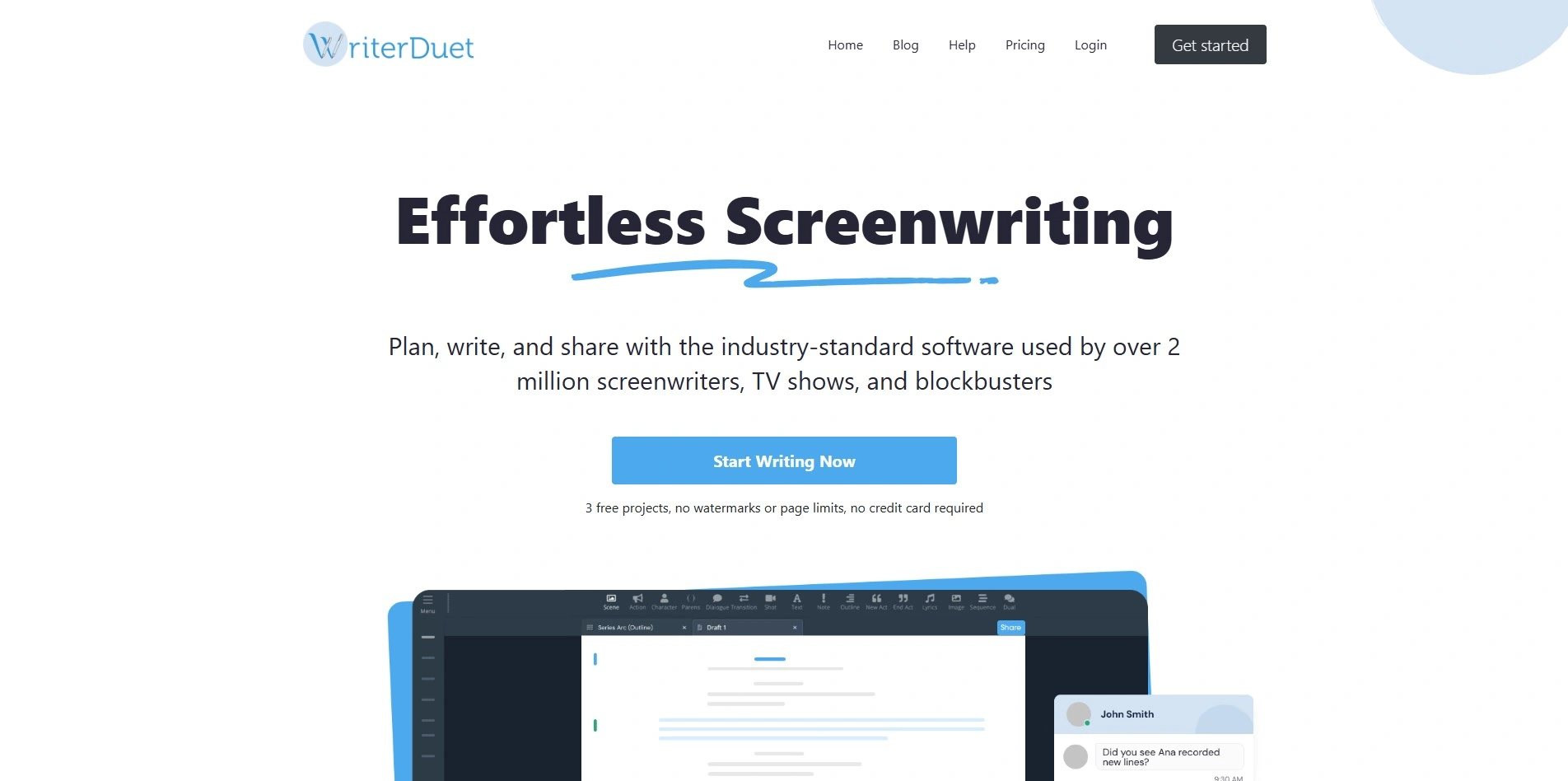
WriterDuet offers a Free plan limited to three projects, letting you try real screenwriting formatting before paying. Paid plans include Plus around $9.99/month, Pro near $11.99/month, and Premium at about $13.99/month, unlocking unlimited projects, real-time collaboration, offline desktop writing, and features like video chat and script read-aloud.
WriterDuet is built specifically for collaborative screenwriting, letting multiple writers edit the same script simultaneously with chat, comments, and detailed revision history down to individual lines. It’s a strong fit for writers’ rooms, co-writing teams, and freelance screenwriters who need cloud access across devices at a noticeably lower price than industry-standard alternatives like Final Draft.
Pros
- Real-time multi-writer collaboration built in from the ground up
- Cloud-based, works across desktop, web, and mobile
- Significantly cheaper than Final Draft with comparable features
- Free plan available to test core formatting tools
Cons
- Free plan limited to just three projects
- Desktop app can feel less polished than the web version
- Lacks some of Final Draft’s advanced production tools
- Subscription pricing means ongoing cost versus a one-time purchase
10. Final Draft
No free trial discounts for students/military/educators
Final Draft doesn’t offer a free trial, but it does provide discounted pricing for students, educators, military members, and site licenses. Final Draft 13 costs $249.99 as a one-time purchase for the standard desktop license, with educational licenses around $9.85/month billed annually and separate discounted upgrade pricing for existing users.
As the industry-standard screenwriting software used by roughly 95% of film and TV professionals, Final Draft handles automatic script formatting, an Outline Editor, Beat Board, and detailed character/navigator tools for tracking screen time and interactions. It’s the safest choice for writers targeting traditional production pipelines where studios expect .fdx files.
Pros
- Recognized industry standard across film and TV production
- Powerful outlining, beat-tracking, and navigator tools
- One-time purchase rather than an ongoing subscription
- Discounts available for students, teachers, and military
Cons
- No free trial to test before buying
- Higher upfront cost than most competitors
- Desktop-only license, no true cloud-native collaboration
- Considered pricey for occasional or hobbyist writers
11. Plottr
Free trial available
Plottr offers a free trial before purchase, with pricing starting around $15/month for the Pro Monthly plan, dropping to roughly $9–10/month with annual billing. A Lifetime plan is also available for a one-time $199 payment, appealing to writers who prefer to avoid recurring subscription costs altogether.
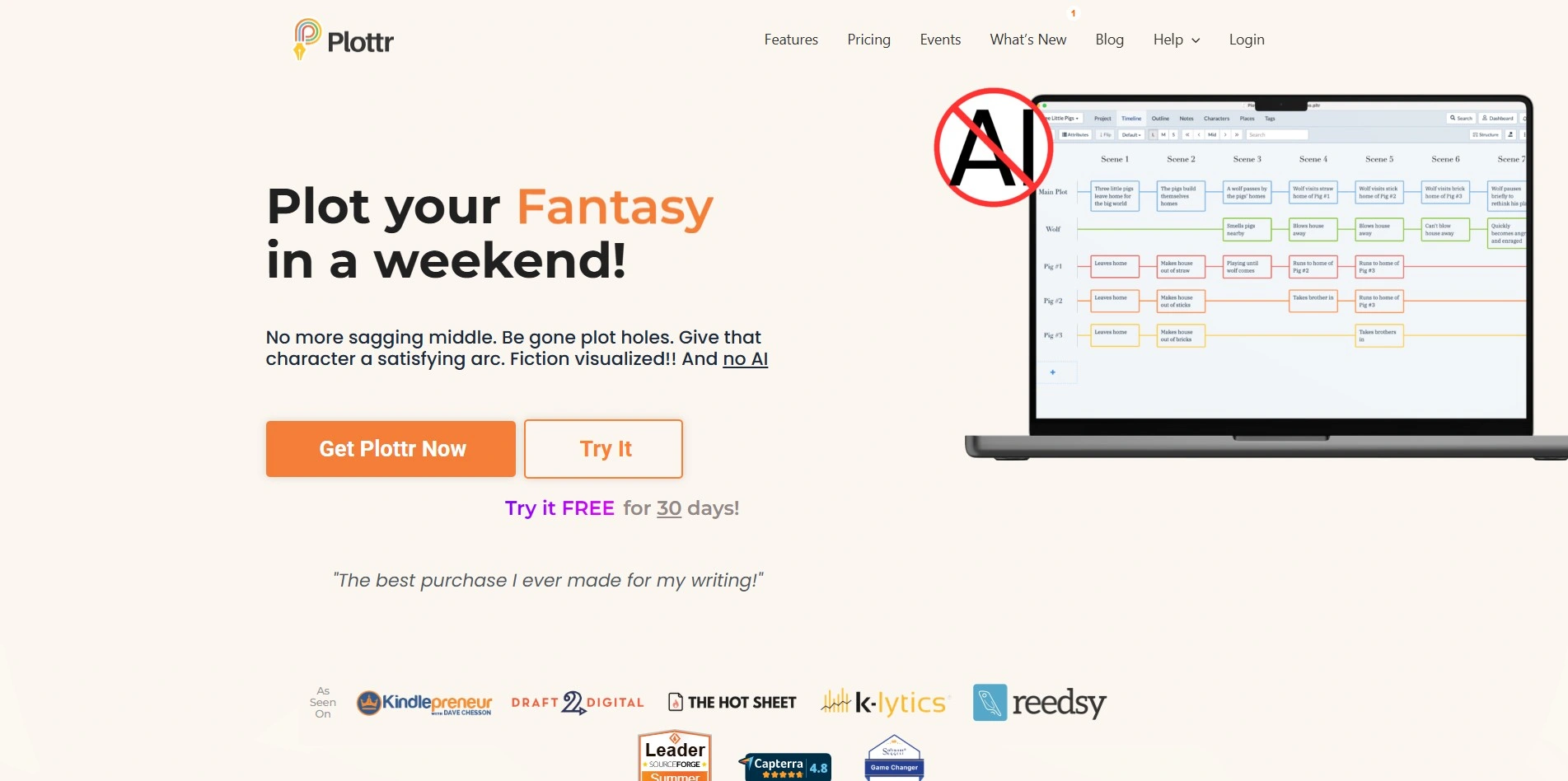
Plottr is a visual outlining and series-management tool built for novelists rather than screenwriters, letting writers map plotlines, character arcs, and timelines across single books or entire series using 30+ plot templates. It exports directly to Microsoft Word or Scrivener, making it a natural pre-writing companion for authors who plan extensively before drafting.
Pros
- Lifetime one-time payment option avoids ongoing subscriptions
- 30+ built-in plot templates for different genres and structures
- Exports smoothly to Word and Scrivener for drafting
- Strong for managing multi-book series continuity
Cons
- Free trial only, no permanent free plan
- Geared toward novelists, not screenwriters or scriptwriters
- Monthly plan is pricier than annual or lifetime options
- Primarily an outlining tool, not a drafting/writing app
Quick Comparison Table
| Alternative | Description |
|---|---|
| Vimeo AI Script Writer | AI-powered script generator bundled into Vimeo’s video hosting platform, paired with a built-in teleprompter and text-based video editing. |
| Storyflow | Visual AI canvas combining moodboards, story blueprints, and context-aware AI chat for creative and narrative planning. |
| Powtoon AI Script Writer | Animated video platform that turns AI-generated scripts into finished videos using avatars, voice, and templates. |
| Beemgee | Affordable dramaturgy and story-structuring tool for mapping character arcs, motifs, and plot beats visually. |
| Highland 2 | Minimalist, distraction-free Fountain-based screenwriting app for Mac, free to write in with a one-time export unlock. |
| DialogueGenie | AI tool focused specifically on generating natural, character-driven dialogue for scripts, novels, and games. |
| StoryCraft AI | AI writing co-pilot that structures raw ideas into organized, research-backed scripts and narratives. |
| Claude | General-purpose AI assistant capable of drafting scripts, dialogue, outlines, and long-form creative writing. |
| WriterDuet | Cloud-based collaborative screenwriting software with real-time co-writing, chat, and detailed revision tracking. |
| Final Draft | Industry-standard screenwriting software used across most professional film and TV productions worldwide. |
| Plottr | Visual outlining and series-management software for novelists planning plots, characters, and timelines. |
Conclusion
If you’re producing marketing or social videos, Vimeo’s AI Script Writer or Powtoon fit naturally into a video workflow. Screenwriters chasing industry standards will lean toward Final Draft or WriterDuet, while Highland 2 suits minimalists who want plain-text simplicity. Story-structure-first writers will get more value from Beemgee, Storyflow, or Plottr, and those wanting a flexible, general-purpose AI collaborator across formats will find Claude the most adaptable option.
Whichever tool you choose, take advantage of free trials or free tiers before committing to a paid plan, and confirm current pricing on each provider’s official website, since AI writing tools update their plans frequently. Matching the tool to your actual writing process video, screenplay, novel, or dialogue will save far more time than chasing the most feature-packed option on paper.


