
Sudowrite has earned a loyal following among novelists for its story-focused AI features, but it isn’t the only creative writing assistant worth exploring. Depending on whether you write novels, screenplays, or video scripts, other platforms may fit your workflow, budget, or genre better than Sudowrite does. This guide rounds up 10 Sudowrite Alternatives spanning screenwriting suites, story-planning canvases, and general-purpose AI writers.
1. Studiovity
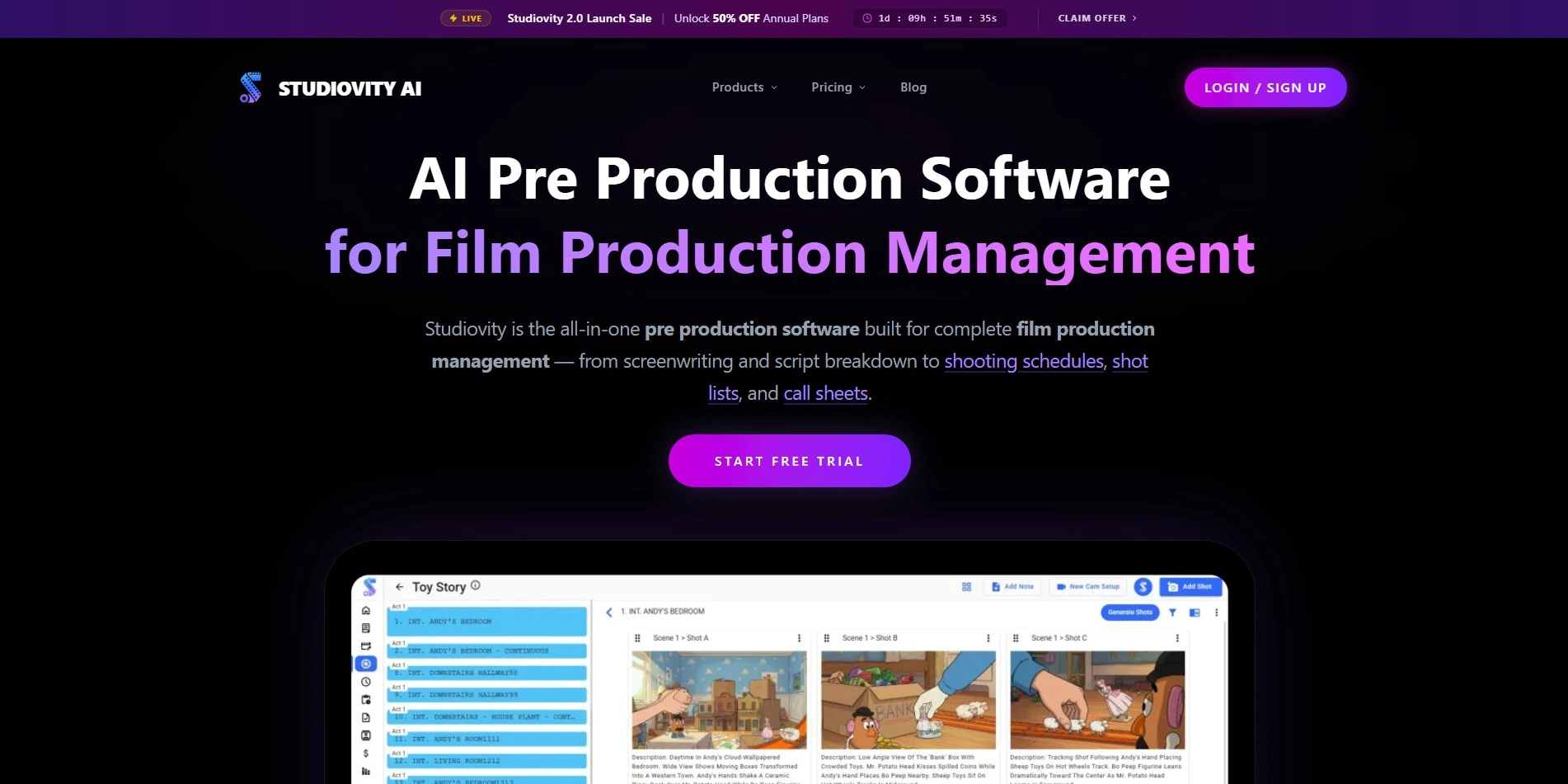
Studiovity is a web and mobile screenwriting platform built for filmmakers who need an affordable, all-in-one pre-production tool. It offers a free version alongside a free trial, and its paid plans start remarkably low per month. Writers get an Act Structure Board, index cards, and multi-format export support.
Beyond screenwriting, Studiovity extends into script breakdowns, scheduling, call sheets, and budgeting, appealing to solo creators and small production teams alike. It supports over 385 regional languages, which is unusual among screenwriting tools, and works across Android, iOS, and web browsers for flexible on-set or on-the-go editing.
Pros
- Extremely low starting price
- Free trial and free version both offered
- Supports 385+ regional languages
- Covers full pre-production, not just writing
Cons
- Less known outside India’s film industry
- Smaller community and template library
- Advanced features tied to higher tiers
2. Powtoon AI Script Writer

Powtoon AI Script Writer pairs its AI script writer with a full animated video creation suite, making it ideal for marketers and educators rather than novelists or screenwriters. A free plan exists, and paid tiers unlock the script generator, video assistant, and unlimited premium exports at higher subscription levels.
Its credit-based AI system also powers text-to-speech, avatar lip-sync, and translation tools, so heavy AI users may burn through credits faster than expected. Powtoon suits teams producing marketing or training videos who want scripting and animation bundled into one recurring subscription rather than separate tools.
Pros
- Combines scripting with animation and video
- Useful AI toolkit: avatars, voiceover, translation
- Free plan to test core features
Cons
- Script writer locked to pricier Advanced tier
- Credit system can get expensive at scale
- Not built for prose or screenplay writing
3. Storyflow
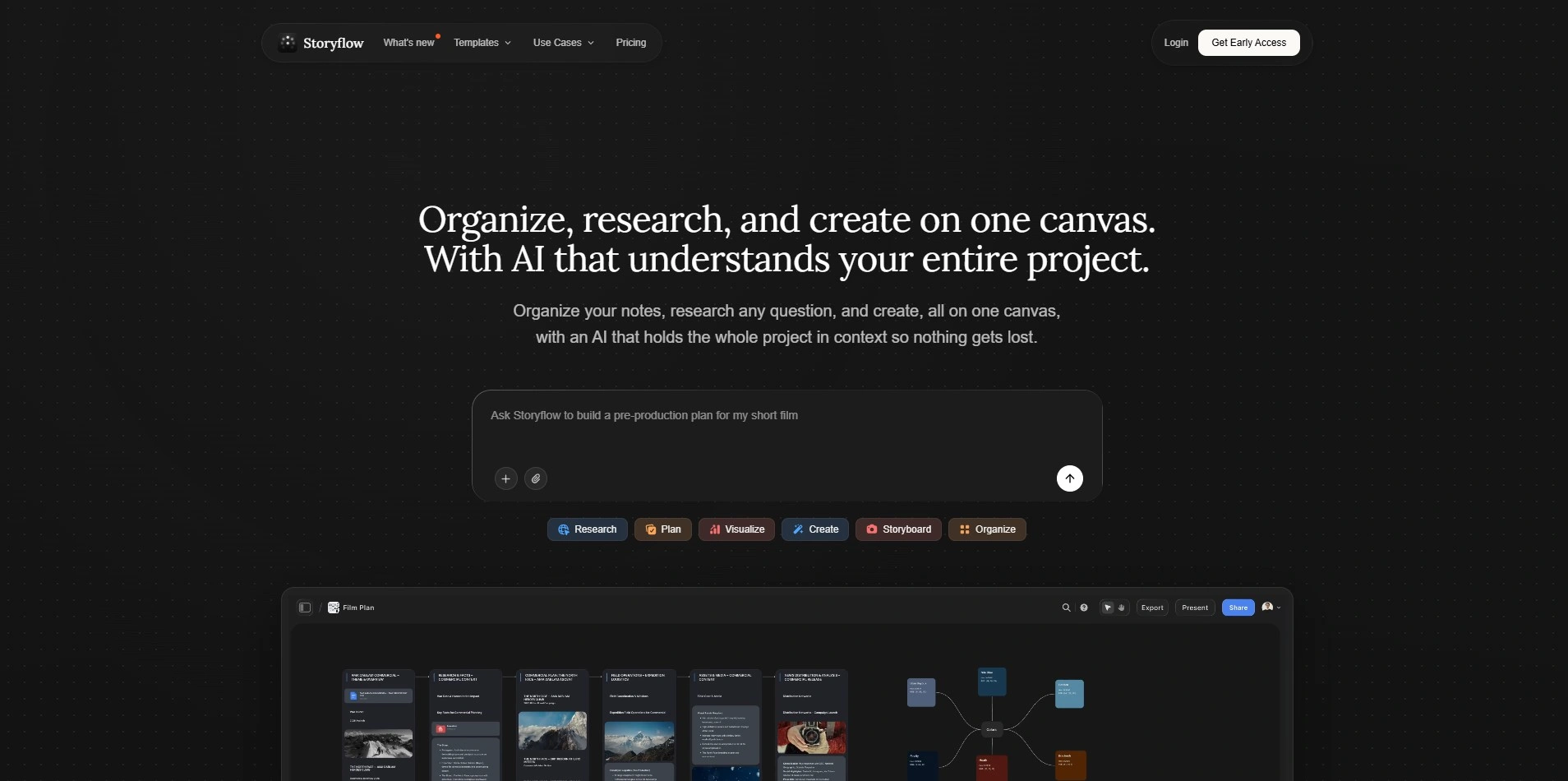
Storyflow is a visual story-planning canvas that layers AI directly onto your boards, character cards, and beat sheets rather than generating disconnected prose. The free plan has no object or time limits, offering basic AI, three starter blueprints, and 20 uploads before you need to upgrade.
Because Storyflow’s AI reads your actual project board, its suggestions stay grounded in your specific story instead of producing generic filler text. It’s a strong pick for screenwriters and novelists who plan visually first and want AI woven into outlining rather than only final-draft prose generation.
Pros
- Genuinely free-forever tier with no time limit
- AI is context-aware of your whole project
- 197+ story structure templates included
Cons
- Not a dedicated screenplay formatter
- Large Tactics library has a learning curve
- Cloud-only, no offline mode
4. Squibler
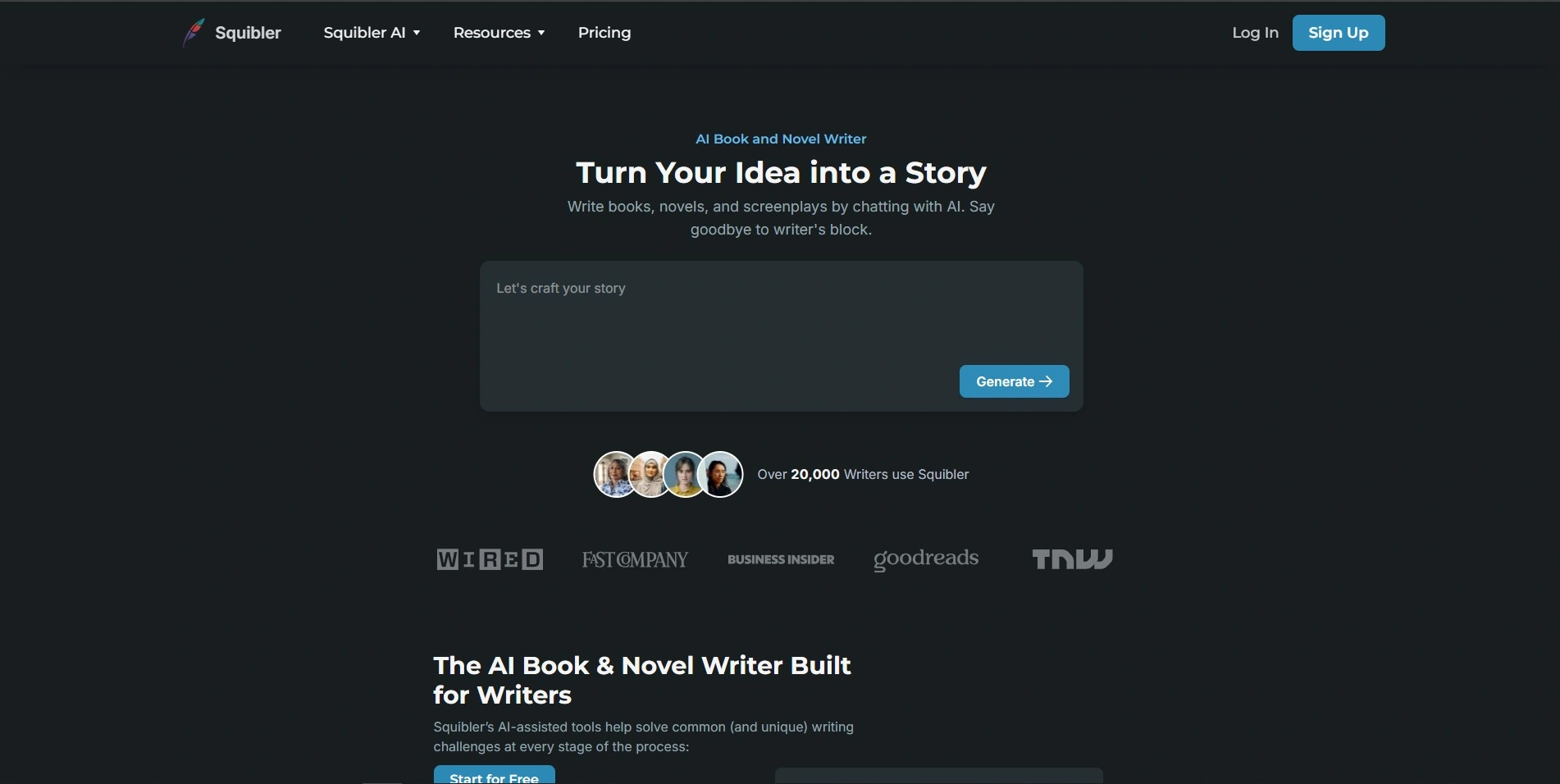
Squibler is an AI-assisted writing platform for novels, screenplays, and self-help books, offering a free Limited Tier alongside paid plans and a trial period. Pricing now runs on AI credits rather than flat word counts, so Plus and Pro subscribers get different monthly credit allowances instead of unlimited access by default.
Its Elements feature works like a built-in story bible for tracking characters, settings, and notes alongside your draft. Writers who want an all-in-one workspace for drafting, publishing prep, and even printed book creation may find Squibler’s higher tiers worthwhile despite the steeper cost of unlimited AI credits.
Pros
- Story bible and drafting live in one app
- Free tier plus trial to test first
- Publishing and printing services included
Cons
- Credit-based pricing can feel restrictive
- Higher tiers are pricier than competitors
- Unlimited AI locked to top plan only
5. Vimeo AI Script Writer
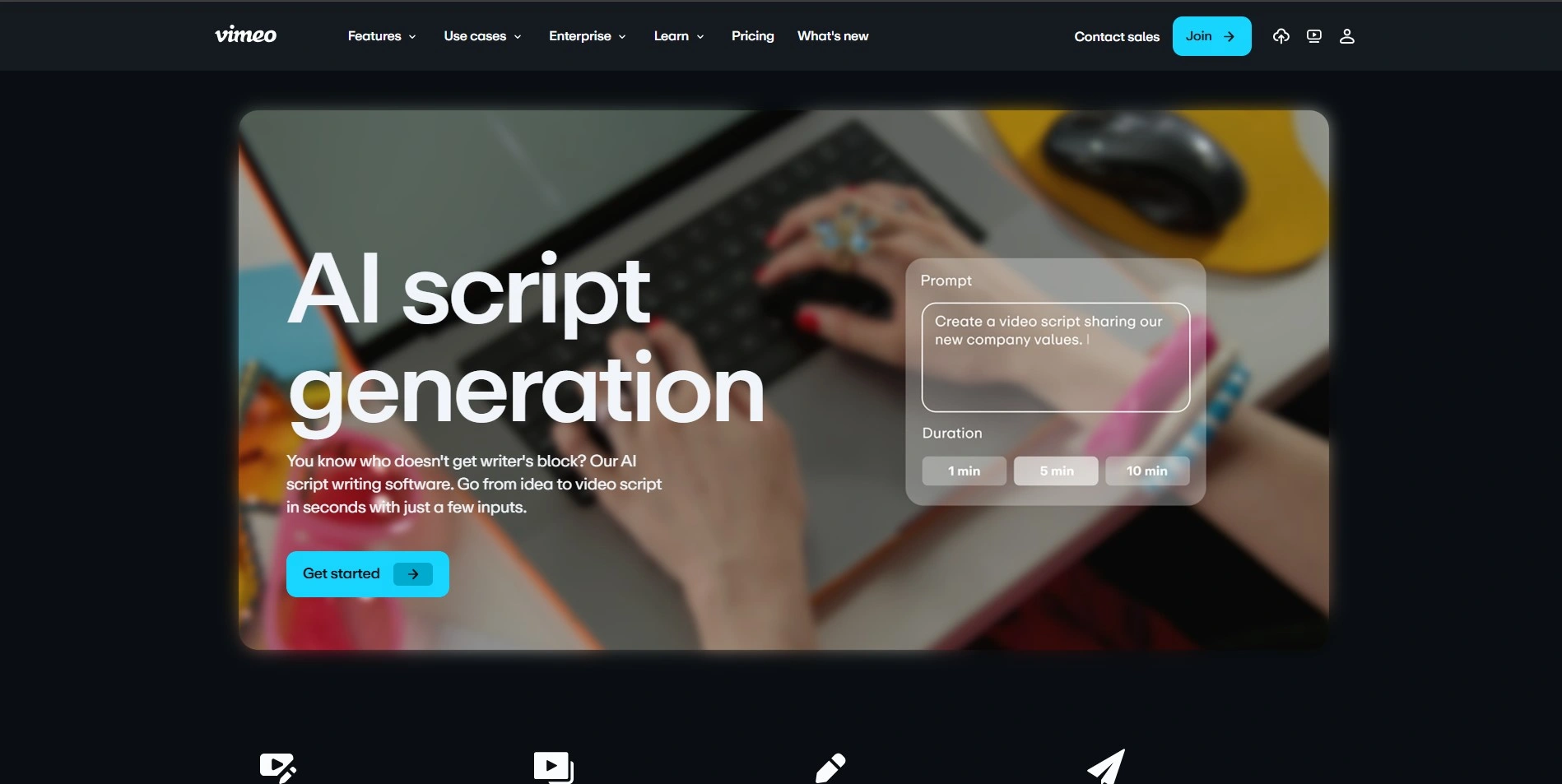
Vimeo AI Script Writer turns a short prompt into a complete video script, letting creators pick a duration and tone like inspirational, formal, or humorous. It’s bundled inside Vimeo’s paid video hosting plans rather than sold as a standalone product, and a free trial lets new users sample the toolset.
Once a script is generated, it feeds directly into Vimeo’s built-in teleprompter and text-based video editor, streamlining the path from written words to recorded footage. This makes it best suited to marketers, educators, and social creators producing short-form video rather than long-form screenplays or novels.
Pros
- Script, teleprompter, and editor work together
- Fast for short marketing or social videos
- Backed by Vimeo’s reliable hosting platform
Cons
- Requires a paid Vimeo plan to unlock
- Not designed for screenplays or fiction
- Limited tone and length customization
6. Mugafi
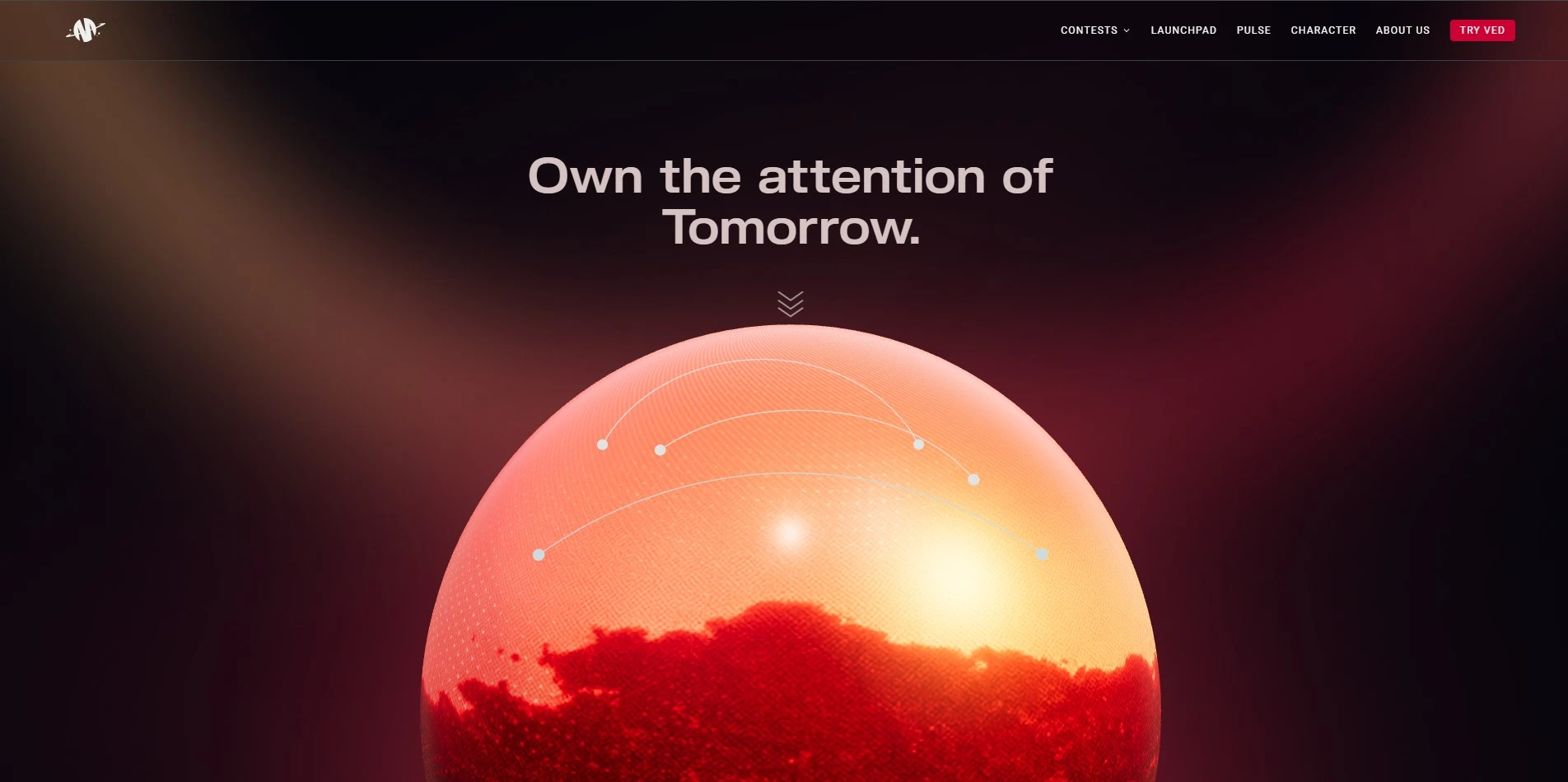
Mugafi is an India-based AI writing platform built around its flagship co-writer tool, Ved, which helps with research, dialogue expansion, rewriting, and script formatting. It blends AI assistance with human mentorship, connecting writers to studios and production houses through its broader creator network and story contests.
Beyond writing tools, Mugafi runs writers’ rooms, mentorship sessions, and IP licensing pathways so scripts can move toward real production deals. It’s particularly appealing to South Asian and MENA-region storytellers seeking culturally rooted narrative support rather than a purely Western-style generic AI writing assistant.
Pros
- Human mentorship alongside AI assistance
- Strong ties to studios and production houses
- Culturally focused on Indian and MENA storytelling
Cons
- Pricing isn’t transparently published
- Smaller global user base than rivals
- Less suited to Western genre screenwriting
7. Copy.ai
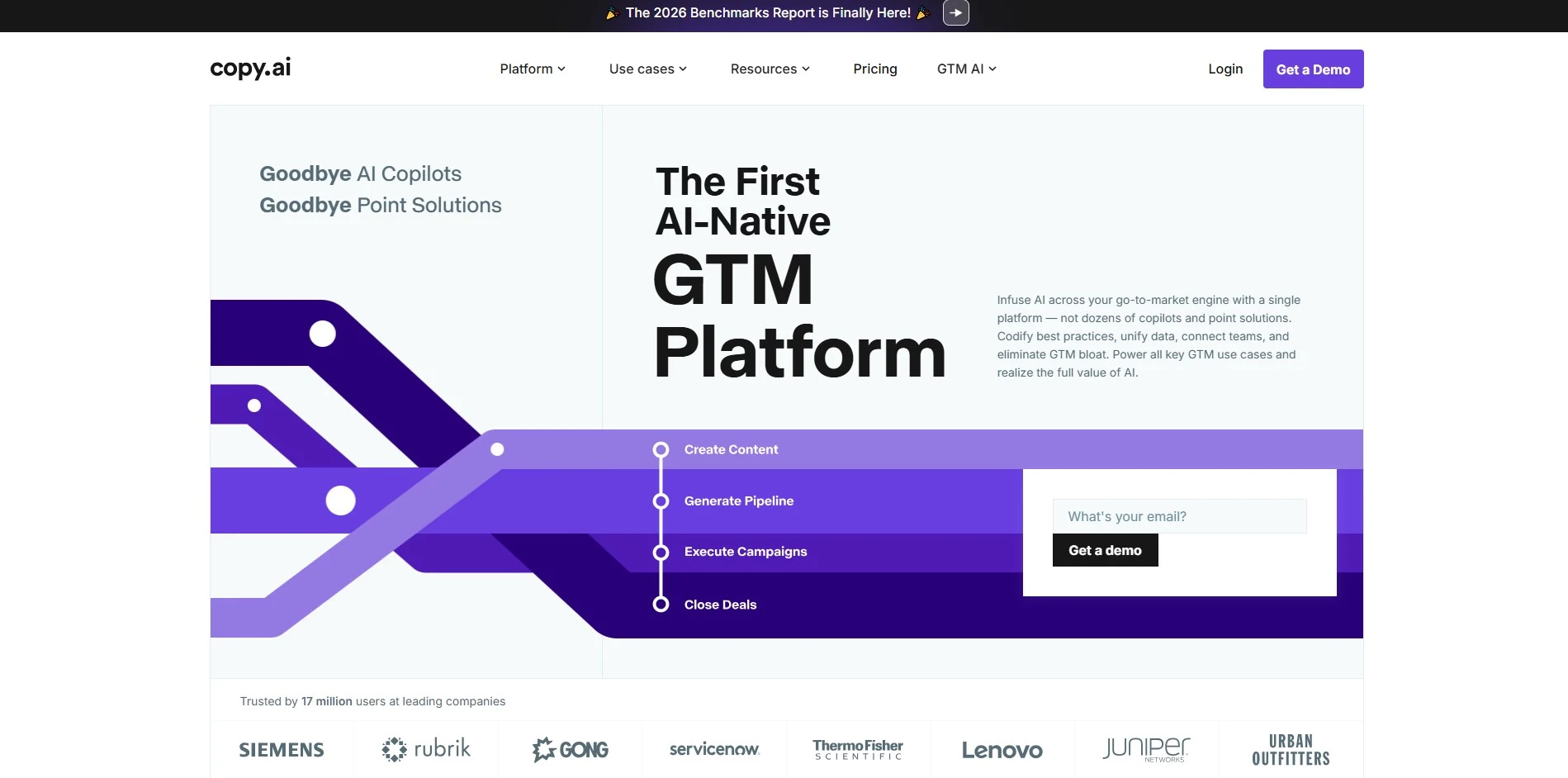
Copy.ai has shifted from a simple blog and copywriting assistant into a workflow-automation platform aimed at marketing and sales teams. Its entry-level Chat plan gives unlimited chat-based writing with access to models from OpenAI, Anthropic, and Gemini, but workflow automation features require the much pricier Growth tier.
This makes Copy.ai a poor fit for solo novelists or screenwriters, but a genuine alternative for content marketers who used Sudowrite-style AI writing for blogs, ads, or campaigns. The steep jump between entry and team pricing is worth weighing carefully before committing to a long-term subscription.
Pros
- Access to multiple AI model providers
- 90+ ready-made marketing templates
- Unlimited chat-based writing on entry plan
Cons
- Huge price gap between Chat and Growth tiers
- Not built for fiction or screenplay writing
- No robust free-forever plan
8. Claude
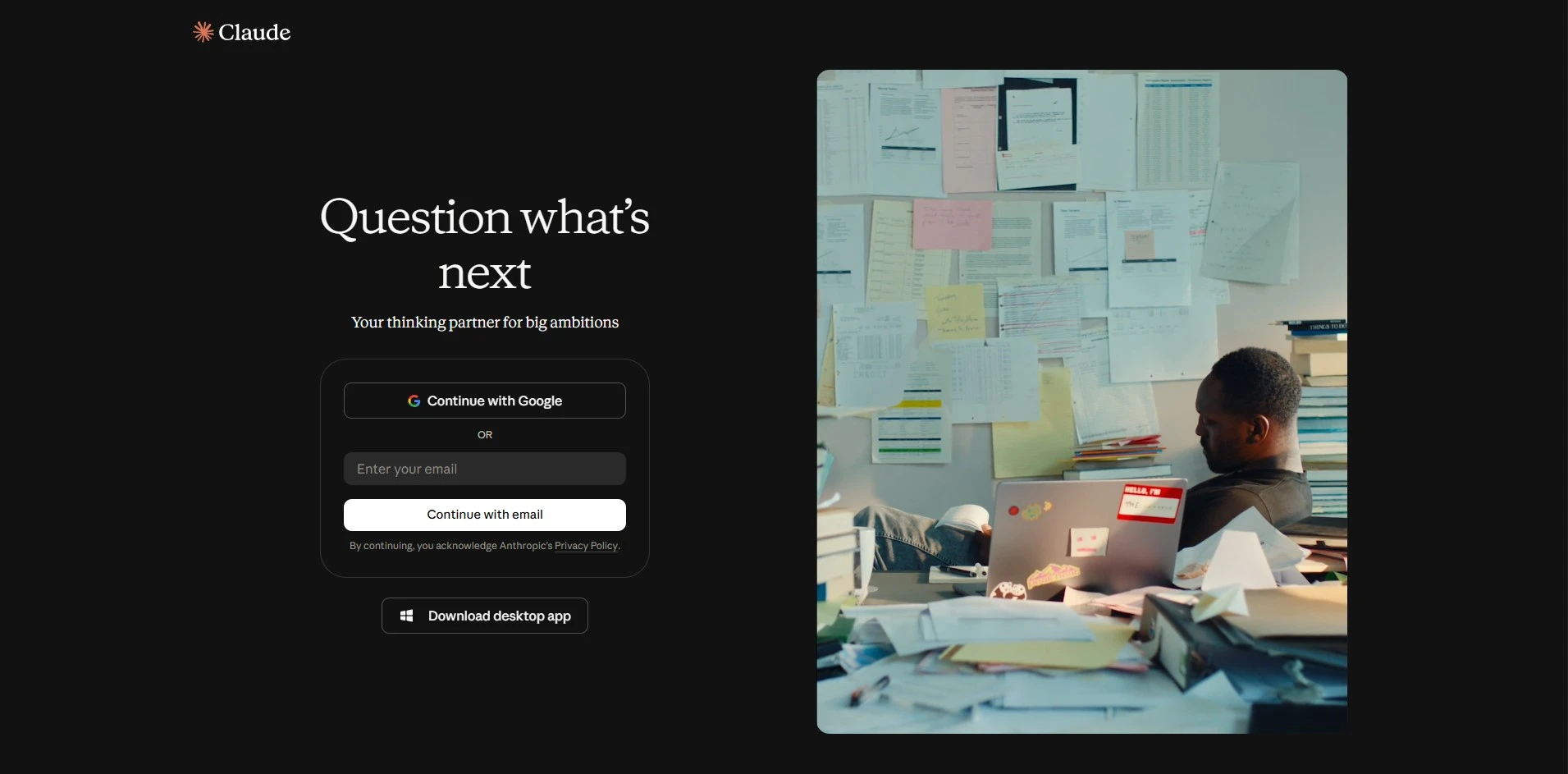
Claude, built by Anthropic, is a general-purpose AI assistant that many writers use for brainstorming, editing, outlining, and long-form drafting thanks to its strong reasoning and large context window. The Free plan lets anyone try it without a credit card, while Pro and Max unlock higher usage limits.
Unlike Sudowrite, Claude isn’t built specifically for fiction, so it lacks dedicated story-bible or manuscript-formatting features out of the box. Still, its writing quality, ability to hold long documents in context, and flexible pricing make it a capable, budget-friendly alternative for drafting and revising creative work.
Pros
- Strong general writing and editing quality
- Generous free tier to start
- Large context window for long manuscripts
Cons
- No built-in story bible or genre tools
- Not screenplay-format aware by default
- Usage limits on lower tiers can be restrictive
9. Arc Studio Pro
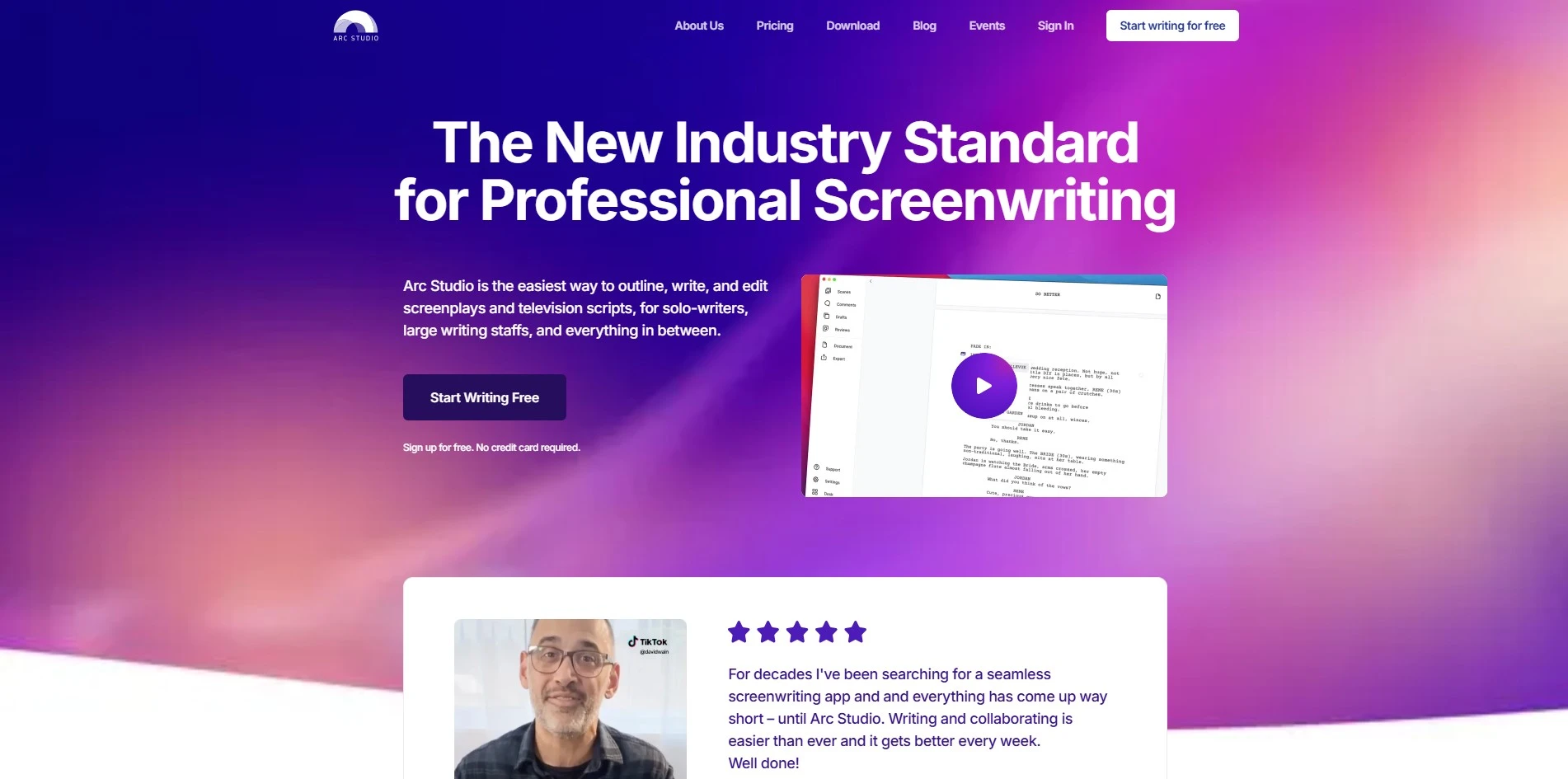
Arc Studio Pro is a modern screenwriting app built around real-time collaboration, automatic cloud backup, and a distraction-free writing environment. Its free plan covers basic script editing and commenting, while the affordable annual Pro plan unlocks outlining, custom formatting, and a whiteboard for structuring storylines and characters visually.
Because pricing is annual rather than monthly, Arc Studio Pro tends to be far cheaper over a year than many subscription-based screenwriting tools. It exports to Final Draft, PDF, Word, and Fountain formats, making it easy to move scripts between Arc Studio and industry-standard software without losing formatting.
Pros
- Very affordable annual pricing
- Real-time collaboration built in
- Exports to Final Draft, Fountain, PDF, Word
Cons
- Advanced outlining locked behind Pro plan
- Free plan exports carry a watermark
- Smaller feature set than Final Draft
10. Final Draft
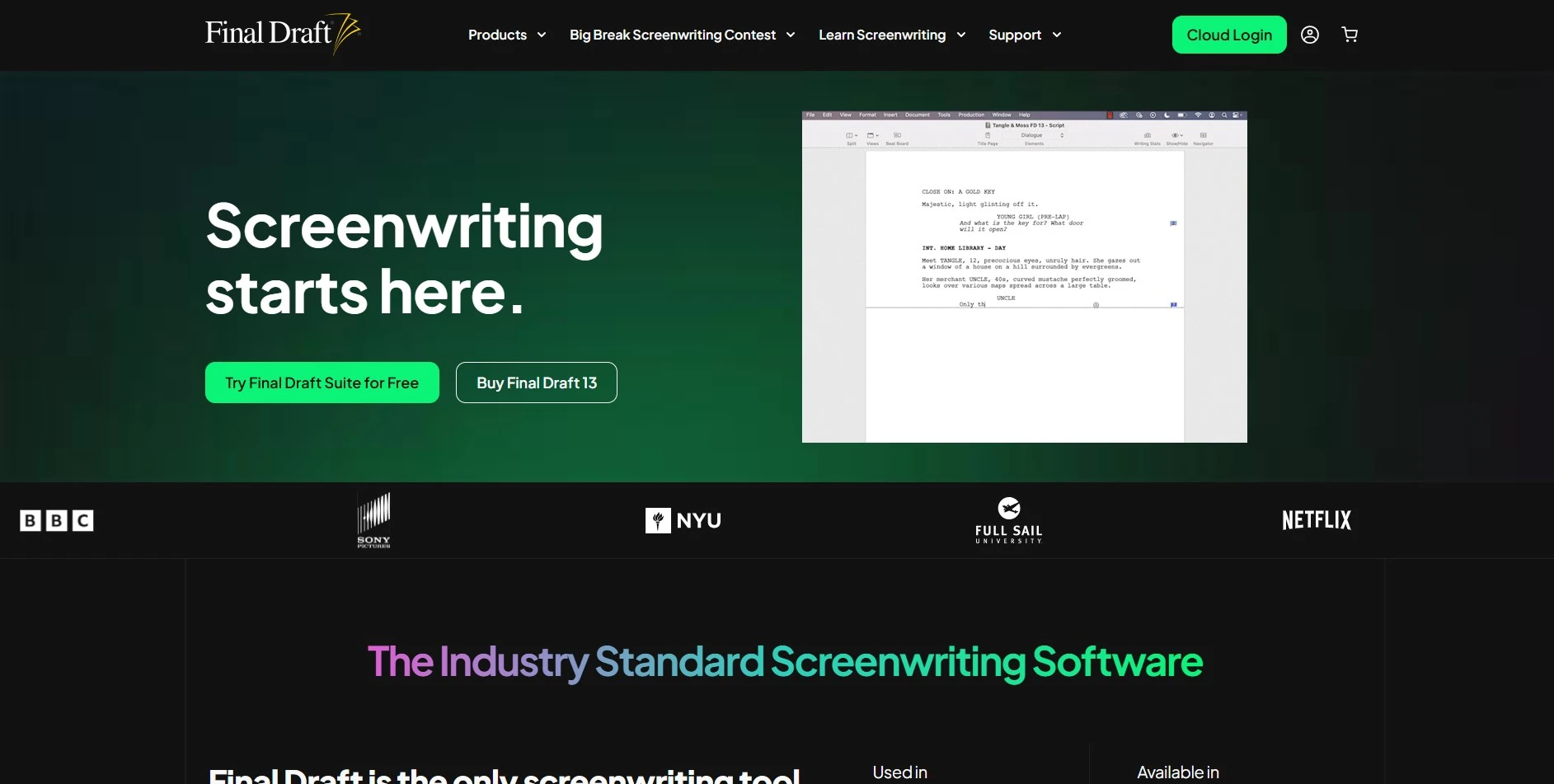
Final Draft is the entertainment industry’s benchmark screenwriting software, used by roughly 95% of film and television professionals for its precise, automatic script formatting. Unlike most tools on this list, it’s a one-time software purchase rather than a recurring subscription, though a demo lets users try it before buying.
Version 13 adds a redesigned Navigator, character screen-time tracking, customizable beats, and productivity tools like writing goals and a distraction-free Typewriter View. It suits professional and aspiring screenwriters who need studio-ready formatting above all else, even if it lacks the AI-generation features found in newer tools.
Pros
- Industry-standard formatting, widely accepted
- One-time purchase, no ongoing subscription
- Rich productivity and outlining tools
Cons
- Higher upfront cost than subscription tools
- No built-in generative AI writing assistant
- Steeper learning curve for new writers
Quick Comparison
Conclusion
Sudowrite remains a strong choice for fiction writers, but the alternatives above show there’s no shortage of options depending on your medium and budget. Screenwriters may lean toward Final Draft or Arc Studio Pro, video creators may prefer Powtoon or Vimeo, and general writers may find Claude or Copy.ai more flexible.
Ultimately, the best alternative comes down to your specific format, whether that’s novels, screenplays, or short-form video scripts, and how much you’re willing to pay monthly versus as a one-time purchase. Try the free trials or free plans first before committing to a paid subscription long-term.


