

VideoProc AI has built a solid reputation as an all-in-one editor with AI upscaling and voice tools, but it isn’t the only option on the market anymore. In 2026, dozens of AI-powered platforms now generate, edit, and polish video content faster than traditional software ever could, ranging from full generative video models to niche avatar and script-to-video tools. Whether you’re a marketer chasing scroll-stopping ads, a YouTuber repurposing long-form content, or a studio experimenting with the newest generative models, there’s an AI alternative built for your exact workflow. Below, we break down 16 VideoProc AI alternatives available right now, covering their free trials, official pricing plans, and the pros and cons that matter before you subscribe.
1Digen AI Agent
Starter from $9.99/mo
Unlimited Model Passes $69.99–$199.99/mo
Enterprise Custom
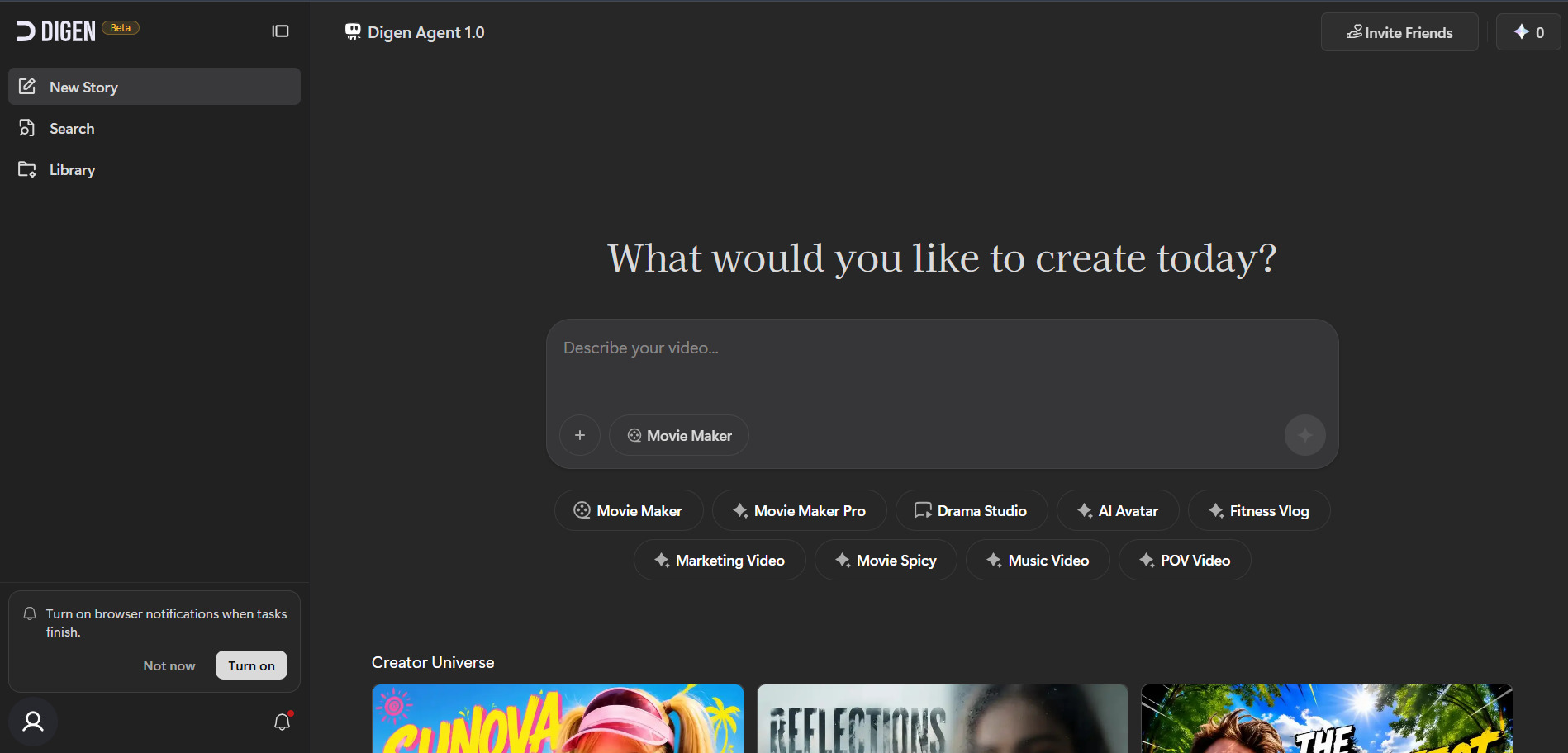
Digen AI Agent offers a genuinely free tier for turning still images into talking, lip-synced avatar videos, with no card required to start. Paid access begins around $9.99 a month, while dedicated unlimited passes for models like Veo 3.1, Sora 2, and Seedance 2.0 run between $69.99 and $199.99 monthly for heavier, model-specific production needs.
The platform stands out for multilingual lip-sync, voice cloning, and a library of AI avatars built for marketing, e-commerce, and healthcare use cases. It’s genuinely fast for short talking-photo clips, but reviewers frequently flag inconsistent support and unclear billing once you move past the free tier, so budget-conscious teams should read the terms before committing to a recurring plan.
Pros
- Genuinely free entry tier, no credit card needed
- Strong multilingual lip-sync and voice cloning
- Fast image-to-talking-video turnaround
- Access to multiple top-tier models in one place
Cons
- Support and billing complaints are common
- Free tier outputs carry watermarks
- Unlimited passes get pricey for casual users
- Less stable than established avatar competitors
2Wireflow
Starter $24/mo
Pro $45/mo
Team $249/mo
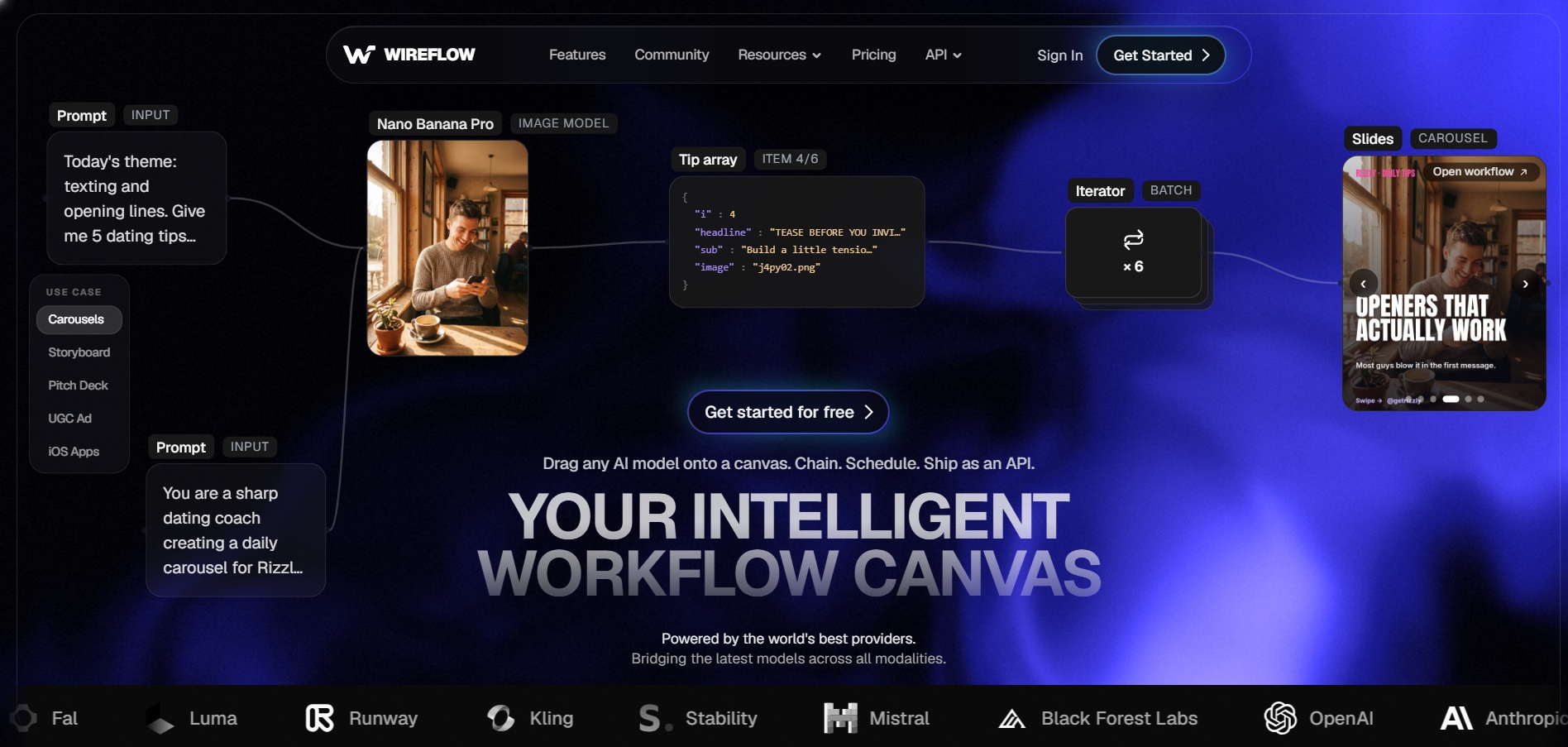
Wireflow lets anyone build workflows and browse its model gallery for free, though actually running a generation requires a paid plan. Starter begins at $24 a month, Pro sits at $45, and Team plans reach $249 monthly, with annual billing saving roughly 20% across every tier and unlocking the full model catalog immediately.
Its biggest advantage is a visual node canvas that chains 70-plus models, including Veo 3.1, Kling, Seedance, and Sora 2, into one repeatable pipeline instead of juggling separate apps. That flexibility comes with a learning curve, and per-clip credit costs can add up quickly if you iterate heavily before locking a final cut.
Pros
- Chains dozens of AI models in one visual canvas
- Flat, predictable per-generation credit pricing
- Turns saved workflows into reusable API endpoints
- Free workflow building with no card required
Cons
- No free generation, only free workflow building
- Node-based canvas has a learning curve
- Heavy iteration burns credits fast
- No native Runway model integration
3Vidu Q3
Standard ~$8–$10/mo
Premium ~$28–$35/mo
Ultimate ~$79–$99/mo
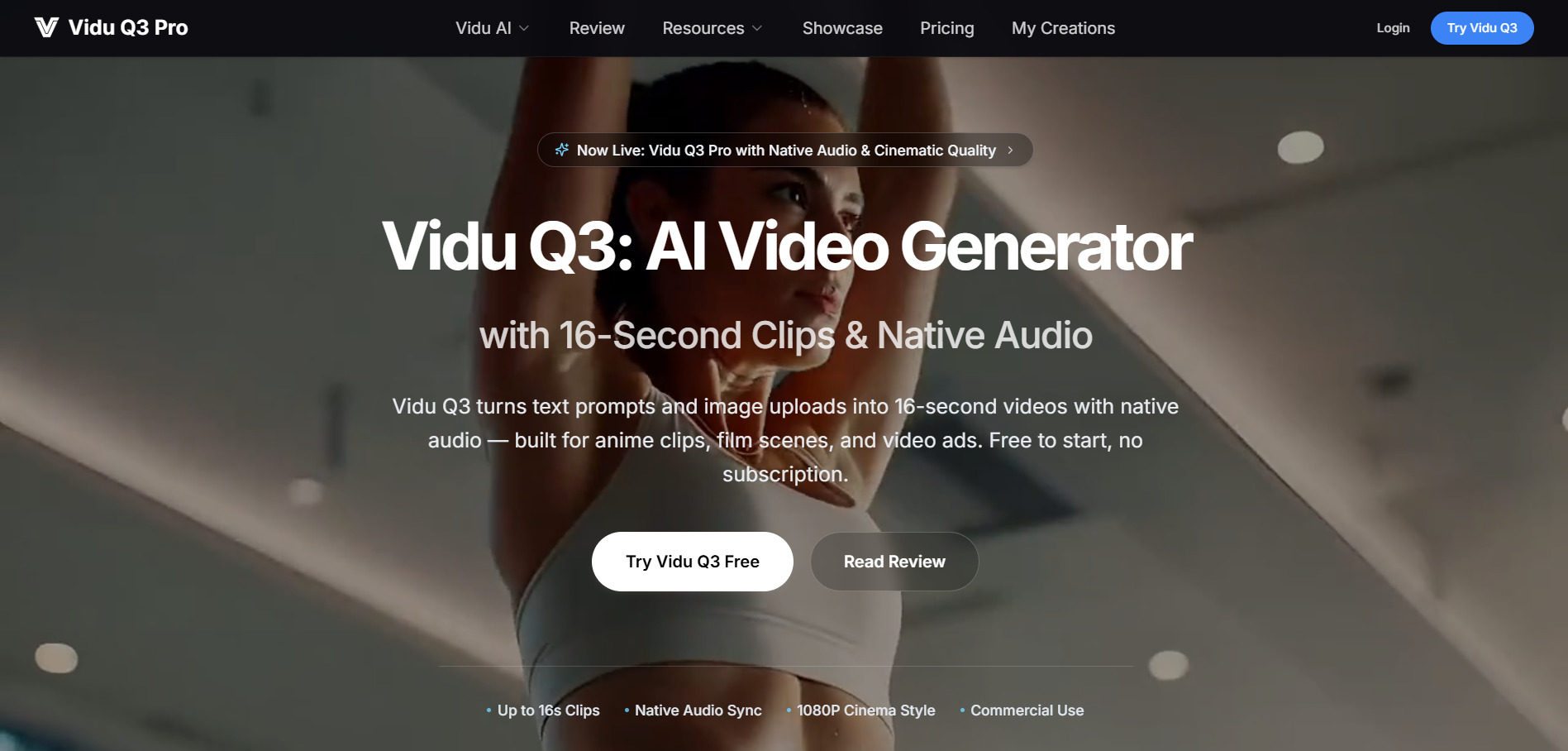
Vidu Q3 hands new users free trial credits at sign-up, plus daily login bonuses to keep testing without paying. The Standard plan starts near $8 a month billed annually (about $10 monthly), Premium runs roughly $28 to $35, and Ultimate climbs to $79–$99 a month depending on billing cycle, each tier scaling credits and generation speed.
Vidu Q3’s headline feature is native audio generated alongside video in a single pass, complete with synced dialogue and sound effects, plus standout handling of anime and stylized motion. It struggles with photorealistic human movement compared to Runway or Sora, and Vidu explicitly offers no refunds, so failed renders still cost credits.
Pros
- Generates native audio and video together
- Excellent for anime and 2D-style motion
- Daily and referral credits extend free usage
- Off-peak mode offers slower but cheaper generation
Cons
- No refunds, even for failed generations
- Weaker at photorealistic human motion
- Clips capped at 16 seconds each
- Credits burn quickly on higher-quality settings
4Pictory AI

Standard $19–$23/mo
Premium $39–$47/mo
Teams $99–$119/mo
Pictory AI gives new users a 14-day trial that unlocks premium features to build three full video projects before requiring payment. Beyond the trial, Standard runs about $19 monthly on annual billing (or $23 monthly), Premium sits between $39 and $47, and the Teams plan lands between $99 and $119 depending on the billing term chosen.
The tool shines at converting blog posts and scripts into videos using licensed Shutterstock and Getty footage, which many stock-driven marketers value for commercial safety. It cannot generate original AI visuals or avatars, template variety feels dated to some reviewers, and there are no refunds once you’ve subscribed to a paid tier.
Pros
- Turns blog posts and scripts into videos instantly
- High-quality licensed stock footage library
- Simple, non-technical editing interface
- Supports 29 languages on higher tiers
Cons
- No AI-generated visuals, stock footage only
- Template selection feels limited
- No refunds on paid subscriptions
- Video minute caps require careful planning
5Creatify AI
Starter $19/mo
Pro $49/mo
Enterprise Custom
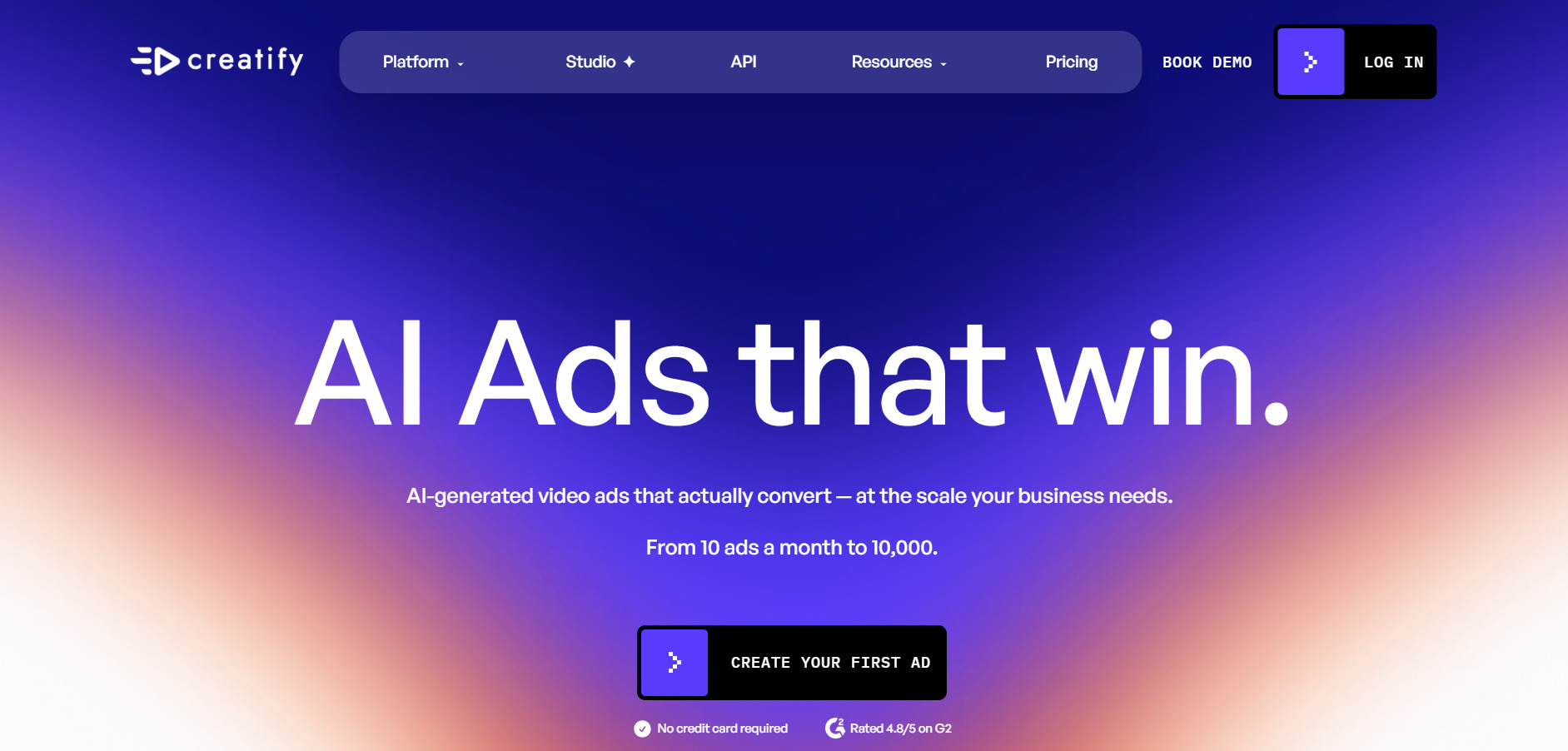
Creatify AI‘s free plan includes 10 monthly credits, enough for roughly two watermarked video ads, with no credit card required to start testing. The Starter plan is $19 a month, Pro jumps to $49 with a much larger avatar library and batch tools, and Enterprise pricing is negotiated directly for API access and team seats.
Its core trick is turning a single product URL into ready-to-run UGC-style video ads using 300-plus AI actors, which saves real money versus hiring creators. The credit system feels restrictive on lower tiers, lip-sync can look slightly off, and higher-quality generations often consume the upper end of the credit range fast.
Pros
- Generates ads directly from a product URL
- Large, growing library of realistic AI actors
- Genuinely useful free tier to test quality
- 75+ languages for localized ad variants
Cons
- Credit system feels tight on lower plans
- Occasional lip-sync inconsistencies reported
- Free exports include a visible watermark
- Scripts often need manual rewriting before publishing
6Hedra
Basic $15/mo
Creator $30/mo
Professional $75/mo
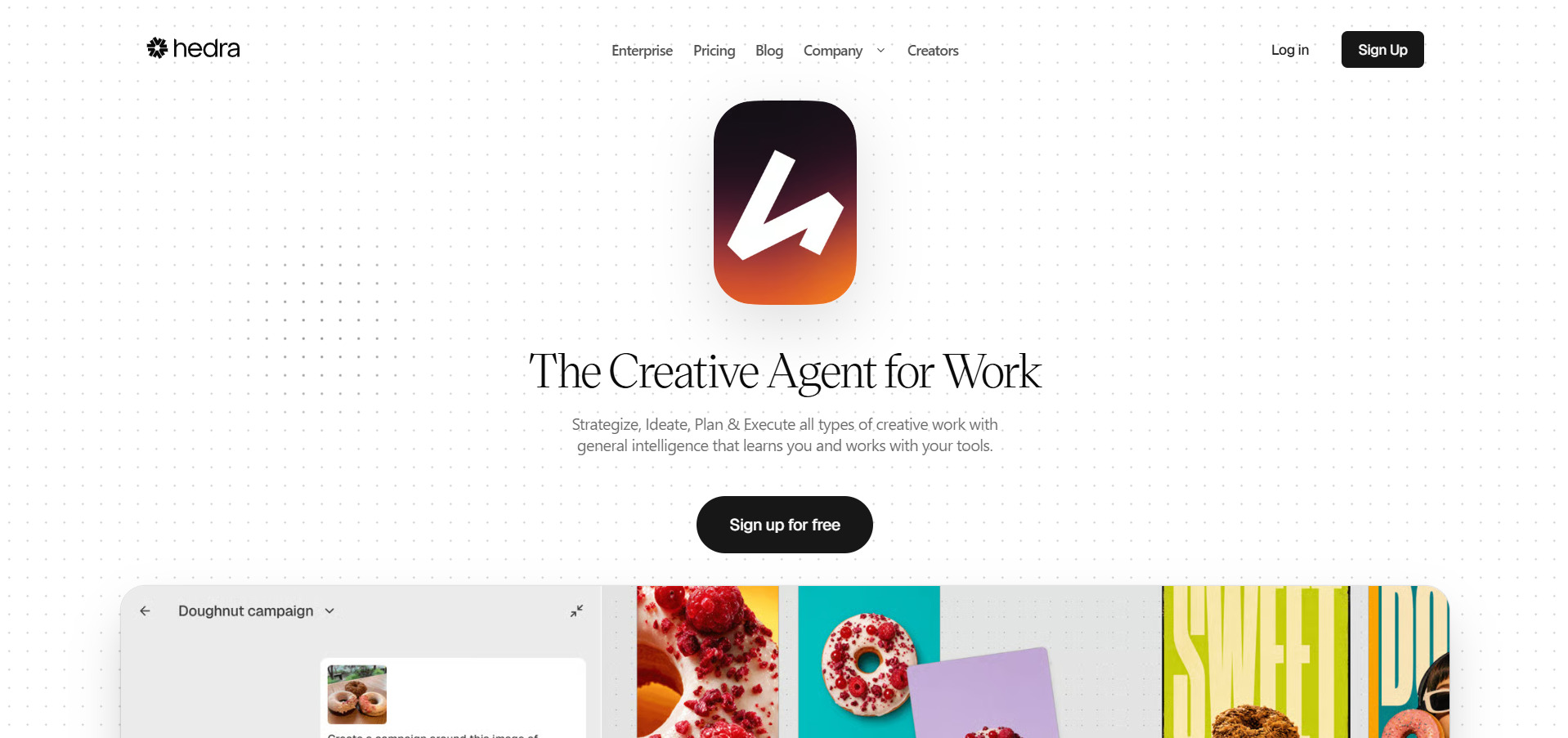
Hedra free plan hands out 100 credits with no credit card required, enough to run a couple of short test animations before upgrading. Basic starts at $15 a month with 1,500 credits, Creator moves to $30 with 5,400 credits and no watermark, and Professional tops out at $75 monthly for 14,400 credits and 1080p as default.
Hedra’s Character-3 model is genuinely excellent at turning a single portrait into an expressive, phoneme-accurate talking character with natural blinks and gaze shifts. Monthly credits expire without rolling over, and independent reviewers consistently flag billing and support friction, so it’s worth testing thoroughly on the free tier before subscribing long-term.
Pros
- Best-in-class phoneme-accurate lip-sync
- 28 AI models under one shared credit balance
- Built-in image generation to create characters
- No credit card needed to try the free tier
Cons
- Monthly credits expire, no rollover
- Reported billing and support issues
- No built-in stock avatar library
- Credits disappear fast at higher resolutions
7Vyond Go
Starter $99/mo
Professional $199/mo
Enterprise $1,649/yr
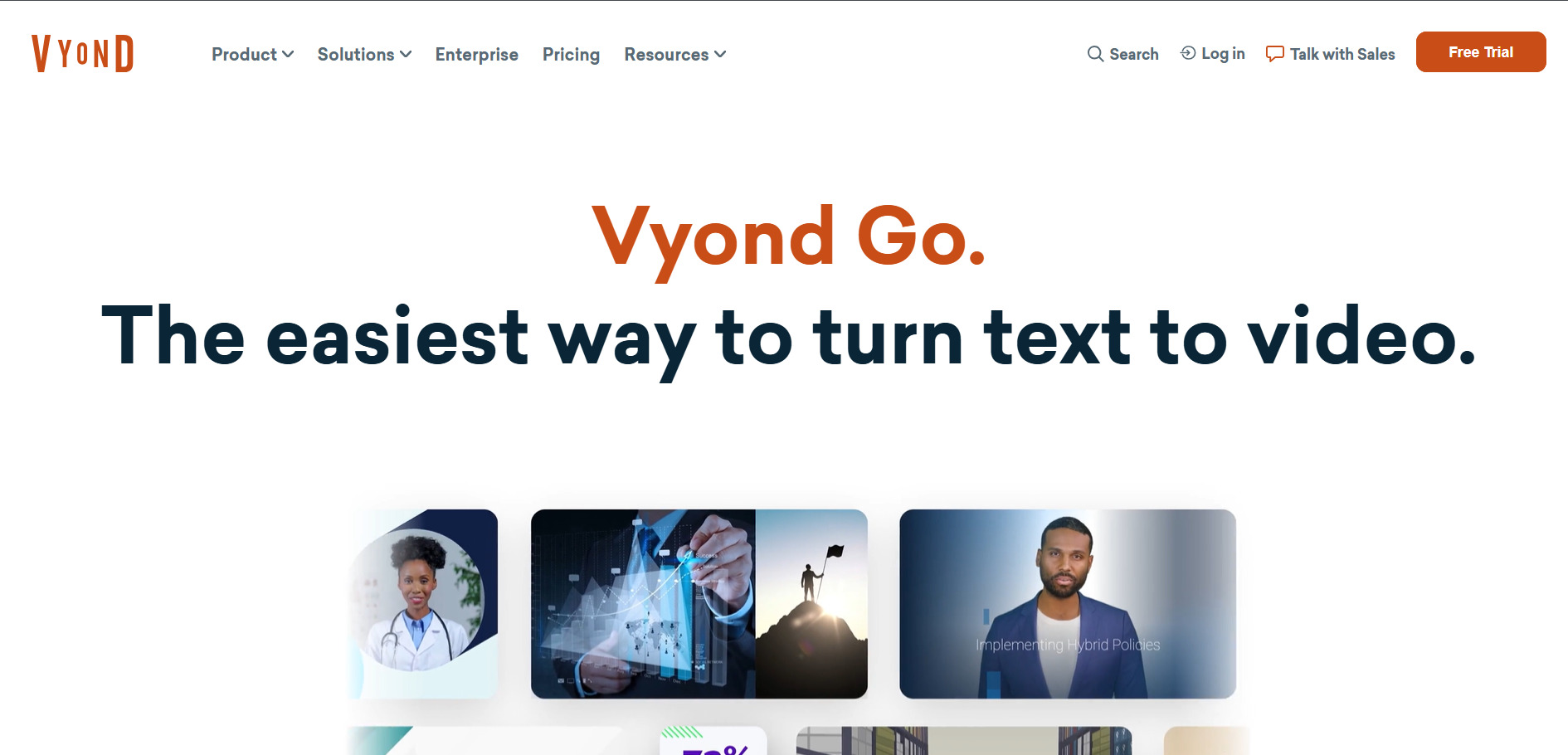
Vyond Go‘s free trial delivers 2,000 credits to test its instant script-to-video maker and AI avatars, though exports carry a watermark until upgrading. The Starter plan runs $99 monthly (or $699 annually), Professional is $199 a month ($1,199 annually), and Enterprise and Agency tiers scale to $1,649 and $1,999 per year respectively.
Vyond Go is built for enterprise training and L&D teams, letting anyone produce a first video in under a minute using a simple prompt or uploaded script. The pricing is steep for solo creators, script-to-video output often needs manual rework, and several desirable features are locked behind the pricier Enterprise tier only.
Pros
- Instant prompt-to-video generation via Vyond Go
- Deep library of AI avatars and mixed-media styles
- Instant translation into 70+ languages
- Trusted by large enterprise L&D teams
Cons
- Expensive relative to solo-creator budgets
- Script-to-video output needs manual polish
- Best features gated behind Enterprise pricing
- Credit-based downloads add ongoing cost pressure
8Kapwing AI
Pro $16–$24/mo
Business $50–$64/mo
Enterprise Custom
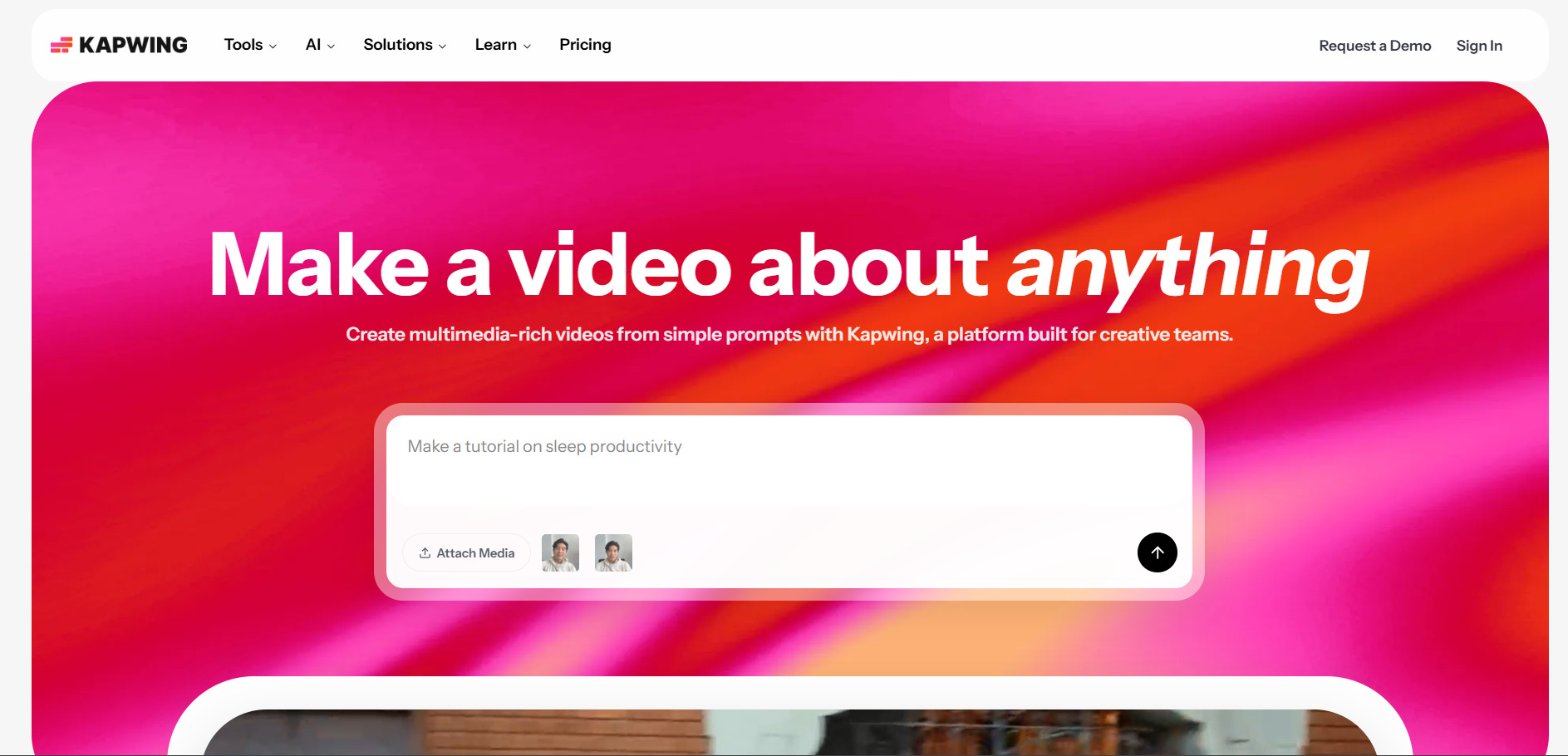
Kapwing’s free plan is genuinely unlimited to use, though exports stay watermarked, capped near 720p, and limited to short clips before projects auto-delete. Pro costs $16 monthly on annual billing (or $24 monthly), Business runs $50 annually or $64 monthly per member, and Enterprise adds SSO and custom billing on request.
Kapwing’s browser-based editor is strongest at Smart Cut silence removal, auto-subtitles across 75 languages, and AI-powered clip extraction from long recordings for repurposing. It doesn’t generate video from scratch like true text-to-video tools, and its unified AI credit pool can freeze mid-project the moment you exhaust the monthly allowance.
Pros
- Genuinely useful free plan, no time limit
- Smart Cut auto-removes silence and filler words
- Strong AI clip extraction for repurposing long videos
- Flat-rate Business plan for unlimited team members
Cons
- Doesn’t generate original AI video content
- AI credits freeze features once exhausted
- Free exports are watermarked and low-res
- Export can be slow on larger projects
9AKOOL

3-Day Trial on Pro/Pro Max
Pro $30/mo · Pro Max $119/mo
Business $500/mo · Enterprise Custom
AKOOL‘s Basic plan is free indefinitely, offering face swap, avatars, and image-to-video capped at 720p and watermarked exports. A 3-day trial unlocks watermark-free Pro and Pro Max features, after which Pro runs $30 a month, Pro Max reaches $119, and Business scales to $500 monthly with a 30% discount on annual billing.
AKOOL’s face swap and video translation across 155-plus languages are genuinely strong for global marketing campaigns and personalized outreach. Its credit system burns fast on 4K exports, per-seat pricing punishes growing teams since every added editor pays full price, and multiple users report slow rendering and refund friction on Trustpilot.
Pros
- Free Basic plan never expires
- Strong face swap and video translation tools
- 155+ languages supported for localization
- 3-day trial unlocks full Pro Max features
Cons
- Per-seat pricing scales expensively for teams
- Credits burn quickly at 4K resolution
- Rendering can be slow on lower tiers
- Strict no-refund policy reported by users
10Artlist AI
AI Starter from $13.99/mo
AI Professional $99.99/mo · Max $39.99/mo
Enterprise Custom
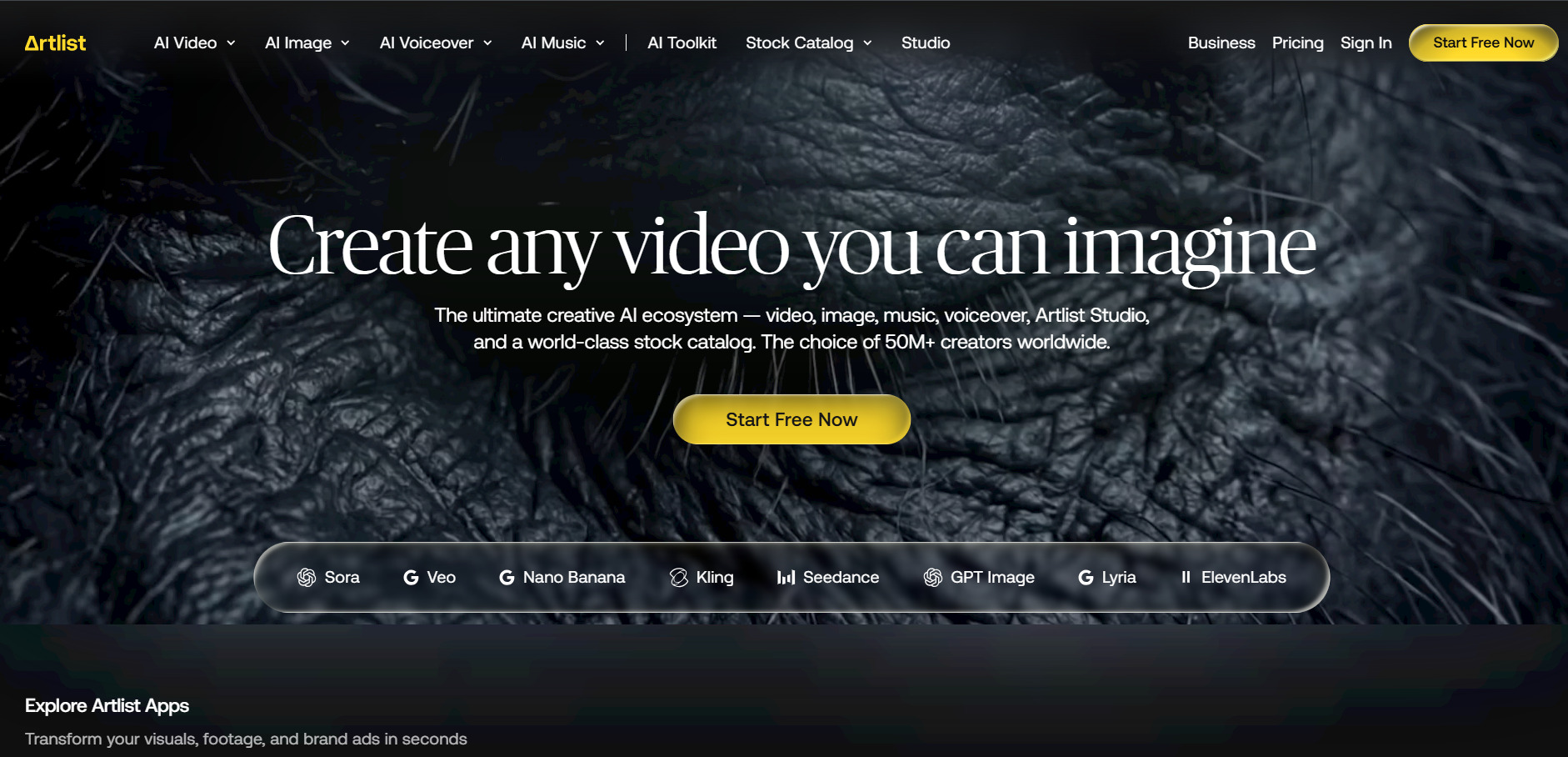
Artlist AI‘s free trial allows a handful of AI voiceovers, images, and one video generation for preview purposes, though nothing can be published without a plan. AI Starter begins near $13.99 monthly on annual billing, Artlist Max bundles everything at $39.99, AI Professional runs $99.99, and annual plans cut credit costs by up to 62%.
Artlist Max is the standout bundle, combining AI video, image, and voiceover generation with a massive library of royalty-free music, footage, and editing plugins under one simple license. Heavy AI users can burn through monthly credits surprisingly fast, downgrading a plan requires contacting support, and Artlist can reprice credit costs mid-contract on annual plans.
Pros
- Combines AI generation with a huge stock library
- Simple, single commercial license for everything
- Max plan consolidates 3–4 subscriptions into one
- Annual billing cuts per-credit costs significantly
Cons
- Heavy AI use burns credits quickly
- Downgrading requires contacting support directly
- Per-generation cost sits above dedicated AI platforms
- Mid-contract credit repricing possible on annual plans
11Google Veo 3
Google AI Pro $19.99/mo
Google AI Ultra $249.99/mo
Google Veo 3 is accessible for free with limited daily generations through the Gemini app and Google AI Studio, ideal for testing prompts before committing to a plan. Google AI Pro costs $19.99 a month with 1,000 Flow credits, while Google AI Ultra runs $249.99 monthly with 25,000 credits and full 4K, watermark-free access.
Veo 3 leads the market on prompt adherence, physics accuracy, and native synchronized audio generated directly alongside the video in one pass. Full-quality access is currently locked behind the expensive Ultra tier, each clip maxes out at 8 seconds so longer videos require chaining generations, and availability still varies by country.
Pros
- Best-in-class realism and prompt adherence
- Native synchronized audio generation
- Free tier available for testing prompts
- Handles complex, multi-object scenes well
Cons
- Full quality requires the pricey Ultra tier
- 8-second clip limit per generation
- Regional availability is inconsistent
- Slower generation than lighter competing models
12Wan 2.6

Pro $5/mo
Premium $20/mo
Studio/Enterprise $159.99/mo
Wan 2.6 offers a genuinely free daily quota for testing multi-shot video generation, with subscribers unlocking larger monthly allowances. The official Pro plan runs about $5 a month for 300 credits (roughly 60 videos), Premium jumps to $20 for 1,200 credits, and studio-scale plans reach $159.99 monthly for 16,000 credits.
Its standout feature is 15-second multi-shot storytelling that keeps characters, lighting, and wardrobe consistent across connected scenes, plus native audio-motion sync. Third-party resellers often mark up pricing 2–3 times over official rates, and heavy regeneration at 1080p can drain credits far faster than the advertised per-video cost suggests.
Pros
- Multi-shot storytelling with consistent characters
- Very affordable official entry-level pricing
- Native audio and beat-aware motion sync
- Genuinely usable free daily quota
Cons
- Third-party resellers inflate pricing significantly
- 1080p regeneration burns credits quickly
- No 480p support limits low-cost drafting
- Credit-per-video math varies by provider
13CapCut AI
Standard $9.99/mo
Pro $19.99/mo ($179.99/yr)
Team $24.99/user/mo
CapCut’s free plan is unusually generous, covering multi-track editing, AI captions, and background removal at 1080p with no mandatory watermark on standard exports. Standard costs $9.99 monthly, Pro sits at $19.99 (or $179.99 annually) with 4K export and the full AI toolkit, and Team runs $24.99 per user monthly for collaboration.
CapCut remains one of the most accessible AI editors thanks to its huge template library, AI text-to-video generation, and TikTok-native workflow familiar to millions of creators. Recent price hikes surprised long-time users, AI credits get used up in one to two weeks under heavy use, and buying through app stores costs noticeably more.
Pros
- Generous free tier with no forced watermark
- Massive template and effects library
- Full AI toolkit including text-to-video
- Familiar, TikTok-native editing workflow
Cons
- Recent price increases frustrated existing users
- AI credits deplete fast for heavy users
- App store purchases cost more than direct billing
- Broad content license terms in the fine print
14Wan 2.2
Creator $19.9/mo
Professional $34.9/mo
Enterprise $69.9/mo
Wan 2.2 gives new users 10 one-time credits at sign-up to test 720p text-to-video generation before subscribing. The Creator plan runs $19.9 a month for roughly 20 videos, Professional climbs to $34.9 for about 40 videos with unlimited audio generation, and Enterprise reaches $69.9 monthly for 300 videos and 24/7 support.
It’s a solid budget pick for hobbyists who want watermark-free downloads and a commercial license without paying premium prices for every clip. Resolution tops out at 720p rather than full HD, credits reset without rollover on lower tiers, and quality trails newer models like Wan 2.6 or Veo 3 on complex scenes.
Pros
- Budget-friendly entry point for AI video
- Free one-time credits to test the model
- Watermark-free downloads on all paid tiers
- Commercial license included from the lowest plan
Cons
- Capped at 720p resolution output
- Falls behind newer Wan and Veo models on quality
- Unused monthly credits typically don’t roll over
- Multiple lookalike third-party sites cause confusion
15Lumen5
Basic $19–$29/mo
Starter $59–$79/mo · Professional $149–$199/mo
Enterprise Custom
Lumen5‘s free Community plan lets anyone create up to five watermarked videos monthly with no payment required, a solid way to test the AI matching engine. Basic starts at $19 annually ($29 monthly), Starter moves to $59 (or $79), Professional reaches $149 to $199, and annual billing saves 25% across every paid tier.
Lumen5 automatically turns blog posts, scripts, or Zoom recordings into branded social videos using AI visual matching, which is roughly 70% accurate out of the box. Paid plans feel expensive for infrequent posters, advanced custom animation isn’t supported, and YouTube-length videos beyond a few minutes require manual, non-AI editing to assemble.
Pros
- Turns blog posts and transcripts into video fast
- Genuinely free plan for occasional creators
- White-label branding on paid tiers
- 25% annual billing discount across all plans
Cons
- AI visual matching needs manual clip swaps
- Paid plans feel pricey for light usage
- Limited support for longer YouTube-format videos
- No advanced or custom animation tools
16Seedance 2.0

Basic ~$14.90–$19.9/mo
Pro ~$39.9–$79.9/mo
Studio Tiers Scale Higher
Seedance 2.0 offers free daily credits across most access points, enough for one or two short generations before watermarks or resolution caps kick in. Entry-level monthly plans start around $14.90 to $19.9, mid-tier Pro plans run $39.9 to $79.9 depending on the platform, and yearly billing typically saves up to 50% on credits.
Seedance 2.0 excels at fast, multi-shot cinematic generation with support for video reference inputs and combined input-output duration billing. Pricing varies significantly across resellers like fal.ai, Runway, and Higgsfield, ByteDance’s official Seedance 2.0 API isn’t yet live for developers everywhere, and credit consumption climbs steeply at 1080p and 4K resolutions.
Pros
- Fast, multi-shot cinematic video generation
- Free daily credits on most platforms
- Supports video reference inputs for consistency
- Widely available across third-party integrations
Cons
- Pricing varies widely across resellers
- Official API access still rolling out globally
- Credit cost rises sharply at higher resolutions
- Free tier outputs are watermarked
Quick Comparison Table
Conclusion
VideoProc AI has plenty of company in 2026, and the right alternative really depends on what you’re producing. If you need polished talking avatars, Hedra and Digen AI Agent lead the pack. Marketers chasing scroll-stopping ads should look at Creatify AI or AKOOL, while script-to-video repurposing is best handled by Pictory AI or Lumen5.
For raw generative power, Google Veo 3, Vidu Q3, Wan 2.6, and Seedance 2.0 push the boundaries of realism, native audio, and multi-shot storytelling, though pricing and access still vary by region and platform. Meanwhile, CapCut AI and Kapwing AI remain the most practical everyday editors thanks to genuinely usable free tiers. Test each tool’s free plan or trial before committing to a subscription, since your ideal pick ultimately comes down to output quality, budget, and how often you actually plan to create.


