

Remote access software has become the backbone of modern IT support, distributed teams, and everyday troubleshooting. While Sobrii Remote has its place in this market, plenty of buyers look for alternatives that better match their budget, security needs, or team size. Below, we walk through 13 solid Sobrii Remote Alternatives, covering free trials, official pricing, and the strengths and weaknesses of each so you can pick the right fit for your workflow.
1. Chrome Remote Desktop
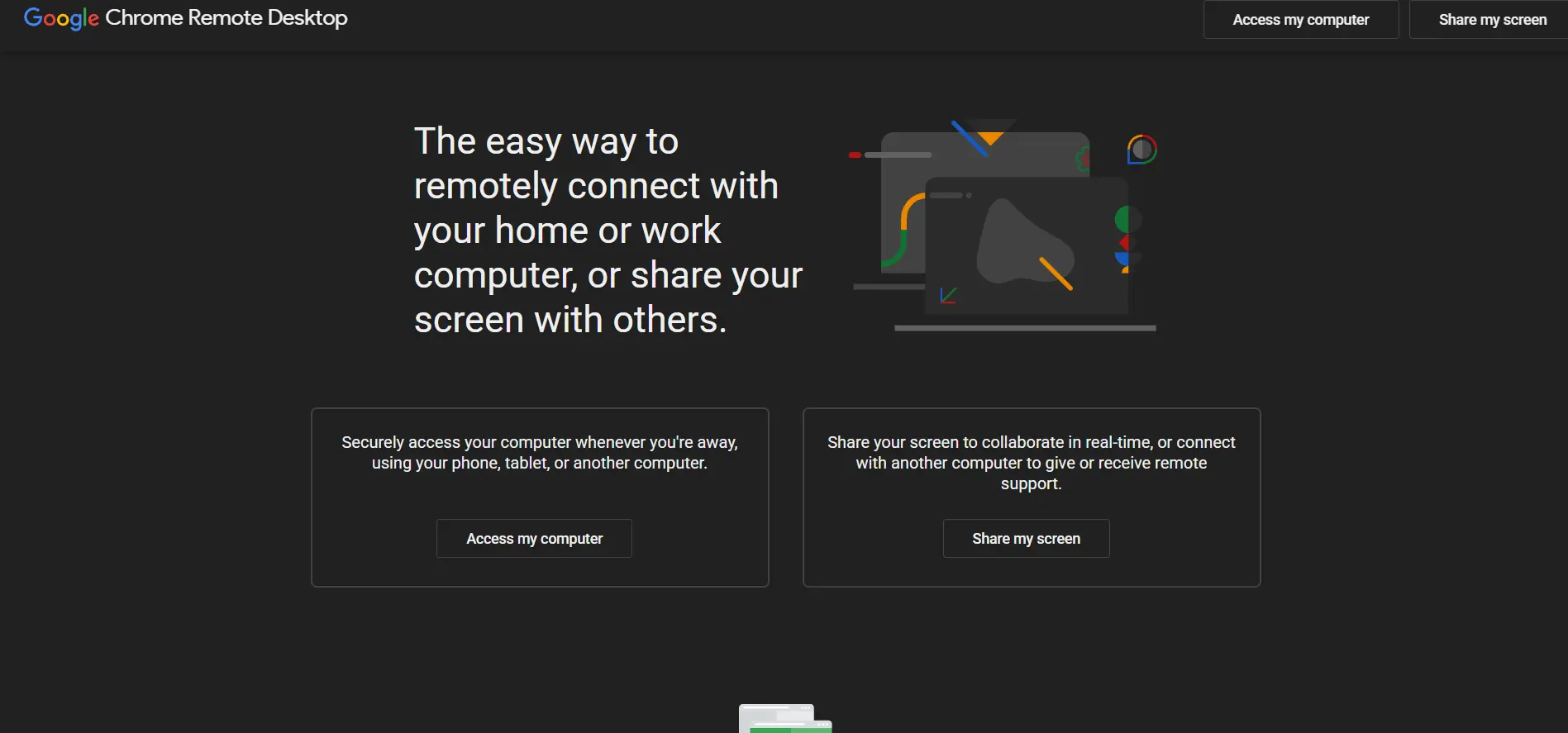
Chrome Remote Desktop doesn’t need a trial because it is entirely free, with no hidden tiers or upsells.
Price: $0 Forever Free
Built by Google on WebRTC, it lets anyone connect to a computer through the Chrome browser using just a Google account, making it approachable for individuals and small teams without any procurement process.
Because it’s browser-based, there’s nothing to license or renew, which is why so many households and lean IT shops keep it as a backup tool. It lacks file transfer polish, chat, and multi-monitor handling found in paid tools, but for quick screen access or unattended help with a relative’s PC, it remains hard to beat on convenience and cost.
Pros:
- Completely free for personal and commercial use
- Extremely simple setup with just a Google account
- Works across Windows, Mac, Linux, and Chrome OS
Cons:
- No built-in chat or session recording
- Session permission must be renewed periodically
- Lacks advanced admin and reporting tools
2. Apache Guacamole

Apache Guacamole has no paid trial because the entire project is open source and free under the Apache License 2.0.
Price: $0 Open Source
It’s a clientless gateway that connects through RDP, VNC, or SSH straight from a browser, giving IT teams a self-hosted alternative to commercial remote access platforms without licensing fees.
Since you host it yourself, the only real cost is server infrastructure and setup time, which appeals to organizations with in-house technical skill. It scales to thousands of users and supports SSO, but the tradeoff is that documentation and polish lag behind commercial products, and support depends on the community rather than a vendor helpdesk.
Pros:
- Completely free, self-hosted, and fully open source
- Clientless browser access with no plugins required
- Scales well for large or multi-tenant deployments
Cons:
- Requires technical setup and server maintenance
- No official vendor support, community-based only
- Missing session recording and clipboard tools out of the box
3. NinjaOne
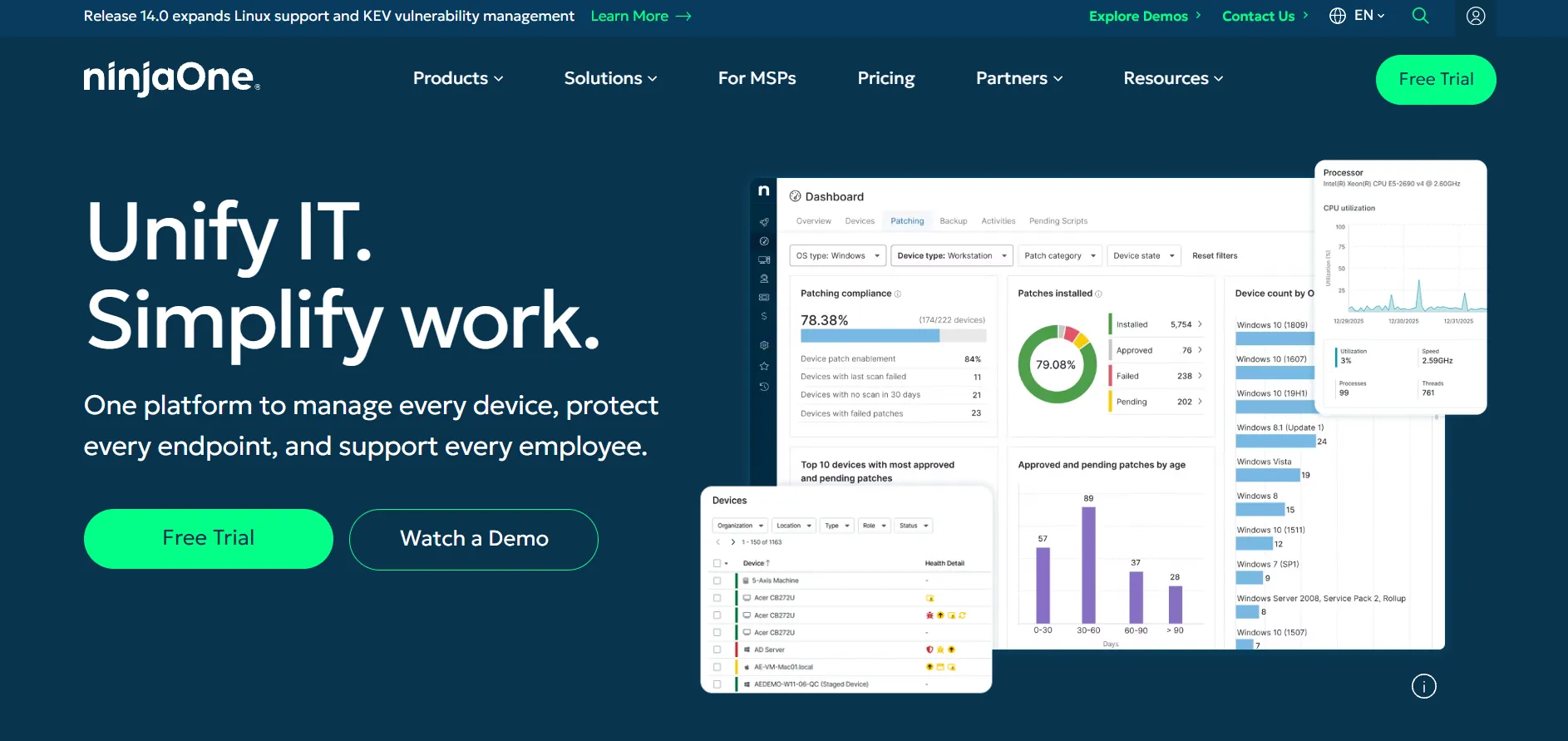
NinjaOne offers a 14-day free trial with full RMM, patching, and remote access access, no credit card required.
Price: Custom Quote, roughly $1.50–$6 per endpoint/month
Pricing is quote-based per managed device rather than published tiers, and it scales down considerably for larger endpoint counts and multi-year commitments.
NinjaOne bundles remote monitoring, automated patching, scripting, and remote access into one unified platform, replacing several separate tools for growing MSPs. Smaller shops under 50 devices often pay closer to the higher end of the range, and add-ons like backup or endpoint security are billed separately, so the final invoice can look different from the initial quote.
Pros:
- Consolidates RMM, patching, and remote access in one platform
- Strong automation and scripting capabilities
- Volume discounts make it economical at scale
Cons:
- No published pricing, requires a sales conversation
- Backup, MDM, and security are separate paid add-ons
- Small deployments pay a higher per-device rate
4. Distant Desktop
Distant Desktop‘s free version has no expiry and covers both personal and commercial use, so there isn’t a traditional trial.
Free Version Available
Pro: $49.95/year single license
Bulk buyers can bring the per-license cost down to about $22.90 when purchasing ten licenses at once.
It requires no installation or registration, connecting through a simple ID and access code shared between machines. Features include file transfer, remote printing, wake-on-LAN, and a demonstration mode for training sessions. It’s lightweight and beginner-friendly, though it lacks a mobile companion app and the polish of larger enterprise remote access suites.
Pros:
- Free tier works for both personal and commercial use
- No installation or registration required to connect
- Includes remote printing and wake-on-LAN features
Cons:
- No dedicated mobile app for iOS or Android
- Limited brand recognition compared to bigger competitors
- Fewer enterprise-grade admin and reporting tools
5. Pulseway
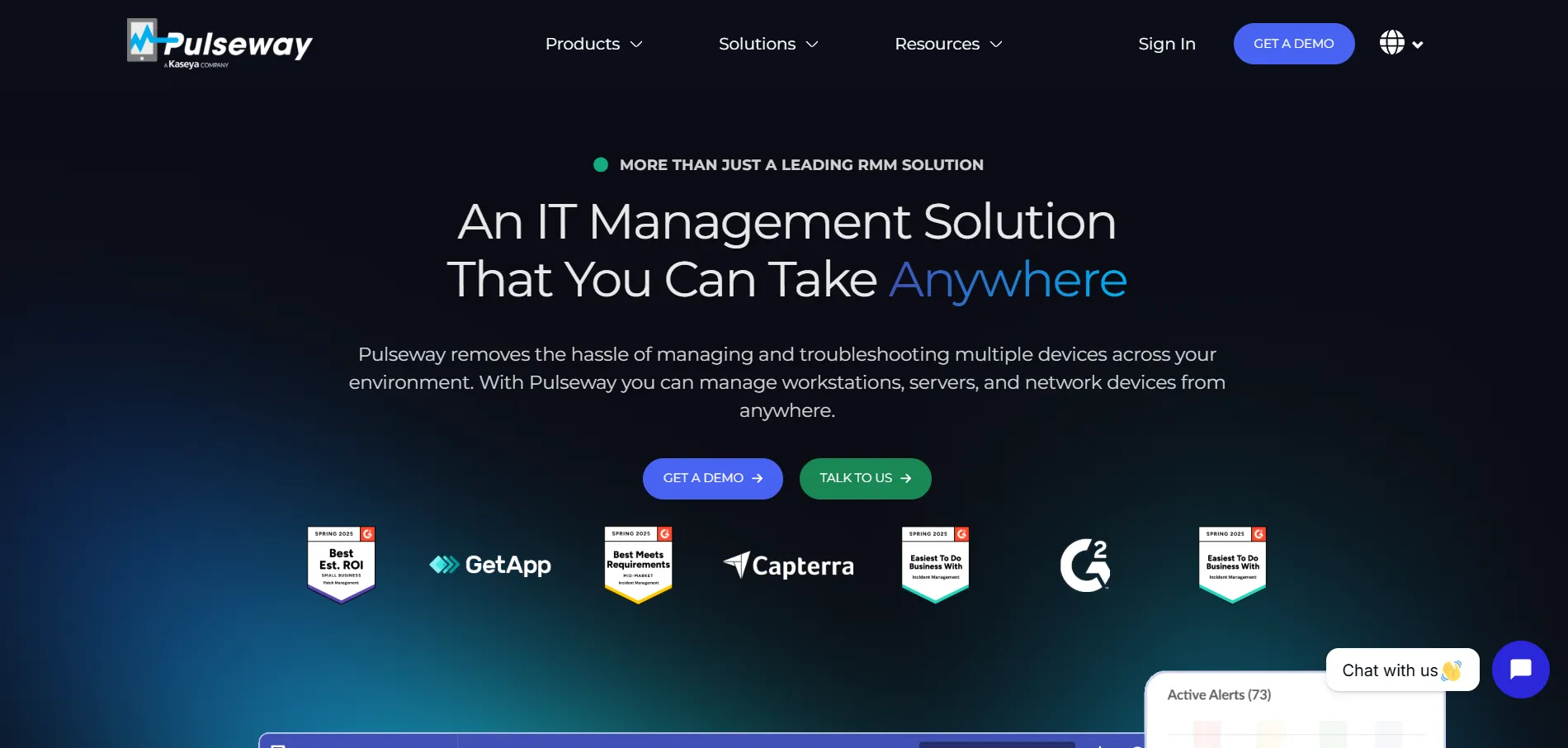
Pulseway offers a free trial so IT teams can test its monitoring and remote control tools before committing.
Price: from ~$19–$22 per device/month
Its official pricing page lists a usage-based model billed monthly, annually, or across multi-year terms, with volume discounts kicking in as endpoint counts grow.
Pulseway stands out for its mobile-first design, letting technicians manage servers and workstations straight from a smartphone app. It bundles patch management, ransomware detection, and endpoint protection add-ons alongside remote control. Reviewers call it reliable for small-to-midsize IT teams, though some note the remote control feature trails dedicated tools like TeamViewer in polish.
Pros:
- Strong mobile app for managing systems on the go
- Combines RMM, patching, and remote access in one plan
- Flexible monthly, annual, and multi-year billing options
Cons:
- Remote control quality lags behind dedicated competitors
- Costs can rise quickly with added modules
- Requires a one-time onboarding fee for some plans
6. Zoho Assist
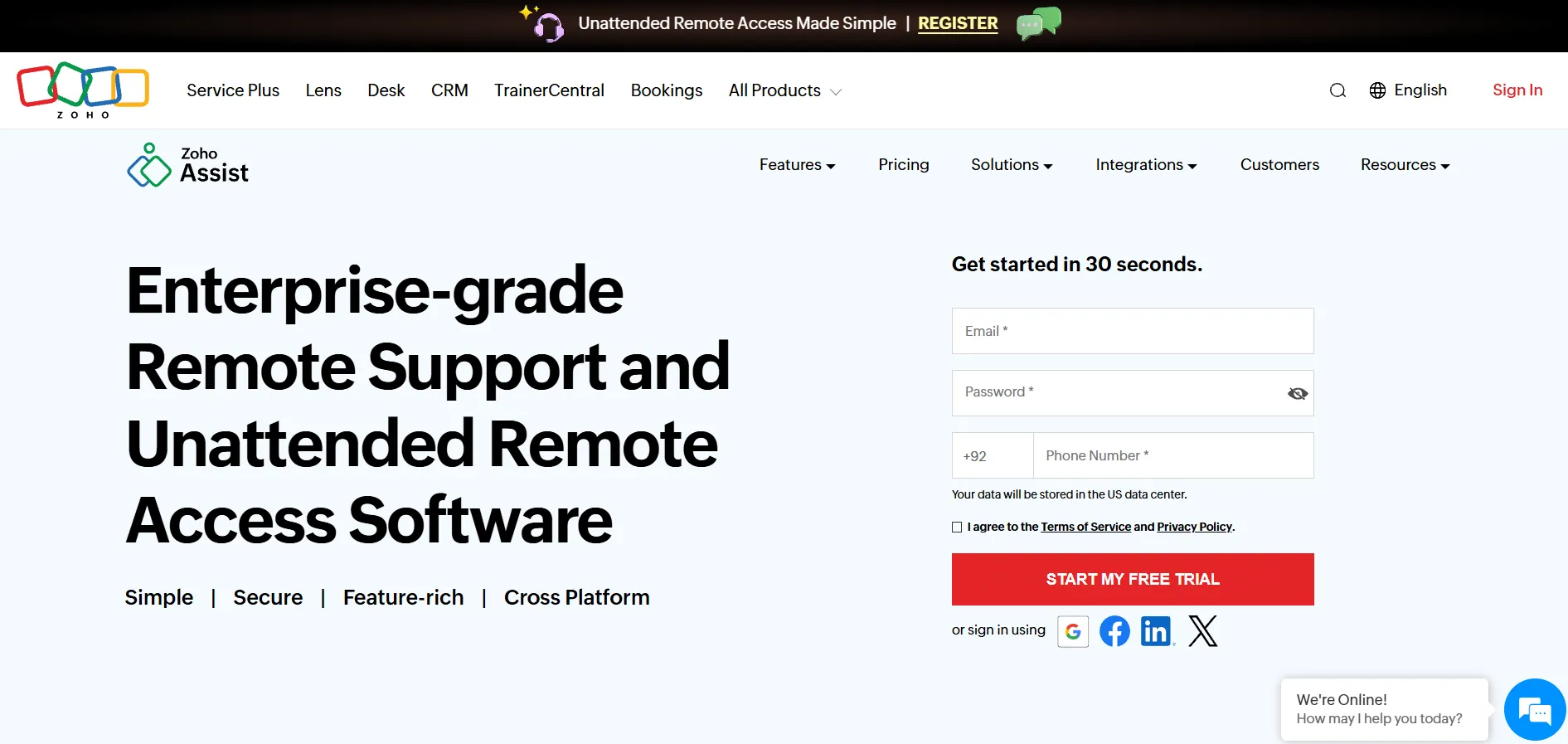
Zoho Assist provides a genuine free-forever plan plus a free trial on paid tiers, no credit card needed upfront.
Free Plan
Standard: $10/technician/mo
Professional: $15/mo
Enterprise: $24/mo
Zoho Assist splits pricing between Remote Support (pay per technician, unlimited endpoints) and Unattended Access (pay per computer, unlimited technicians), which is unusually flexible. It integrates tightly with Zoho Desk and other Zoho apps, offers session recording, and works reliably even on slower connections, making it a favorite among IT consultants who value price-to-feature ratio.
Pros:
- Genuine free plan for basic support needs
- Flexible pricing split between support and unattended access
- Deep integration with the wider Zoho ecosystem
Cons:
- File transfer requires a separate dedicated mode
- Android app can feel sluggish during sessions
- Advanced features are locked behind higher tiers
7. UltraViewer
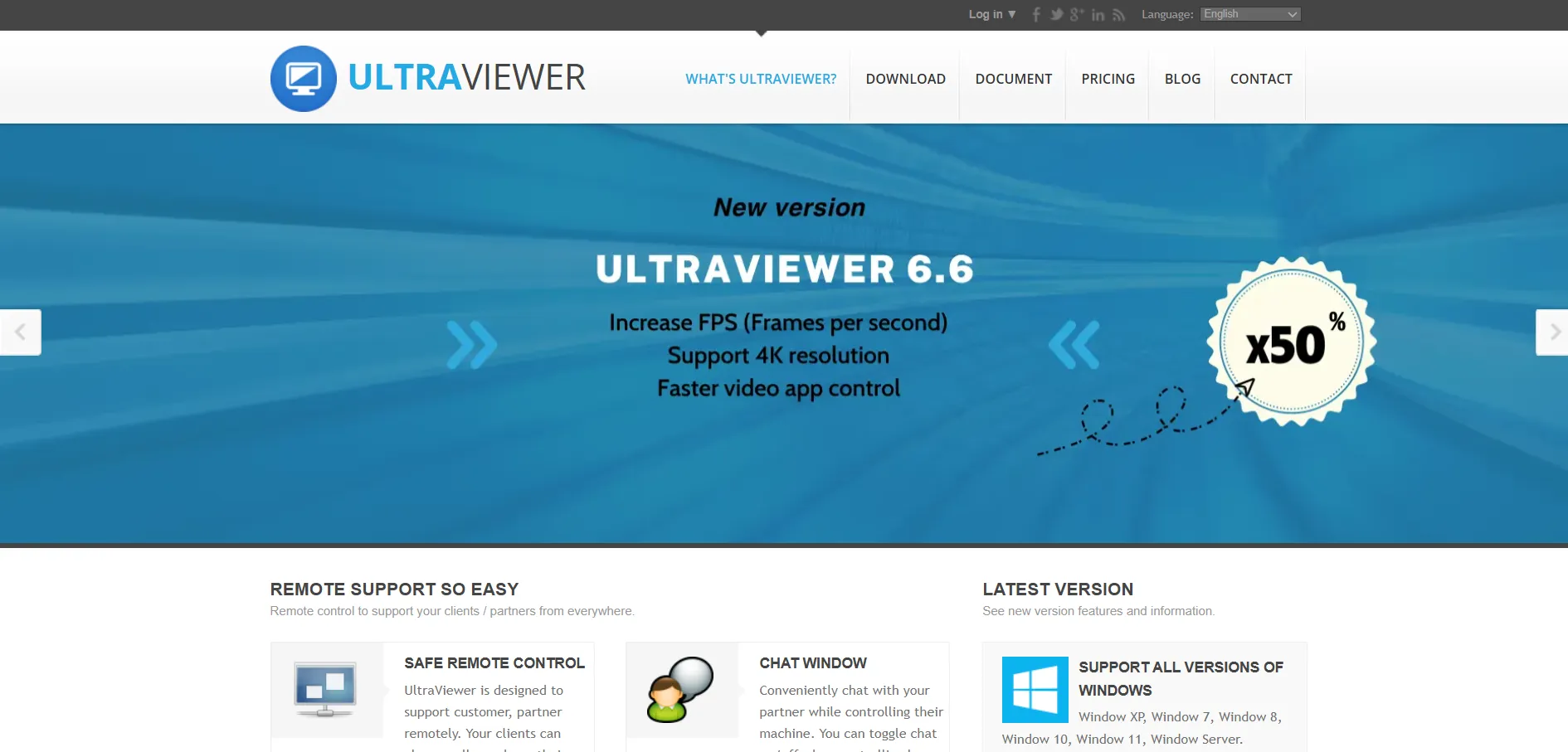
UltraViewer‘s core software is free for both personal and commercial use, so there’s no trial period to worry about.
Free Version
Lite: $3.99/mo
Premium: $7.99/mo
Paid tiers unlock more simultaneous devices, larger file transfer limits, sound streaming, and higher frame rates for smoother sessions. It’s a lightweight, Windows-only tool that positions itself as a budget-friendly TeamViewer alternative, ideal for freelancers and small repair shops that don’t need enterprise dashboards or centralized device management consoles.
Pros:
- Generous free version for personal and commercial use
- Very affordable paid tiers compared to competitors
- Lightweight installer with minimal system resource usage
Cons:
- Windows only, no macOS, Linux, or mobile support
- Lacks centralized device management for larger teams
- Fewer integrations than bigger remote access platforms
8. LogMeIn
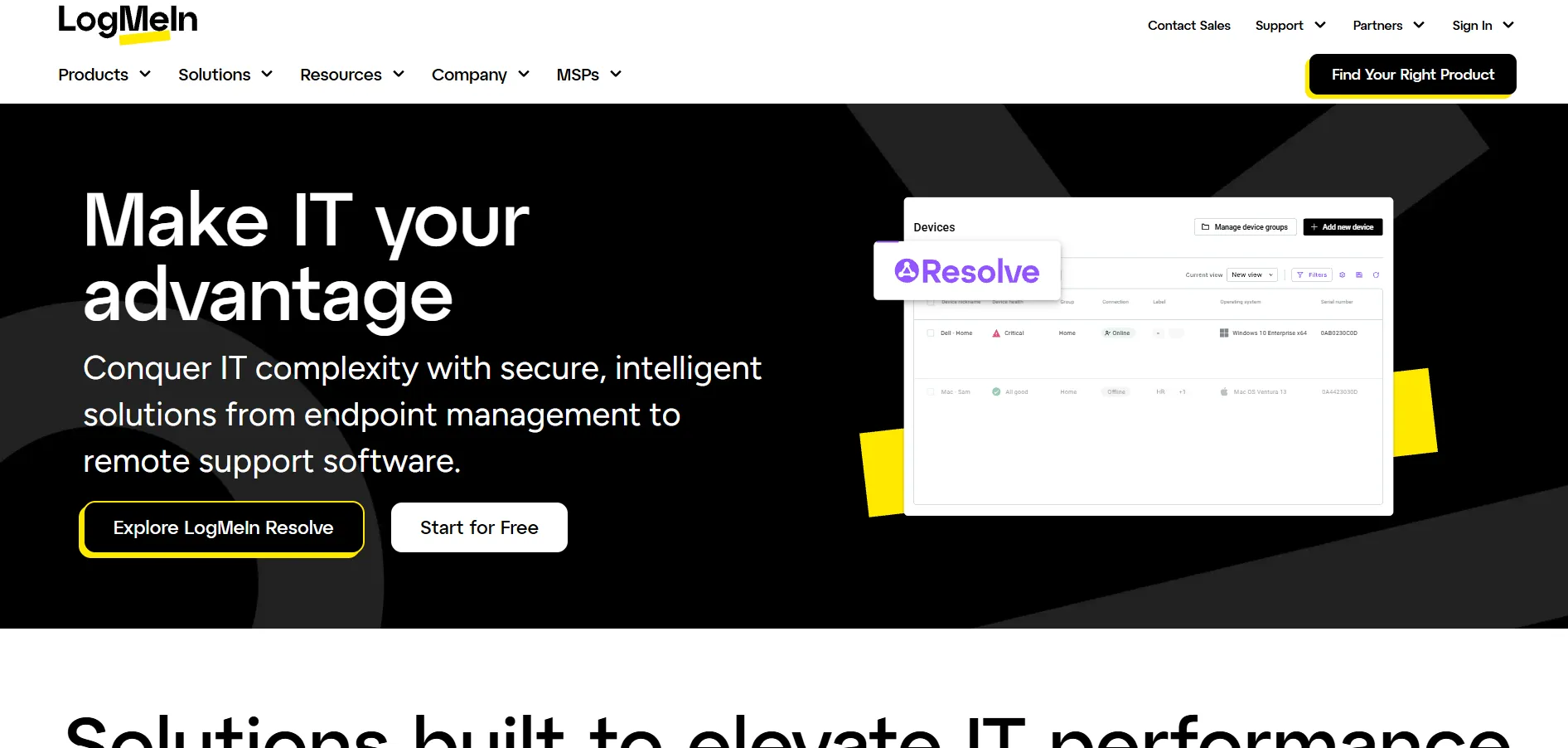
LogMeIn Pro offers a free trial, though there’s no permanent free tier once the trial period ends.
Individuals: $30/mo (2 computers)
Power Users: $70/mo (5)
Small Business: $129/mo (10)
Every LogMeIn Pro plan bundles 1TB of cloud storage, LastPass Premium, remote printing, and unlimited users per license, which offsets some of the premium cost. It’s a mature, reliable tool with rock-solid connections through firewalls, but reviewers frequently flag rising annual renewal prices as a drawback compared to newer, leaner competitors.
Pros:
- Bundles cloud storage and password management with access
- Very reliable connections through firewalls, no VPN needed
- Supports remote printing and wake-on-LAN
Cons:
- More expensive than most competitors for the same computer count
- No permanent free plan for ongoing use
- Renewal prices tend to increase over time
9. TeamViewer
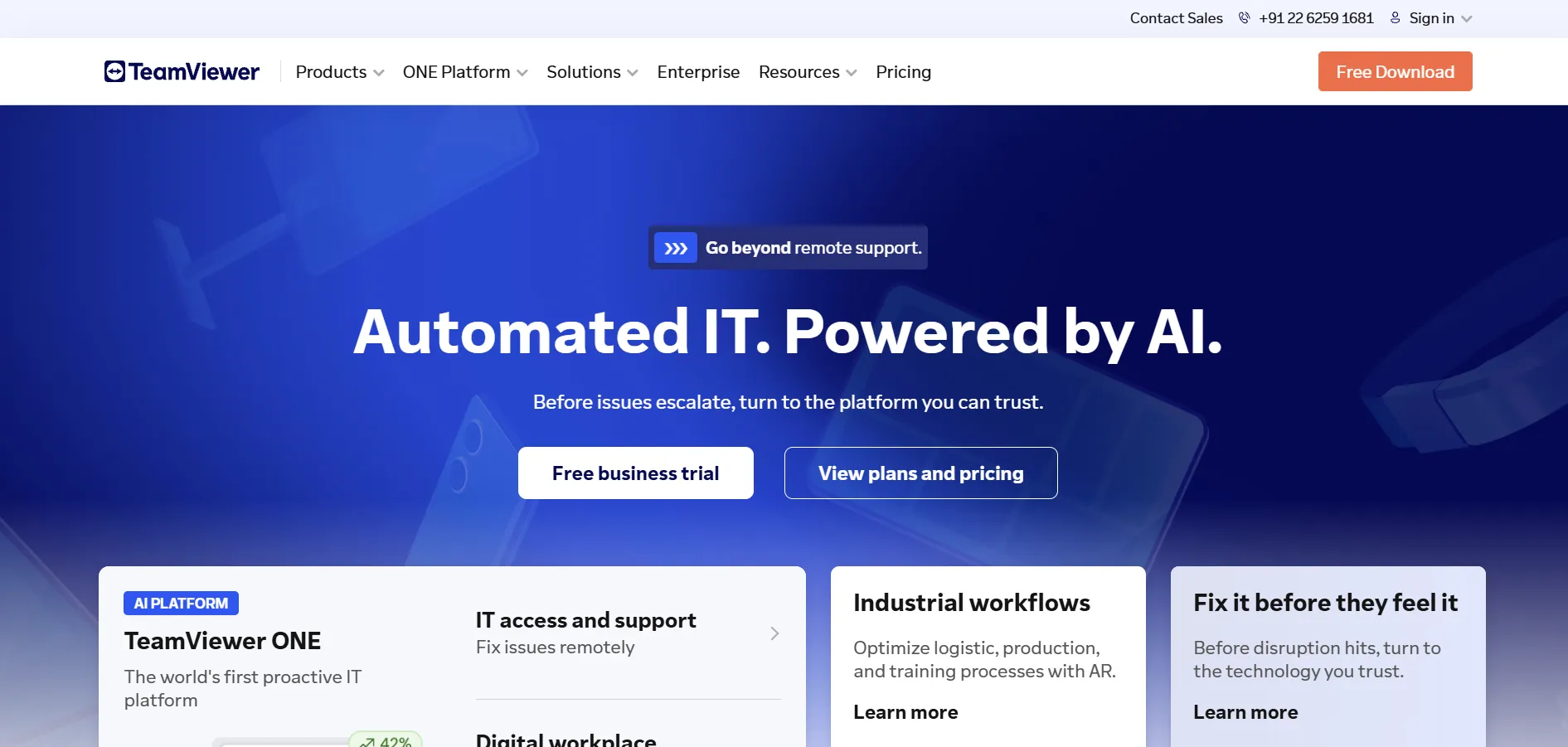
TeamViewer offers a free version for strictly personal, non-commercial use, functioning like an extended trial for individuals.
Remote Access: $24.90/mo
Business: $50.90/mo
Premium: $112.90/mo
Corporate: $229.90/mo
All commercial plans are billed annually with no month-to-month option, and TeamViewer’s automated detection is known to flag free accounts for suspected commercial use. Despite the cost, it remains the most recognized name in the category, offering broad platform support, augmented reality tools, and strong session security that larger organizations often prioritize over price.
Pros:
- Extremely wide platform and device compatibility
- Mature feature set including AR-assisted support tools
- Trusted brand with strong enterprise adoption
Cons:
- Among the pricier options in this category
- Annual billing only, no monthly commercial plans
- Free accounts are often flagged for commercial use
10. ISL Online
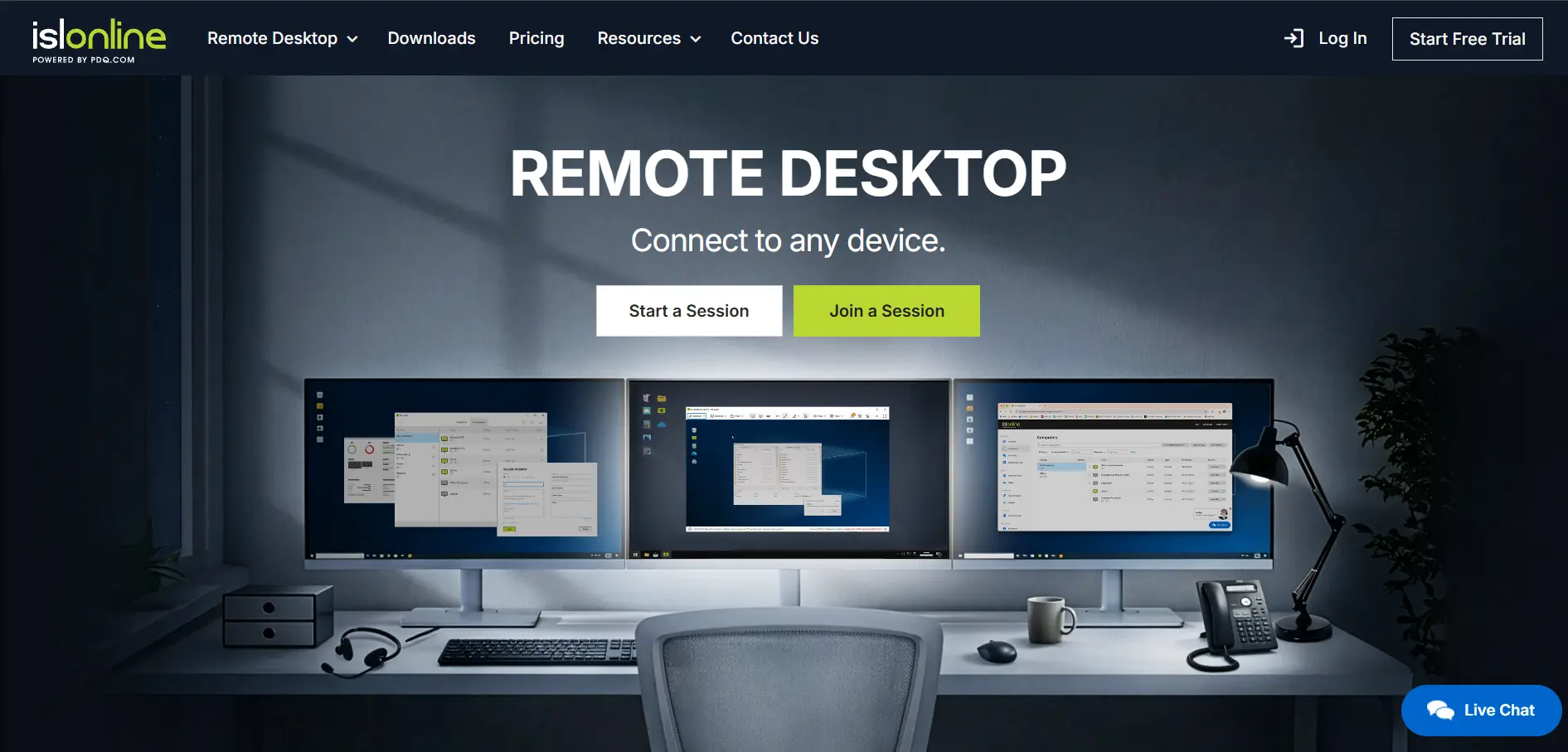
ISL Online provides a 15-day free trial covering remote desktop control, unattended access, and mobile support.
Standard Cloud: $34.90/mo
Premium: $54.90/mo
Self-Hosted: $44.90/mo
Pricing is based on concurrent users rather than named seats, so multiple staff can share licenses as long as they aren’t connecting simultaneously. ISL Online also offers self-hosted and pay-per-use options for organizations with strict compliance needs. It’s praised for speedy screen redraws and multi-monitor support, though its interface feels less modern than some rivals.
Pros:
- Flexible self-hosted and cloud deployment options
- Concurrent-user licensing can reduce costs for shared teams
- Fast, reliable performance even on weaker connections
Cons:
- Interface feels dated next to newer competitors
- Free trial is time-limited rather than a lasting free tier
- Concurrent licensing can be restrictive for larger teams
11. Microsoft Remote Desktop

Microsoft Remote Desktop‘s client app is free to download and use, with no trial needed for basic RDP connections.
Free Client App
Azure Virtual Desktop: usage-based Azure pricing
The free app works with Windows Pro or Enterprise editions to connect over RDP within a network or VPN. For cloud-hosted virtual desktops at scale, Microsoft’s Azure Virtual Desktop charges for compute, storage, and eligible licensing instead of a flat subscription. It’s a natural pick for organizations already invested in the Microsoft ecosystem.
Pros:
- Free client built into Windows with no extra software
- Deep integration with Microsoft 365 and Azure services
- Scales from single PCs to full virtual desktop infrastructure
Cons:
- Requires Windows Pro/Enterprise for hosting connections
- Azure Virtual Desktop billing can be complex to estimate
- Not ideal for spontaneous, ad hoc remote support sessions
12. AirDroid Remote Support
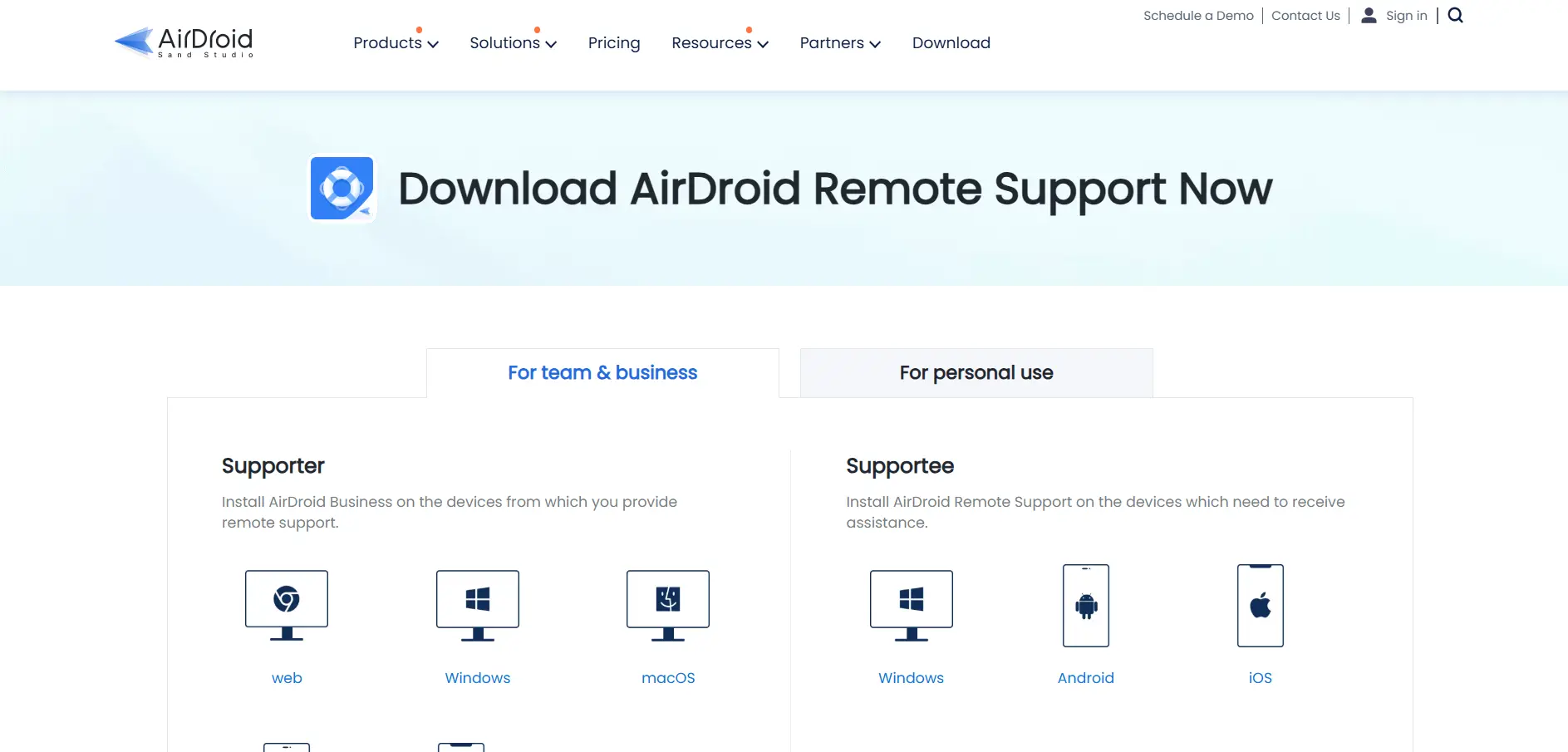
AirDroid Remote Support offers a free trial before committing to one of its paid business tiers.
Basic: from $199/year
Standard & Premium: up to $599/year
The Basic plan includes 50 connection hours per license, while Standard and Premium unlock unlimited connection time. AirDroid stands out for its mobile device support, letting technicians control Android and iOS devices remotely, not just desktops. It’s a strong pick for businesses managing fleets of mobile devices alongside traditional computers.
Pros:
- Strong remote control support for Android and iOS devices
- Flexible plans based on connection hours or unlimited use
- Includes session recording and admin console features
Cons:
- Basic plan caps connection hours per license
- No API access currently available
- iOS devices can be connected to but not remotely controlled
13. BeyondTrust Remote Support
BeyondTrust Remote Support offers a free trial, but there’s no free plan, and pricing requires contacting sales directly.
Custom Quote (concurrent licensing model)
Historical reference pricing has placed shared licenses around $150/technician/year, though enterprise deployments often run into the tens of thousands annually depending on modules chosen.
BeyondTrust (formerly Bomgar) is built for large enterprises needing secure, audited remote support with credential vaulting and compliance-grade session recording. Its concurrent licensing model lets large technician pools share a smaller license pool, which many reviewers find cost-effective at scale, even though the overall price tag is steep for smaller teams.
Pros:
- Enterprise-grade security and compliance-ready session auditing
- Concurrent licensing benefits large technician teams
- Broad integrations with ITSM and security platforms
Cons:
- Expensive for small to midsize organizations
- No published pricing, requires a sales quote
- Setup and configuration have a steeper learning curve
Comparison Table
| Alternative | Description |
|---|---|
| Chrome Remote Desktop | Free, browser-based remote access built on Google’s WebRTC infrastructure. |
| Apache Guacamole | Open-source, self-hosted, clientless gateway supporting RDP, VNC, and SSH. |
| NinjaOne | Unified RMM platform combining monitoring, patching, and remote access for MSPs. |
| Distant Desktop | Lightweight, free-to-use remote desktop app with an affordable Pro license. |
| Pulseway | Mobile-first IT management tool bundling RMM and remote control features. |
| Zoho Assist | Affordable remote support and unattended access with a genuine free plan. |
| UltraViewer | Free, lightweight Windows remote desktop tool with low-cost paid tiers. |
| LogMeIn | Premium remote access with bundled cloud storage and password management. |
| TeamViewer | Industry-recognized remote support platform with broad device compatibility. |
| ISL Online | Secure remote support with flexible cloud, self-hosted, and pay-per-use plans. |
| Microsoft Remote Desktop | Free native RDP client, with Azure Virtual Desktop for cloud-scale deployments. |
| AirDroid Remote Support | Remote support solution with strong mobile device control for Android and iOS. |
| BeyondTrust Remote Support | Enterprise-grade, security-focused remote support with concurrent licensing. |
Conclusion
Choosing the right Sobrii Remote alternative comes down to scale, budget, and the level of security your organization needs. Free tools like Chrome Remote Desktop, Apache Guacamole, and UltraViewer suit individuals and small teams, while Zoho Assist and ISL Online strike a balance between price and features. For growing MSPs, NinjaOne and Pulseway consolidate monitoring with remote access, and enterprises with strict compliance requirements will lean toward TeamViewer or BeyondTrust Remote Support. Test a few free trials before committing, since real-world performance on your network often matters more than the feature list on a pricing page.


