

ISL Online has long been a trusted name in remote support and remote desktop software, valued for its security and flexibility. However, businesses often look for alternatives that better match their budget, feature requirements, or platform preferences. Below is a detailed look at 22 strong ISL Online alternatives, covering their trial options, pricing, and honest pros and cons to help you choose the right fit.
- AirDroid Remote Support
- Anydesk
- AnyViewer
- Apache Guacamole
- BeyondTrust Remote Support
- Chrome Remote Desktop
- ConnectWise ScreenConnect
- Distant Desktop
- GoToMyPC
- HelpWire
- LogMeIn
- Microsoft Remote Desktop
- NinjaOne
- Parsec
- Pulseway
- RemotePC
- RustDesk
- sobrii Remote
- Splashtop
- TeamViewer
- UltraViewer
- Zoho Assist
- Comparison Table
- Conclusion
AirDroid Remote Support
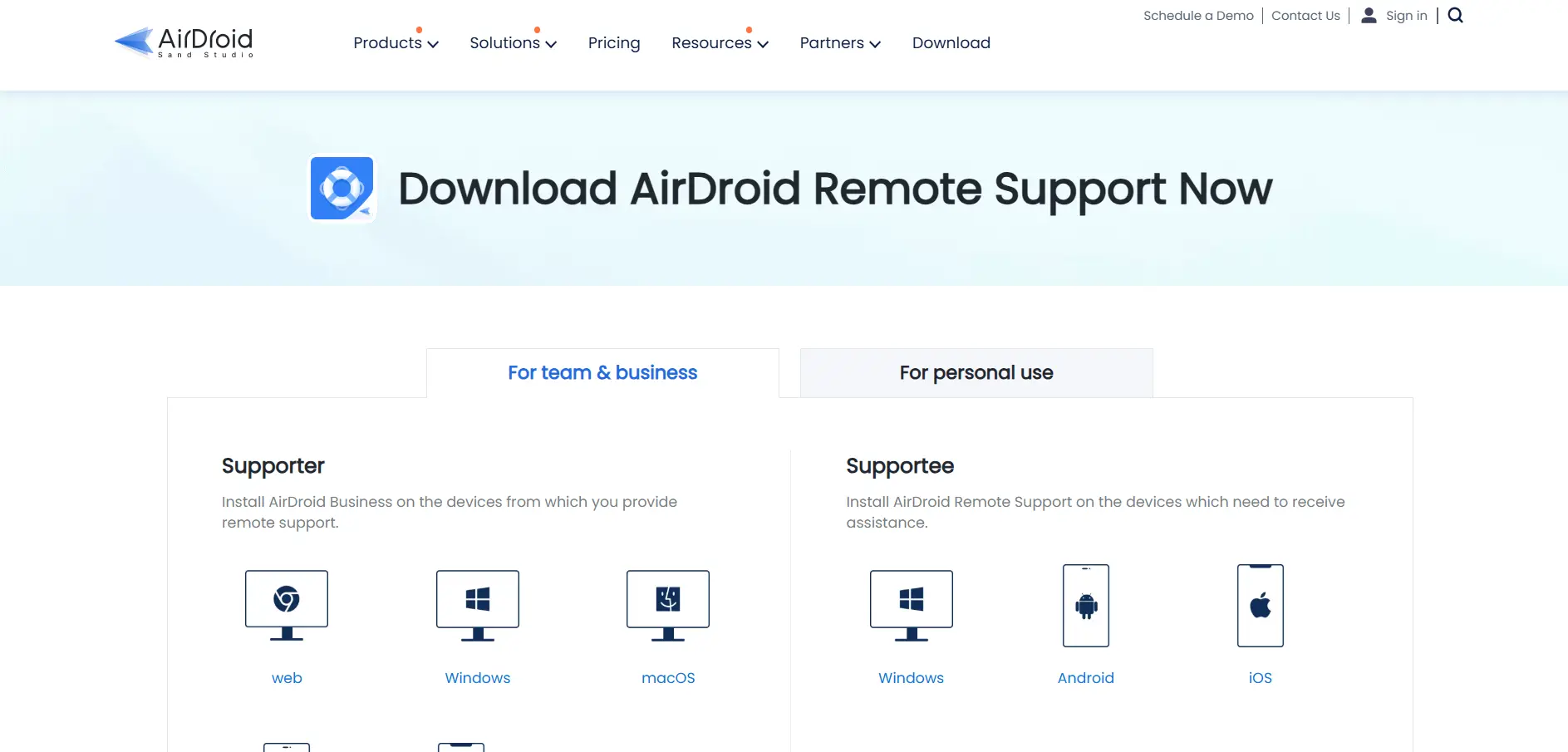
✔ Free trial with limited daily minutes AirDroid Remote Support offers a short daily free trial window, letting individuals test remote assistance before subscribing. Business plans require a paid license, with higher tiers unlocking unlimited connection hours instead of the capped hours on entry plans.
Basic – $199 (50 hours/month)
Standard – $599 (unlimited hours)
Premium/Enterprise – Custom quote
AirDroid Remote Support is especially strong for mobile device support, including Android and iOS, which many ISL Online alternatives handle less gracefully. It’s a solid pick for teams supporting field devices or customer phones, though pricing per seat can add up quickly for larger support desks.
Pros
- Excellent mobile and Android device support
- Simple 9-digit connection code for clients
- Session recording included on higher tiers
Cons
- Basic plan capped at 50 connection hours
- Pricing rises steeply between tiers
- No public API currently available
Anydesk

✔ Free for personal, non-commercial use AnyDesk offers an indefinite free plan for personal use, letting individuals test its remote access speed before deciding whether a business license is needed. Commercial users are required to purchase a paid plan, since free accounts are limited to non-commercial connections.
Free – $0 (personal use)
Solo – $14.90/month
Standard – $49.90/month
Advanced – $111.90/month
Ultimate/Enterprise – Custom quote
AnyDesk is known for its low-latency streaming and lightweight footprint, making it a favorite among IT professionals needing fast connections over weak networks. Its per-connection licensing model can become expensive at scale, and several users report rising renewal costs, so it’s worth negotiating multi-year terms for larger deployments.
Pros
- Extremely low-latency, fast remote connections
- Lightweight installer, minimal system resource use
- Free for genuine personal, non-commercial use
Cons
- Mandatory annual billing, no monthly option
- Pricing has increased significantly in recent years
- Higher tiers require custom enterprise quotes
AnyViewer

✔ Fully functional free version, no time limit AnyViewer offers a genuinely free plan rather than a short trial, letting users test one-click remote control before considering an upgrade. Paid Solo, Professional, and Team plans unlock more logged-in devices, unattended access, and simultaneous sessions.
Free – $0
Solo – from $47.88/year
Professional – from $71.88/year
Team – from $311.88/year
AnyViewer stands out for its simple one-click control between logged-in devices, which is handy for individuals managing a handful of their own computers. It’s less suited to large support teams, since advanced administration and deployment tools are lighter than what dedicated IT platforms offer.
Pros
- Genuinely free plan with real functionality
- Simple one-click control between devices
- Strong ECC end-to-end encryption
Cons
- Less suited to large support teams
- Fewer third-party integrations than rivals
- Multi-year discounts can be confusing to compare
Apache Guacamole

✔ Completely free and open source Apache Guacamole has no trial because the entire clientless gateway is free under the Apache License, with no paid tiers to unlock. Organizations simply self-host it, so evaluating the tool means deploying it rather than signing up for a subscription.
Free and open source – $0 (self-hosted)
Apache Guacamole is a clientless remote desktop gateway supporting VNC, RDP, and SSH straight from a web browser, with no plugins or installed client required. It’s popular with enterprises and educational institutions wanting a customizable, no-license-cost gateway, though it demands technical setup and ongoing server maintenance.
Pros
- Completely free and open source
- Clientless, browser-based access to VNC/RDP/SSH
- Highly customizable and extensible
Cons
- Requires technical setup and self-hosting
- No official vendor support included
- Lacks polish compared to commercial tools
BeyondTrust Remote Support
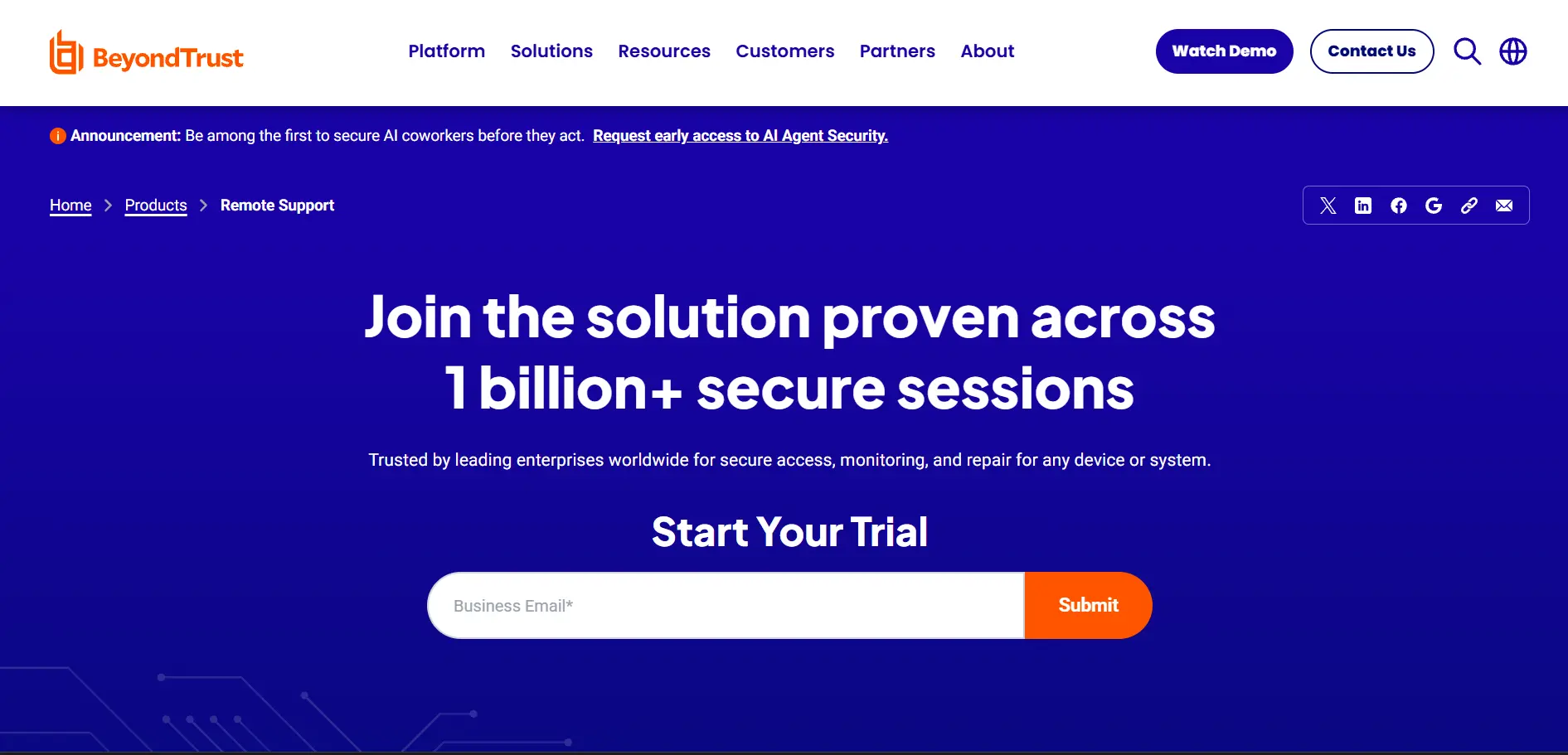
✔ Free trial available on request BeyondTrust (formerly Bomgar) offers a free trial through its sales team rather than a self-serve signup, reflecting its enterprise focus. There is no free plan, and pricing is entirely quote-based depending on concurrent sessions, technician count, and deployment model.
All plans – Custom quote (concurrent or named-user licensing)
BeyondTrust is built for large enterprises needing strict security, credential management, and audit trails, making it a heavyweight ISL Online alternative rather than a budget swap. Reviewers consistently note it is powerful but costly, so it suits organizations with compliance requirements more than small support teams.
Pros
- Enterprise-grade security and credential vaulting
- Detailed session recording and audit trails
- Concurrent licensing can suit large shared teams
Cons
- No published pricing, requires sales contact
- Expensive relative to most alternatives here
- Steeper learning curve for admins
Chrome Remote Desktop
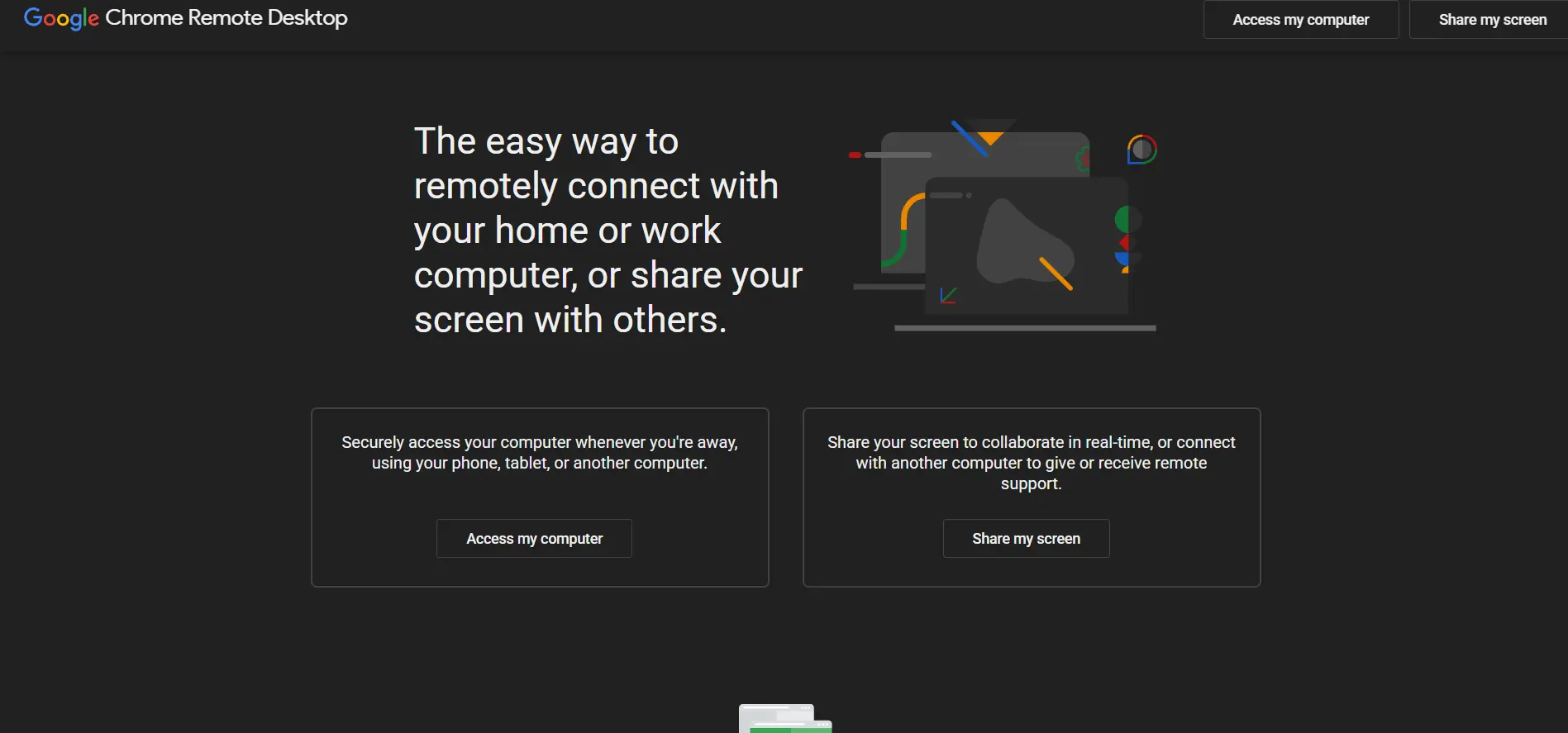
✔ Completely free, no trial needed Chrome Remote Desktop is a free Google tool with no trial period because there is nothing to upgrade to. It works directly through the Chrome browser or a small extension, making it one of the simplest ISL Online alternatives to set up.
Free forever – $0 (no paid tiers)
Because it is free and backed by Google’s infrastructure, Chrome Remote Desktop is popular for personal use and quick one-off support sessions. It lacks business features like session recording, multi-technician management, or reporting, so it is not a full replacement for teams needing structured remote support workflows.
Pros
- Completely free with no limitations on core use
- Simple setup through Chrome browser
- Reliable and backed by Google’s infrastructure
Cons
- No admin console or team management
- Missing session recording and reporting
- Not designed for large-scale IT support teams
ConnectWise ScreenConnect
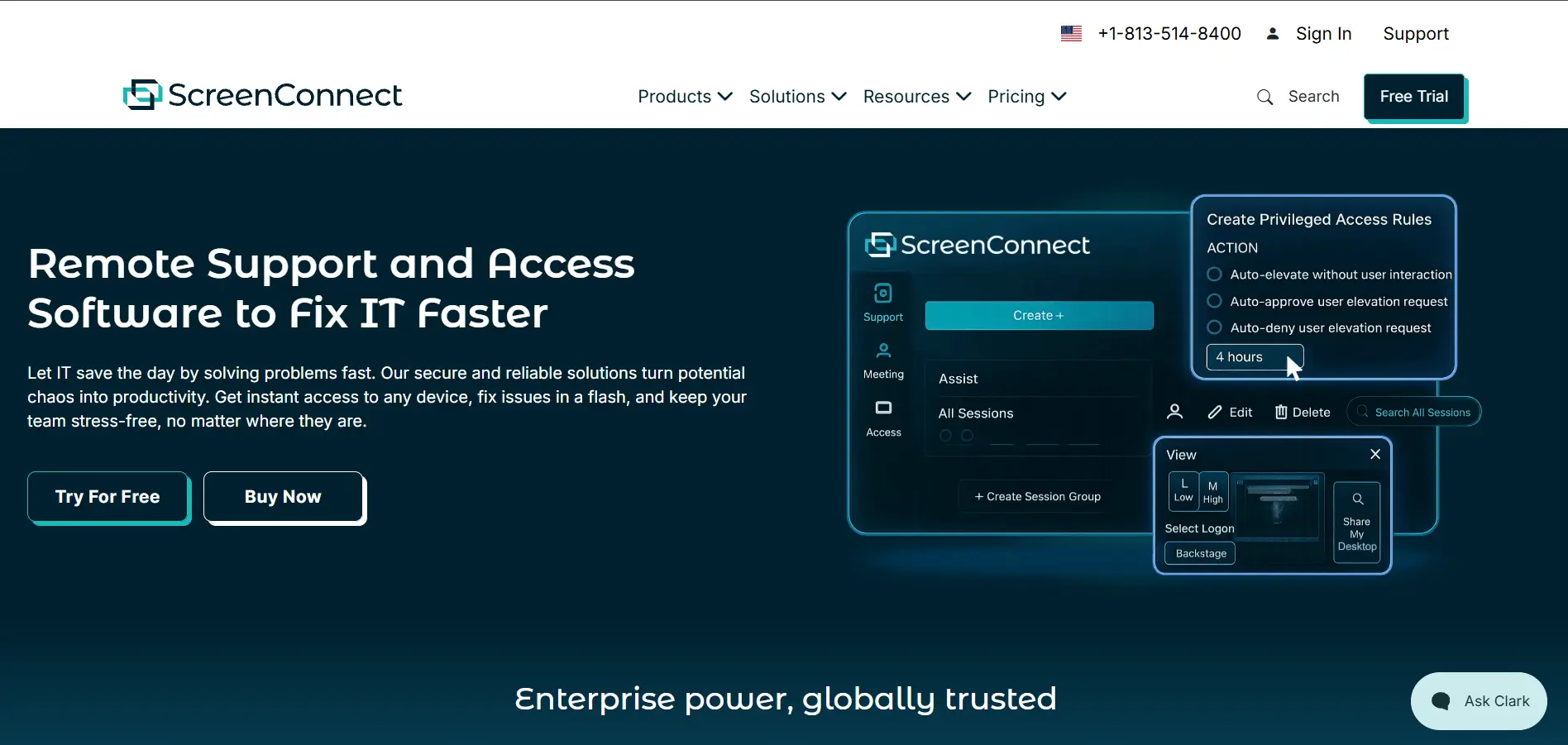
✔ Free trial available ConnectWise ScreenConnect offers a free trial so MSPs and IT teams can test attended support, unattended access, and branding options before committing to an annual per-concurrent-technician plan.
One – $30
Remote Access – $33
Standard – $45
Premium – $55
ScreenConnect is purpose-built for MSPs and IT support teams, offering white-label branding, backstage mode, and self-hosted deployment for full data control. Its concurrent-technician pricing model rewards teams that share sessions, but unattended access is billed separately by device, which can catch new buyers off guard.
Pros
- Deep white-label branding and customization
- Self-hosted deployment option for data control
- Concurrent licensing suits shared technician teams
Cons
- Unattended access billed separately by device
- Prices have risen sharply in recent years
- Not ideal for simple personal remote access
Distant Desktop
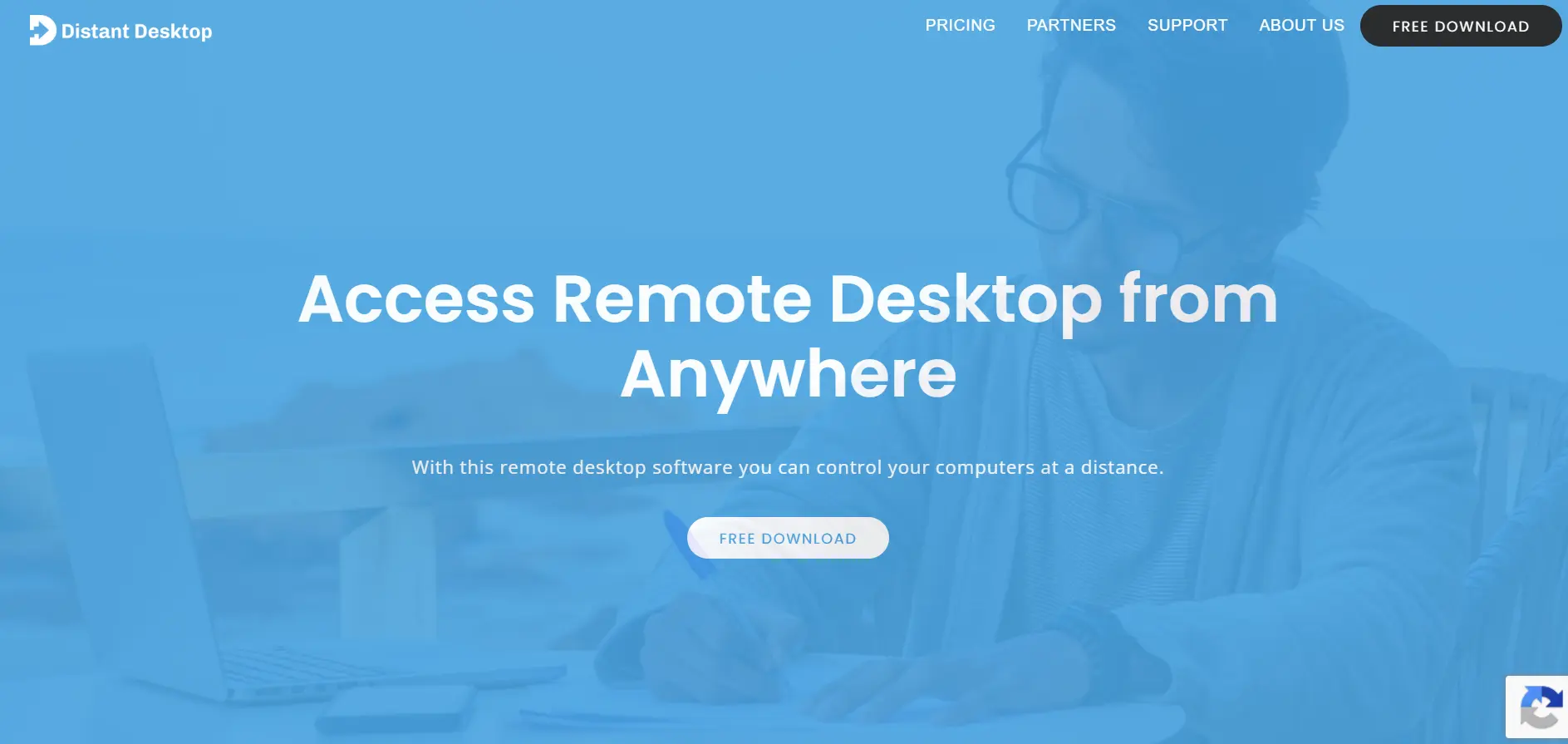
✔ Free version (personal and commercial use) Distant Desktop stands out by offering its core remote access features completely free, with no forced trial expiry for basic use. A paid Professional license is only needed for extended features and long-term commercial deployment at scale.
Free – $0
Professional (single license) – $49.95/year
Professional (10+ licenses) – from $22.90/license
Distant Desktop is lightweight, requires no installation, and runs straight from a downloaded executable, which appeals to users who want a no-fuss ISL Online alternative. It lacks advanced features like session recording or remote printing, so it fits casual support and personal use better than large enterprise deployments.
Pros
- Free for both personal and commercial use
- No installation required, very lightweight
- Supports multiple simultaneous connections
Cons
- Lacks remote printing and session recording
- No multi-monitor support
- Customer support response can be slow
GoToMyPC
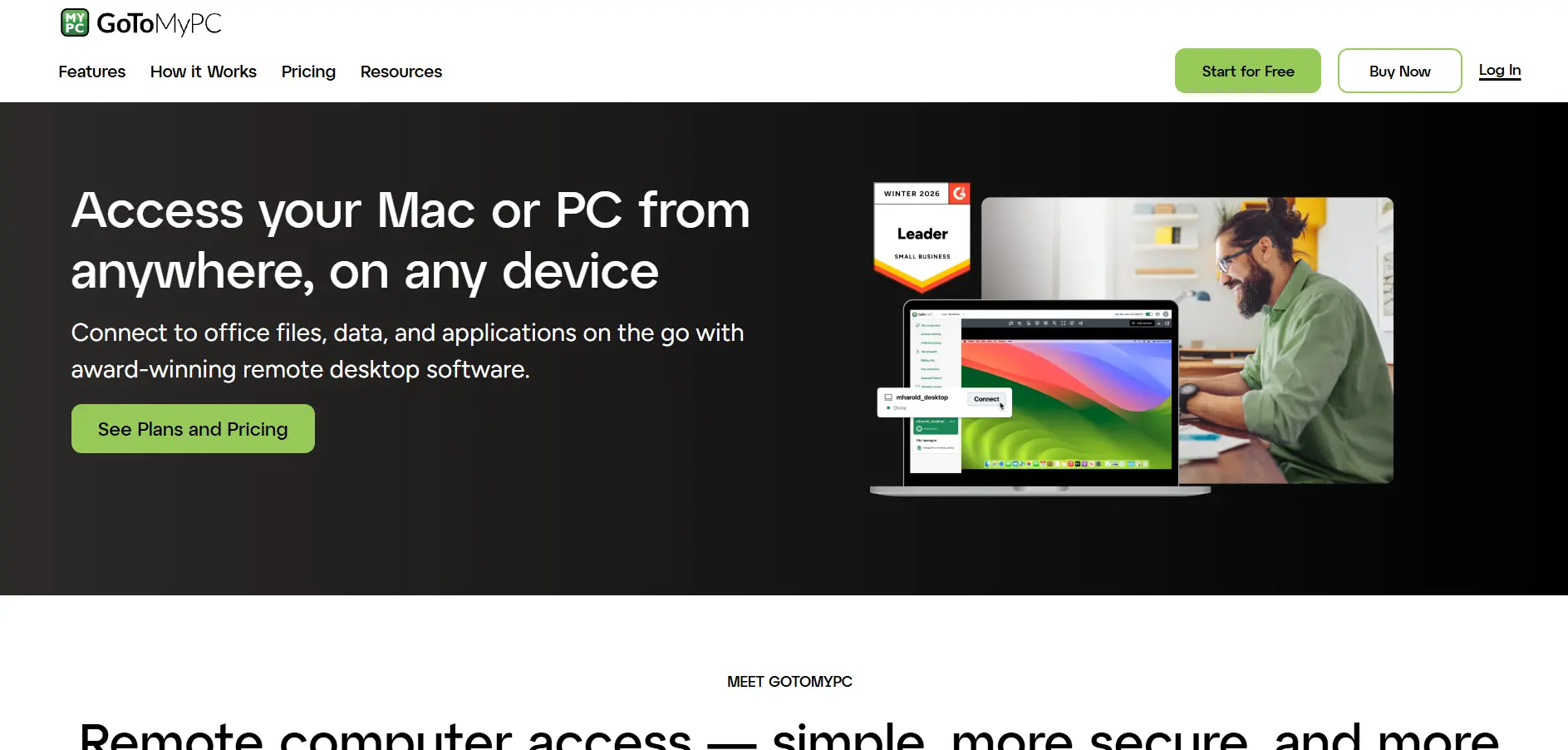
✔ Free trial available (no credit card confirmed varies by region) GoToMyPC offers a free trial so individuals and small teams can test its simple, personal remote access experience before subscribing to a per-computer plan. There is no permanent free tier, and pricing has risen sharply in recent renewal cycles.
Personal – around $35–$44
Pro – around $44+
Enterprise – Custom quote
GoToMyPC keeps its pricing structure simple compared to IT-heavy tools, focusing on secure personal access to office computers from anywhere. However, its per-computer pricing sits at the premium end of the market, and many users have reported steep renewal increases, prompting some to switch to cheaper alternatives like Splashtop.
Pros
- Simple, straightforward pricing structure
- Reliable for personal office computer access
- 24/7 support included on paid plans
Cons
- Among the pricier options in this category
- Reports of steep renewal price increases
- No permanent free plan
HelpWire
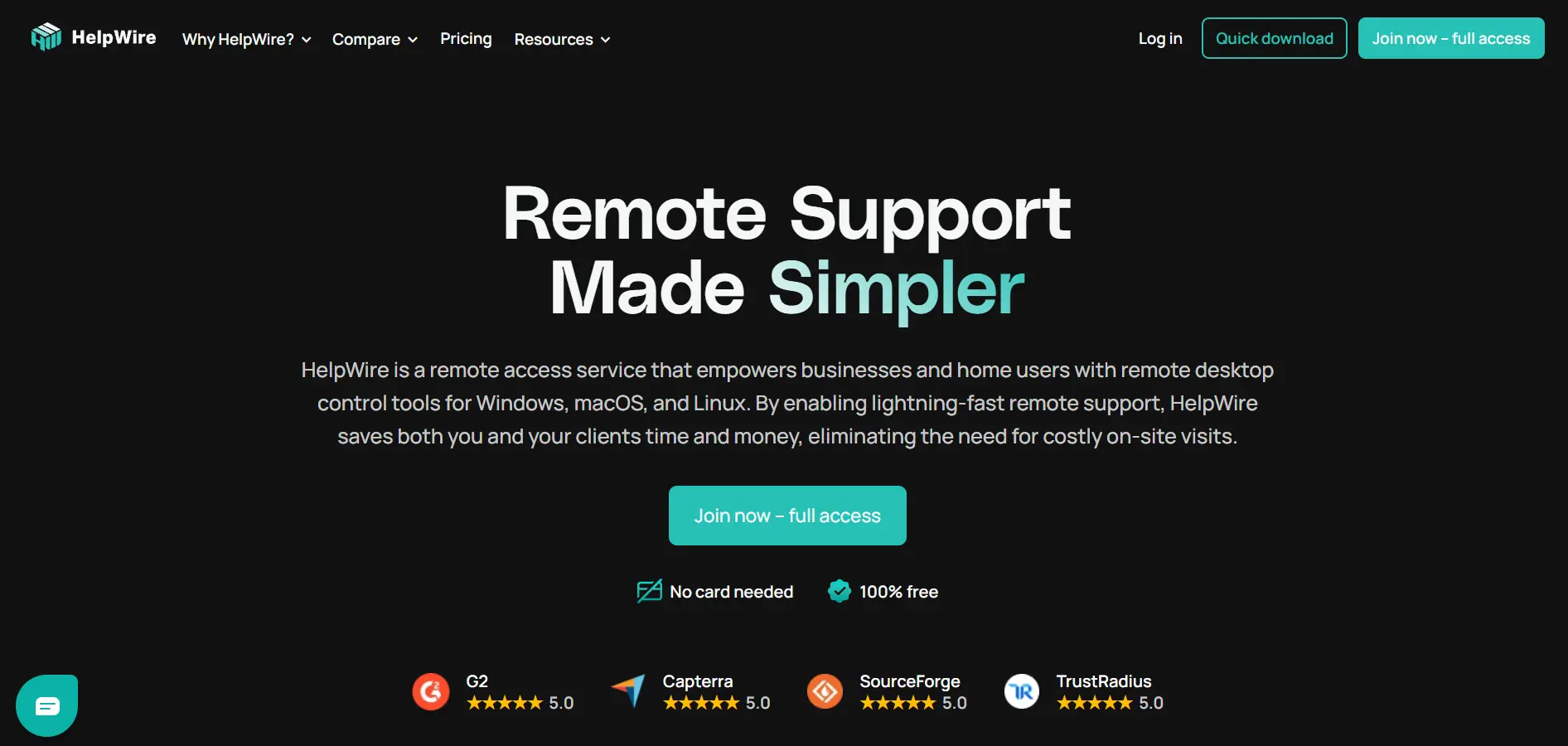
✔ Free during early access, no limits HelpWire is currently free to use in full during its early access period, with no session cutoffs or nag screens, giving teams unrestricted testing before any paid plans launch. Early adopters are promised a discounted Founders’ plan once paid tiers roll out.
Free (early access) – $0
Business – Coming soon, custom for 11+ operators
HelpWire is a link-based remote support tool that lets clients join a session instantly with no installation or account required on their end. It’s a strong option for freelancers and small support teams looking for a free, ad-free ISL Online alternative, though it currently lacks integrations with helpdesk and messaging platforms.
Pros
- Completely free with no ads during early access
- No sign-up needed for the client side
- Handles unattended access and multi-session support
Cons
- Lacks integrations with helpdesk tools
- Limited mobile support currently
- Future paid pricing not yet finalized
LogMeIn
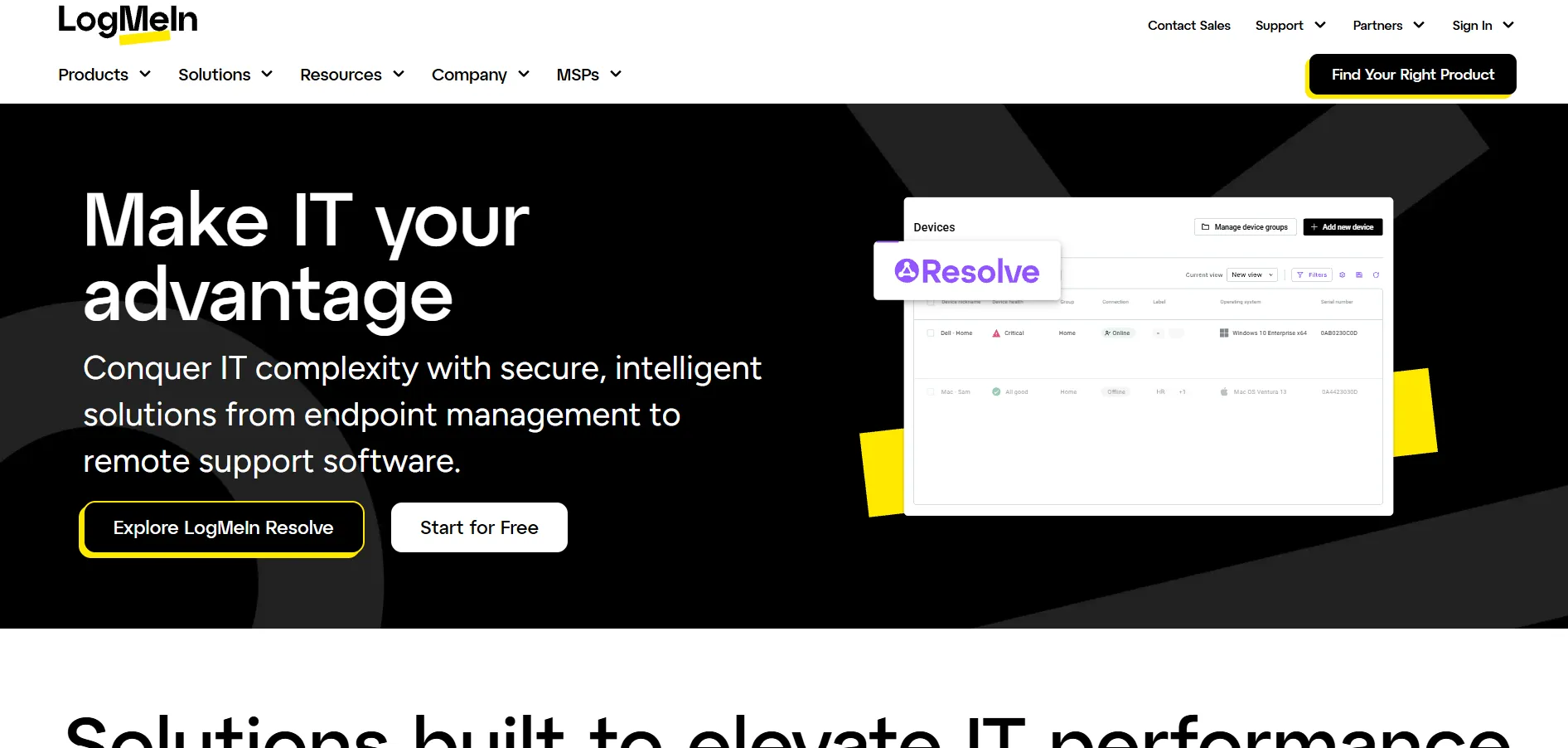
✔ 14-day free trial LogMeIn Pro by GoTo offers a 14-day trial so individuals and small businesses can test remote access, file storage, and multi-monitor display before committing to an annual plan billed per license.
Individuals – $30/month (2 computers)
Power Users – $70/month (5 computers)
Small Business – $129/month (10 computers)
LogMeIn Pro bundles 1TB of file storage and antivirus protection into every license, along with remote printing and clipboard sync, making it a well-rounded personal and small-business option. Reviewers note pricing has increased substantially over the years, so it’s worth comparing renewal quotes against cheaper alternatives like RemotePC or Splashtop.
Pros
- Includes 1TB storage and antivirus per license
- Simple pricing tiers based on computer count
- Reliable multi-monitor and file transfer support
Cons
- Annual billing required for business plans
- Renewal prices have risen substantially over time
- Pricier than many per-device competitors
Microsoft Remote Desktop

✔ Free app, no trial needed for basic use Microsoft Remote Desktop itself is free to download on Windows, Mac, iOS, and Android, so there’s no trial period to worry about for personal connections. However, hosting an unattended connection typically requires a Windows Pro or Enterprise license, and larger deployments may involve Azure Virtual Desktop costs.
Client app – Free
Requires Windows Pro/Enterprise license to host
Azure Virtual Desktop – Pay-as-you-go, usage-based
Microsoft Remote Desktop is ideal for organizations already invested in the Windows and Azure ecosystem, since it integrates natively with Active Directory and Azure Virtual Desktop. It isn’t built for cross-platform support agents helping non-Windows customers, and setup can be more technical than consumer-friendly tools like ISL Online.
Pros
- Free client app across major platforms
- Deep Windows and Azure integration
- No third-party licensing fees for the app itself
Cons
- Hosting requires Windows Pro/Enterprise
- Not ideal for supporting external customers
- More technical setup than dedicated support tools
NinjaOne
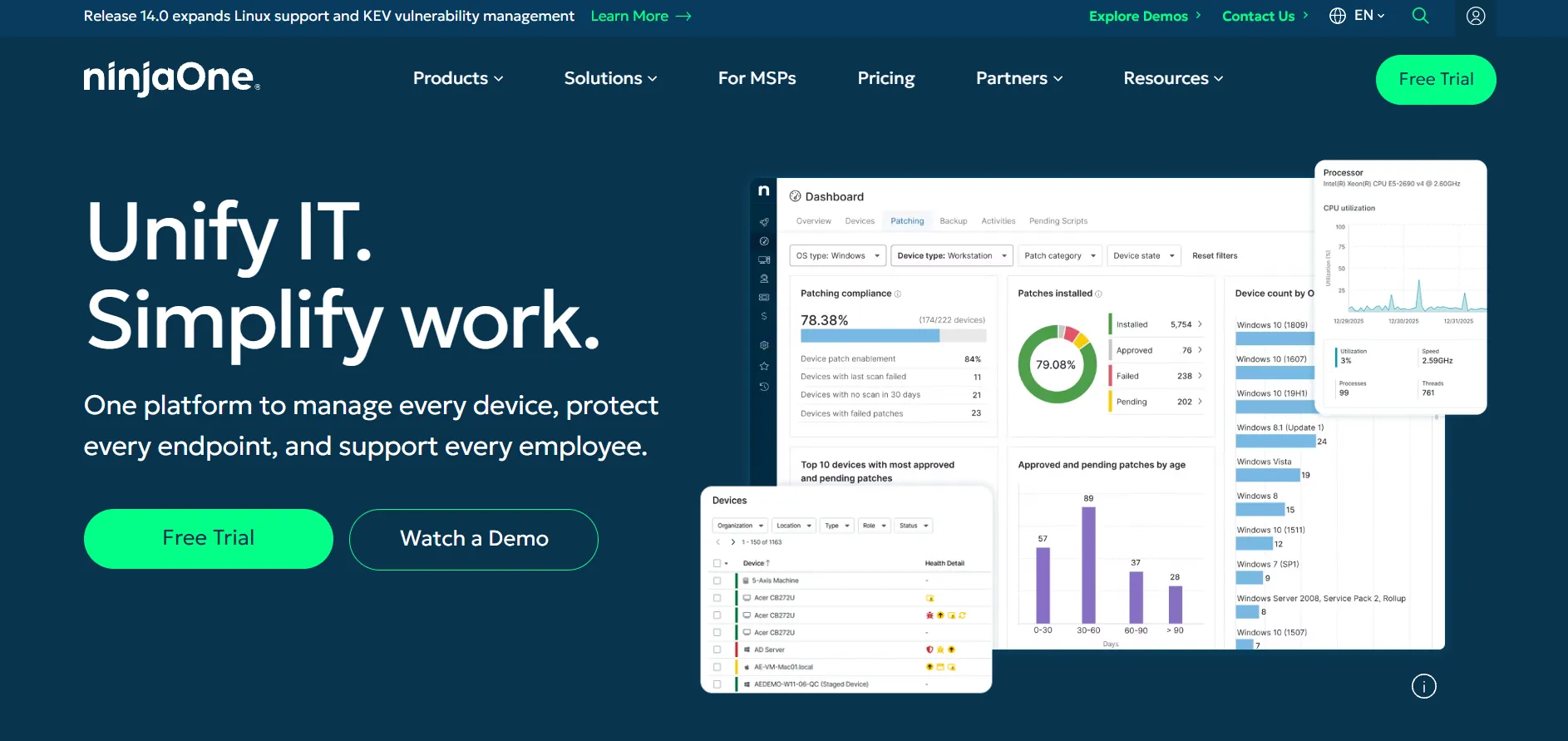
✔ 14-day free trial NinjaOne offers a 14-day free trial covering RMM, patching, and remote access, though add-on modules like backup and mobile device management are typically excluded unless requested from sales.
Per-device – custom, roughly $2.50–$4/device/month
Add-ons (backup, MDM, security) – priced separately
NinjaOne combines RMM, patch management, and remote access into one platform, making it a strong choice for MSPs and internal IT teams wanting to consolidate tools. Its per-device pricing isn’t published and requires a sales quote, and small deployments under 50 devices often pay a higher effective rate than larger fleets.
Pros
- Combines RMM, patching, and remote access in one platform
- Strong reputation among MSPs for reliability
- Volume discounts significantly reduce per-device cost at scale
Cons
- No public pricing, requires a custom quote
- Small deployments pay a higher effective rate
- Add-on modules increase total cost quickly
Parsec
✔ Free for personal use, no time limit Parsec offers a genuinely free tier for personal use with full performance capabilities, so gamers and creatives can test its ultra-low-latency streaming before considering a paid Teams plan.
Free (personal use) – $0
Individuals (Warp) – $9.99/user/month
Teams – $35/user/month
Enterprise – Custom quote
Parsec is built for ultra-low-latency streaming, making it the top pick for remote gaming, video editing, and other performance-sensitive workflows rather than general IT support. It lacks file transfer, session recording, and admin tools found in dedicated support platforms, so it isn’t a fit for helpdesk-style remote support.
Pros
- Sub-16ms latency with hardware GPU encoding
- Free tier includes full-quality personal streaming
- Excellent for gaming and creative workflows
Cons
- No file transfer or session recording
- Not designed for IT helpdesk support
- Lacks an admin console for managing many endpoints
Pulseway
✔ Free trial available (no permanent free plan) Pulseway is primarily an RMM (remote monitoring and management) platform with remote control built in, so its trial lets IT teams test monitoring, patching, and remote access together rather than remote support alone, which suits MSPs more than solo support agents.
Per device / endpoint – custom, starting around $22–$67/device
Enterprise – custom quote
Because Pulseway prices per endpoint rather than per technician, costs scale with the number of monitored devices, which can get expensive for larger fleets. It’s best suited to IT departments and MSPs who want monitoring, automation, and remote access bundled together instead of a pure remote-support tool like ISL Online.
Pros
- Combines RMM and remote access in one tool
- Strong mobile app for managing servers on the go
- Flexible pay-as-you-go and multi-year plans
Cons
- No public flat pricing tiers
- Remote control feature trails dedicated tools
- Costs can climb with larger device counts
RemotePC

✔ 7-day free trial RemotePC by IDrive offers a free trial that lets users test remote access before subscribing, along with frequent first-year discounts of up to 50 percent. Unlike per-technician pricing models, RemotePC charges based on the number of remote computers, which benefits teams sharing access to fewer machines.
Consumer – from $29.50/year (1 computer)
SOHO – from around $7.95/month (multiple computers)
Team – around $29.95/month
Enterprise – around $59.95/month (100 computers)
RemotePC includes unlimited concurrent sessions on every tier, along with a built-in meeting tool, chat, and whiteboard for collaboration during sessions. Reviewers frequently cite it as one of the most affordable ISL Online alternatives, though some report occasional lag and less reliable file transfers compared to premium competitors.
Pros
- Very affordable, priced per computer not per user
- Unlimited concurrent sessions on all plans
- Includes built-in meetings and whiteboard tools
Cons
- Occasional connection lag reported by users
- File transfer speed can be inconsistent
- Fewer integrations than enterprise competitors
RustDesk
✔ Free open-source plan, no trial limits RustDesk’s self-hosted server is free and open-source with no trial restrictions, since the base software is free indefinitely under its open license. Paid Pro tiers add user management, an address book, and unlimited managed devices for teams that outgrow the free option.
Free / open-source – $0
Individual Pro – around $9.90/month
Basic/Business Pro – around $19.90/month
Customized/Enterprise – Custom quote
RustDesk appeals strongly to privacy-conscious teams and developers comfortable self-hosting on their own servers, since data never touches a third-party cloud. The trade-off is that you take on server setup, patching, and uptime yourself, which makes it better suited to technically capable teams than non-technical support desks.
Pros
- Free, open-source, and fully self-hostable
- Full control and ownership of session data
- Much cheaper than commercial tools at scale
Cons
- Requires technical skill to self-host and maintain
- Less polished than commercial competitors
- No built-in compliance documentation like SOC 2
sobrii Remote

✔ 14-day proof-of-concept available sobrii Remote offers a 14-day proof-of-concept so IT teams can evaluate its combined remote control and device-context features, such as battery health and compliance status, before rolling it out across a fleet.
All-inclusive per-device – custom quote (50-device minimum)
sobrii Remote is built for IT teams managing a known Windows fleet who want remote control built directly into their asset management platform, showing hardware and compliance context before every session. It’s not designed for ad-hoc support to unenrolled machines, so it fits ongoing fleet management better than one-off customer support.
Pros
- Combines remote access with device inventory and compliance data
- All-inclusive per-device pricing, no per-technician fees
- Strong fit for managing 200+ enrolled devices
Cons
- 50-device minimum makes it unsuitable for very small teams
- Not built for ad-hoc support to unenrolled machines
- Pricing is quote-based, not publicly listed
Splashtop
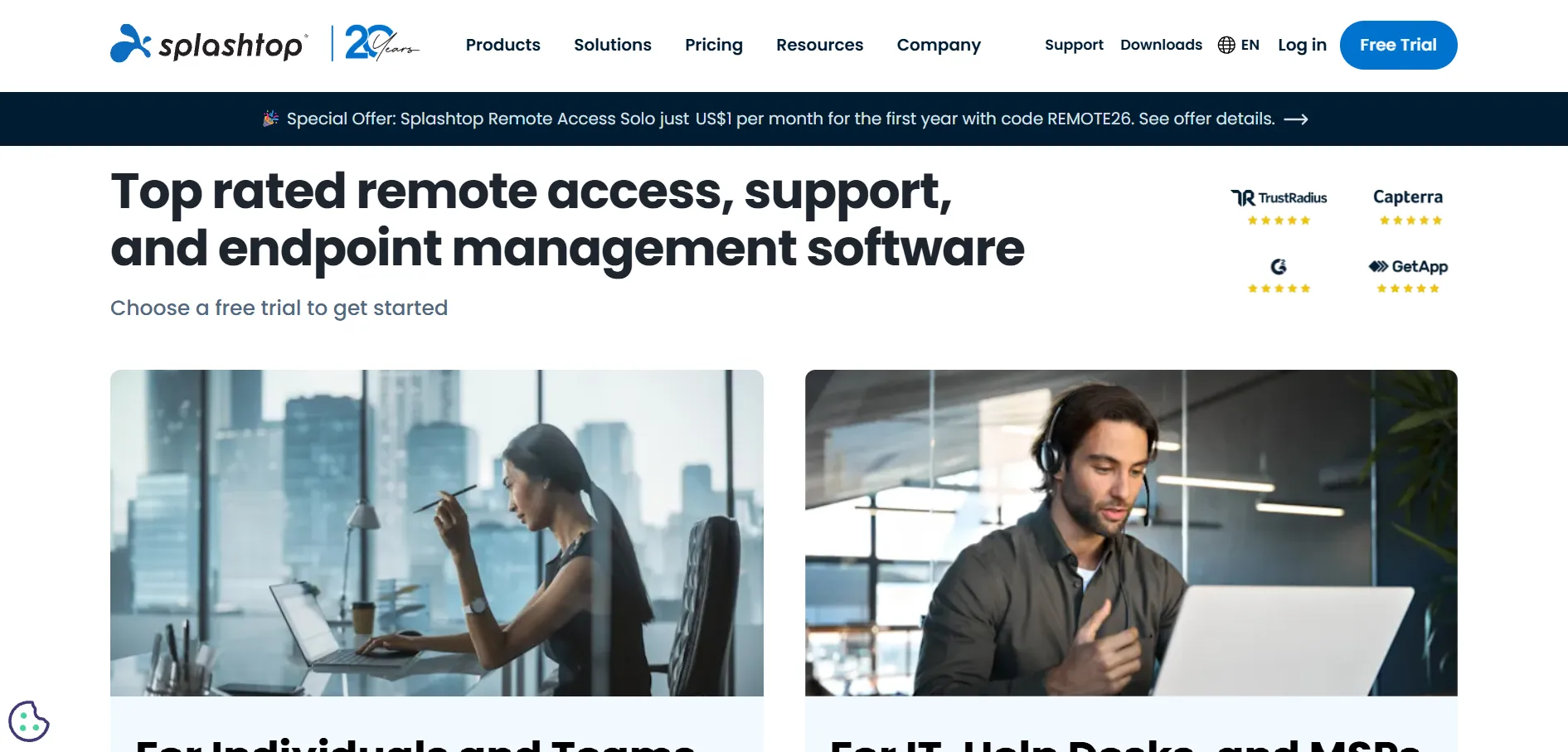
✔ 7-day free trial, no credit card required Splashtop’s trial covers its Business Access and Remote Support (SOS) lines, so teams can test both self-access and customer-facing support scenarios. All remote access plans require annual billing, while its SOS support plans also offer monthly billing for IT teams.
Solo – $6/month ($72/year)
Business Access Pro – $8.25/month ($99/year)
Performance – $13/month
SOS (Remote Support) – from $22–$40.98/technician/month
Enterprise – Custom quote
Splashtop is well known for high-fidelity streaming, making it a favorite among creative professionals using CAD or Adobe tools remotely. Its pricing consistently undercuts TeamViewer and LogMeIn by a wide margin, though annual-only billing on most plans and add-on costs for extra features can catch new buyers off guard.
Pros
- Significantly cheaper than TeamViewer or LogMeIn
- High frame-rate, high-fidelity streaming
- Strong option for creative and design teams
Cons
- Remote Access plans require annual billing
- Advanced features locked to premium tiers
- Enterprise pricing requires a custom quote
TeamViewer
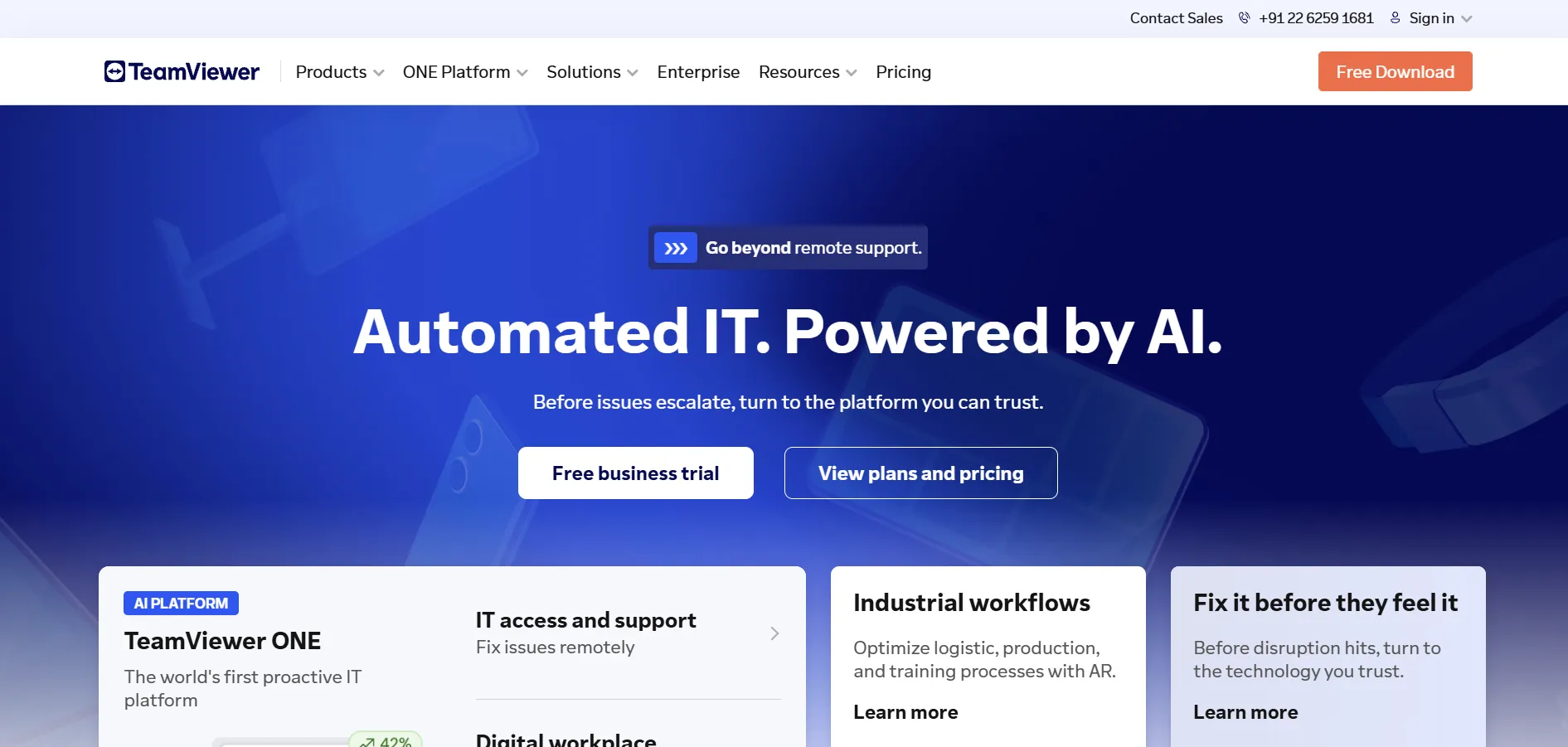
✔ Free for personal, non-commercial use TeamViewer offers a free plan for personal use, along with a trial period for its commercial plans, though aggressive commercial-use detection can cut sessions short for users who trigger it unintentionally.
Free – $0 (personal use)
Remote Access – $24.90/month
Business – $50.90/month
Premium – $112.90/month
Corporate – $229.90/month
Tensor (Enterprise) – Custom quote
TeamViewer remains one of the most recognized names in remote support, offering broad platform coverage, AI-powered Tensor tools, and strong enterprise integrations. However, it’s also one of the pricier options in this list, and many businesses cite rising renewal costs as the main reason they explore ISL Online or other alternatives.
Pros
- Extremely well-known with broad platform support
- Free plan available for personal use
- Advanced AI and enterprise integration features
Cons
- One of the most expensive tools in this category
- Commercial-use detection can disrupt legitimate sessions
- Annual-only contracts with limited flexibility
UltraViewer
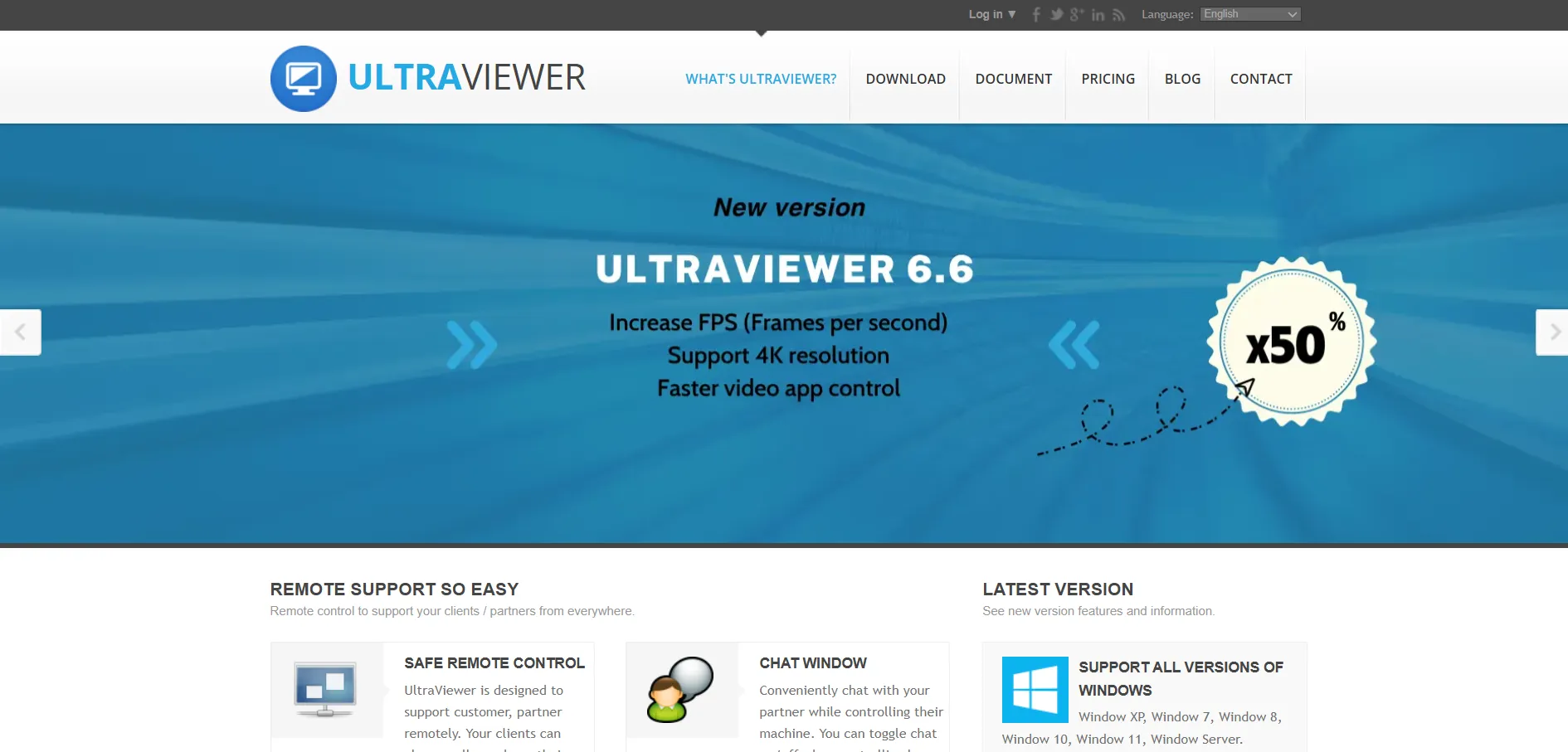
✔ Completely free, no trial needed UltraViewer is free to download and use for both personal and business remote control, so there’s no trial period or paywall blocking core functionality.
Free – $0 (no paid tiers)
UltraViewer is a lightweight, free remote control tool popular for quick one-off support sessions and simple screen sharing, especially among small businesses and individual users. It lacks the enterprise features, advanced security certifications, and admin consoles found in paid platforms, making it best for casual or occasional use rather than large-scale IT support.
Pros
- Completely free with no hidden paywalls
- Simple, lightweight, and easy to set up
- Good for quick one-off remote sessions
Cons
- Lacks enterprise security certifications
- No advanced admin console or reporting
- Not designed for large-scale support teams
Zoho Assist
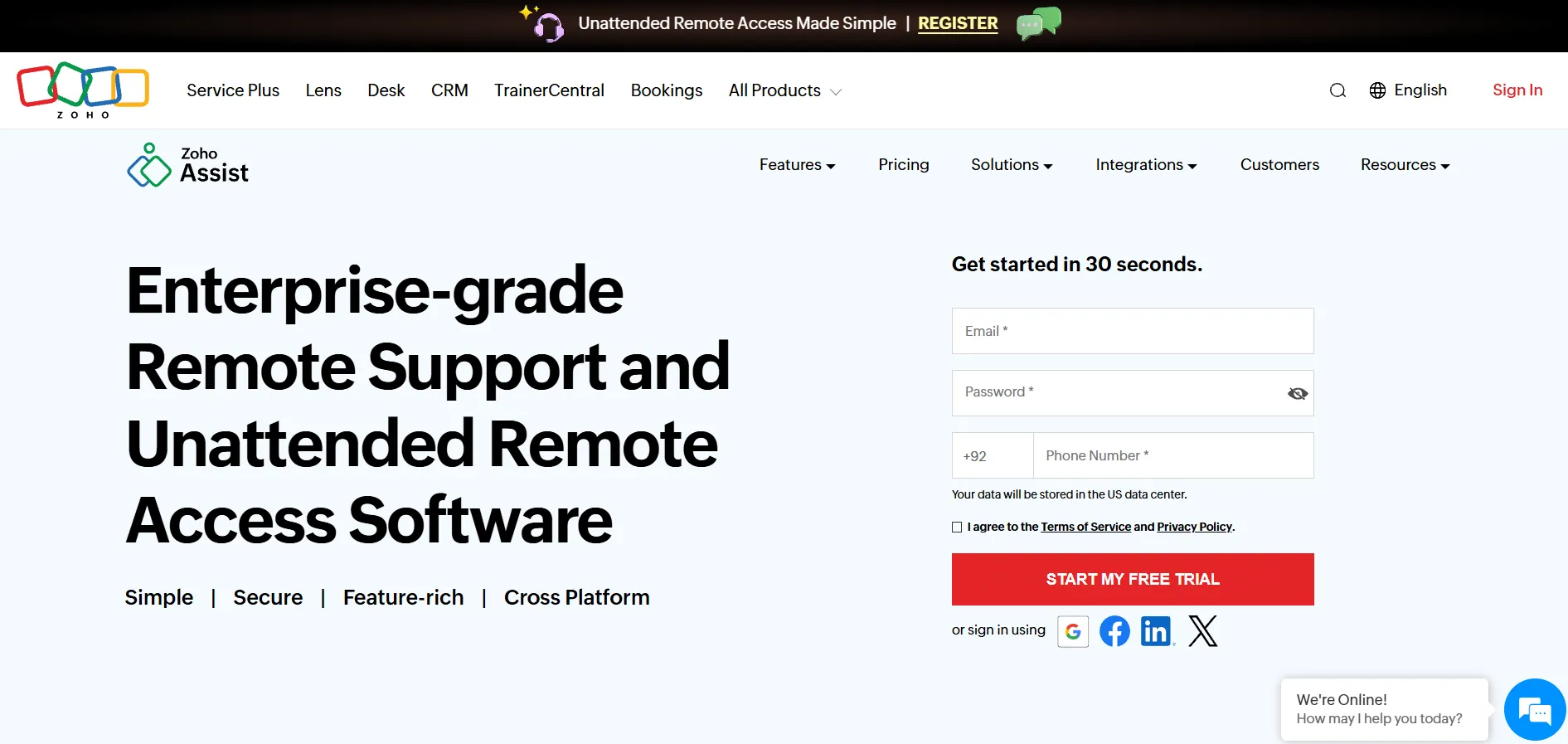
✔ 15-day free trial (no credit card required) Zoho Assist also offers a permanent free plan for one technician and limited unattended computers, making it easy to test before buying. Paid plans unlock more technicians, unattended devices, and enterprise-grade controls, with Zoho keeping onboarding friction low compared to many rivals in this list.
Free – $0
Standard – $10
Professional – $15
Enterprise – $24
Zoho Assist integrates tightly with other Zoho apps like Desk and CRM, which is a major advantage for businesses already using that ecosystem. It handles unattended access, file transfer, and multi-monitor navigation smoothly, though some advanced tools like session recording are locked behind higher tiers, so smaller teams should check plan limits before committing.
Pros
- Generous free plan and long trial
- Deep Zoho ecosystem integration
- Works well on low-bandwidth connections
- Affordable compared to TeamViewer or AnyDesk
Cons
- Key features locked behind paid tiers
- Admin console can feel cluttered
- File transfers over 2GB may lag
Comparison Table
| Alternative | Description |
|---|---|
| AirDroid Remote Support | A remote support solution with strong mobile and Android device support, priced per seat annually. |
| Anydesk | A fast, low-latency remote desktop tool free for personal use, with tiered annual plans for businesses. |
| AnyViewer | A genuinely free remote control tool with simple one-click access between logged-in devices. |
| Apache Guacamole | A free, open-source, clientless remote desktop gateway supporting VNC, RDP, and SSH via a browser. |
| BeyondTrust Remote Support | An enterprise-grade, security-focused remote support platform with custom pricing for large organizations. |
| Chrome Remote Desktop | Google’s completely free browser-based remote access tool, best for simple personal or one-off sessions. |
| ConnectWise ScreenConnect | A white-labelable remote support platform built for MSPs, priced per concurrent technician. |
| Distant Desktop | A free, lightweight, no-installation remote desktop tool ideal for casual or personal support needs. |
| GoToMyPC | A premium-priced, simple personal remote access tool for accessing office computers from anywhere. |
| HelpWire | A free, link-based remote support tool requiring no client-side installation, currently in early access. |
| ISL Online | A flexible remote support platform offering cloud, self-hosted, and pay-per-use pricing with strong security. |
| LogMeIn | A well-rounded remote access tool bundling storage and antivirus, priced per computer count. |
| Microsoft Remote Desktop | A free native Windows remote desktop client best suited to organizations within the Microsoft/Azure ecosystem. |
| NinjaOne | A combined RMM, patching, and remote access platform priced per device, ideal for MSPs and IT teams. |
| Parsec | An ultra-low-latency remote desktop tool built for gaming and creative work, free for personal use. |
| Pulseway | An RMM platform with built-in remote control, best suited to MSPs and IT departments managing many endpoints. |
| RemotePC | A budget-friendly, per-computer priced remote access tool with unlimited concurrent sessions on all plans. |
| RustDesk | A free, open-source, self-hostable remote desktop solution favored by privacy-conscious and technical teams. |
| sobrii Remote | A per-device fleet management platform combining remote access with hardware and compliance context. |
| Splashtop | A high-performance, affordable remote access and support tool popular with creative professionals and SMBs. |
| TeamViewer | A widely recognized remote support platform with broad features, though pricier than most alternatives. |
| UltraViewer | A completely free, lightweight remote control tool suited for casual and occasional support sessions. |
| Zoho Assist | An affordable, feature-rich remote support tool with a free plan and deep integration into the Zoho ecosystem. |
Conclusion
Choosing the right ISL Online alternative ultimately depends on your team’s size, budget, and technical comfort level. Small businesses may find Zoho Assist, Splashtop, or RemotePC offer the best balance of price and features, while enterprises with strict compliance needs may lean toward BeyondTrust Remote Support or ConnectWise ScreenConnect. Free options like Chrome Remote Desktop, Apache Guacamole, UltraViewer, and RustDesk are excellent for individuals or technically capable teams willing to trade polish for cost savings, while platforms like NinjaOne and sobrii Remote suit teams that want remote access bundled with broader fleet management. Whichever you choose, testing the free trial or free tier first is the best way to confirm it fits your workflow before committing to a paid plan.


