
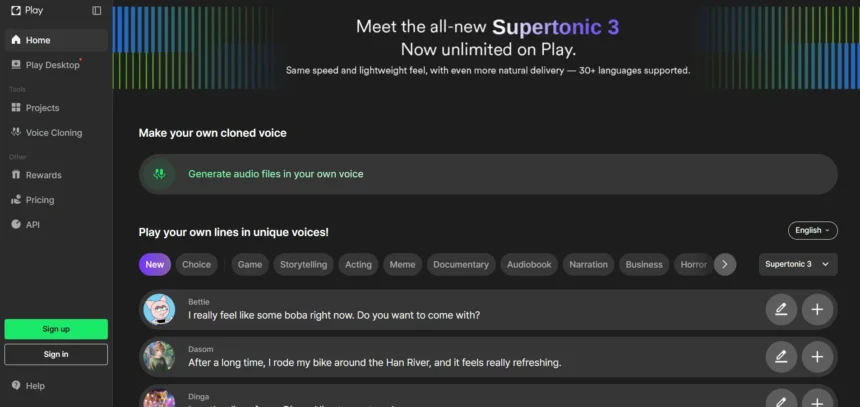
Supertone Play has earned a loyal following for its emotionally expressive AI voice generation, but it isn’t the only option on the market. Whether you need voice cloning, text-to-speech narration, AI avatars, or full video production, plenty of platforms offer comparable or complementary capabilities. Below are 11 Supertone Play Alternatives, each with its own strengths, pricing structure, and trial options, to help you find the right fit for your voice and content creation needs.
1. PlayHT

Play.ht doesn’t run a traditional time-limited free trial, but it does offer a free plan with limited monthly characters for non-commercial use, attribution required. Paid tiers include a Creator plan and an Unlimited/Pro plan, plus a custom Business tier for high-volume commercial teams needing dedicated support.
Creator ~$39/mo
Unlimited ~$99/mo
Business – Custom
Play.ht offers over 800 realistic AI voices across 140+ languages, instant and ultra-realistic voice cloning, and an API for real-time speech generation. It’s popular for video dubbing, podcasts, and audiobook narration. The pronunciation and phonetics library lets users fine-tune specific words, making it a strong choice for teams needing multilingual, customizable text-to-speech output.
Pros
- 800+ voices in 140+ languages
- Instant and ultra-realistic voice cloning
- API access for real-time generation
- Custom pronunciation library
Cons
- No genuine free trial for commercial use
- Free plan requires attribution
- Pricing tiers can feel steep for casual users
2. VEED
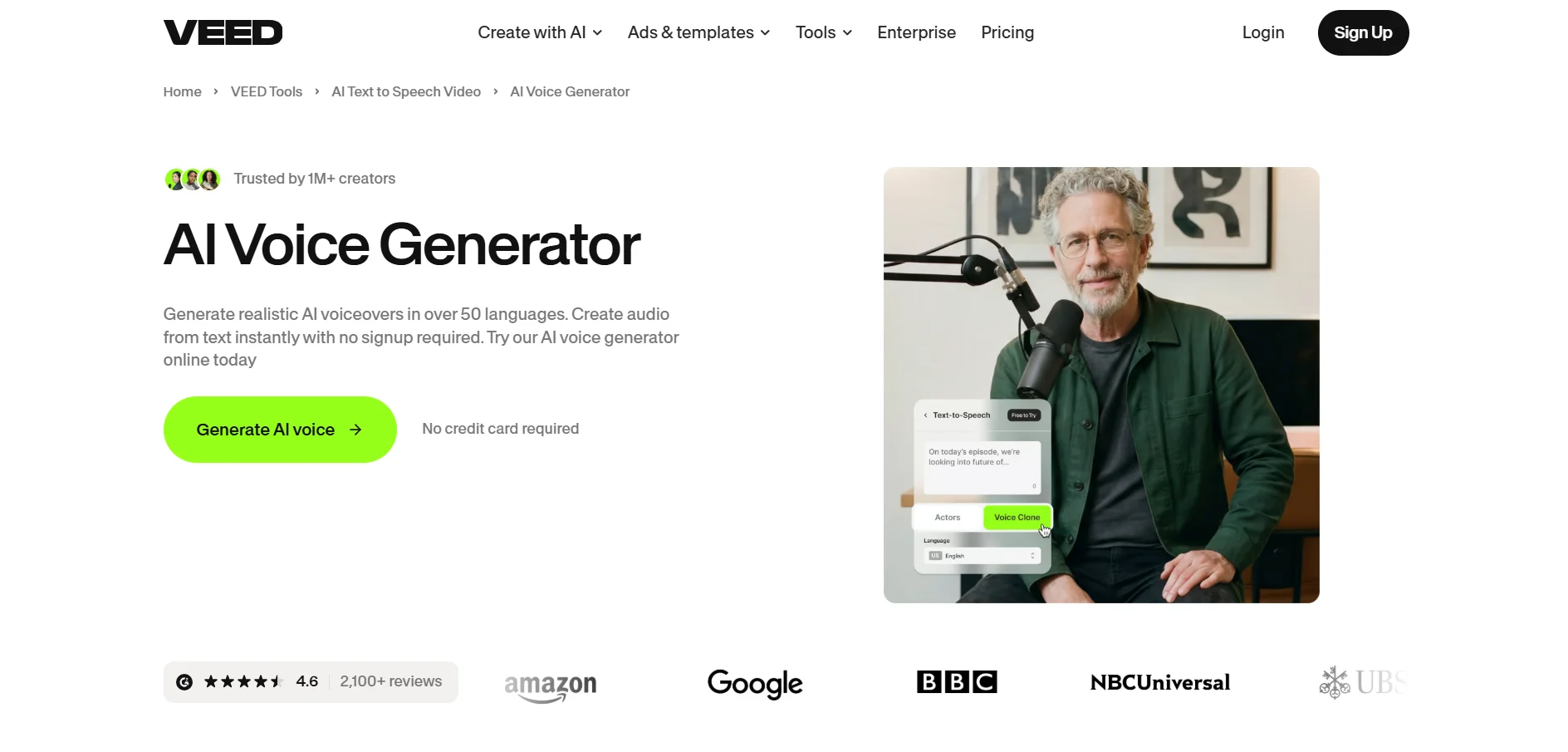
VEED offers a genuinely free forever plan alongside a free trial period on paid tiers. Paid plans start at a Basic/Creator tier, move up through a Pro tier, and scale into a Studio/Business tier, all billed per user with discounted annual pricing and a custom Enterprise plan available on request.
Free Trial
Creator ~$12/mo
Pro ~$21/mo
Studio ~$39/mo
VEED combines browser-based video editing with AI tools like auto-subtitles, AI avatars, voice cloning, background removal, and instant translation. It’s built for marketers, educators, and content teams who want a platform that pairs voice generation with full video production, letting users script, dub, and publish videos from one dashboard.
Pros
- Genuine free tier, no card needed
- All-in-one video editing plus voice AI
- Auto subtitles and instant translation
- Browser-based, no installation
Cons
- Free exports carry a watermark
- Per-seat pricing adds up for teams
- AI credits can run out quickly
3. Resemble.ai

Resemble.ai skips a fixed-length free trial in favor of a pay-as-you-go Flex plan starting at $0, letting users generate audio before committing to payment. Costs run per second of generated speech, with optional team seats and a custom Enterprise tier offering volume discounts for larger organizations.
~$0.0005/sec TTS
Team Seats ~$20/mo
Enterprise – Custom
Resemble.ai focuses on realistic voice cloning with emotion and tone control, alongside deepfake detection and neural watermarking for authenticity verification. It’s widely used in gaming, marketing, and education. This security-first approach makes Resemble.ai a solid pick for teams that need branded, tamper-detectable synthetic voice content.
Pros
- Pay-as-you-go, no minimum commitment
- Emotion and tone-controlled cloning
- Built-in deepfake detection and watermarking
- Volume discounts for enterprise use
Cons
- No permanent free tier
- Usage-based billing can be unpredictable
- Learning curve for advanced features
4. KikiVoice

KikiVoice is free to use with no mandatory sign-up, offering weekly-resetting credits for instant voice cloning without a credit card. Paid plans begin at an entry-level monthly price for commercial rights, higher fidelity, and API access, making it one of the most accessible entry points on this list.
20,000 Credits/Week
Paid from ~$10/mo
The platform clones any voice from just a few seconds of audio using three specialized models: Kiki Core for balanced everyday output, Kiki Pro for emotion-controlled professional work, and Kiki Multilingual for cross-lingual projects across 75+ languages. KikiVoice suits meme creators, musicians, and hobbyists who want fast, no-friction voice cloning.
Pros
- No registration required to start
- Clones voices from just seconds of audio
- Three specialized voice models
- Supports 75+ languages
Cons
- Weekly credits don’t roll over
- Commercial use requires a paid plan
- Less brand recognition than larger platforms
5. Uberduck

Uberduck offers a free plan with monthly render credits and no credit card required, functioning as an ongoing trial. Paid tiers start with a low-cost Starter plan, move to a Creator plan with commercial licensing, and scale up to a Pro plan, plus a custom Enterprise option for heavier business usage.
Starter ~$4/mo
Creator ~$10/mo
Pro ~$60/mo
Uberduck stands out with its library of 5,000+ expressive and novelty voices, including AI rap and singing generation popular in Discord communities. While voice realism trails premium competitors, its creative range and low entry price make it an appealing option for musicians and social content creators experimenting with playful audio.
Pros
- Huge library of novelty and character voices
- Unique AI rap and singing tools
- Strong Discord and API integrations
- Very low starting price
Cons
- Voice realism lags behind top competitors
- Commercial licensing can be murky for some voices
- Limited emotional fine-tuning
6. HeyGen

HeyGen provides a permanent free plan, not a time-limited trial, allowing a few watermarked videos monthly with no payment details needed upfront. Paid plans start with a Creator tier, move to a Pro tier, and scale to a Business tier with per-seat pricing, plus a custom Enterprise tier for API access.
Creator ~$29/mo
Pro ~$49/mo
Business ~$149/mo
HeyGen specializes in AI avatar videos, voice cloning, and lip-sync translation across dozens of languages, turning scripted text into talking-head content. It’s widely used by marketing and training teams producing localized video at scale. It pairs voice generation with visual avatars for a more complete video-first workflow than pure TTS tools.
Pros
- Free plan needs no credit card
- Realistic AI avatars with lip-sync
- Multilingual video translation
- Strong for marketing and training content
Cons
- Free plan limited to short, watermarked clips
- Credit system can be confusing
- Higher tiers get expensive with add-on seats
7. BookFab
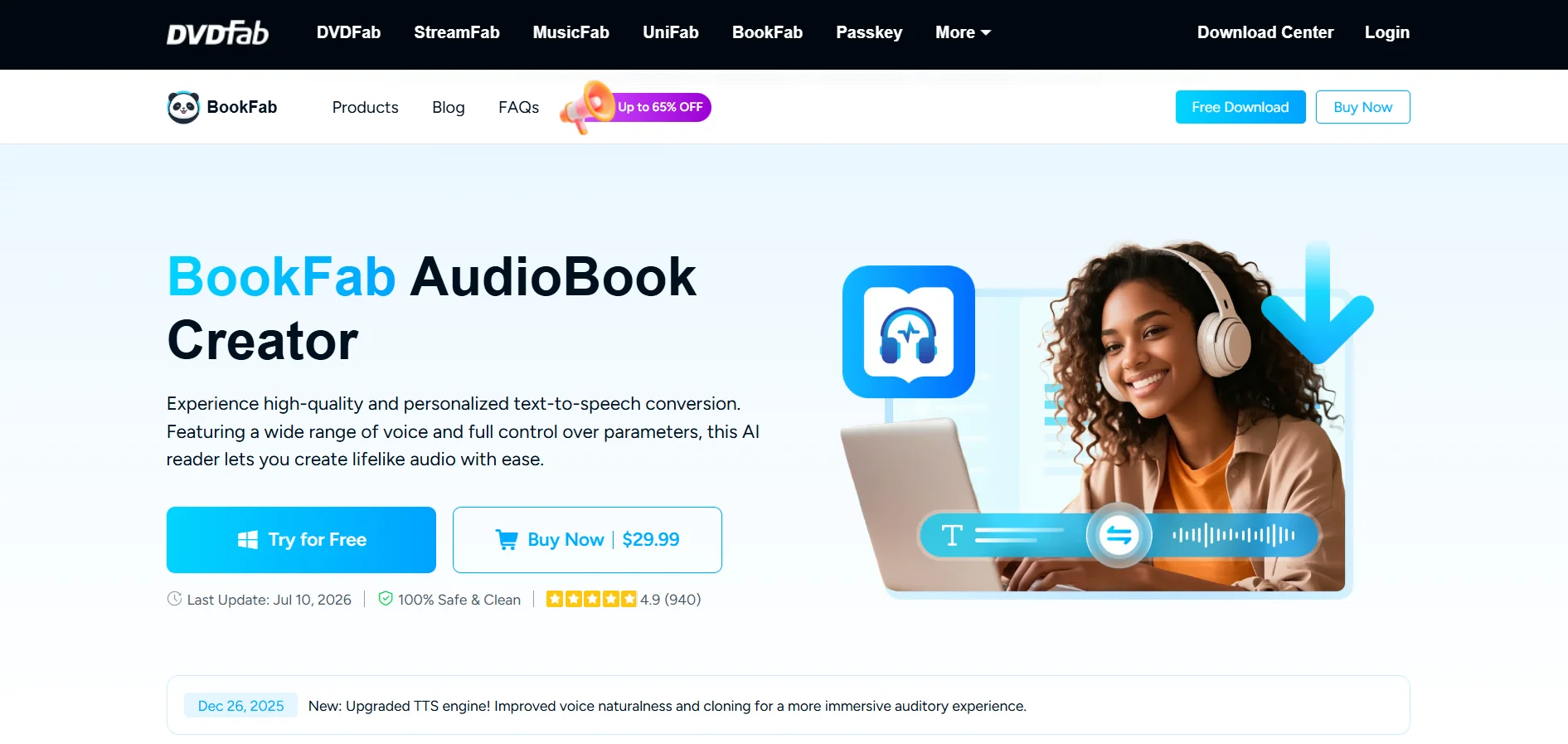
BookFab offers a free trial through its account system, giving new users a shared word quota to test text-to-speech quality before buying. Beyond the trial, BookFab uses a one-time lifetime license rather than a recurring monthly subscription, with optional word-package add-ons for heavier usage.
Lifetime License ~$29.99–$59.99
Word Add-on Packs
Designed for audiobook creation, BookFab converts EPUB files, TXT documents, or pasted text into narrated audio using roughly 20 voices in English and Japanese. Users can adjust speed, prosody, and pronunciation, then export as M4B, MP3, or OPUS. It suits authors and educators who prefer a one-time purchase over ongoing subscriptions.
Pros
- One-time purchase, no recurring fees
- EPUB and TXT to audiobook conversion
- Customizable prosody, speed, and pronunciation
- Desktop workflow with library management
Cons
- Only supports English and Japanese
- Windows-only desktop software
- Fewer voices than cloud-based competitors
8. Pixbim
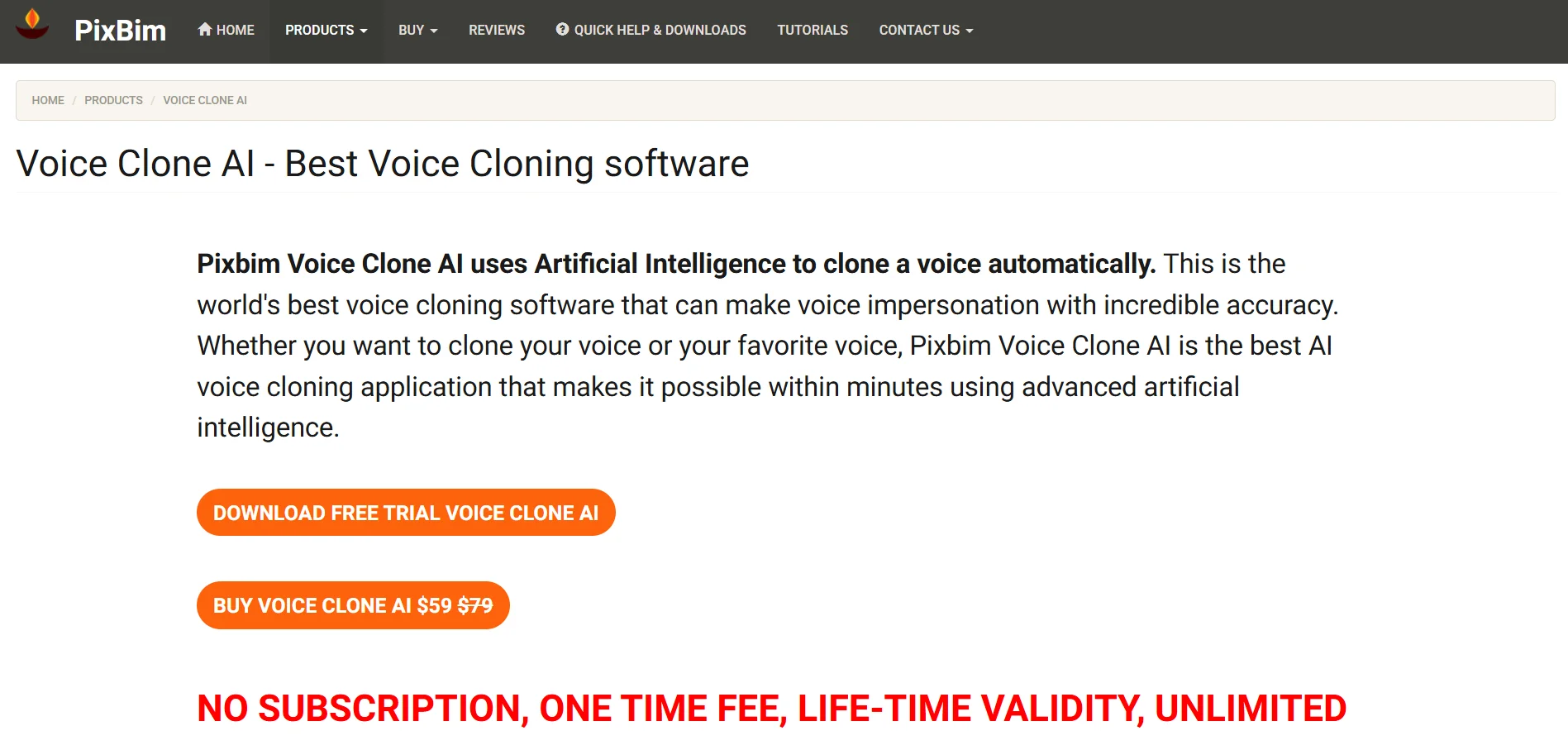
Pixbim Voice Clone AI offers a 7-day free trial with no credit card required, letting users test cloning quality with limited output before purchasing. Rather than a subscription, Pixbim uses a one-time lifetime license, discounted from its regular list price, covering all future updates for the purchased version.
Lifetime License ~$59
List Price ~$79
This offline, desktop-based tool clones voices locally from short audio samples, supporting multi-speaker and multi-language cloning for audiobooks, invitations, and character voices. Because it runs entirely on-device, Pixbim appeals to privacy-conscious users and solo creators seeking a low-cost, one-time-purchase alternative without recurring cloud subscription fees.
Pros
- Runs fully offline for data privacy
- One-time fee, no monthly billing
- Multi-speaker and multi-language cloning
- No credit card needed for trial
Cons
- Windows-only desktop application
- Fewer advanced editing features
- Voice depth trails cloud-based leaders
9. Voice.ai
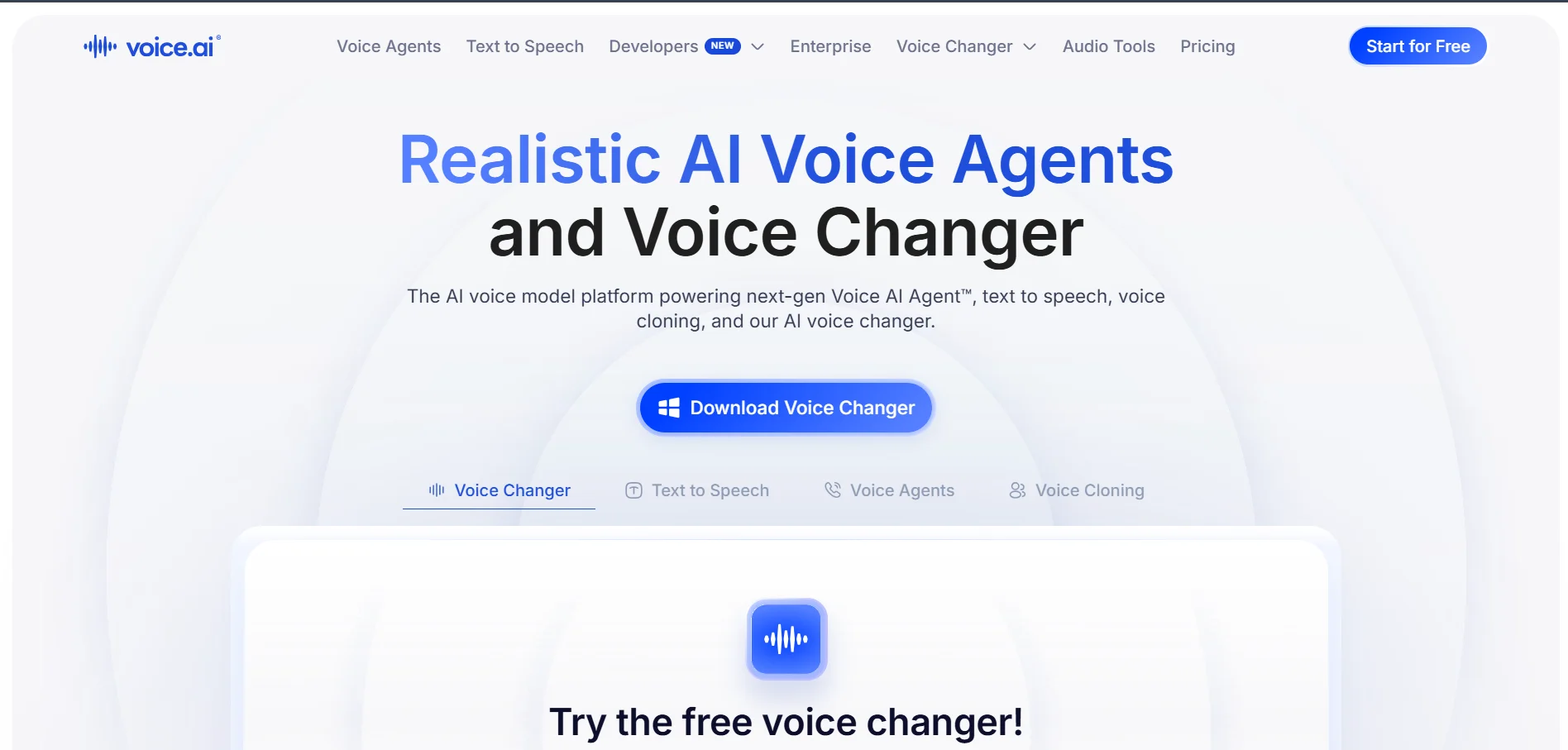
Voice.ai offers a free tier with a limited monthly credit allowance covering a few minutes of text-to-speech and audio tool use, though some features require payment details upfront. Paid plans start at an affordable Starter tier for instant voice cloning and downloadable files, scaling up through higher credit tiers.
Starter ~$5/mo
Higher Tiers Available
Voice.ai combines a real-time voice changer popular with gamers and streamers with a TTS Studio for scripted narration and voice cloning. Its credit-based system covers casual and commercial use cases alike. It works well for live voice transformation as much as pre-recorded content generation, unlike most pure TTS competitors.
Pros
- Real-time voice changer for streaming/gaming
- Combines TTS Studio with live transformation
- Low-cost entry-level paid plan
- Instant voice cloning on paid tiers
Cons
- Free tier’s 5-minute limit runs out fast
- Credit system can be hard to estimate
- Some free features require card details
10. Cartesia
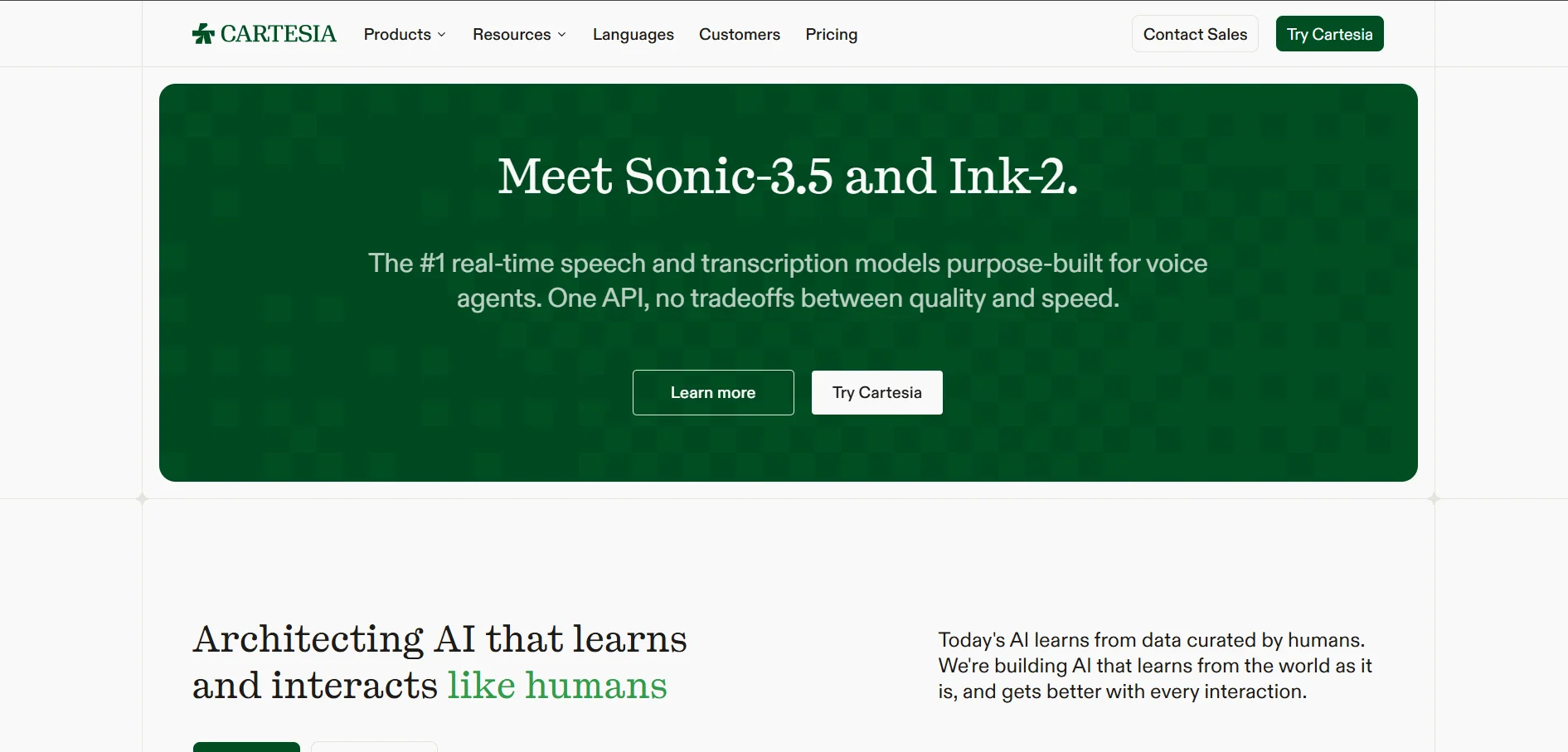
Cartesia‘s Free plan is permanent, offering roughly 20,000 credits with no time limit, though it excludes commercial use and voice cloning. Paid tiers include a Pro plan, a Startup plan, and a Scale plan, plus a custom Enterprise plan for high-throughput voice agent deployments.
Pro ~$5/mo
Startup ~$39/mo
Scale ~$239–299/mo
Cartesia is built for developers, offering the low-latency Sonic text-to-speech model, Ink speech-to-text, and Line voice-agent infrastructure through an API. With sub-100ms response times, it’s tailored for real-time conversational applications rather than long-form narration, making it a strong pick for teams building live voice agents.
Pros
- Industry-leading low-latency synthesis
- Permanent free developer tier
- Bundles TTS, STT, and voice-agent tools
- Strong for real-time conversational apps
Cons
- Free tier excludes commercial use and cloning
- Credit-based billing gets complex at scale
- Developer-focused, less friendly for non-technical users
11. Speechify
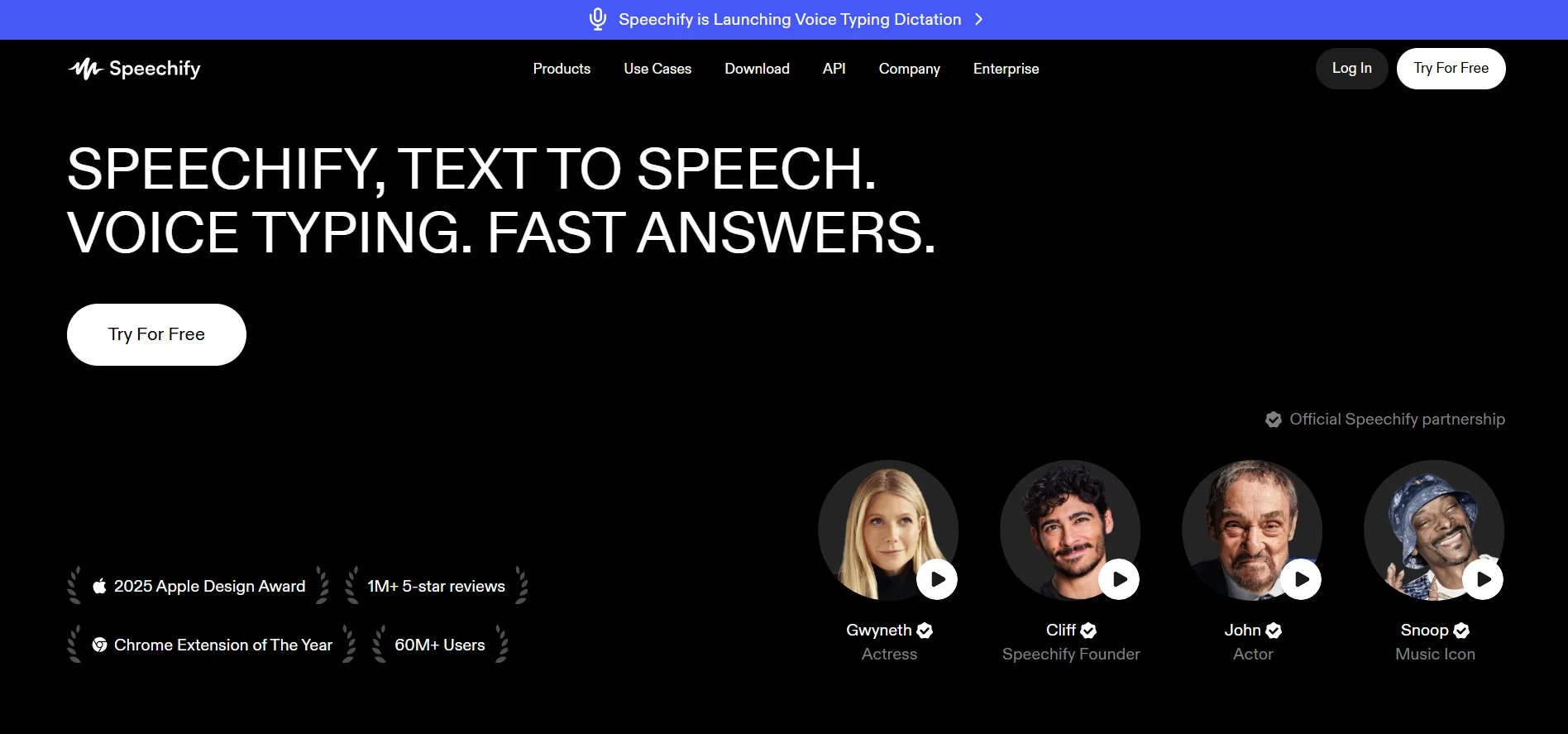
Speechify offers a free plan with basic voices and slower playback speeds, alongside a free trial for Premium that requires card details upfront. Premium costs a flat monthly or discounted yearly rate, Studio plans for voice cloning and content creation range across a few tiers, and Enterprise pricing is available on request.
Premium Free Trial
Premium ~$29/mo
Studio ~$19–$49/mo
Speechify is best known as a text-to-speech reading app, converting articles, PDFs, and ebooks into natural audio for students and busy professionals. Its Studio tier adds AI voice cloning and voiceover creation for content creators. This dual focus on accessibility and content production makes it a versatile alternative.
Pros
- Excellent for reading articles, PDFs, and ebooks aloud
- Listening speeds up to 4.5x
- Studio tier adds voice cloning tools
- Available across mobile, desktop, and browser extension
Cons
- Free trial requires card details upfront
- Users report tricky cancellation before billing
- Voiceover features less advanced than dedicated cloning tools
| Alternative | Description |
|---|---|
| PlayHT | Multilingual AI voice generator with 800+ voices, instant cloning, and API access for developers. |
| VEED | Browser-based video editor combining AI voice tools with subtitles, avatars, and translation. |
| Resemble.ai | Voice cloning platform with emotion control, deepfake detection, and neural watermarking. |
| KikiVoice | Free, no-signup voice cloning tool with three models and 75+ language support. |
| Uberduck | Novelty-voice TTS platform known for AI rap, singing, and Discord integration. |
| HeyGen | AI avatar and video generation platform with voice cloning and lip-sync translation. |
| BookFab | One-time-purchase desktop tool that converts EPUB/text into narrated audiobooks. |
| Pixbim | Offline, one-time-purchase desktop voice cloning software for privacy-focused creators. |
| Voice.ai | Real-time voice changer plus TTS Studio for streamers, gamers, and creators. |
| Cartesia | Developer-focused, low-latency TTS/STT/voice-agent API infrastructure with a free tier. |
| Speechify | Text-to-speech reading app for articles, PDFs, and ebooks, with a voice cloning Studio tier. |
Conclusion
Choosing the right Supertone Play alternative comes down to your specific use case. Developers building real-time voice agents will lean toward Cartesia or Resemble.ai, content creators dubbing videos will favor VEED or HeyGen, and anyone needing quick, low-cost voice cloning can start with KikiVoice, Pixbim, or Uberduck. Meanwhile, PlayHT and Speechify remain strong all-around choices for narration and accessibility. Test a few free plans or trials before committing, since pricing and features change frequently, and always check each platform’s official site for the latest plan details.


