
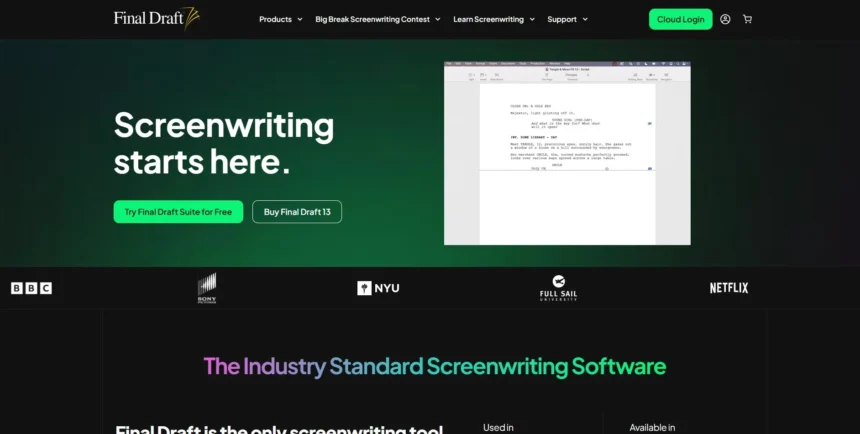
Final Draft has long been the industry standard for screenwriting, but its steep price tag and dated interface push many writers toward more affordable, flexible, and AI-powered alternatives. Whether you’re plotting a novel, drafting a screenplay, or generating dialogue with artificial intelligence, today’s writing tools offer more variety than ever before. This guide breaks down 12 strong Final Draft Alternatives, covering their free trials, pricing plans, and standout features, so you can pick the right tool for your next writing project without overspending on software you may not fully need.
1. Highland 2
Trial & Pricing: Free Forever Pro $49.99 one-time
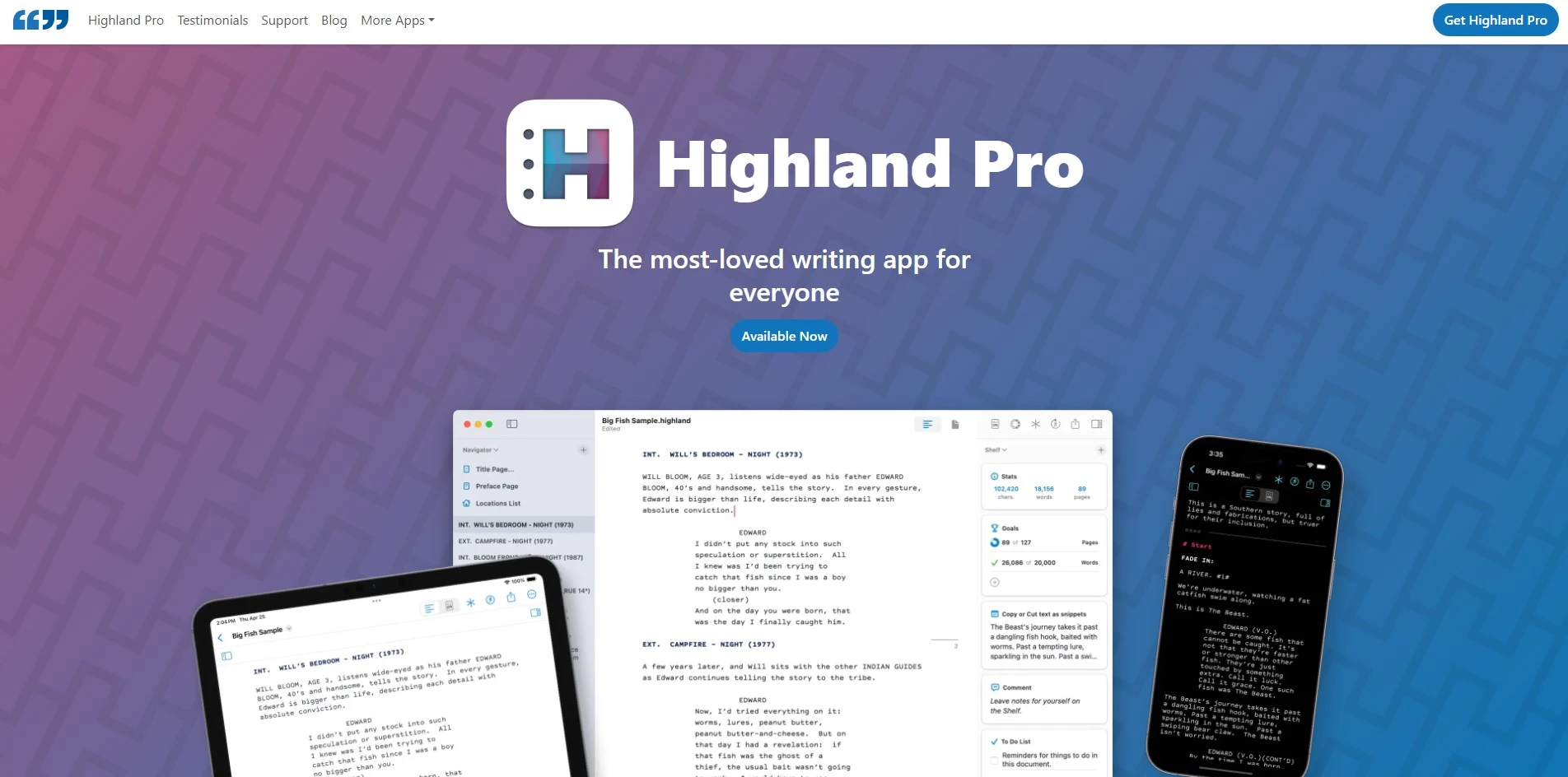
Highland 2 lets you write and export full screenplays for free, with only a watermark on exported PDFs during your unlimited free use. Upgrading to Pro removes that watermark permanently for a one-time payment of $49.99, with no recurring subscription required. This makes Highland 2 one of the most budget-friendly screenwriting apps built specifically for Mac users.
Built by Fountain creator John August, Highland 2 uses plain-text formatting so scripts remain readable outside the app. It automatically detects scene headings, character names, and transitions as you type, keeping formatting effortless. Novelists can also use its manuscript mode for double-spaced, indented prose, making Highland 2 flexible for both screenwriters and fiction writers alike.
Visit WebsitePros
- Free to use indefinitely
- One-time payment, no subscription
- Clean, distraction-free plain-text interface
- Automatic scene and character formatting
Cons
- Mac-only, no Windows or web version
- Lacks corkboard/outlining tools
- Limited real-time collaboration features
2. Plottr
Trial & Pricing: Free Trial Pro $27/mo Lifetime $199
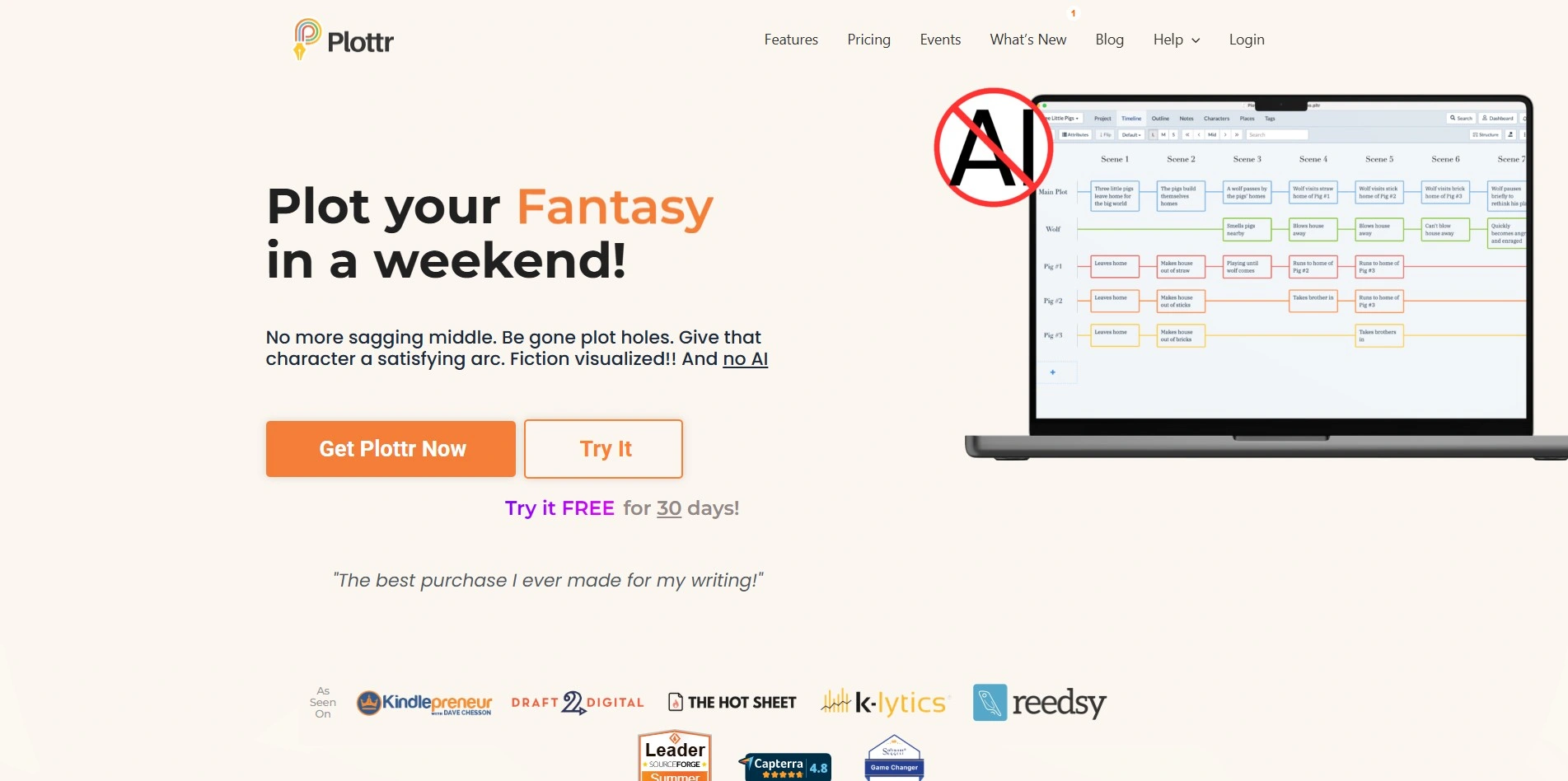
Plottr offers a free trial so you can test its visual outlining tools before committing. Paid plans start with Plottr Pro at $27 per month or $270 billed annually, while a Lifetime license is available for a one-time $199 payment, giving offline access without recurring fees. A Pro + Community tier adds coaching access for extra support.
Plottr is a visual, drag-and-drop story-planning tool built for novelists, screenwriters, and series authors. It offers over thirty plot templates, a colorful timeline view, and character and location tracking to keep complex stories organized. Writers can export outlines directly into Scrivener, Word, or other writing software for a smooth workflow.
Visit WebsitePros
- Visually engaging drag-and-drop interface
- Free trial plus a flexible lifetime option
- 30+ built-in plot templates
- Syncs across devices on Pro plans
Cons
- Subscription cost adds up over time
- No native screenplay formatting
- Steeper learning curve for beginners
3. Powtoon AI Script Writer

Trial & Pricing: Free Plan Lite $15/mo Pro $99/mo Business $199/mo
Powtoon offers a free plan and a no-credit-card free trial so you can test its AI scriptwriting tools first. Paid plans start with Lite at $15 per month, followed by Professional at $99 per month, and Business at $199 per month, each unlocking more AI credits and export options. Annual billing further reduces the monthly cost across every tier.
Powtoon’s AI Script Writer instantly turns a topic or outline into a ready-to-use video script, complete with scene suggestions and pacing. It pairs with AI avatars, text-to-speech, and animated templates, making it ideal for marketers and educators who need polished video content without hiring a scriptwriter. Scripts can be edited directly inside the video timeline for quick revisions.
Visit WebsitePros
- Free plan and no-card trial available
- Fast AI-generated video scripts
- Wide library of templates and avatars
- Good for non-writers making video content
Cons
- Focused on video, not prose or screenplays
- Credit-based AI system can run out fast
- Higher tiers get expensive quickly
4. Sudowrite

Trial & Pricing: Free Trial Hobby $10/mo Pro $22/mo Max $44/mo
Sudowrite offers a free trial so new users can test its fiction-focused AI tools before subscribing. Paid plans start at $10 per month for Hobby & Student (billed annually), $22 per month for Professional, and $44 per month for Max, with monthly billing running slightly higher. Every tier unlocks the same features, differing only in credit allowance.
Sudowrite is an AI writing assistant purpose-built for novelists, offering tools like Write, Expand, Rewrite, Describe, and Brainstorm to overcome writer’s block. Its Story Bible feature keeps characters, plot points, and worldbuilding consistent across chapters, while its Canvas and story engine help fiction writers draft faster without losing their unique voice.
Visit WebsitePros
- Free trial available on sign-up
- Excellent for overcoming writer’s block
- Story Bible keeps details consistent
- Multiple AI models to choose from
Cons
- Not built for screenplay formatting
- Credits can drain fast at high usage
- Best features locked behind higher tiers
5. StoryCraft AI
Trial & Pricing: Free (limited) ChatGPT Plus $20/mo
StoryCraft AI runs as a custom GPT inside ChatGPT, so you can try a limited version through a free ChatGPT account. Full, unrestricted access requires a ChatGPT Plus subscription at $20 per month, which also unlocks longer conversations, faster responses, and priority access during peak hours. There’s no separate charge specifically for StoryCraft AI itself.
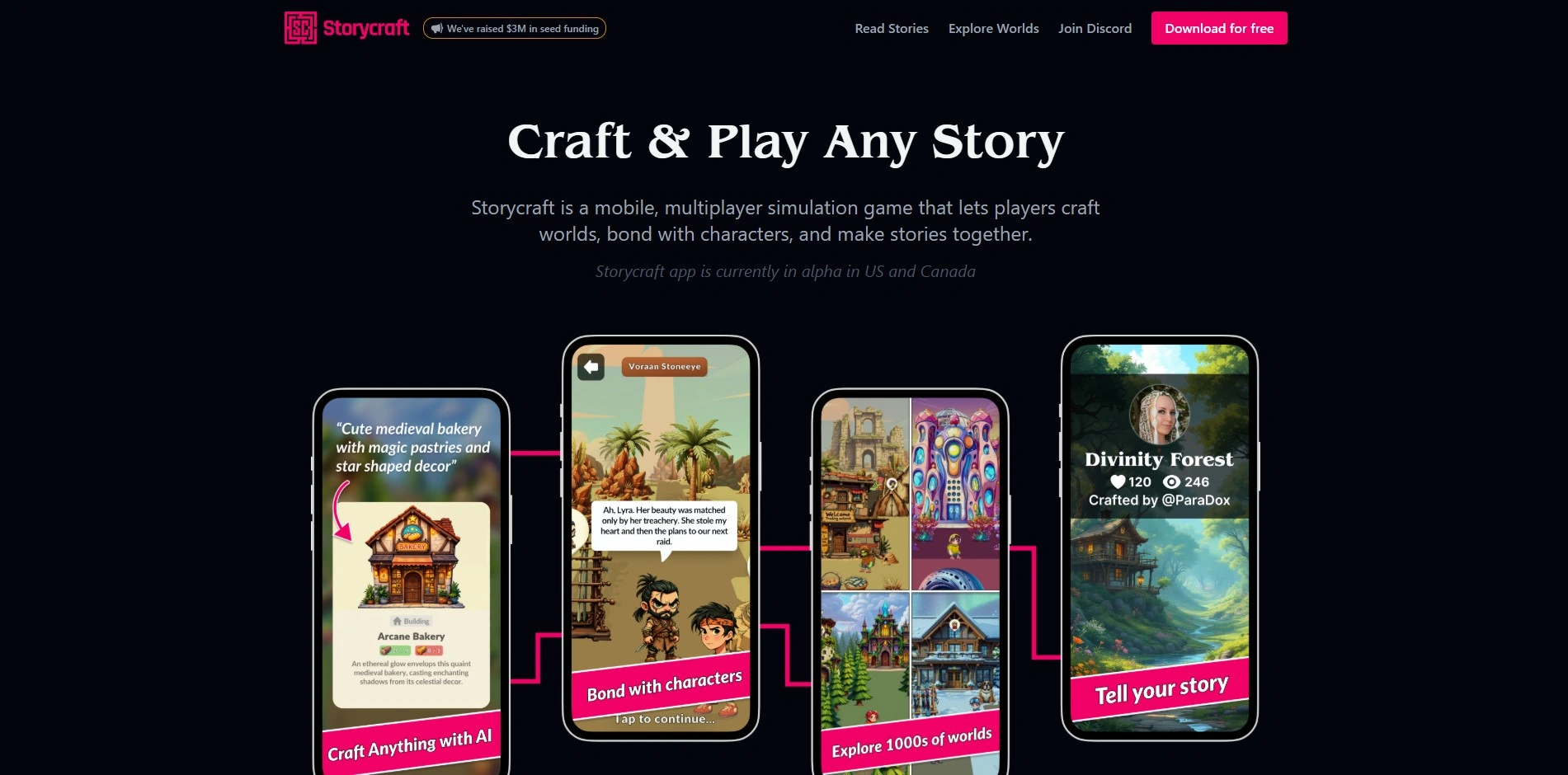
StoryCraft AI acts as an interactive storyteller, offering choose-your-own-adventure style narratives that adapt to the writer’s chosen genre and tone. It can mimic famous literary styles, generate branching plots, and assist with novel writing, game storylines, or scriptwriting, making it a flexible creative companion built entirely on ChatGPT’s engine and easy to access anywhere ChatGPT already works.
Visit WebsitePros
- Accessible to anyone with ChatGPT
- Great for interactive, branching narratives
- Adapts to many literary styles
- No separate app or account needed
Cons
- Requires ChatGPT Plus for full use
- Less specialized than dedicated writing tools
- No dedicated screenplay formatting
6. Claude
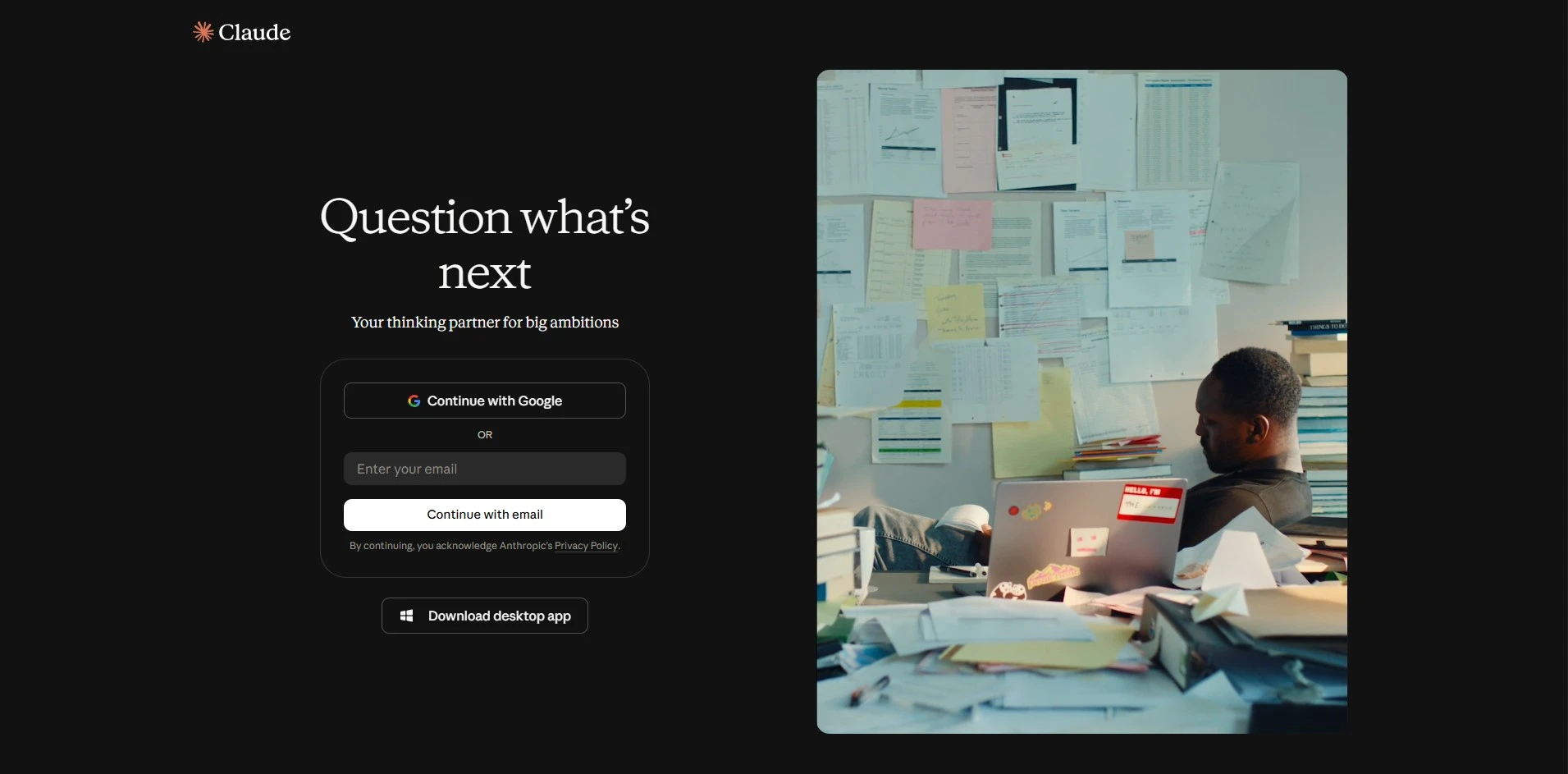
Trial & Pricing: Free Pro $20/mo Max $100–$200/mo
Claude offers a free tier so anyone can try its writing and brainstorming abilities without a credit card. Paid plans start at Pro for $20 per month ($17 monthly when billed annually), with Max plans at $100 or $200 per month for heavier daily use. Team plans are also available for collaborative writing groups.
Claude excels at long-form writing, story development, and nuanced dialogue thanks to its strong grasp of tone, structure, and context across lengthy documents. Writers use it to brainstorm plots, refine chapters, or format screenplay-style scenes, and its large context window makes it well suited for tracking full-length manuscripts as well as maintaining a consistent voice throughout a project.
Visit WebsitePros
- Free tier with no card required
- Strong at long-form, nuanced writing
- Large context window for full manuscripts
- Flexible for brainstorming and editing
Cons
- No dedicated screenplay formatting tools
- Higher tiers can get pricey for daily use
- Not a standalone app with an outlining UI
7. Squibler
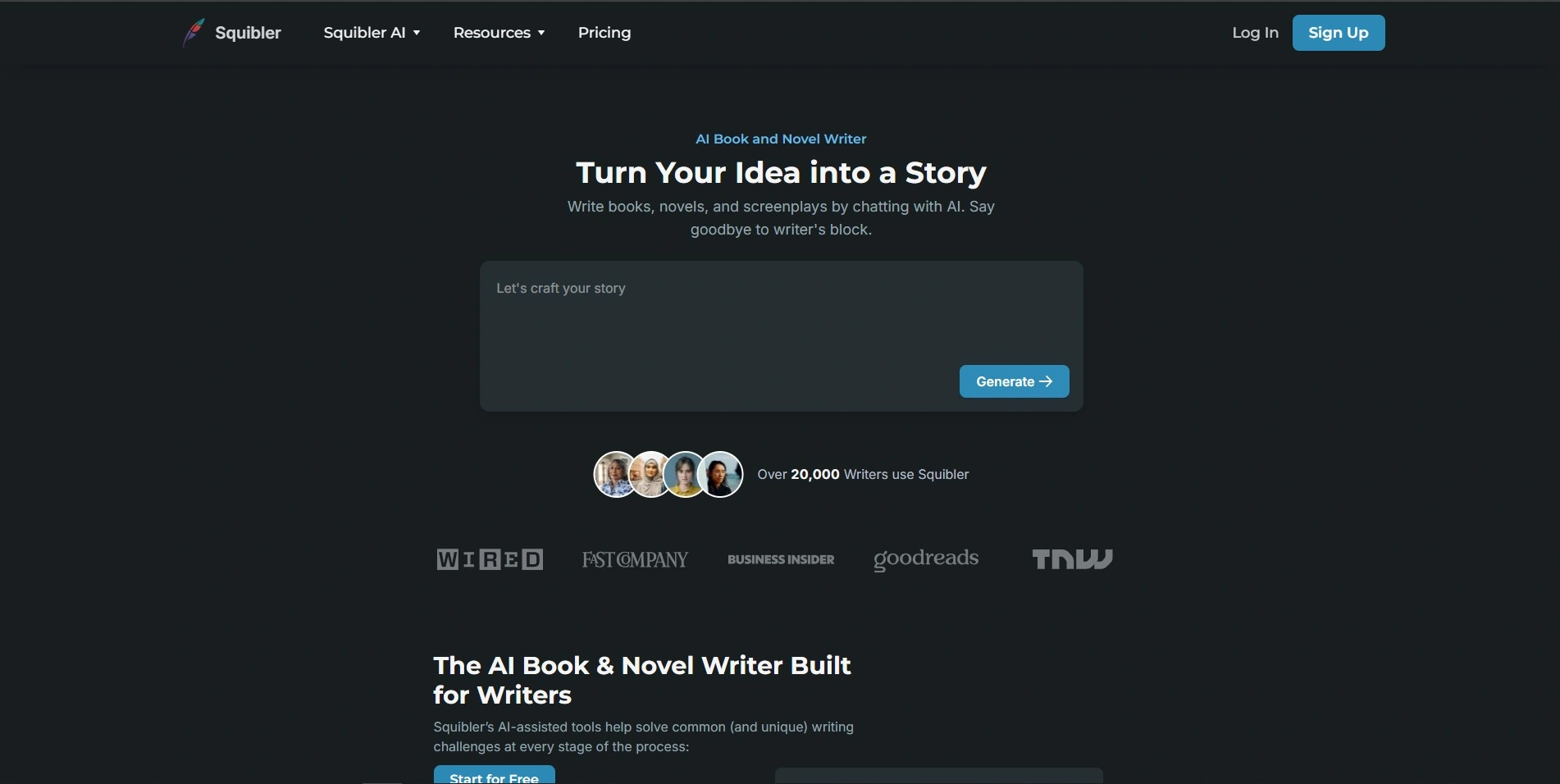
Trial & Pricing: Free Limited Tier Plus $29/mo Pro $89/mo
Squibler provides a free Limited Tier so writers can test its AI writing tools before upgrading. Paid plans include Plus at $29 per month (or $16 monthly billed annually) and Pro at $89 per month (or $49 monthly billed annually), with Pro unlocking unlimited AI credits. The free plan alone allows around six thousand words of AI generation monthly.
Squibler combines an AI writing assistant with story-bible organization tools, letting authors outline characters, plot points, and chapters in one workspace. It also supports formatting for novels and screenplays, plus optional publishing services like cover design and printing, for writers who want everything under a single roof.
Visit WebsitePros
- Free tier to start
- Combines writing, outlining, and publishing
- Supports both novels and screenplays
- Unlimited AI on the Pro plan
Cons
- Higher tiers are relatively pricey
- Credit-based system on lower plans
- Interface can feel busy for beginners
8. WriterDuet
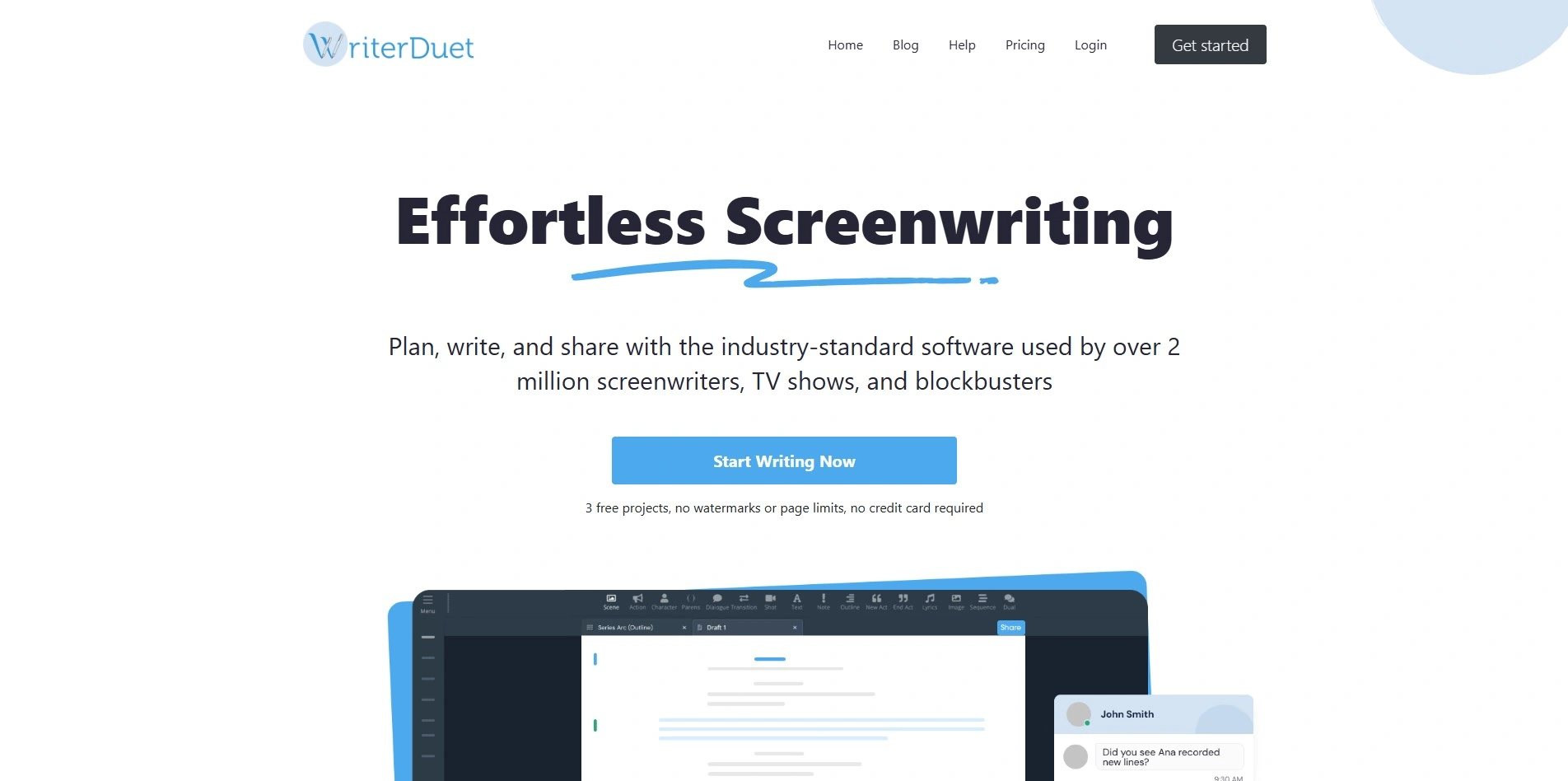
Trial & Pricing: Free Plan Plus $9.99/mo Pro $11.99/mo Premium $13.99/mo
WriterDuet offers a free plan with up to three projects, so screenwriters can try real-time formatting before paying. Paid tiers include Plus at $9.99 per month, Pro at $11.99 per month, and Premium at $13.99 per month, each adding more storage, offline access, and collaboration tools. Annual billing brings the cost down further for long-term users.
WriterDuet is a cloud-based screenwriting tool built for real-time collaboration, letting multiple writers edit, comment, and video chat inside the same script. It follows industry-standard formatting, exports to FDX and PDF, and syncs across desktop, web, and mobile, making it a strong Final Draft substitute even for teams spread across different time zones.
Visit WebsitePros
- Generous free plan available
- Excellent real-time collaboration tools
- Exports directly to FDX format
- Affordable compared to Final Draft
Cons
- Free plan limited to 3 projects
- Desktop version can feel clunky
- Fewer novel-writing features than screenplay tools
9. ChatGPT

Trial & Pricing: Free Plus $20/mo Pro $200/mo Business ~$25/seat
ChatGPT has a permanent free tier, so anyone can test its writing capabilities at no cost. The Plus plan costs $20 per month for higher limits and extra features, while Pro reaches $200 per month for power users, and Business plans run around $25 per seat monthly. Enterprise pricing is available separately for larger organizations.
ChatGPT is a general-purpose AI that handles brainstorming, drafting, dialogue punch-ups, and even rough scene formatting when prompted correctly. It doesn’t natively output industry-standard screenplay formatting, but custom instructions and GPTs can approximate it, making ChatGPT a flexible, if less specialized, alternative for writers who don’t mind a bit of manual cleanup.
Visit WebsitePros
- Free tier available forever
- Extremely versatile for all writing types
- Huge plugin and custom GPT ecosystem
- Fast, conversational brainstorming
Cons
- No native screenplay formatting
- Higher tiers get pricey fast
- Can lose consistency in very long stories
10. Beemgee
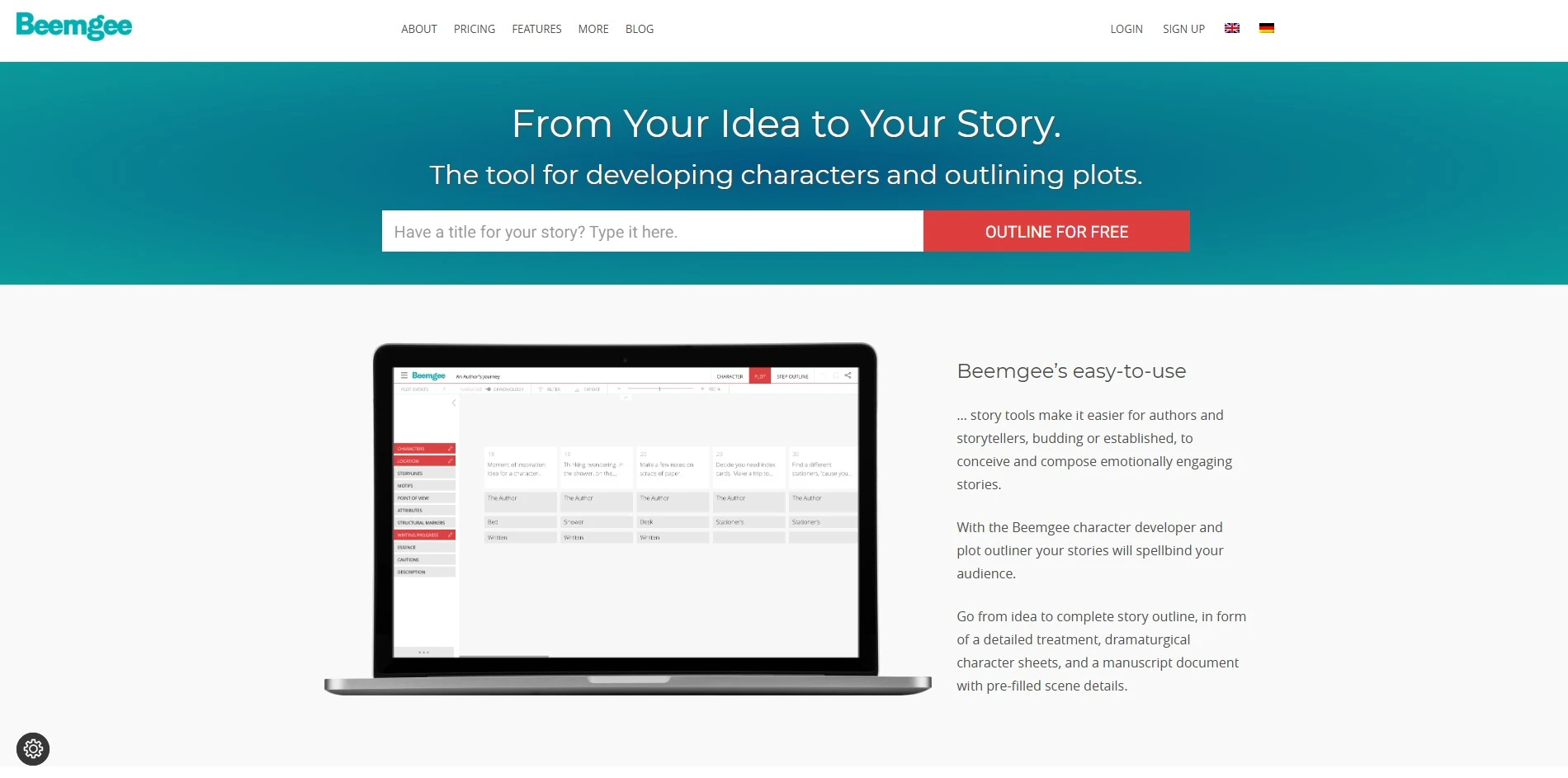
Trial & Pricing: Free, No Card Needed Premium €8/mo
Beemgee lets writers try its story development tool for free without any trial sign-up or credit card. The Premium plan costs just €8 per month, billed annually at €96, unlocking the full toolkit for character development, plotting, and dramaturgical structure. This makes Beemgee one of the least expensive premium writing tools on this list.
Beemgee is a web-based story-development tool built around dramaturgy models like the Hero’s Journey, helping writers structure plots and build well-motivated characters. It uses visual plot-event cards, filterable by character, theme, or location, giving authors a clear map of their story before they start drafting a single scene, making early-stage plotting far less overwhelming.
Visit WebsitePros
- Free tier available, no card needed
- Very affordable premium plan
- Strong for plotting and character development
- Simple browser-based interface
Cons
- No screenplay export formatting
- Lacks a dedicated drafting/writing view
- Smaller user community than bigger tools
11. Google Gemini

Trial & Pricing: Free AI Plus $7.99/mo AI Pro $19.99/mo AI Ultra $99.99–$200/mo
Google Gemini has a free tier that lets anyone test its writing and research features right away. Paid options include Google AI Plus at $7.99 per month, Google AI Pro at $19.99 per month, and Google AI Ultra starting at $99.99 per month, with a top tier reaching $200 monthly for maximum capacity.
Gemini integrates tightly with Google Docs, Gmail, and Drive, making it convenient for writers who already live inside Google’s ecosystem. It can brainstorm plots, draft chapters, summarize research, and edit tone, while bundled storage and Workspace perks add extra value for paid subscribers. It’s a practical choice for collaborative teams already using Google tools.
Visit WebsitePros
- Free tier with no cost to start
- Deep integration with Docs, Gmail, Drive
- Generous storage bundled with paid tiers
- Good for research-heavy writing projects
Cons
- Not built specifically for screenwriting
- Feature rollout varies by region
- Feels less creative-writing-focused than rivals
12. Jasper AI
Trial & Pricing: 7-Day Free Trial Pro $59/mo Business Custom
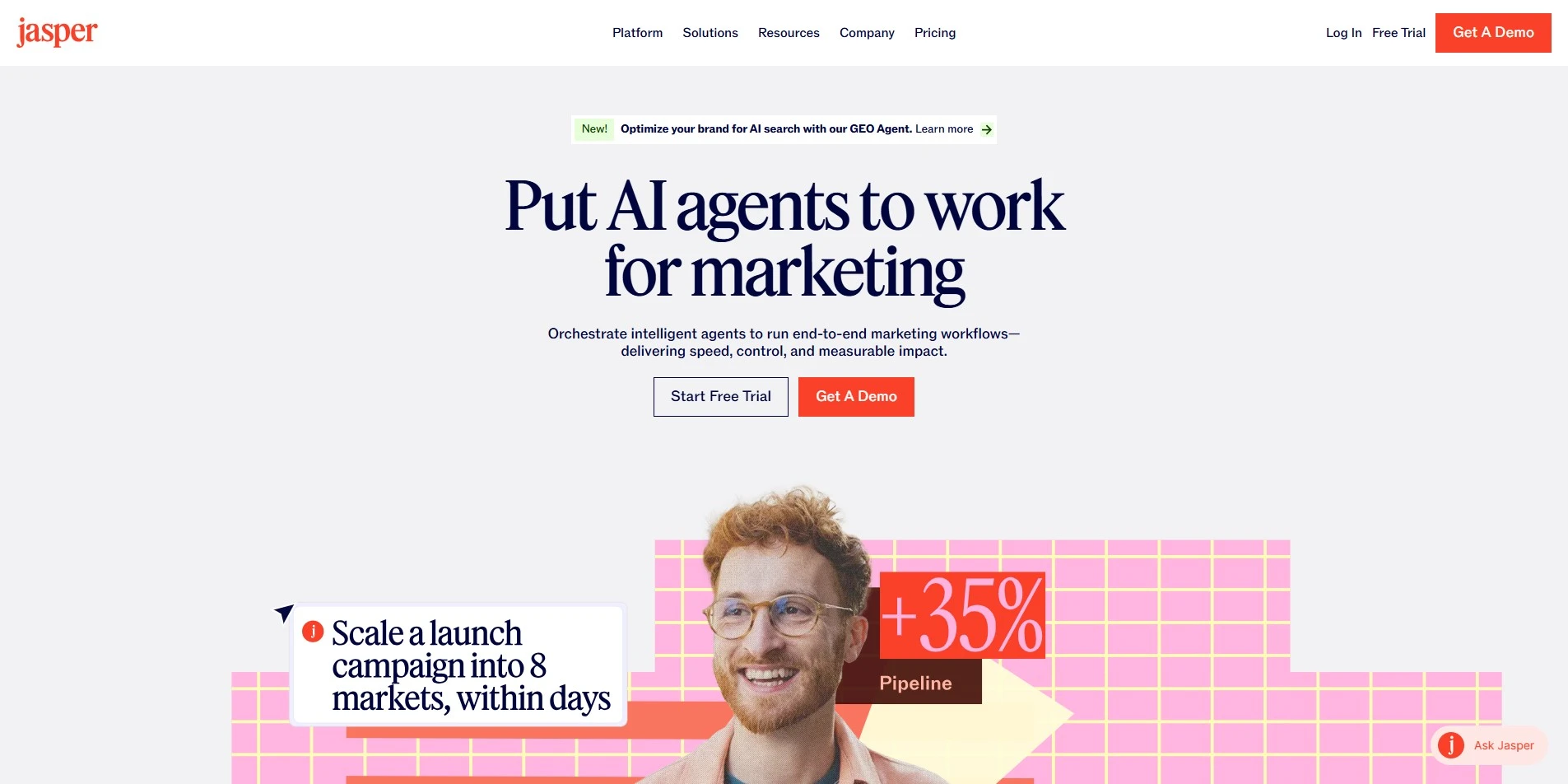
Jasper AI offers a 7-day free trial with no credit card required, giving new users full access to test it out. The Pro plan costs $59 per month billed annually (or $69 monthly), while the Business plan uses custom pricing tailored to larger content teams. Jasper no longer offers a permanent free plan for ongoing use.
Jasper AI is a marketing-focused writing platform that generates blog posts, ad copy, and brand-consistent content using its Brand Voice feature. While not designed specifically for screenplays or novels, its templates and Knowledge Base tools make it useful for writers producing supporting marketing material such as book blurbs, synopses, and promotional copy.
Visit WebsitePros
- 7-day free trial, no card required
- Strong for marketing and brand copy
- Brand Voice keeps tone consistent
- Useful templates for promotional material
Cons
- No permanent free plan
- Not built for screenplay or novel formatting
- Pricier than most writing-specific tools
Quick Comparison Table
| Alternative | Description |
|---|---|
| Highland 2 | Free, plain-text Mac screenwriting app with a one-time Pro upgrade to remove watermarks. |
| Plottr | Visual, drag-and-drop story-outlining tool with templates for novels and screenplays. |
| Powtoon AI Script Writer | AI tool that turns ideas into ready-to-use video scripts alongside animation features. |
| Sudowrite | AI writing assistant built specifically for fiction writers battling writer’s block. |
| StoryCraft AI | Custom GPT inside ChatGPT for interactive, branching, choose-your-own-adventure stories. |
| Claude | AI assistant known for long-form writing, nuanced dialogue, and large context handling. |
| Squibler | All-in-one AI writing, outlining, and publishing platform for novels and screenplays. |
| WriterDuet | Cloud-based, real-time collaborative screenwriting software with industry-standard formatting. |
| ChatGPT | General-purpose AI chatbot useful for brainstorming, drafting, and dialogue punch-ups. |
| Beemgee | Affordable web-based story-development tool focused on plotting and character structure. |
| Google Gemini | AI assistant deeply integrated with Google Docs, Gmail, and Drive for writers. |
| Jasper AI | Marketing-focused AI writing tool useful for promotional copy around creative projects. |
Conclusion
Final Draft may still be the industry benchmark, but it’s no longer the only serious option for screenwriters and novelists. Budget-conscious writers can lean on Highland 2 or Beemgee, collaborative teams may prefer WriterDuet or Google Gemini, and those chasing AI-assisted creativity have Sudowrite, Squibler, Claude, ChatGPT, StoryCraft AI, and Jasper AI to choose from. Plottr and Powtoon round things out for visual outlining and video scriptwriting. The right pick ultimately depends on your budget, your genre, and whether you need formatting, collaboration, or AI-driven brainstorming most. Try the free trials or free tiers before committing to a paid plan, and you’ll likely find a tool that fits your workflow better than Final Draft ever did.


