

Grok Imagine put xAI’s video and image generation on the map, but it’s far from the only option for creators who want to turn text or photos into moving footage. Depending on your budget, workflow, and the kind of output you need cinematic clips, talking avatars, blog-to-video conversion, or raw model access a different tool may serve you better. Below are 16 Grok Imagine alternatives spanning consumer apps, professional suites, and developer-facing models, along with what each one actually costs today.
1. Vyond Go
Free Trial Available (2,000 credits)
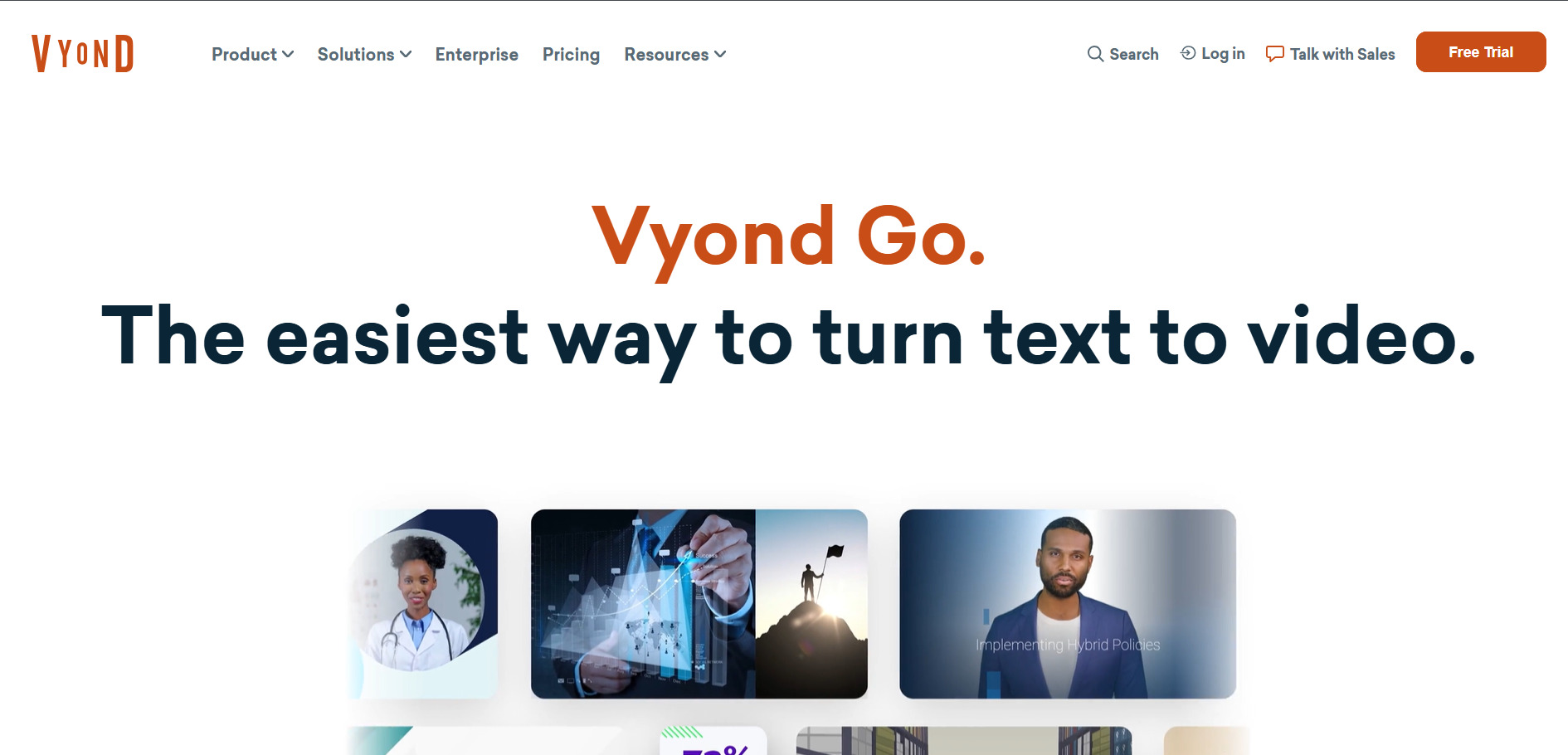
Vyond Go is the instant-video arm of Vyond’s broader animation platform, letting you drop in a script or prompt and get a finished video in under a minute. It’s aimed squarely at corporate training, L&D, and internal communications teams rather than social content creators, with a huge avatar and template library backing it up.
Vyond’s real strength is its enterprise credibility: ISO 27001 certification, Shutterstock integration, and instant translation into dozens of languages make it a safe pick for regulated industries. The tradeoff is a credit system that can feel restrictive for smaller teams, and pricing that climbs quickly once you need SSO or unlimited seats.
Pros
- Script or prompt-to-video in under a minute
- Deep avatar and Shutterstock asset library
- Strong enterprise security and compliance
Cons
- Credit system limits heavy AI usage
- Enterprise features locked behind pricier tiers
- Steep jump in cost for SSO and unlimited plans
2. Vidu Q3
Free Credits on Signup
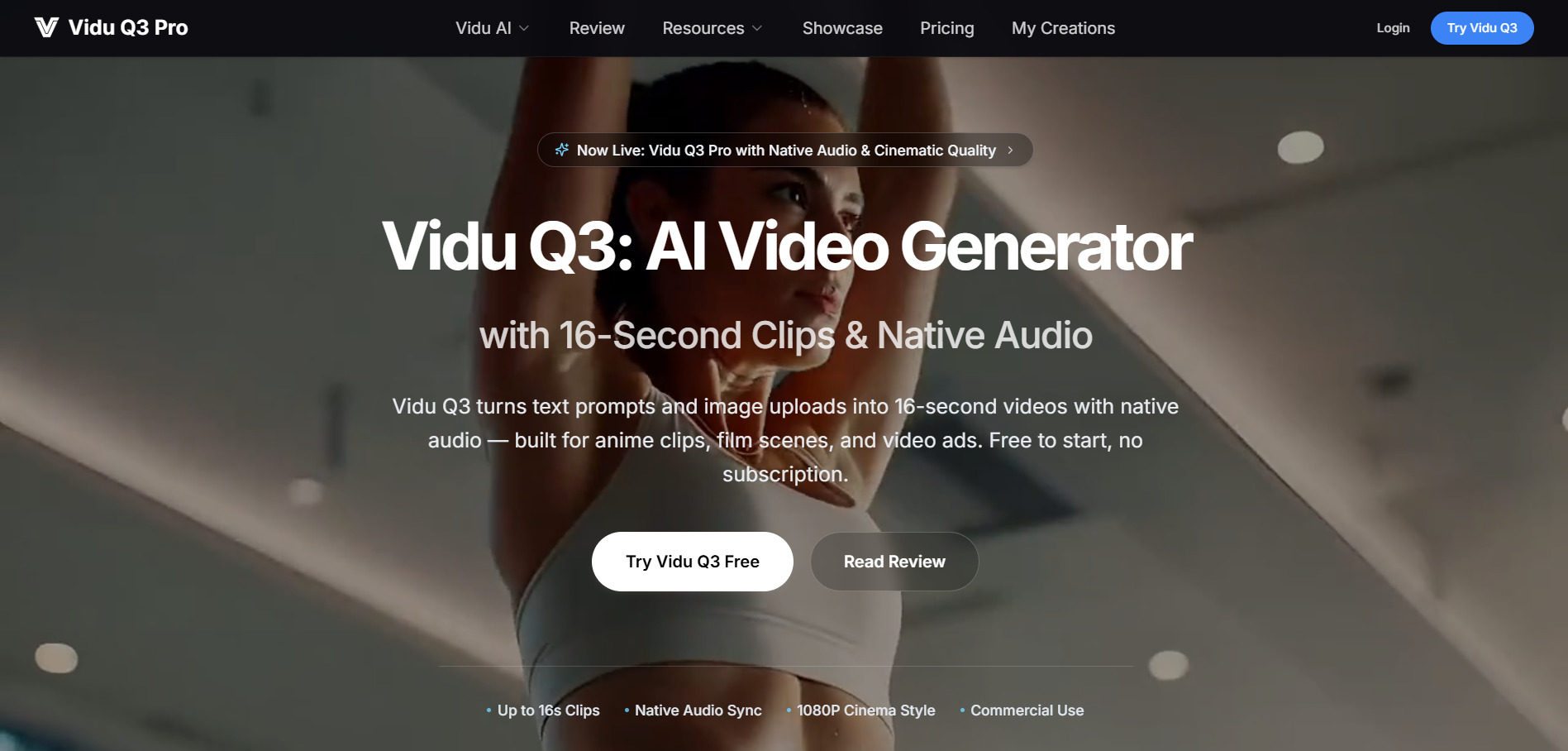
Vidu Q3 generates up to 16-second, 1080p videos with native synchronized audio and lip-synced dialogue in a single pass a rarity among video models. It’s especially strong for anime-style clips and multi-shot storytelling, with multi-reference consistency letting you lock character appearance across generations from up to seven images.
Vidu’s biggest differentiator is native audio-video co-generation, which most competitors still bolt on separately. It ranks near the top of independent video-model leaderboards for quality. The downside is that credit costs can vary confusingly by resolution and mode, and it’s not a full editing timeline, so heavier post-production still needs another tool.
Pros
- Native audio and dialogue generated with video
- Strong anime and stylized output quality
- Multi-reference character consistency
Cons
- Credit costs vary by resolution and mode
- No built-in editing timeline
- Pricing pages differ between official site and resellers
3. Luma Ray3

Free Tier Available (legacy plan)
Luma’s Ray3 model, delivered through Dream Machine and the newer Luma Agents platform, is known for photorealistic motion, HDR output, and fast generation speeds. It bundles its own Ray models alongside third-party engines like Veo, Kling, and Seedance, so you can compare outputs from multiple providers inside one workspace.
The multi-model aggregation is genuinely useful if you don’t want separate subscriptions for every video engine. However, monthly credits don’t roll over, and the newer Luma Agents pricing runs noticeably higher than the legacy Dream Machine tiers, which can confuse existing subscribers trying to compare value.
Pros
- Access to Ray3 plus third-party models in one place
- Fast generation and strong photorealism
- HDR and EXR export for pro pipelines
Cons
- Credits expire monthly with no rollover
- Two overlapping pricing ladders cause confusion
- Higher tiers get expensive for heavy users
4. Lumen5
Free Forever Plan Available
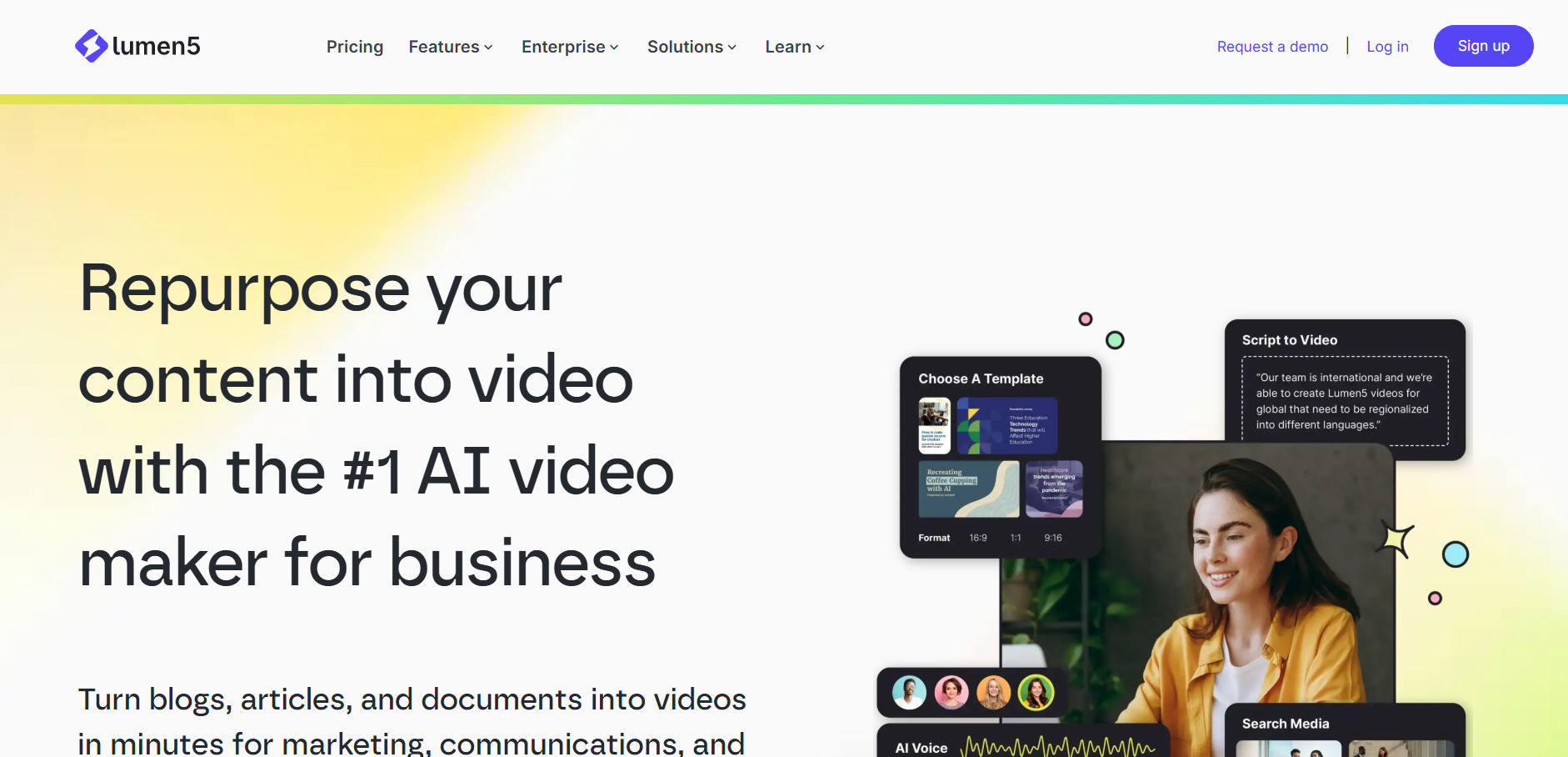
Lumen5 turns blog posts, scripts, or URLs into text-overlay marketing videos by automatically matching stock footage to your content. It’s less about generative AI video and more about smart automation ideal for B2B marketing teams repurposing written content into social clips without touching a timeline editor.
Lumen5 shines for teams that need consistent, low-effort social videos from existing written content, and its brand kit tools keep output on-brand across a whole team. The catch is that it doesn’t generate AI voiceover natively, and pricing leans toward business budgets rather than solo creators who just want a handful of videos monthly.
Pros
- Fast blog-to-video and URL-to-video conversion
- Large stock footage and music library
- Brand kit tools for consistent output
Cons
- No native AI voiceover generation
- Pricing skews toward business, not solo creators
- Templates feel dated compared to newer tools
5. Hedra
Free Plan (300 credits/mo)
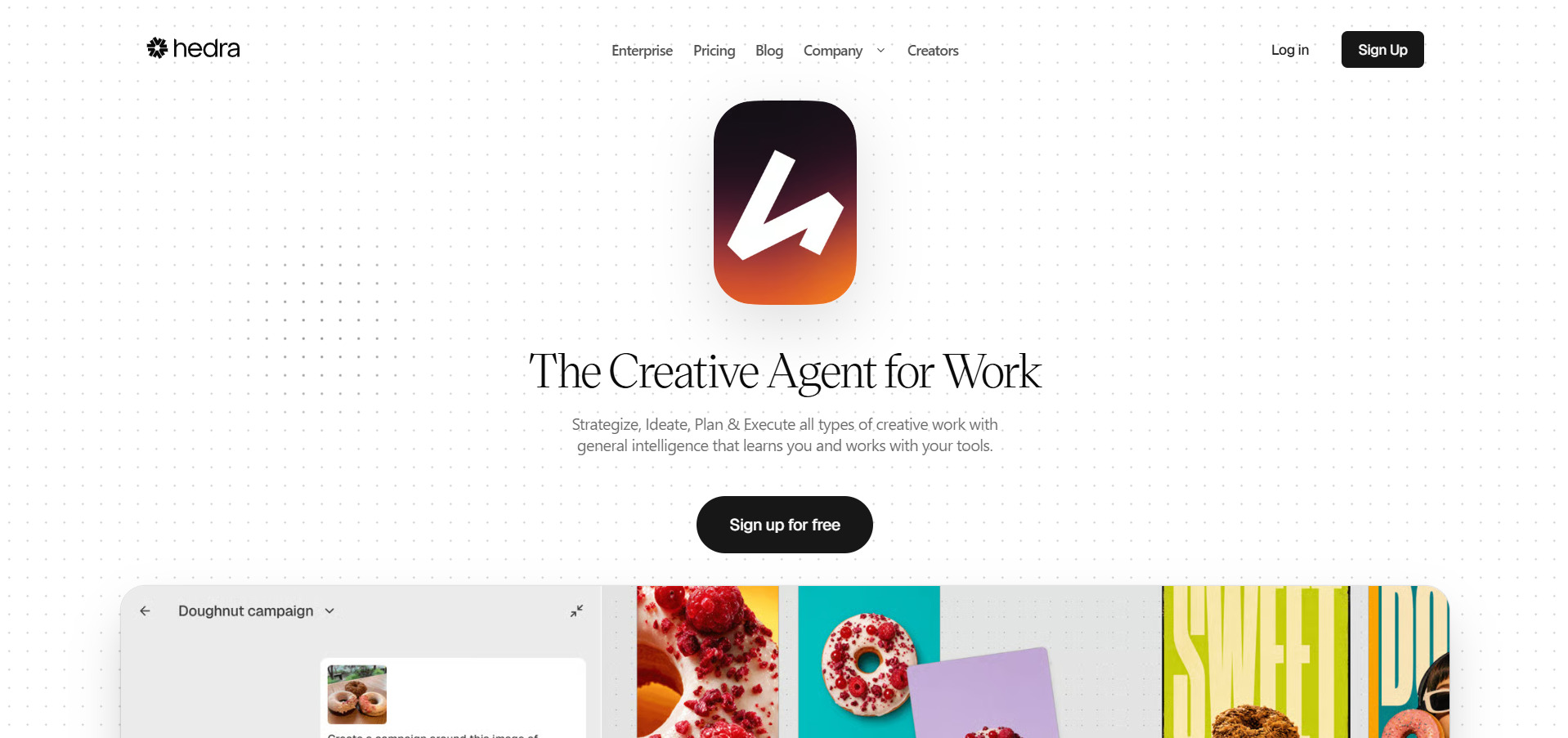
Hedra specializes in turning a single portrait image into an expressive, phoneme-accurate talking character using its Character-3 model, plus access to 25+ third-party models including Veo, Kling, and Seedance. Its standout feature, Live Avatars, streams real-time conversational avatar video at sub-100ms latency for interactive use cases.
Hedra’s lip-sync and micro-expression quality genuinely stands out among avatar generators, and Live Avatars is a rare capability for real-time use. On the downside, video tops out at 720p, credits reset monthly without carrying over, and full-body animation is noticeably less polished than the facial work.
Pros
- Best-in-class facial lip-sync and expression
- Real-time Live Avatars for interactive apps
- Multi-model access under one credit pool
Cons
- Capped at 720p resolution
- Monthly credits expire without rollover
- Full-body animation is less refined than facial
6. VideoProc AI
Free Trial (watermarked, limited)
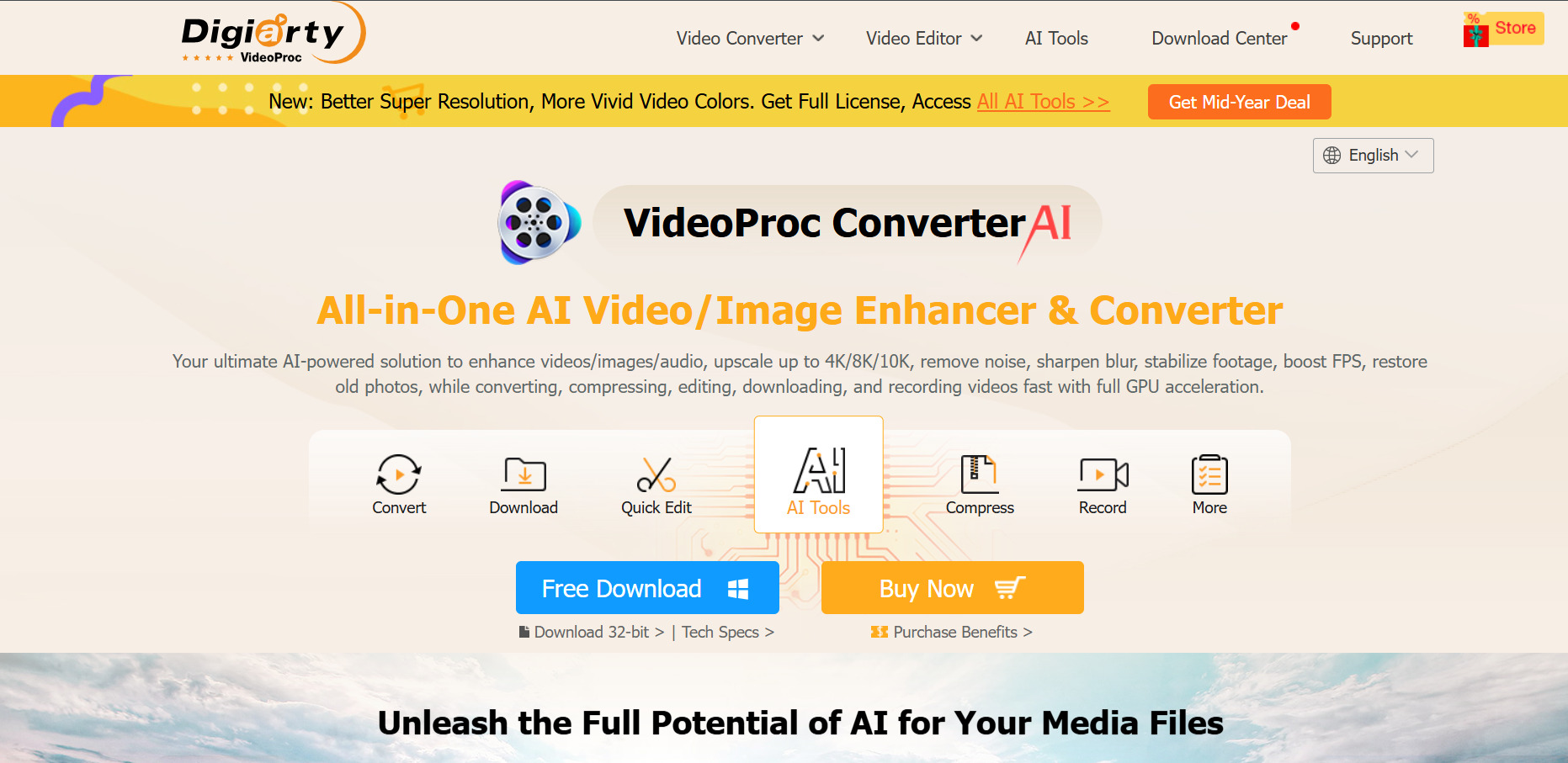
VideoProc AI Converter is less a generative tool and more an AI-powered enhancement and conversion suite it upscales old footage to 4K, boosts frame rates, stabilizes shaky video, and restores damaged clips using GPU-accelerated AI models, alongside standard conversion and DVD-ripping features.
For creators sitting on low-resolution archival footage, VideoProc’s AI upscaling and stabilization tools deliver genuinely strong results at a fraction of subscription-video pricing. It won’t generate new video from a prompt, though, and the free trial caps clips under five minutes, so serious evaluation requires a purchase.
Pros
- Strong AI upscaling up to 4K/8K
- One-time and lifetime license options
- GPU acceleration for fast processing
Cons
- Does not generate video from text or images
- Free trial limited to short clips
- Mixed reports on customer support quality
7. Kapwing AI
Free Plan Available
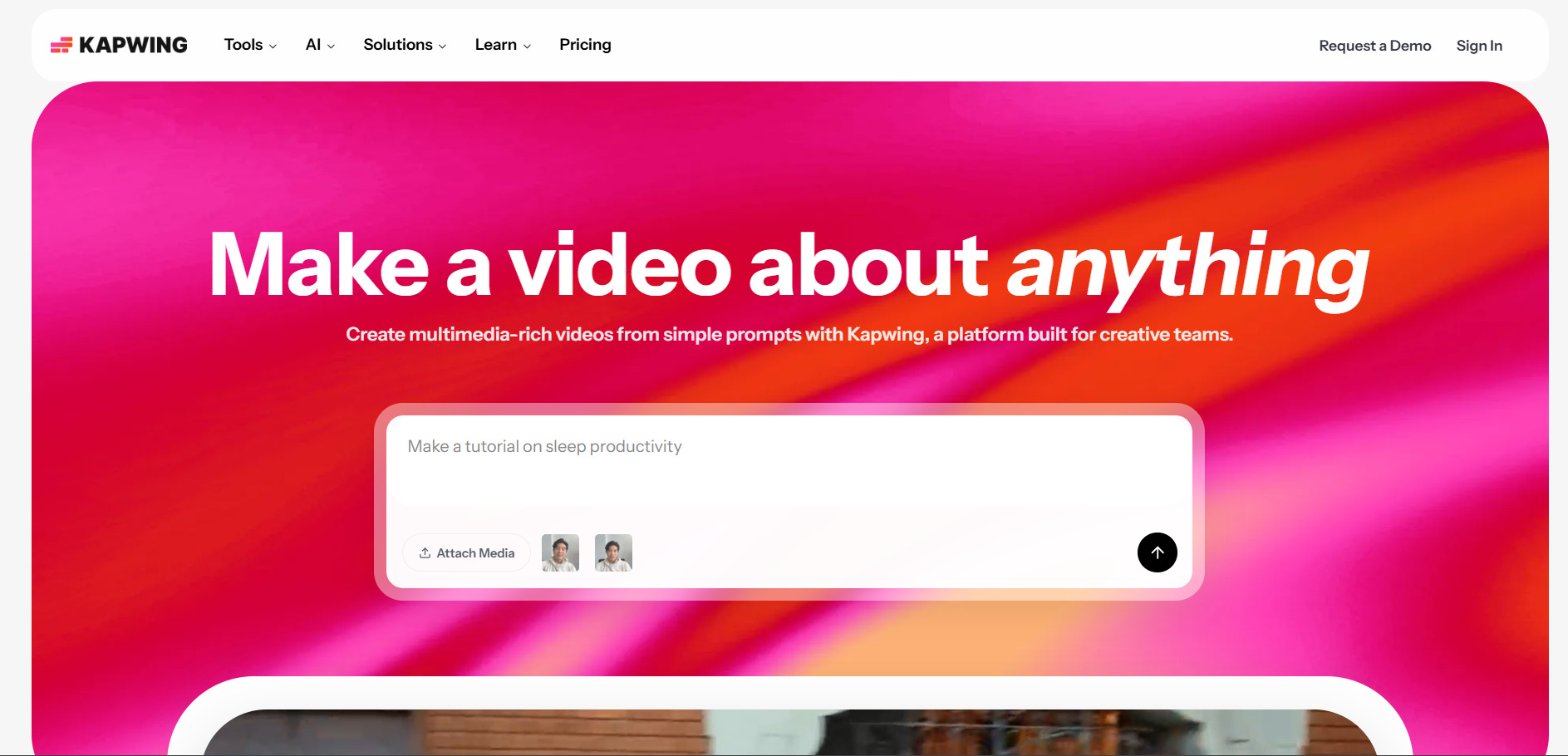
Kapwing is a browser-based editor with AI features layered on top: auto-subtitles, Smart Cut silence removal, an AI clip maker for repurposing long videos into shorts, and background removal. It’s built for teams that already have footage and want AI to speed up editing, not generate clips from scratch.
Kapwing’s collaboration tools and flat per-seat pricing for teams make it a strong pick for agencies editing collaboratively in a browser. The free plan is genuinely restrictive though, capping exports at four minutes with a watermark, and per-member pricing adds up fast for larger teams.
Pros
- Strong Smart Cut and AI clip repurposing tools
- Real-time browser-based collaboration
- Generous 4,000 monthly AI credits on Business
Cons
- Free tier heavily watermarked and limited
- Per-member pricing scales expensively for teams
- No AI voiceover or script-to-video generation
8. Mango AI
Free Plan Available
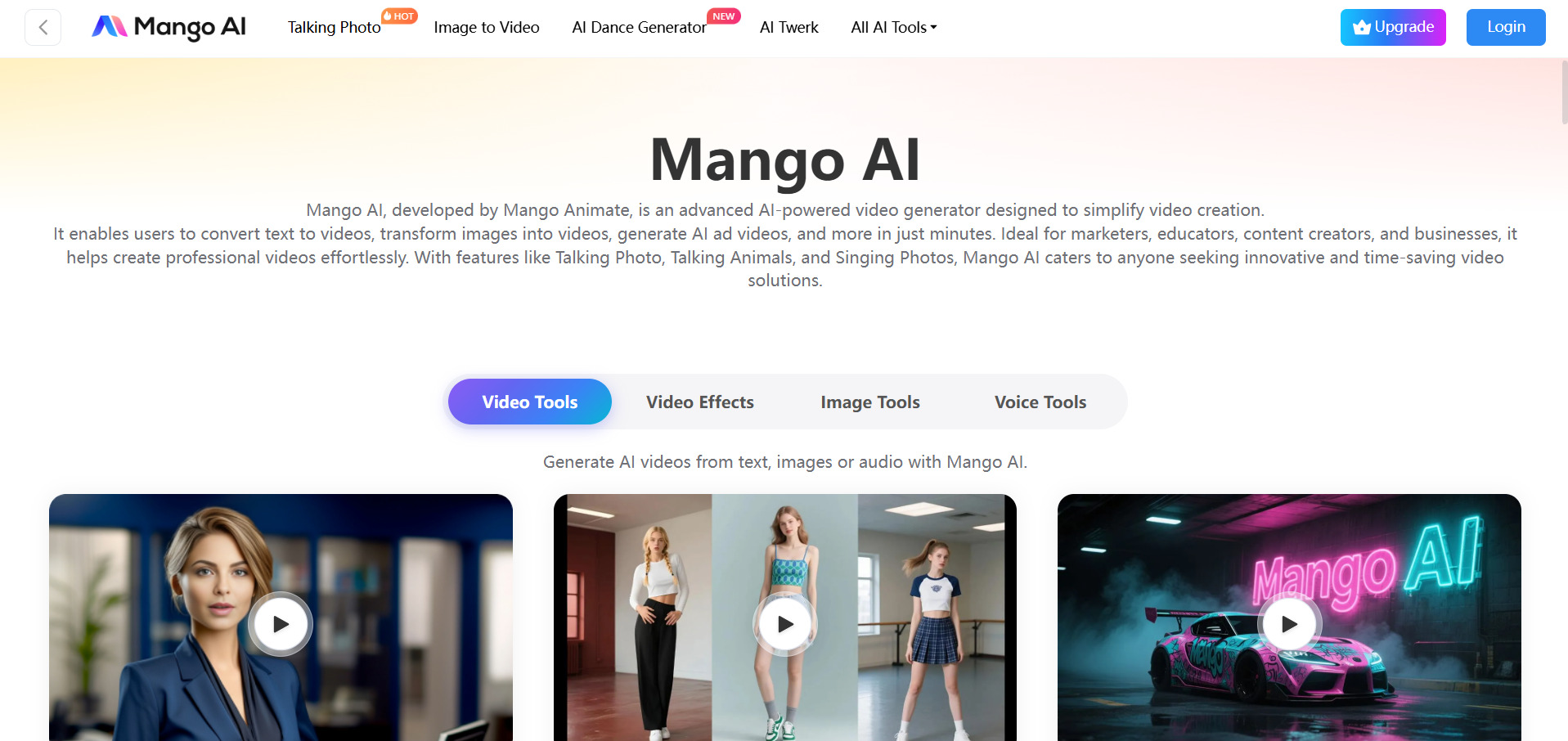
Mango AI (by Mango Animate) focuses on talking-photo and avatar-style videos upload a portrait and a script, and it generates a lip-synced talking video, plus face swap, singing photos, and 3D slideshow effects. It’s aimed at casual creators wanting quick, playful content rather than polished corporate video.
Mango AI’s low entry price and playful feature set (talking pets, face swap, singing photos) make it accessible for hobbyists and social content creators. It’s not built for professional production, though, and the free tier restricts resolution and video length enough that most users will need to upgrade quickly.
Pros
- Very low-cost entry pricing
- Fun, playful feature set for social content
- Simple portrait-to-talking-video workflow
Cons
- Free plan heavily limits length and resolution
- Not suited for professional-grade video
- Smaller avatar and template library than rivals
9. Creatify AI
Free Trial (no credit card)
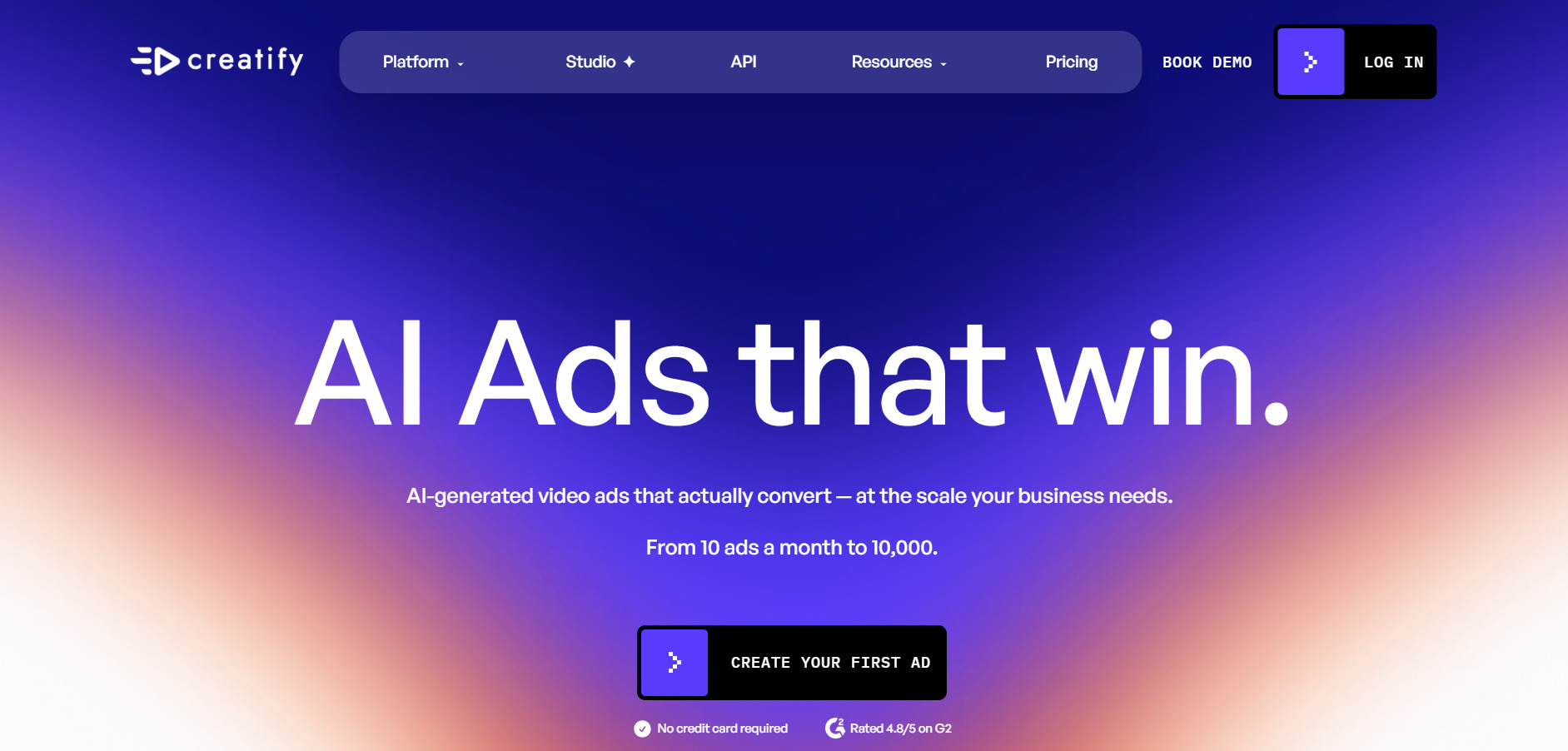
Creatify turns a product URL or description into UGC-style video ads featuring AI actors, automatically pulling images and copy from the page. It’s built specifically for e-commerce and performance marketers who need to test dozens of ad variations quickly rather than produce one polished brand film.
Creatify’s URL-to-ad workflow and 300+ AI actor library make it genuinely fast for testing ad creative at scale, and reviewers frequently cite it as cheaper than hiring UGC talent. Its avatars can look inconsistent between videos, though, and credit consumption per quality video can eat through lower tiers faster than expected.
Pros
- Fast product-URL-to-ad video generation
- Large AI actor library for UGC-style ads
- Batch mode for testing many variations
Cons
- Avatar quality can be inconsistent
- Credits burn quickly on higher-quality outputs
- Free plan restricted to 9:16 aspect ratio only
10. Wan 2.2
Free Daily Credits on Most Platforms
Wan 2.2 is Alibaba’s open-source video generation model, released under the permissive Apache 2.0 license, meaning it can be self-hosted and used commercially without royalties. It handles text-to-video, image-to-video, and basic animation, and is commonly accessed through third-party platforms or Alibaba’s own DashScope API.
Being open-source and Apache 2.0 licensed is Wan 2.2’s biggest advantage you can fine-tune it, self-host it, and avoid vendor lock-in entirely. The tradeoff is that official access is fragmented across Chinese-language platforms and third-party wrappers, and output quality trails newer Wan versions like 2.6 and 2.7.
Pros
- Open-source, Apache 2.0 licensed, free commercial use
- Can be self-hosted for full control
- Very low per-clip cost via API
Cons
- Official platforms are largely Chinese-language
- Output quality behind newer Wan model versions
- Limited to short 5-second clips at base tier
11. Digen AI Agent
Free Tier (300 credits on signup)
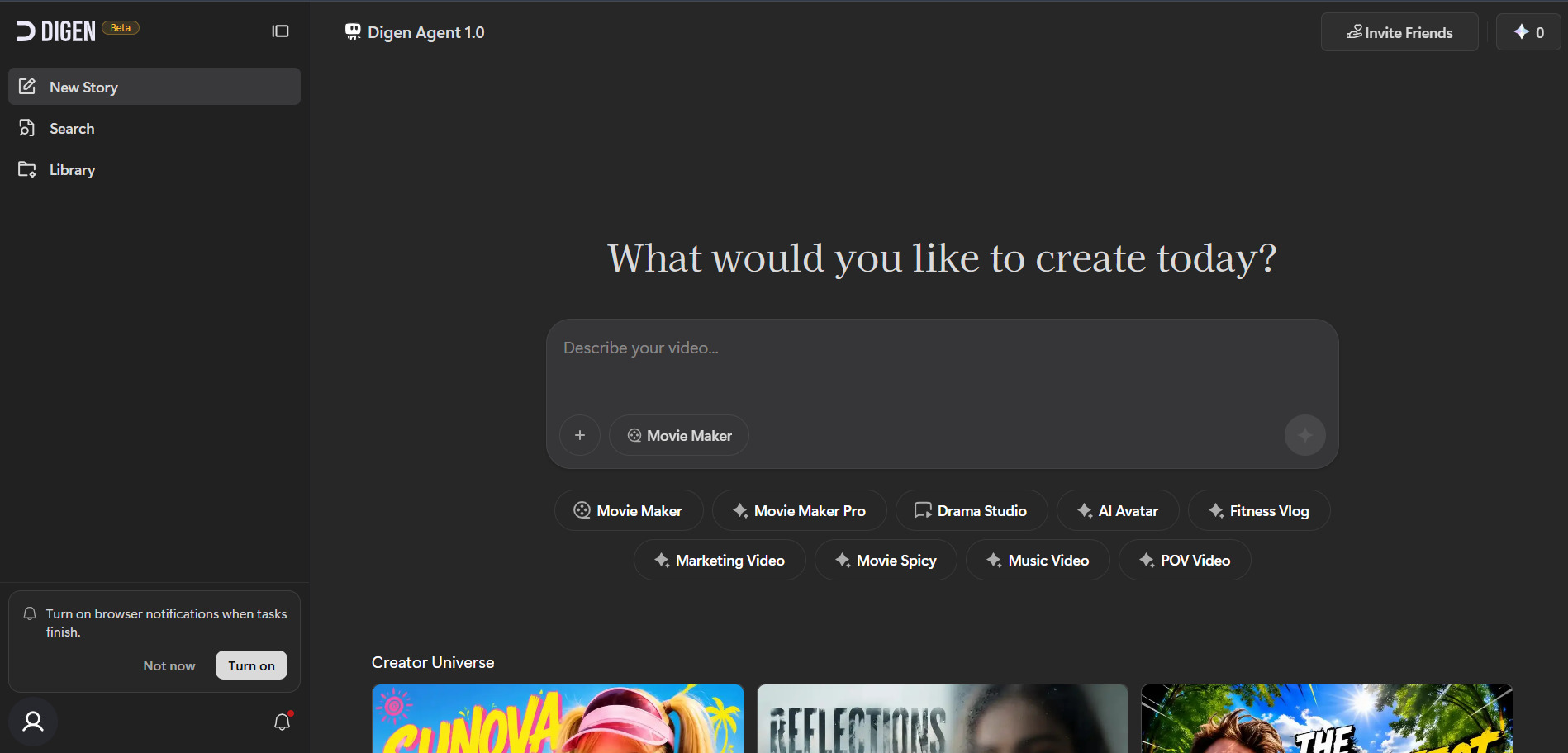
Digen AI Agent is a multi-model hub giving access to Sora 2, Veo 3.1, Kling 3.0, Seedance 2.0, and its own Lip Motion Gen-2 engine from a single subscription. It’s built around image-to-video and talking-avatar generation, letting creators pick whichever underlying model fits a given shot.
Digen’s per-video economics are hard to beat at low-to-medium volume, and bundling access to premium models like Sora 2 and Veo 3.1 under one cheap subscription is a rare value proposition. It lacks a real timeline editor, though, and user feedback flags billing transparency and mobile app stability as recurring pain points.
Pros
- Access to Sora 2, Veo 3.1, Kling, Seedance in one plan
- Very low entry-level pricing
- Accurate Lip Motion Gen-2 lip-sync engine
Cons
- No built-in timeline editor
- User reports of billing and cancellation friction
- Mobile app reported as unstable
12. CapCut AI
Generous Free Plan (no watermark on standard exports)
CapCut’s AI toolkit built into ByteDance’s popular free editor includes AI auto-captions, background removal, text-to-video generation, avatar creation, voice cloning, and camera tracking, layered onto a full desktop, web, and mobile editing suite most short-form creators already know.
CapCut’s free tier is unusually capable for a video editor, covering multi-track editing and templates with no mandatory watermark. Its 2026 price restructuring roughly doubled the top-tier Pro cost though, and heavy AI feature users can burn through the monthly credit allotment within a week or two.
Pros
- Exceptionally capable free tier
- Full AI toolkit: captions, avatars, voice cloning
- Cross-platform desktop, web, and mobile apps
Cons
- Pro price roughly doubled in 2026 restructuring
- AI credits exhaust quickly for heavy users
- App-store subscriptions cost more than web checkout
13. Seedance 2.0

Free Daily Credits on Dreamina
ByteDance’s Seedance 2.0 accepts text, image, audio, and video inputs simultaneously up to 12 reference files per request to generate multi-shot, character-consistent clips with native synchronized audio. It’s accessed through Dreamina (consumer), BytePlus/Volcengine (developer API), or various third-party API resellers.
Seedance 2.0’s multimodal reference input and native audio generation put it near the front of the current AI video pack, and per-second API pricing is dramatically cheaper than Sora 2 or Veo. Its main friction point is fragmented access the best consumer experience currently requires the Dreamina or Jimeng apps rather than a unified dashboard.
Pros
- Accepts up to 12 multimodal reference inputs
- Native, synchronized audio generation
- Very competitive per-second API pricing
Cons
- Consumer access split across Dreamina/Jimeng apps
- Watermarks appear on free/trial tiers
- Official Seedance 2.0 pricing still fragmented across vendors
14. Wireflow
Free to Build; Paid to Generate
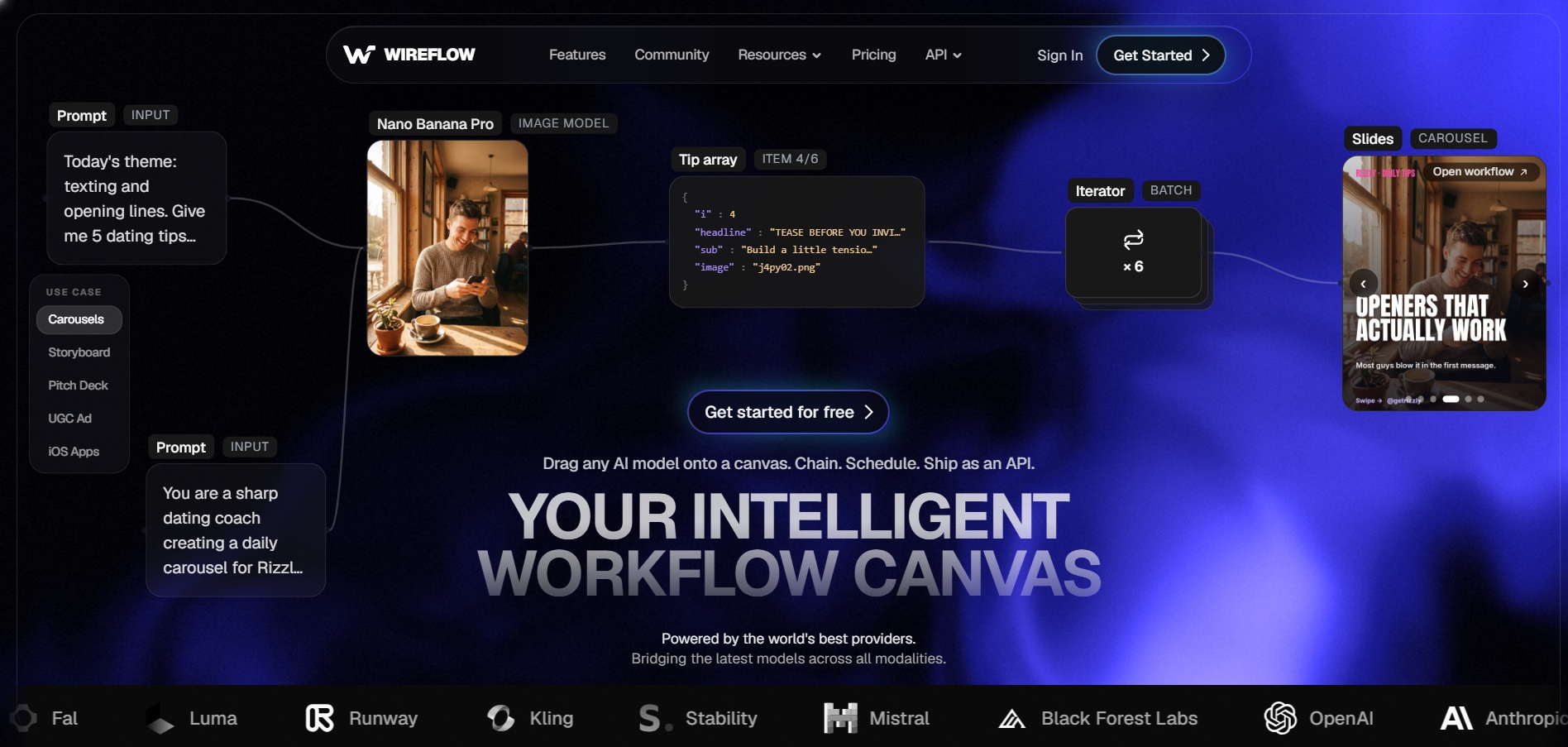
Wireflow is a node-based visual canvas where you chain multiple AI models Veo 3.1, Kling 3 Pro, Seedance, Luma, Sora 2, and 70+ others into a single reusable workflow, then export it as an API endpoint. It’s designed for teams that want to compare or combine models rather than commit to one provider.
Wireflow’s biggest advantage is flexibility swap models mid-workflow, run the same prompt across engines side by side, and turn any flow into a callable API without rebuilding. The downside is there’s no free generation tier at all, and per-clip credit costs stack up quickly across heavy iteration.
Pros
- Chains 70+ models including Veo, Kling, Sora 2
- Workflows exportable as REST APIs
- Free canvas building with no credit card
Cons
- No free generation credits, only building
- Per-clip credit costs add up with iteration
- Steeper learning curve than single-prompt tools
15. Pictory AI

Free Trial (3 video projects, watermarked)
Pictory converts scripts, blog posts, and long-form video into short, captioned social clips using AI voiceovers and a library of over 3 million stock clips. It’s popular with YouTubers and marketers who want to repurpose existing written or video content rather than generate entirely new scenes.
Pictory’s video-minute-based pricing scales sensibly with actual usage, and its Professional tier’s 1080p output and 18-million-asset stock library hit a strong value point for regular creators. Its Starter tier caps at 720p resolution, though, and monthly billing runs 40–70% more expensive than committing annually.
Pros
- Fast blog and script-to-video conversion
- Includes AI voiceover, unlike some competitors
- Large stock footage and music library
Cons
- Starter tier capped at 720p resolution
- Monthly billing significantly pricier than annual
- Limited avatar and manual-editing flexibility
16. AKOOL

Free Plan (100 credits) + 3-Day Pro Trial
AKOOL is an enterprise-leaning AI video suite combining talking avatars, real-time streaming avatars, face swap, video translation with lip-sync, and image generation. It’s used by brands like Coca-Cola and Qatar Airways for corporate and multilingual video, with a credit system underpinning every feature.
AKOOL’s real-time streaming avatars and multilingual video translation are genuinely differentiated features for enterprise use cases like live customer support or global training content. Its credit-based billing is hard to predict month to month though, and the corporate-polish avatar style isn’t well suited to casual, TikTok-style UGC content.
Pros
- Real-time streaming avatars with low latency
- Strong multilingual video translation and lip-sync
- Enterprise-grade clients and reliability
Cons
- Credit-based costs are hard to predict monthly
- Corporate avatar style, not casual UGC-friendly
- Higher tiers priced well above consumer tools
Conclusion
There’s no single best Grok Imagine alternative the right pick depends entirely on what you’re making. Marketers repurposing blogs will get more out of Lumen5 or Pictory, agencies chasing cinematic quality should look at Vidu Q3, Seedance 2.0, or Luma Ray3, and teams that want maximum flexibility across models will lean toward Wireflow or Digen AI Agent. Enterprise buyers focused on avatars and translation are better served by Vyond Go or AKOOL, while CapCut remains hard to beat as a free, general-purpose starting point. Try the free tiers where they exist, compare output against your own use case, and let actual results not marketing pages decide which tool earns a spot in your workflow.


