

Storyflow has helped many writers and creators outline, structure, and script their stories, but it isn’t the only option on the market today. Whether you’re a novelist, screenwriter, or content creator, there are dozens of tools built to help you plan plots, generate dialogue, and polish drafts faster. Below, we break down 22 solid Storyflow Alternatives, covering their trials, pricing, strengths, and weaknesses, so you can pick the one that fits your creative workflow and budget best.
1Arc Studio Pro
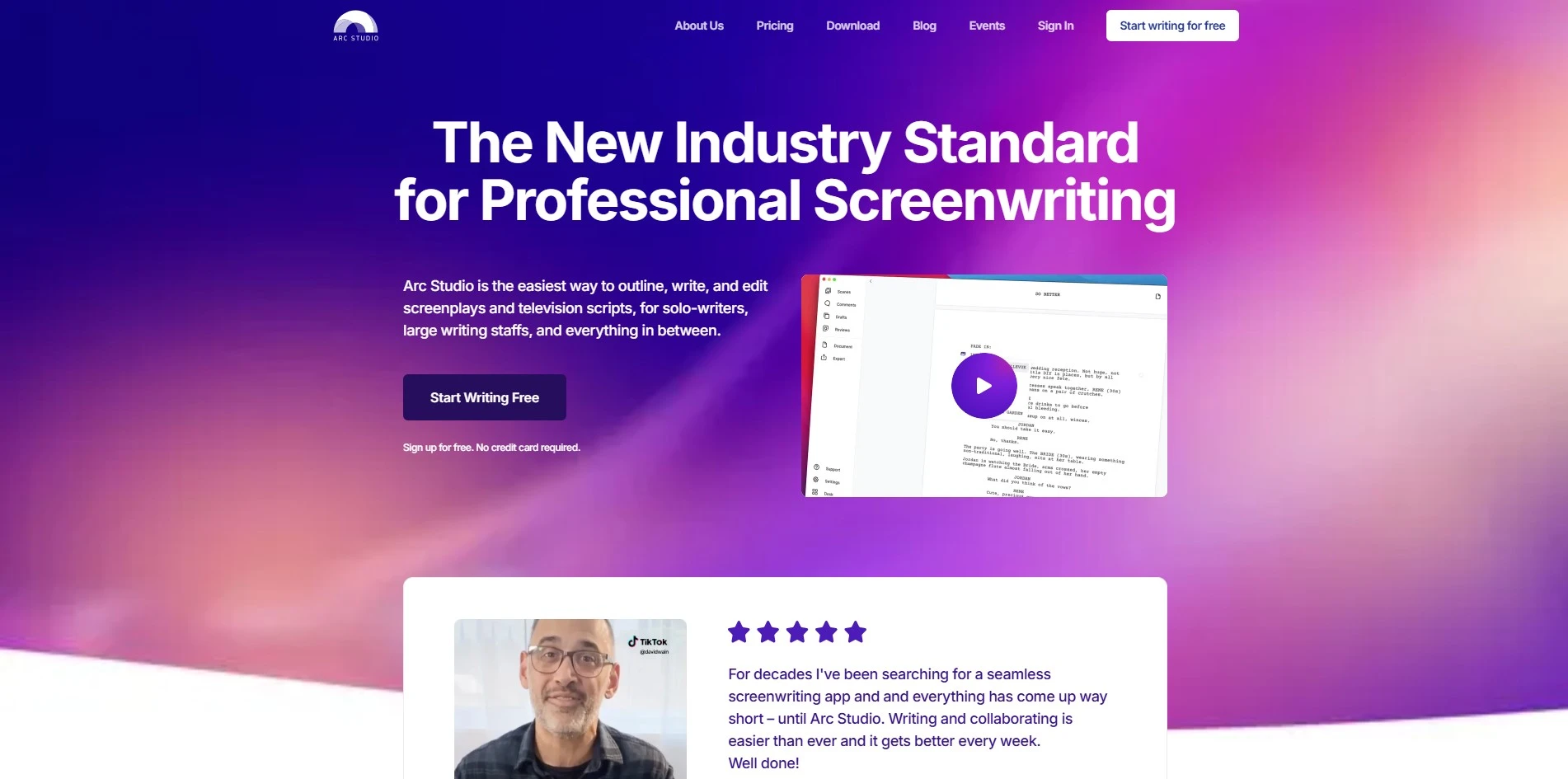
Arc Studio offers a genuinely usable free plan with unlimited scripts, plus a 7-day free trial of the Pro plan. Paid pricing includes the Essentials plan at $69/year and the Pro plan at $99/year, both far cheaper than most legacy screenwriting software. No credit card is required to start on the free tier.
7-Day Pro Trial
Essentials: $69/yr
Pro: $99/yr
Arc Studio Pro is a modern screenwriting app known for real-time collaboration, a digital whiteboard for story planning, and industry-standard formatting. It supports Mac, Windows, iOS, iPadOS, and browser access under a single per-person subscription. Writing teams and solo screenwriters alike use it to outline, draft, and manage notes without losing track of revisions.
Visit WebsitePros
- Real-time collaboration like Google Docs
- Affordable annual pricing versus competitors
- Digital whiteboard for visual story planning
Cons
- Free exports carry a watermark
- Fewer AI-writing features than newer rivals
- Advanced formatting needs the Pro tier
2Beemgee
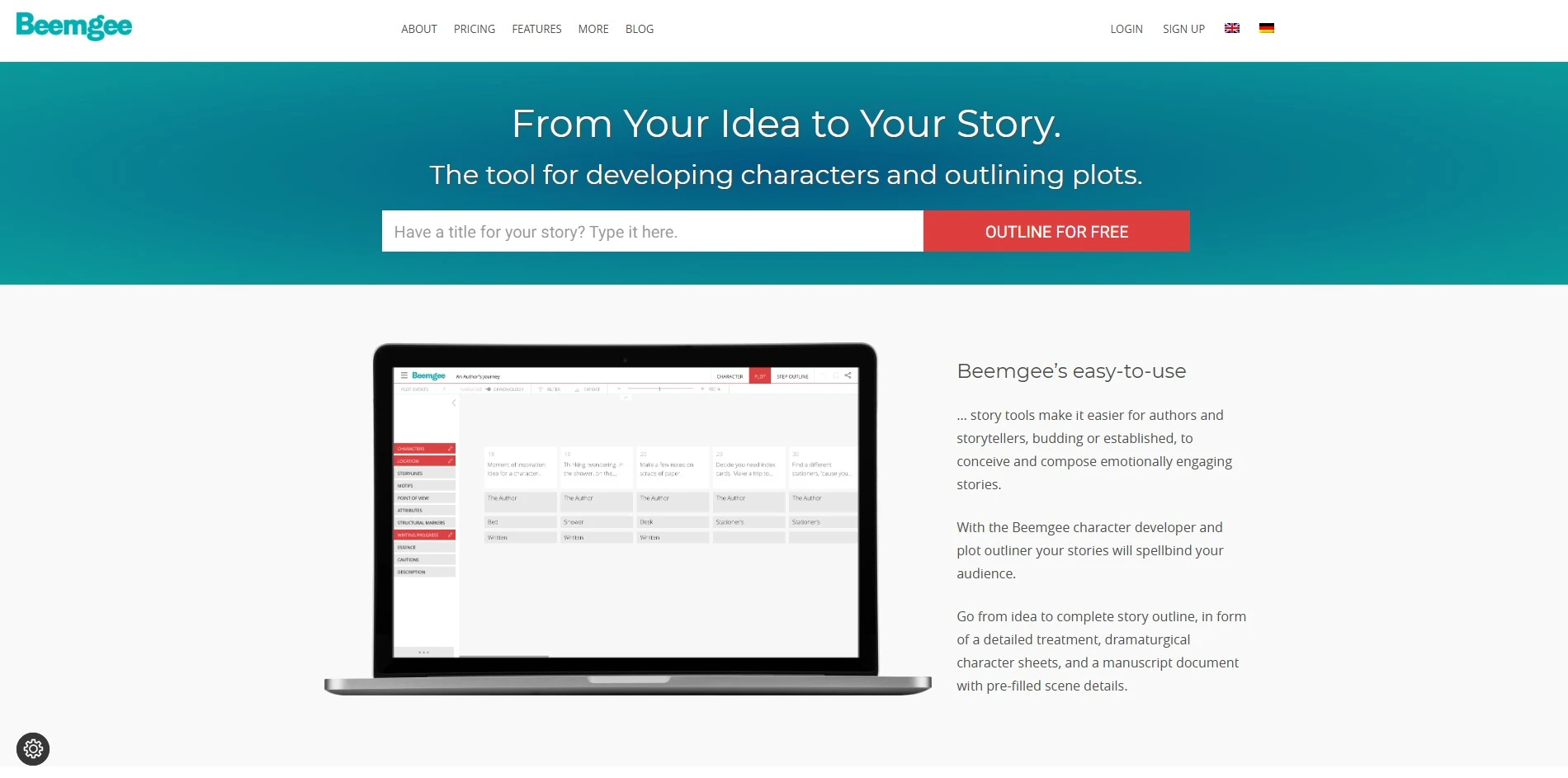
Beemgee lets anyone try its plot and character tools for free, with no registration required to test a project. Its Premium subscription unlocks the full attribute set for about €96/year, roughly €8/month, billed annually via PayPal or credit card. There’s no separate trial beyond the always-free basic mode, so upgrading is a low-risk decision.
Premium: ~€8/mo (billed yearly)
Beemgee is a character-first story development tool built around a zoomable timeline and corkboard for organizing scenes. Writers tag each scene with attributes like point of view, character presence, and structural markers to keep a dramatic throughline visible. It’s not a text editor, so authors still draft prose elsewhere, using Beemgee purely for outlining and character-function mapping.
Visit WebsitePros
- Strong emphasis on character-driven plotting
- Free basic version with no sign-up needed
- Affordable premium tier at roughly €8/month
Cons
- No built-in drafting or writing editor
- Narrower feature set than full outlining suites
- Interface feels dated compared to newer tools
3ChatGPT

ChatGPT has a free tier that anyone can use immediately without a card on file. Paid tiers include ChatGPT Plus at $20/month for expanded access and higher limits, and ChatGPT Pro at $200/month for unlimited access to top-tier models with dedicated capacity. Team and Enterprise plans are also available for organizations.
Plus: $20/mo
Pro: $200/mo
ChatGPT is a general-purpose AI assistant that writers use to brainstorm plots, draft dialogue, outline chapters, and rewrite scenes on demand. It isn’t purpose-built for storytelling, but its flexibility, plugin ecosystem, and voice and image tools make it a popular all-around creative partner. Many screenwriters and novelists use it alongside a dedicated outlining tool rather than in place of one.
Visit WebsitePros
- Genuinely useful free tier
- Broad ecosystem: voice, image, plugins
- Fast brainstorming and rewriting help
Cons
- Not built specifically for story structuring
- No dedicated plot or character bible
- Top tier is expensive at $200/month
4Claude
Claude offers a free plan that requires no payment details to start writing right away. The Pro plan costs $20/month (or about $17/month billed annually), while the Max plans range from $100 to $200/month for heavier usage. Team plans start around $20 per seat/month for small groups needing shared access.
Pro: $20/mo
Max: $100–$200/mo
Claude is known among writers for its long context window, careful prose style, and strength at handling full manuscripts or scripts in a single conversation. It can outline chapters, rewrite scenes for tone, and hold an entire novel draft in memory during editing passes. Many authors use it for developmental feedback and line editing rather than raw first-draft generation.
Visit WebsitePros
- Very large context window for full manuscripts
- Careful, natural-sounding prose style
- Annual discount available on the Pro plan
Cons
- No dedicated outlining or plotting interface
- Max tier pricing is steep for casual writers
- Fewer creative templates than niche writing apps
5Copy.ai
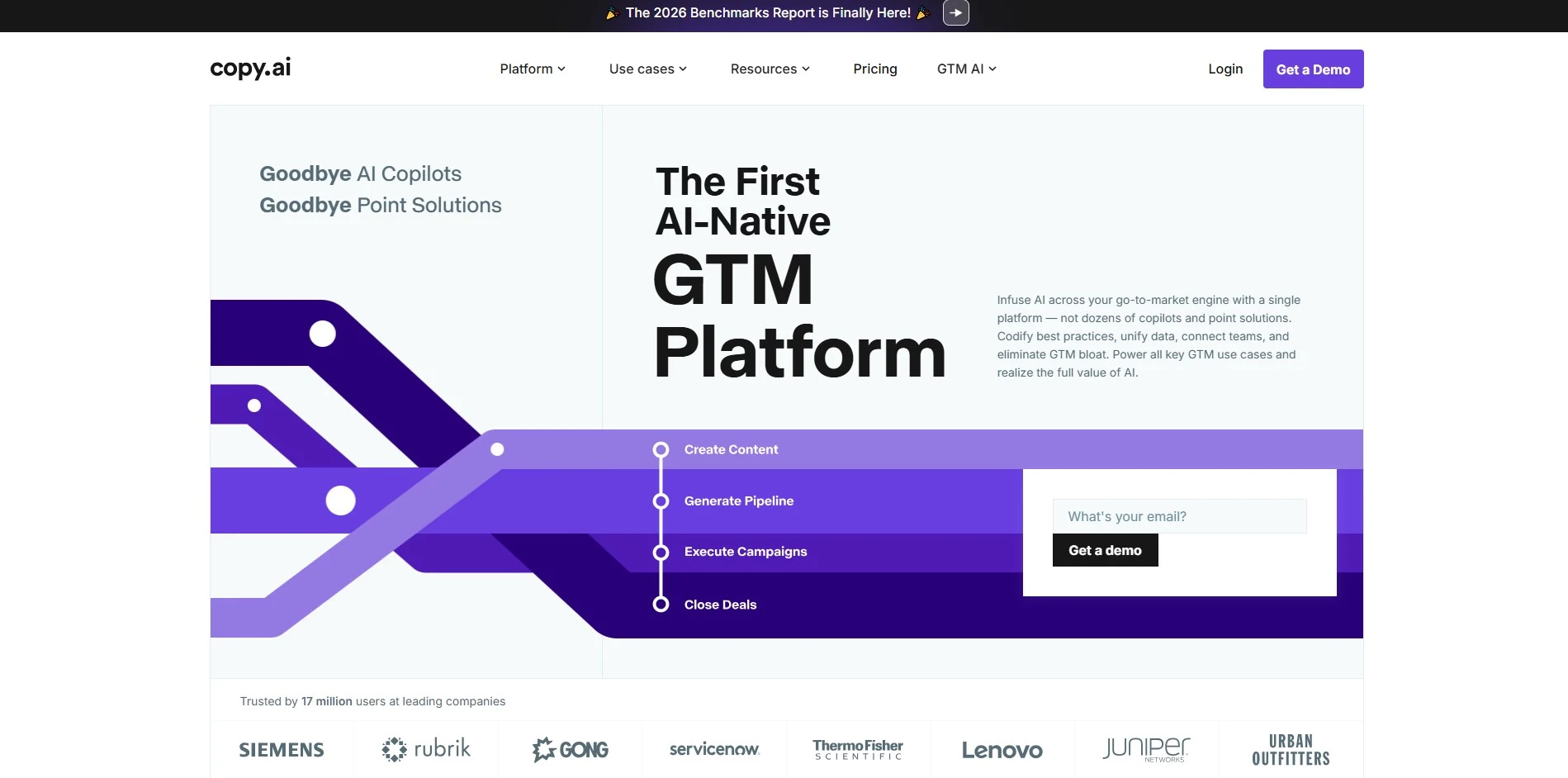
Copy.ai’s free plan permanently offers 2,000 words a month with no trial expiration, letting anyone test it risk-free. The Chat/Starter plan runs about $29–$49/month with unlimited words, while the Advanced/Team plan costs around $249/month for workflow automation. Enterprise pricing is quote-based, aimed at larger go-to-market teams rather than solo creative writers.
Starter: ~$29–$49/mo
Team: ~$249/mo
Enterprise: Custom
Copy.ai began as a marketing copy generator but has expanded into a broader AI content and workflow platform. Writers can use its chat tools and templates to brainstorm story ideas, taglines, or short-form narrative copy, though it isn’t built specifically for novels or scripts. It works best as a supporting tool for blurbs, pitches, and promotional writing around a finished story.
Visit WebsitePros
- Genuinely usable permanent free tier
- Fast for short-form marketing copy
- Large template library for varied content
Cons
- Not designed for long-form fiction
- Pricing jumps sharply between tiers
- Increasingly geared toward business teams
6Dabble

Dabble gives new users a 14-day free trial with full feature access before any payment is required. Its subscription tiers are Basic at $9/month, Standard at $19/month, and Premium at $29/month, each billed with a 20% discount annually. A one-time Lifetime license is also available for $699 for writers who prefer to pay once.
Basic: $9/mo
Standard: $19/mo
Premium: $29/mo
Lifetime: $699
Dabble is a cloud-based novel-writing app centered on its Plot Grid, story notes, and distraction-free Focus Mode. It syncs instantly across devices like Google Docs, so writers can move between laptop and phone without manual exporting. The Premium tier adds grammar checking, an in-context thesaurus, and co-authoring, making it a well-rounded option for structured long-form fiction writers.
Visit WebsitePros
- Seamless real-time cloud sync across devices
- Visual Plot Grid for structured outlining
- Generous 14-day full-feature free trial
Cons
- More expensive long-term than one-time tools
- No direct Word or Google Docs import
- Grammar tools locked behind Premium
7DialogueGenie
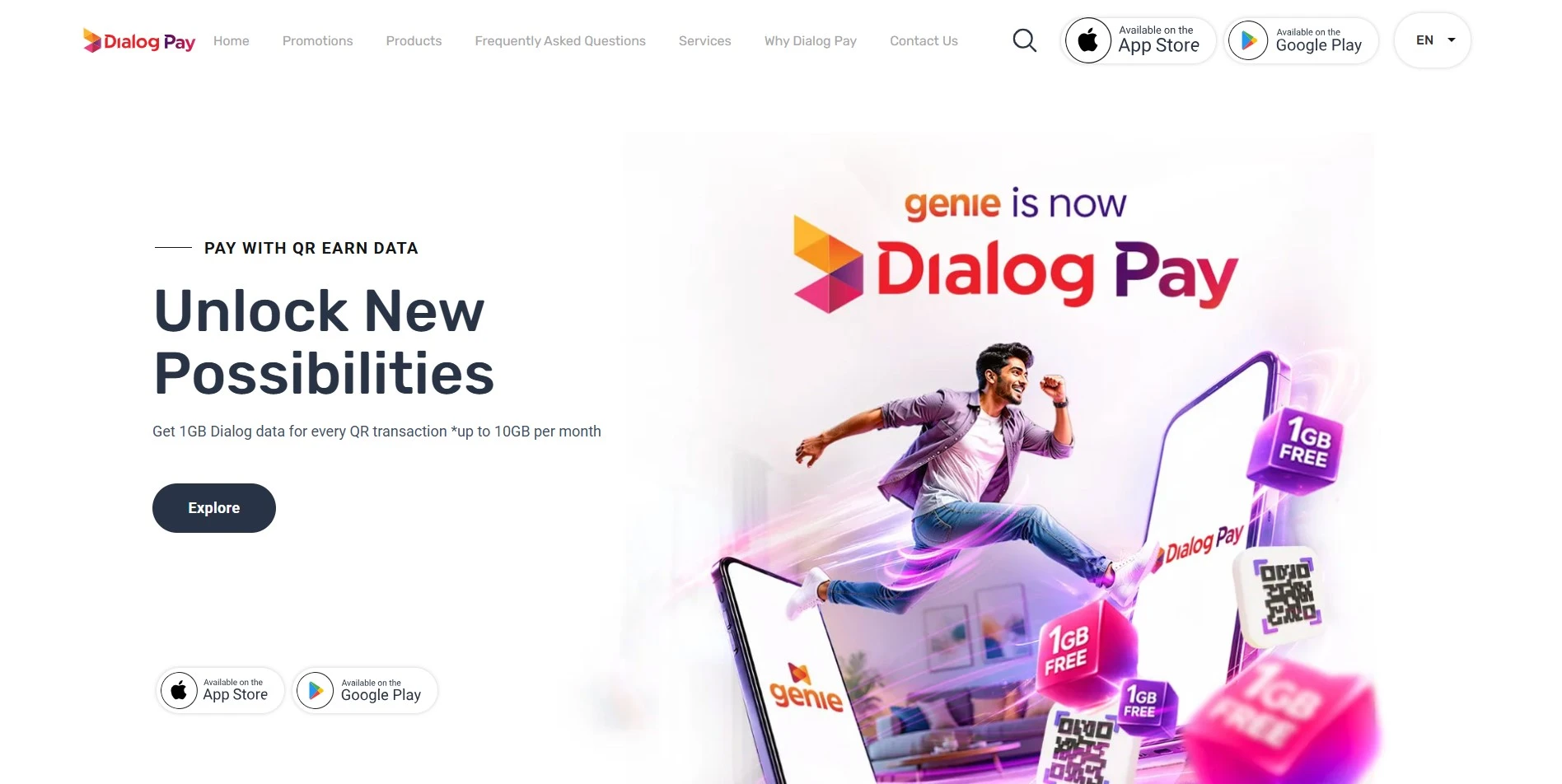
DialogueGenie generally offers a free trial or limited free credits so writers can test its dialogue-generation quality first. Subscription tiers for dialogue-focused AI tools like this typically range between $10 and $30 a month based on word or generation limits. Since specialized tools change pricing often, it’s smart to verify the current rates on the official website before committing.
Starter: ~$10/mo
Pro: ~$30/mo
DialogueGenie specializes in generating natural, character-specific conversations rather than full scene descriptions or plot structure. Writers feed it character traits and context, and it returns dialogue meant to sound distinct for each speaker. This makes it a useful supplementary tool for screenwriters and novelists who struggle specifically with making characters sound different from one another.
Visit WebsitePros
- Focused specifically on dialogue quality
- Helps differentiate character voices
- Lightweight and quick to use
Cons
- No plotting or outlining features
- Narrow scope compared to full writing suites
- Quality varies with prompt detail
8Final Draft
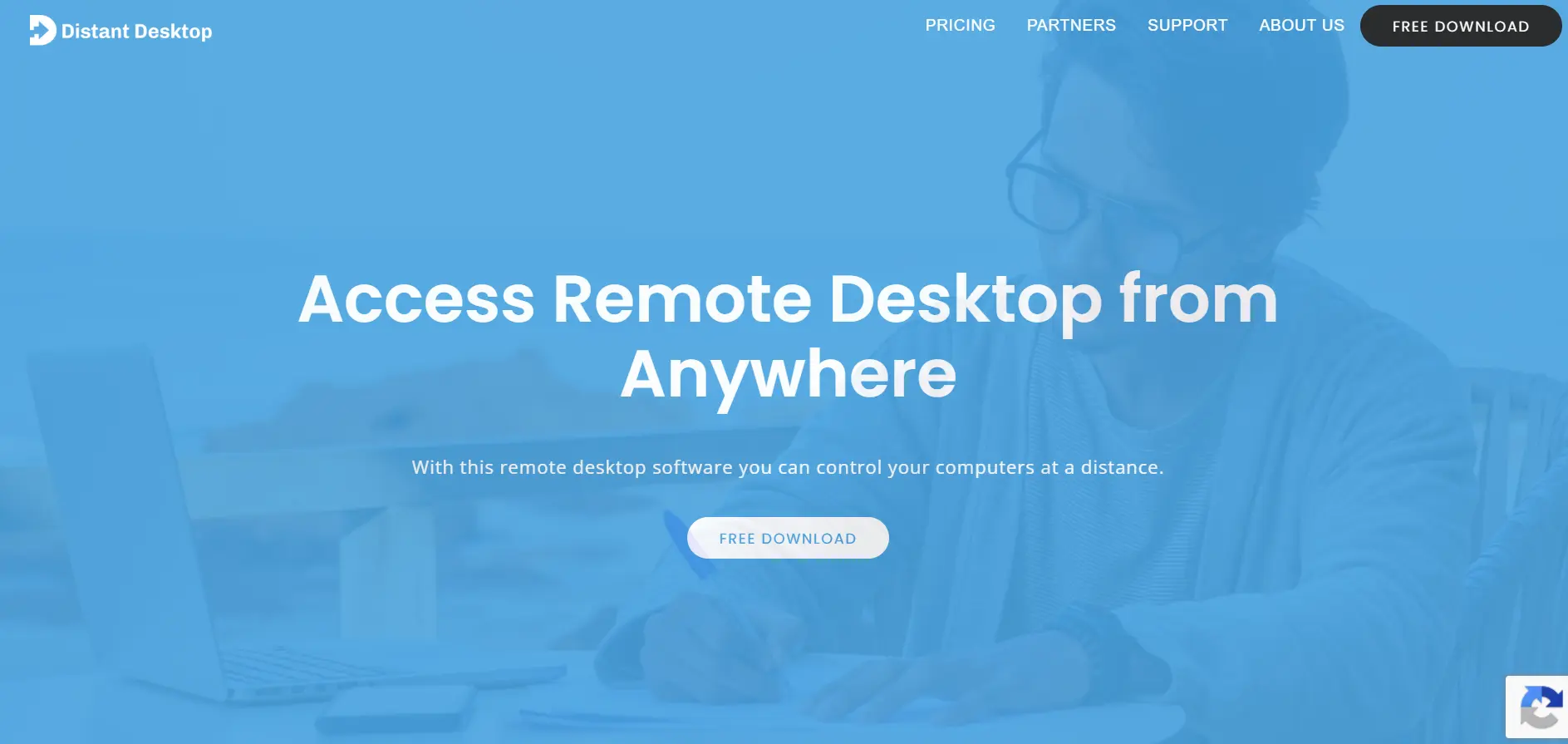
Final Draft doesn’t offer a free trial, but heavily discounted Student, Educator, and Military versions exist for eligible buyers. The standard Final Draft 13 license is a one-time purchase around $249.99, while Site Licenses for studios or schools start near $365 for a minimum of 3 seats billed yearly.
Student/EDU: Discounted
Site License: from $365/yr (3 seats)
Final Draft is the industry-standard screenwriting software trusted by major studios like Netflix, Warner Bros, and Sony Pictures. It automatically formats scripts to entertainment industry standards and includes production-ready outlining, revision tracking, and collaboration features. Most working screenwriters learn it at some point because so many production pipelines expect .fdx files by default.
Visit WebsitePros
- Industry-standard, widely required in Hollywood
- One-time purchase, no forced subscription
- Deep production and revision-tracking tools
Cons
- No free trial before buying
- Expensive compared to newer cloud rivals
- Interface feels dated next to modern apps
9Google Gemini

Google Gemini has a permanent free tier with no credit card required, making it easy to test before paying anything. Paid plans include Google AI Plus at roughly $7.99/month, Google AI Pro at $19.99/month with the full Gemini model and 2TB+ storage, and Google AI Ultra starting near $99.99/month for power users needing maximum limits and agentic features.
AI Plus: ~$7.99/mo
AI Pro: $19.99/mo
AI Ultra: from $99.99/mo
Google Gemini is a general-purpose AI assistant that can brainstorm plots, draft dialogue, outline chapters, and rewrite scenes on request, even though it isn’t a dedicated writing app. Its large context window lets it hold long manuscripts in memory during a session, and it integrates with Google Docs and Drive. Writers who want flexible AI support without a niche subscription often use Gemini as a general storytelling partner.
Visit WebsitePros
- Strong free tier with real usability
- Huge context window for long manuscripts
- Integrates with Google Docs and Drive
Cons
- Not purpose-built for story structuring
- No dedicated plot or character bible tools
- Higher tiers bundle unrelated Google services
10Highland 2
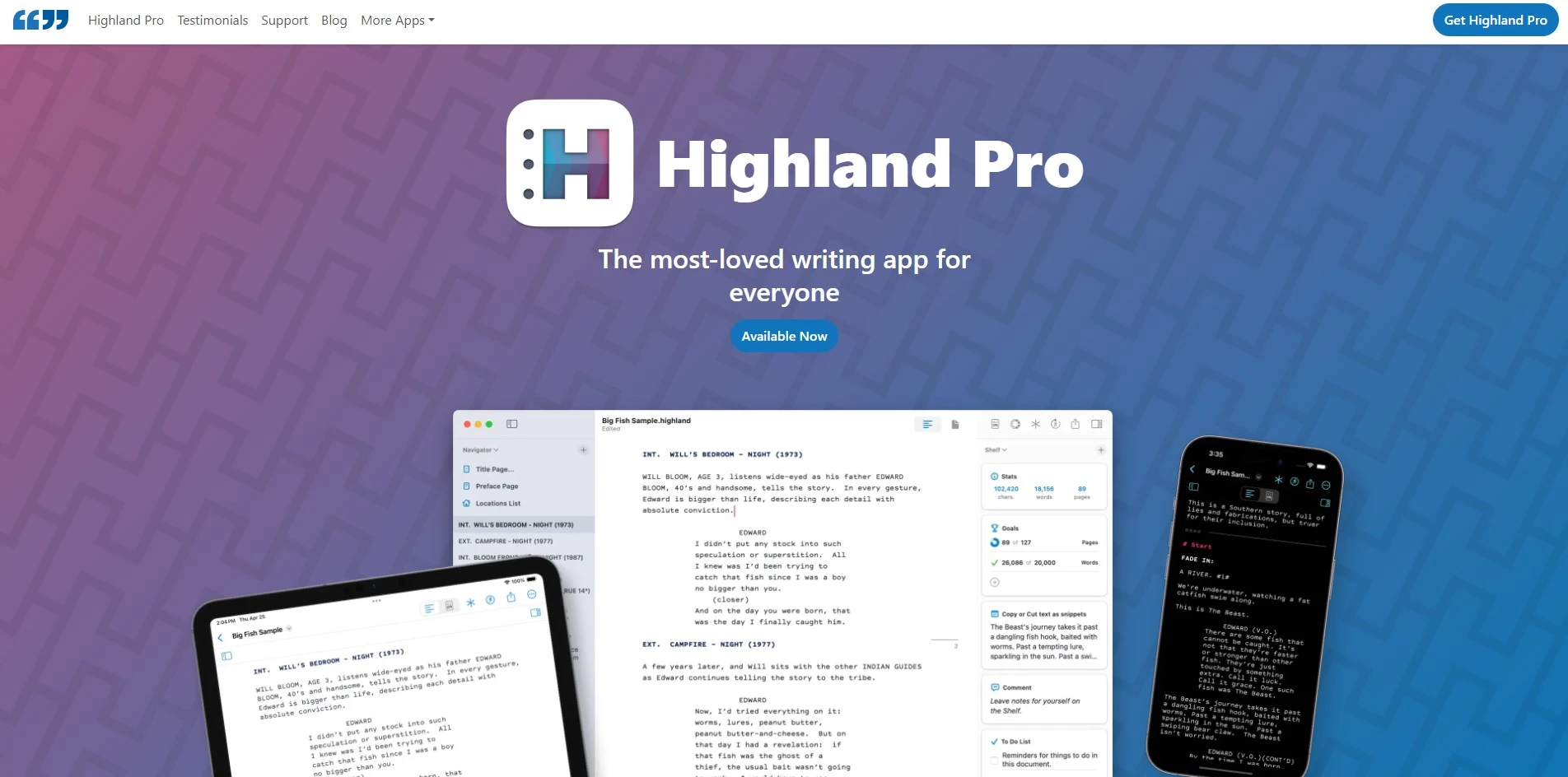
Highland 2 is free to download and lets you write entire screenplays without ever paying a cent, functioning like an unlimited trial. Removing the watermark and unlocking extra templates requires a one-time in-app purchase of $49.99. Its successor, Highland Pro, also offers subscription pricing around $4.99–$9.99/month for those who prefer ongoing access instead.
Pro Upgrade: $49.99 one-time
Highland Pro: from $4.99/mo
Highland 2 is a minimalist, plain-text screenwriting app for Mac built around the Fountain markup language by Fountain’s own creator, John August. It automatically detects scene headings, character names, and transitions, letting writers focus purely on story rather than formatting. Screenwriters who dislike bloated software tend to gravitate toward Highland 2 for its speed and distraction-free interface.
Visit WebsitePros
- Genuinely free to write full scripts
- Clean, distraction-free plain-text interface
- One-time payment option, no forced subscription
Cons
- Mac-only, no Windows version
- Lacks a corkboard for scene rearranging
- No character-bible or planning tools
11Jasper AI
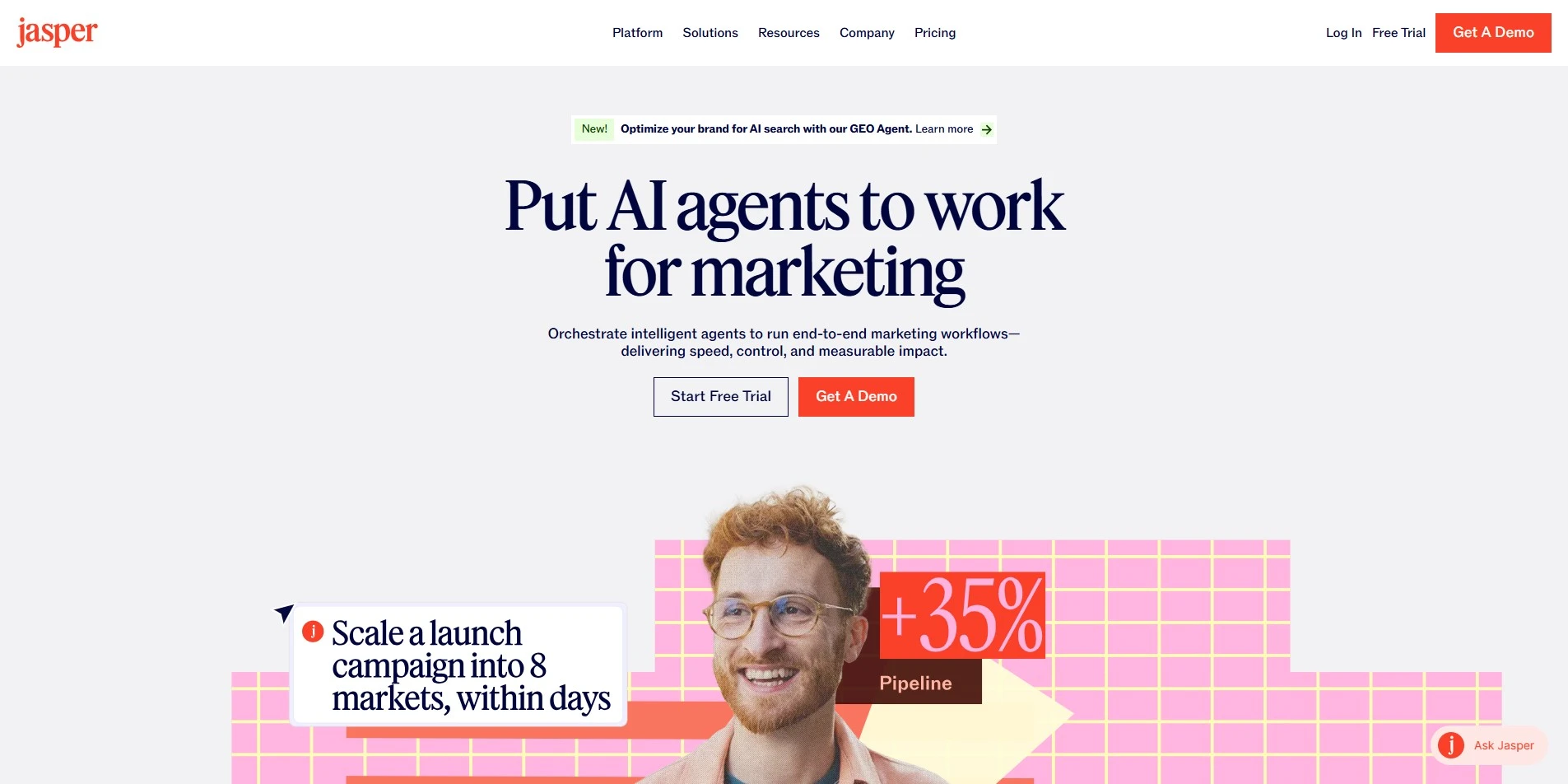
Jasper AI offers a 7-day free trial on its main plan, with no permanent free tier. The Pro plan costs $69/month (or about $59/month billed annually) for a single seat, while the Business plan uses custom pricing that typically starts around $900+/month for small teams needing shared brand voices.
Pro: $69/mo ($59/mo annual)
Business: Custom Pricing
Jasper AI is a marketing-focused AI writing platform with templates for blogs, ads, emails, and brand-voice-matched copy. Writers sometimes use it to draft story synopses, pitch decks, or promotional copy around a finished manuscript or script. It isn’t designed for long-form fiction drafting, but its Canvas and Campaign tools are strong for the business side of a creative project.
Visit WebsitePros
- Strong brand-voice and template library
- Good for pitch decks and promotional copy
- Unlimited word generation on paid plans
Cons
- No permanent free plan
- Premium pricing versus general AI chatbots
- Not built for long-form fiction or scripts
12Mugafi
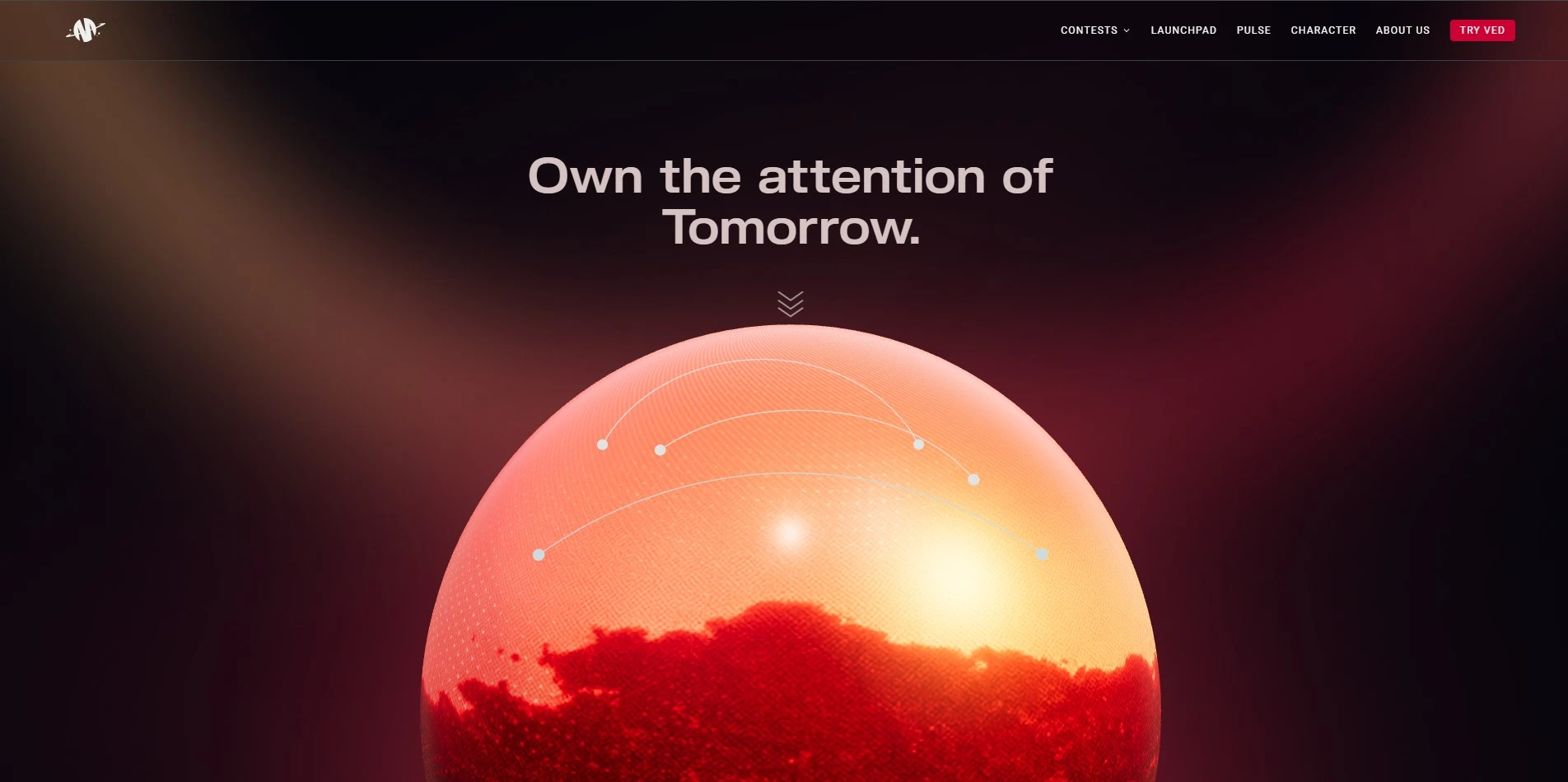
Mugafi lets writers join and use its AI co-writer, Ved, largely through free access tied to its writing community and contests, rather than a fixed public subscription. It operates more as a creator ecosystem than a flat-fee product, so exact plan costs vary by writer tier and region. Prospective users should check Mugafi’s site directly for any current premium plan details.
Premium: Contact for Pricing
Mugafi is an AI-powered writing platform built around Indian storytelling formats, languages, and cultural context, making it distinct from Western-first tools. Its AI bot Ved helps with plot structuring, character shaping, and dialogue polishing, while the platform also connects writers with production houses. It suits screenwriters and novelists targeting Bollywood, Tollywood, or OTT platforms who want localized script support.
Visit WebsitePros
- Tailored to Indian scripts and languages
- Connects writers with real production houses
- Active writing community and contests
Cons
- Pricing isn’t clearly published
- Less useful for non-Indian storytelling markets
- Feature set less mature than Western rivals
13Plottr
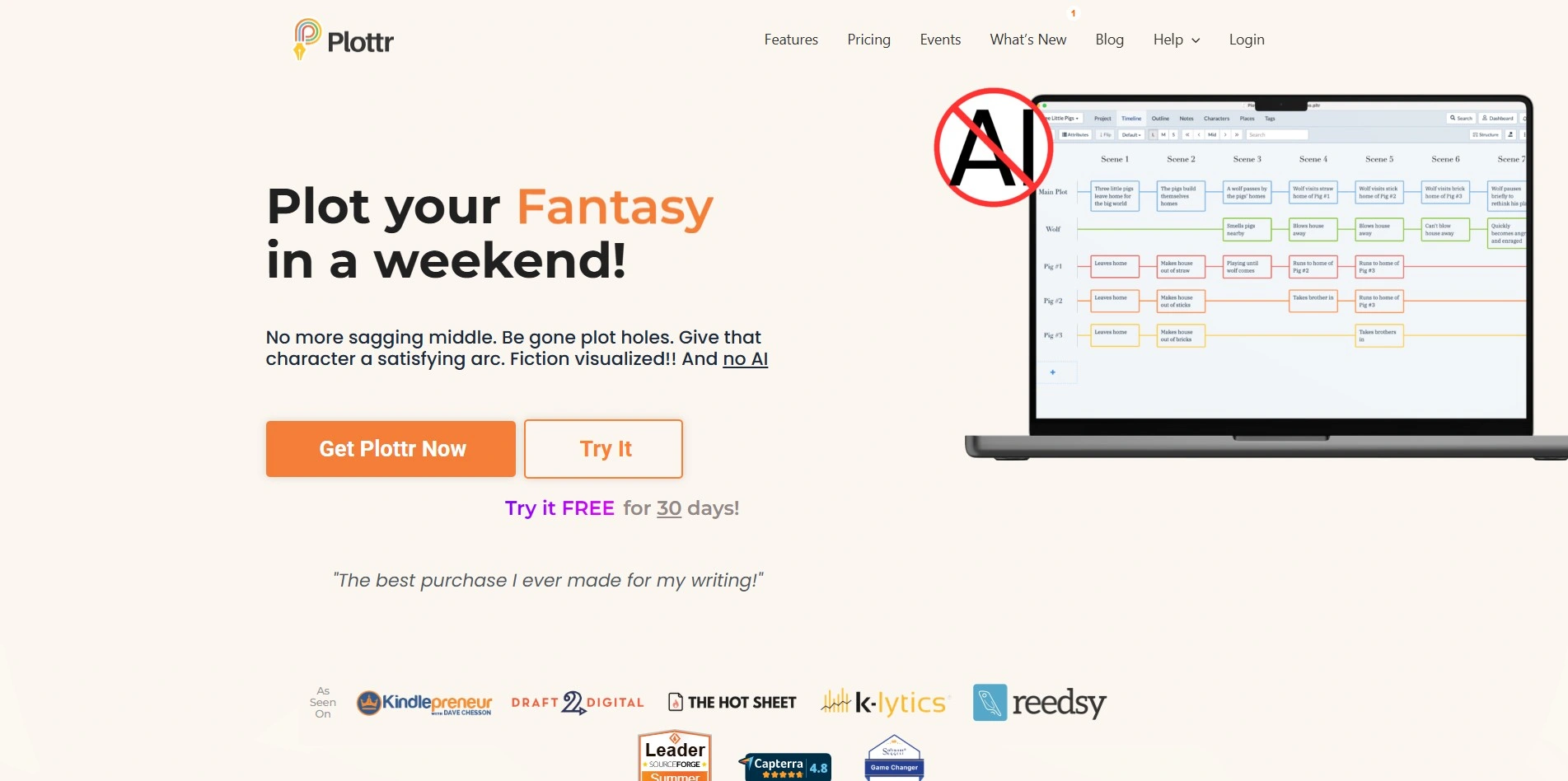
Plottr offers a 30-day free trial letting writers test every plotting feature before committing to a plan. Pricing includes Pro at $9.99/month or $99/year, and Pro + Community at $14.99/month or $129/year. A lifetime license is also available from $150 to $649 depending on the tier chosen, giving flexibility for long-term users.
Pro: $9.99/mo
Pro+Community: $14.99/mo
Lifetime: from $150
Plottr is a visual book-planning and series-management tool built for novelists, screenwriters, and playwrights. It uses drag-and-drop timeline cards, over 30 plot templates, and a series bible to help writers track characters and plotlines across multiple books. It’s especially popular with authors who prefer visually mapping their story structure rather than working in a blank document from the very first page.
Visit WebsitePros
- Visual, drag-and-drop timeline planning
- 30+ built-in plot templates
- Great for series and multi-book projects
- Works offline with a desktop app
Cons
- No built-in AI writing assistant
- Cloud sync requires the Pro tier
- Learning curve for total beginners
14Powtoon AI Script Writer

Powtoon offers a free plan for basic, watermarked videos before you ever pay. Its AI script writer is bundled into paid tiers: Lite starts around $15–$49/month, Professional runs about $40–$99/month, and Advanced/Business reaches $125–$199/month depending on billing cycle and credits included.
Lite: ~$15–$49/mo
Professional: ~$40–$99/mo
Advanced/Business: ~$125–$199/mo
Powtoon’s AI script writer helps marketers and educators quickly draft scripts for animated explainer videos, training content, and presentations. Because it’s built into Powtoon’s animation platform, generated scripts flow directly into video creation without switching tools. It’s aimed at short-form business and educational video rather than novels or feature-length screenplays.
Visit WebsitePros
- Script writer tied directly into video creation
- Good for training and explainer content
- Free tier available for testing
Cons
- Not suited for long-form storytelling
- Higher tiers get expensive quickly
- Free exports carry a watermark
15ScriptAI Pro
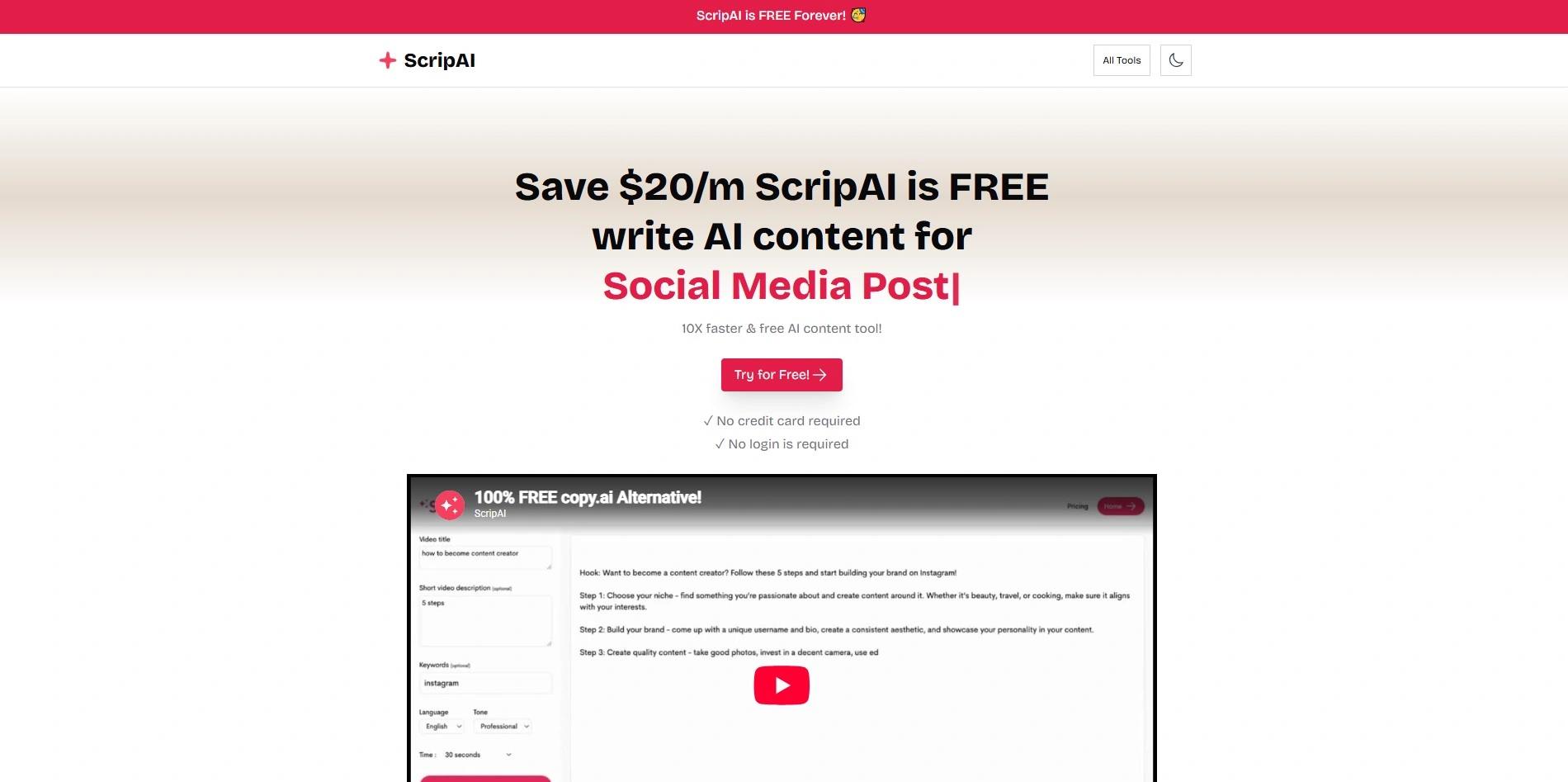
ScriptAI Pro usually provides a short free trial or limited free usage so screenwriters can test its scene-development suggestions first. Subscription pricing for tools in this category commonly ranges from around $15 to $39 a month for professional-tier access with unlimited generations. As with many niche AI scriptwriting apps, it’s best to confirm current pricing directly on the provider’s website.
Standard: ~$15/mo
Pro: ~$39/mo
ScriptAI Pro focuses on deep scene development and character-arc suggestions for professional screenwriters. It can draft detailed character bios and generate dialogue meant to feel natural rather than robotic, which helps writers push past blank-page paralysis. It’s a reasonable pick for screenwriters who want an AI collaborator specifically tuned to script structure rather than general prose.
Visit WebsitePros
- Strong focus on scene and character arcs
- Generates natural-sounding dialogue
- Built with screenwriters in mind
Cons
- Smaller community and support base
- No dedicated formatting export tools
- Pricing tiers can change frequently
16Squibler
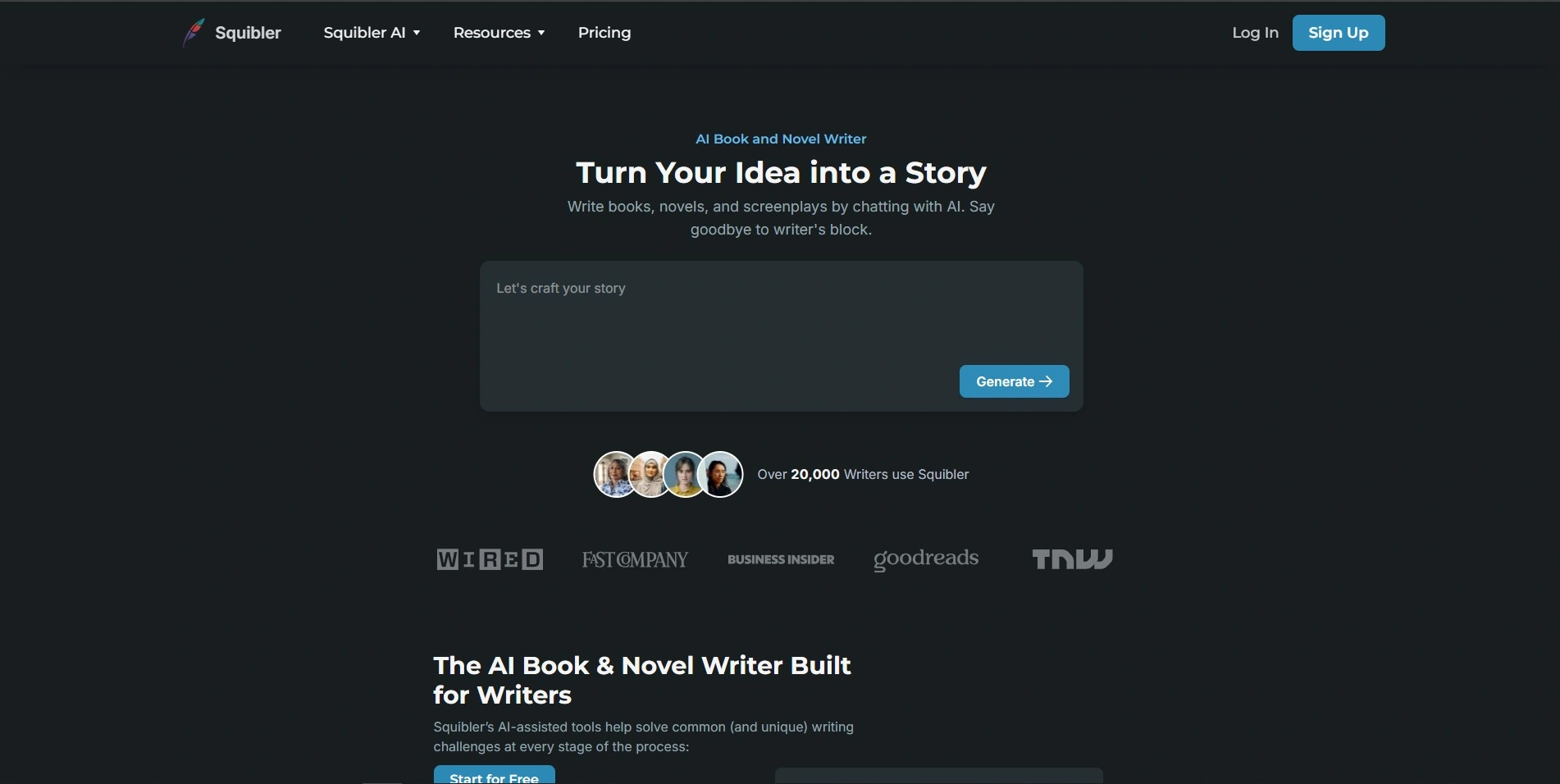
Squibler offers a free Limited Tier with no time restriction, so writers can explore its editor before upgrading. Paid plans include Squibler Plus around $16/month (billed annually) and Squibler Pro around $20–$49/month, unlocking unlimited AI credits, visuals, and publishing features. Team plans scale further based on the number of users added.
Plus: ~$16/mo
Pro: ~$20–$49/mo
Squibler is an AI-assisted writing platform for novels, screenplays, and self-help books, combining drafting tools with project management. It can generate full outlines, expand chapters, and help with plot twists, while also supporting drag-and-drop scene organization. Its collaborative features make it convenient for co-writing teams working on a script or manuscript together.
Visit WebsitePros
- Free tier with no time limit
- Handles novels, scripts, and non-fiction alike
- Built-in collaboration for co-authors
Cons
- Pro tier pricing is steep for solo writers
- AI credit limits on lower plans
- Interface can feel busy for beginners
17StoryCraft AI
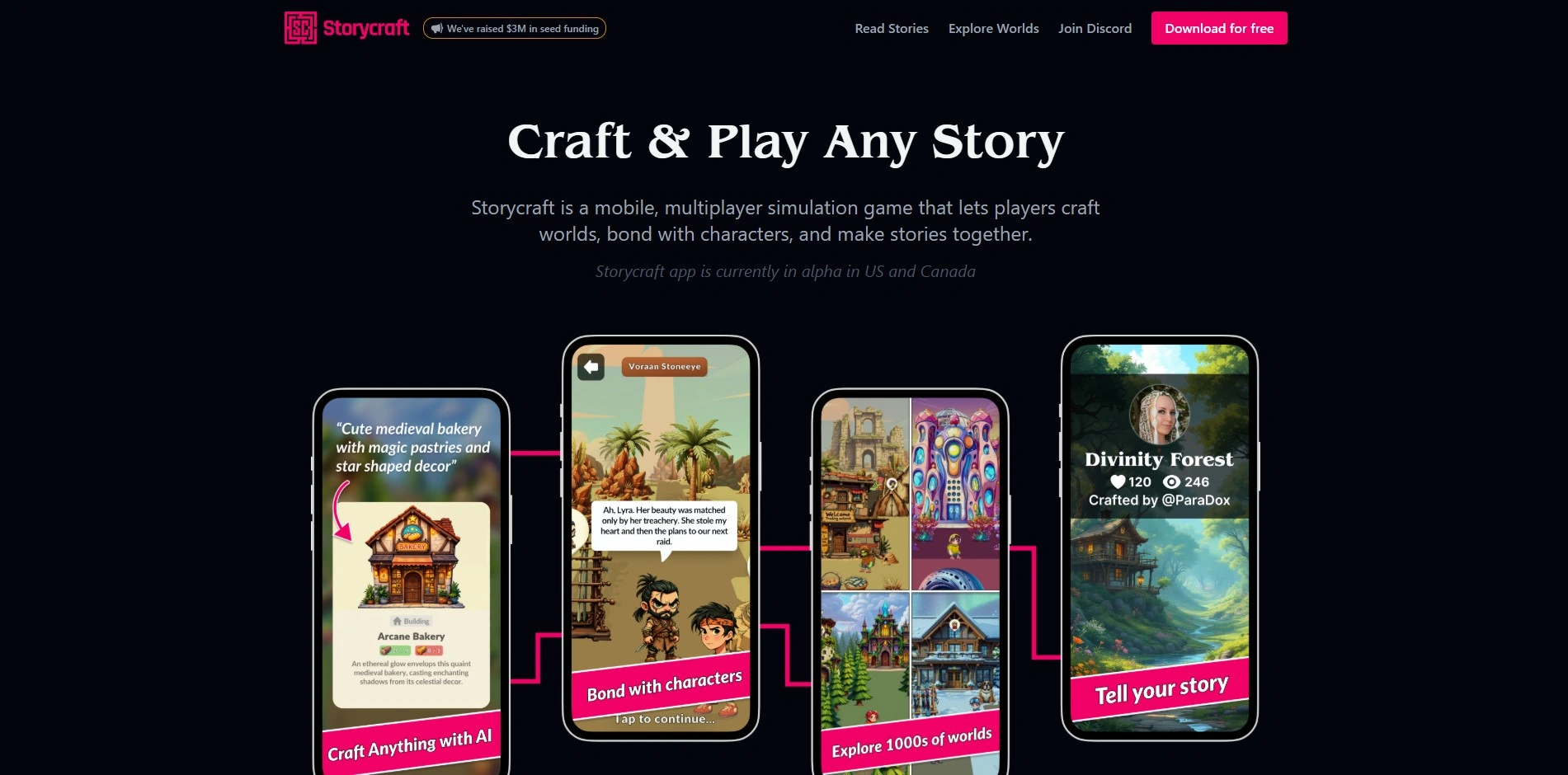
StoryCraft AI typically offers a free tier so users can explore its interactive storytelling modes before subscribing. Like most AI storytelling assistants, its paid plans generally fall in the $9–$29/month range depending on generation volume and export options. Because pricing on tools like this shifts often, it’s worth double-checking the official site for the latest published rates before subscribing.
Starter: ~$9/mo
Pro: ~$19–$29/mo
StoryCraft AI blends narrative generation with visual storyboarding, letting creators see how their scenes might look while they write. It’s aimed at storytellers who want a “choose your own adventure” style of drafting, where the AI adapts a story’s direction based on user prompts. This makes it a fit for interactive fiction, game narrative design, and writers experimenting with branching plots.
Visit WebsitePros
- Combines writing with visual storyboarding
- Good for interactive, branching narratives
- Free tier for casual experimentation
Cons
- Pricing details aren’t always transparent
- Less suited to traditional long-form novels
- Output quality can be inconsisten
18Studiovity
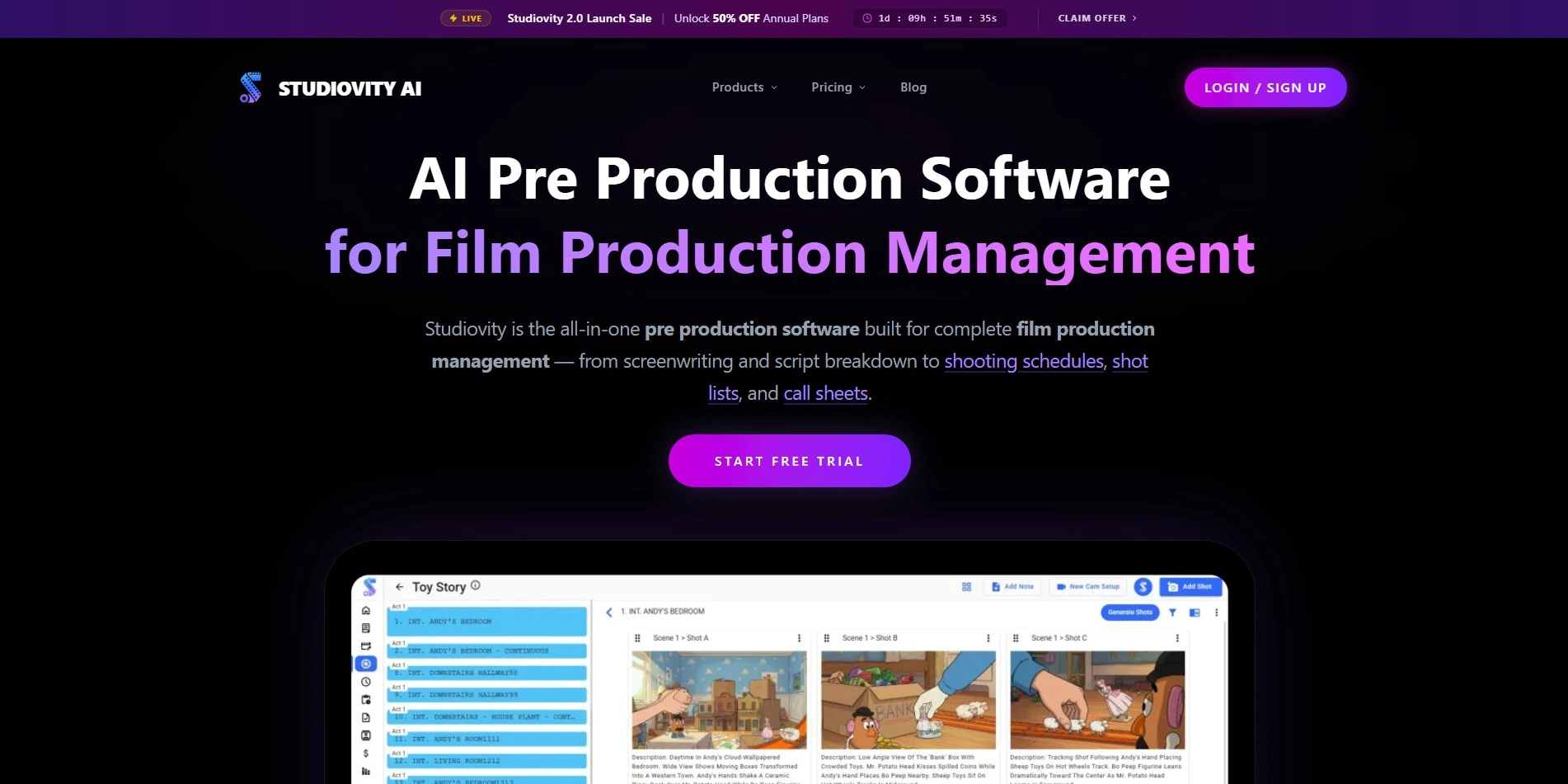
Studiovity offers both a free version and a free trial, making it easy to test before paying anything. Paid plans start remarkably low, around $2/month for premium features, with student and educator discounts of up to 75% off standard plans. This makes it one of the most affordable screenwriting tools on this list.
Free Trial
Premium: from ~$2/mo
Student/EDU: up to 75% off
Studiovity is a web and mobile screenwriting platform with an Act Structure Beat Board, index cards, and real-time collaboration for teams. It supports import and export in Final Draft (FDX), PDF, and Fountain formats, plus more than 385 regional languages. This makes it a strong budget-friendly pick for international writers and film students.
Visit WebsitePros
- Extremely affordable premium pricing
- 385+ regional languages supported
- Free version and free trial both available
Cons
- Smaller brand recognition than Final Draft
- Fewer AI-writing features than newer rivals
- Mobile interface can feel cramped for long scripts
19Sudowrite

Sudowrite provides a free trial with around 10,000 credits and no credit card required. Paid plans include Hobby & Student at $10–$19/month, Professional at $22–$29/month, and Max at $44–$59/month with rollover credits. All tiers unlock the same tools, differing only in monthly credit allowance for generation volume.
Hobby: $10–$19/mo
Professional: $22–$29/mo
Max: $44–$59/mo
Sudowrite is an AI writing assistant purpose-built for fiction, featuring tools like Story Engine, Describe, and Rewrite for style variation. It’s especially strong at expanding sensory prose and brainstorming plot directions when writers hit a wall. Unlike general AI chatbots, Sudowrite is trained and tuned specifically around creative fiction rather than business or marketing writing.
Visit WebsitePros
- Purpose-built specifically for fiction writers
- Strong prose expansion and brainstorming tools
- Credit rollover available on the Max plan
Cons
- No PDF, EPUB, or DOCX export
- No book-cover or publishing tools
- Credit system can feel limiting for heavy users
20Vimeo AI Script Writer
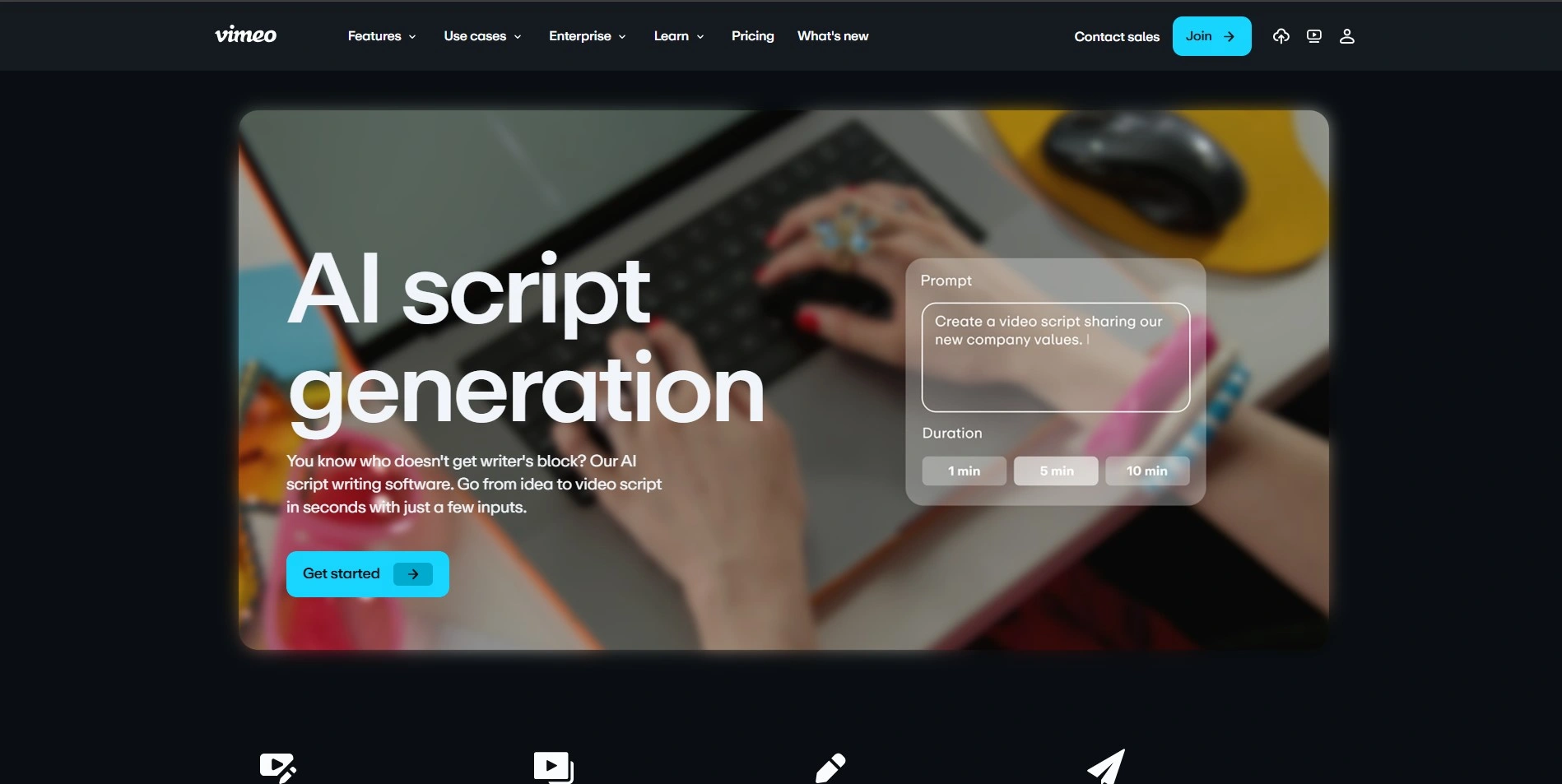
Vimeo’s AI script-writing feature is bundled inside its broader Vimeo Create and video subscription plans rather than sold separately, and it usually includes a free trial period. Paid Vimeo plans that unlock AI scripting tools generally start around $20–$50/month depending on video and storage limits. Always confirm current bundle pricing on Vimeo’s official pricing page before subscribing.
Starter: ~$20/mo
Standard: ~$50/mo
The Vimeo AI Script Writer helps marketers and content creators quickly draft scripts for promotional videos, social clips, and product explainers. Because it’s built into Vimeo’s video platform, generated scripts flow directly into recording and editing workflows without needing to switch tools. It’s less suited to novels or feature screenplays, but efficient for short-form branded video content.
Visit WebsitePros
- Integrated directly into video production workflow
- Fast for short marketing and social scripts
- Bundled with Vimeo’s hosting and editing tools
Cons
- Not designed for long-form storytelling
- Requires a broader Vimeo subscription
- Limited creative control over tone and styl
Comparison Table
| Alternative | Description |
|---|---|
| Arc Studio Pro | Modern, collaborative screenwriting software with industry-standard formatting and a digital whiteboard. |
| Beemgee | Character-first story development tool with a zoomable timeline and corkboard for plotting. |
| ChatGPT | General-purpose AI assistant used for brainstorming, drafting, and rewriting story content. |
| Claude | AI assistant known for a large context window and careful prose, useful for editing full manuscripts. |
| Copy.ai | AI content and workflow platform useful for short-form copy, pitches, and promotional writing. |
| Dabble | Cloud-based novel writing app with visual Plot Grid, cross-device sync, and grammar tools. |
| DialogueGenie | AI tool specialized in generating natural, character-distinct dialogue for scripts and novels. |
| Final Draft | Industry-standard screenwriting software used across major film and TV productions. |
| Google Gemini | General-purpose AI assistant usable for brainstorming, outlining, and drafting with a huge context window. |
| Highland 2 | Minimalist, plain-text Mac screenwriting app built on the Fountain markup language. |
| Jasper AI | Marketing-focused AI writing platform useful for pitch decks and promotional story copy. |
| Mugafi | AI co-writing platform tailored to Indian storytelling formats, languages, and production connections. |
| Plottr | Visual outlining and series-bible software for novelists and screenwriters, built around timelines and plot templates. |
| Powtoon AI Script Writer | Built-in AI scripting tool for short marketing, training, and explainer video content. |
| ScriptAI Pro | AI scriptwriting assistant focused on scene development, character arcs, and natural dialogue. |
| Squibler | AI-assisted writing platform for novels, screenplays, and non-fiction with collaboration support. |
| StoryCraft AI | AI storytelling tool blending narrative generation with visual storyboarding for interactive fiction. |
| Storyflow | AI-native screenwriting tool combining a visual canvas with outlining and drafting features. |
| Studiovity | Affordable web and mobile screenwriting platform with a beat board and multi-language support. |
| Sudowrite | AI writing assistant purpose-built for fiction, offering prose expansion and brainstorming tools. |
| Vimeo AI Script Writer | AI scripting tool built into Vimeo for short marketing and social video content. |
| WriterDuet | Cloud-based, collaborative screenwriting software positioned as an affordable Final Draft alternative. |
Conclusion
Choosing the right Storyflow alternative really comes down to what kind of writing you do and how you like to work. Novelists chasing visual structure may prefer Plottr, Dabble, or Beemgee, while screenwriters might lean toward Highland 2, Final Draft, Arc Studio Pro, WriterDuet, or Studiovity for formatting and collaboration. Writers wanting AI-driven prose or dialogue help have strong options in Sudowrite, Squibler, DialogueGenie, or general-purpose tools like Google Gemini, ChatGPT, Claude, and Copy.ai. Whichever you choose, most offer free trials or free tiers, so it’s worth testing a few before settling on the one that truly fits your creative process and budget.


