
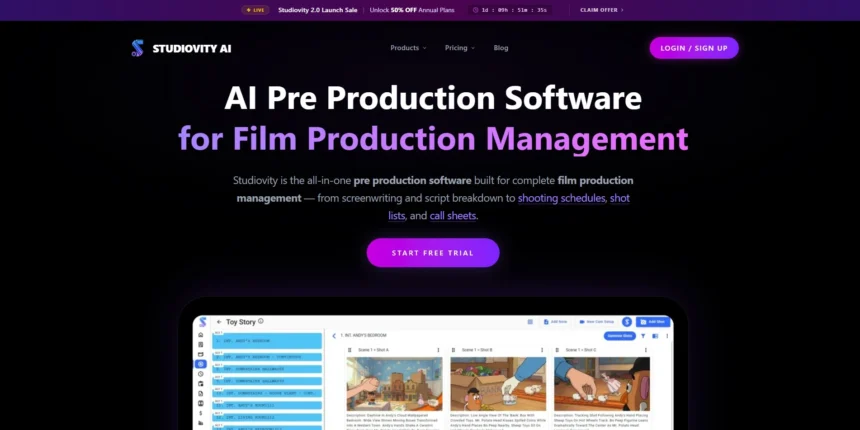
Studiovity has built a solid reputation as an all-in-one screenwriting and pre-production platform, offering a beat board, index cards, real-time collaboration, and AI-powered script breakdowns for filmmakers. But it isn’t the only option on the market, and depending on your budget, workflow, and whether you write novels, screenplays, or dialogue-heavy scripts, another tool might suit you better. In this article, we’ve rounded up 11 of the strongest Studiovity Alternatives, covering their free trials, official pricing plans, standout features, and the trade-offs you should know before switching.
1. Dabble

Dabble gives every new writer a 14-day free trial with no credit card needed, so you can explore the Plot Grid and Story Notes risk-free. Paid tiers start with Writer at $19/month, Author at $29/month for editing tools, and Bestseller at $49/month with courses, plus a $699 lifetime Author license and 20% annual savings.
Built specifically for novelists, Dabble organizes chapters, characters, and settings inside a clean, distraction-free workspace. Its signature Plot Grid lets writers map story structure visually, while cloud sync keeps manuscripts available across devices. Co-authoring, versioning, and a daily word-count tracker make it especially popular with NaNoWriMo participants and series authors managing multiple interconnected books.
✓ Pros
- Intuitive, visual Plot Grid outlining
- Cross-device cloud sync and autosave
- Built-in co-authoring and collaboration
- Generous 14-day free trial
✗ Cons
- Subscription-only, no permanent free tier
- Not built for screenplay formatting
- Lifetime price is steep upfront
2. DialogueGenie
DialogueGenie typically offers a free trial or limited free tier so writers can test its dialogue-generation engine before subscribing. Paid plans are generally structured in monthly tiers, often starting near $9–$15/month for basic use and scaling toward $30–$50/month for higher-volume or team access; check DialogueGenie’s official site for current figures.
DialogueGenie specializes in generating natural, character-specific conversations rather than full script formatting, making it popular in gaming, animation, and interactive media production. Writers feed in character traits and scene context, and the engine drafts believable exchanges that match each character’s voice. It works best as a dialogue-polishing companion alongside a dedicated screenwriting or outlining tool.
✓ Pros
- Strong at natural, character-consistent dialogue
- Popular for games and interactive media
- Fast way to beat dialogue writer’s block
✗ Cons
- Not a full screenwriting/formatting suite
- Pricing and features less publicly documented
- Best paired with another structure tool
3. Highland 2
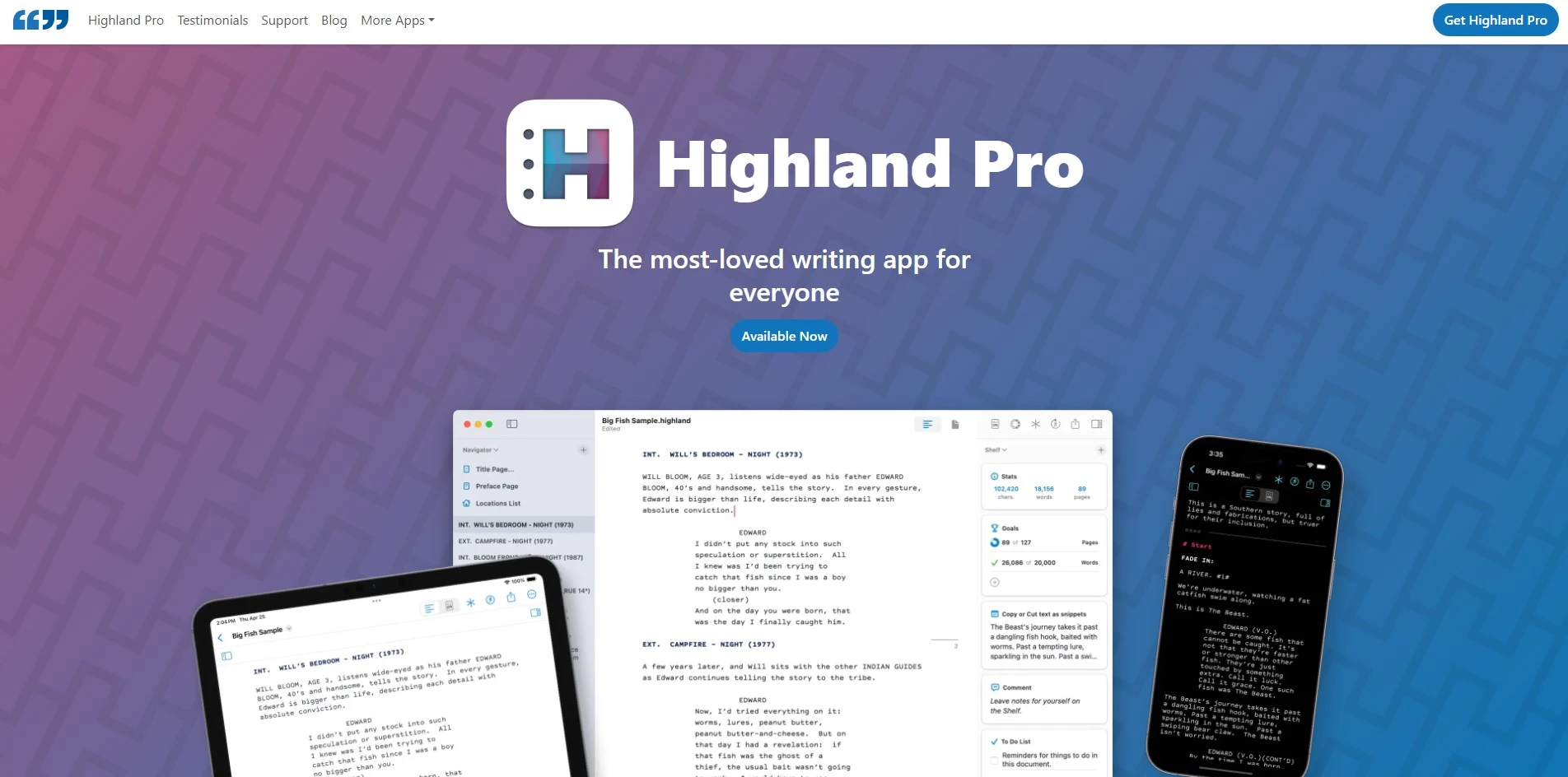
Highland 2 is free to download and write in indefinitely, acting as its own extended trial with no time limit on drafting or page count. The Pro upgrade is a one-time $49.99 in-app purchase, not a subscription, unlocking watermark-free PDF exports, Revision Mode, custom themes, and priority support for Mac-based screenwriters and novelists alike.
Created by screenwriter John August, Highland 2 uses the plain-text Fountain format, storing scripts as readable files instead of a proprietary format. It recognizes scene headings, dialogue, and transitions automatically, doubles as a prose editor for treatments or pitch documents, and includes Sprint timers and dark mode, though it remains Mac-only with no Windows or iOS version.
✓ Pros
- Free to write full scripts, cheap Pro unlock
- Fountain plain-text keeps files portable
- Doubles as a prose and treatment editor
✗ Cons
- Mac-only, no Windows or Android version
- No real-time cloud collaboration
- Limited pre-production/scheduling tools
4. Copy.ai
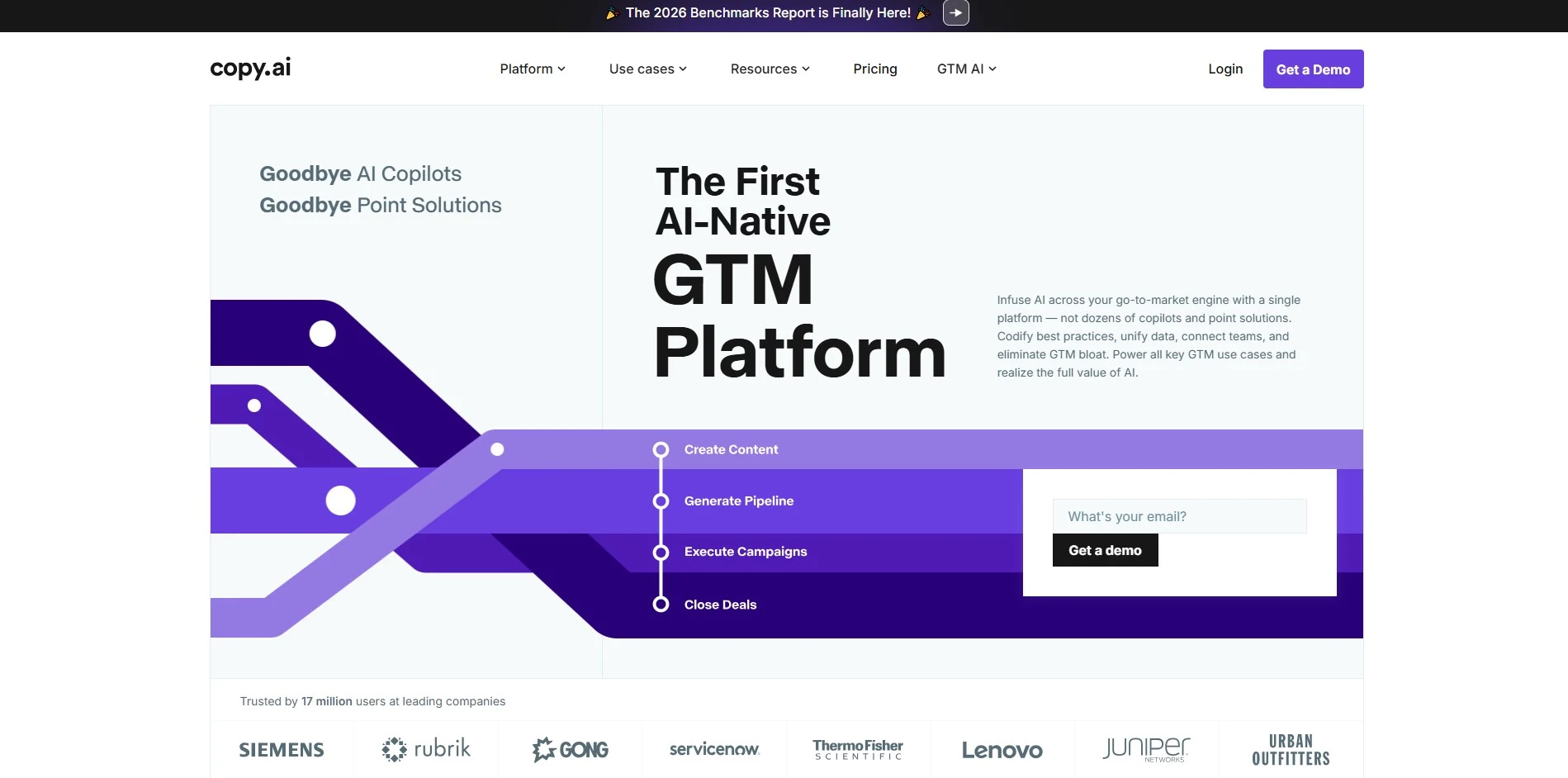
Copy.ai has a permanent free plan offering 2,000 words a month and 90+ templates, so there’s no time pressure to decide. Paid tiers begin with Chat at $29/month ($24 annually), unlimited-word Pro-level plans at $49/month ($36 annually), and higher Team/Advanced tiers from $249/month, with Enterprise pricing available on request.
Copy.ai positions itself as a workflow-automation platform rather than a pure creative writing tool, chaining research, drafting, and personalization steps for marketing and sales teams. For screenwriters, it’s better suited to generating loglines, taglines, or promotional copy than full scenes, since it lacks dedicated screenplay formatting or story-structure tools.
✓ Pros
- Free forever tier, no credit card required
- Automates multi-step content workflows
- Unlimited words on paid tiers
✗ Cons
- Not built for screenplay formatting
- Workflow credits can run out fast at scale
- Steeper learning curve for non-marketers
5. Plottr
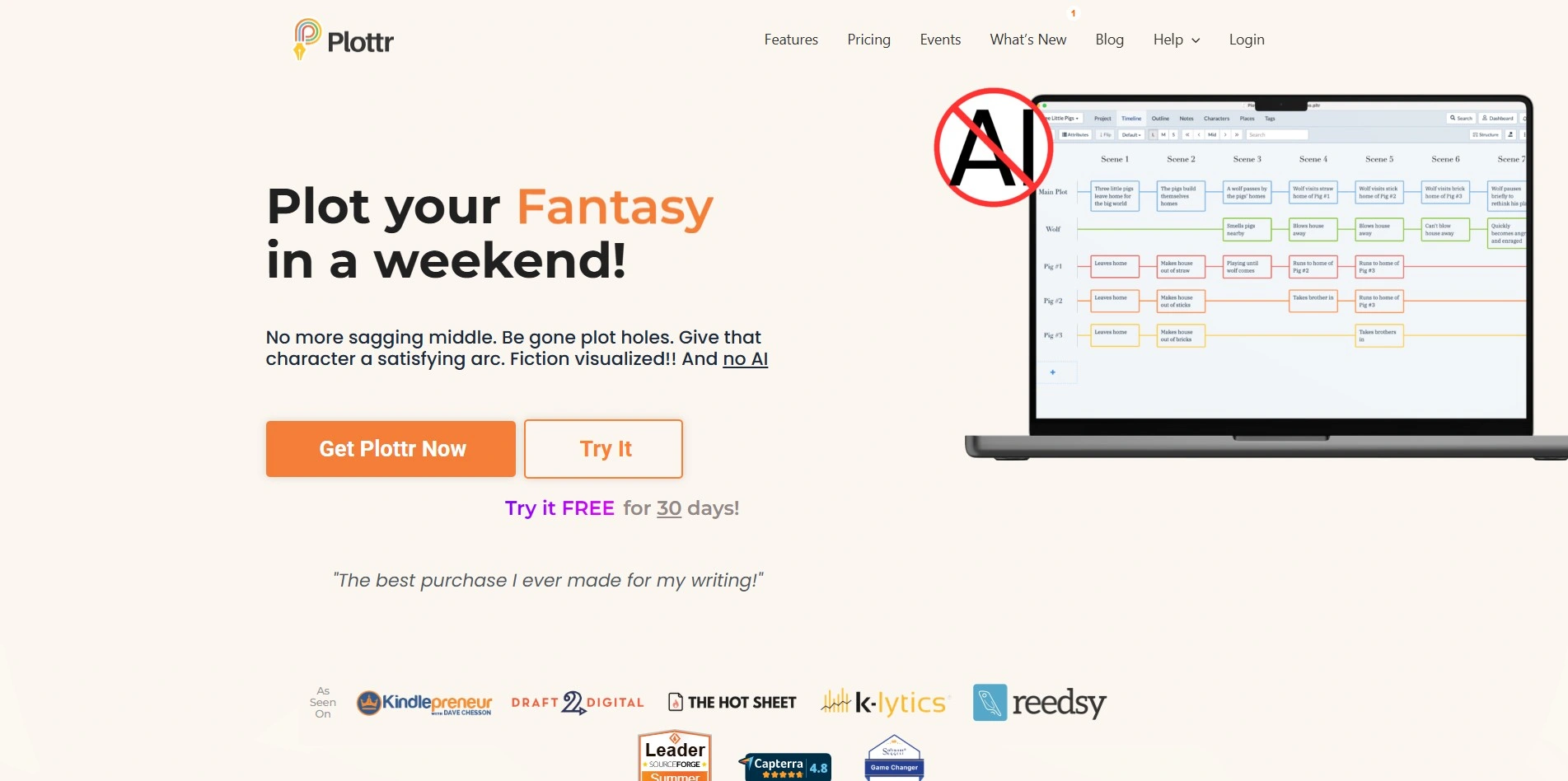
Plottr offers a 30-day free trial across all plans, giving writers a full month to map plotlines before paying. Pricing runs from around $39–$60/year for the Classic offline tier, roughly $99/year (or $27/month) for Pro with cloud sync, and a one-time $199 Lifetime license that never expires.
Plottr is a visual outlining tool that lets writers drag scene cards across timelines, track multiple character arcs, and apply 30+ pre-built plot templates like the Hero’s Journey or Save the Cat. It exports directly to Scrivener and Word, making it a strong companion app rather than a full drafting environment.
✓ Pros
- Visual drag-and-drop plot timelines
- 30+ built-in story structure templates
- One-time lifetime option avoids subscriptions
✗ Cons
- Not a full manuscript writing editor
- Learning curve for first-time outliners
- Cloud/mobile features locked behind Pro tier
6. Sudowrite

Sudowrite gives new users roughly 10,000 free credits with no credit card required, enough to test Story Bible, Rewrite, and Describe tools. Annual billing brings Hobby & Student to $10/month, Professional to $22/month, and Max to $44/month (billed monthly they run $19, $29, and $59 respectively).
Built specifically for fiction writers, Sudowrite Story Bible keeps characters, worldbuilding, and outline details consistent across a manuscript, while its Rewrite and Describe tools punch up prose on command. It integrates multiple AI models under one roof, making it a favorite among novelists who want targeted help rather than a general-purpose chatbot.
✓ Pros
- Purpose-built for fiction and prose quality
- Story Bible keeps novels internally consistent
- Multiple AI models in one subscription
✗ Cons
- Credit-based system can run out mid-project
- No dedicated screenplay formatting
- Pricier than general AI chat tools for heavy use
7. StoryCraft AI
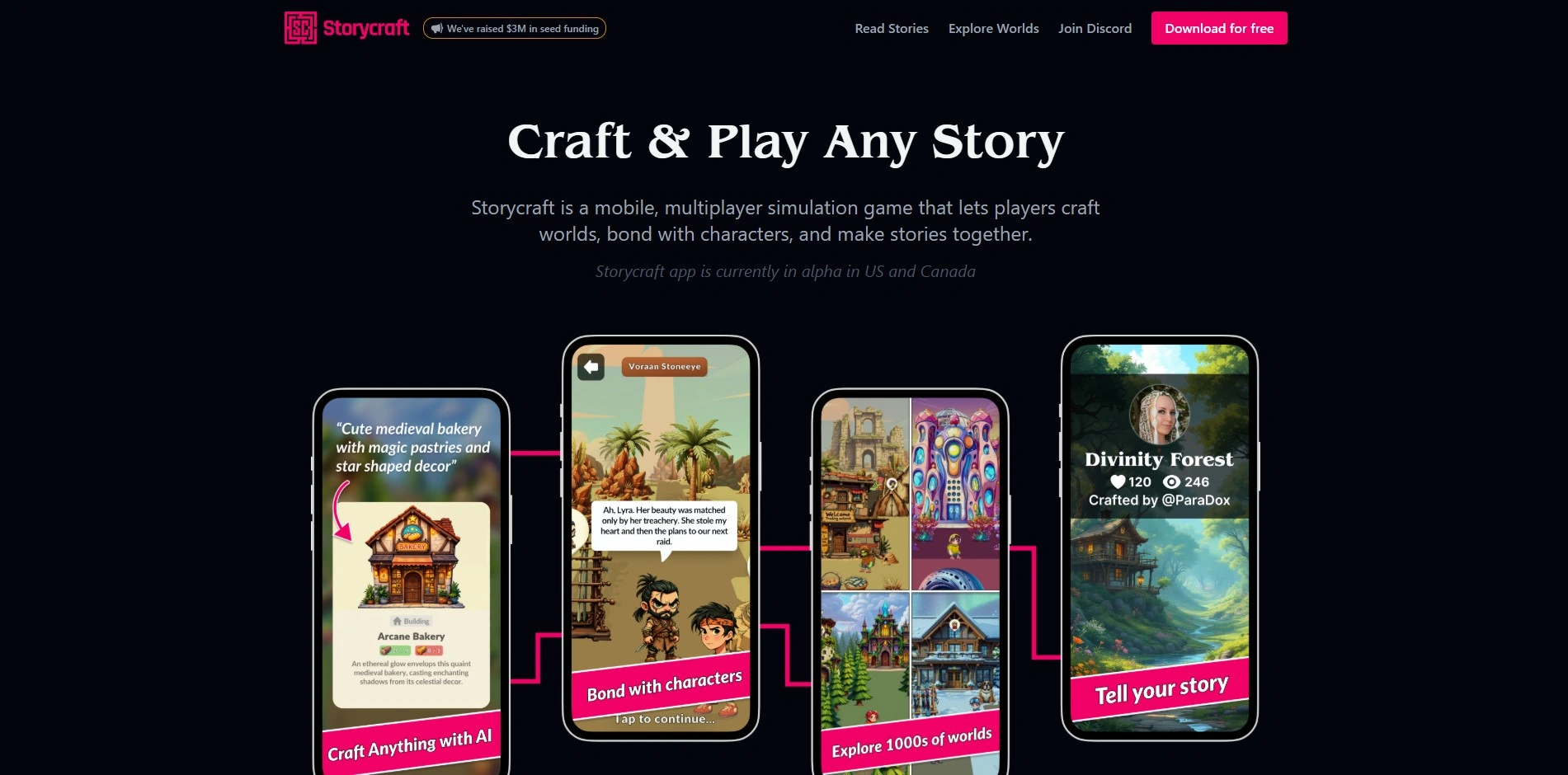
StoryCraft AI typically offers a free tier or trial period for writers to sample its story-generation features before committing. Published pricing isn’t consistently listed, but comparable AI story tools in this space generally range from around $9–$49/month depending on word limits and export features, so confirming current rates on the official site is recommended.
StoryCraft AI focuses on generating structured narrative drafts from a premise, genre, and character inputs, then letting writers refine sections with AI rewriting. It suits writers who want a quick first draft or plot skeleton to build from, though the output typically needs heavier human editing than tools built specifically around professional screenplay or novel structure.
✓ Pros
- Fast first-draft generation from simple prompts
- Good for beating blank-page paralysis
- Flexible across genres and formats
✗ Cons
- Pricing and terms not consistently published
- Output often needs heavy rewriting
- Less specialized than dedicated screenwriting software
8. Jasper AI
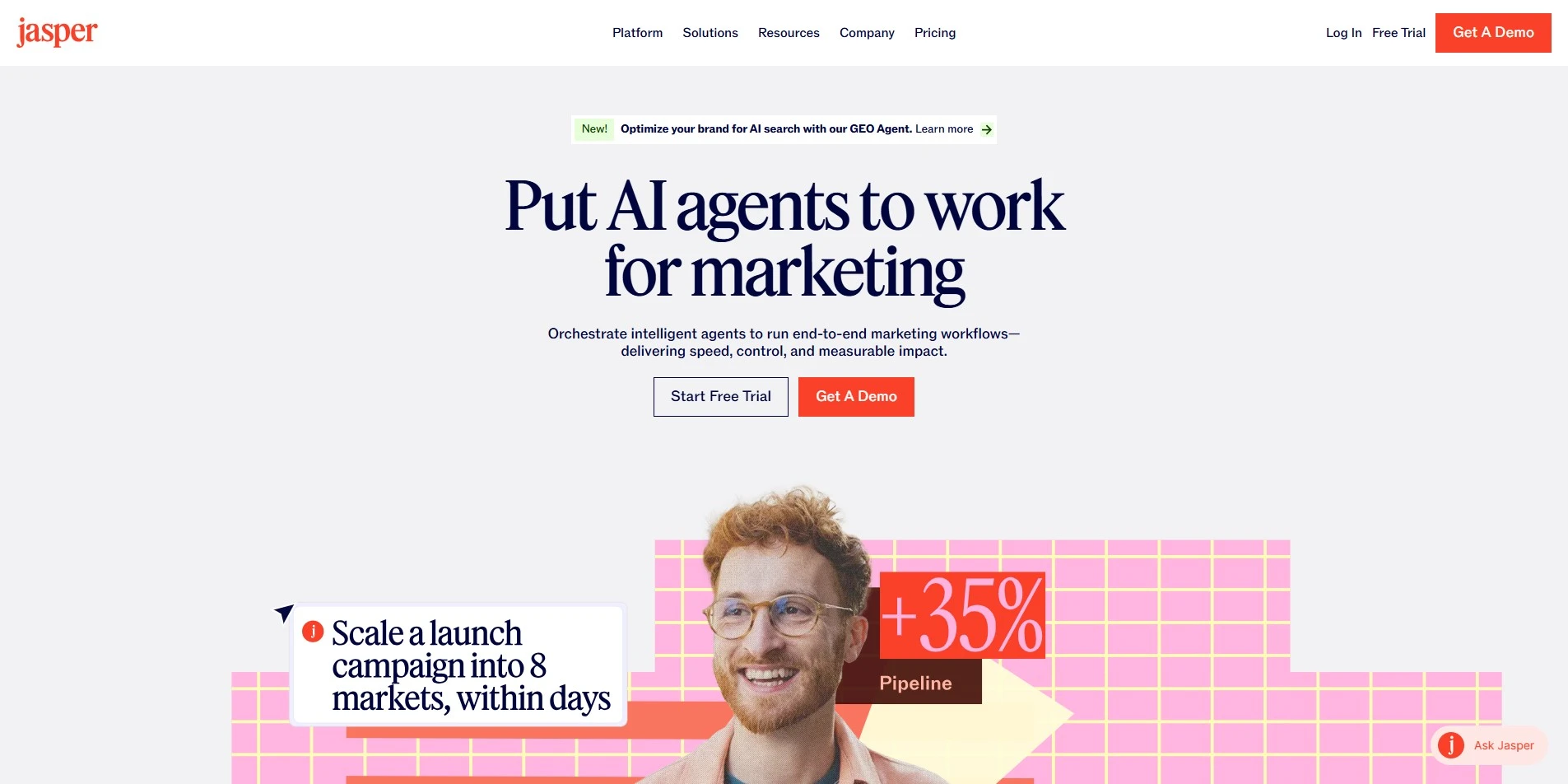
Jasper offers a 7-day free trial on its Pro plan with full feature access, though payment details are required upfront. Pricing centers on Pro at $69/month ($59/month billed annually), while the Business plan is custom-priced for teams, agencies, and larger production companies needing brand voice controls and collaboration.
Jasper is primarily a marketing-content platform, built around Brand Voice, SEO-optimized templates, and a collaborative Canvas editor. For screenwriters, it’s most useful for adjacent tasks like drafting a logline, synopsis, pitch deck copy, or press materials, since it lacks screenplay formatting, scene-numbering, or the industry-standard export formats writers need for production.
✓ Pros
- Polished brand-voice and SEO tools
- Unlimited word generation on paid plans
- Useful for pitch and marketing copy
✗ Cons
- No screenplay formatting or Fountain/FDX export
- No permanent free plan
- Overkill and pricey for pure creative writing
9. WriterDuet
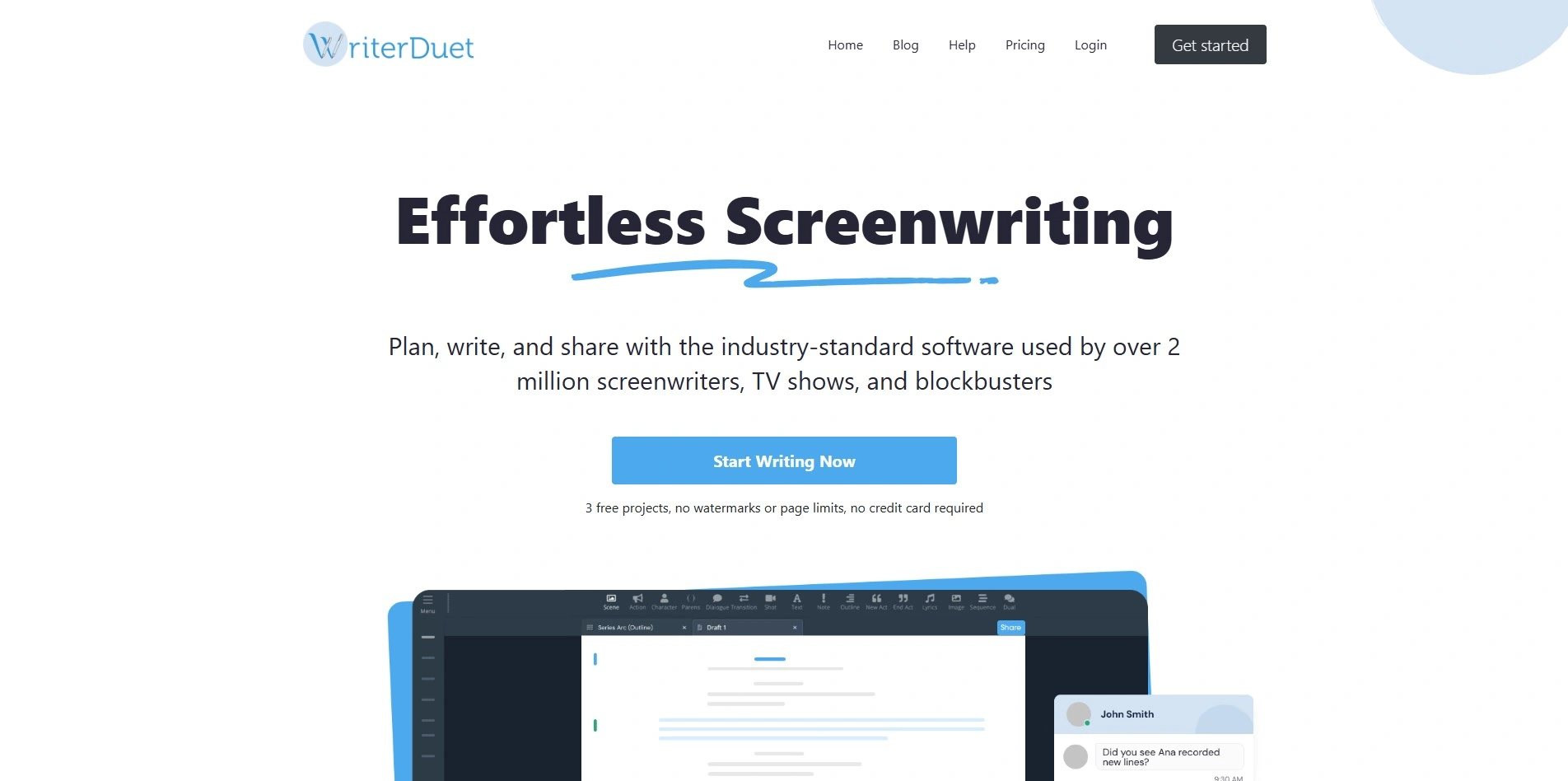
WriterDuet lets you write your first three full scripts entirely free, with no page or time limit, before any payment is needed. The paid Pro tier unlocks unlimited scripts and real-time collaboration for $11.99/month or $89/year, with a 50% discount available for students and teachers.
Built for collaborative screenwriting, WriterDuet syncs scripts in real time so co-writers or writing rooms can edit simultaneously with built-in text and video chat. It offers an edit-by-edit revision history, industry-standard formatting, offline desktop access, and Google Docs integration, making it a strong Final Draft alternative for teams working across multiple locations.
✓ Pros
- Real-time collaboration with chat built in
- Generous free tier (3 full scripts)
- Detailed revision history and offline mode
✗ Cons
- Free tier lacks collaboration features
- Desktop app can feel clunky at times
- No dedicated novel-outlining tools
10. Mugafi

Mugafi’s core writing tool, Ved, is free to use for drafting stories, screenplays, and novels, effectively functioning as an open trial with no credit card needed. The company doesn’t publish a fixed subscription price list publicly; premium mentorship programs, writing courses, and contests are monetized separately, so budget-conscious writers should check Mugafi’s site for current offers.
Mugafi Ved acts like a co-pilot for storytelling, handling research, scene rewriting, dialogue expansion, and script-readiness scoring based on data-driven analysis. It also includes built-in collaboration tools and formatting shortcuts aimed at production-house standards, and Mugafi backs it with writing contests, mentorship, and courses taught by established Indian screenwriters and producers.
✓ Pros
- Free core AI writing tool (Ved)
- Script-readiness scoring and analysis
- Backed by mentorship, contests, and courses
✗ Cons
- Subscription pricing not clearly published
- Smaller global user base than major rivals
- Best known within Indian-market screenwriting circles
11. ChatGPT

ChatGPT’s Free tier costs nothing but has usage limits, while Plus costs $20/month for the flagship model and higher limits. Go sits at $8/month for lighter use, and Pro comes in two tiers at $100 and $200/month for heavy users, with Business plans priced at $20–25 per seat monthly.
As a general-purpose AI assistant rather than dedicated screenwriting software, ChatGPT can brainstorm plots, draft dialogue, analyze structure, and rewrite scenes on request, but it has no built-in script formatting, beat boards, or FDX/Fountain export. Writers typically pair it with a formatting tool like Highland 2 or WriterDuet to turn its drafts into a production-ready screenplay.
✓ Pros
- Extremely flexible for brainstorming and rewriting
- Affordable entry price with a free tier
- Constantly updated with newer models
✗ Cons
- No screenplay formatting or export tools
- Requires careful prompting for consistency
- Needs pairing with dedicated writing software
Studiovity Alternatives
| Alternative | Description |
|---|---|
| Dabble | Cloud-based novel writing platform with a visual Plot Grid, character notebooks, and co-authoring tools. |
| DialogueGenie | AI tool specialized in generating natural, character-specific dialogue for games and interactive media. |
| Highland 2 | Free, Mac-only Fountain-based screenwriting and prose editor created by screenwriter John August. |
| Copy.ai | AI workflow-automation platform built for marketing copy, with free and unlimited-word paid tiers. |
| Plottr | Visual story outlining software with drag-and-drop timelines and 30+ plot structure templates. |
| Sudowrite | AI writing assistant purpose-built for fiction, featuring Story Bible, Rewrite, and Describe tools. |
| StoryCraft AI | AI story generator that drafts narrative structures from a premise, genre, and character details. |
| Jasper AI | Enterprise-grade AI content platform focused on brand voice, SEO, and marketing copywriting. |
| WriterDuet | Cloud-based collaborative screenwriting software with real-time editing and industry formatting. |
| Mugafi | Free AI storytelling co-pilot (Ved) with script-readiness scoring, mentorship, and writing contests. |
| ChatGPT | General-purpose AI chatbot used for brainstorming, dialogue drafting, and rewriting story scenes. |
Conclusion
Novelists who want visual plotting will lean toward Dabble or Plottr, screenwriters who need real formatting and collaboration will prefer WriterDuet or Highland 2, and anyone who wants raw AI-generated prose or dialogue has strong options in Sudowrite, DialogueGenie, StoryCraft AI, Mugafi, and ChatGPT. Marketers and content teams, meanwhile, will get more value from Copy.ai or Jasper AI.
Before switching, take advantage of the free trials and free tiers listed above nearly every tool on this list lets you test its core features before you pay a cent. Compare how each one handles formatting, collaboration, and AI assistance against your actual workflow, and you’ll likely find an alternative that fits your writing process even better than Studiovity does.


