

Vimeo AI Script Writer is a handy shortcut for turning rough ideas into usable video scripts, but it isn’t the only option, and it isn’t always the best fit for every project. Screenwriters, novelists, marketers, and video creators all have different needs, from formatted screenplays to fast marketing copy to fully plotted novels. This guide rounds up 11 Best Vimeo AI Script Writer Alternatives, spanning dedicated screenwriting software, story-planning tools, and general-purpose AI assistants. For each one, we cover free trials, current pricing plans pulled from official sources, what the tool is actually good at, and the trade-offs you should know about before switching.
1Studiovity
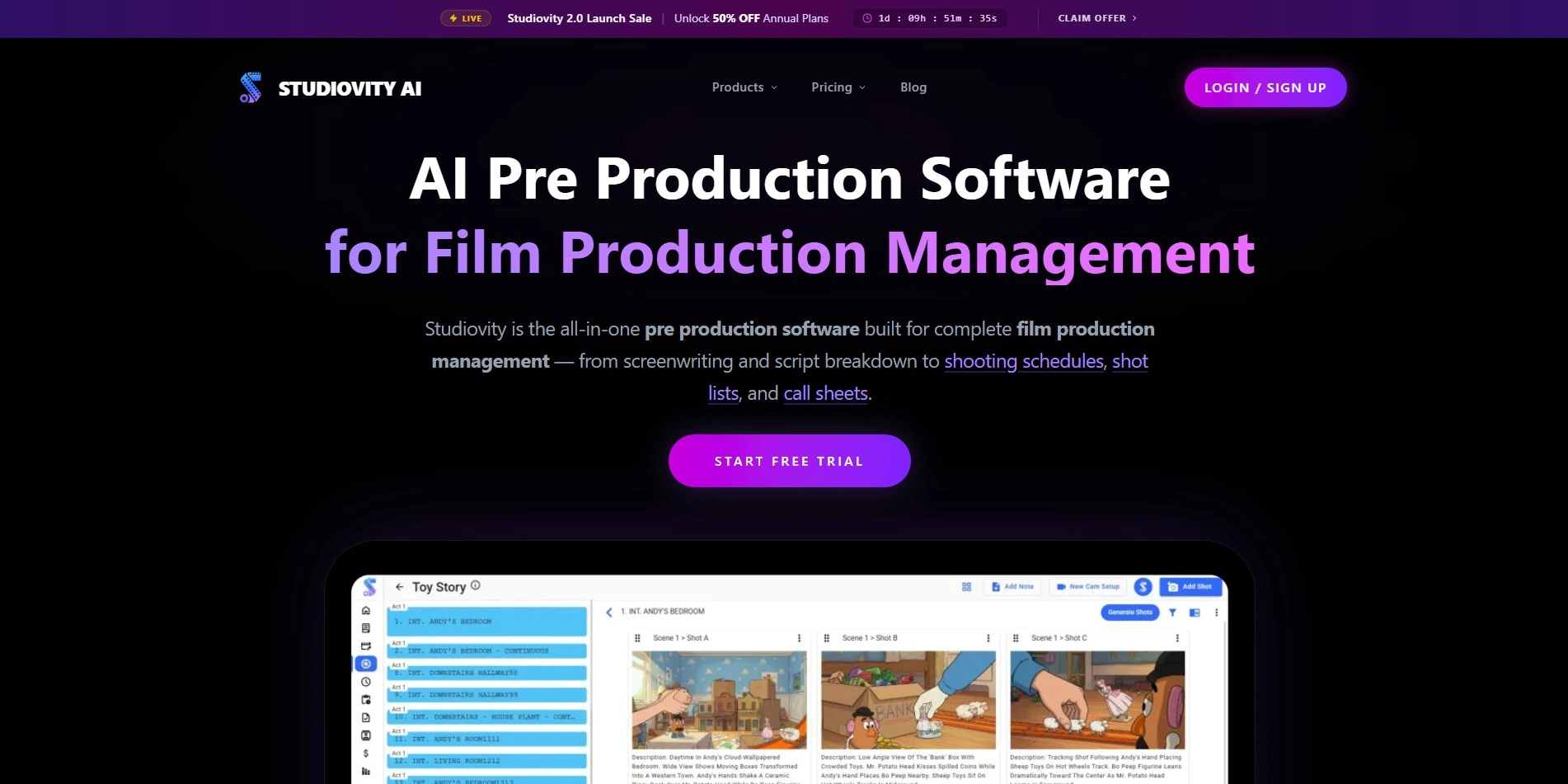
Studiovity is a web and mobile screenwriting platform built for filmmakers who need more than a script generator. It combines an AI writing assistant with an Act Structure Board, index cards, and support for over 385 regional languages. For teams juggling script breakdowns alongside drafting, it offers a genuinely integrated production workflow.
Unlike Vimeo’s simpler script tool, Studiovity leans heavily into professional screenwriting conventions, exporting to Final Draft FDX, PDF, and Fountain formats. It suits indie filmmakers and production houses more than casual video creators. Real-time collaboration and character relationship mapping add depth that short-form video scripters may never actually use.
Pros
- Extremely affordable entry-level pricing
- Supports 385+ regional languages
- Full pre-production suite beyond scripting
Cons
- Interface geared toward film, not quick video scripts
- Learning curve for non-screenwriters
- Some advanced tools require higher tiers
2StoryCraft AI
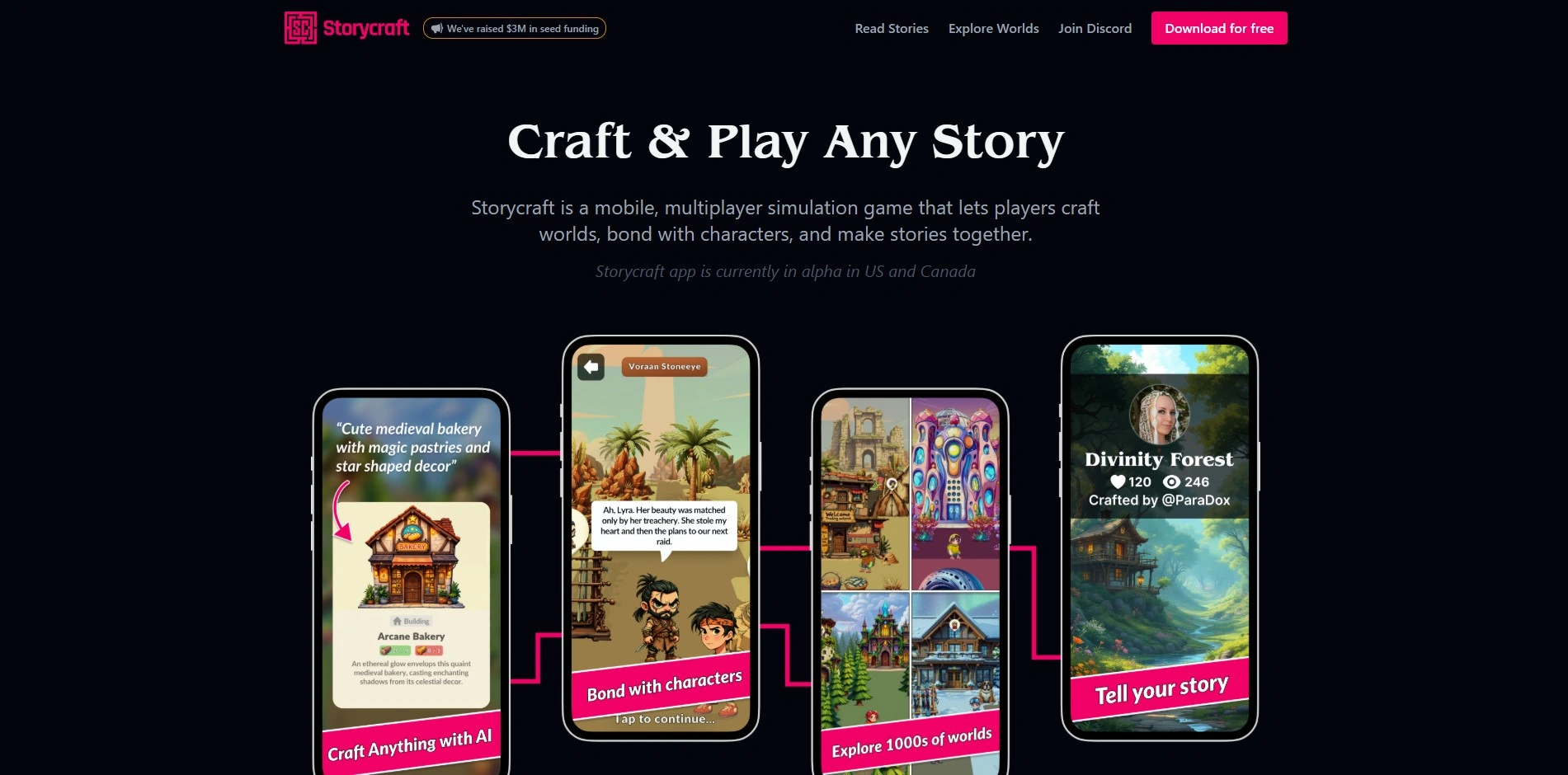
StoryCraft AI positions itself as a writing co-pilot for turning raw video ideas into structured, research-backed scripts. It’s aimed squarely at content creators and video editors who want a fast path from concept to a workable draft, rather than novelists or feature screenwriters chasing industry-standard formatting.
Where it stands out against Vimeo’s built-in tool is versatility across formats, handling everything from short-form social clips to longer narrative pieces. Because pricing isn’t fully transparent yet, new users should expect to sign up and test the free tier first to confirm it fits their workflow and budget.
Pros
- Built specifically for video script workflows
- Works across short and long-form content
- Free tier to test before committing
Cons
- Pricing details are not fully public
- Smaller user base and fewer reviews
- Feature depth varies by update cycle
3Powtoon AI Script Writer

Powtoon pairs its AI script writer with a full animated video builder, so the script you generate flows directly into templates, characters, and scenes. This makes it a strong pick for marketers and educators who need a finished animated video, not just a text document, out the other end.
Compared with Vimeo’s standalone script tool, Powtoon’s advantage is the seamless jump from script to visual production. The trade-off is cost: higher tiers aimed at teams and agencies climb quickly, and the free plan’s watermark and export limits push most serious users toward a paid subscription fairly fast.
Pros
- Script flows directly into video production
- Large template and character library
- Free plan for testing the workflow
Cons
- Paid tiers get expensive at scale
- Free exports carry watermarks
- Credit-based AI usage can run out fast
4Dabble

Dabble is built for long-form fiction writers rather than video scriptwriters, offering a distraction-free editor alongside a visual Plot Grid for mapping story structure. It’s a solid alternative for creators who use Vimeo’s script tool for narrative planning but actually need a home for a full novel or memoir.
Its cloud-based syncing across desktop, web, and mobile means you can draft anywhere, and story notes sit right beside your manuscript. The catch is that Dabble isn’t built for screenplay formatting or short video scripts, so it’s a better fit for prose-first projects than quick marketing content.
Pros
- Clean, distraction-free writing environment
- Visual Plot Grid for story structure
- Cross-device cloud sync included
Cons
- No permanent free plan
- Not designed for screenplay formatting
- Pricier than one-time-purchase competitors
5Squibler
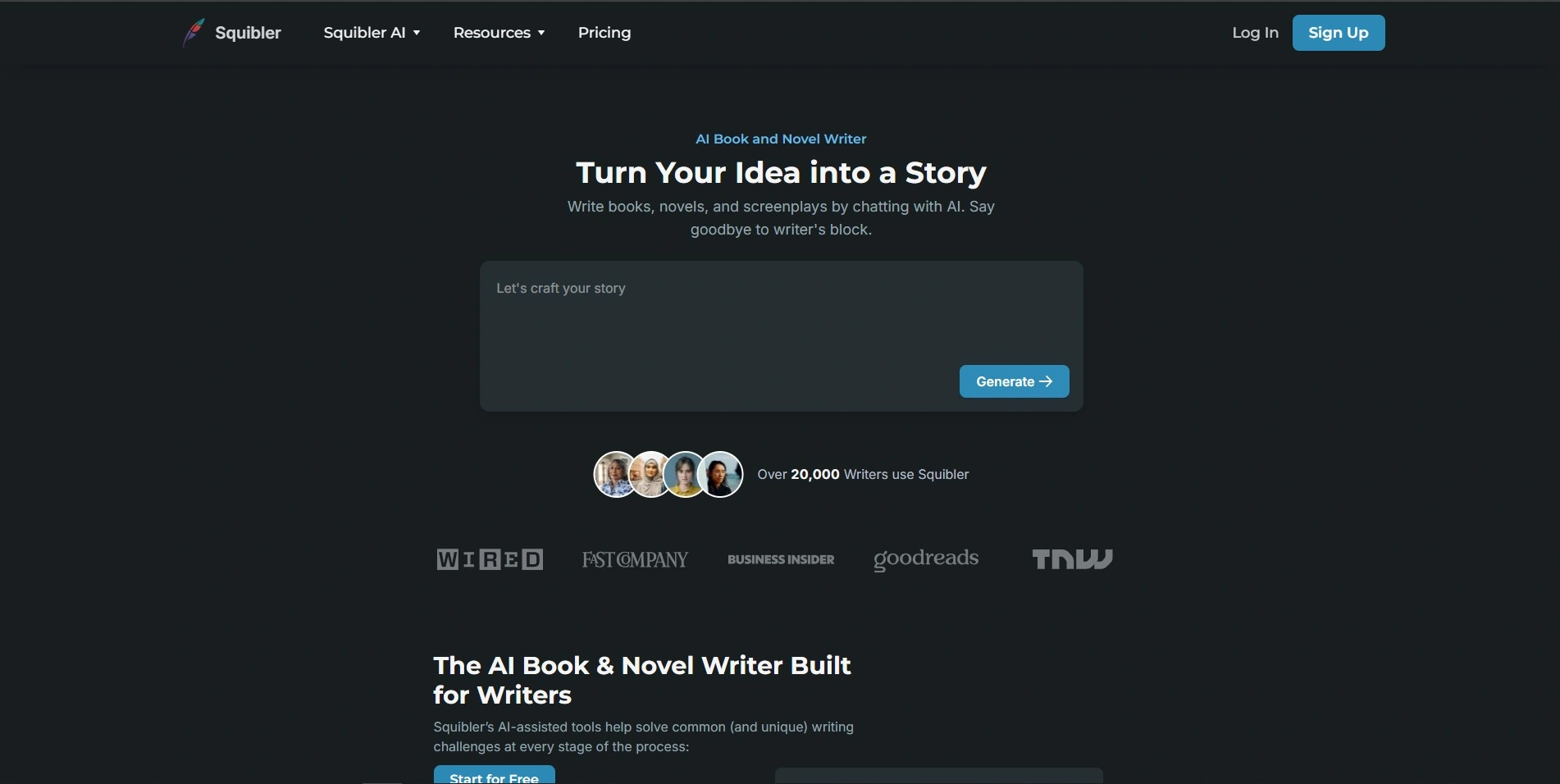
Squibler is an AI writing platform covering novels, screenplays, and scripts through a Story Generator, Script Generator, and Book Generator. Its split-screen editor and corkboard organization make it appealing for creators who want structure and drafting help combined, rather than a bare-bones script prompt box like Vimeo’s.
The credit-based system means heavier AI usage requires the Pro tier, which is a meaningful jump in price. Still, for writers moving between formats script one week, book chapters the next Squibler’s toolkit flexibility is a genuine advantage over single-purpose script generators.
Pros
- Covers scripts, books, and essays in one tool
- Split-screen editing and corkboard organization
- Exports to PDF, Kindle, and Word
Cons
- No free plan, only a trial
- Pro tier is costly for unlimited AI
- Credit limits can restrict heavy users
6Claude
Claude, from Anthropic, is a general-purpose AI assistant that handles video scripts, screenplays, and outlines through conversational prompting rather than a fixed template. Its long context window makes it well suited to feeding in reference material, brand guidelines, or prior drafts and getting coherent, on-brand scripts back.
Unlike purpose-built script tools, Claude has no dedicated screenwriting interface or export formatting, so you’ll be copying text into another app for final formatting. What you gain instead is flexibility: Claude can research, outline, draft, and revise a script in the same thread, adapting instantly to feedback.
Pros
- Free tier usable without payment
- Strong at nuanced, long-form writing
- Handles research, outline, and draft in one place
Cons
- No dedicated script formatting tools
- Usage limits on lower tiers
- Requires exporting to another app for layout
7Storyflow
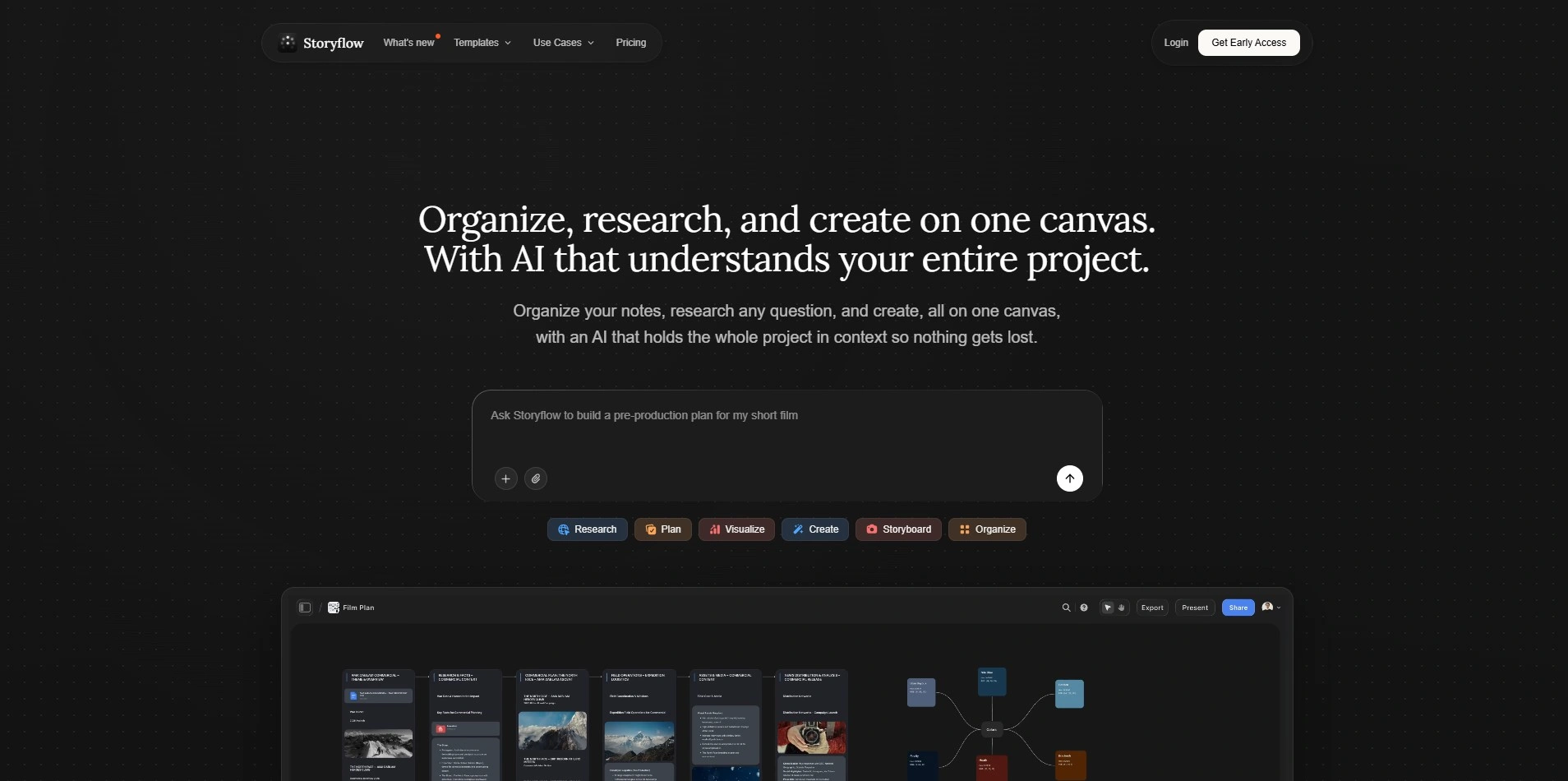
Storyflow is a visual AI canvas built for creators, filmmakers, and marketers who want their script, structure, and references in one board. It ships with over 200 story frameworks, including Hero’s Journey and AIDA, which help shape a script before a single scene is written.
Where Storyflow beats a simple script generator like Vimeo’s is context: its AI reads everything already on your board, so mentioning a document or template gives it real project context. It’s especially strong for creators planning YouTube videos or short films who want structure alongside the words.
Pros
- Generous free-forever plan
- 200+ built-in story frameworks
- AI reads full project context on the canvas
Cons
- Higher AI usage locked behind paid tiers
- Canvas format has a learning curve
- Not built for formal screenplay export
8Jasper AI
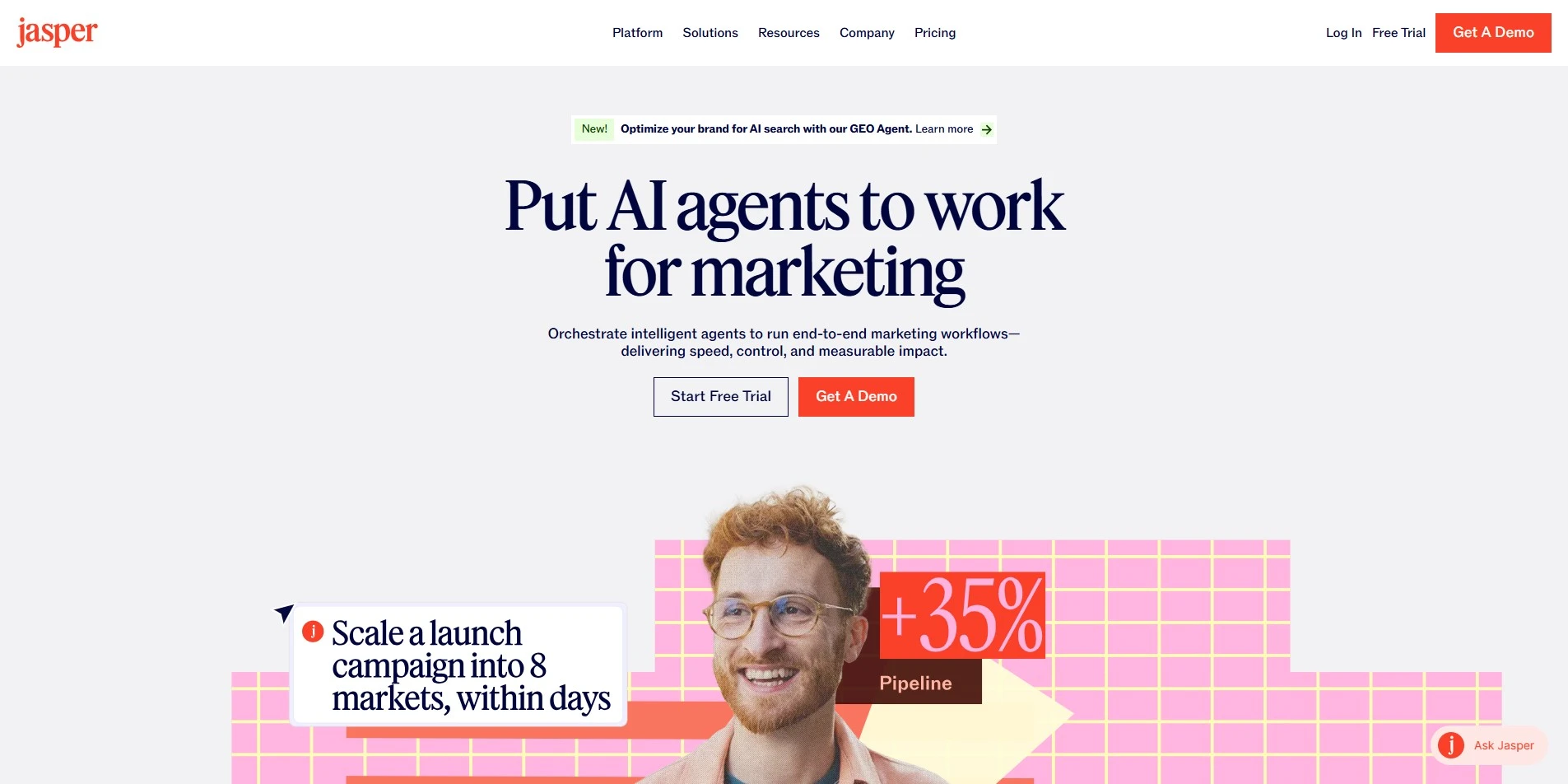
Jasper AI has grown from a writing tool into a full marketing content hub, and its script templates cover video ads, YouTube intros, and promotional content. Its Brand Voice feature keeps scripts consistent with a company’s tone, which matters for teams producing recurring branded video content.
Compared with Vimeo’s script tool, Jasper is built for marketing teams rather than individual filmmakers, with Canvas editing and campaign-focused templates. The trade-off is price: Jasper sits well above most script-specific tools, making it better value for teams already using it for broader content marketing needs.
Pros
- Strong brand-voice consistency across scripts
- Templates built for marketing video formats
- Canvas editor speeds up content creation
Cons
- Premium pricing versus dedicated script tools
- No permanent free plan
- Overkill for solo video creators
9Beemgee
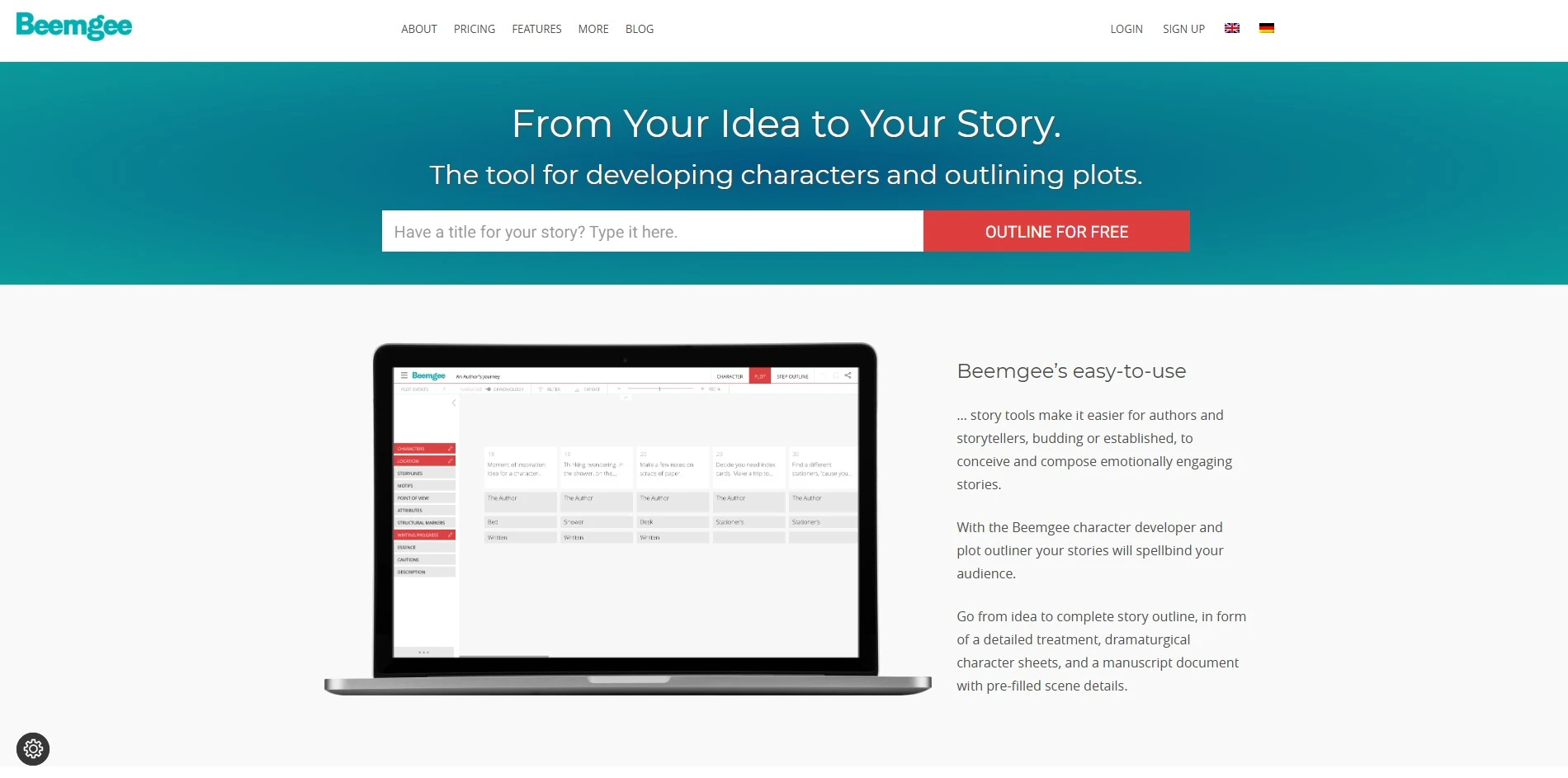
Beemgee is a story development tool focused on the planning stage before a script or manuscript is written. It helps writers build plot structure, character motivation, and dramatic tension using frameworks like the Hero’s Journey, making it useful for scripting narrative-driven video content rather than quick ad copy.
Unlike Vimeo’s script generator, Beemgee doesn’t write finished scripts for you; it structures the story so the writing itself goes faster. That makes it a companion tool rather than a full replacement, best paired with a drafting tool once the plot and characters are mapped out.
Pros
- Very affordable annual pricing
- Try it without creating an account
- Strong dramatic structure frameworks
Cons
- Doesn’t generate finished script text
- Best used alongside another writing tool
- Interface feels dated compared to newer apps
10ChatGPT

ChatGPT is one of the most widely used AI assistants for drafting video scripts, hooks, and outlines through simple conversational prompts. Its huge ecosystem of guides and prompt templates means most creators can get usable first-draft scripts within minutes, even without any script-writing background.
As a Vimeo alternative, ChatGPT offers speed and flexibility rather than dedicated screenwriting features. It lacks built-in formatting for screenplays or storyboards, so output usually needs cleanup elsewhere. For creators who just need fast, iterative script drafts, though, it remains one of the quickest options around.
Pros
- Fast, iterative script drafting
- Usable free tier for casual needs
- Huge community of prompts and guides
Cons
- No dedicated screenplay formatting
- Pro tier is expensive for casual users
- Needs careful prompting for consistent tone
11Plottr
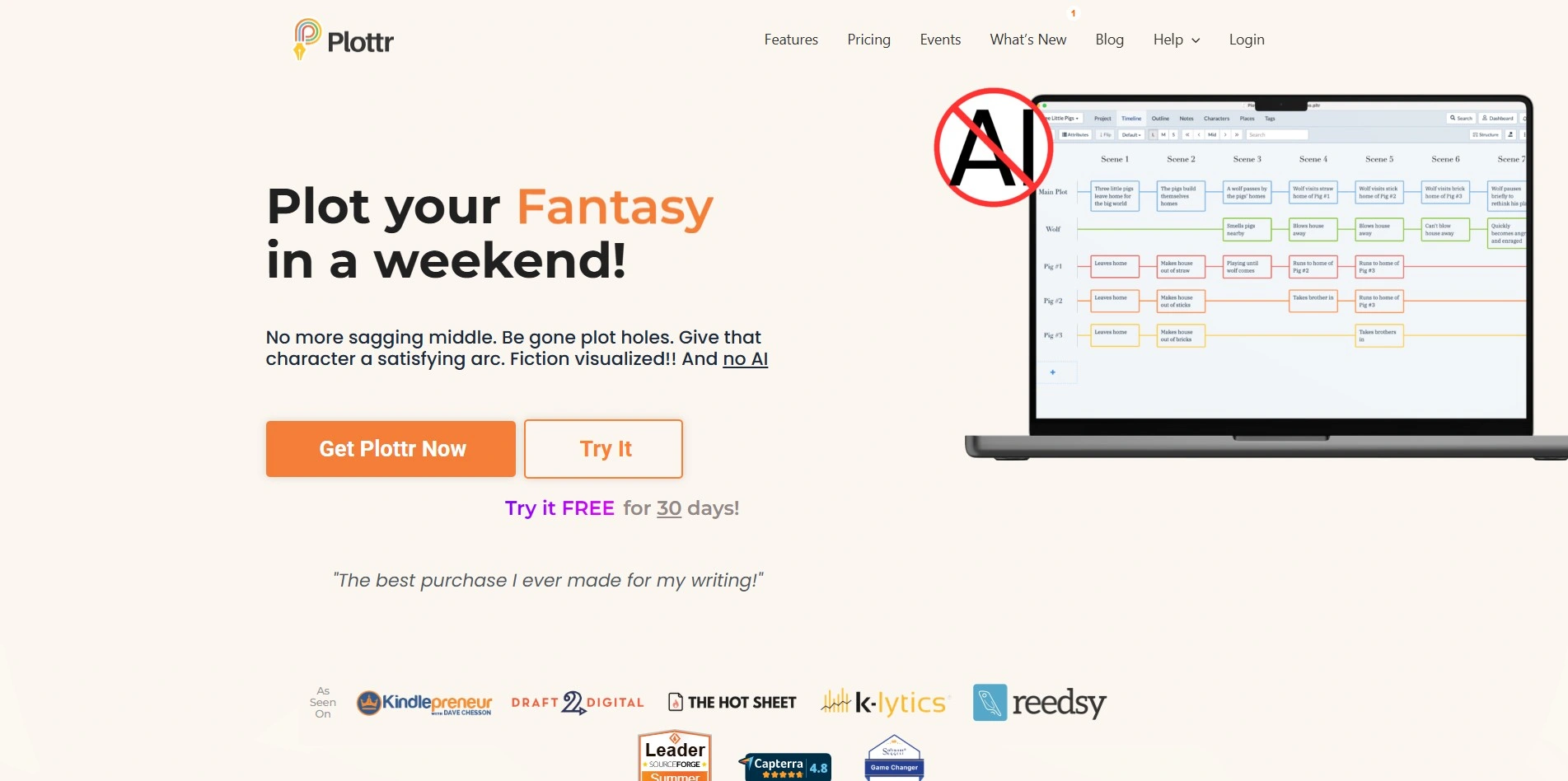
Plottr is a visual story-planning tool built around timelines, scene cards, and over 30 plot templates, making it a strong choice for writers who outline before drafting a script. Its character and location trackers help keep longer, multi-episode video series or serialized content consistent across scripts.
Where Plottr differs from Vimeo’s AI script writer is that it plans rather than generates finished prose; you still write the actual script elsewhere or export to Word and Scrivener. For creators managing complex, multi-part video projects, that structural planning layer can be worth the separate subscription.
Pros
- Visual timeline and scene card planning
- Lifetime license option avoids ongoing fees
- Good for multi-episode series consistency
Cons
- Doesn’t generate finished script text
- Requires pairing with a separate writing tool
- Subscription cost adds up versus lifetime option
Comparison Table
| Alternative | Description |
|---|---|
| Studiovity | AI screenwriting and pre-production platform with an Act Structure Board, index cards, and support for 385+ languages. |
| StoryCraft AI | AI writing co-pilot that turns raw video ideas into structured, research-backed scripts for creators. |
| Powtoon AI Script Writer | Script generator built into an animated video maker, taking scripts straight into templates and scenes. |
| Dabble | Cloud-based novel writing app with a Plot Grid, story notes, and distraction-free drafting environment. |
| Squibler | AI platform combining story, script, and book generators with split-screen editing and corkboard tools. |
| Claude | Conversational AI assistant from Anthropic, strong at long-form, nuanced script drafting and research. |
| Storyflow | Visual AI canvas with 200+ story frameworks for planning scripts, storyboards, and shot lists together. |
| Jasper AI | Marketing-focused AI writing hub with brand-voice consistency and templates for video ad scripts. |
| Beemgee | Story development tool for plotting structure and character motivation before scriptwriting begins. |
| ChatGPT | Widely used conversational AI for fast, flexible first-draft scripts, hooks, and outlines. |
| Plottr | Visual story-planning software with timelines, scene cards, and templates for outlining scripts and series. |
Conclusion
Screenwriters and filmmakers will lean toward Studiovity or Plottr, novelists will prefer Dabble or Squibler, and marketers chasing brand-consistent ad copy will get more mileage out of Jasper AI or Powtoon.
For pure flexibility and fast iteration, general assistants like Claude and ChatGPT remain hard to beat, especially paired with a planning tool like Storyflow or Beemgee for structure. Try the free trials and free tiers listed above before committing to a paid plan, since pricing and features shift often.


