
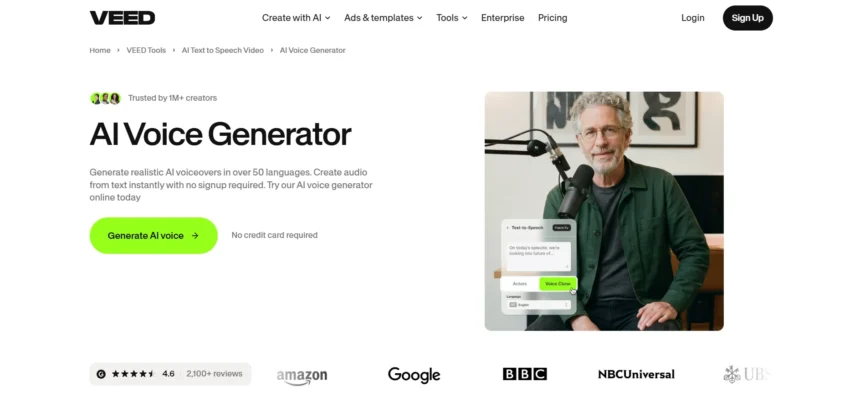
VEED has become a household name for browser-based video editing, subtitles, and AI voiceovers, but it is far from the only option on the market. Depending on your budget, workflow, and whether you need voice cloning, dubbing, or full video generation, another platform may serve you better. Below we break down 13 strong VEED Alternatives, covering what each tool does best, how much it costs, and whether a free trial is available before you commit any money.
Every entry in this guide pulls pricing directly from official sources so you know what you are signing up for. We also highlight the pros and cons of each platform so you can compare capabilities like voice cloning quality, language support, commercial usage rights, and API access side by side. Whether you are a solo creator, a podcaster, or a business scaling video and audio production, one of these thirteen tools should fit your workflow and budget.
1Supertone Play
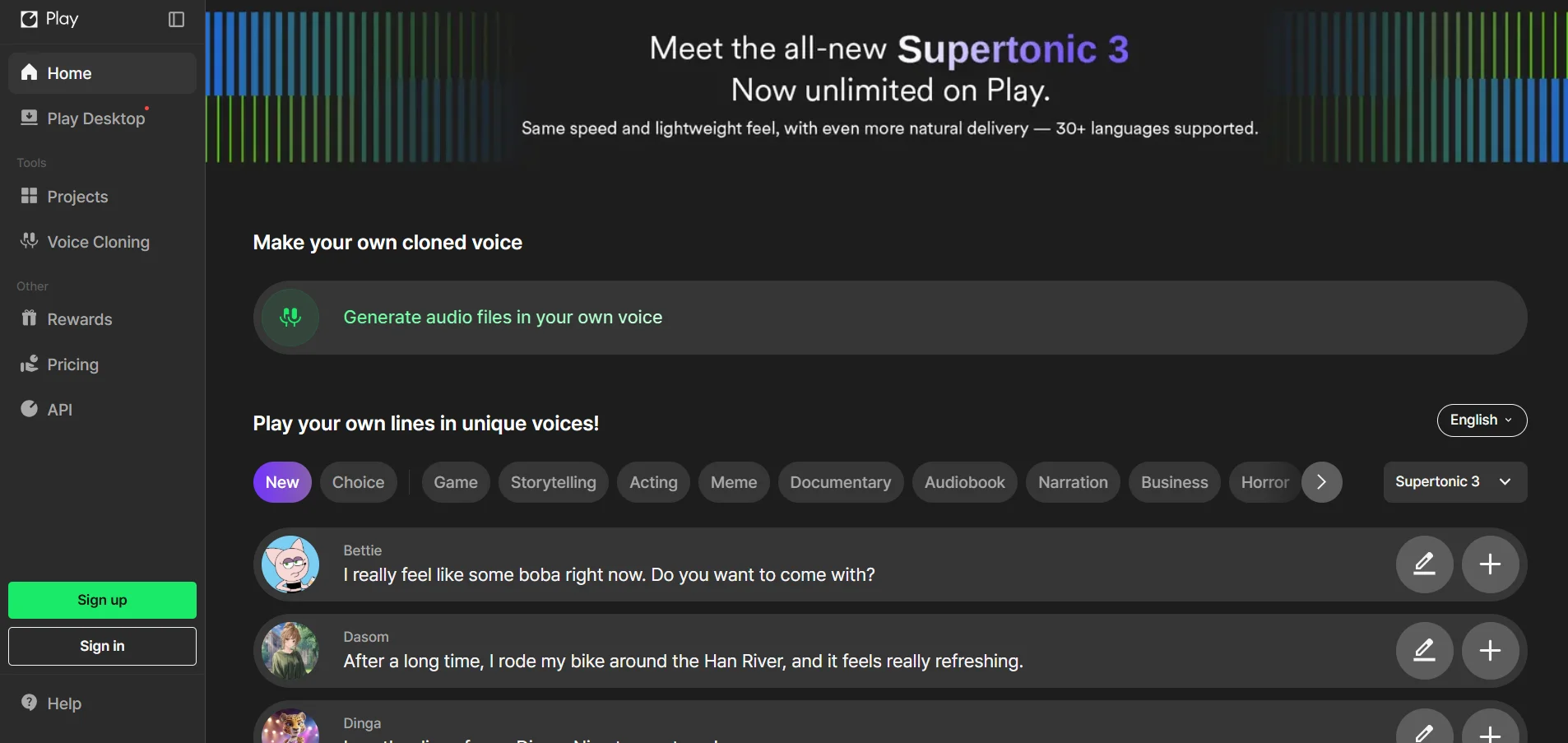
Supertone Play offers a genuinely free tier with no card required, plus a two-week free trial window for new signups exploring paid features. Paid plans run Starter at $2.99 per month, Creator at $14.99 per month, and Pro at $79.99 per month, with a custom Enterprise tier above that. Annual billing shaves roughly 10% off the listed prices.
Built by Supertone, the AI subsidiary of HYBE, this tool specializes in expressive multilingual text-to-speech across 23 languages with over 250 voices. It supports instant voice cloning, adjustable pitch and speed, and AI dubbing on higher tiers. The credit-based system means heavier users will want to budget carefully since minutes scale directly with the model chosen.
Starter $2.99/mo
Creator $14.99/mo
Pro $79.99/mo
Enterprise: Custom
Pros
- Genuinely free tier with no credit card
- Expressive, emotionally rich voice output
- Strong voice cloning quality
Cons
- Limited to 23 languages compared to rivals
- Credit system can be confusing for beginners
- Pro plan jumps sharply in price
2KikiVoice
KikiVoice does not require a signup or credit card to try, letting anyone clone a voice in under three minutes using its free tier with weekly refreshing credits. Paid plans for commercial use and API access start around $10 per month, making it one of the cheapest entry points on this list for voice cloning specifically.
The platform runs three specialized models Kiki Core, Kiki Pro, and Kiki Multilingual covering fast content creation, professional emotional control, and cross-lingual cloning across 75-plus languages. It is well suited to creators, meme makers, and musicians who want quick results without a lengthy onboarding process or complex dashboard to learn first.
Paid plans from $10/mo
Enterprise: Custom via AiDOOS
Pros
- No sign-up needed to start cloning
- Supports 75+ languages and accents
- Very affordable paid tier
Cons
- Free tier character limits are small
- Fewer enterprise-grade controls
- Limited video or dubbing features
3Voice.ai
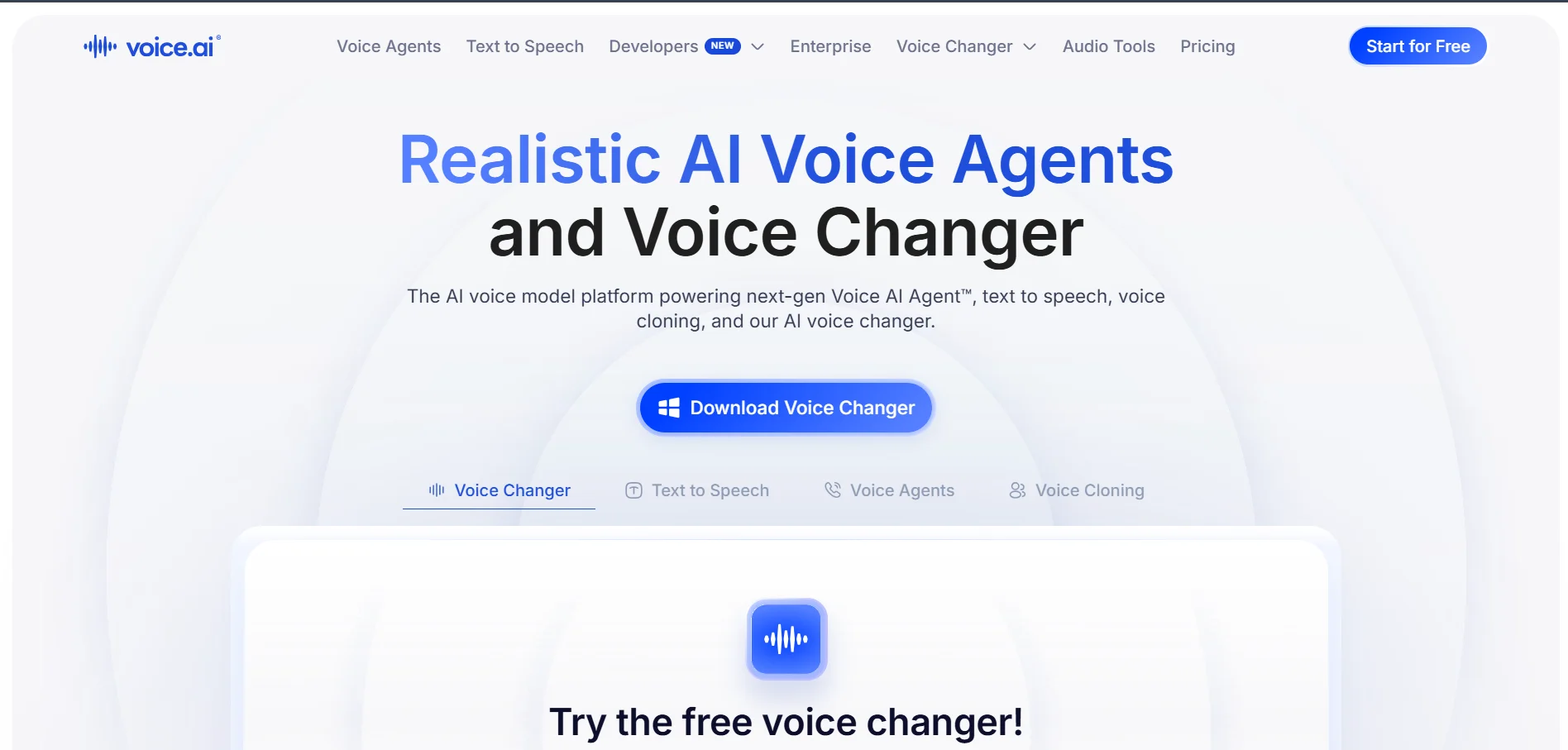
Voice.ai offers a free tier to test its voice changer and TTS tools before upgrading. The Starter plan begins at $5 per month, while the Launch plan runs an introductory $12 per month with usage-based billing. Its Core plan reaches $99 per month for one million credits, and top usage-based tiers can climb as high as $880 monthly.
This platform blends real-time voice changing, instant voice cloning, and a TTS Studio into one credit-based ecosystem. Credits convert differently depending on whether you use Text to Speech, Voice Agents, or Audio Tools, which gives flexibility but also demands a bit of math to estimate your true monthly cost accurately before committing.
Starter $5/mo
Launch $12/mo (intro)
Core $99/mo
Up to $880/mo
Pros
- Real-time voice changing plus TTS in one app
- Flexible usage-based billing above Starter
- Commercial license included from Starter
Cons
- Credit conversion system is complex
- Entry Starter plan has very limited minutes
- Costs rise quickly at higher usage
4Gradium

Gradium’s free plan includes 45,000 monthly credits, roughly one hour of TTS or four hours of speech-to-text, plus five Instant Voice Clones, and it requires no credit card. Paid plans start at $13 per month for the XS tier and scale through $43 (S), $340 (M), up to $1,615 per month for the L tier, with pay-as-you-go credits on every paid plan.
Founded by former Google DeepMind researchers out of the Kyutai lab, Gradium focuses on ultra-low-latency voice AI under 200 milliseconds, ideal for real-time conversational agents. It supports English, French, German, Spanish, and Portuguese, with semantic voice activity detection and top-tier voice cloning benchmarks against competitors like ElevenLabs.
XS $13/mo
S $43/mo
M $340/mo
L $1,615/mo
Pros
- Industry-leading ultra-low latency
- Semantic VAD improves real-time turn-taking
- Strong voice cloning benchmark scores
Cons
- Only five languages supported currently
- Higher tiers get very expensive
- Best suited to developers, not casual creators
5MiniMax

MiniMax Audio provides a free tier with roughly 10,000 monthly credits so newcomers can test voice generation before paying. Paid subscription plans commonly list at Starter around $5 per month, Creator around $15 per month, and Standard around $30 per month, while enterprise-grade Business packages can run as high as $999 per month for large-scale usage.
Beyond subscriptions, MiniMax also offers pure pay-as-you-go API pricing, charging around $60 per million characters on its speech-2.8-turbo model and roughly $1.50 per cloned voice. This dual structure suits both casual creators wanting a flat monthly fee and developers who prefer granular, usage-based billing for large production pipelines.
Starter ~$5/mo
Creator ~$15/mo
Standard ~$30/mo
Business up to $999/mo
Pros
- Flexible subscription and pay-as-you-go options
- Rapid, natural-sounding voice cloning
- Also offers music and lyrics generation
Cons
- Free tier is limited to non-commercial use
- Pricing structure can be confusing across products
- Documentation is scattered across multiple pages
6iSpeech

iSpeech provides trial API credits so developers can test text-to-speech and speech recognition before subscribing to a paid tier. Its plans are tiered around API call volume and licensing needs, ranging from small developer packages to business-level plans, with custom enterprise pricing available for high-volume or white-label deployments upon request.
As one of the longer-standing players in synthetic speech, iSpeech focuses on API-first delivery for developers embedding voice into apps, IVR systems, and accessibility tools rather than a polished creator-facing editor. It supports a wide range of voices and languages, though its interface feels dated compared to newer, more visually driven competitors on this list.
Developer plans (tiered)
Enterprise: Contact for quote
Pros
- Long track record in speech synthesis
- Developer-friendly API access
- Supports IVR and accessibility use cases
Cons
- Dated user interface
- Pricing not fully transparent upfront
- Less suited to non-technical creators
7Murf.AI
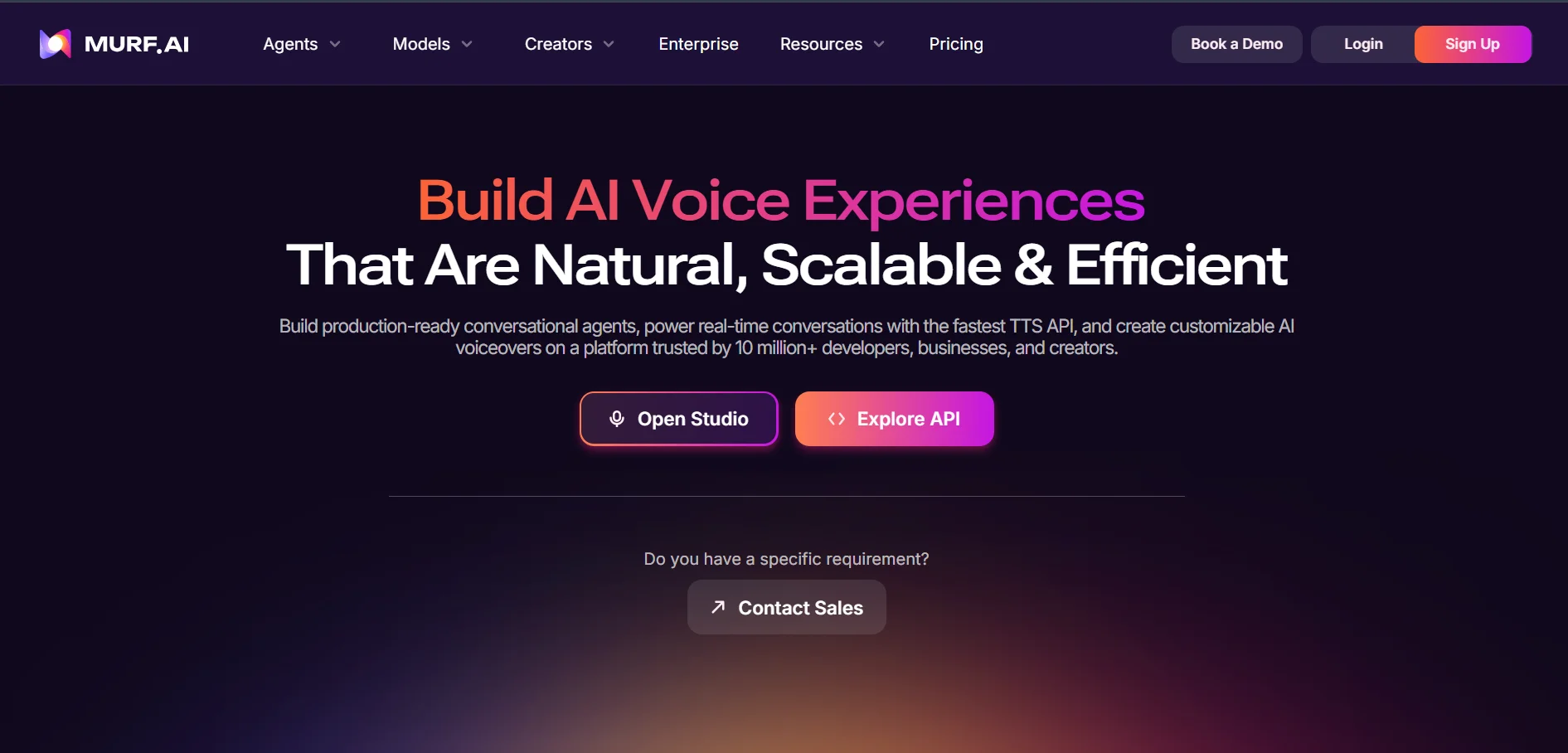
Murf offers a permanent free plan with 10 minutes of total voice generation for testing, though it excludes commercial rights and downloads. Paid plans include Creator at $19 per month (annual billing) or $29 monthly, and Business at $66 per month annually or $99 monthly, plus a custom Enterprise tier with voice cloning and dedicated support.
Murf’s Studio product features a browser-based timeline editor with pronunciation and emphasis controls, video dubbing across 25-plus languages, and Canva and PowerPoint integrations. A separate API exists for developers, priced per 1,000 characters starting at $0.01 for its Falcon model, giving both creators and engineers flexible entry points.
Creator $19/mo (annual)
Business $66/mo (annual)
Enterprise: Custom
Pros
- Polished, professional editing interface
- Strong video dubbing in 25+ languages
- Separate flexible API pricing for developers
Cons
- Free plan is very restrictive
- Voice cloning requires 90-minute recordings
- Business tier is a steep jump from Creator
8Fliki

Fliki gives new users a free tier with about 5 minutes of video per month, a Fliki watermark, and 720p export, useful mainly for evaluation. Paid tiers include Standard around $28 per month (or roughly $21 billed annually) and Premium around $88 per month, with an Enterprise option available for larger production teams and custom needs.
Fliki turns blog posts, scripts, or topics into fully narrated videos using AI voices paired automatically with stock footage, competing directly with tools like Pictory and InVideo. It supports over 2,000 voices across 75-plus languages, along with limited custom voice cloning on Standard and Premium tiers for consistent branded narration.
Standard ~$28/mo
Premium ~$88/mo
Enterprise: Custom
Pros
- Turns text or blog posts into full videos
- Massive voice library across many languages
- Fast script-to-video workflow
Cons
- No permanent free commercial plan
- Stock footage matching can feel generic
- Some users report inconsistent output quality
9BookFab
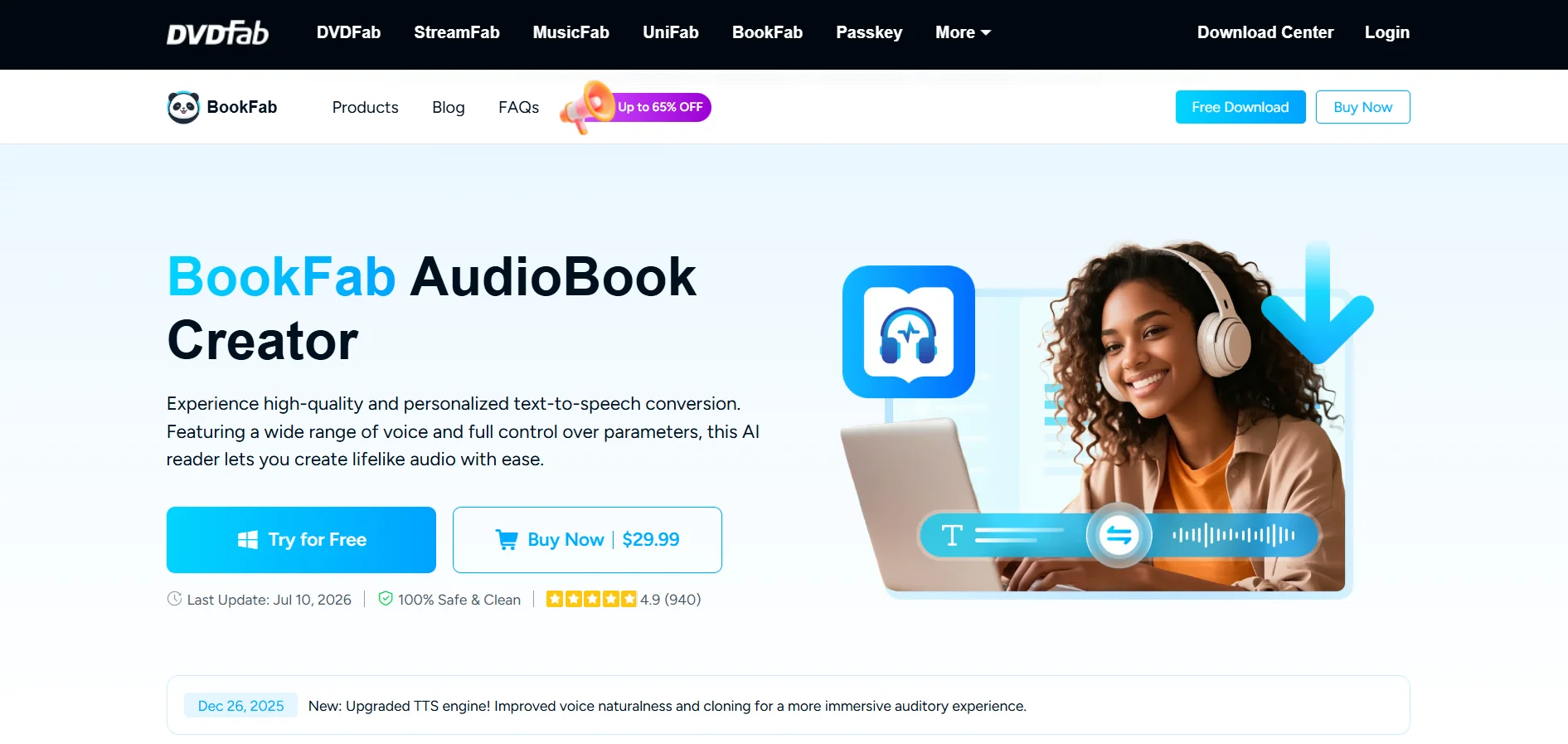
BookFab AudioBook Creator offers a free trial download so users can preview voice quality before purchasing. Rather than a recurring subscription, it primarily sells a one-time lifetime license priced around $29.99 to $59.99 depending on the bundle, which includes free future upgrades and unlimited use of its 20 to 40 available voices.
Built by DVDFab, this desktop tool converts plain text or EPUB files into narrated audiobooks in MP3, WAV, or M4B formats with adjustable prosody, speed, and pronunciation controls. It currently supports only English and Japanese, making it a niche but budget-friendly pick specifically for authors and educators producing audiobooks.
Lifetime license from $29.99
No recurring subscription
Pros
- One-time payment, no subscription
- Ideal for converting EPUB to audiobooks
- Includes free lifetime upgrades
Cons
- Only supports English and Japanese
- Windows-only desktop application
- No voice cloning available yet
10PlayHT

PlayHT’s free plan gives new users 12,500 characters per month, one instant voice clone, and access to its full voice library, though commercial use is excluded. Paid tiers include Creator around $31.20 per month billed annually, a Pro or Unlimited plan near $49 to $99 per month, and a custom Enterprise plan for large teams.
The platform provides over 800 natural-sounding voices across 142 languages, real-time streaming API access, and a dedicated Character Voice Generator for games and animation. Its pronunciation and phonetics library using IPA notation is a standout feature for creators who need precise, consistent word pronunciation across long-form projects.
Creator ~$31.20/mo
Pro/Unlimited $49–$99/mo
Enterprise: Custom
Pros
- Massive library of 800+ voices, 142 languages
- IPA-based pronunciation control
- Real-time streaming API available
Cons
- Free plan excludes commercial use
- Pricing structure varies by source, needs checking
- No built-in full video editor
11Pixbim
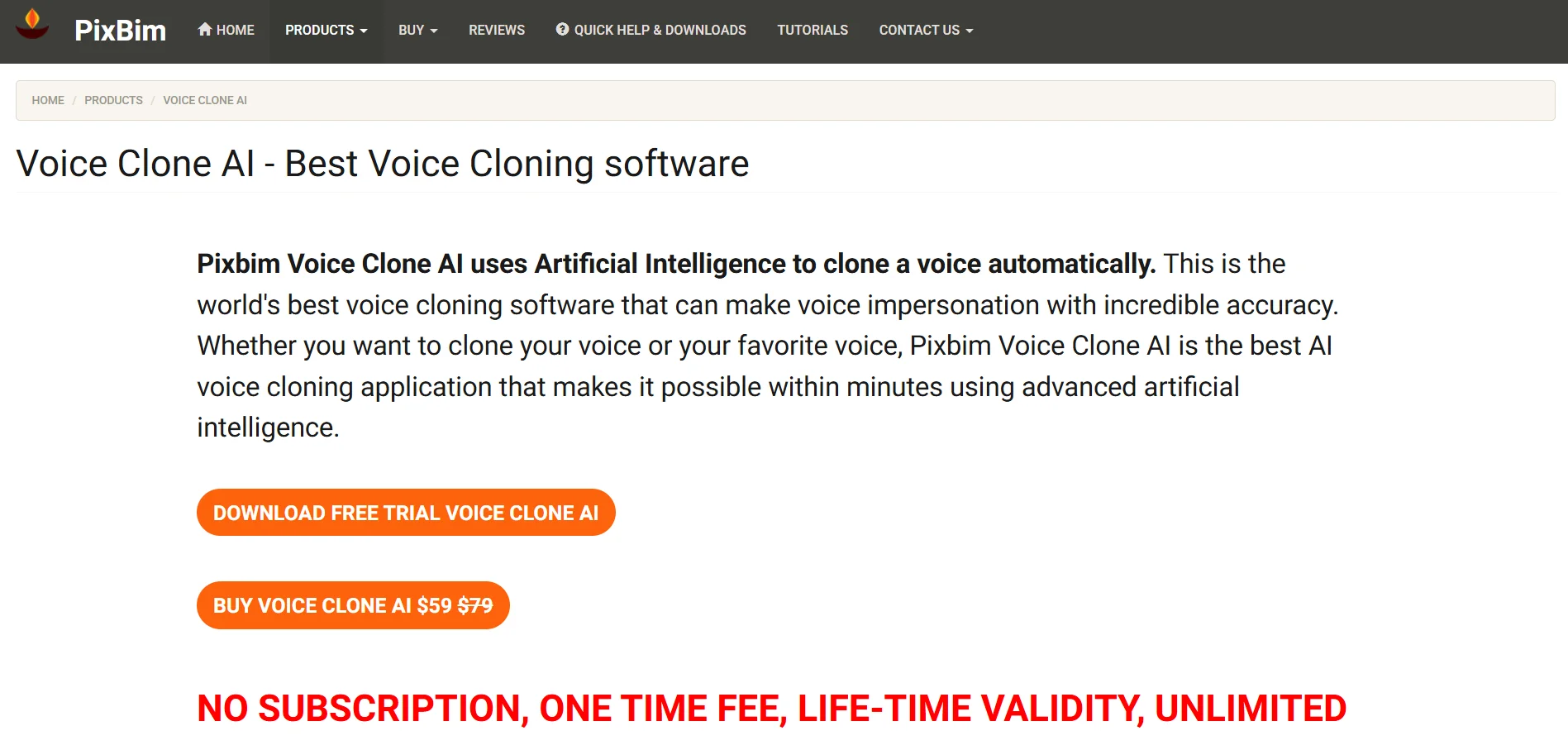
Pixbim lets you download a free trial version of each desktop tool, including its Voice Clone AI and Lip Sync AI apps, before buying. Rather than monthly subscriptions, Pixbim mostly sells one-time lifetime licenses, commonly priced around $49.99 per tool, which include free version upgrades and unlimited ongoing use with no recurring fees.
Pixbim’s suite covers voice cloning, lip syncing, photo animation, and image enlarging as separate standalone desktop applications rather than one unified platform. This modular, buy-once approach appeals to users who prefer predictable one-time costs over subscriptions, though it means paying separately for each capability you actually need.
Lifetime license ~$49.99/tool
No monthly subscription
Pros
- One-time purchase, lifetime validity
- Multi-speaker voice cloning support
- Free version upgrades included
Cons
- Modular pricing means paying per tool
- Desktop-only, no cloud collaboration
- Smaller voice library than cloud rivals
12HeyGen

HeyGen’s free plan allows 3 watermarked videos per month at 720p, a solid way to test avatar quality before paying. Paid tiers start with Creator at $29 per month (or $24 annually), Pro at $49 to $99 per month, and Business at $149 per month plus $20 per extra seat, with custom Enterprise pricing above that.
HeyGen is best known for photorealistic AI avatars, instant lip-sync translation across 175-plus languages, and its newer Avatar IV model. Its GenCredits system determines how many premium videos you can generate each month, so heavier avatar-based workflows may need a higher tier than the headline price initially suggests.
Creator $29/mo
Pro $49–$99/mo
Business $149/mo
Enterprise: Custom
Pros
- Industry-leading photorealistic avatars
- Lip-sync translation in 175+ languages
- Strong G2 and Capterra review scores
Cons
- Premium credit system can burn quickly
- Free tier limited to 1-minute videos
- Business tier adds per-seat costs
13Lovo.ai

Lovo.ai (Genny) offers a 14-day free Pro trial with no credit card required, alongside a limited free tier for basic testing. Paid plans include Basic at $24 per month, Pro at $48 per month, and Pro+ at roughly $75 to $149 per month, with a custom Enterprise plan for larger organizations and teams.
Lovo bundles a video editor, subtitle generator, AI script writer, and 500-plus voices across 100-plus languages into one workspace built around its Pro V2 directable voice engine. Voice cloning works from just one minute of audio on every paid plan, though its Trustpilot rating reflects real billing and support complaints worth noting.
Basic $24/mo
Pro $48/mo
Pro+ $75–$149/mo
Enterprise: Custom
Pros
- All-in-one voice, video, and script suite
- Directable Pro V2 voices with emotion control
- Voice cloning from just one minute of audio
Cons
- Low Trustpilot rating from billing complaints
- Some users report support delays
- Pricing not always clearly listed upfront
All 13 VEED Alternatives
Conclusion
There is no single best VEED alternative for everyone; the right choice depends on whether your priority is voice cloning quality, full video generation, developer API access, or a one-time payment instead of a subscription. Creators focused purely on natural-sounding voiceovers may lean toward Supertone Play, PlayHT, or Lovo.ai, while teams needing photorealistic avatars and dubbing will find HeyGen or Murf.AI more suitable.
Developers building real-time voice products should look closely at Gradium or Voice.ai for low-latency performance, and budget-conscious users who prefer to own software outright rather than subscribe will appreciate BookFab and Pixbim’s one-time licensing model. Try the free plans or trials listed above before committing, since hands-on testing of voice quality and workflow fit remains the most reliable way to choose the platform that will actually save you time and money.


