

ConnectWise ScreenConnect is a solid remote support tool, but it isn’t the right fit for everyone. Some teams find its per-session pricing model expensive as they scale, others want simpler onboarding, and some just want a tool built more for internal IT than MSP billing structures. Below is a detailed look at 14 ConnectWise ScreenConnect Alternatives, covering their free trials, official pricing plans, and the pros and cons IT teams should weigh before switching. Pricing shown reflects publicly listed rates on each vendor’s official site at the time of writing and can change, so always confirm current numbers before purchasing.
1. RemotePC

Pricing: Consumer plan from $29.50/year, SOHO at $99.50/year (10 computers), Team at $299.50/year (50 computers), Enterprise at $599.50/year (100 computers).
RemotePC by IDrive offers a 7-day free trial before you commit to any paid tier. Its plans are priced per number of computers rather than per user, starting at $29.50/year for Consumer and scaling up to $599.50/year for the 100-device Enterprise plan, making it one of the most affordable options for small teams needing always-on access.
Every plan includes file transfer, remote printing, and a built-in video meeting tool, which is rare among budget-priced competitors. RemotePC is popular with small businesses and freelancers who want dependable remote access without enterprise overhead. It lacks some deeper MSP-style admin tooling, but for straightforward remote desktop needs it remains a cost-effective ScreenConnect substitute.
Pros:
- Very affordable per-computer pricing model
- Unlimited concurrent sessions on every plan
- Built-in video conferencing and file transfer included free
Cons:
- Fewer third-party integrations than enterprise tools
- RDP Connector and overage usage cost extra
- Interface feels dated compared to newer competitors
2. TeamViewer
Pricing: Remote Access at $24.90/month, Business at $50.90/month, Premium at $112.90/month, Corporate at $229.90/month, Tensor (Enterprise) custom quoted.
TeamViewer offers a 14-day free trial of its business software, letting teams test attended and unattended access before buying. Its five annual-billing tiers range from $24.90/month for individual Remote Access up to $229.90/month for the Corporate plan, with Tensor priced individually for large enterprise fleets needing deeper device management.
As one of the most established names in remote support, TeamViewer offers broad OS coverage, AR-assisted troubleshooting, and strong integrations across ITSM and RMM platforms. The trade-off is cost: pricing has risen steadily, and add-ons like mobile device support or extra managed devices increase the bill quickly, which is exactly why many teams look for alternatives.
Pros:
- Mature platform with wide OS and device support
- Strong security certifications and encryption standards
- Large integration ecosystem with ITSM and RMM tools
Cons:
- Among the most expensive tools in this category
- No monthly billing; annual contracts only
- Aggressive free-tier commercial-use detection
3. ISL Online
Pricing: Starter at $16.90/month, Standard at $34.90/month, Premium at $54.90/month, Self-Hosted at $44.90/month, Enterprise custom quoted.
ISL Online provides a generous 15-day free trial covering nearly all features, extendable by another 15 days on request. Paid plans run from $16.90/month for Starter to $54.90/month for Premium, with unlimited users and devices included on every tier, and a self-hosted option available for organizations with strict compliance needs.
What sets ISL Online apart is its flexible deployment: cloud, self-hosted, or managed private cloud. It supports session recording, live chat, and SSO/SAML on higher tiers, making it a strong ScreenConnect substitute for security-conscious IT teams. The main limitation is concurrent-user licensing, which can feel restrictive for larger support teams.
Pros:
- Flexible cloud, self-hosted, and hybrid deployment options
- Unlimited users and devices on standard plans
- Strong encryption and ISO/IEC 27001 certification
Cons:
- Concurrent-user licensing can restrict larger teams
- Interface feels less modern than rivals
- Enterprise self-hosted pricing can get expensive at scale
4. Splashtop
Pricing: Solo at $6/month, Pro at $8.25/month, Performance at $13/month, SOS (remote support) at $22/month, Enterprise custom quoted.
Splashtop offers a free 7-day trial across its business plans, plus a permanently free Personal tier for local-network use. Business Access Solo starts at $6/month, Pro at $8.25/month, and Performance at $13/month for 4K streaming, while the MSP-focused SOS plan for attended remote support starts around $22/month per technician, billed annually.
Splashtop is consistently rated one of the best value ScreenConnect alternatives, often costing 50-85% less than TeamViewer for comparable functionality. It supports concurrent-technician licensing on SOS, unlimited attended sessions, and high-fidelity streaming for creative work. The catch is that most plans require annual prepayment, and monthly billing is limited to the SOS tier only.
Pros:
- Excellent price-to-feature ratio versus competitors
- High-fidelity streaming with 4K and low latency
- Flexible per-technician licensing for MSPs
Cons:
- Annual billing required on most Business Access plans
- Confusing product naming across tiers
- Advanced security features locked behind Enterprise tier
5. Parsec
Pricing: Parsec for Teams from $30/member/month (5-member minimum), Enterprise custom quoted; Warp (individual) has a free tier.
Parsec, now part of Unity, offers a free trial of its Teams plan alongside a free personal tier for individual streaming use. Business pricing starts at $30 per team member per month with a five-person minimum, while larger organizations get custom Enterprise quotes with added security controls and guest-access options priced separately.
Parsec is best known for ultra-low-latency, high-frame-rate streaming, making it a favorite among game studios, VFX teams, and remote workstation users rather than typical help-desk support. It’s a strong ScreenConnect alternative if your priority is graphics performance rather than ticketing or MSP-style session management, though it lacks broader IT admin tooling.
Pros:
- Exceptional low-latency, high-fps streaming quality
- Great for creative and engineering workstation access
- Guest access lets you invite outside collaborators
Cons:
- 5-member minimum makes it pricier for solo users
- Not designed for MSP-style ticketed support
- Requires a stable, high-bandwidth connection
6. Pulseway
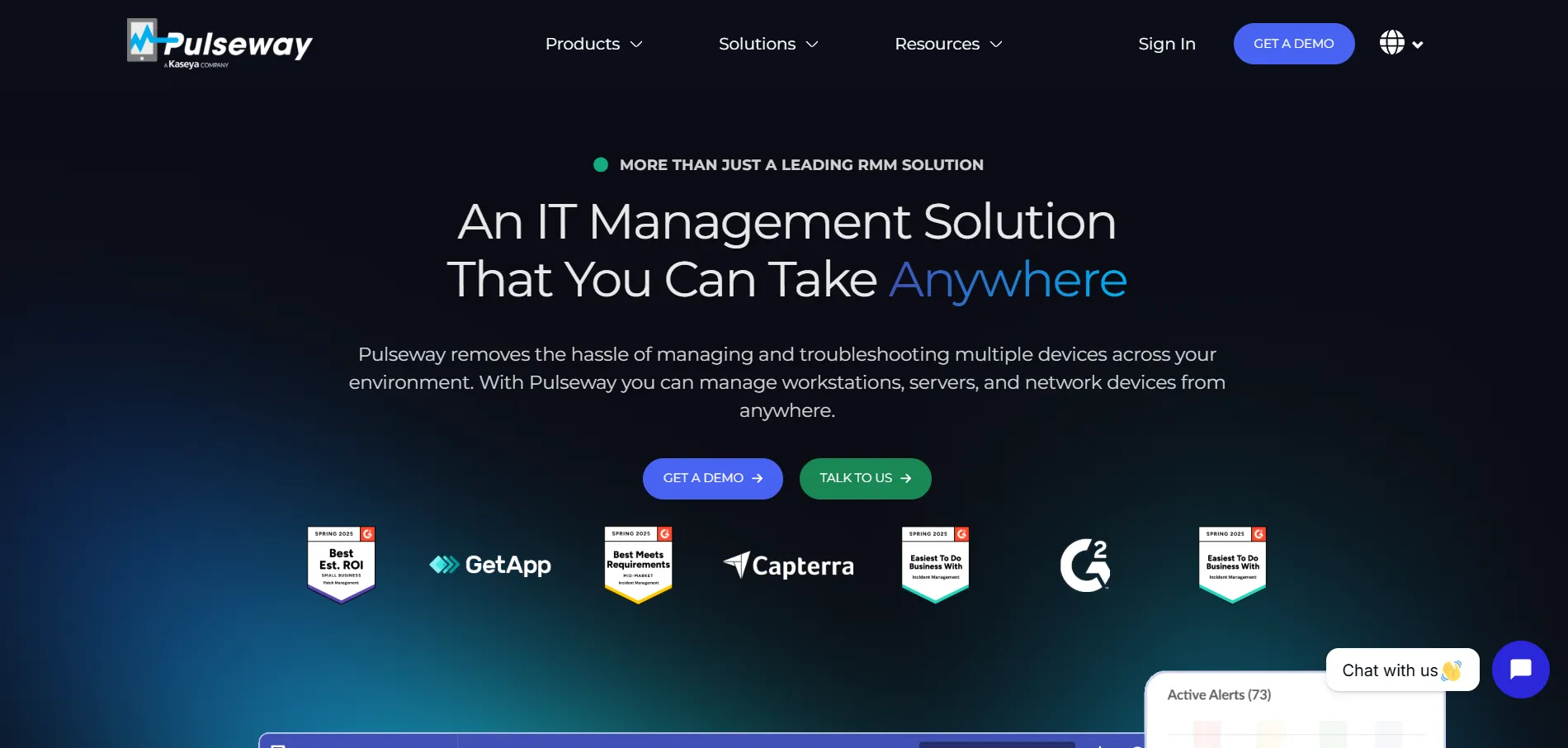
Pricing: Plans start from around $19-22/device/month, scaling with modules like patch management and remote control.
Pulseway offers a no-credit-card-required free trial so IT teams can test its remote monitoring and management platform before subscribing. Pricing starts around $19-22 per device per month depending on the modules selected, with remote desktop, patch management, and antivirus bundled into the core RMM package rather than sold as standalone add-ons.
Unlike pure remote-access tools, Pulseway is built primarily as an RMM platform with remote control as one feature among many, including monitoring, automation, and patching. This makes it a good ScreenConnect alternative for MSPs wanting a consolidated stack, though smaller teams that only need simple remote access may find it priced above their actual needs.
Pros:
- Combines RMM, patching, and remote control in one tool
- Real-time device monitoring and automation
- Mobile app lets admins manage systems on the go
Cons:
- Priced higher than pure remote-access competitors
- Remote control feature less refined than dedicated tools
- Best value only realized when using full RMM suite
7. GoToMyPC
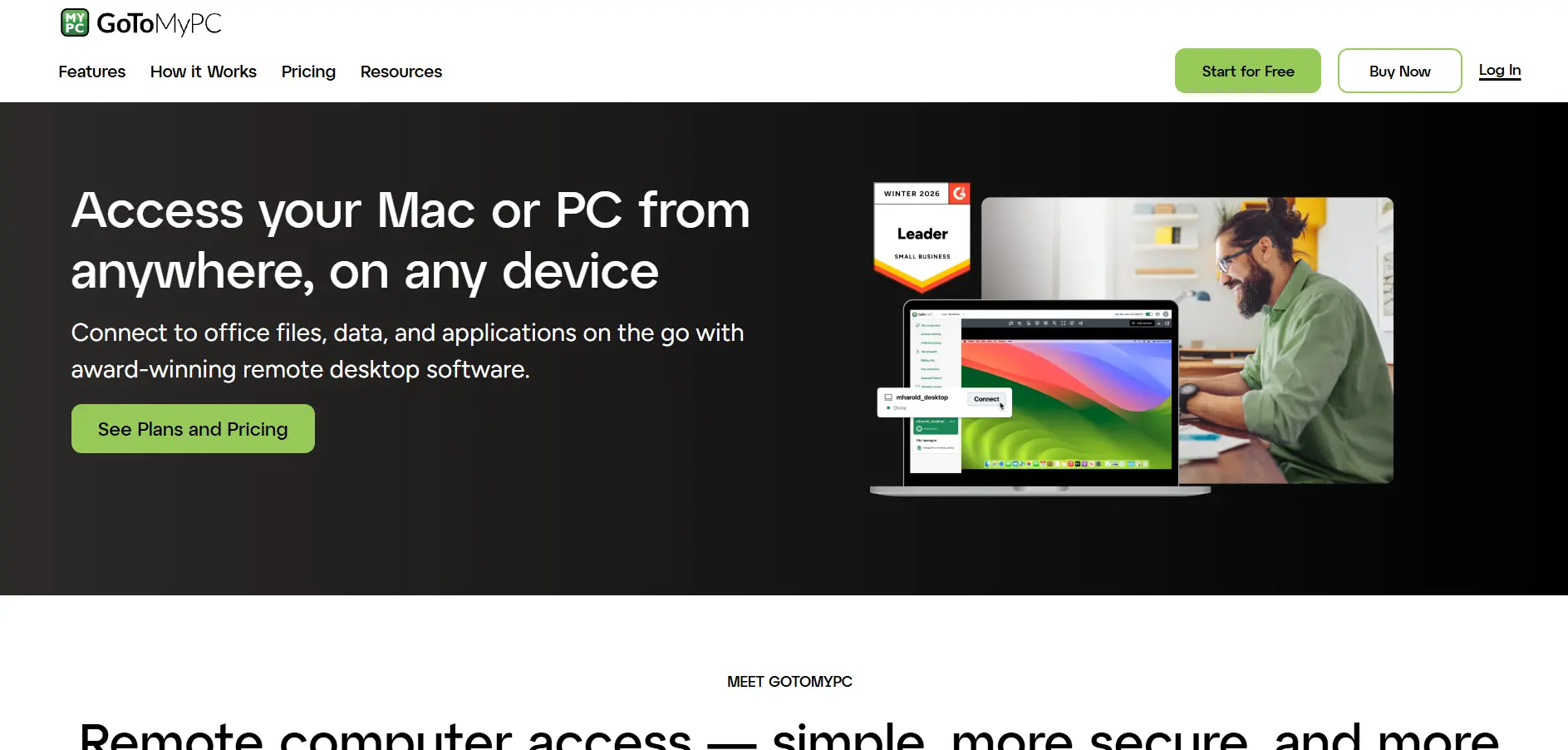
Pricing: Personal plan around $28-35/computer/month, Pro and Corporate plans priced per computer, Corporate custom quoted.
GoToMyPC‘s free trial availability varies by region, and some sign-ups may require payment details, so it’s worth checking current terms before committing. Its Personal plan runs roughly $28-35 per computer per month, with Pro and Corporate tiers priced per computer as well, and Corporate pricing requiring a custom quote from sales.
GoToMyPC keeps its pricing structure simple compared to IT-heavy tools, focusing on straightforward one-to-one remote access for individuals and small teams. It’s reliable and easy to set up, but reviewers consistently flag it as premium-priced relative to competitors like Splashtop, making it a harder sell unless simplicity is the top priority.
Pros:
- Simple, straightforward per-computer pricing structure
- Reliable connections and easy setup
- Works consistently across Mac and Windows
Cons:
- Considerably pricier than most alternatives on this list
- Limited or inconsistent free trial availability
- Fewer advanced IT/MSP management features
8. sobrii Remote

Pricing: Bundled into per-device platform pricing (custom quoted; no separate technician or session fees, 50-device minimum).
sobrii Remote isn’t sold as a standalone app; it’s the built-in WebRTC remote-control module of the sobrii IT fleet management platform, available through a demo or trial arranged with sales. Pricing is bundled into sobrii’s per-device fee rather than charged separately, with no add-on costs for remote control, sessions, or technicians.
For IT directors managing 50 or more devices, sobrii Remote removes the need to buy a separate ScreenConnect-style license, since remote control ships alongside inventory, security, and lifecycle modules in one agent. It isn’t suited to individuals or very small teams, and its security certifications are still being finalized, but it’s a compelling consolidation play for larger fleets.
Pros:
- Remote control bundled at no extra per-session cost
- Single lightweight agent replaces multiple point tools
- Peer-to-peer WebRTC connection with no external relay
Cons:
- 50-device minimum excludes individuals and tiny teams
- ISO 27001/SOC 2 certifications not yet finalized
- Custom pricing means no public rate card
9. AirDroid Remote Support
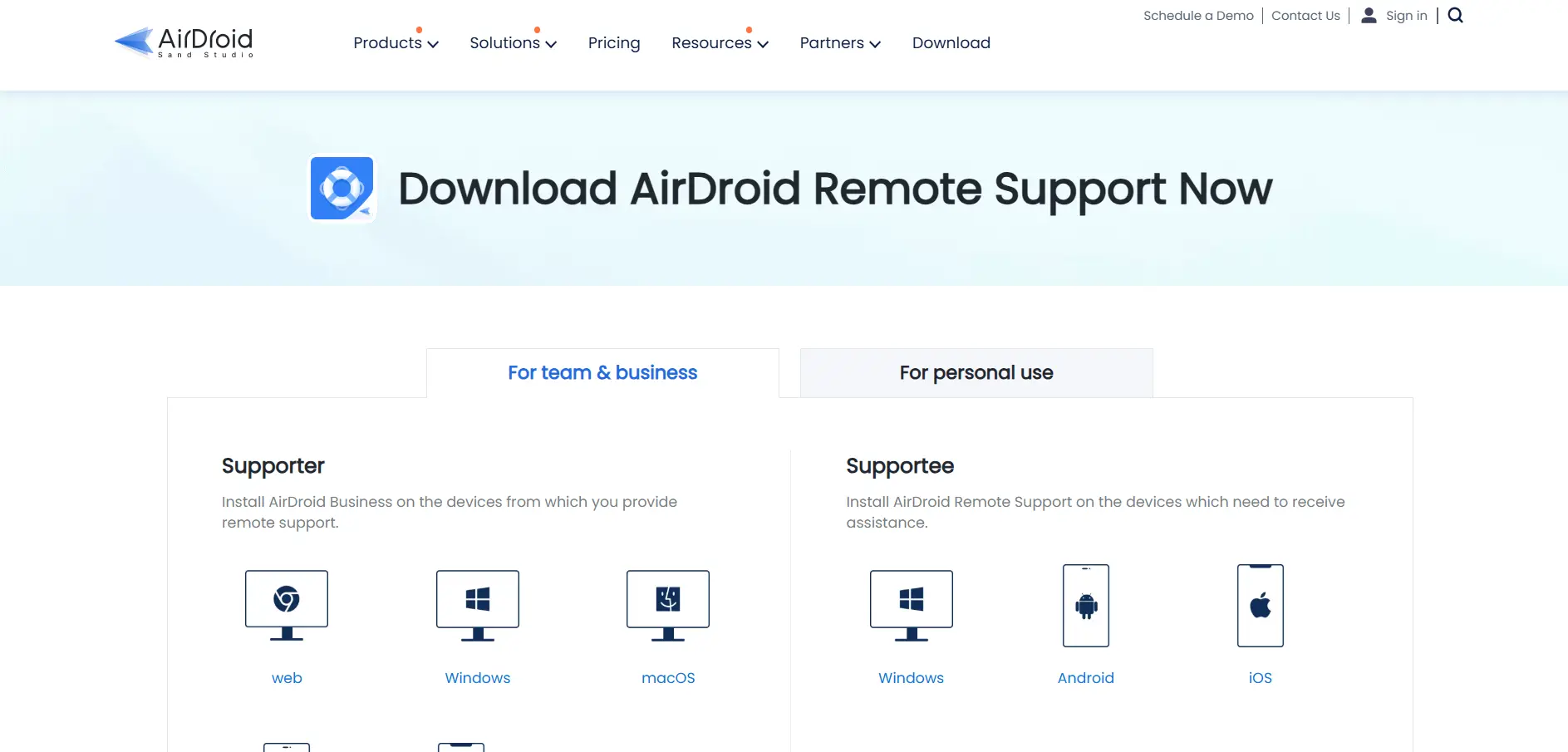
Pricing: Business plans range roughly from $199 to $599/year; a Free tier and Personal plan are also available.
AirDroid Remote Support offers a free trial on its Business plans, alongside a free tier and a low-cost Personal plan for helping friends or family with device issues. Business pricing runs roughly $199 to $599 per year depending on tier, covering unlimited-device remote IT assistance with flexible scaling for growing support teams.
What makes AirDroid distinctive is its strength in mobile device support, including Android screen mirroring and control without rooting the device a gap in many desktop-first ScreenConnect alternatives. It’s ideal for support teams handling a mix of phones and computers, though its desktop feature depth doesn’t fully match dedicated enterprise remote-support suites.
Pros:
- Strong Android remote control without rooting
- Session recording and file transfer included
- Free and Personal tiers for lighter use cases
Cons:
- Occasional connectivity delays reported by users
- Desktop feature set thinner than dedicated RDP tools
- No public API for custom integrations
10. UltraViewer
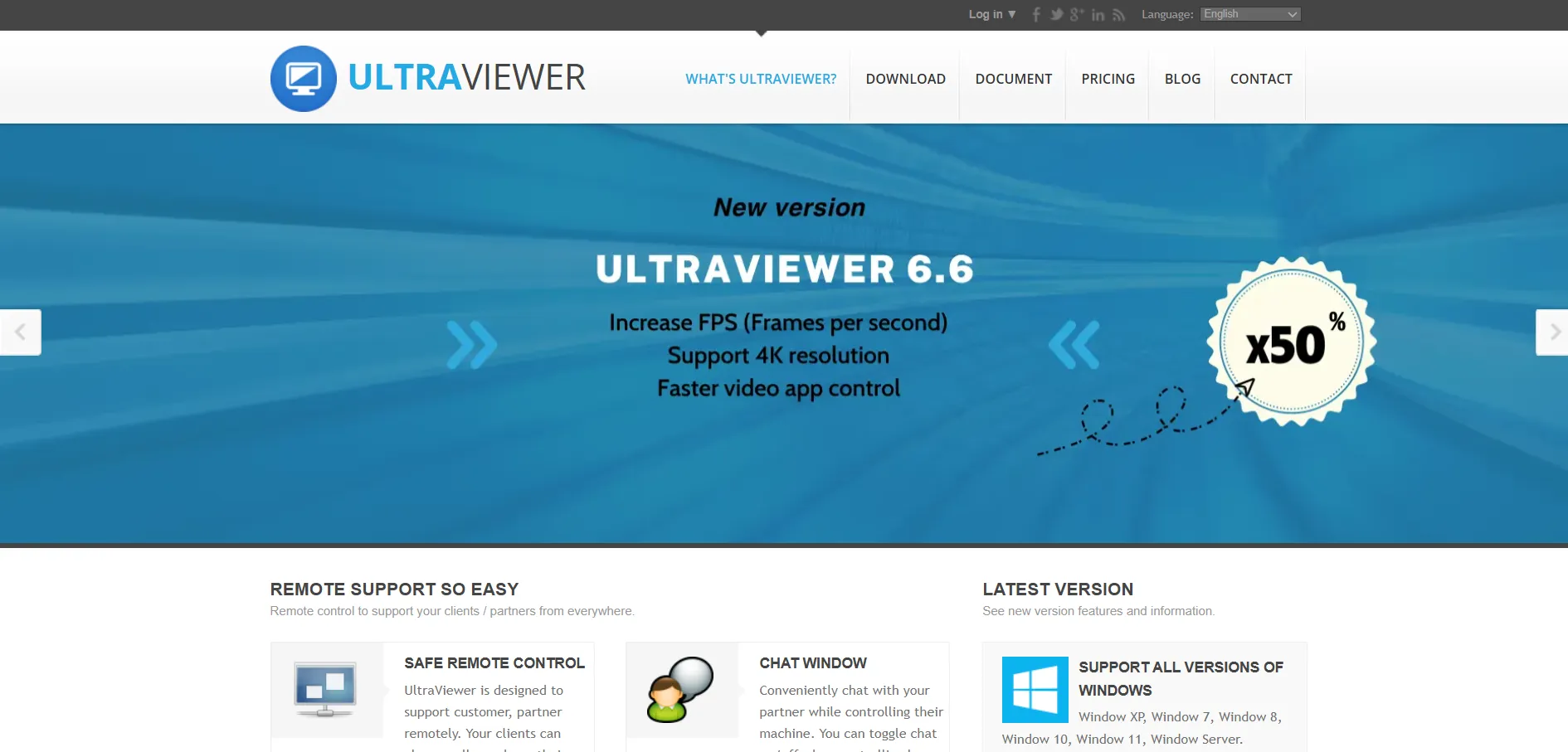
Pricing: Free core version; paid plans start around $4/month for extended features.
UltraViewer is unusual in that its core remote-control software is completely free for both personal and commercial use, with no forced trial period. Paid Lite and Pro tiers exist for users wanting extra features like more concurrent sessions, starting at roughly $4/month, making it one of the most budget-friendly ScreenConnect alternatives available.
Built primarily for Windows, UltraViewer is popular with freelancers, small repair shops, and lean IT teams that need fast attended support without enterprise complexity. It supports multiple simultaneous sessions and file transfer, but lacks the mobile device control, deep reporting, and cross-platform reach that larger competitors like TeamViewer or Zoho Assist offer.
Pros:
- Free for both personal and commercial use
- Lightweight, fast to install, easy for non-technical clients
- Supports multiple simultaneous remote sessions
Cons:
- Primarily Windows-focused with limited cross-platform depth
- No advanced ticketing, SSO, or compliance reporting
- Fewer enterprise-grade admin controls
11. Zoho Assist
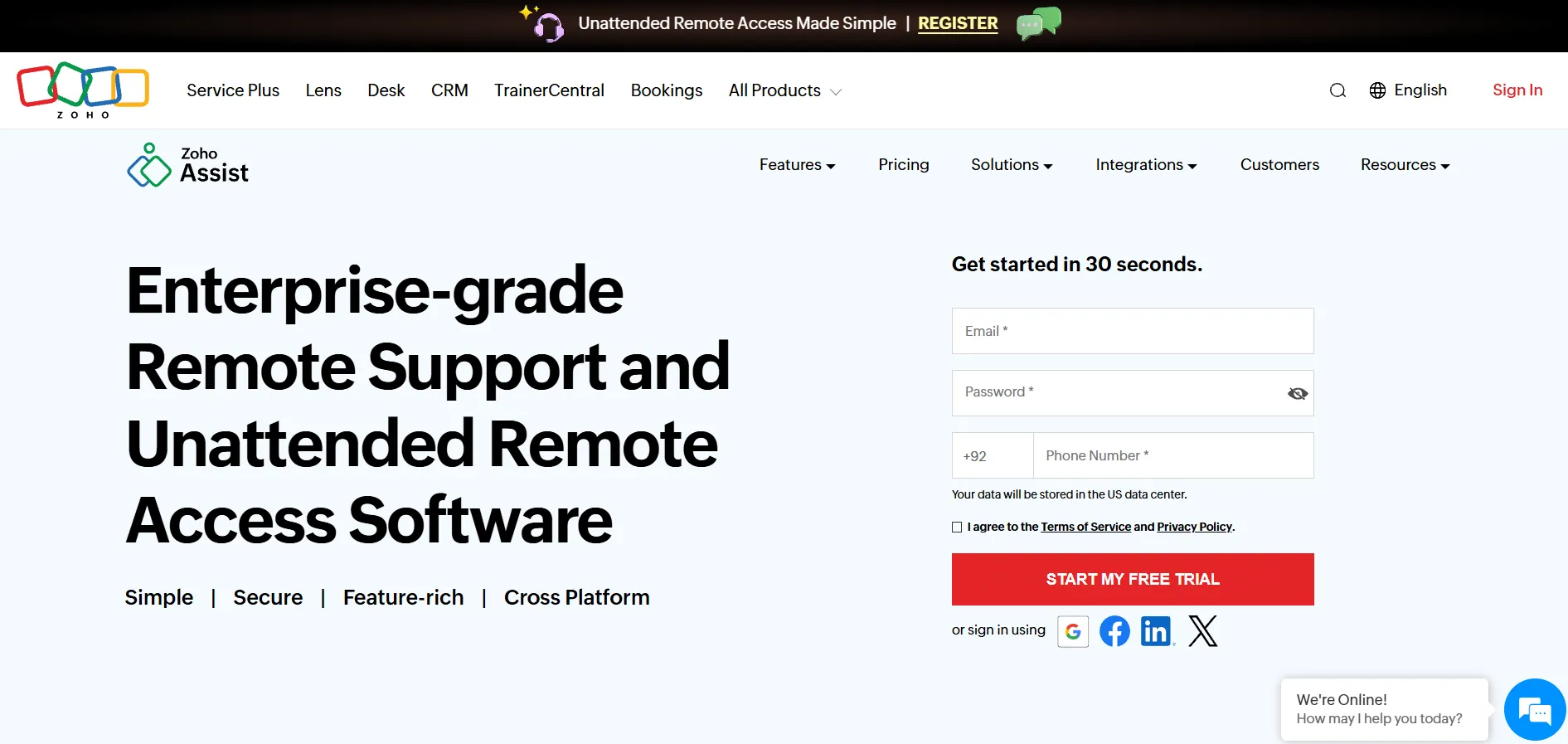
Pricing: Standard at $10/technician/month, Professional at $15/technician/month, Enterprise at $24/technician/month (annual billing).
Zoho Assist offers a 15-day free trial on top of one of the few genuinely permanent free plans in this space, making it easy to test before paying. Paid Unattended Access and Remote Support plans start at $10/technician/month for Standard, rising to $15 for Professional and $24 for Enterprise, all billed annually for the best rate.
Zoho Assist integrates tightly with the broader Zoho ecosystem, plus Zendesk, Jira, and Freshdesk, and supports Windows, Mac, Linux, iOS, Android, and even Raspberry Pi devices. It’s a favorite ScreenConnect alternative for budget-conscious teams already using Zoho tools, though session recording storage is capped at 5GB unless you pay for add-ons.
Pros:
- Genuine free-forever plan for small-scale use
- Broad OS support including IoT and Raspberry Pi
- Deep integration with the Zoho software suite
Cons:
- Only 5GB session recording storage included
- Interface split between Support and Unattended Access confuses new users
- Web conferencing sold as a separate Zoho Meeting add-on
12. Chrome Remote Desktop
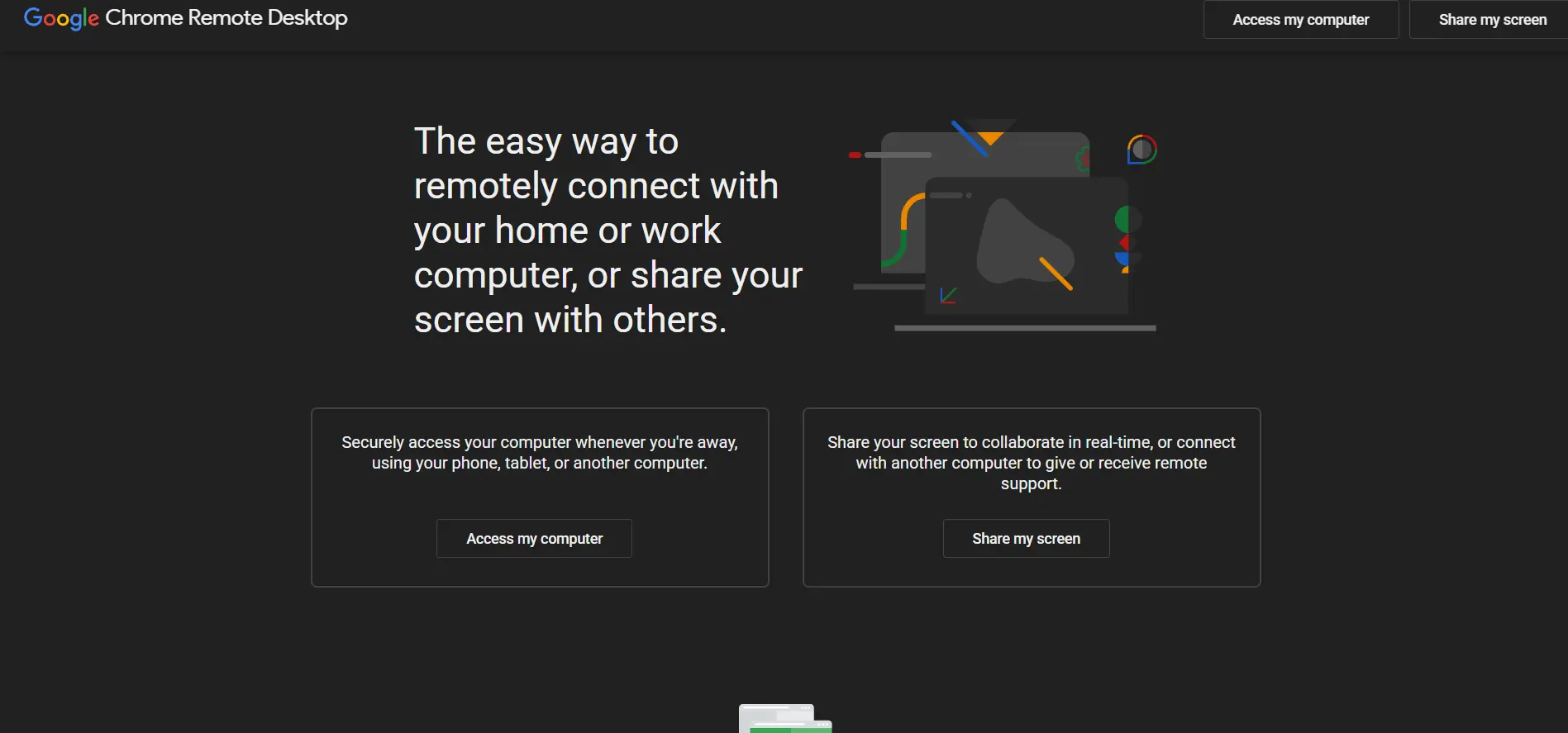
Pricing: $0. No paid tier exists.
There’s no trial to speak of because Chrome Remote Desktop is completely free, with no paid tier, subscription, or hidden fee of any kind. It runs directly through the Chrome browser using Google’s own relay infrastructure, so there’s no port forwarding or network configuration required to connect between two devices.
This makes it a genuinely useful ScreenConnect alternative for personal use or occasional family tech support, but it lacks the toolset professional technicians expect: no session recording, no reporting, no role-based access control, and no centralized device management. It’s best treated as a free utility rather than a business-grade remote support platform.
Pros:
- Completely free with no catch
- No network configuration or port forwarding needed
- Simple browser-based setup anyone can follow
Cons:
- No session recording, logging, or audit trail
- No role-based access control or centralized admin
- Not suitable for professional IT support workflows
13. BeyondTrust Remote Support
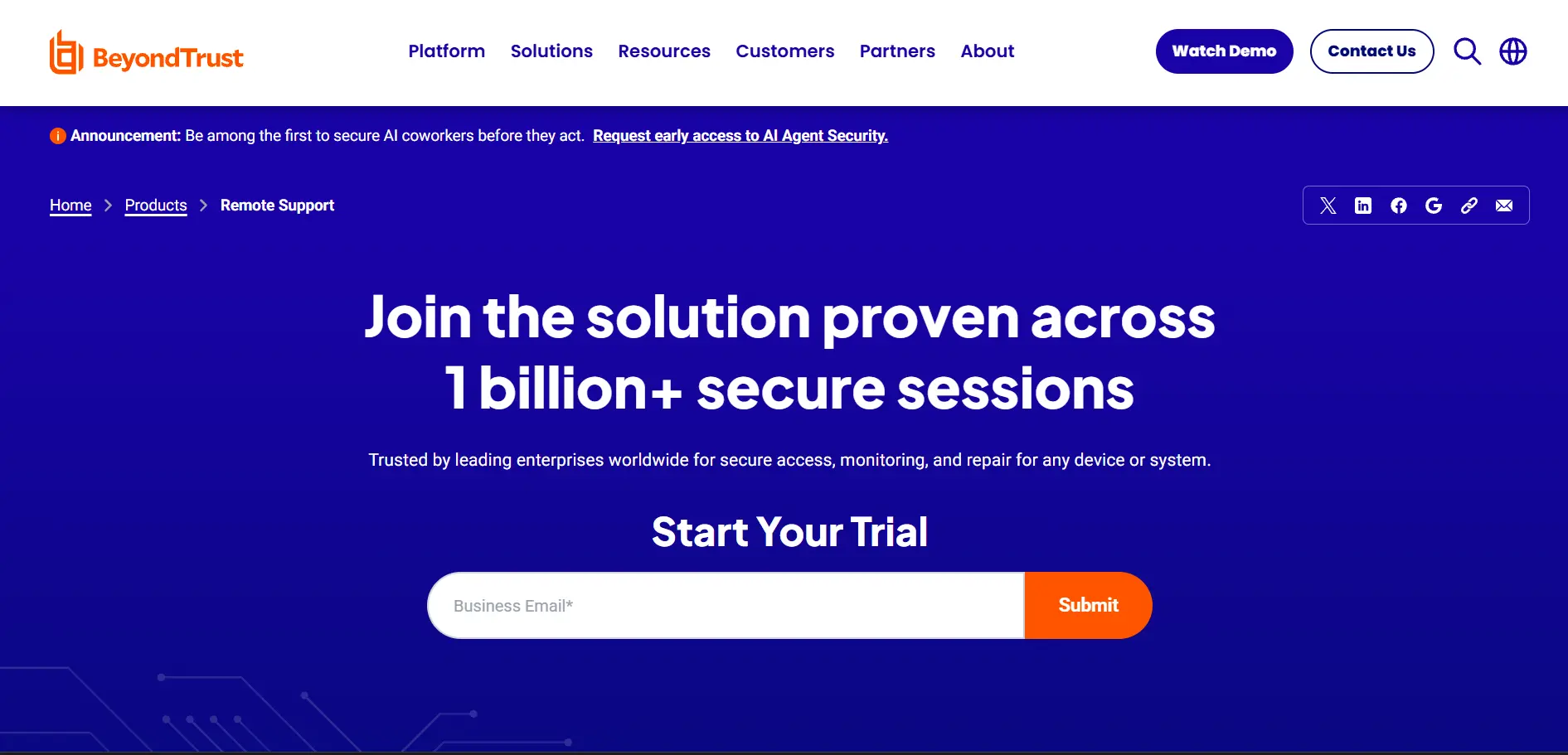
Pricing: Custom quoted only no public pricing tiers; billed on concurrent-license model.
BeyondTrust Remote Support (formerly Bomgar) offers a free trial or guided demo, but all pricing is custom quoted through direct sales rather than published online. It’s billed on a concurrent-license model, meaning you pay for simultaneous sessions rather than per named agent, which many enterprise buyers find more cost-predictable at scale.
This platform is built for enterprise IT service desks that need credential vaulting, deep audit logging, and compliance-grade session management across Windows, Mac, Linux, iOS, and Android. It’s a strong ScreenConnect alternative for regulated industries, though the lack of published pricing and longer setup time make it less appealing for smaller teams.
Pros:
- Enterprise-grade credential vaulting and audit logging
- Concurrent licensing can be cost-efficient for 24/7 teams
- Broad device and platform compatibility
Cons:
- No published pricing requires a sales conversation
- Setup and onboarding can be time-consuming
- Overkill for small businesses with simple needs
14. HelpWire
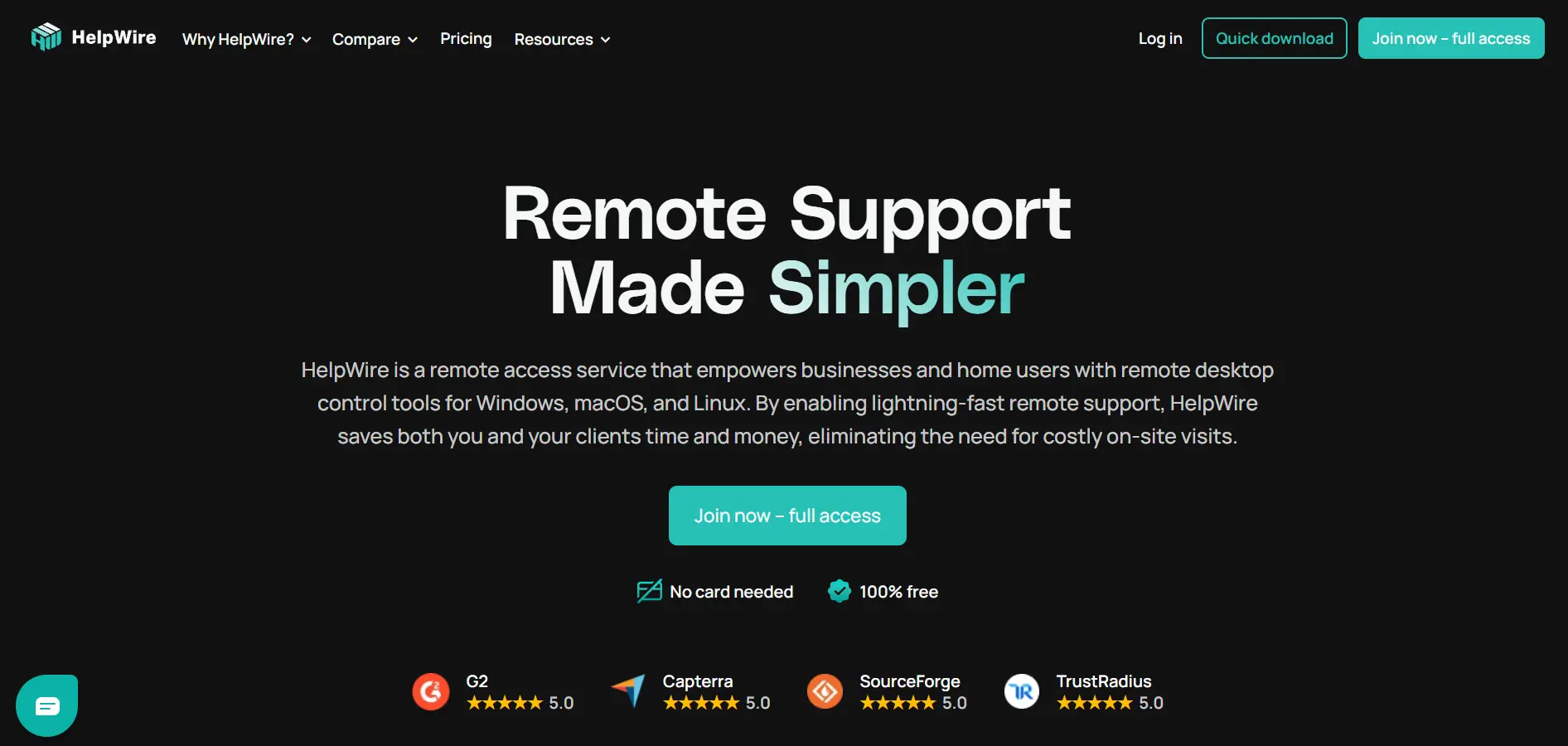
Pricing: $0 currently; a paid Business version is in development.
HelpWire doesn’t need a trial because it’s free for everyone right now, with no ads and no hidden charges, though a paid Business tier is reportedly in development for the future. It supports Windows, macOS, and Linux, letting technicians switch between devices during a session with a stable, adjustable-quality connection.
For small IT teams and individual technicians, HelpWire is an appealing zero-cost ScreenConnect alternative, offering multi-screen viewing, connection via shareable link, and in-session chat support. The main limitation today is that only one remote connection runs at a time on the free version, which can slow down busy support queues.
Pros:
- Completely free with no ads or hidden fees
- Cross-platform support for Windows, macOS, and Linux
- Simple link-based connection for clients
Cons:
- Only one remote connection at a time on free version
- Business tier with more capacity still in development
- Fewer advanced admin and reporting features
Quick Comparison Table
| Alternative | Description |
|---|---|
| RemotePC | Budget-friendly, per-computer priced remote access with built-in video meetings, ideal for small businesses. |
| TeamViewer | Established, feature-rich enterprise remote support platform with wide integrations but premium pricing. |
| ISL Online | Flexible cloud, self-hosted, or hybrid remote access solution with strong security certifications. |
| Splashtop | High-value remote access and support tool offering strong performance at a fraction of competitor prices. |
| Parsec | Low-latency, high-fps streaming tool built for creative and gaming workstation access. |
| Pulseway | RMM platform bundling remote control with monitoring, patching, and automation for MSPs. |
| GoToMyPC | Simple, reliable per-computer remote access tool, though priced higher than most competitors. |
| sobrii Remote | Remote control bundled inside a full IT fleet management platform for larger device fleets. |
| AirDroid Remote Support | Mobile-first remote support tool excelling at Android device control without rooting. |
| UltraViewer | Free, lightweight Windows remote-control tool ideal for freelancers and small support shops. |
| Zoho Assist | Affordable, broadly compatible remote support tool with a genuine free plan and Zoho ecosystem ties. |
| Chrome Remote Desktop | Completely free browser-based remote access, best for personal or casual family tech support. |
| BeyondTrust Remote Support | Enterprise-grade, compliance-focused remote support platform with custom concurrent-license pricing. |
| HelpWire | Free, cross-platform remote support tool with simple link-based connections for small teams. |
Conclusion
There’s no single “best” ScreenConnect alternative the right pick depends on budget, team size, and how you use remote access. Splashtop and Zoho Assist stand out for value, TeamViewer and BeyondTrust suit enterprises needing deep compliance controls, Parsec fits performance-heavy creative work, and free tools like Chrome Remote Desktop, HelpWire, and UltraViewer work well for personal or lightweight support needs.
Before switching, test a few shortlisted tools using their free trials or free tiers, since real-world session quality, ease of client setup, and support responsiveness vary more than pricing pages suggest. Weigh per-device versus per-technician billing carefully as your team scales, and confirm current pricing directly on each vendor’s site, since remote access pricing tends to change fairly often throughout the year.


