
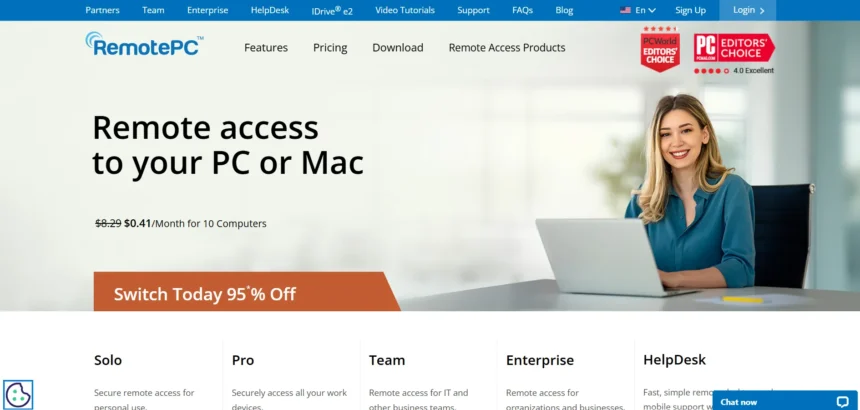
Remote desktop software has become essential for IT teams, freelancers, and everyday professionals who need to reach a computer that isn’t in front of them. Whether you’re troubleshooting a client’s laptop, accessing files on your office PC from home, or managing hundreds of endpoints across a company, the right remote access tool can save hours of frustration. Below is a detailed look at 23 Remote PC Alternatives, their free trials, pricing plans, and the strengths and weaknesses that come with each one.
AirDroid Remote Support
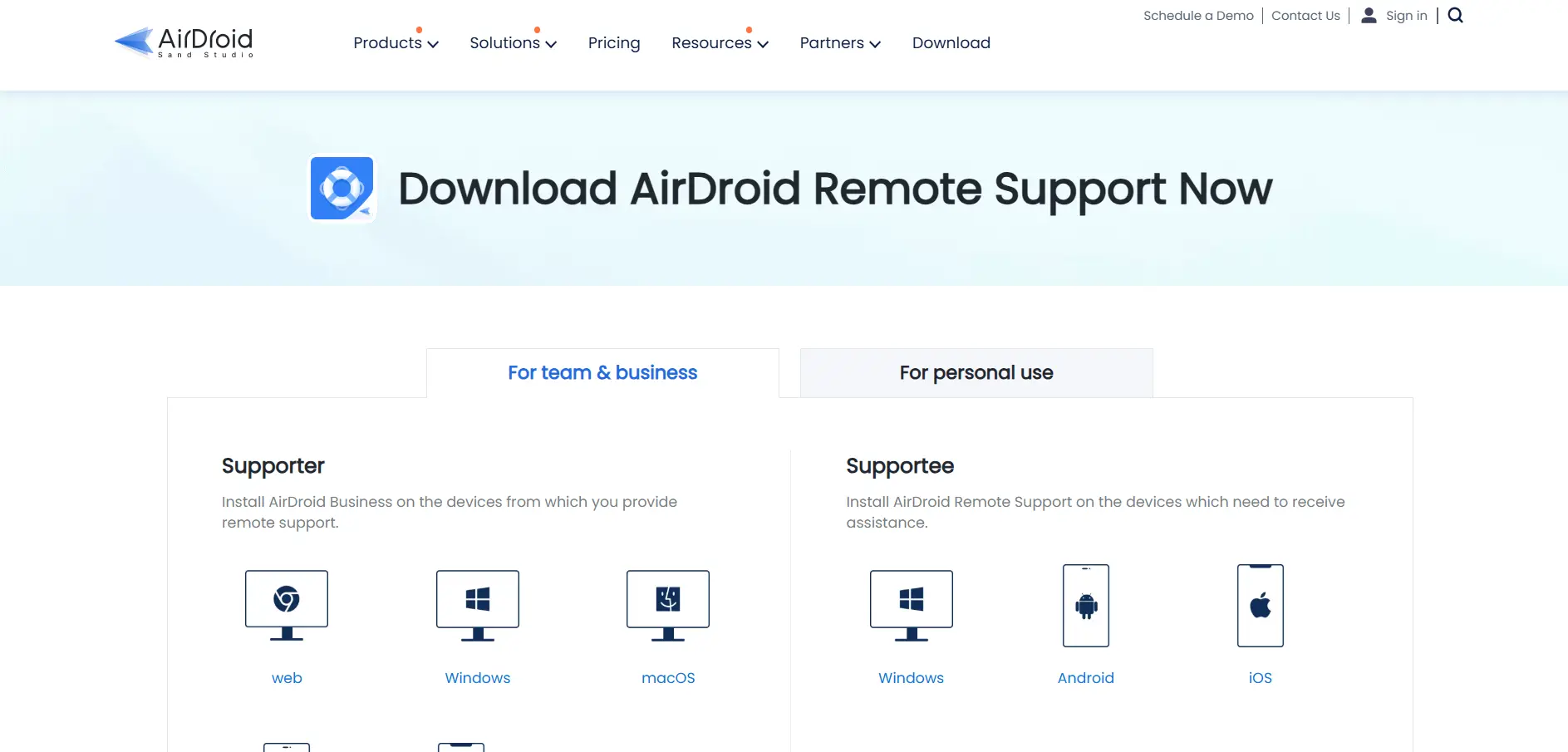
AirDroid Remote Support offers a 10-minute free trial every day so users can test its remote connection features before subscribing. Its Business plans include Basic at around $199/seat/year (50 connection hours), and Standard at roughly $599/seat/year with unlimited connection hours. Personal use plans and custom enterprise quotes are also available.
AirDroid Remote Support stands out for its mobile-first approach, offering some of the strongest Android and iOS remote support features on the market alongside standard desktop access. It’s a favorite among device support teams and customer service centers. The catch is that remote control of Windows or Mac machines requires the controlling device to run the same OS, and enterprise pricing can feel steep for smaller support teams.
Pros:
- ✔ Excellent Android and iOS remote support tools
- ✔ Unattended access and session recording included
- ✔ Daily free trial to test features
- ✔ Live screen sharing and file transfer
Cons:
- ✘ Windows/Mac control needs a matching OS to initiate
- ✘ Enterprise pricing is steep for small teams
- ✘ No public API currently offered
- ✘ Basic plan connection hours can run out quickly
Anydesk

Anydesk offers a 14–30 day free business trial with full Advanced-tier features, plus a permanently free version for strictly personal, non-commercial use. Paid plans are billed annually: Solo starts at $14.90/month, Standard costs $49.90/month ($39.92/month if paid yearly), and Advanced runs $111.90/month ($89.52/month annually). Ultimate uses custom enterprise pricing.
AnyDesk is well-regarded for its lightweight, low-latency connections that hold up even on weaker networks, making it popular among IT support technicians. Only the session initiator needs a paid license, and file transfers are fast and reliable. The catch is that AnyDesk has raised prices substantially over the past couple of years, and many useful admin features are reserved for the pricier Advanced and Ultimate tiers.
Pros:
- ✔ Fast, low-latency connections on weak networks
- ✔ Free tier available for personal use
- ✔ Only the session initiator needs a license
- ✔ Lightweight and easy to deploy
Cons:
- ✘ Prices have risen sharply in recent years
- ✘ Advanced admin features locked to higher tiers
- ✘ Free version strictly barred from commercial use
- ✘ Ultimate tier requires a custom sales quote
AnyViewer

AnyViewer offers a genuinely free version that lets users control up to two remote devices, making it one of the most generous free tiers in this list. Paid plans move to a subscription model: the Professional (Solo) plan runs about $47.88/year, with Team and Enterprise plans scaling up from there, including a 3-year discounted option and custom enterprise pricing near $199/year.
AnyViewer is praised for combining a fully functional free tier with strong 256-bit ECC end-to-end encryption, making it a solid pick for individuals and small teams on a budget. It works across Windows, iOS, and Android with a clean interface. Reviewers note that free-tier connection speeds can lag at times, and its feature set leans more toward Windows users than full cross-platform business deployments.
Pros:
- ✔ Genuinely useful free tier for individuals
- ✔ Strong 256-bit ECC encryption
- ✔ Cheaper than most major competitors
- ✔ Simple, easy-to-use interface
Cons:
- ✘ Free-tier speeds can be slow at times
- ✘ More Windows-centric than cross-platform rivals
- ✘ Fewer enterprise-grade integrations
- ✘ Smaller support community than bigger brands
Apache Guacamole

Apache Guacamole doesn’t offer a “trial” in the traditional sense because it’s a completely free, open-source project maintained by the Apache Software Foundation. There are no pricing tiers to choose from since the software itself costs nothing; your only expense is the server infrastructure you choose to host it on, which can range from a small VPS to an internal company server.
Guacamole is a clientless HTML5 gateway, meaning users only need a web browser to access RDP, VNC, and SSH sessions with no plugins or downloads. This makes it a favorite among developers and privacy-conscious IT teams who want full control of their infrastructure. The trade-off is that it demands technical know-how to install, configure, and maintain, and there’s no official vendor support line to call when something breaks.
Pros:
- ✔ Completely free and open source
- ✔ Browser-based, no client software needed
- ✔ Supports RDP, VNC, and SSH protocols
- ✔ Full control over data and hosting
Cons:
- ✘ Requires self-hosting and technical setup
- ✘ No official customer support team
- ✘ Feature set is more basic than paid tools
- ✘ Ongoing maintenance falls on your own IT team
BeyondTrust Remote Support
BeyondTrust Remote Support (formerly Bomgar) offers a free trial for teams that want to test its enterprise-grade capabilities first. Pricing isn’t publicly listed, but industry estimates put it at $2,000+ per year per named technician, with licensing based on concurrent sessions rather than per-agent seats, so 24/7 teams often need fewer licenses than expected.
BeyondTrust is built for organizations where compliance outweighs everything else, offering session forensics with full keystroke logging, credential-free privileged access management, and native support for HIPAA, PCI DSS, and SOC 2 requirements. It’s the go-to for finance, healthcare, and government support teams. The downsides are the steep enterprise pricing and an interface that prioritizes security controls over day-to-day ease of use.
Pros:
- ✔ Enterprise-grade security and compliance certifications
- ✔ Session forensics with keystroke logging
- ✔ Credential-free privileged access management
- ✔ Concurrent licensing can reduce seat costs
Cons:
- ✘ Very high cost for small businesses
- ✘ Pricing isn’t published, requiring a sales call
- ✘ Steeper learning curve for new admins
- ✘ Performance can lag on slower connections
Chrome Remote Desktop
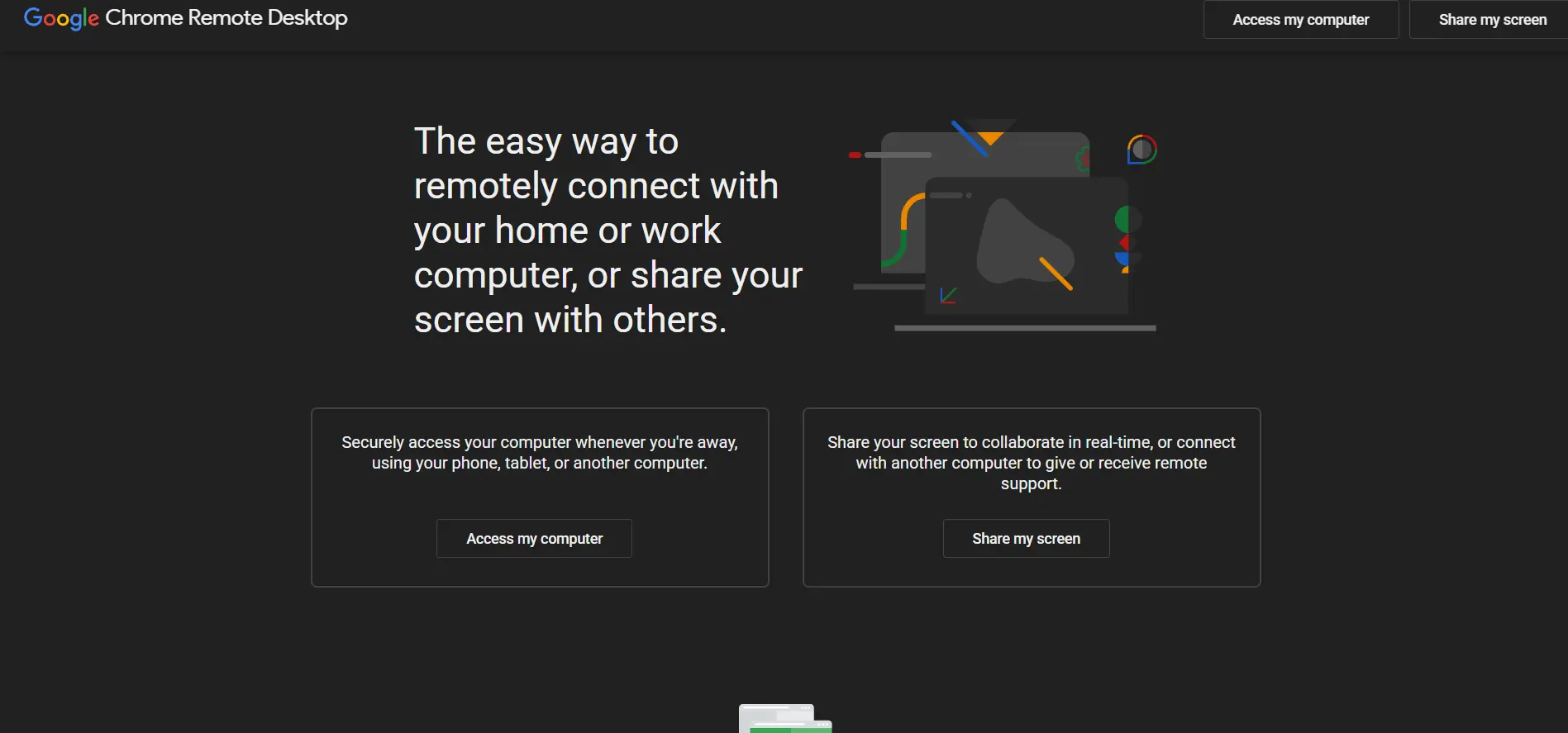
Chrome Remote Desktop requires no trial or subscription because it’s completely free with no paid tier at all. Google offers it as a browser-based extension tied to your Google account, and it even documents enterprise administration policies so organizations can control how it’s enabled or restricted across managed devices.
Chrome Remote Desktop is about as simple as remote access gets: install the extension, sign in with Google, and connect. It works across Windows, Mac, Linux, and Chrome OS with minimal setup. However, it relies entirely on a Google account and Google-operated relay servers, and it lacks business conveniences like drag-and-drop file transfer, remote printing, or role-based access controls found in paid tools.
Pros:
- ✔ Completely free with no paid tier
- ✔ Extremely simple setup via Google account
- ✔ Documented enterprise administration policies
- ✔ Works across major desktop operating systems
Cons:
- ✘ Requires a Google account to operate
- ✘ Lacks role-based access and admin controls
- ✘ No drag-and-drop file transfer or remote printing
- ✘ No dedicated business support channel
ConnectWise ScreenConnect
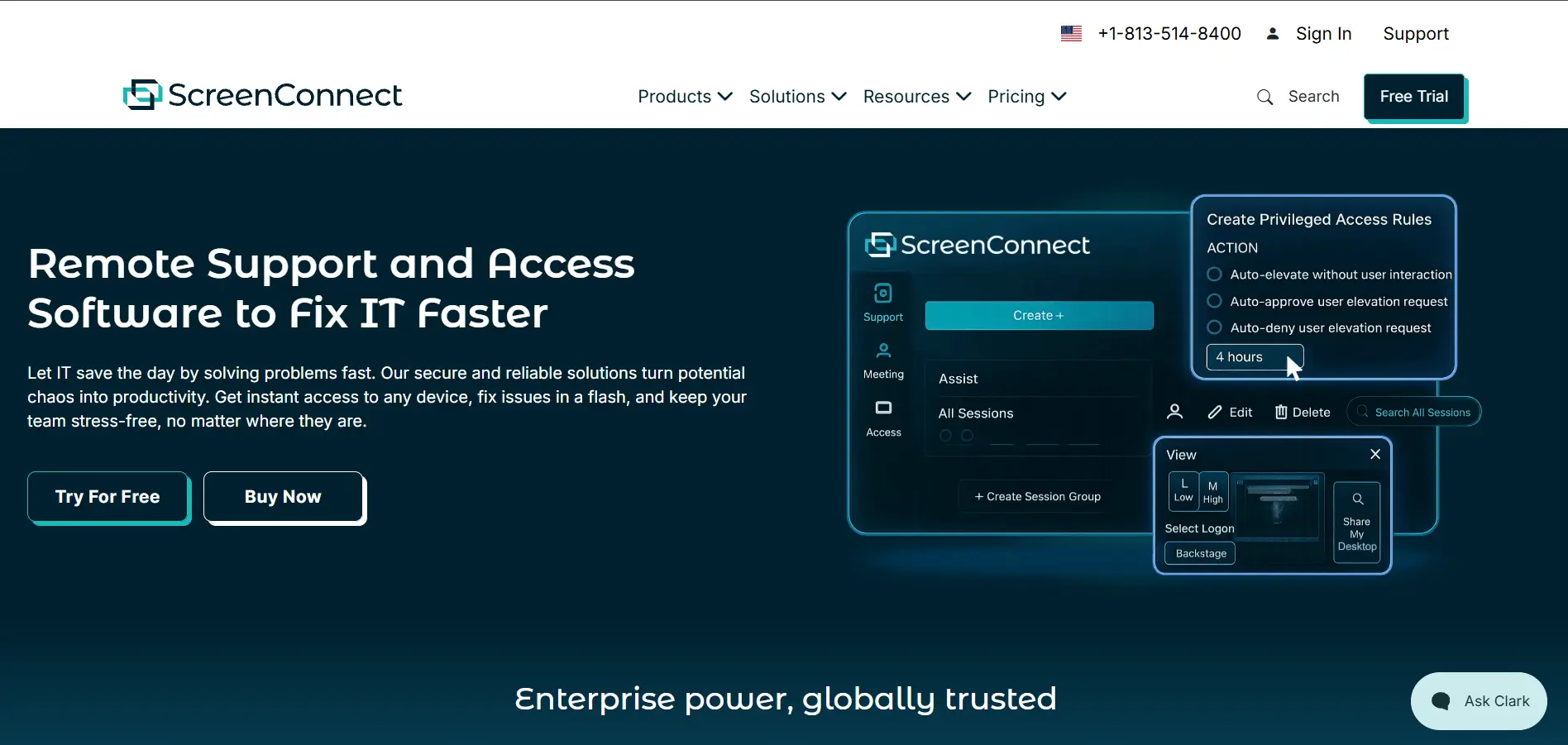
ConnectWise ScreenConnect provides a free trial for teams wanting to test its remote support capabilities first. Pricing is billed per technician, annually: the “One” plan starts around $30/month for a single technician, Remote Access costs about $33/month, Standard runs roughly $45/month, and Premium reaches around $55/month for larger MSP teams.
ScreenConnect is a favorite among managed service providers thanks to fast deployment, a shared toolbox for running admin utilities mid-session, and privileged access management for handing off credentials securely. On the downside, contracts commonly run three years with strict renewal notice requirements, and a number of reviewers have flagged inconsistent support response times after ConnectWise’s acquisition of the product.
Pros:
- ✔ Fast deployment for support technicians
- ✔ Session recording and privileged access management
- ✔ Flexible tiers built for MSP workflows
- ✔ Detailed access logs for compliance needs
Cons:
- ✘ Contracts can lock you in for up to 3 years
- ✘ Users report unexpected mid-contract price hikes
- ✘ Customer support quality can be inconsistent
- ✘ Frequent updates occasionally break stable setups
Distant Desktop
Distant Desktop offers a free trial for new users to test its remote connection features before committing to a paid plan. Its plans are tiered by device count and feature set, scaling from small individual setups to larger team deployments, with exact pricing best confirmed on its official pricing page since offers can change.
Distant Desktop focuses on straightforward remote connectivity without overwhelming users with enterprise-only features, making it approachable for individuals and small teams alike. It emphasizes quick setup and easy day-to-day use over deep IT management tooling. As with any newer or smaller player in this space, it’s worth comparing its feature depth and support responsiveness against more established names before committing long term.
Pros:
- ✔ Simple, approachable setup for everyday users
- ✔ Free trial to test before subscribing
- ✔ Tiered plans that scale with your needs
- ✔ Lightweight, focused feature set
Cons:
- ✘ Smaller brand footprint than major competitors
- ✘ Fewer advanced IT management tools
- ✘ Pricing details require checking the official site
- ✘ Limited third-party integrations
GoToMyPC
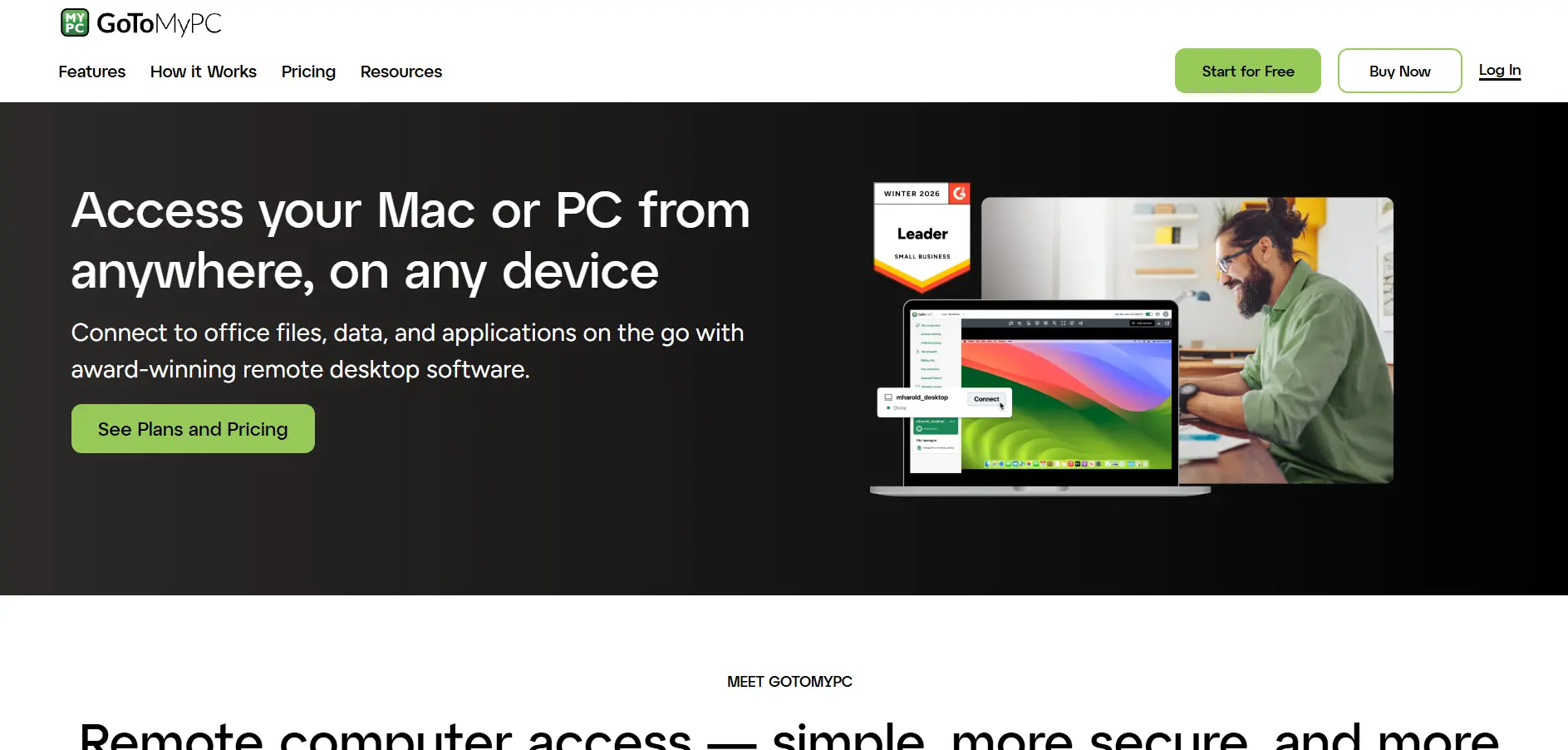
GoToMyPC provides a 7-day free trial for prospective customers to test its remote access features. Pricing is structured per computer, billed annually: the Personal plan costs around $35/month for a single user (up to 20 computers), Pro runs about $33/month for 2–50 users, and Corporate drops to roughly $28/month for teams of 5 or more.
GoToMyPC keeps setup simple and offers dependable multi-monitor access, making it a solid choice for professionals who need daily access to one or two specific machines. That said, it’s one of the pricier options in this list, and numerous long-time customers have publicly reported unannounced renewal price hikes of 100% or more, which has pushed many to look at cheaper alternatives instead.
Pros:
- ✔ Simple, straightforward setup process
- ✔ Reliable multi-monitor remote access
- ✔ Supports both Mac and Windows systems
- ✔ Strong encrypted, layered login security
Cons:
- ✘ Among the more expensive options per computer
- ✘ Reports of sudden, steep renewal price increases
- ✘ No permanent free tier
- ✘ Fewer collaboration features than rivals
HelpWire
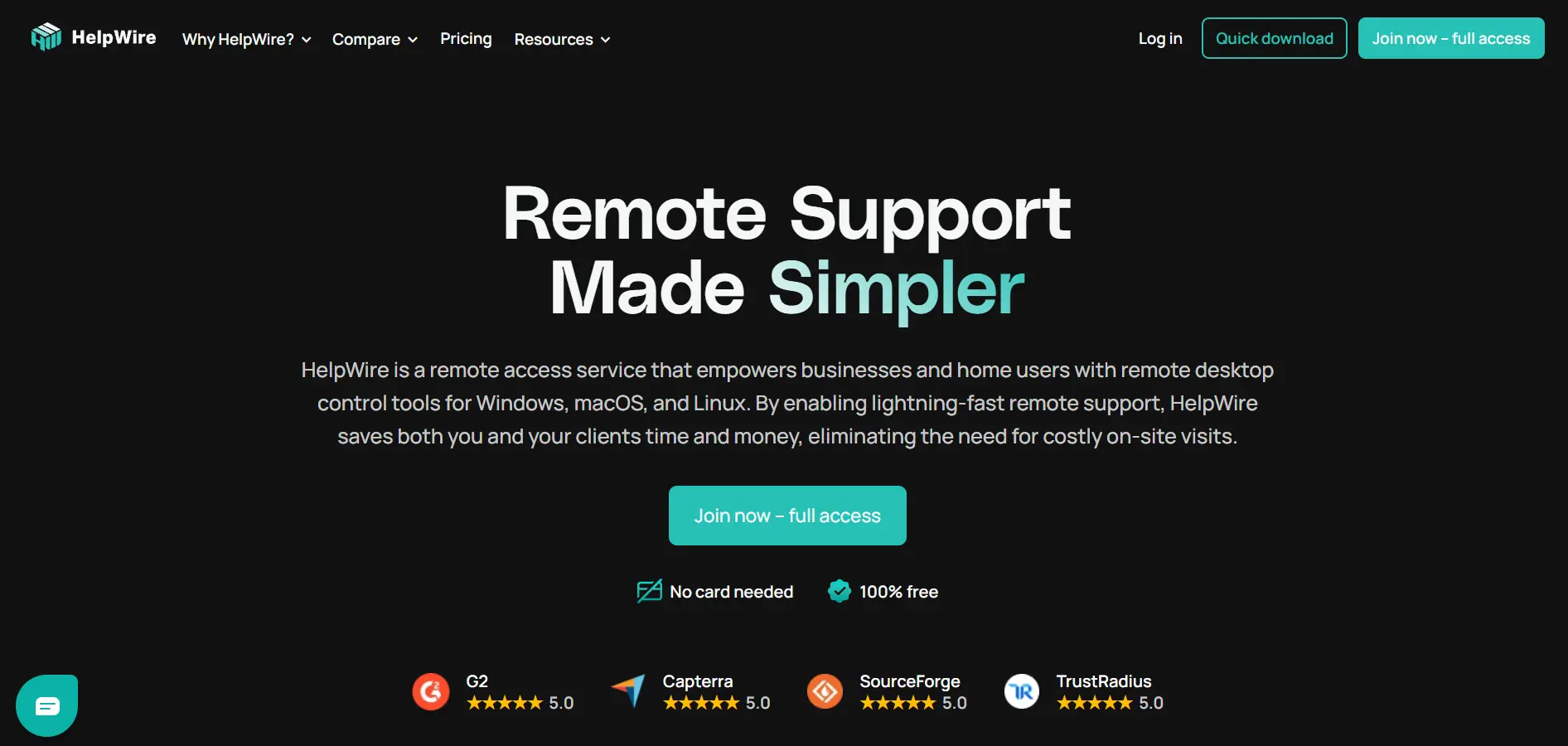
HelpWire doesn’t require a trial because the entire platform is free with no hidden costs, making it a rare fully-free option built specifically for business remote support use rather than personal-only access. There are no tiered pricing plans to compare since every core feature is included at no charge.
HelpWire is often recommended as a lightweight alternative to RustDesk or AnyDesk for small businesses that want fast, stable connectivity without any licensing complexity. It supports Windows, macOS, and Linux with straightforward file transfer and session tools. Being a newer entrant, its feature set is leaner than established enterprise platforms, and support currently leans on documentation rather than dedicated account managers.
Pros:
- ✔ Completely free with no hidden costs
- ✔ Fast, stable connections for small teams
- ✔ Cross-platform support for Windows, macOS, Linux
- ✔ No licensing complexity to manage
Cons:
- ✘ Smaller feature set than established platforms
- ✘ Newer product with a shorter track record
- ✘ Support is largely self-service
- ✘ Fewer enterprise admin controls
ISL Online
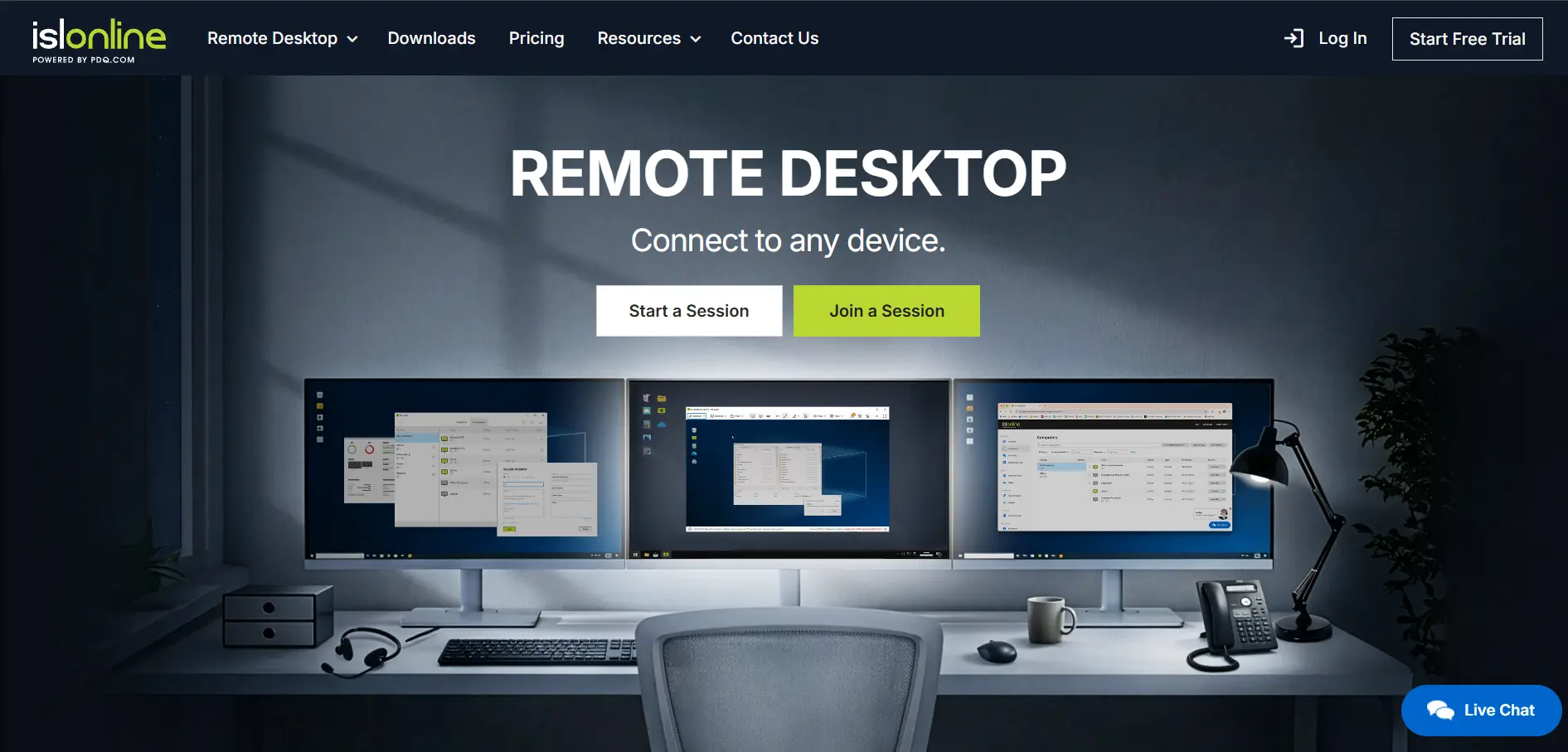
ISL Online offers a generous 15-day free trial with no credit card required, and support can even extend it further on request. Pricing includes the Starter plan at $16.90/month, Standard at $34.90/month, Premium at $54.90/month, and a Self-Hosted option starting from $44.90/month, while Enterprise deployments are custom quoted.
ISL Online’s biggest differentiator is that most plans include unlimited users and managed devices rather than charging per seat, plus the option to fully self-host for organizations with strict compliance needs. It also supports complete white-label branding for MSPs. Reviewers do note the interface feels a bit dated compared to newer competitors, and concurrent-user licensing can start to feel restrictive for larger teams.
Pros:
- ✔ Unlimited users and devices on most plans
- ✔ Self-hosted option for full data control
- ✔ Full white-label branding for MSPs
- ✔ Long, flexible 15-day free trial
Cons:
- ✘ Interface feels less modern than rivals
- ✘ Concurrent licensing can restrict large teams
- ✘ Fewer third-party integrations overall
- ✘ Self-hosted setup requires technical resources
LogMeIn
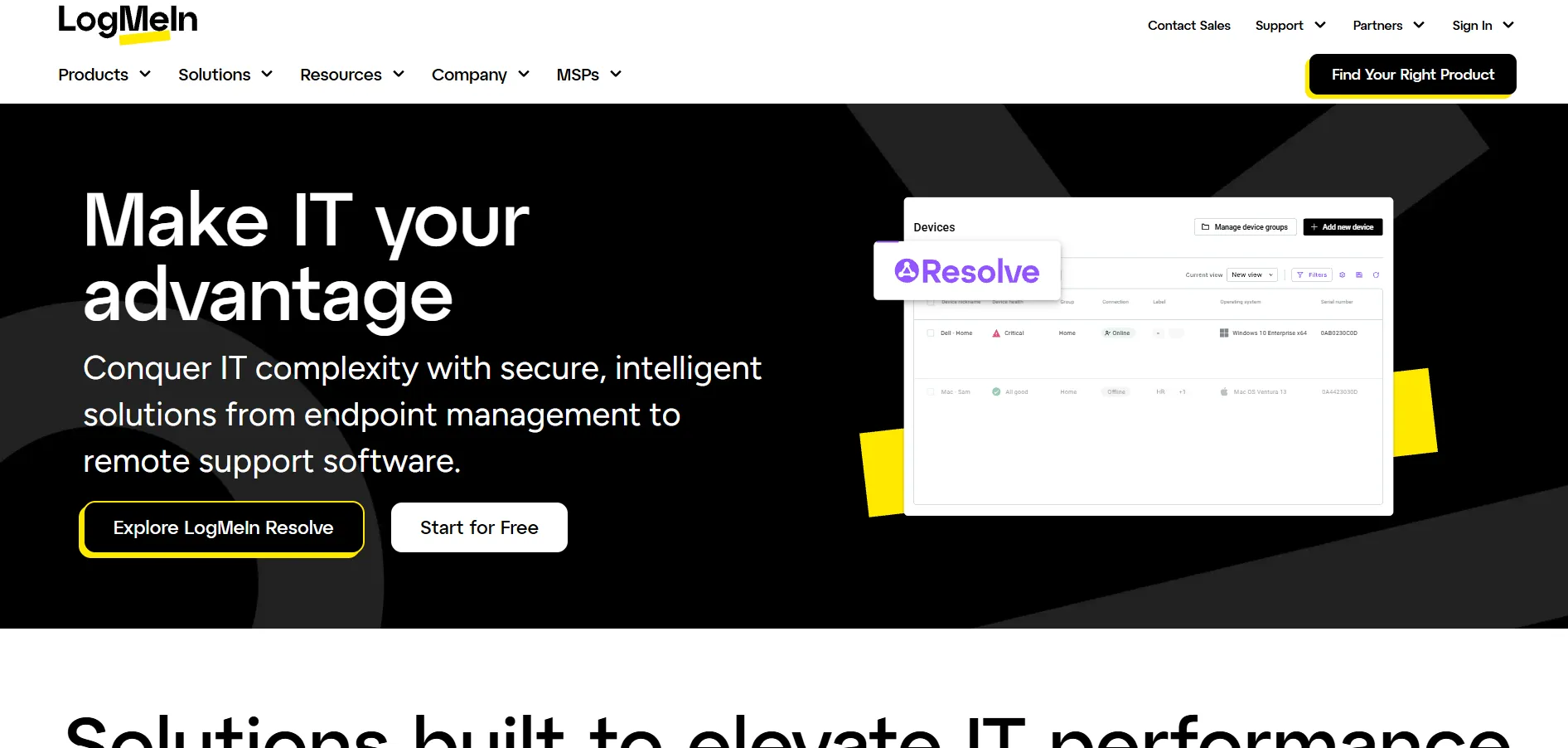
LogMeIn Pro (by GoTo) offers a free trial so new users can test its remote access features before paying. Its pricing runs on an annual, per-computer model: the Individuals plan starts at $30/month for 2 computers, Power Users costs $70/month for up to 5, and Small Business runs $129/month for up to 10 computers. Every tier bundles in LastPass Premium and 1TB of cloud storage.
LogMeIn is best known for rock-solid connection reliability, working through corporate firewalls without any VPN configuration required. It supports unlimited users per license, remote printing, multi-monitor viewing, and Wake-on-LAN. However, reviewers frequently point out that it’s pricier than most rivals and that renewal costs tend to climb sharply, sometimes catching long-term customers off guard at billing time.
Pros:
- ✔ Rock-solid, firewall-friendly connections
- ✔ 1TB storage and LastPass Premium bundled in
- ✔ Remote printing and Wake-on-LAN included
- ✔ Unlimited users per license
Cons:
- ✘ Noticeably more expensive than competitors
- ✘ Frequent, steep renewal price increases
- ✘ No permanent free version
- ✘ Mobile app can feel less responsive
Microsoft Remote Desktop

Microsoft Remote Desktop doesn’t need a trial since the client app itself is free to download on Windows, Mac, iOS, and Android. Using it fully requires a Windows Pro, Enterprise, or Server edition, or Remote Desktop Services (RDS) Client Access Licenses that businesses purchase separately depending on their setup.
For organizations wanting cloud-hosted virtual desktops instead of on-premise servers, Microsoft’s Azure Virtual Desktop bills based on the compute, storage, and networking actually consumed, with no software license fee beyond eligible Windows or Microsoft 365 subscriptions. This makes Microsoft Remote Desktop extremely cost-effective for existing Windows shops, though CAL licensing can get genuinely confusing for multi-user deployments without expert guidance.
Pros:
- ✔ The client app itself is completely free
- ✔ Deep, native integration with Windows
- ✔ Azure Virtual Desktop scales with pay-as-you-go pricing
- ✔ No separate per-seat SaaS subscription for basic use
Cons:
- ✘ CAL licensing is complex for multi-user setups
- ✘ Host machine typically needs Windows Pro or higher
- ✘ Not designed for ad-hoc customer support sessions
- ✘ Azure costs can be unpredictable without monitoring
NinjaOne
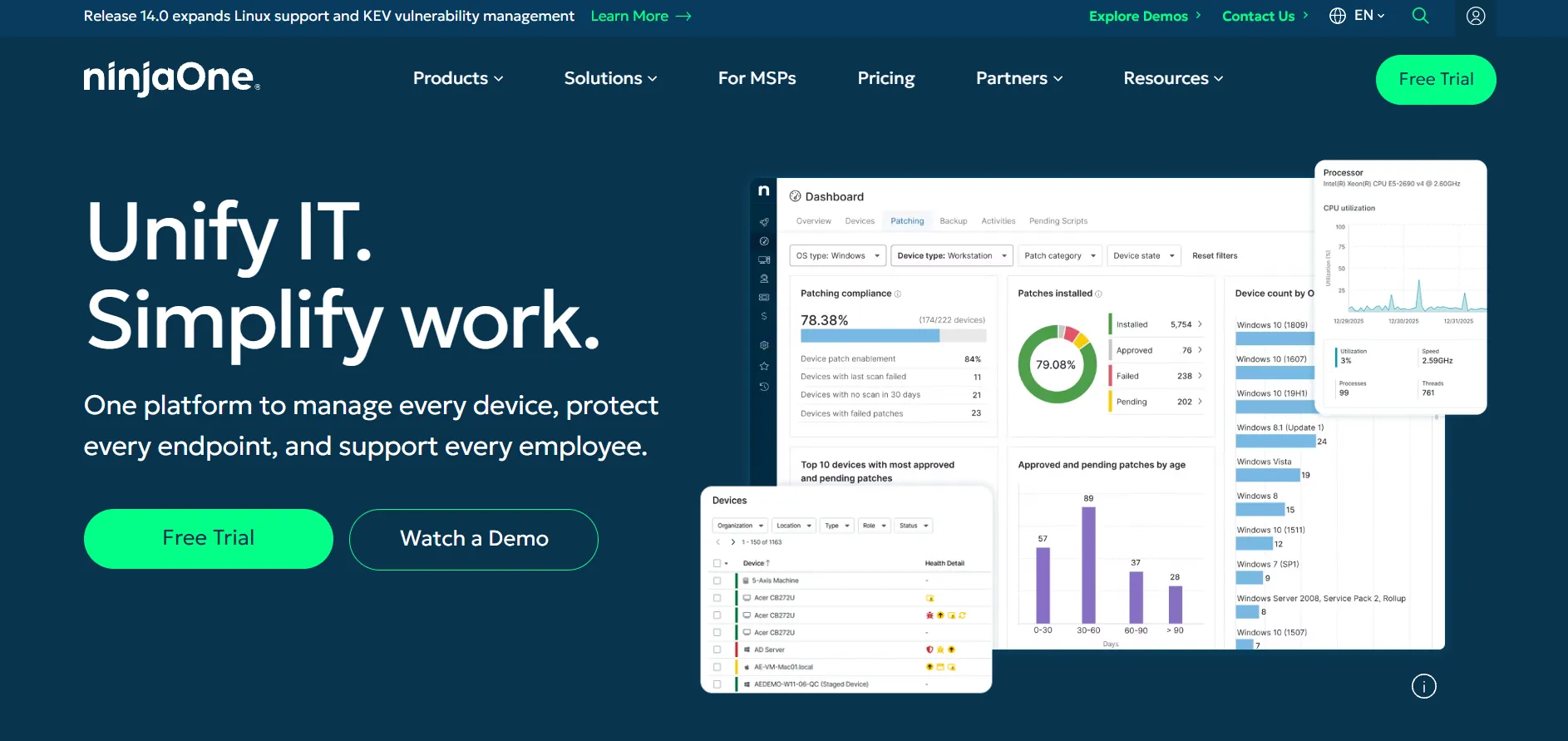
NinjaOne offers a 14-day free trial with full platform access and no credit card required. It doesn’t publish fixed tiers, instead using per-device pricing that scales down as you grow: rates run roughly $3.75 per endpoint/month for teams with 50 or fewer devices, dropping to about $1.50 per endpoint/month for deployments over 10,000 devices.
NinjaOne combines RMM, patch management, endpoint monitoring, and remote access into a single unified platform, making it appealing for IT teams that want to retire multiple point tools. It’s well regarded for its clean dashboard and reliable patching automation. The trade-off is that pricing isn’t published anywhere, so every buyer must go through a sales quote, and it’s overkill for individuals needing simple one-off remote access.
Pros:
- ✔ Combines RMM, patching, and remote access in one platform
- ✔ Per-device pricing scales down at higher volumes
- ✔ 14-day free trial with full feature access
- ✔ Strong endpoint monitoring and automation
Cons:
- ✘ Pricing isn’t published, requiring a custom quote
- ✘ Overkill for individuals or single-device use
- ✘ Per-device costs can add up for large fleets
- ✘ Best suited for teams, not solo technicians
Parsec
Parsec is free for personal and gaming use, with paid tiers offering a 14-day free trial. Parsec Warp for individual professionals runs about $9.99/month, Parsec for Teams costs around $35/user/month, and Parsec for Enterprise uses dedicated relay servers with custom pricing for larger organizations.
Parsec is best known for near-zero-latency streaming at up to 4K resolution and 240 FPS, originally built for gamers but now widely used by creative professionals needing responsive access to powerful workstations. It supports controllers, Wacom tablets, and instant session sharing. It’s less suited to traditional IT helpdesk workflows, and its advanced security features like SSO are reserved for paid business tiers.
Pros:
- ✔ Near-zero latency streaming up to 4K/240 FPS
- ✔ Free tier for personal and gaming use
- ✔ Great for creative work needing peripherals like Wacom tablets
- ✔ SOC 2 Type 2 certified for business tiers
Cons:
- ✘ Not designed for traditional IT support workflows
- ✘ SSO and admin controls locked to paid tiers
- ✘ Enterprise pricing isn’t published
- ✘ Less focused on file transfer/remote printing features
RustDesk
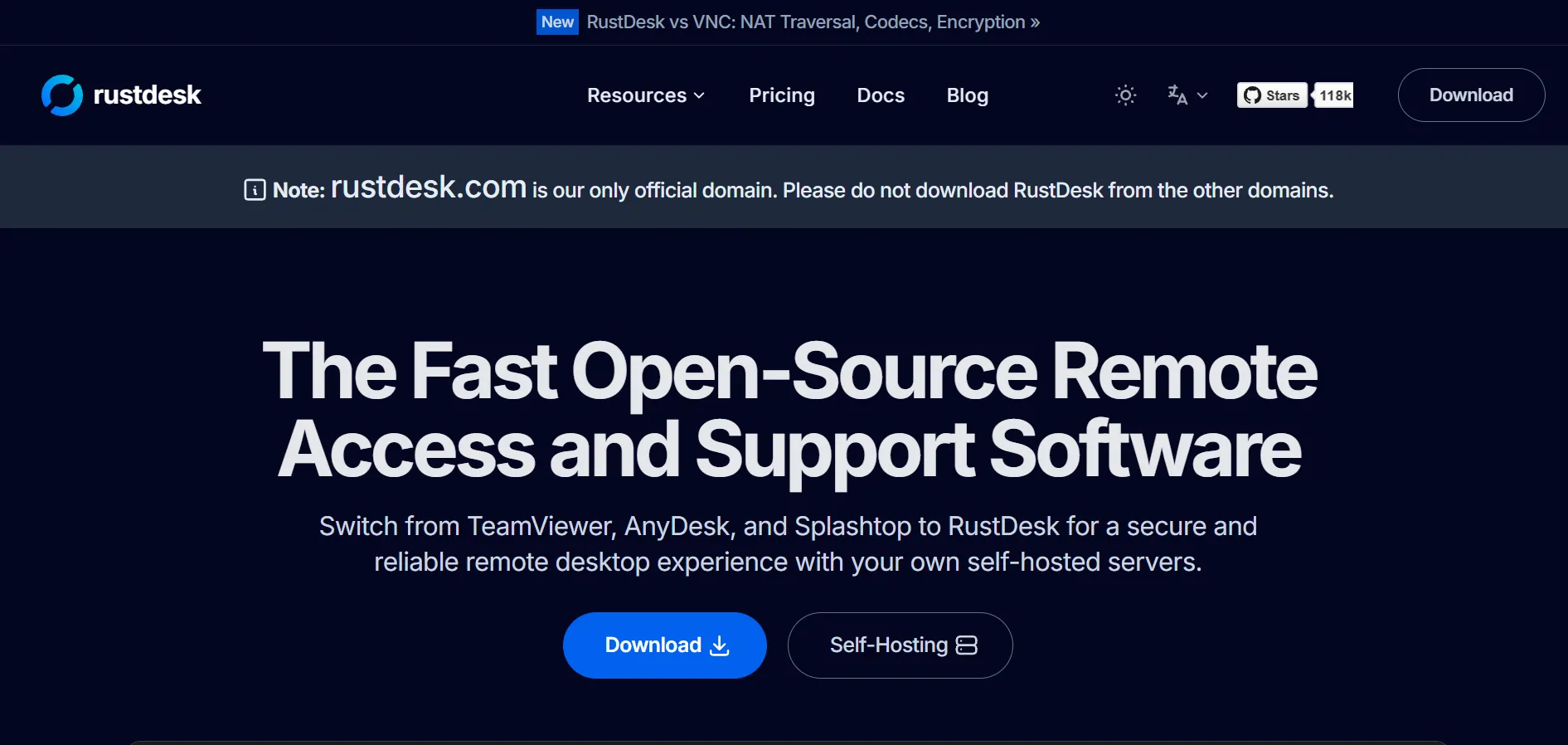
RustDesk doesn’t need a trial since its open-source client and self-hosted OSS server are entirely free under an AGPL/GPL license, with no device or user limits. For teams wanting a web console, two-factor authentication, or LDAP/Active Directory integration, RustDesk Server Pro starts at $9.90/month for 1 user and 20 devices.
Built in Rust with a Flutter UI, RustDesk feels fast and lightweight while supporting Windows, macOS, Linux, iOS, Android, and even Raspberry Pi. Its end-to-end encryption uses NaCl and Ed25519 key signing, and peer-to-peer connections bypass the relay server whenever possible. The trade-off is that fleet management tools live only in the paid Server Pro tier, and self-hosting requires comfort with Docker and server configuration.
Pros:
- ✔ Fully free, open-source client and server
- ✔ No device or user limits on the free edition
- ✔ Lightweight, fast Rust-based architecture
- ✔ Self-hosting gives full data control
Cons:
- ✘ Web console and 2FA require paid Server Pro
- ✘ Setup requires Docker/server knowledge
- ✘ AGPL licensing requires open-sourcing modifications
- ✘ No official enterprise support line
sobrii Remote

sobrii Remote offers a 14-day proof-of-concept instead of a traditional free trial, since it’s built as a fleet management platform rather than a standalone remote access app. It has no free plan; pricing is all-inclusive and per-device, available on request, with a 50-device minimum that makes it best suited for larger IT teams rather than individuals.
sobrii Remote’s key differentiator is bundling remote control with full device intelligence, showing battery health, hardware inventory, and security alerts in the same interface before you even connect. Sessions use WebRTC peer-to-peer connections with TLS 1.3 encryption and four configurable privacy levels. It’s not a fit for solo users or very small teams, since pricing structure and the 50-device minimum are built around larger, managed fleets.
Pros:
- ✔ Combines remote control with full device intelligence
- ✔ WebRTC peer-to-peer connections, no relay server
- ✔ Lightweight agent using under 1% CPU
- ✔ Configurable privacy levels for sensitive environments
Cons:
- ✘ No free plan available
- ✘ 50-device minimum excludes smaller teams
- ✘ Pricing only available by request
- ✘ Not designed for individual or casual use
Splashtop
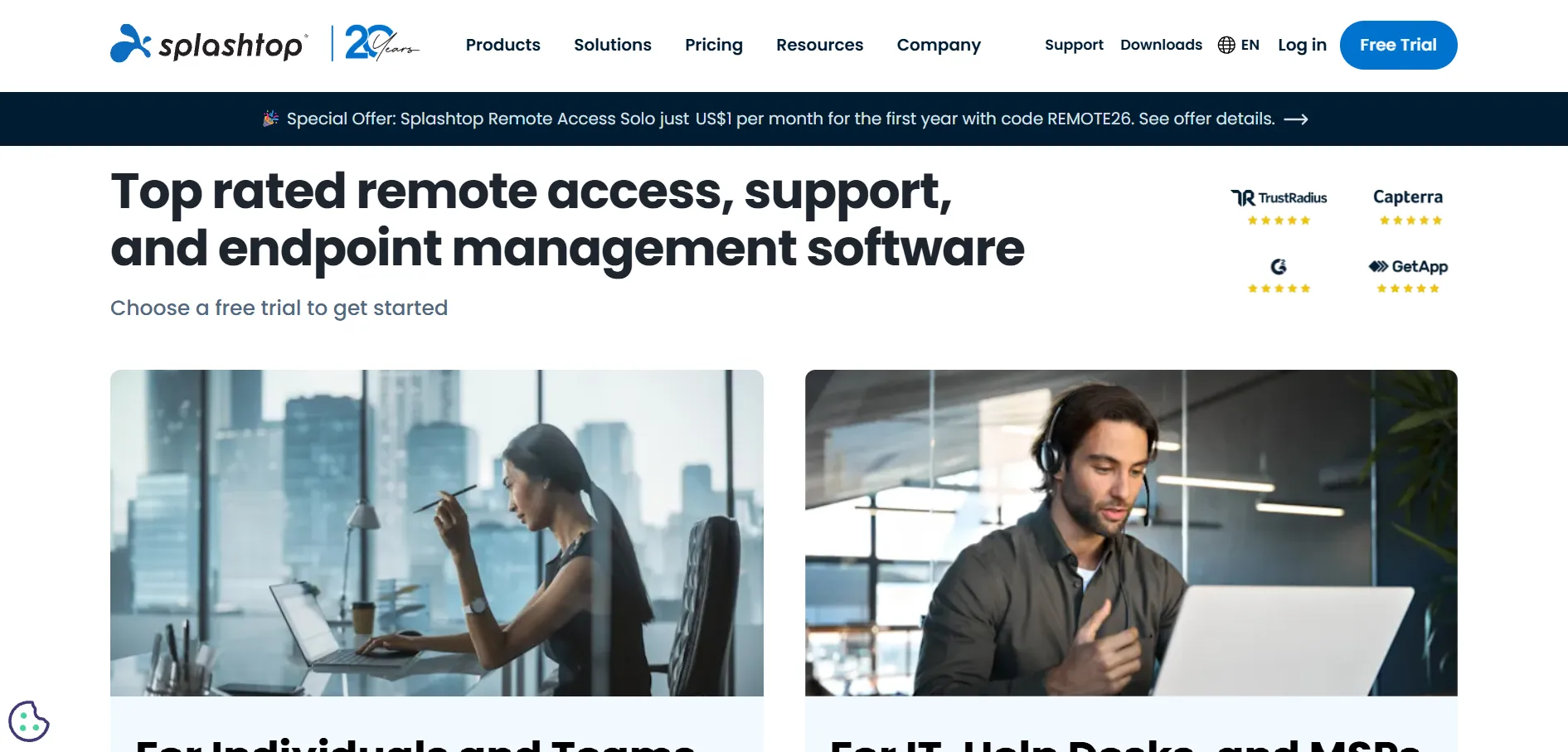
Splashtop offers a 7-day free trial with no credit card required, letting teams evaluate its performance before committing. Pricing is genuinely competitive: the Solo plan starts at $6/month ($72/year), Business Access Pro runs $8.25/month ($99/year), and the Performance tier costs $13/month for high-fidelity 4K streaming. Enterprise plans use custom quotes for larger, security-heavy deployments.
Splashtop is widely praised for delivering enterprise-grade speed and security at a fraction of what LogMeIn or TeamViewer charge, supporting up to 240fps streaming for creative and technical work. It works across Windows, Mac, Linux, iOS, and Android, with strong two-factor authentication. The main drawback is that all remote access plans require annual prepayment, and some collaboration features are locked behind higher tiers.
Pros:
- ✔ Excellent value compared to major competitors
- ✔ High-performance streaming up to 240fps
- ✔ Broad cross-platform device support
- ✔ Strong security and 2FA options
Cons:
- ✘ Remote access plans require annual billing
- ✘ Chat, Wake-on-LAN gated to higher tiers
- ✘ Software install required on both ends
- ✘ Enterprise pricing isn’t published
TeamViewer
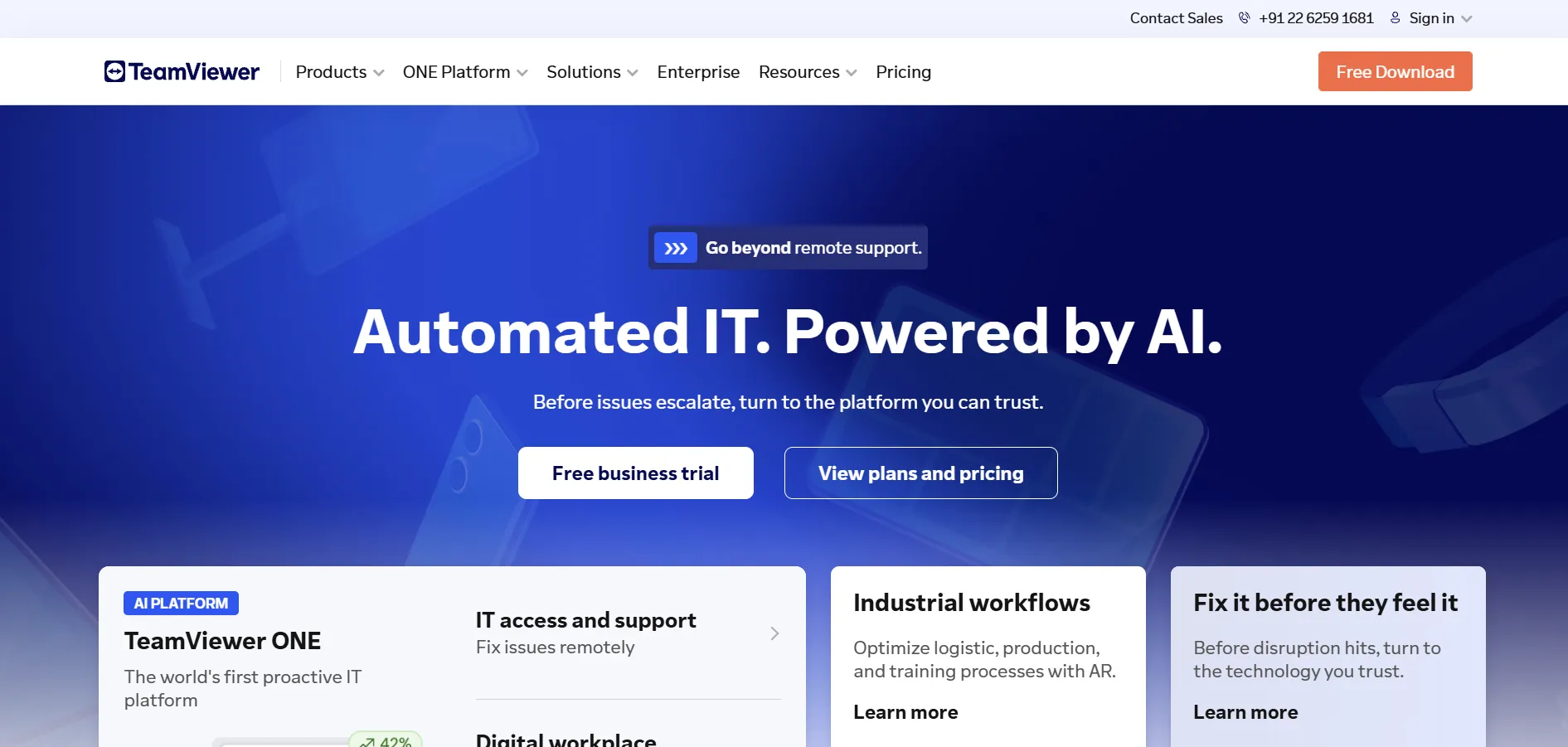
TeamViewer provides a 14-day free trial of its business software, plus a free version for strictly personal, non-commercial use. Paid annual plans include Remote Access at $24.90/month (1 license, 3 managed devices), Business at $50.90/month (200 devices), and Premium at $112.90/month for teams of up to 15 users, while Corporate and Tensor use custom enterprise pricing.
TeamViewer remains one of the most recognized names in remote access, valued for its cross-platform reach, augmented reality support tools, and mature security stack. It’s a dependable choice for enterprises needing broad device coverage and integrations. The trade-off is cost: it’s consistently pricier per license than most alternatives here, and many long-term users report steep price increases at renewal time.
Pros:
- ✔ Widely trusted, mature cross-platform tool
- ✔ Augmented reality-assisted support features
- ✔ Strong enterprise-grade security and encryption
- ✔ Broad software and hardware integrations
Cons:
- ✘ Among the most expensive options per license
- ✘ Frequent renewal price increases reported
- ✘ Free version limited to personal use only
- ✘ Pricing structure can feel confusing across tiers
UltraViewer
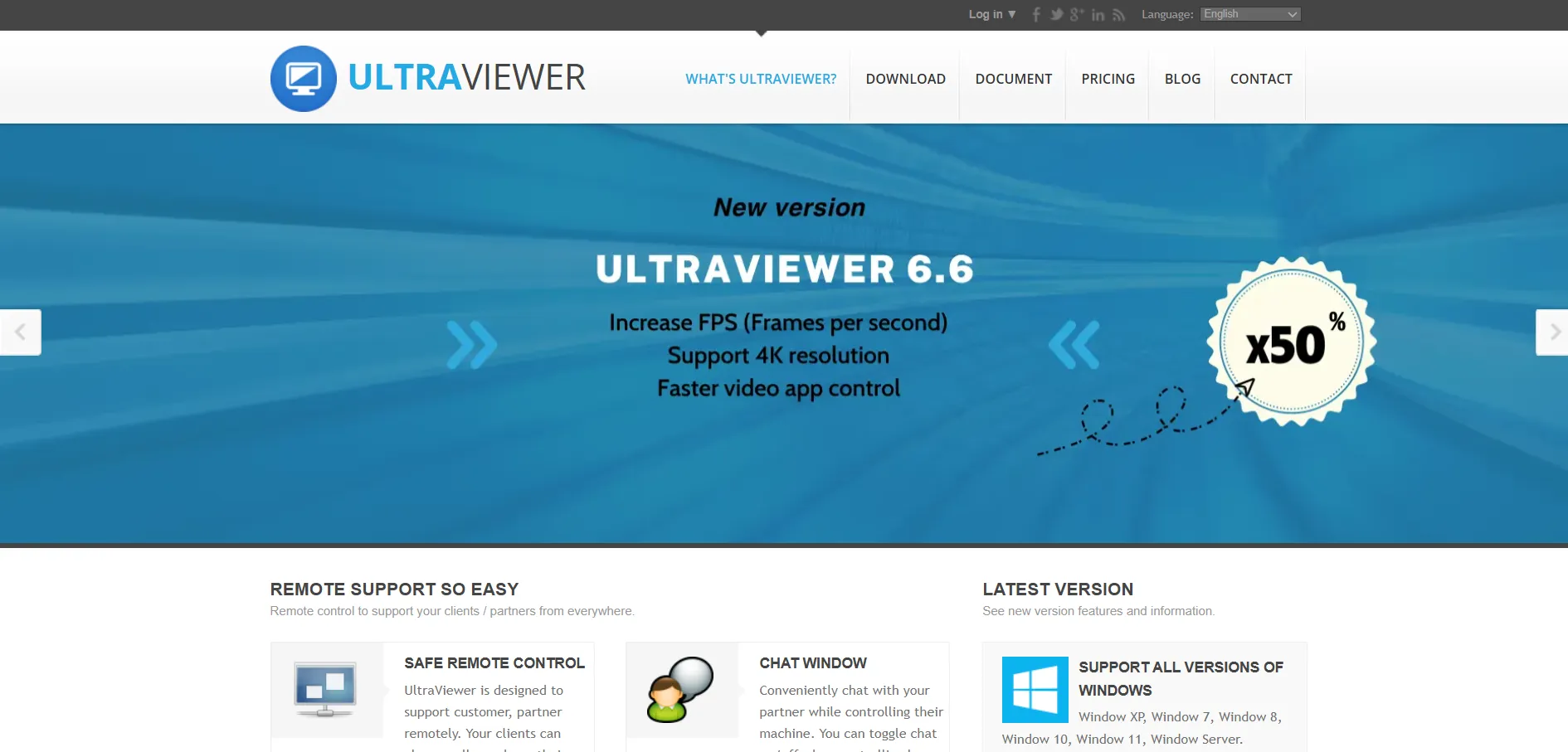
UltraViewer offers a free version for personal, non-commercial use with no trial needed to access it. Paid plans, aimed at technicians and support teams needing commercial usage rights and higher connection limits, are priced below most major competitors, generally starting around $4/month depending on region, billing term, and reseller.
UltraViewer is positioned as a value play for small teams that mainly need unattended access, file transfer, chat, and remote control rather than a full IT service management suite. It undercuts TeamViewer, AnyDesk, and Splashtop on price for equivalent basic functionality. The trade-off is a thinner feature set, fewer admin controls, and less robust compliance documentation than higher-priced enterprise platforms.
Pros:
- ✔ Budget-friendly pricing versus major rivals
- ✔ Free version for personal, non-commercial use
- ✔ Covers core remote support essentials well
- ✔ Simple setup for basic remote needs
Cons:
- ✘ Fewer enterprise features than major competitors
- ✘ Support and admin tools are more limited
- ✘ Regional pricing can vary and feel inconsistent
- ✘ Lacks deeper compliance documentation
Zoho Assist
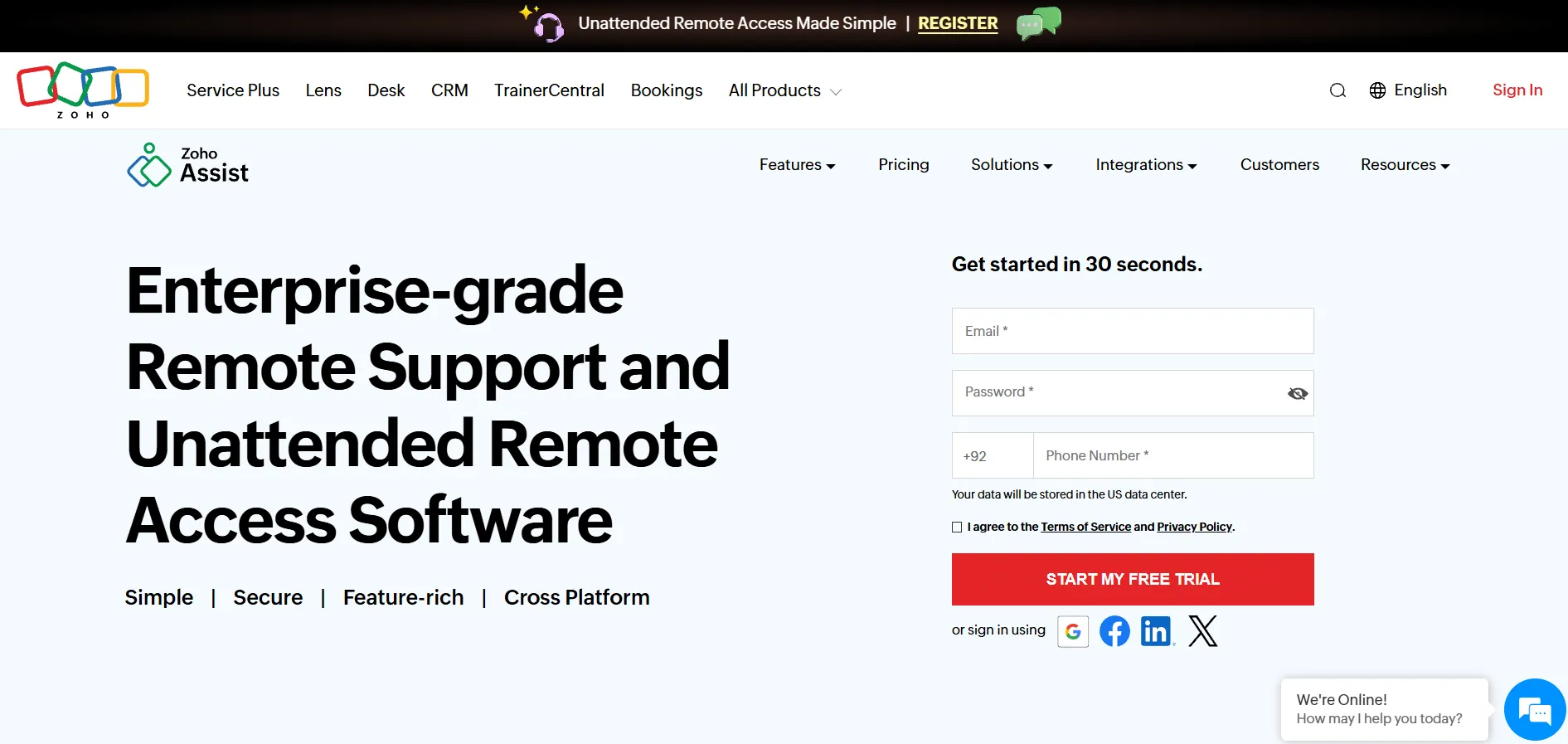
Zoho Assist offers a 15-day free commercial trial with no credit card required, plus a genuine forever-free plan covering 1 technician and 5 unattended computers. Paid Remote Support plans run Standard at $10/month, Professional at $15/month, and Enterprise at $24/month per technician (billed annually), while Unattended Access starts at $10/month for Standard and $15/month for Professional.
Zoho Assist is one of the few tools in this list with a genuinely usable free tier alongside affordable paid plans, making it an easy AnyDesk or TeamViewer alternative for cost-conscious teams. It integrates smoothly with Zendesk, Freshdesk, Jira, and other helpdesk tools. Advanced features like session recording, video chat, and remote printing are reserved for the Enterprise tier, and the free plan caps out at just 5 unattended computers.
Pros:
- ✔ Genuine forever-free plan for small-scale use
- ✔ Very affordable paid tiers compared to rivals
- ✔ Strong integrations with popular helpdesk tools
- ✔ 15-day free trial with no credit card required
Cons:
- ✘ Session recording only available on Enterprise
- ✘ Free plan limited to 5 unattended computers
- ✘ Voice/video chat gated to higher tiers
- ✘ Some advanced reporting needs Professional or above
Quick Comparison Table
| Alternative | Description |
|---|---|
| AirDroid Remote Support | A mobile-first remote support tool with standout Android/iOS access alongside standard desktop control. |
| AnyDesk | A lightweight, low-latency remote desktop app favored by technicians for its speed even on poor connections. |
| AnyViewer | A budget-friendly remote access tool with a genuinely usable free tier and strong encryption. |
| Apache Guacamole | A free, open-source, browser-based gateway supporting RDP, VNC, and SSH for teams comfortable with self-hosting. |
| BeyondTrust Remote Support | An enterprise-grade, compliance-focused remote support platform for regulated industries. |
| Chrome Remote Desktop | Google’s completely free, browser-based remote access tool tied to a Google account. |
| ConnectWise ScreenConnect | A remote support tool built for MSPs, with fast deployment, session recording, and privileged access management. |
| Distant Desktop | A straightforward, easy-to-set-up remote access tool aimed at individuals and small teams. |
| GoToMyPC | A simple, per-computer remote access tool designed for individuals and small teams needing dependable daily access. |
| HelpWire | A completely free remote support tool built for small businesses, with no hidden licensing costs. |
| ISL Online | A flexible remote access platform offering unlimited users, self-hosting, and white-label branding for MSPs. |
| LogMeIn | A premium, highly reliable remote access tool bundled with LastPass and cloud storage. |
| Microsoft Remote Desktop | Microsoft’s native remote desktop client, ideal for Windows-based environments and Azure Virtual Desktop deployments. |
| NinjaOne | A unified RMM platform combining remote access, patch management, and endpoint monitoring for IT teams. |
| Parsec | A low-latency, high-fidelity streaming tool popular with gamers and creative professionals. |
| Pulseway | A mobile-first RMM platform combining remote control, patch management, and automation for IT teams and MSPs. |
| RemotePC | An affordable, feature-rich remote access solution priced per computer, great for budget-conscious small businesses. |
| RustDesk | A free, open-source, self-hostable remote desktop tool built in Rust for full data control. |
| sobrii Remote | A fleet management platform that bundles remote control with device intelligence for large IT teams. |
| Splashtop | A budget-friendly, high-performance remote access platform popular with SMBs, IT support teams, and creative professionals. |
| TeamViewer | One of the most established remote access brands, offering broad cross-platform support and enterprise-grade security. |
| UltraViewer | A budget remote support tool covering the essentials at a lower price than major competitors. |
| Zoho Assist | An affordable remote support and unattended access tool with a genuine forever-free plan. |
Conclusion
Choosing the right remote pc tool ultimately comes down to your budget, team size, and technical comfort level. Options like Zoho Assist, AnyViewer, Splashtop, RemotePC, and UltraViewer offer strong value for individuals and small businesses, while LogMeIn, TeamViewer, BeyondTrust, and ConnectWise ScreenConnect cater to enterprises and MSPs willing to pay more for polish and support. If you want a completely free, self-managed solution, Apache Guacamole, RustDesk, HelpWire, or Chrome Remote Desktop are hard to beat, and if you’re already deep in the Windows ecosystem, Microsoft Remote Desktop and Azure Virtual Desktop integrate seamlessly at no extra software cost.
Teams managing large device fleets may prefer NinjaOne, Pulseway, or sobrii Remote, which bundle remote access with broader IT management. Take advantage of the free trials listed above to test a few options firsthand before committing to an annual plan.


