
AnyDesk has long been a popular pick for remote desktop access, but it isn’t the only option on the market. Whether you need a tool for gaming, IT support, enterprise device management, or simply helping a family member with their computer, there is a remote access solution built for that exact use case. Pricing, security posture, and platform support vary widely between these tools, so choosing the right one depends on your budget and workflow. In this guide, we cover 15 of the best AnyDesk alternatives available today. Each includes trial information where offered, current official pricing, and a breakdown of the pros and cons to help you compare options quickly and pick the remote desktop software that best fits your needs.
1. Parsec
Free Trial: 14 Days (Teams/Enterprise)
Parsec is a remote desktop tool built for ultra-low latency streaming, originally designed for gamers but now widely adopted by creative teams. It offers a 14-day free trial for its Teams and Enterprise plans, letting studios test multi-monitor support, color accuracy, and peripheral compatibility before committing to a paid subscription.
Beyond gaming, Parsec has become a favorite for video editors and 3D artists who need to access powerful workstations remotely without sacrificing visual fidelity. Its peer-to-peer streaming technology keeps frame rates high, and admin controls let studios manage guest access, security settings, and hardware provisioning centrally.
Pros
- Extremely low latency, great for gaming and design
- Supports 4K streaming and high frame rates
- Free tier for personal, non-commercial use
Cons
- Requires a stable, high-speed internet connection
- Business plans can get expensive for small studios
- Limited advanced IT management features
2. LogMeIn
Free Trial: Available
LogMeIn Pro is a long-standing remote access tool that offers a free trial so users can test remote printing, file storage, and multi-monitor support before subscribing. It bundles in 1TB of storage and antivirus protection, making it a fuller package than many lightweight competitors on this list.
LogMeIn is well suited to individuals and small teams who want unlimited users under one account and simple licensing based on the number of computers accessed. However, many reviewers note that renewal pricing has increased substantially over recent years, pushing budget-conscious users toward cheaper alternatives like Splashtop.
Pros
- Includes file storage and antivirus protection
- Unlimited users per license
- Reliable performance for business use
Cons
- Pricing has increased significantly at renewal
- No month-to-month billing on some tiers
- More expensive than several direct competitors
3. Chrome Remote Desktop
Free Trial: Not Needed — 100% Free
Chrome Remote Desktop is a Google-built extension that requires no trial because the entire service is free forever. Users simply install the Chrome extension, generate a PIN, and connect to another computer instantly, making it one of the most accessible zero-cost remote access options available today.
Its simplicity is both its strength and its limitation: there’s no file transfer panel, no built-in chat, and no advanced admin dashboard. Still, for occasional remote access needs, such as helping family members or checking a home PC, Chrome Remote Desktop remains a dependable, no-frills solution.
Pros
- Completely free with no hidden costs
- Extremely easy to set up and use
- Works across Windows, macOS, and Linux
Cons
- No built-in chat or file transfer tools
- Lacks enterprise features like audit logs or SSO
- Performance depends heavily on internet quality
4. BeyondTrust Remote Support
Free Demo Available
BeyondTrust Remote Support, formerly Bomgar, doesn’t publish a free trial but offers a guided demo so IT and security teams can evaluate its session forensics, credential vaulting, and compliance features before requesting formal enterprise pricing tailored to their organization’s size and requirements.
This tool is built for regulated industries like healthcare, finance, and government where session recording and privileged access management aren’t optional extras. Its FedRAMP, HIPAA, and SOC 2 alignment make it the go-to choice when compliance outweighs cost, though the price tag reflects that positioning.
Pros
- Strong compliance and audit-trail capabilities
- Full session recording and keystroke logging
- Excellent for regulated industries
Cons
- Significantly more expensive than consumer tools
- Pricing is not transparent or published
- Steeper learning curve for new admins
5. GoToMyPC
Free Trial: 7 Days
GoToMyPC offers a 7-day free trial covering its Personal, Pro, and Corporate tiers, letting individuals and small teams test remote printing, multi-monitor access, and file transfer before paying. Pricing is calculated per computer rather than per user, which suits businesses managing several dedicated machines.
While praised for its security and simplicity, GoToMyPC has faced criticism over dramatic renewal price hikes in recent years, with some long-time customers reporting increases of 100% or more. This has pushed many users toward more transparently priced competitors like Splashtop or Zoho Assist.
Pros
- Simple, per-computer pricing model
- Strong encryption and dual-password security
- Supports up to 20 remote computers on Personal plan
Cons
- History of steep renewal price increases
- No permanent free tier
- Generally pricier than comparable tools
6. TeamViewer
Free Trial + Free Personal Version
TeamViewer offers both a free version for personal, non-commercial use and a free trial for its paid business tiers, making it easy to test features like session recording, mobile device support, and mass deployment before subscribing to one of its five commercial pricing plans.
As one of the most widely recognized names in remote access, TeamViewer brings broad platform support and strong enterprise controls, including SSO and conditional access routing on Tensor. The trade-off is cost: pricing has climbed steadily, and many buyers negotiate discounts through annual or multi-year commitments.
Pros
- Extremely wide platform and device support
- Free version available for personal use
- Robust security and enterprise-grade controls
Cons
- Pricing is notably higher than most rivals
- Add-ons like mobile support cost extra
- Annual billing required, no monthly flexibility
7. Splashtop
Free Trial: 7 Days
Splashtop offers a free trial across its Remote Access and Remote Support lines, giving individuals and IT teams a chance to test 4K streaming, multi-to-multi monitor support, and file transfer before choosing a plan. It’s frequently cited as the most budget-friendly TeamViewer alternative available.
Splashtop delivers enterprise-grade security, including 256-bit AES encryption and two-factor authentication, at a fraction of the cost of competitors like TeamViewer or LogMeIn. MSPs and IT teams often report savings of 50 to 80 percent when switching, without giving up core remote support functionality.
Pros
- Significantly cheaper than TeamViewer and LogMeIn
- Strong security with 256-bit AES encryption
- High-fidelity 4K streaming on Performance tier
Cons
- Annual prepayment required for most Remote Access plans
- Enterprise pricing requires direct sales contact
- Some price increases on renewal reported
8. ISL Online
Free Trial: 15 Days
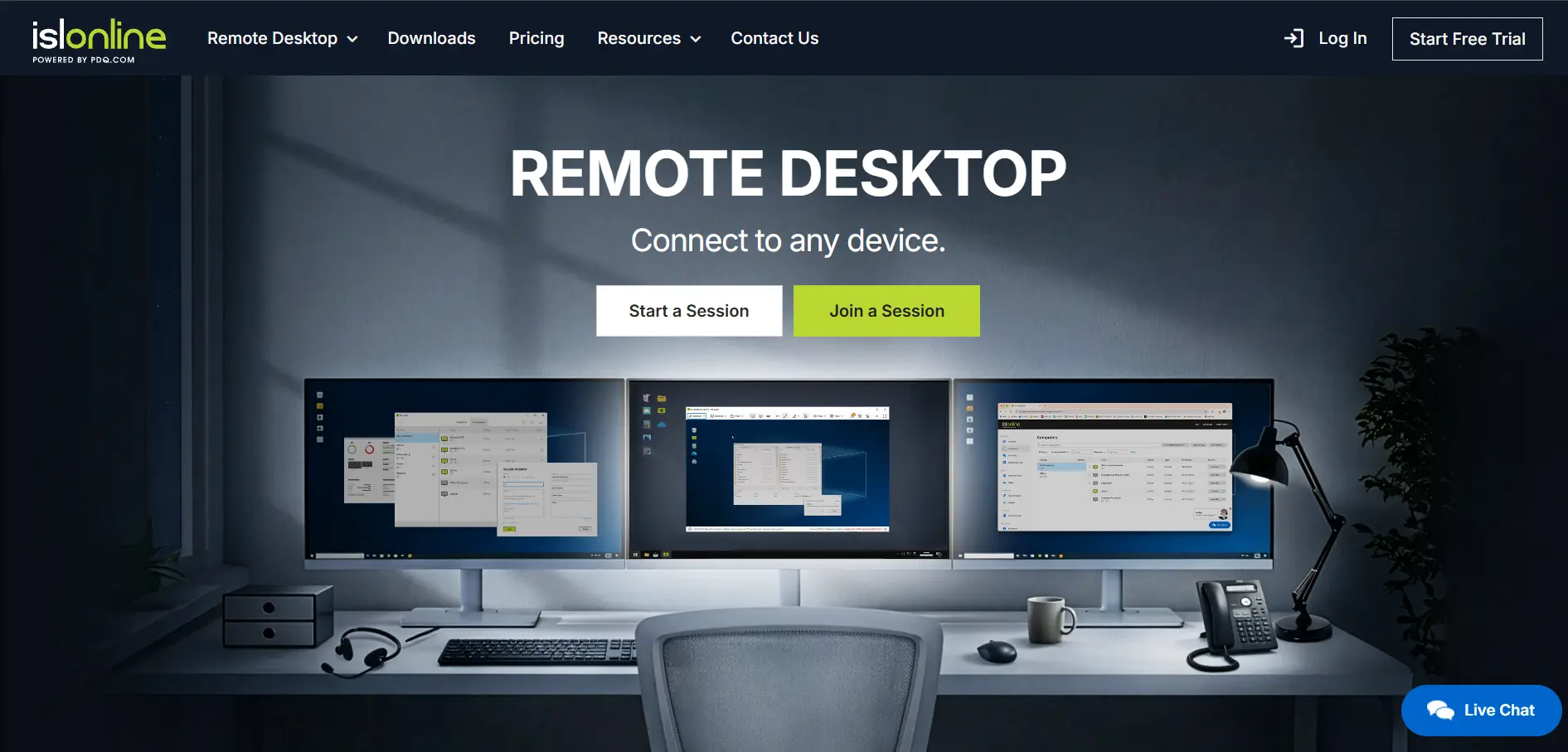
ISL Online provides a generous 15-day free trial covering remote desktop control, unattended access, and mobile device support, giving businesses time to evaluate its concurrent-user licensing model. Pricing is based on simultaneous sessions rather than total staff, which benefits teams with overlapping shifts.
ISL Online stands out for its flexible deployment options, including cloud, self-hosted, and managed private cloud, appealing to organizations with strict data sovereignty requirements. It supports RDP connections and offers strong encryption, though its interface feels less modern compared to newer competitors on this list.
Pros
- Flexible cloud, self-hosted, or private cloud deployment
- Concurrent-user pricing suits shift-based teams
- Strong encryption and compliance credentials
Cons
- Interface feels dated compared to rivals
- No permanent free plan
- Concurrent licensing can restrict larger teams
9. Microsoft Remote Desktop

No Trial Needed — Included Free
Microsoft Remote Desktop doesn’t need a trial because it’s bundled into Windows Pro and Enterprise editions at no additional cost. Built on the native Remote Desktop Protocol, it lets users connect to Windows machines directly, making it a natural choice for organizations already inside the Microsoft ecosystem.
Its biggest strength is seamless Active Directory integration and native Windows authentication, ideal for IT-managed environments needing centralized control. However, it’s Windows-only on the server side, requires VPN or network configuration for external access, and lacks the polished mobile experience found in commercial alternatives.
Pros
- No additional licensing cost within Windows environments
- Deep Active Directory and domain integration
- Reliable, native Microsoft security architecture
Cons
- Requires VPN or network setup for remote access
- Windows-only on the hosting side
- No centralized MSP-style management dashboard
10. RustDesk Visit Website
Free Open-Source Client & Server
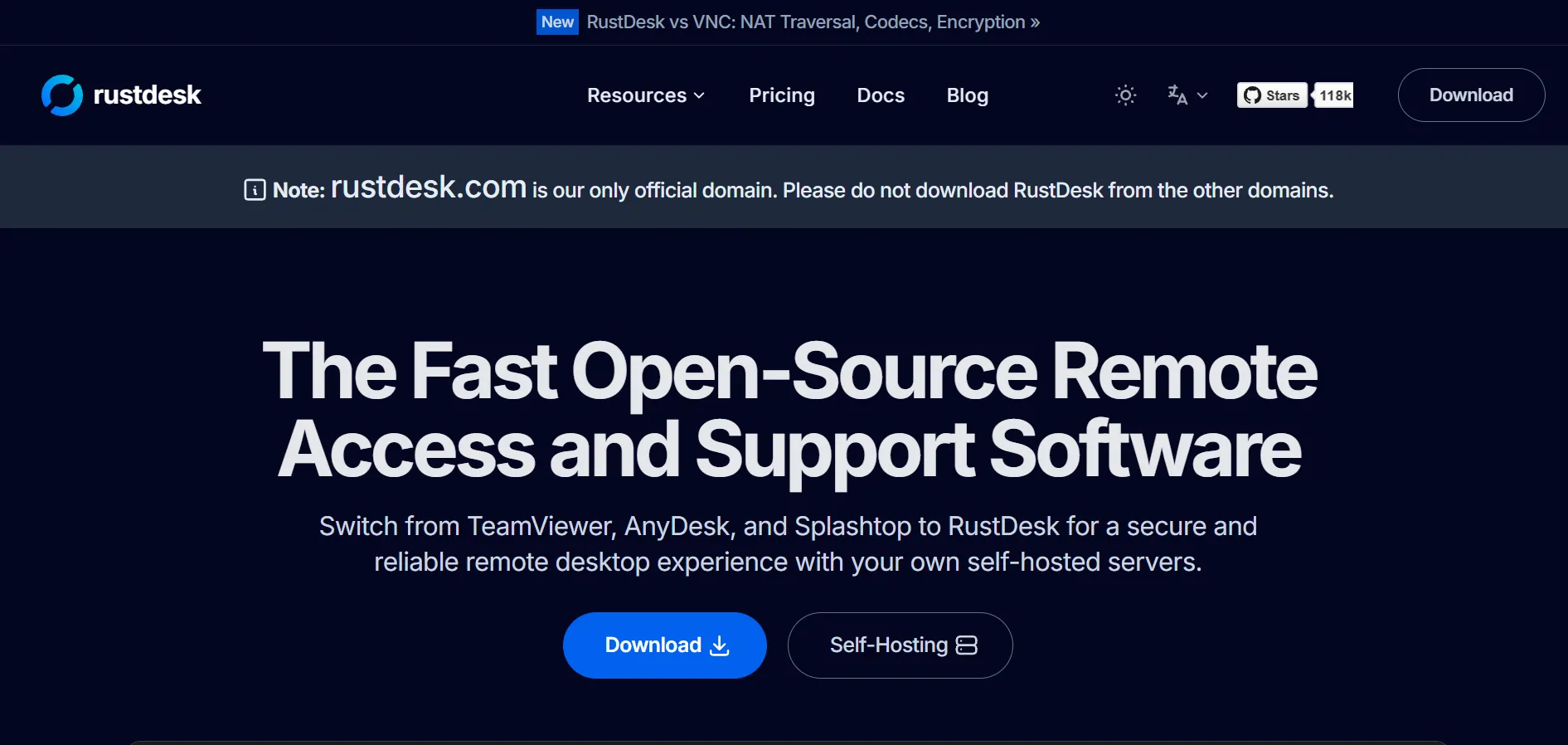
RustDesk doesn’t need a traditional trial since its client and self-hosted OSS server are free under an open-source license with no device caps. Paid Server Pro tiers add a web console, two-factor authentication, and LDAP/SSO integration for teams wanting centralized fleet management on top of the free base.
RustDesk appeals strongly to privacy-conscious teams and self-hosting enthusiasts who want full control over their data rather than routing sessions through third-party servers. The trade-off is setup complexity: self-hosting requires Docker knowledge, ongoing server maintenance, and occasional antivirus whitelisting for its executable files.
Pros
- Free and open-source with no device limits
- Full control over data via self-hosting
- End-to-end encryption using NaCl cryptography
Cons
- Self-hosting requires technical setup and maintenance
- Antivirus tools sometimes flag the client
- No independent SOC 2 audit yet published
11. sobrii Remote

14-Day Proof-of-Concept Available
sobrii Remote offers a 14-day proof-of-concept instead of a standard free trial, letting IT teams test its remote control module alongside inventory tracking and security scoring before committing. Pricing is quoted per device rather than per technician, with no add-on fees layered on top.
Unlike standalone remote desktop tools, sobrii Remote bundles remote access into a broader IT fleet management platform, showing battery health, compliance status, and installed software before a session even starts. This makes it attractive for IT teams managing 50 or more Windows endpoints who want consolidation.
Pros
- Bundles remote access with fleet management
- Per-device pricing with no technician limits
- Device context available before each session
Cons
- 50-device minimum excludes small teams
- No published SOC 2 or ISO 27001 certification yet
- Pricing isn’t publicly listed, requires a quote
12. UltraViewer
No Trial Needed — Fully Free
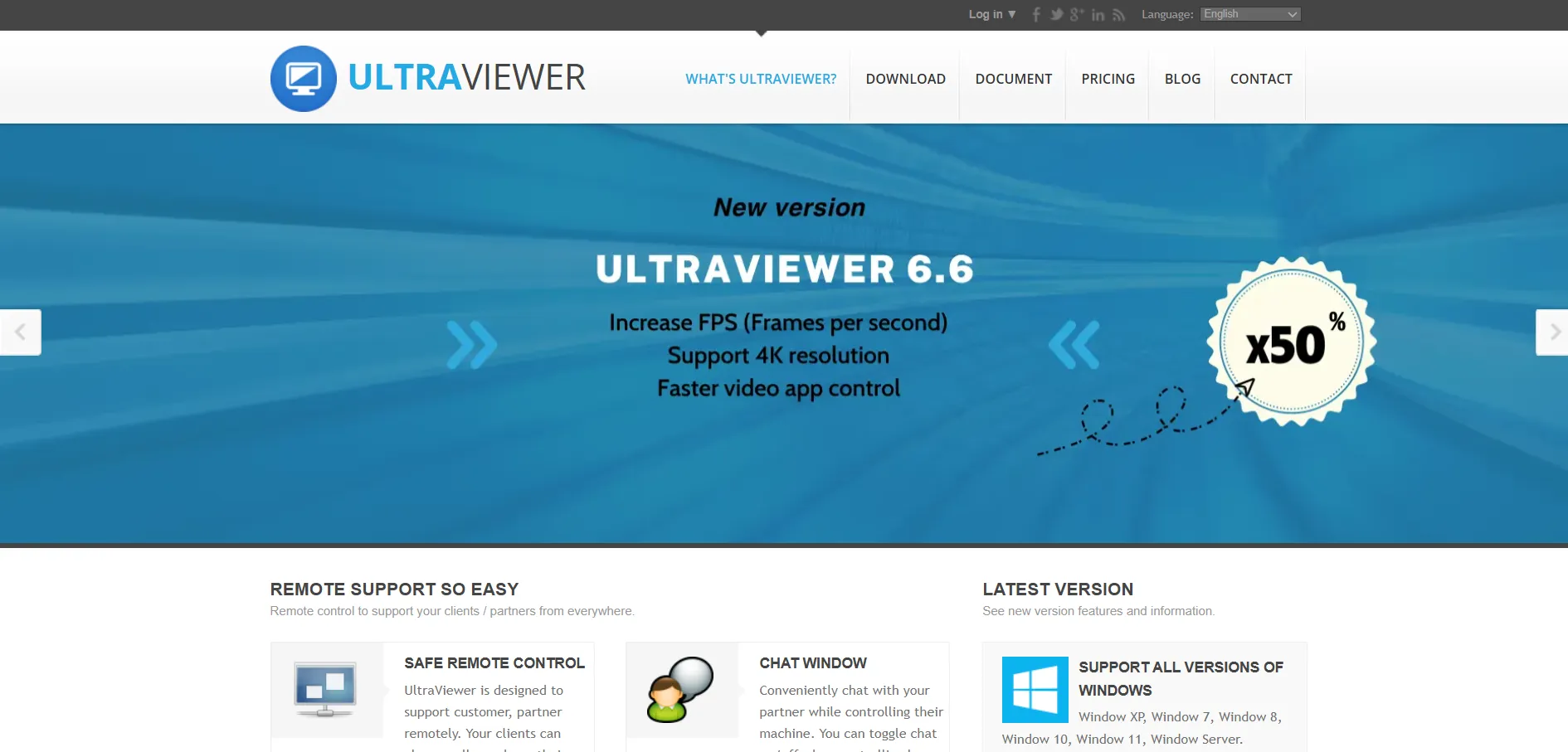
UltraViewer requires no trial period since the entire application is free for personal and business use alike. Users share an ID and password to start a session immediately, making it a straightforward pick for freelancers and small support teams handling mostly Windows-based troubleshooting requests.
Its simplicity is ideal for attended desktop support, but UltraViewer lacks the broader cross-platform coverage, mobile access, and advanced enterprise administration found in tools like TeamViewer or AnyDesk. It works best when your support workload stays focused on Windows PCs rather than mixed-device environments.
Pros
- Completely free with no hidden costs
- Simple, fast attended-support workflow
- Low resource usage and quick setup
Cons
- Limited cross-platform and mobile support
- Lacks advanced enterprise management features
- Less suited to unattended fleet access
13. Zoho Assist
Free Plan + Free Trial Available
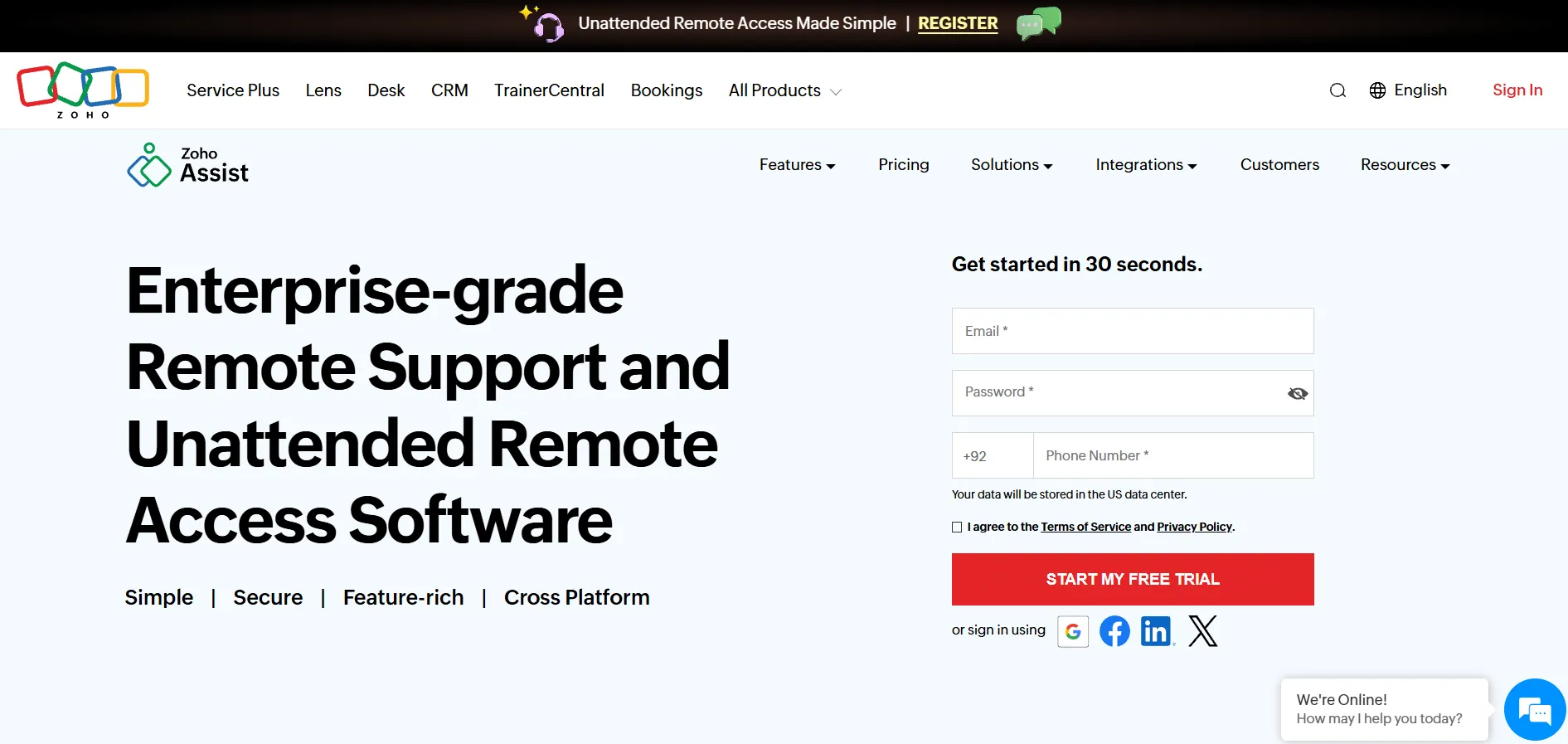
Zoho Assist offers both a permanent free plan and a free trial on paid tiers, allowing individuals and businesses to test unattended access, session recording, and file transfer before upgrading. Its pay-as-you-go structure lets you choose between Remote Support and Unattended Access pricing separately.
Reviewers consistently praise Zoho Assist for offering comparable features to pricier rivals at a fraction of the cost, with some businesses reporting thousands saved annually after switching from TeamViewer. It integrates tightly with other Zoho apps, though the interface can feel unintuitive during initial setup.
Pros
- Genuinely free forever plan available
- Very competitive paid-tier pricing
- Strong integration with Zoho’s software suite
Cons
- Setup for unattended access can be confusing
- Slower performance on very large file transfers
- Some advanced features locked behind higher tiers
14. AirDroid Remote Support
Free Trial: 10 Minutes/Day
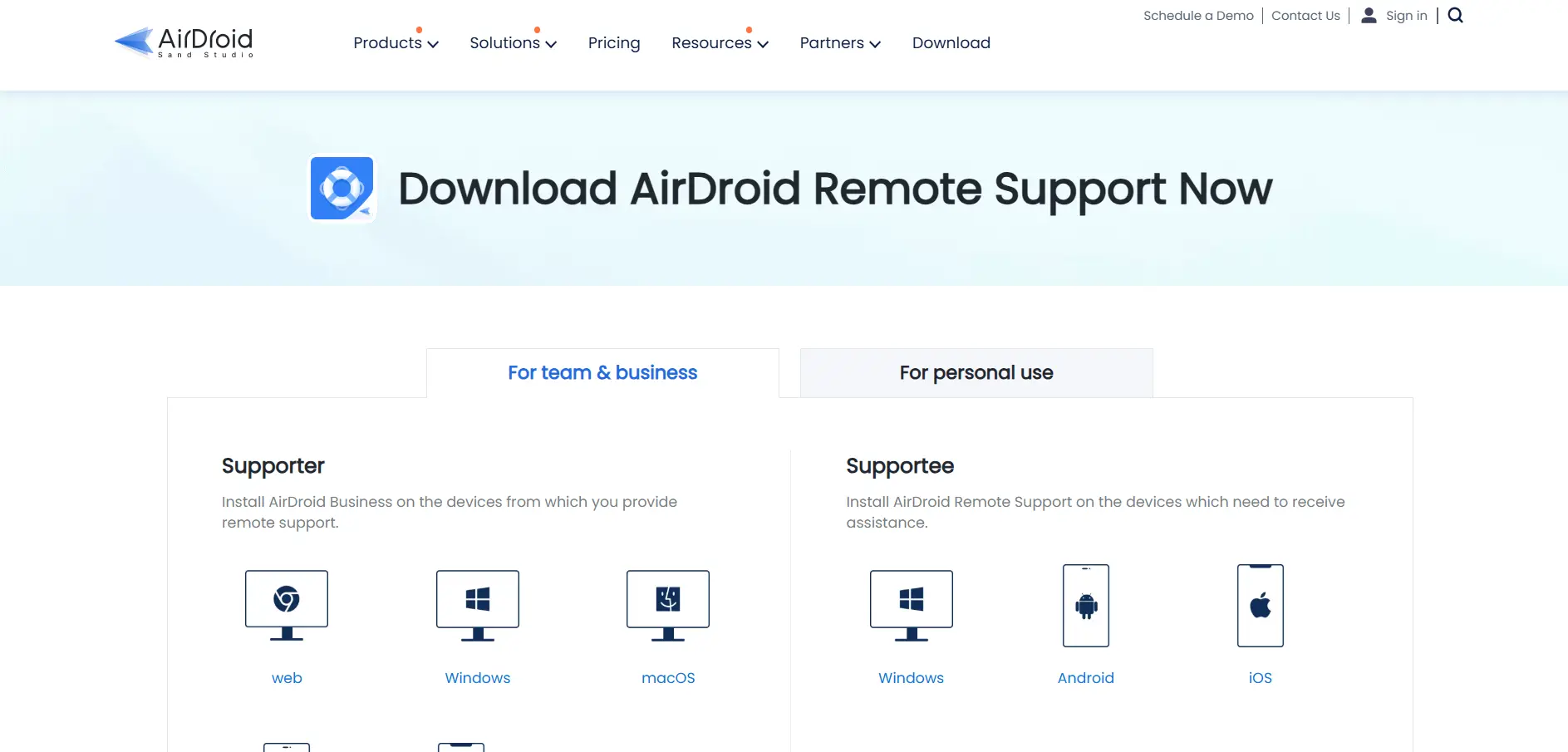
AirDroid Remote Support offers a daily 10-minute free trial window, letting support agents test its live screen sharing and file transfer features before subscribing to the Basic or Standard annual plans. It’s especially known for strong Android device support, an area many rivals handle poorly.
This tool shines for businesses supporting mobile devices alongside desktops, offering session recording and real-time troubleshooting across Android and Windows. The Basic plan’s 50-hour monthly cap can feel restrictive for busy support teams, making the unlimited Standard tier the more practical choice for daily use.
Pros
- Excellent Android device remote support
- Live session recording for quality assurance
- Simple 9-digit code connection process
Cons
- Basic plan limited to 50 hours per month
- No public API currently available
- Free trial is limited to 10 minutes daily
15. Distant Desktop
Free Version Available (Personal & Commercial)
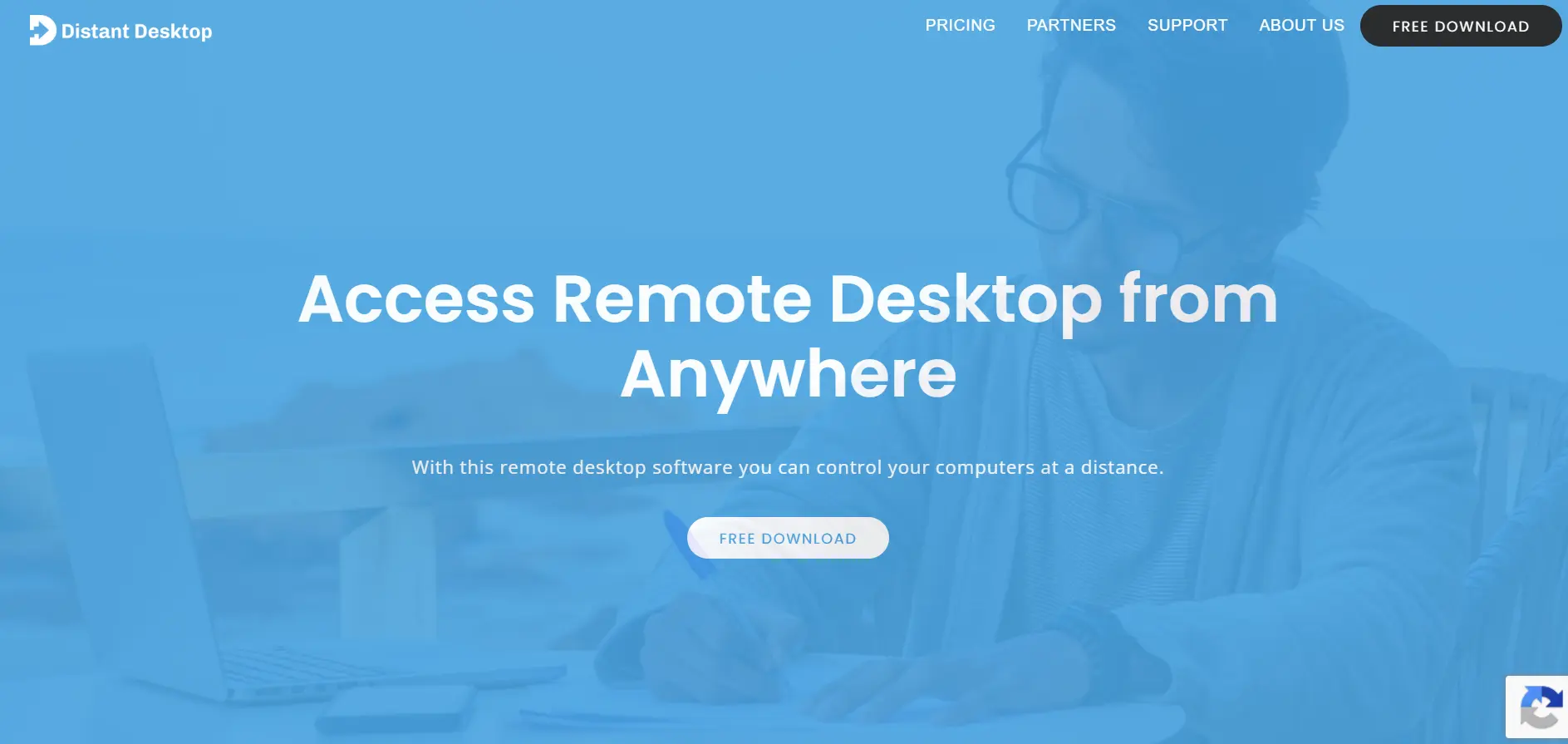
Distant Desktop is free to use for both personal and commercial purposes right out of the box, so there’s no trial required to get started. Its Pro license, priced per controlling seat only, unlocks additional features like unattended access setup and expanded file transfer capabilities for regular users.
Many users switch to Distant Desktop after finding tools like AnyDesk too expensive, appreciating its no-installation setup and support for multiple simultaneous connections. It lacks a dedicated mobile app and enterprise dashboard, making it better suited to individuals and small businesses than large IT departments.
Pros
- Free for both personal and commercial use
- No installation or registration required
- Affordable Pro licensing for light business use
Cons
- No mobile application available
- Lacks enterprise-grade management tools
- Smaller community and support team
Comparison Table
| Alternative | Description |
|---|---|
| Parsec | Ultra-low latency remote desktop tool popular with gamers, video editors, and creative teams needing high frame rates. |
| LogMeIn | Feature-rich remote access tool bundling file storage and antivirus, priced per computer for individuals and small teams. |
| Chrome Remote Desktop | Completely free browser-based tool from Google for simple, no-frills remote access across platforms. |
| BeyondTrust Remote Support | Enterprise-grade, compliance-focused remote support platform with session forensics for regulated industries. |
| GoToMyPC | Secure per-computer remote access solution aimed at individuals and small businesses needing simple reliability. |
| TeamViewer | Widely recognized remote access platform with broad device support and strong enterprise-grade security controls. |
| Splashtop | Budget-friendly, high-performance remote access and support tool favored by SMBs and IT support teams. |
| ISL Online | Flexible remote support tool offering cloud, self-hosted, and private cloud deployment with concurrent-user pricing. |
| Microsoft Remote Desktop | Native RDP-based remote access included free with eligible Windows licenses, ideal for domain-managed environments. |
| RustDesk | Free, open-source remote desktop software offering full self-hosting control with optional paid Pro tiers. |
| sobrii Remote | IT fleet management platform bundling remote control with device inventory and security intelligence, priced per device. |
| UltraViewer | Completely free, lightweight remote desktop tool ideal for simple attended Windows-based support sessions. |
| Zoho Assist | Affordable remote support and unattended access software with a genuinely free forever plan option. |
| AirDroid Remote Support | Mobile-friendly remote support tool with strong Android device coverage and annual seat-based pricing. |
| Distant Desktop | Free, installation-free remote access app for personal and commercial use with an affordable Pro license option. |
Conclusion
Choosing the right Anydesk alternative ultimately comes down to your specific needs and budget. Gamers and creative professionals will likely lean toward Parsec, while IT support teams managing large fleets may prefer Splashtop, TeamViewer, or sobrii Remote for their scalability and centralized management capabilities.
For those wanting a completely free option, Chrome Remote Desktop, UltraViewer, RustDesk, and Distant Desktop all deliver solid core functionality without any subscription cost. Meanwhile, businesses in regulated industries should strongly consider BeyondTrust for its compliance-first architecture. Whichever tool you choose, testing the free trial or free tier first is always the smartest way to confirm it fits your workflow before committing to a paid plan.


