
Zoho Assist is a popular remote support and access tool, but it is far from the only option on the market. Depending on your budget, team size, platform mix, and compliance needs, another tool may fit better. This guide walks through 16 Zoho Assist alternatives, covering their free trials where available, current official pricing plans, and a balanced look at their strengths and weaknesses so you can pick the right tool for your situation. Pricing changes frequently, so always confirm current rates on each vendor’s official site before purchasing.
1.TeamViewer
TeamViewer offers a
14-day free trial for its business plans, letting you test premium features before committing. Its official pricing includes Remote Access $24.90/mo, Business $50.90/mo, Premium $112.90/mo, and Corporate $229.90/mo, all billed annually. The Tensor enterprise tier uses custom pricing based on managed endpoints and add-on modules like augmented reality troubleshooting.
TeamViewer is one of the most recognized remote desktop tools worldwide, supporting cross-platform access across Windows, macOS, Linux, iOS, and Android. It offers file transfer, session recording, remote printing, and enterprise-grade encryption. Its AI-powered Tensor tier adds augmented reality support for industrial troubleshooting, making it a strong choice for large IT departments needing robust compliance and integration options.
- ✔ Extensive cross-platform support
- ✔ Strong enterprise security certifications
- ✔ AR-based troubleshooting via Tensor
- ✘ Expensive compared to many rivals
- ✘ No monthly billing option, annual only
- ✘ Aggressive commercial-use detection on free tier
2.BeyondTrust Remote Support
BeyondTrust Remote Support offers a free trial so IT teams can evaluate its privileged remote access capabilities firsthand. Unlike many competitors, it does not publish fixed pricing tiers; instead it provides
fully customized quotes based on concurrent sessions, technician count, and bundled modules like Password Safe, with typical mid-market deployments ranging from roughly $30,000 to $80,000 annually.
BeyondTrust Remote Support is built for enterprises needing secure, audited access to devices on or off the network. It centralizes credential management, session recording, and reporting for compliance-heavy industries. Its concurrent licensing model lets large support teams share a pool of seats, though setup and configuration can require more technical expertise than lightweight competitors.
- ✔ Enterprise-grade credential vaulting
- ✔ Detailed audit trails and session recording
- ✔ Flexible concurrent licensing model
- ✘ No published pricing, quote-only
- ✘ Steeper learning curve to configure
- ✘ Costly for smaller support teams
3.Apache Guacamole

Apache Guacamole doesn’t need a trial because it’s completely free forever under the Apache License 2.0. There are no paid tiers, subscriptions, or hidden software fees; the only expense organizations incur is hosting infrastructure and the engineering time needed to deploy, secure, and maintain the self-hosted gateway on their own servers.
Guacamole is a clientless, browser-based remote desktop gateway supporting RDP, VNC, and SSH protocols without requiring any plugins. It’s popular among developers and organizations wanting full control over their remote access stack. Because it’s open source, it can be customized, embedded into other platforms, and scaled across multi-tenant environments with proper configuration.
- ✔ Completely free and open source
- ✔ Clientless, browser-based access
- ✔ Highly customizable and extensible
- ✘ Requires self-hosting and ongoing maintenance
- ✘ No official vendor support line
- ✘ Setup demands real technical expertise
4.Microsoft Remote Desktop

Microsoft Remote Desktop itself has no trial because it’s a free app bundled with Windows and Microsoft 365 licenses. Costs instead come from the infrastructure behind it:Windows 365 Cloud PCs start around $41 per user monthly for a 2vCPU/8GB configuration, while Azure Virtual Desktop and RDS deployments are billed through Azure consumption and Client Access Licenses.
Microsoft Remote Desktop connects users to Windows PCs, virtual desktops, and RemoteApp sessions across devices. It integrates tightly with Microsoft 365, Intune, and Azure Active Directory, making it a natural choice for organizations already invested in the Microsoft ecosystem. However, licensing complexity around RDS CALs and Windows Server editions can confuse smaller IT teams.
- ✔ Free with eligible Windows or 365 licenses
- ✔ Deep Microsoft ecosystem integration
- ✔ Scales through Azure Virtual Desktop
- ✘ Complex CAL licensing structure
- ✘ Costs rise quickly with Windows 365 Cloud PCs
- ✘ Best suited to Windows-centric environments only
5.NinjaOne
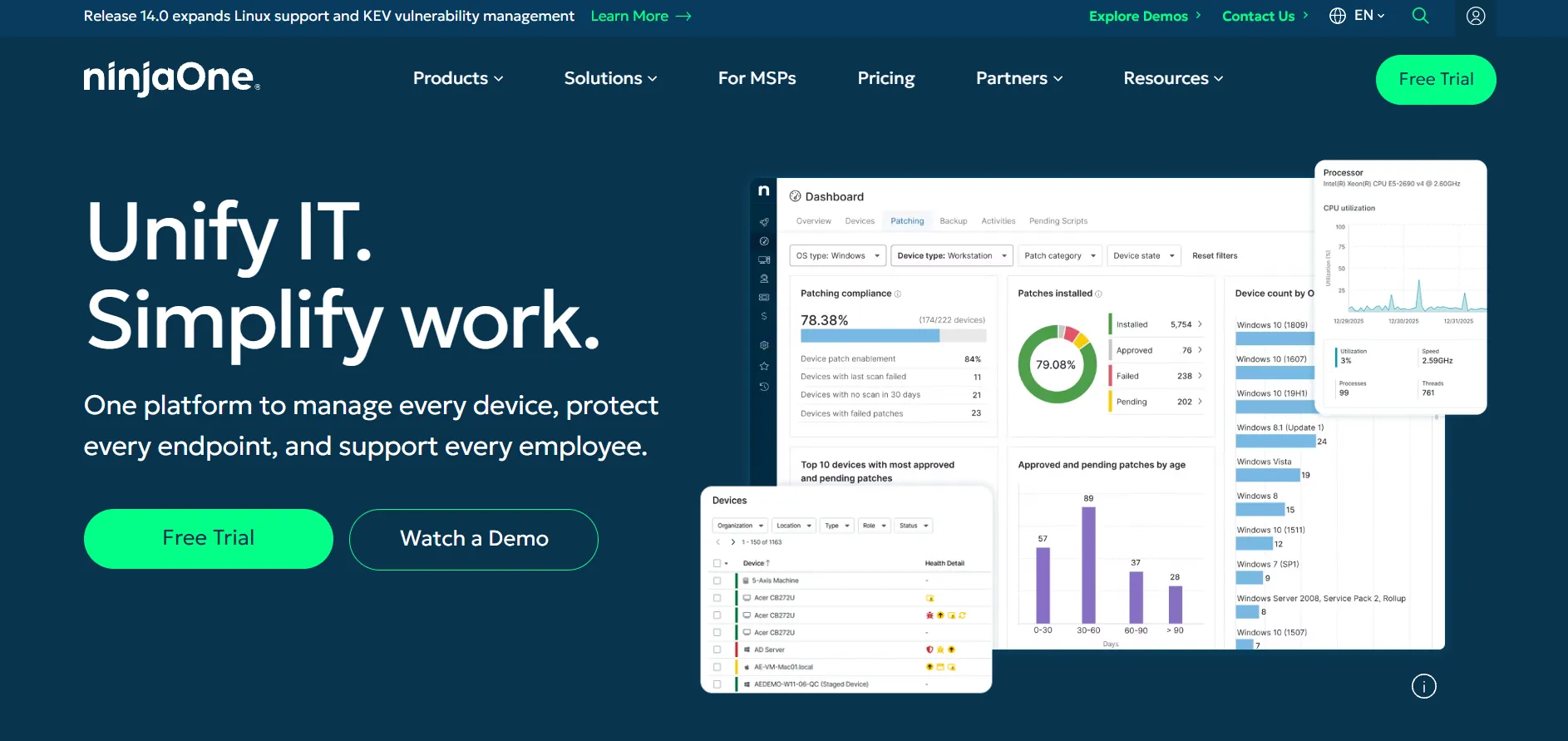
NinjaOne offers a 14-day free trial with full access to its RMM, patching, and remote access features. Rather than fixed public tiers, it quotes custom per-endpoint pricing that typically ranges from about $1.50 to $6 per device monthly depending on volume, with add-ons like backup and endpoint security billed separately.
NinjaOne bundles remote access inside a broader unified IT management platform covering monitoring, patch management, and automation. This makes it appealing for MSPs and internal IT teams wanting to replace multiple point tools with one dashboard. Remote control can also integrate with Splashtop or TeamViewer for teams wanting a dedicated remote desktop engine instead.
- ✔ All-in-one RMM plus remote access
- ✔ Transparent per-device model at scale
- ✔ No separate setup or training fees
- ✘ Pricing requires contacting sales directly
- ✘ 50-device soft minimum for new accounts
- ✘ Native remote tool less polished than dedicated apps
6.AirDroid Remote Support
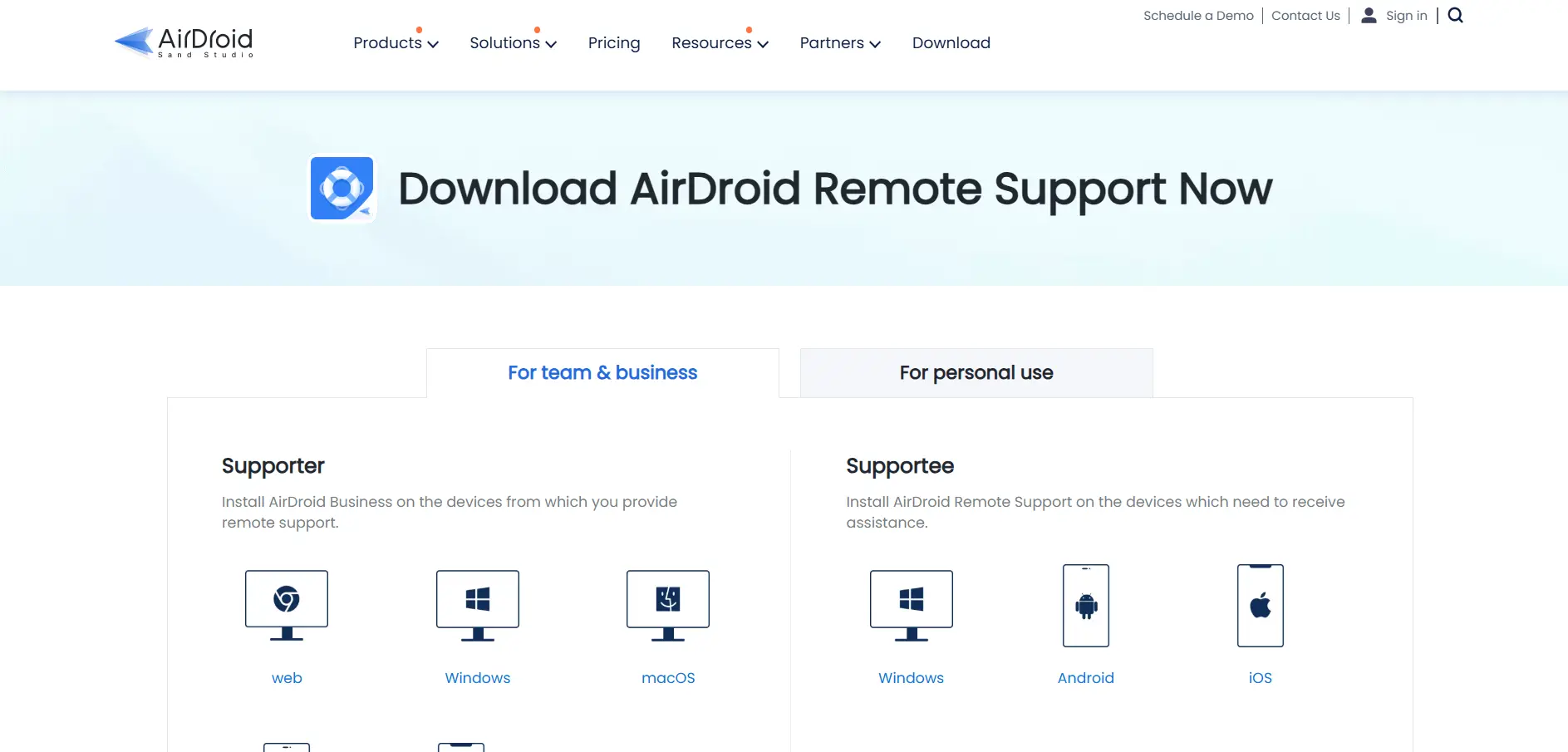
AirDroid Remote Support provides a free trial so businesses can test live screen sharing and file transfer before subscribing. Its Basic, Standard, and Premium business plans are licensed per seat, with published editions ranging roughly from $199 to $599 depending on connection hours and device limits, while enterprise deployments require a custom quote.
AirDroid specializes in remote support for mobile and IoT devices alongside traditional desktops, offering AR camera markers, gesture guidance, and live chat for hands-on troubleshooting. Its Basic plan caps connection hours per license, while Standard and Premium unlock unlimited hours. This makes it a strong niche pick for teams supporting Android device fleets.
- ✔ Strong Android and mobile device support
- ✔ AR camera and gesture-guidance tools
- ✔ Flexible per-license connection hours
- ✘ Basic plan hour limits can restrict use
- ✘ Less suited to pure desktop-only teams
- ✘ Enterprise pricing requires direct sales contact
7.Parsec
Parsec gives new users a 14-day free trial of Parsec for Teams to test its low-latency streaming. Individual plans start at $8.33/month billed annually, while Parsec for Teams costs $30/user/month with a five-user minimum, and Enterprise plans are quoted individually for larger organizations with custom requirements.
Parsec is built for high-performance use cases like game development, video editing, and CAD work rather than typical IT support. Its proprietary networking protocol delivers near-zero latency and 60fps streaming with multi-monitor support. Guest Access credits let teams invite outside collaborators temporarily, making it popular among creative studios and remote production teams.
- ✔ Exceptional low-latency streaming quality
- ✔ Ideal for creative and gaming workloads
- ✔ Flexible guest access for outside collaborators
- ✘ Teams plan requires a 5-user minimum
- ✘ Not designed for general IT helpdesk use
- ✘ Fewer enterprise compliance features than rivals
8.HelpWire
HelpWire is currently free to use in full during its early access period, with no trial limitations, nag screens, or session cutoffs. Paid Free, Solo, Team, and Businesstiers are expected to launch in Q3–Q4 2026, and early adopters who sign up now will receive a discounted Founders’ plan with enhanced limits.
HelpWire is a lightweight remote support tool for Windows, macOS, and Linux built by Electronic Team. It emphasizes fast, link-based sessions without requiring the remote user to register an account. Features include chat, file transfer, and unattended access, positioning it as a modern, ad-free alternative to TeamViewer for smaller support teams.
- ✔ Fully free during early access
- ✔ No ads or nag screens
- ✔ Simple link-based session setup
- ✘ Future paid pricing not yet finalized
- ✘ Fewer advanced enterprise features currently
- ✘ Newer product with a smaller track record
9.sobrii Remote

sobrii Remote offers a 14-day proof-of-concept trial rather than a traditional free tier. It has no free plan; pricing is all-inclusive per device, quoted on request and generally running between €12 and €20 per device annually across its modules, with a 50-device minimum required for new deployments.
sobrii Remote bundles remote control inside a broader IT fleet management platform that also tracks hardware health, software usage, energy consumption, and compliance. This context-rich approach suits IT teams managing 50 to 50,000 Windows endpoints who want asset intelligence alongside remote access rather than a standalone point tool.
- ✔ Combines remote access with fleet intelligence
- ✔ Lightweight Rust agent, low CPU usage
- ✔ Useful CO2 and TCO reporting built in
- ✘ No free plan available at all
- ✘ 50-device minimum limits small teams
- ✘ Newer entrant with less market history
10.Distant Desktop
Distant Desktop is free for both personal and commercial use, with a limited-feature trial version available for evaluation. Its Professional subscription costs $49.95/year for a single license, dropping to about $22.90 per license when purchasing ten or more, making it one of the more affordable paid options available.
Distant Desktop requires no installation or registration to connect, using a simple ID-and-password system similar to older TeamViewer versions. It supports file transfer, multi-session connections, voice chat, and a view-only mode for demonstrations. The minimalist interface appeals to casual users and small teams needing straightforward remote access without complexity.
- ✔ Free for personal and commercial use
- ✔ No installation or registration required
- ✔ Affordable licensing for larger teams
- ✘ Fewer advanced enterprise features
- ✘ Limited brand recognition and resources
- ✘ Mixed reviews on support responsiveness
11.ISL Online
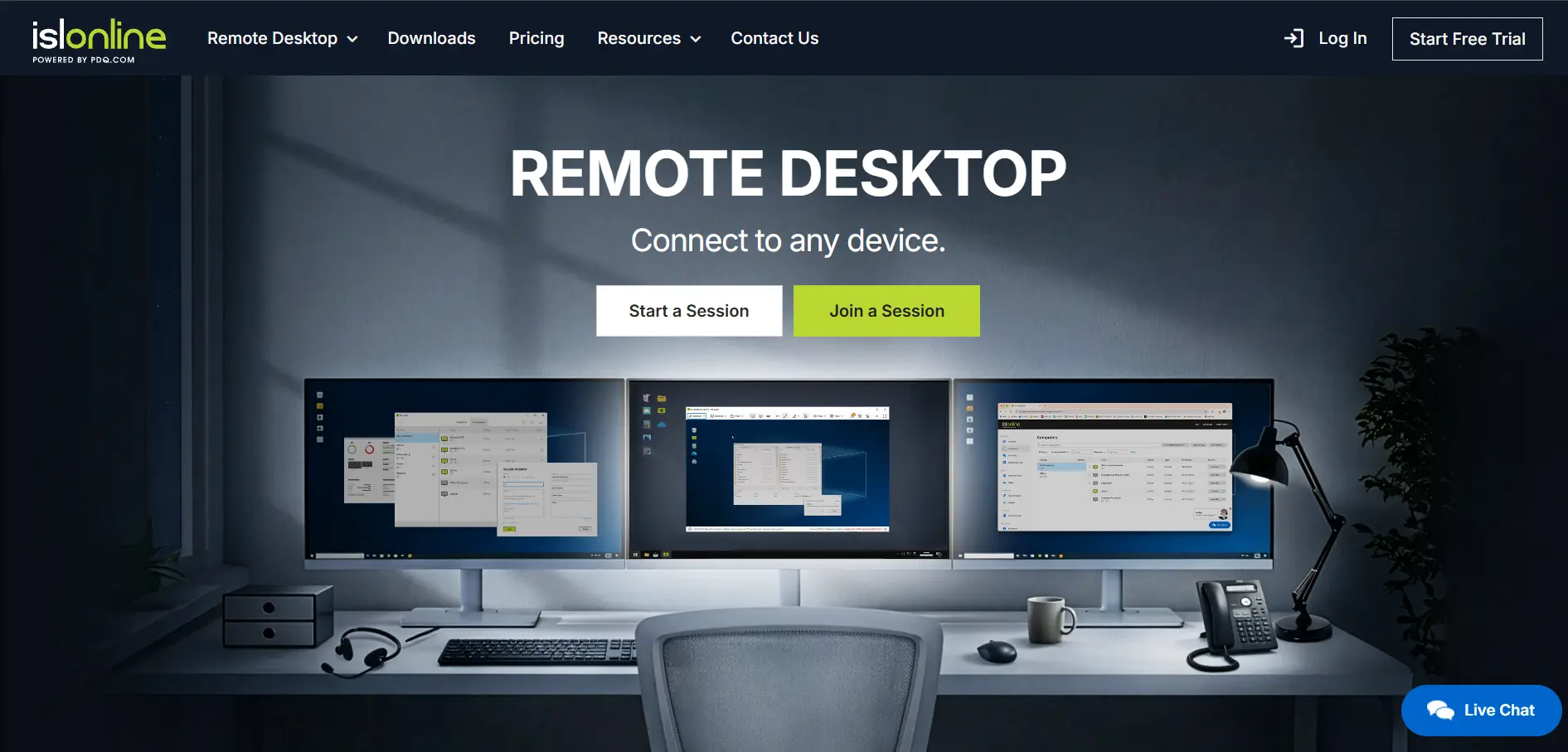
ISL Online offers a 15-day free trial covering nearly all features except multi-session support and premium phone assistance. Its Standard plan costs $34.90/mo, Self-Hosted is $44.90/mo, Premium runs $54.90/mo, and
Enterprise reaches $99.90/mo, with a pay-per-use option for occasional users at roughly $0.25 per minute.
ISL Online stands out for offering both cloud and fully self-hosted deployment, appealing to organizations with strict compliance or data-residency requirements. It includes session recording, live chat, webinar hosting, and mobile device support. Concurrent-user licensing means several technicians can share a smaller pool of seats efficiently across the organization.
- ✔ Self-hosted option for full data control
- ✔ Strong security certifications and 2FA
- ✔ Flexible concurrent-user licensing
- ✘ Interface feels dated compared to rivals
- ✘ Concurrent model can restrict large teams
- ✘ Multi-session excluded from the free trial
12.Anydesk

Anydesk provides a free plan for personal use plus a trial period for its Advanced business tier. Paid plans includeSolo at $14.90/mo, Standard at #49.90/mo, and Advanced at $111.90/mo, all billed annually, while the Ultimate tier is custom-quoted for large organizations needing mass deployment.
AnyDesk is known for its lightweight client and fast, low-latency connections powered by its proprietary DeskRT codec. It supports file transfer, session recording, and unattended access across Windows, macOS, Linux, iOS, and Android. Its per-connection licensing model means only the initiating user needs a paid seat, which can lower costs for support teams.
- ✔ Fast, low-latency proprietary codec
- ✔ Broad cross-platform compatibility
- ✔ Only the initiator needs a paid license
- ✘ No monthly billing, annual contracts only
- ✘ Recent price increases across tiers
- ✘ Free tier explicitly bans commercial use
13.RemotePC

RemotePC offers a free trial letting users test its plans before subscribing. Its SOHO plan starts around
$99.50/year for 10 computers, with Consumer, Team, and Enterprise tiers scaling up from there; an RDP Connector add-on is also available at $20 per computer annually for extended protocol access.
RemotePC by IDrive focuses on affordability without stripping features from lower tiers, offering session recording, remote printing, whiteboard collaboration, and a built-in meeting tool. It’s a solid pick for small businesses and solo professionals wanting reliable unattended access at a lower price point than TeamViewer or LogMeIn typically charge.
- ✔ Very competitive entry-level pricing
- ✔ Full feature set across all tiers
- ✔ Built-in meeting and collaboration tools
- ✘ Less brand recognition than major rivals
- ✘ Interface feels less modern overall
- ✘ Fewer enterprise-grade integrations available
14.LogMeIn Pro
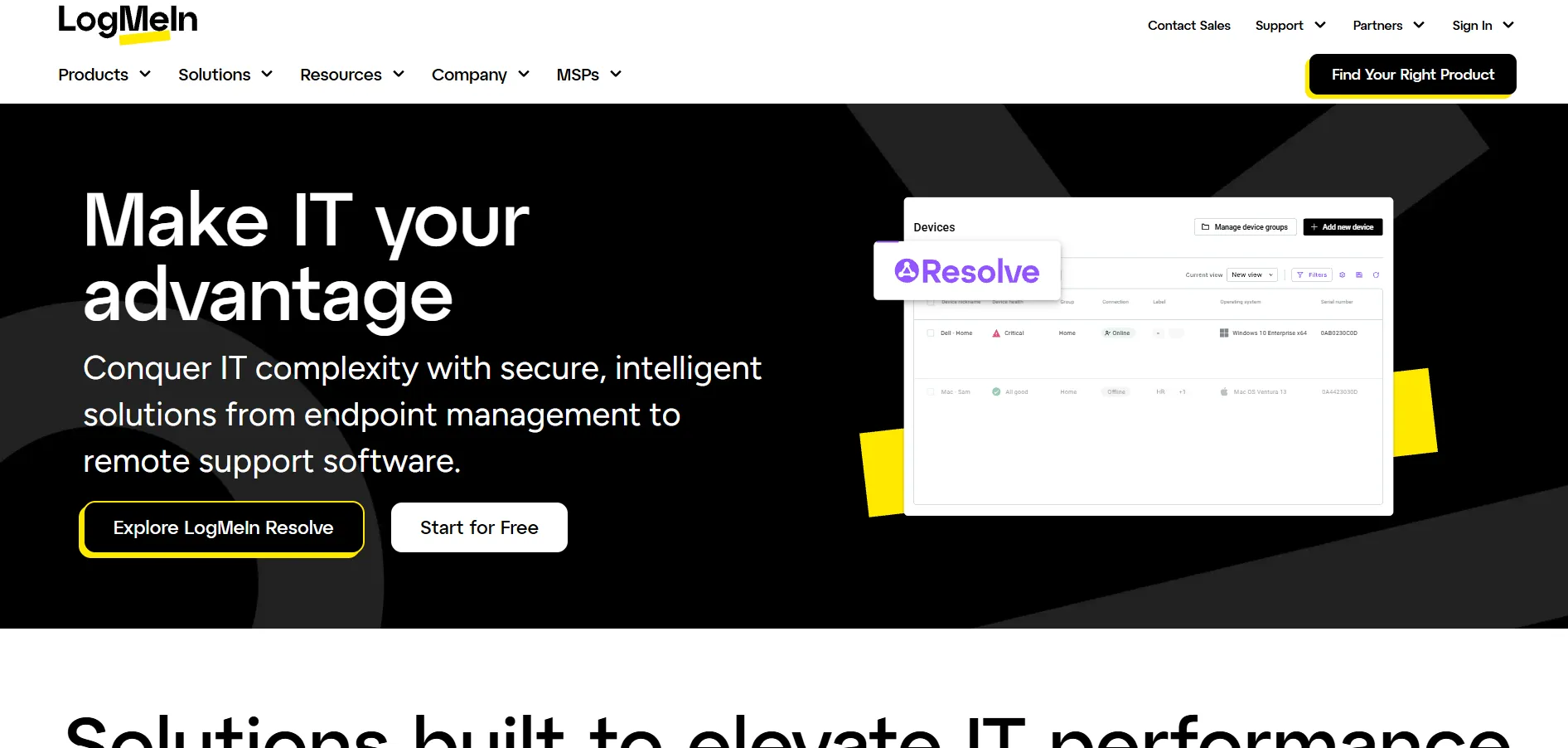
LogMeIn Pro includes a free trial for evaluating its remote access features. The Individuals plan costs $30/mo for 2 computers, Power Users runs $70/mo for 5 computers, and Small Business is $129/mo for 10 computers, all billed annually and bundled with 1TB storage and LastPass Premium.
LogMeIn Pro, now under GoTo, emphasizes reliability, remote printing, and multi-monitor display for daily professional use. It includes antivirus protection and cloud file storage alongside remote access. While it lacks a free version, its dependable connection quality and firewall-friendly setup appeal to professionals needing consistent daily access to office machines.
- ✔ Reliable, firewall-friendly connections
- ✔ Includes 1TB storage and LastPass Premium
- ✔ Strong remote printing support
- ✘ No free version available
- ✘ Pricier than Splashtop or AnyDesk
- ✘ Frequent reported price increases at renewal
15.UltraViewer
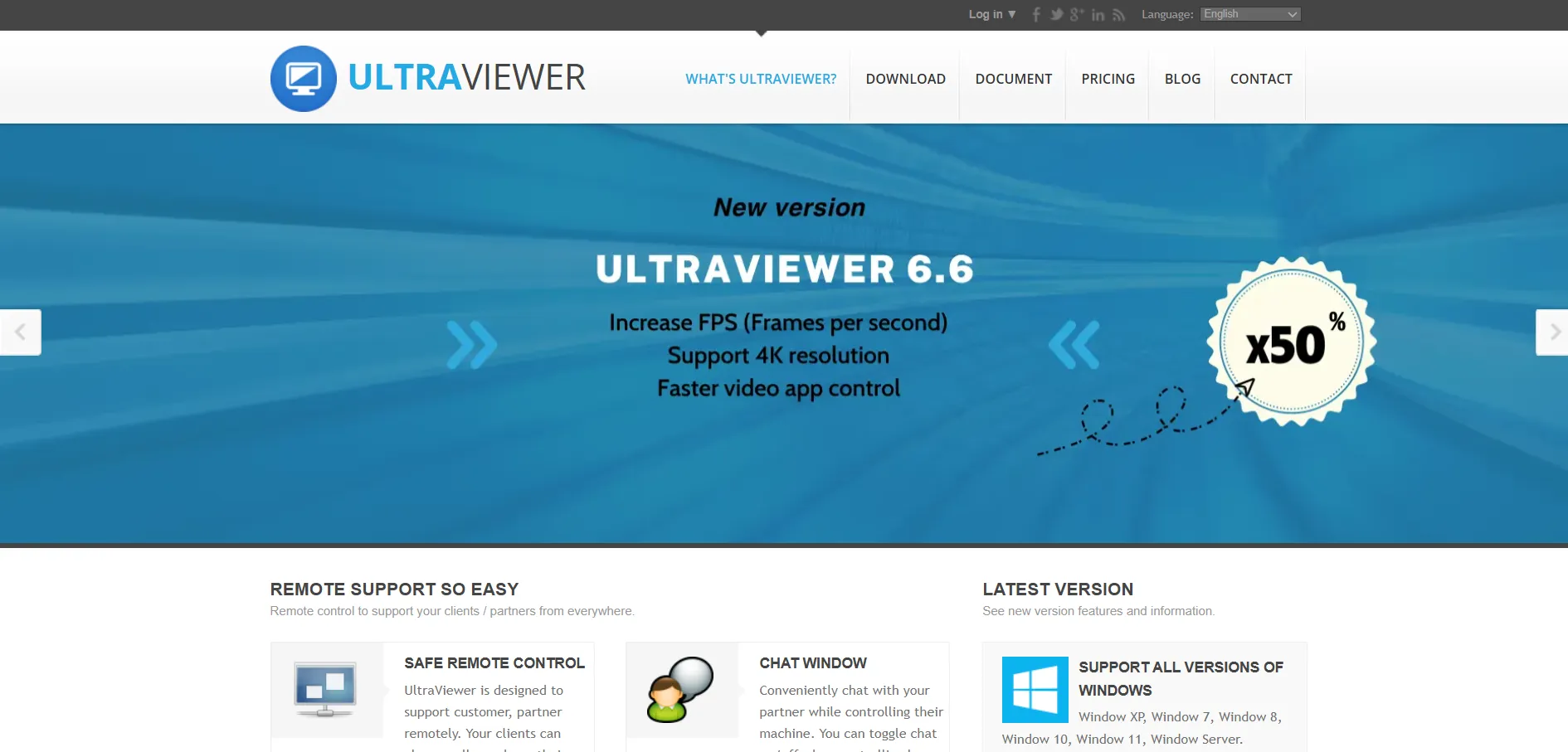
UltraViewer is entirely free for both personal and commercial use, with no trial restrictions on its core remote control features. Optional paid tiers, Lite at $3.99/mo, Professional at $5.99/mo, and Premium at $7.99/mo, add benefits like voice chat, higher frame rates, and support for up to 12 licensed computers.
UltraViewer is a lightweight Windows-only tool offering ID-and-password connections, file transfer, and chat similar to TeamViewer’s classic interface. It’s popular among IT technicians and individuals needing quick, no-cost remote assistance. The lack of macOS, Linux, or mobile apps limits it mainly to Windows-based support scenarios and workflows.
- ✔ Free for personal and commercial use
- ✔ Simple, familiar interface
- ✔ Affordable paid tiers if needed later
- ✘ Windows-only, no mobile apps
- ✘ Fears enterprise security certifications
- ✘ Limited advanced admin features
16.Pulseway
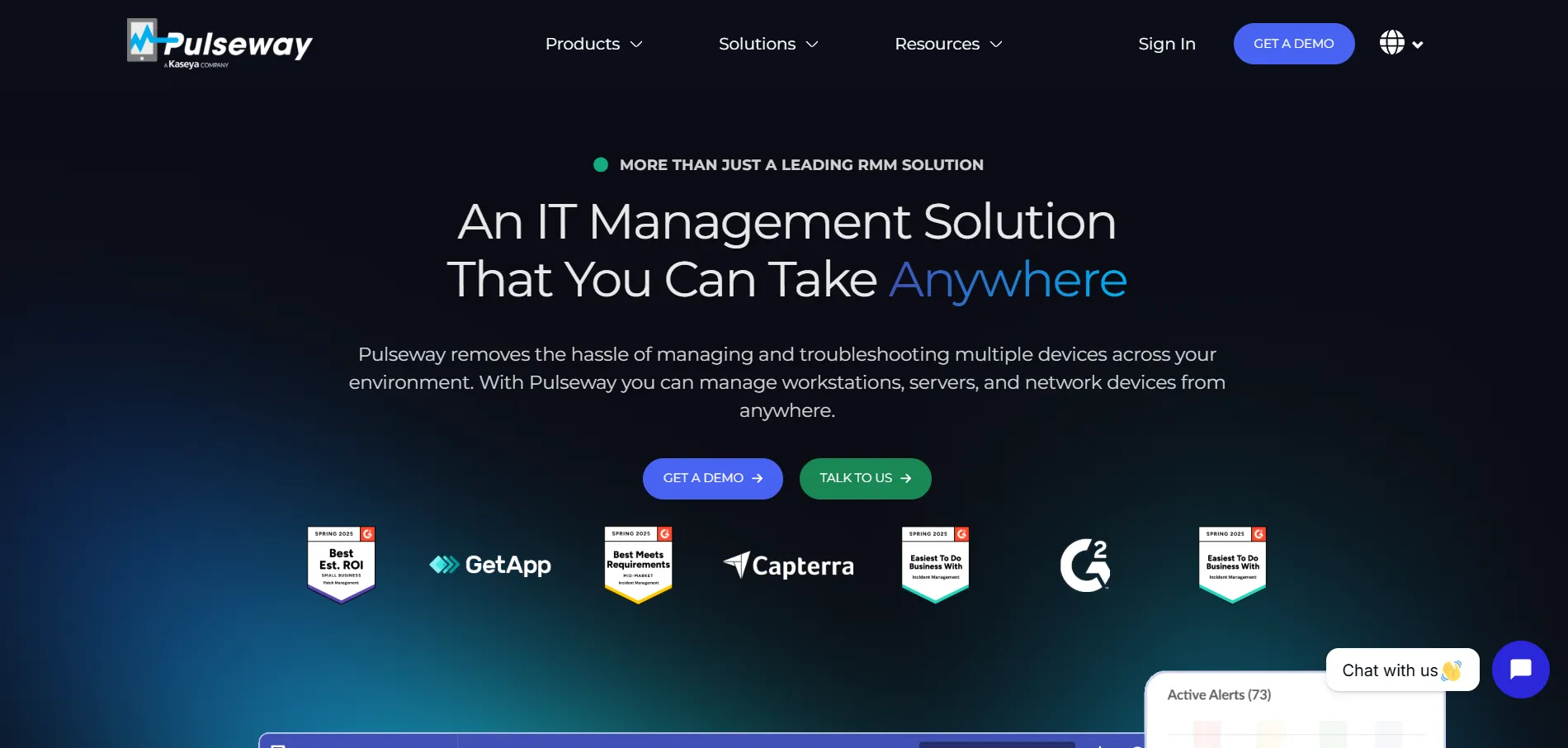
Pulseway offers a free trial alongside a limited free monitoring tool for smaller setups. Its Monthly plan starts at$67/month for up to 20 endpoints, with per-device pricing around $22 and up depending on modules selected; a one-time €149 onboarding session fee applies to new accounts for training.
Pulseway combines RMM, patch management, and remote control into a mobile-first platform, letting technicians manage servers directly from a smartphone. It supports Windows, Mac, and Linux systems along with mobile device management for Apple products. This makes it well suited to IT teams who need to respond to alerts on the go.
- ✔ Excellent mobile-first management app
- ✔ Combines RMM with remote control
- ✔ Real-time alerts and automation
- ✘ Pricing rises quickly with endpoint count
- ✘ Built-in remote control can feel laggy
- ✘ One-time onboarding fee required
| Alternative | Description |
|---|---|
| TeamViewer | Globally recognized remote desktop suite with strong cross-platform support and enterprise AR troubleshooting via Tensor. |
| BeyondTrust Remote Support | Enterprise privileged remote access with credential vaulting, audit trails, and quote-only custom pricing. |
| Apache Guacamole | Free, open-source, clientless remote desktop gateway supporting RDP, VNC, and SSH via any browser. |
| Microsoft Remote Desktop | Free Windows-native remote access app, extendable via Windows 365 Cloud PCs and Azure Virtual Desktop. |
| NinjaOne | Unified RMM platform bundling remote access with monitoring, patching, and automation for IT teams and MSPs. |
| AirDroid Remote Support | Remote support tool specializing in mobile and IoT devices with AR camera and gesture-guidance tools. |
| Parsec | Low-latency streaming tool built for gaming, video editing, and CAD collaboration rather than IT helpdesks. |
| HelpWire | Free, ad-free remote support tool with simple link-based sessions, currently in early access. |
| sobrii Remote | IT fleet management platform bundling remote control with hardware health, security, and compliance tracking. |
| Distant Desktop | Free, no-installation remote desktop tool with an affordable paid tier for larger deployments. |
| ISL Online | Flexible cloud or self-hosted remote support platform aimed at compliance-conscious organizations. |
| AnyDesk | Lightweight, low-latency remote desktop software with a proprietary codec and per-connection licensing. |
| RemotePC | Affordable, full-featured remote access solution from IDrive with strong entry-level pricing. |
| LogMeIn Pro | Reliable remote access tool bundled with cloud storage and password management, aimed at professionals. |
| UltraViewer | Completely free Windows remote control tool with optional low-cost premium tiers. |
| Pulseway | Mobile-first RMM platform combining remote control, patching, and real-time alerts for IT teams on the go. |
Conclusion
Zoho Assist has plenty of capable rivals, and the right pick depends heavily on your context. Free and open-source options like Apache Guacamole, HelpWire, Distant Desktop, and UltraViewer suit budget-conscious individuals and small teams willing to trade some polish for zero licensing cost. Mid-market favorites like AnyDesk, RemotePC, and ISL Online balance affordability with solid feature sets for growing businesses.
For larger IT departments and MSPs, TeamViewer, NinjaOne, BeyondTrust, sobrii Remote, and Pulseway offer deeper platform integration, compliance features, and fleet-wide management at a higher price point. Niche tools like Parsec and AirDroid Remote Support serve specific use cases such as high-performance streaming or mobile device support. Weigh your budget, platform requirements, and compliance needs carefully, and take advantage of free trials before committing to an annual plan.


